

 DownloadSound Controller Mod
Get the files on 9Minecraft
Guides
Step-by-step, in-game.
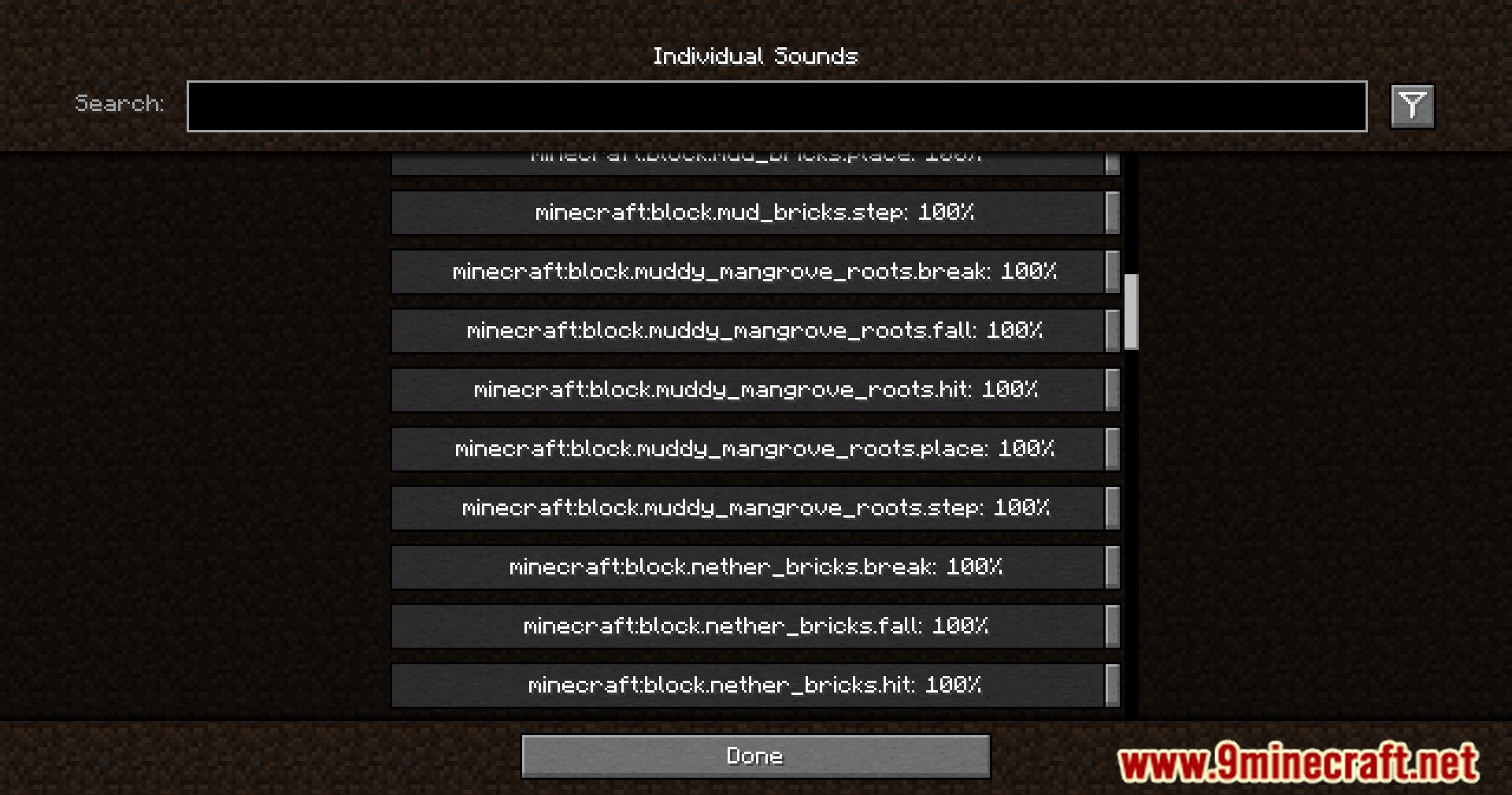
How to Find a Specific Sound in the Sound Controller Mod When You Don't Know Its NameUnderstanding the Naming Scheme Sound Controller lists sounds by their technical registry names, not friendly labels.…How to Lower the Volume of a Loud Sound Without Muting It CompletelyWhy Lower Instead of Mute Some sounds are useful but too loud — an Enderman's death scream, a Wither spawn, or a…How to Manage and Revert Sounds You've Already Changed in the Sound Controller ModFinding Your Modified Sounds After adjusting several volumes, the full list becomes hard to scan. Open Options →…How to Mute a Specific Annoying Sound (Like the Nether Portal) in the Sound Controller ModOpening the Individual Sounds Screen Open your pause menu and go to Options → Music & Sounds . At the bottom of that…
Frequently asked questions
How do I open the Sound Controller Mod settings?
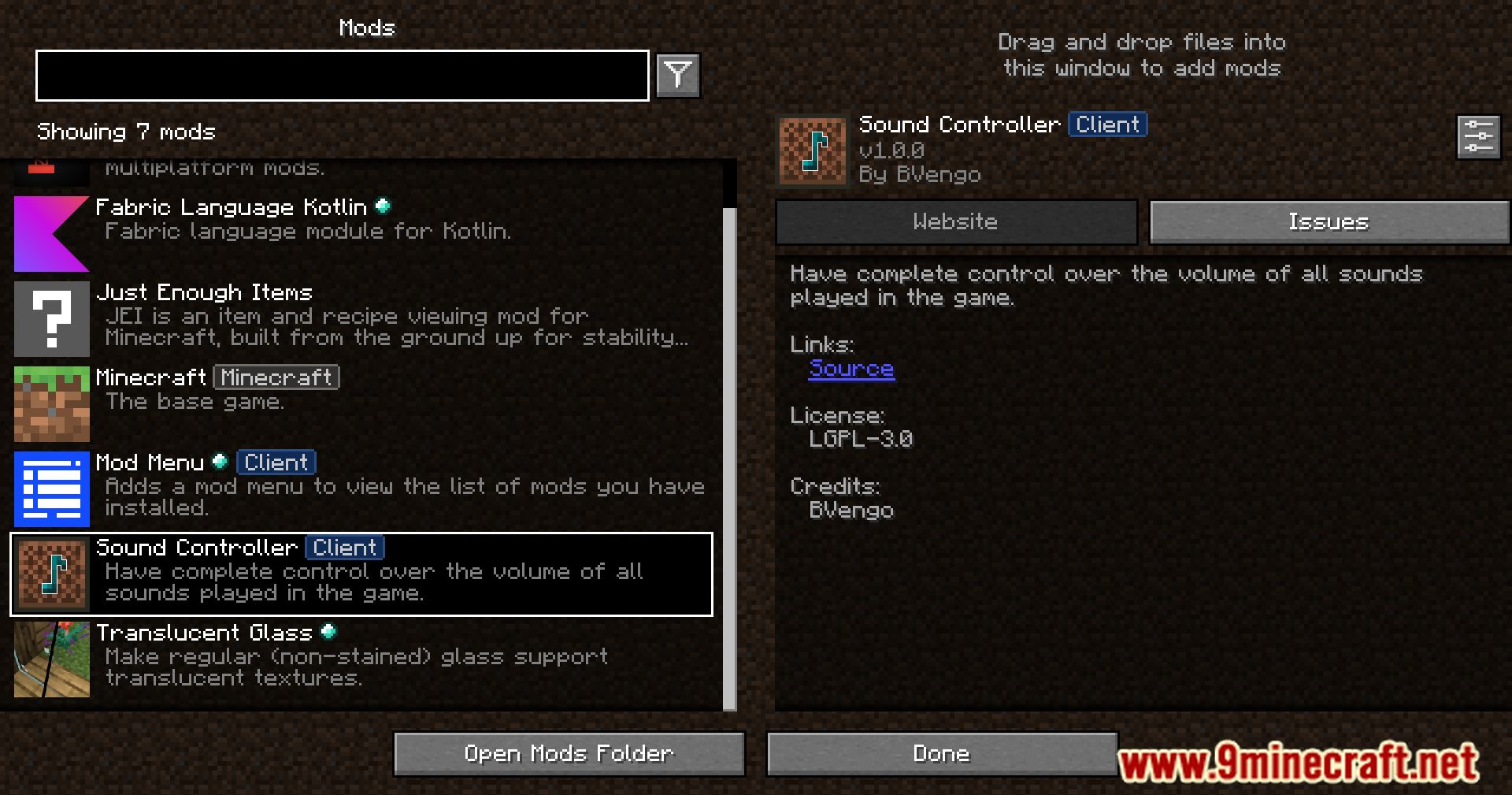
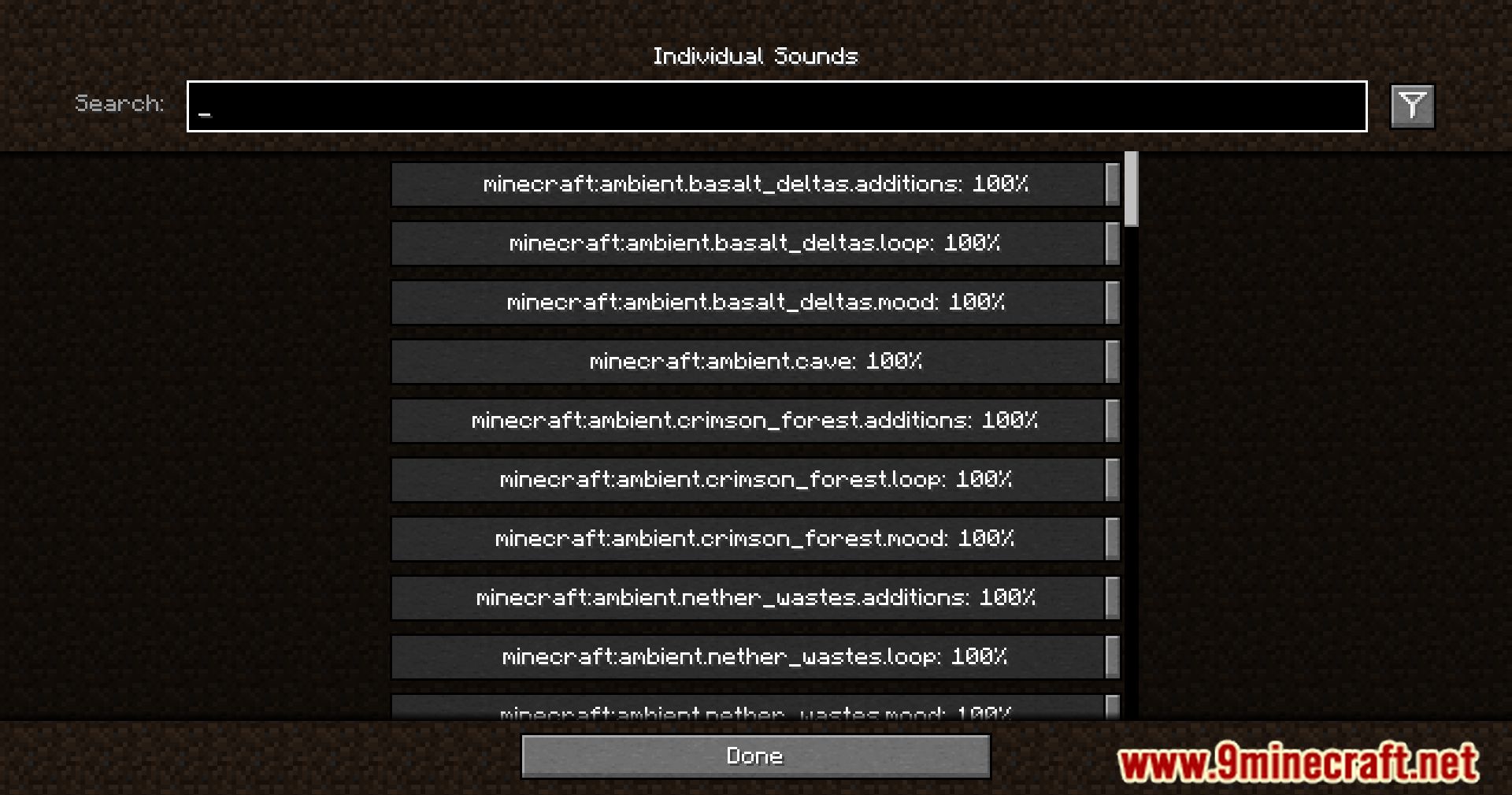
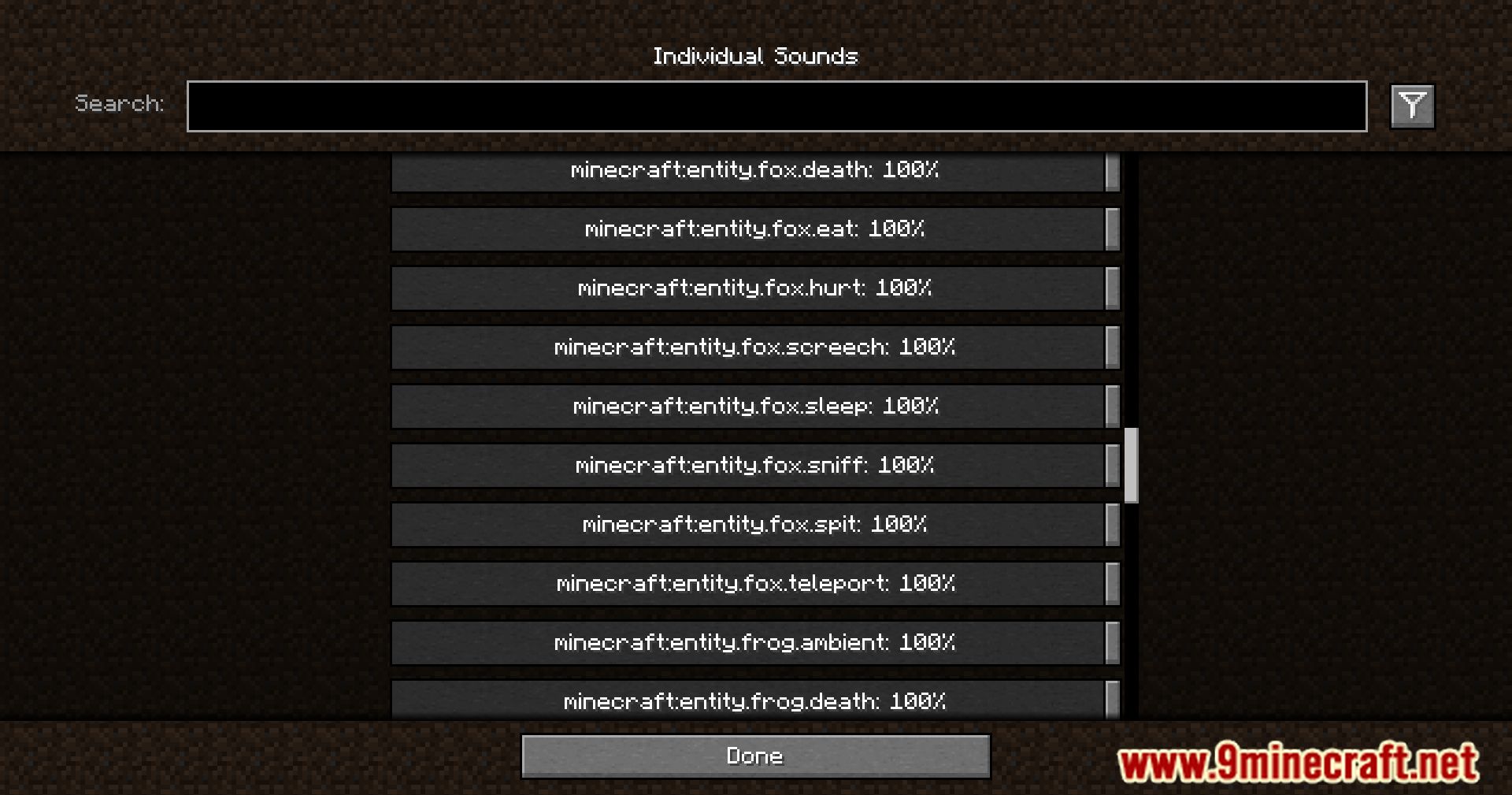
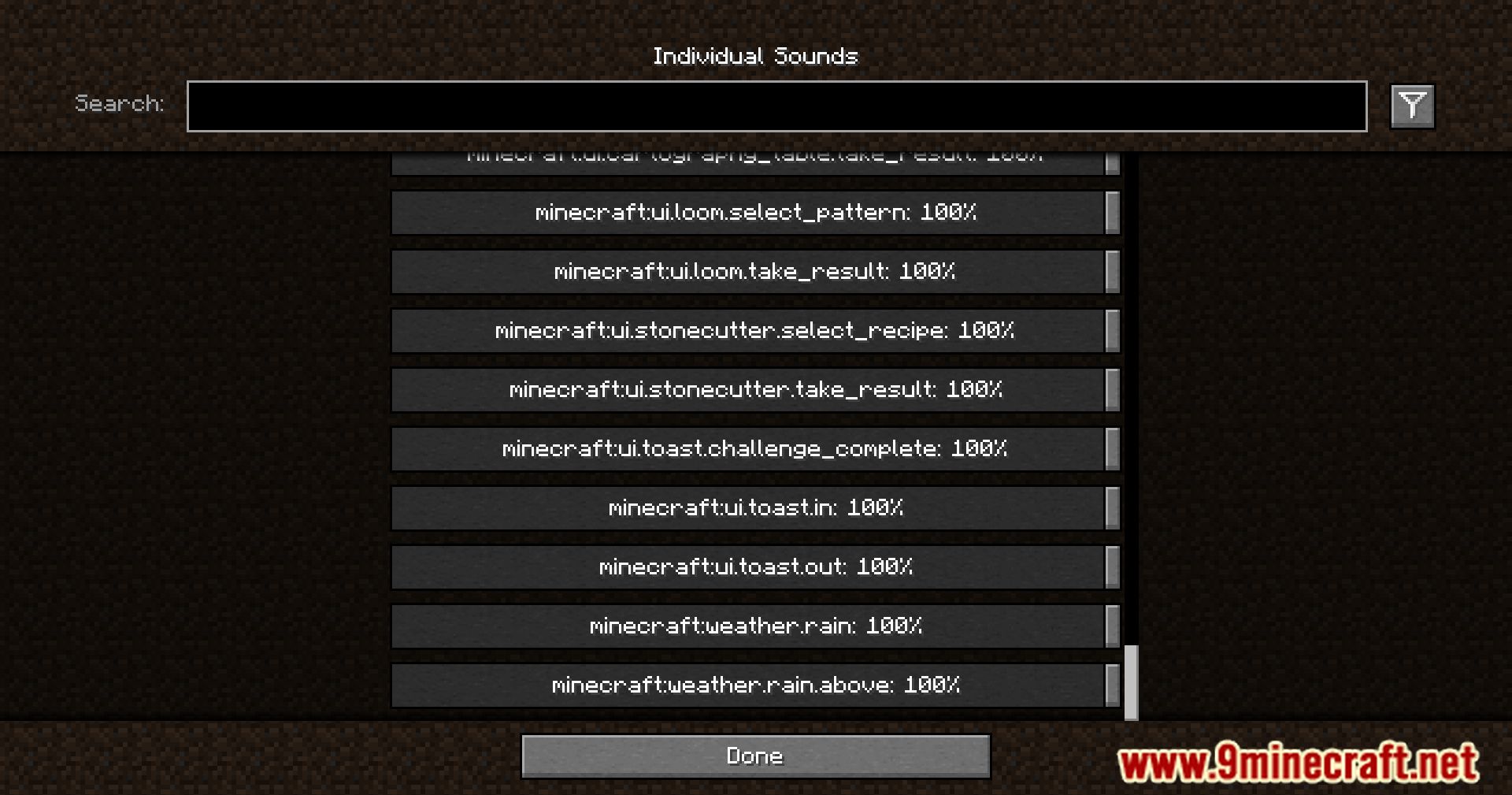
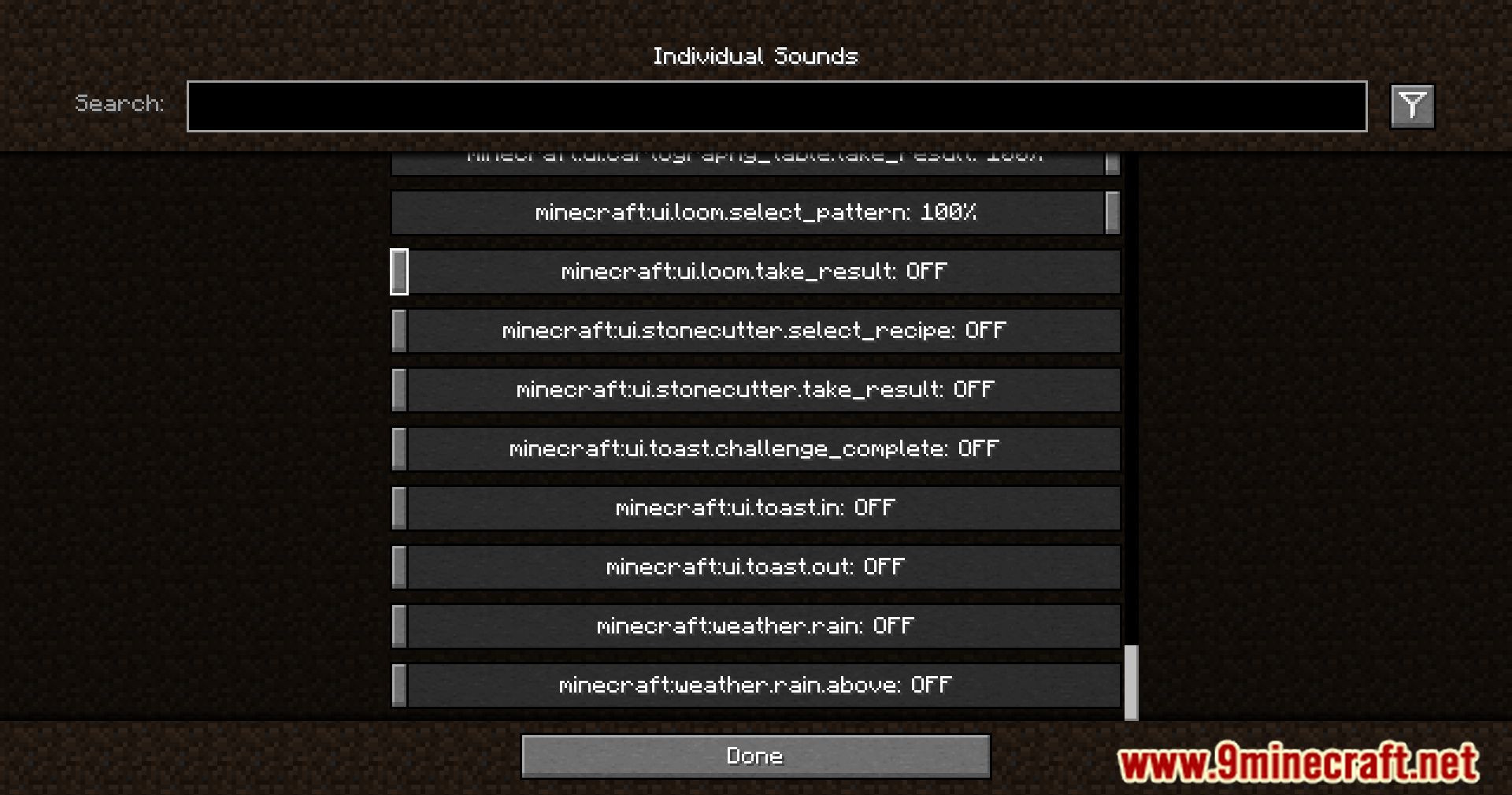
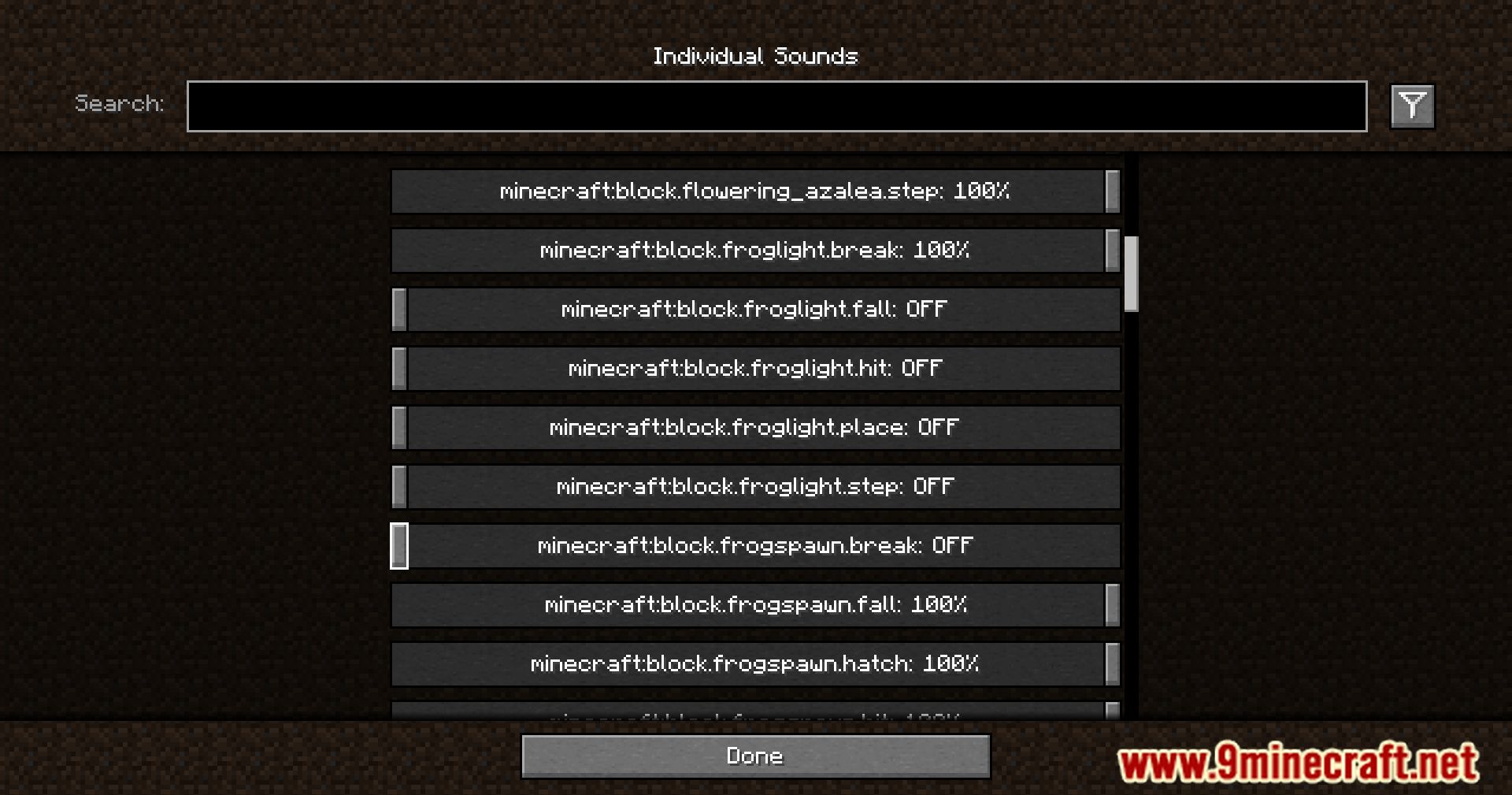
Go to Options, then Sound Settings, and click the new "Individual  Sounds" button. That opens the configuration screen where every sound in the game is listed.
Why do the sound names look like weird technical codes instead of normal names?
 things
How do I mute the Nether portal sound?
Can I lower a sound without muting it completely?
Yes, each sound has its own volume slider, so you can drag it down to any level between full volume and silent. This is useful for sounds you still want to hear but find too loud, like an Enderman's death scream.
sounds you still want to hear but find too loud, like an Enderman's death scream.See all 10 Sound Controller questions ›
Gallery
11 images from the Sound Controller Mod page.
You May Also Like
Wikis that share the most with this one
More mod wikis on the site
The most downloaded mods that have a wiki here
A few wikis from each of the other kinds