

 DownloadExtreme Sound Muffler
Get the files on 9Minecraft
Contents (6)
Guides
Step-by-step, in-game.
Fixing Extreme Sound Muffler When It Stops Working or Sounds Come BackFirst Checks If sounds you muted are audible again, confirm the mod is actually loaded for the current profile. A…How to Open the Extreme Sound Muffler Interface and Mute a Specific SoundOpening the Sound List Extreme Sound Muffler works entirely client-side, so you do not need to be an operator or…Managing Your Muted Sound List: Reviewing, Restoring and Keeping It TidyReviewing What You Have Muted Over time the muted list grows and becomes hard to reason about. Open the interface…Using Extreme Sound Muffler to Silence Annoying Ambient and Repetitive SoundsPicking Targets Most players install this mod for a handful of recurring irritants rather than to silence the game.…
Configuration
Every setting in the mod config file, with what it changes.
| Option | What it does |
|---|---|
creativeInvButtonXCreative button X coord | Sets the horizontal position of the creative inventory mute button |
creativeInvButtonYCreative button Y coord | Sets the vertical position of the creative inventory mute button |
defaultMuteVolume | Sets the volume level applied to newly muted sounds |
disableAnchors | Turns off the anchor feature that mutes sounds in a radius |
disableCreativeInventoryButton | Hides the mute button from the creative inventory screen |
disableInventoryButton | Hides the mute button from the survival inventory screen |
forbiddenMods | Lists mods whose sounds can never be muffled |
forbiddenSounds | Lists sounds that can never be muffled |
useGlobalMuffledSoundsGlobal Muffled list | Applies the muffled sounds list across all worlds globally |
invButtonXInventory button X coord | Sets the horizontal position of the inventory mute button |
invButtonYInventory button Y coord | Sets the vertical position of the inventory mute button |
showTipKo-Fi tip | Toggles display of the Ko-Fi support tip in the interface |
maxAnchorRangeMax range for Anchors | Sets the maximum radius an anchor can mute sounds within |
useDarkTheme | Switches the mod's config interface to a dark color theme |
Other settings in this file
5 more options the mod ships without its own description. Names are taken straight from the config file.
- Anchors
- general
- inventory_button
- lawfulAllListLawful All sounds List
- leftButtons
Frequently asked questions
How do I open the Extreme Sound Muffler menu?
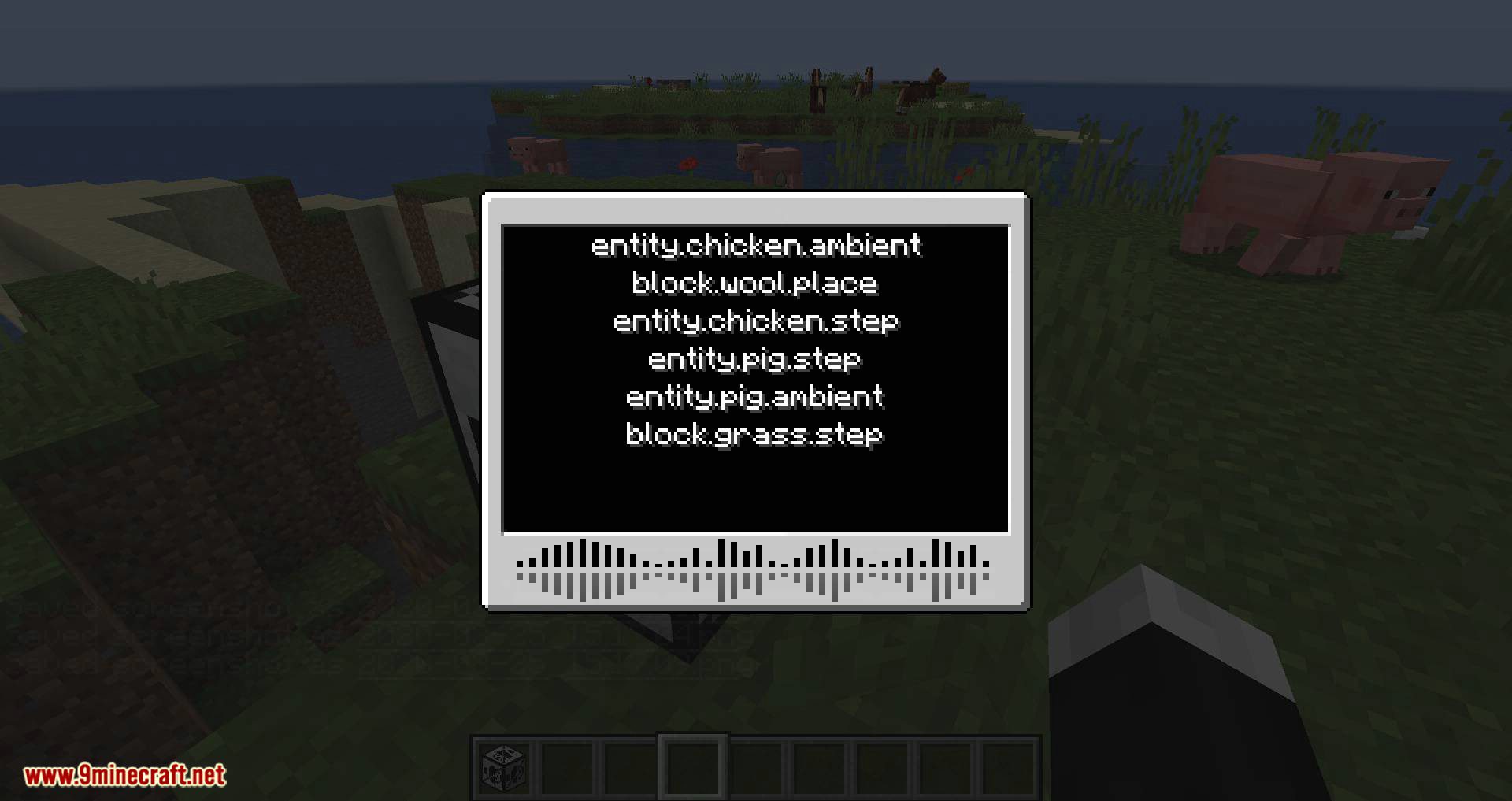
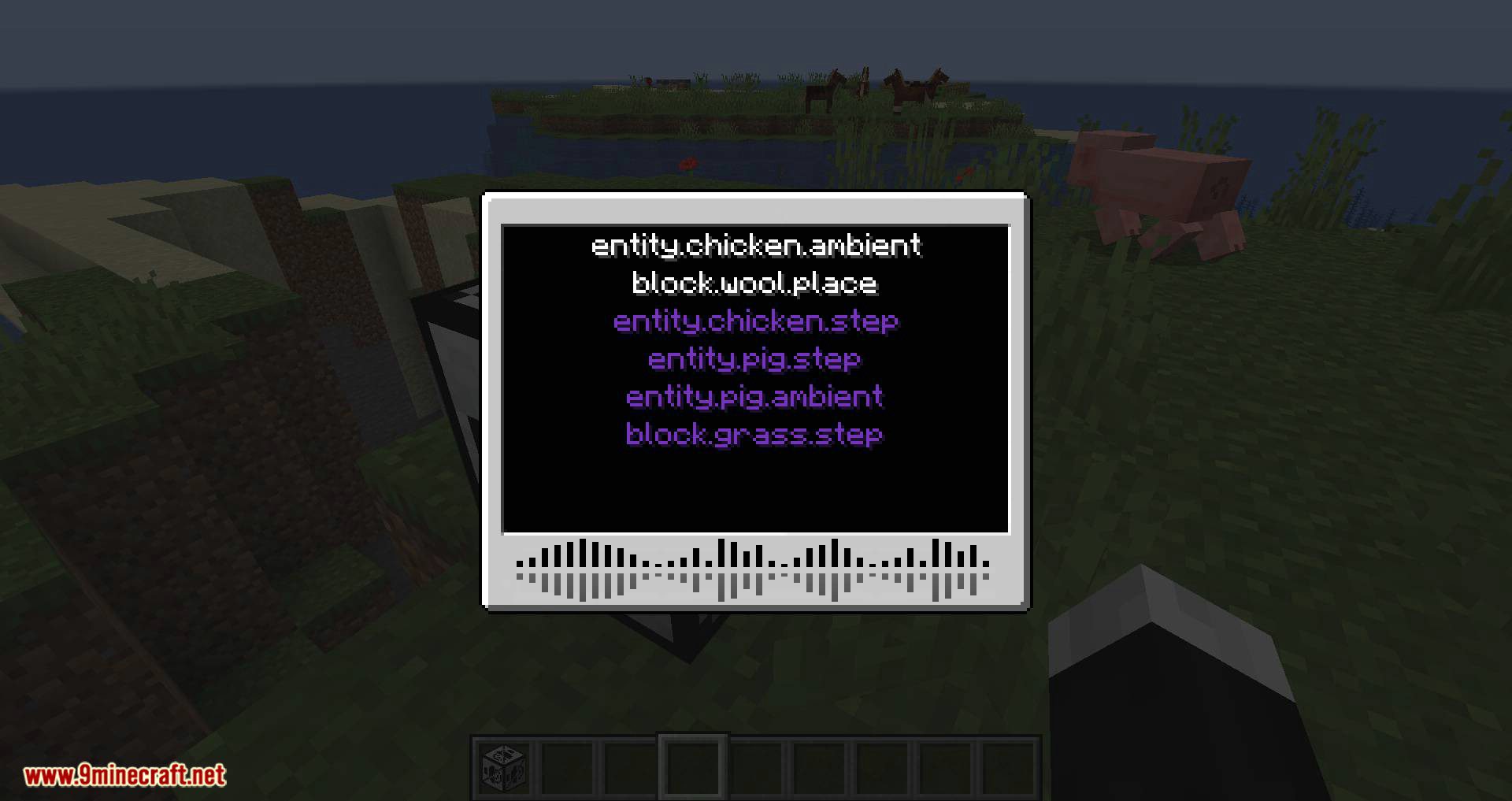
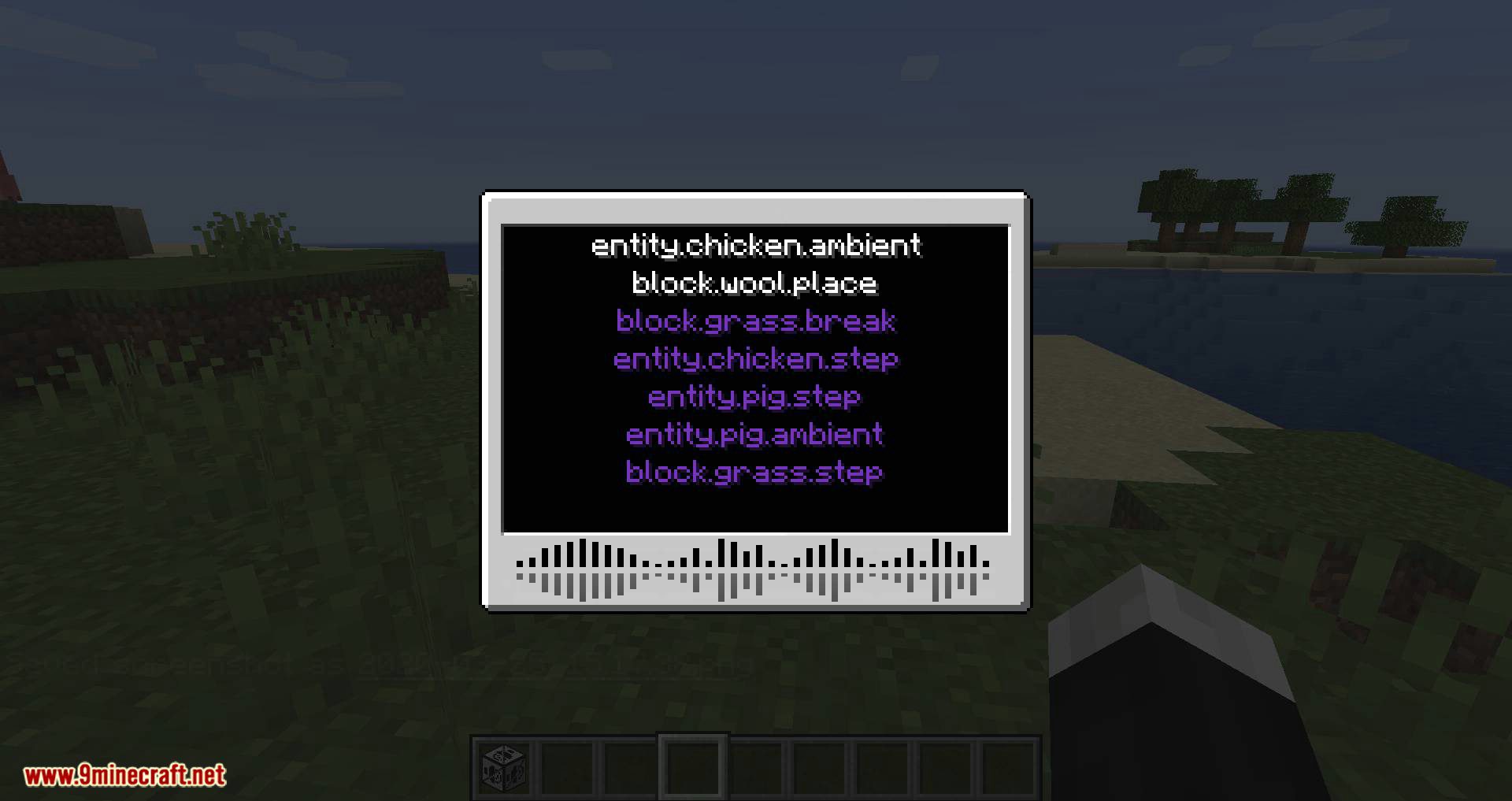
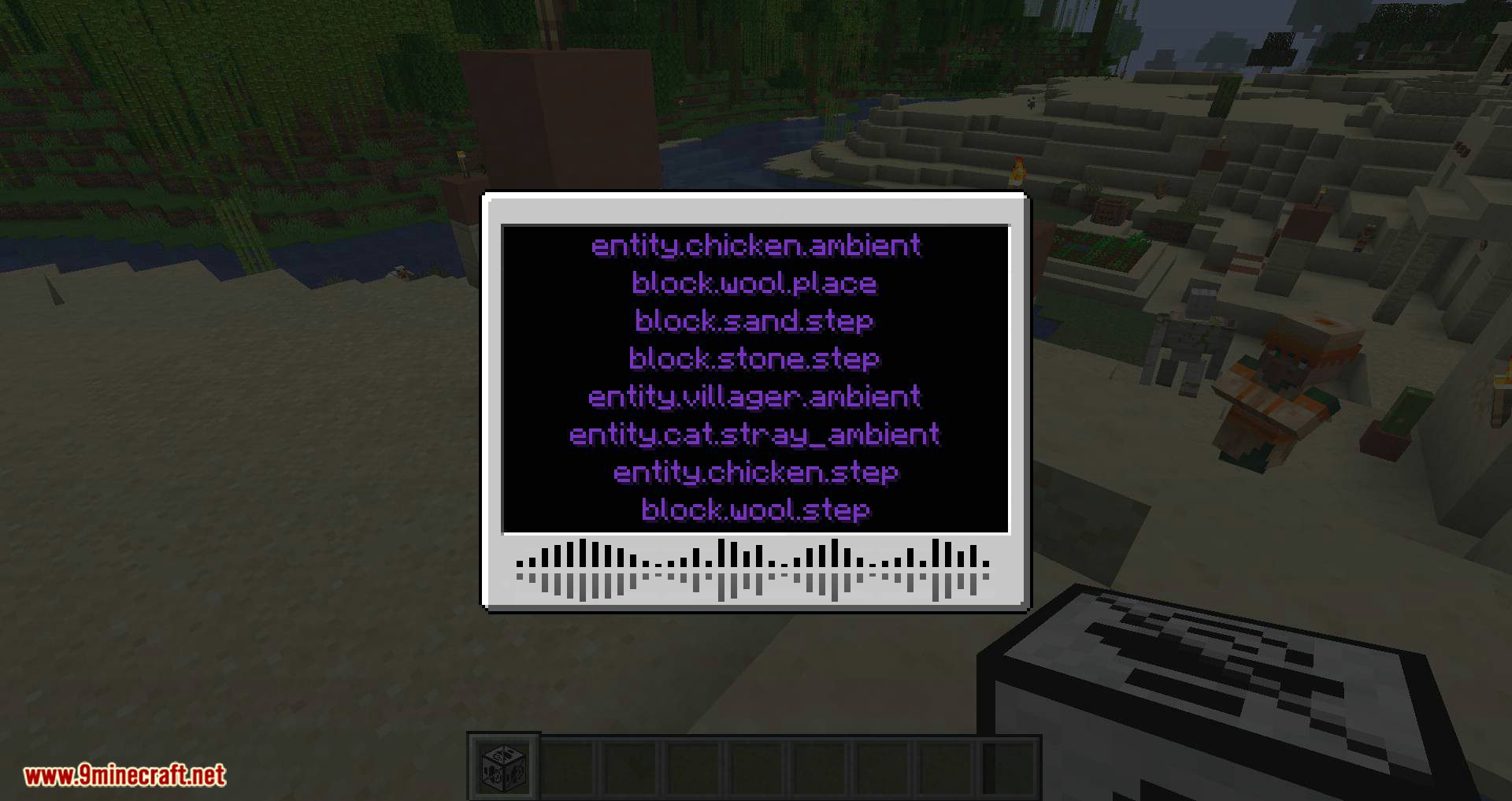
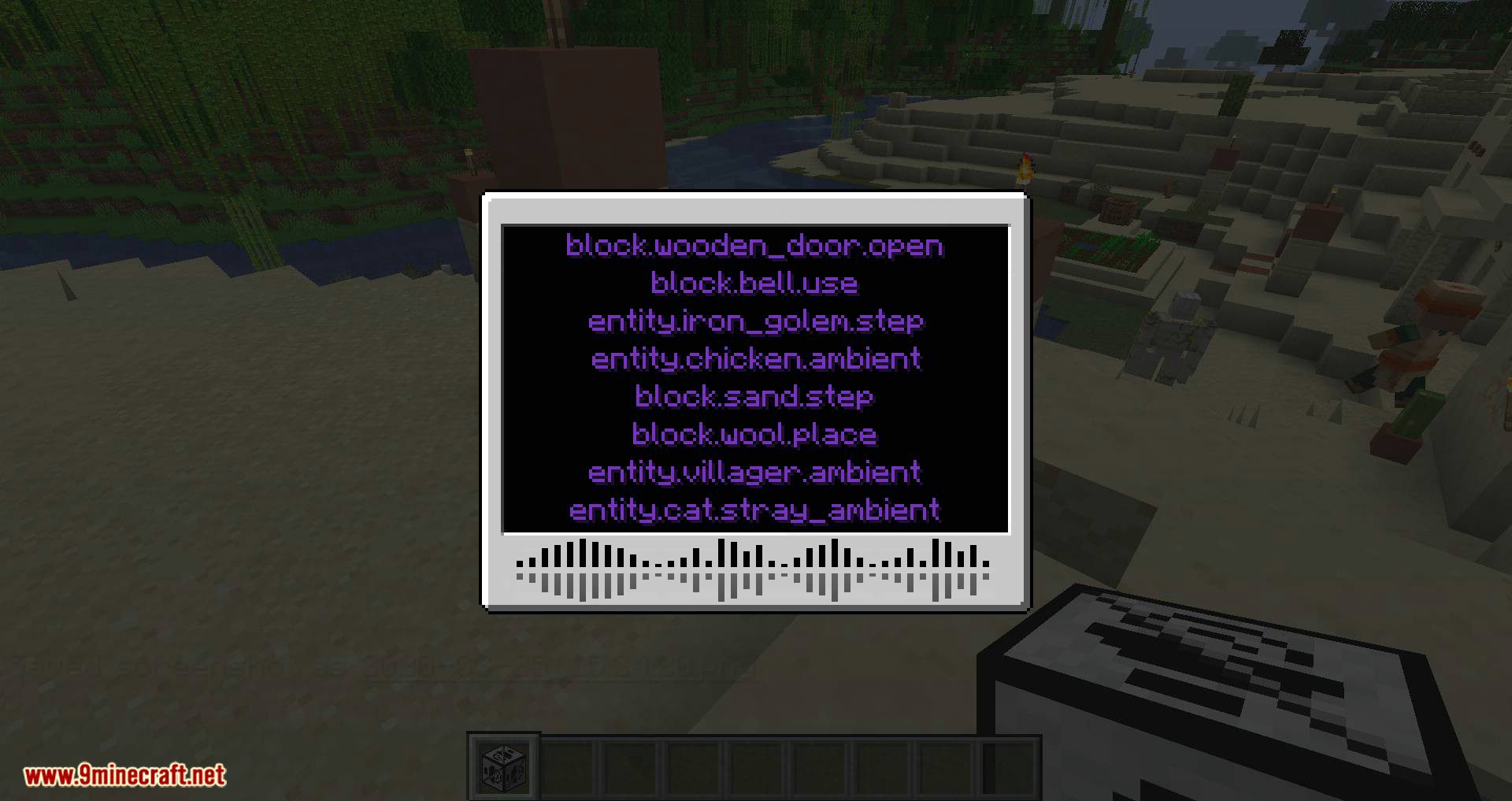
Press the mod's configurable hotkey (check your Controls settings for the Extreme Sound Muffler keybind) to open the in-game interface. From there you can browse sound events and mute or attenuate them individually.
How to use Extreme Sound Muffler Mod?
Open the interface with its hotkey, find the sound event you want to silence in the list, and toggle it off or lower its volume. Changes apply immediately and are saved to your client config.
Does Extreme Sound Muffler work on servers?
Yes — it's client-side, so it works on any server without needing to be installed server-side. It only affects what you hear, not other players.
Extreme Sound Muffler Mod not working
First check that the hotkey isn't conflicting with another mod's keybind in Controls. If the interface opens but  sounds still play, make sure you're muting the correct sound event and that the mod is loaded for the right Minecraft version.
See all 10 Extreme Sound Muffler questions ›
Gallery
12 images from the Extreme Sound Muffler Mod page.
You May Also Like
Wikis that share the most with this one
More mod wikis on the site
The most downloaded mods that have a wiki here
A few wikis from each of the other kinds