

 DownloadMochila
Get the files on 9Minecraft
Contents (5)
Guides
Step-by-step, in-game.
Auto-Unload Your Backpack into ContainersPosition Your Container Place a chest, barrel, or other storage container where you want to unload items. You can…Craft Your First BackpackGather Materials Before crafting, collect the required materials. You'll need leather and string as primary…Manage Multiple Backpacks EfficientlyCarry Multiple Backpacks You can craft and carry several backpacks at once. Store them in different inventory slots…Optimize Backpack Storage for MiningPrepare Before Mining Craft a backpack and fill it strategically before heading out. Leave room for valuable ores and…
Recipes
Every recipe the mod adds, grouped by how it is made.
Items
86 items · showing 24. Browse all →
 Black Diamond Backpack
 Black Gold Backpack
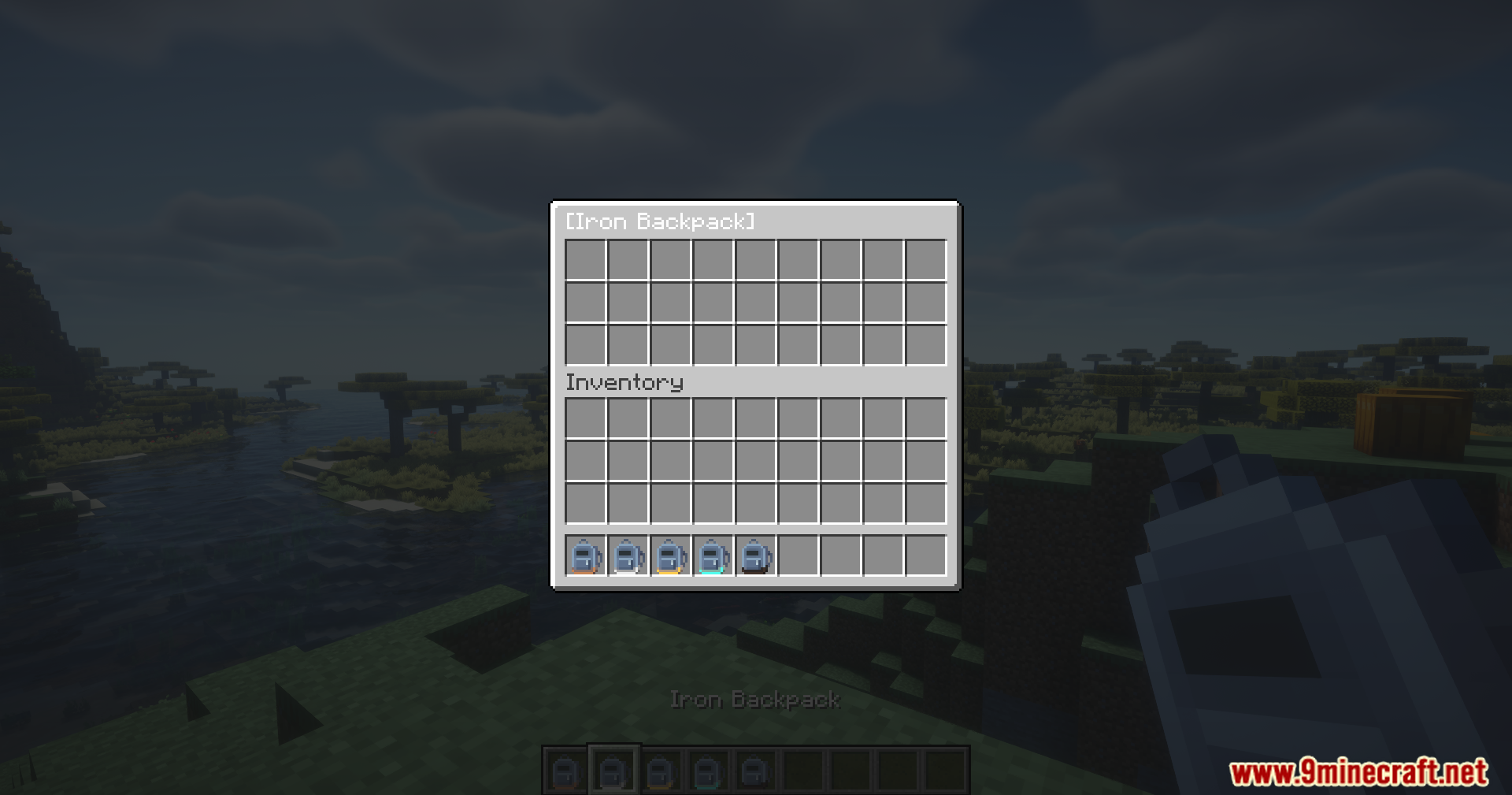
 Black Iron Backpack
 Black Leather Backpack
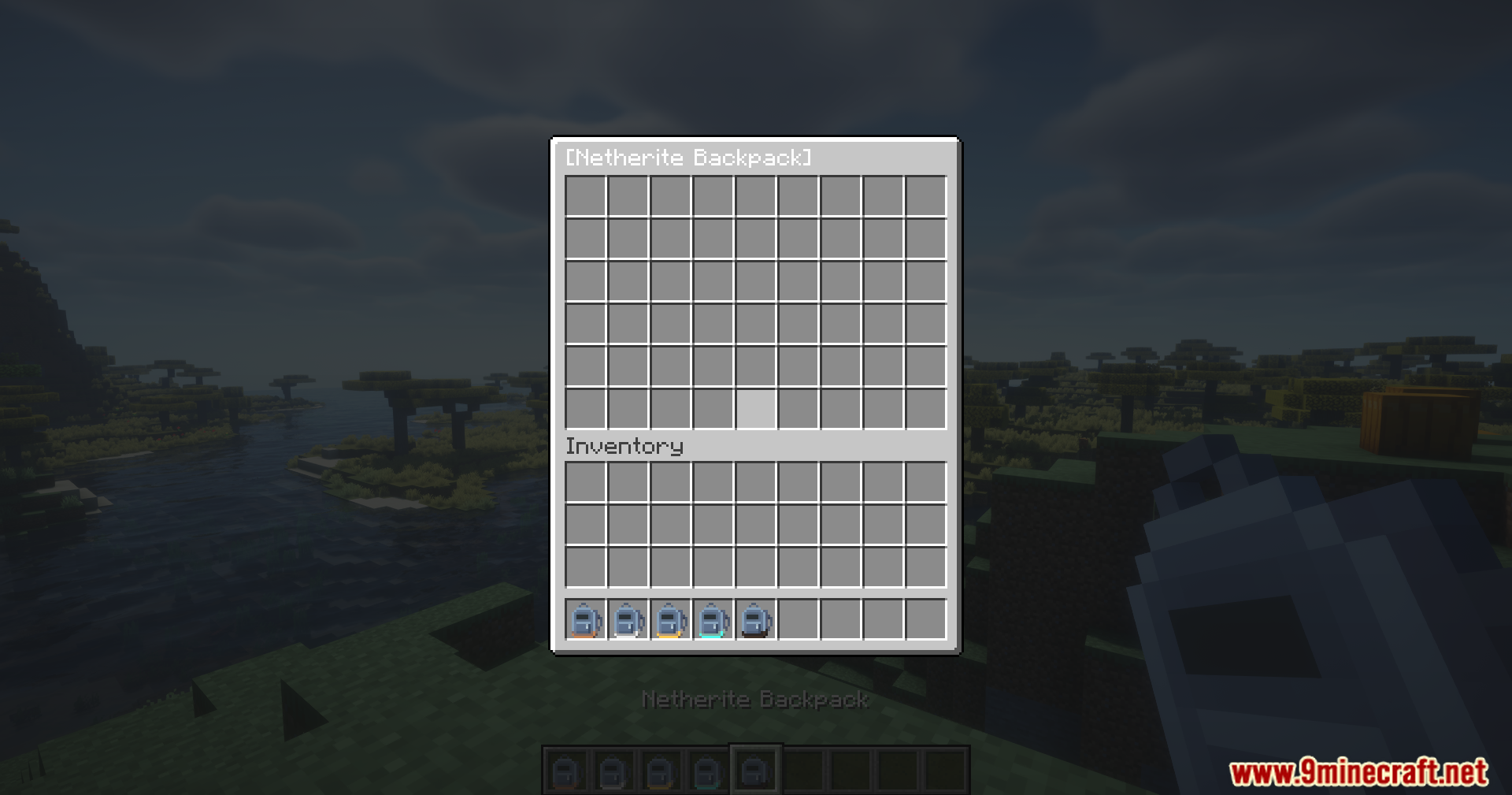
 Black Netherite Backpack
 Blue Diamond Backpack
 Blue Gold Backpack
 Blue Iron Backpack
 Blue Leather Backpack
 Blue Netherite Backpack
 Brown Diamond Backpack
 Brown Gold Backpack
 Brown Iron Backpack
 Brown Leather Backpack
 Brown Netherite Backpack
 Cyan Diamond Backpack
 Cyan Gold Backpack
 Cyan Iron Backpack
 Cyan Leather Backpack
 Cyan Netherite Backpack
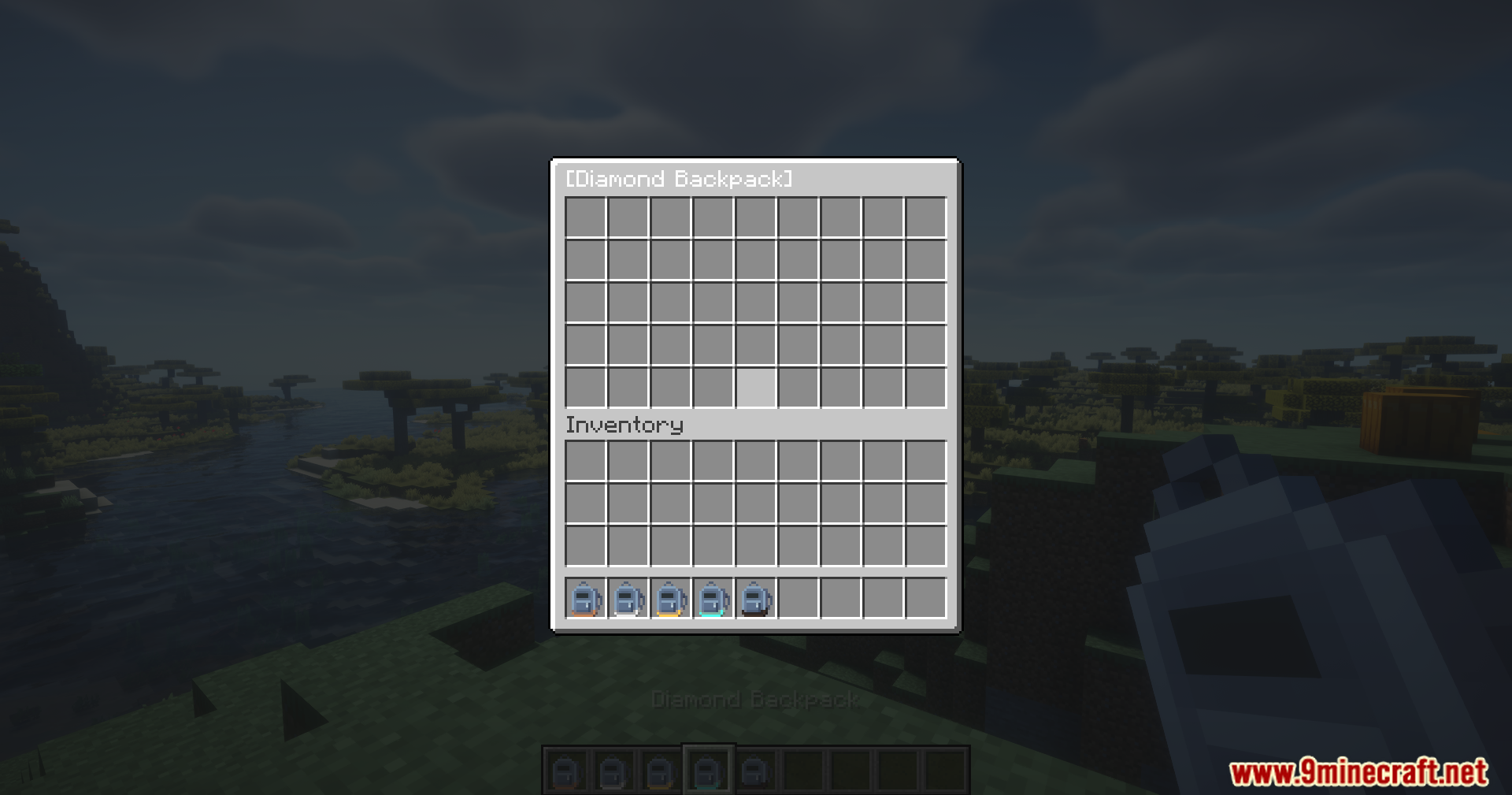
 Diamond Backpack
 Ender Backpack
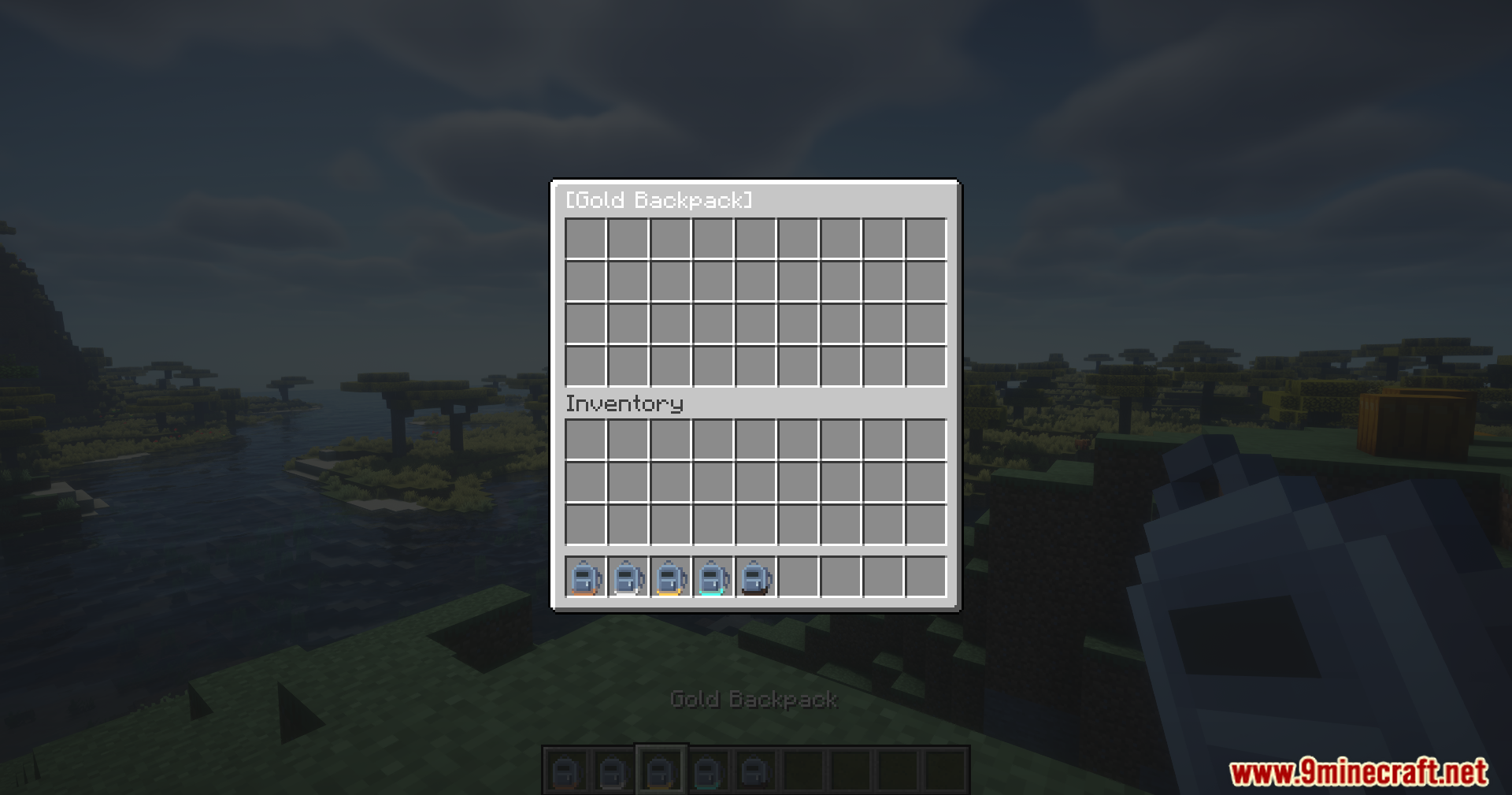
 Gold Backpack
 Gray Diamond Backpack
Frequently asked questions
How do I craft a backpack?
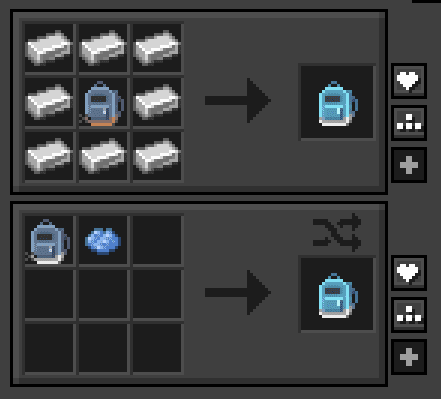
Check the Crafting Recipes section on the wiki for the exact ingredients needed. Once you have the materials, craft it at a crafting table and it will appear in your inventory ready to use.
How do I open my backpack?
Right-click while holding the backpack in your hand, or press B (the default hotkey) to open it. You can rebind this key in your controls settings.
Can I auto unload my backpack into a chest?
Yes—stand in front of a chest or barrel, sneak (hold Shift), and right-click on it with your backpack in hand to automatically transfer all contents. You can also place an item frame or sign on the container to mark it as an auto-unload target.
Can I carry multiple backpacks at once?
You can carry multiple backpacks in your inventory, but you can only open and use one at a time. See the Manage Multiple Backpacks Efficiently guide for strategies on organizing them.
Does the backpack work in my offhand?
The backpack works best in your main hand for right-click opening. Placing it in your offhand may limit functionality depending on what you're holding in your main hand.
Will my backpack items drop if I die?
Your backpack itself will drop like any other item, and its contents will remain inside it—you won't lose what's stored in the backpack when you die.
Can I use the backpack while mining?
Yes, the backpack is designed for mining trips. See the Optimize Backpack Storage for Mining guide for tips on organizing your backpack to maximize efficiency while gathering resources.
Does Mochila Mod work with other storage mods?
Mochila Mod is designed to work alongside vanilla containers like chests and barrels. Compatibility with other storage mods depends on whether those mods use standard container blocks.
Can I rename my backpack?
You can rename your backpack using an anvil, just like any other item in Minecraft. This is useful if you're managing multiple backpacks for different purposes.
Does the backpack affect my game performance?
Mochila Mod is designed to be lightweight and should have minimal impact on performance. If you experience lag, check that you're not storing excessive numbers of items in a single backpack.
Gallery
12 images from the Mochila Mod page.
You May Also Like
Wikis that share the most with this one
Wikis on the same theme: backpack
More mod wikis on the site
 Mob Vote Model
The most downloaded mods that have a wiki here
A few wikis from each of the other kinds