

 DownloadSytex Sound Shaders
Get the files on 9Minecraft
Guides
Step-by-step, in-game.
Adjust Lighting Intensity and Bloom StrengthAccess the Shader Settings Open the shader options menu by pressing the designated key (usually found in your…Enhance Colored Lighting from Specific Light SourcesIdentify Colored Light Sources Sytex Sound Shaders makes torches, lanterns, glow blocks, and other luminous blocks…Optimize Shadow Quality and SmoothnessAccess Shadow Settings Open the Sytex Sound Shaders configuration menu and locate shadow-related options. You may…Switch Between Quality Profiles for Better PerformanceLocate the Profile Selection Menu Access the Sytex Sound Shaders options through your shader settings panel. You…
Frequently asked questions
How do I enable the shader after installing the mod?
Launch Minecraft with the mod installed, then open Video Settings and look for the Shaders option. Select Sytex Sound Shaders from the available shader list to activate it.
What's the difference between medium and high profile presets?
The medium profile reduces shadow resolution and bloom intensity for better performance on mid-range PCs, while high profile enables full-quality shadows, enhanced bloom, and more detailed PBR reflections at the cost of frame rate.
Why do my torches and lanterns not look colored?
How do I reduce lag while keeping the shader looking good?
Switch to the medium quality profile first, then lower bloom strength and shadow smoothness in the settings menu. You can also reduce render distance if performance is still poor.
See all 10 Sytex Sound Shaders questions ›
Gallery
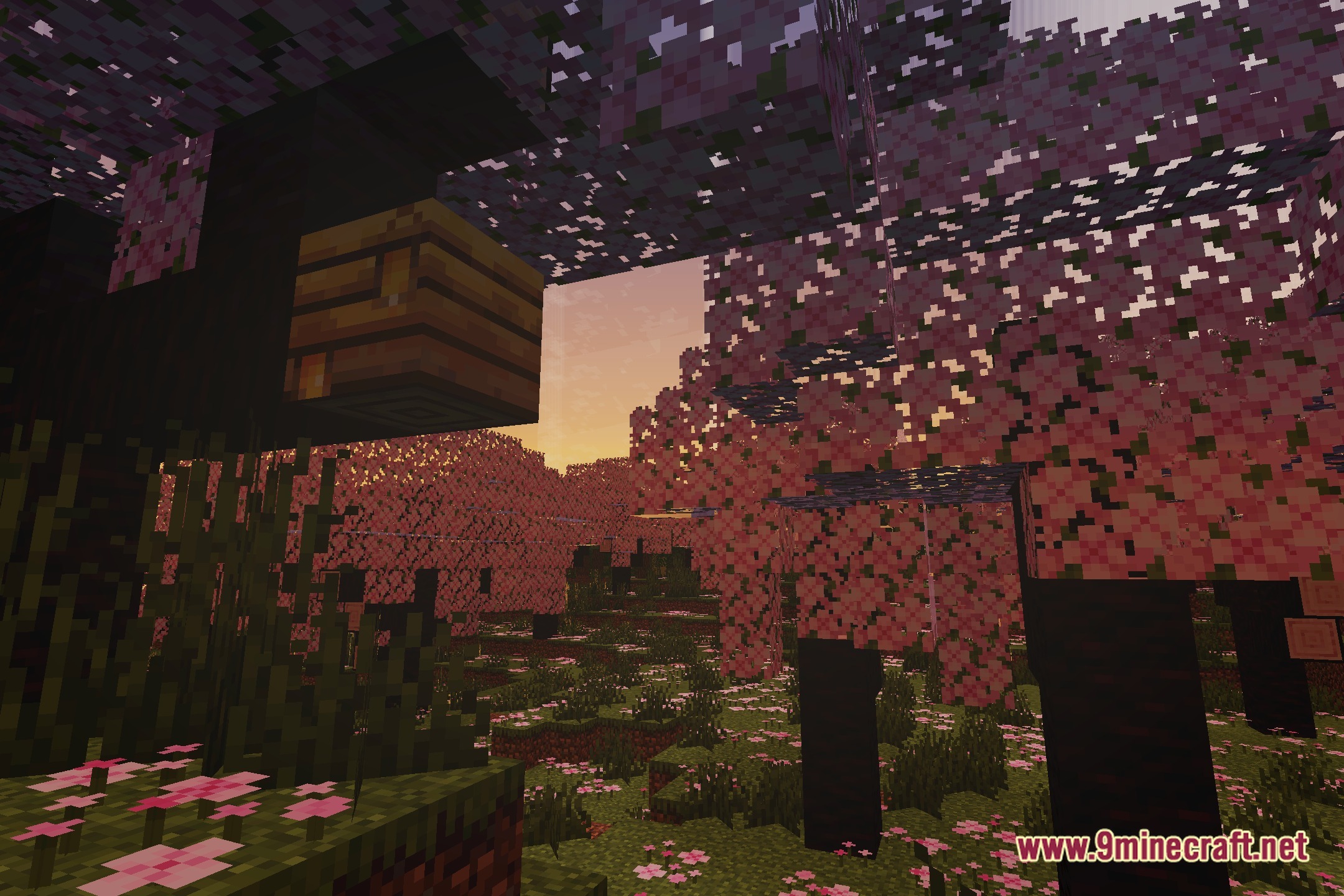
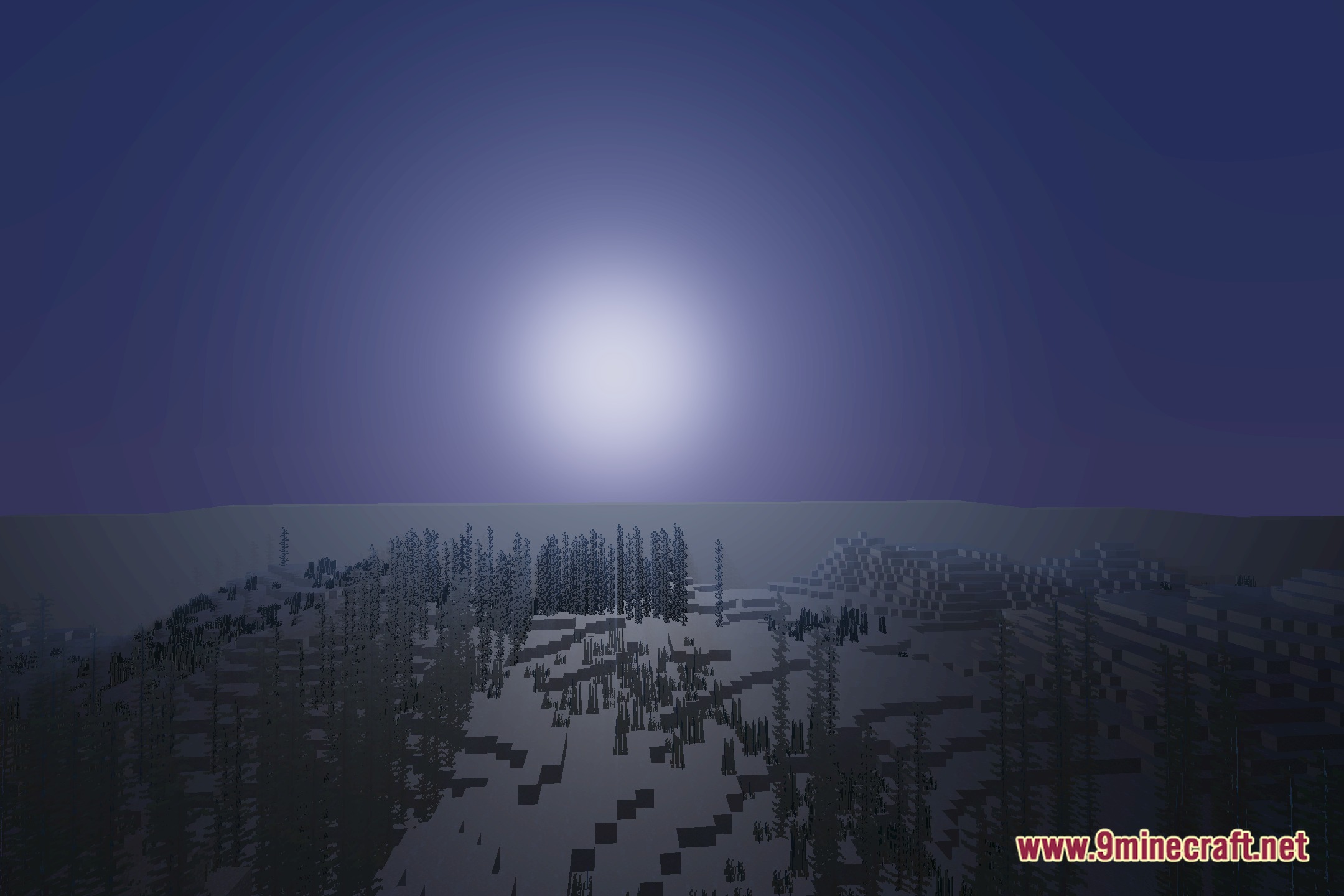
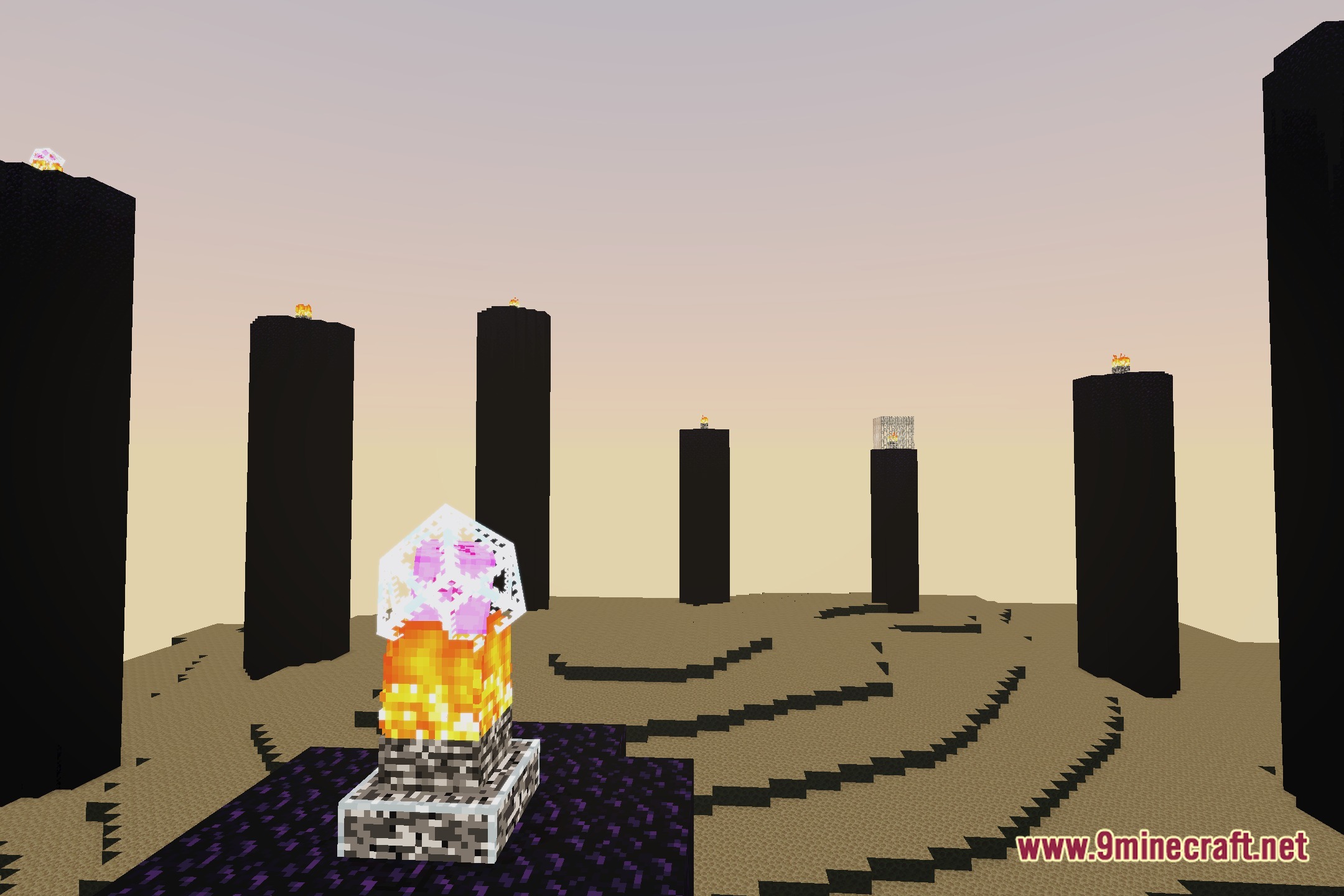
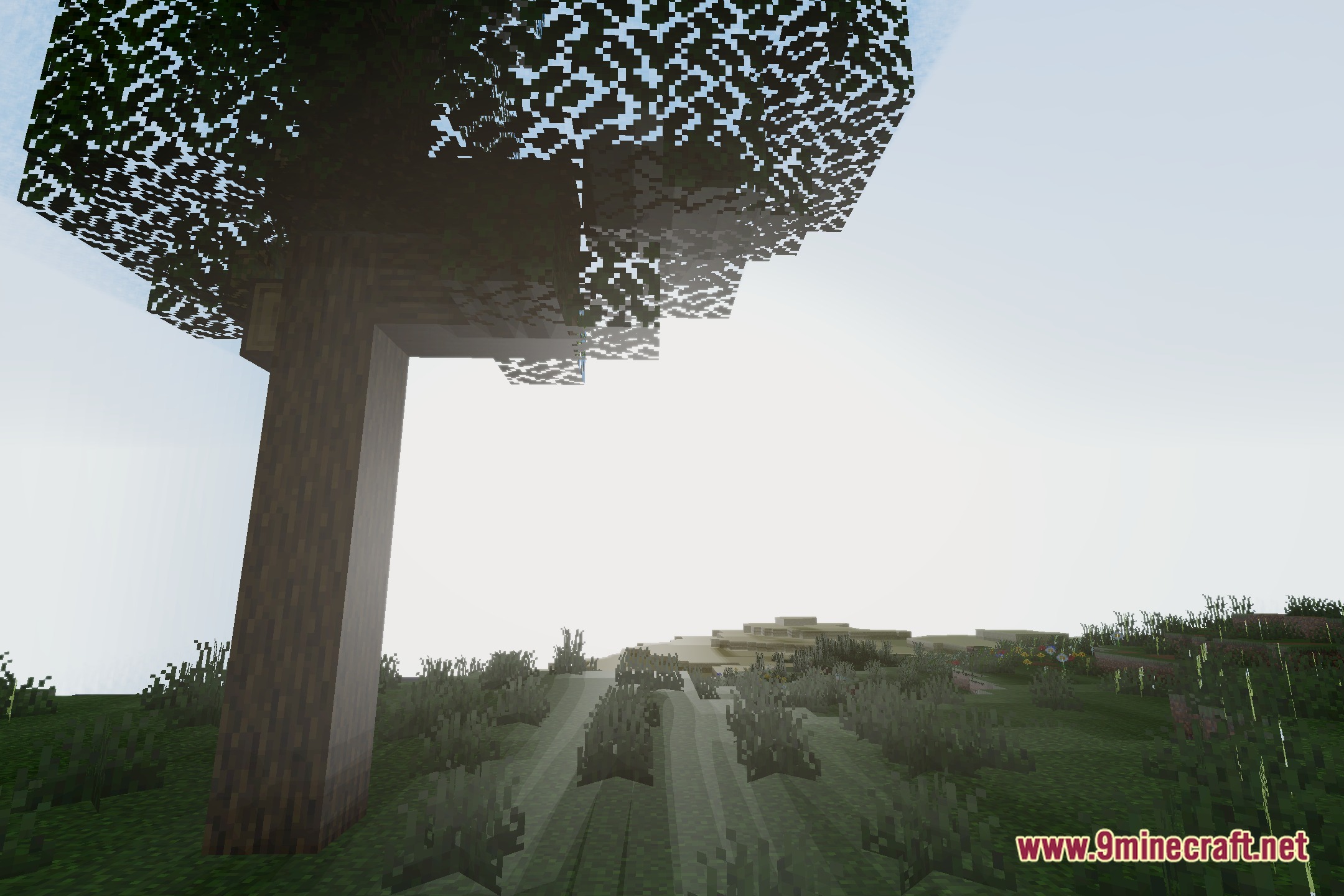
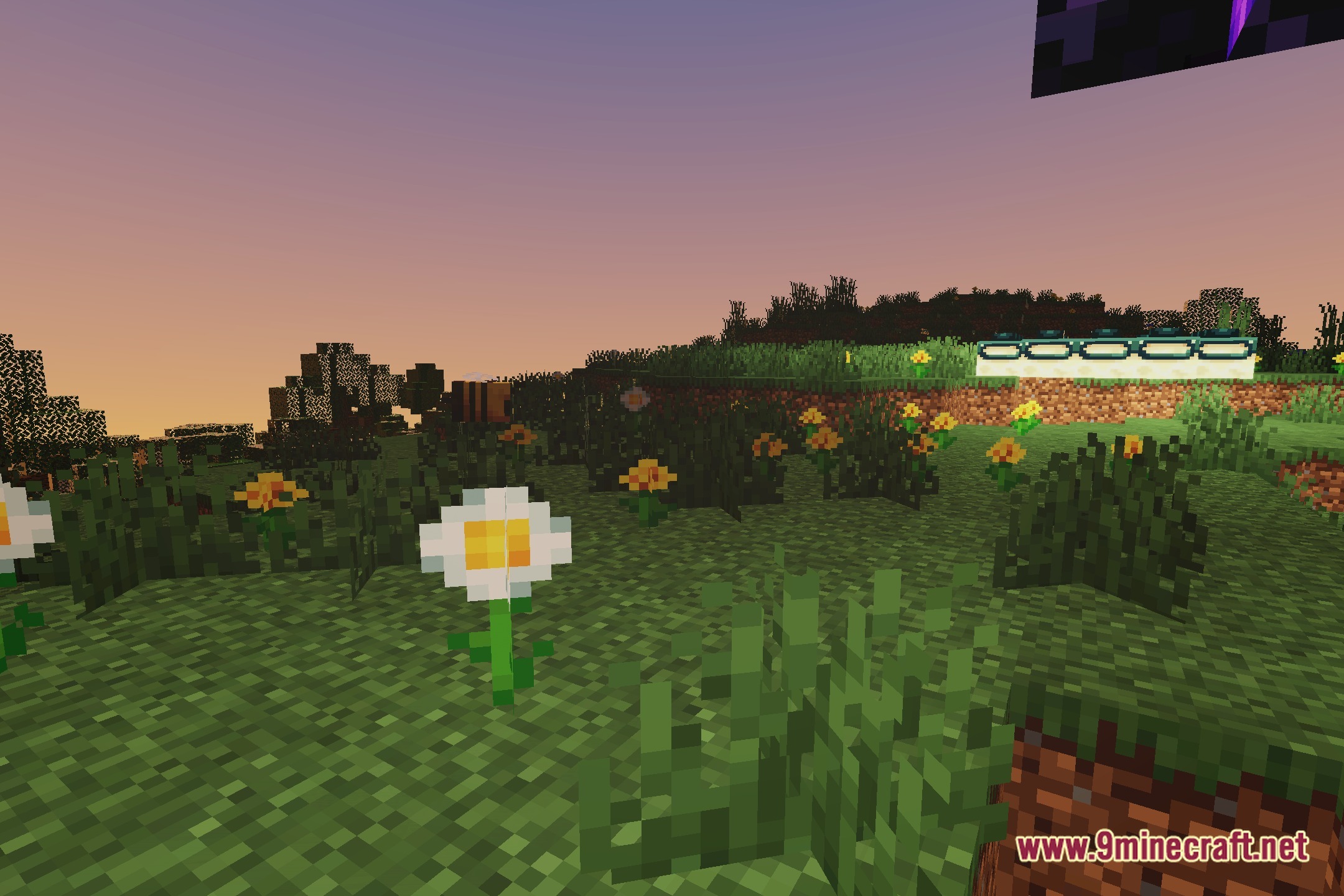
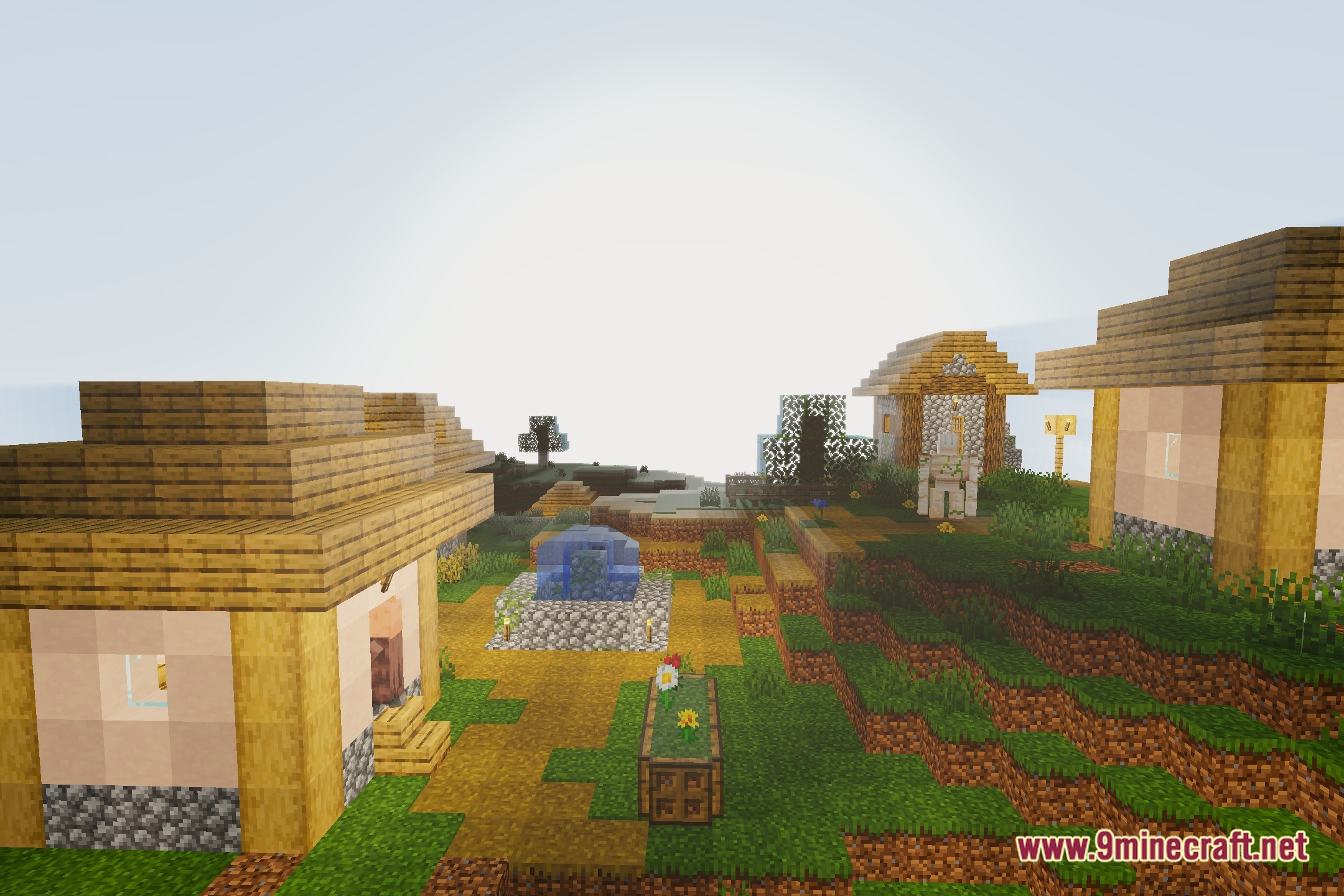
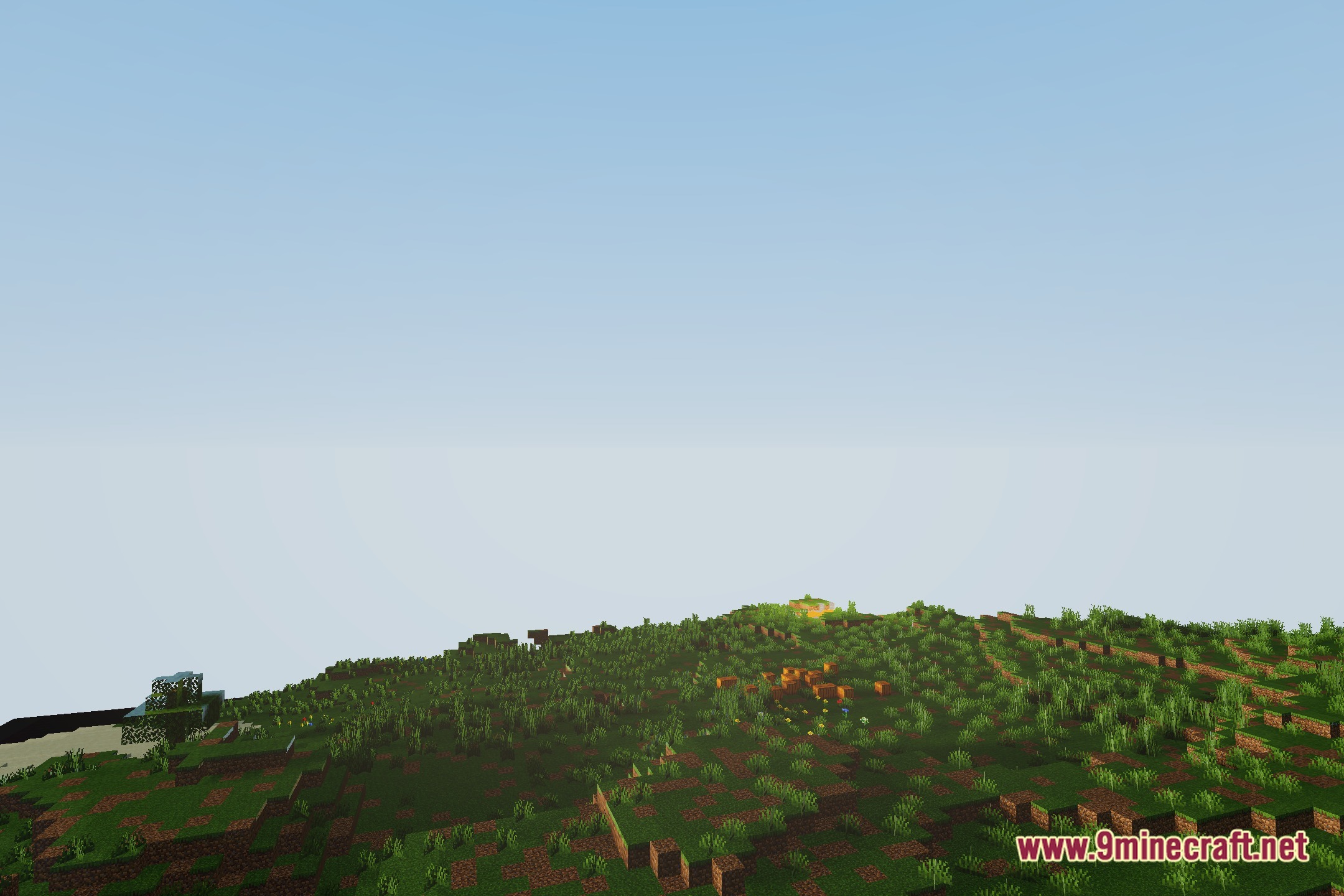
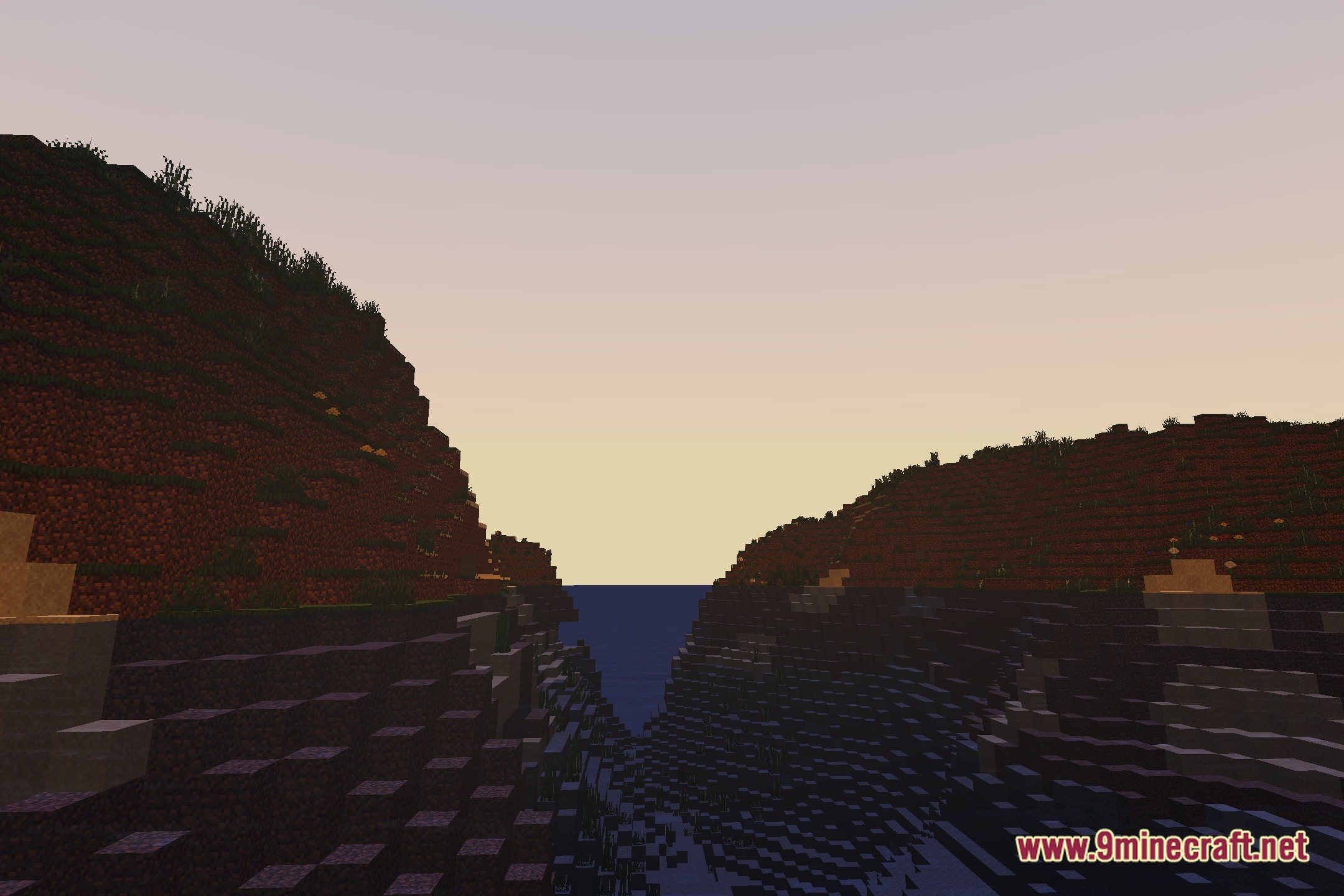
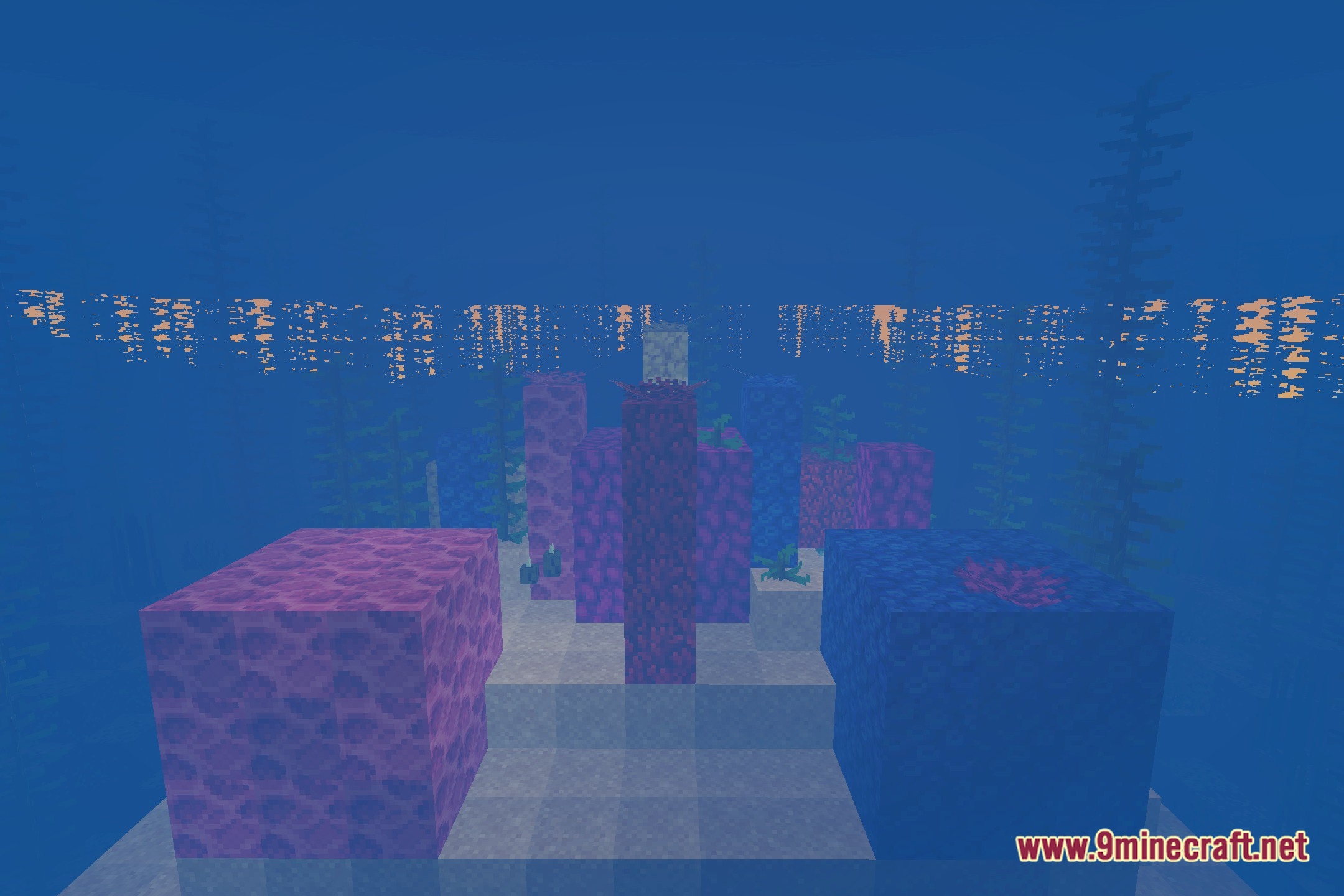
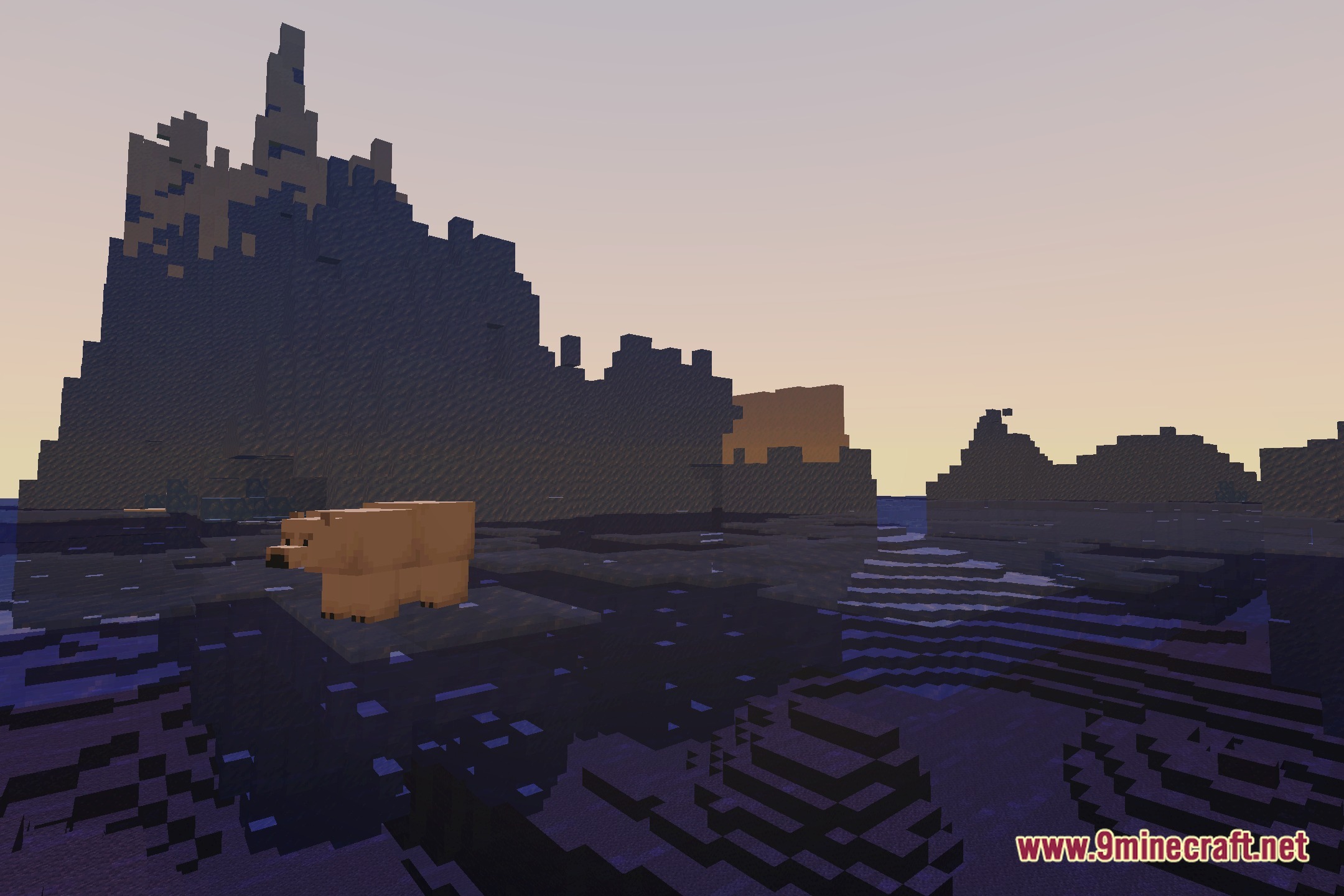
12 images from the Sytex Sound Shaders page.

You May Also Like
Wikis that share the most with this one
More shader wikis on the site
 Sursum Corda Renewed Shaders
 Sublime Visuals Shaders
 Storyloom Shaders
The most downloaded mods that have a wiki here