

 DownloadZer0’s Shaders
Get the files on 9Minecraft
Guides
Step-by-step, in-game.
Adjust Shadow Quality and PerformanceAccess Shader Settings Open the Shader Options menu from your Video Settings. Look for the Zer0's Shaders…Get the Best Lighting During Night CyclesUnderstand Night Lighting Mechanics Zer0's Shaders adjusts ambient brightness based on moon phase and time of night.…Maximize Visual Quality on Low-End HardwareSelect the Low-End Profile Zer0's Shaders includes optimized profiles designed for lower-spec machines. Start by…Troubleshoot Shadows Looking Wrong or FlickeringCheck Shadow Distance Settings If shadows flicker or disappear as you move, your shadow distance may be set too low.…
Frequently asked questions
How do I enable the shader after installing it?
Open Options > Video Settings > Shaders, then locate Zer0's Shaders in the list and select it. The shader will activate immediately, though you may need to restart your world for all effects to fully load.
Why do my shadows look choppy or flicker?
Flickering shadows usually occur when shadow quality is set too high for your hardware. Lower the shadow distance or quality in the shader settings, and ensure your render distance isn't extremely high, which can strain shadow calculations.
Can I use this shader with other mods?
Yes, Zer0's Shaders works with most mods, but incompatibilities can occur with mods that heavily modify lighting or rendering. If you experience visual glitches, try disabling other visual mods to isolate the cause.
How do I adjust the bloom effect on light sources?
See all 10 Zer0’s Shaders questions ›
Gallery
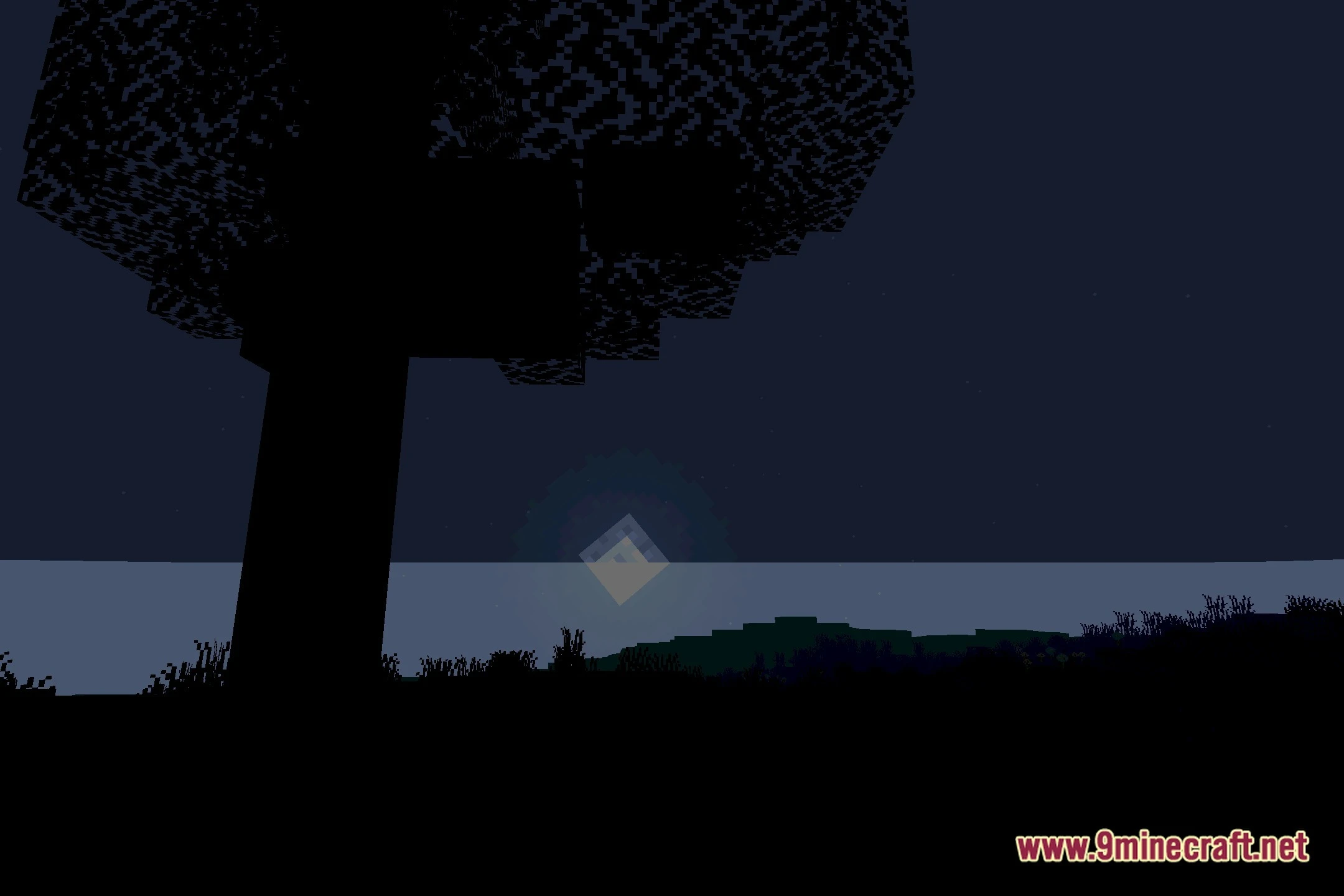
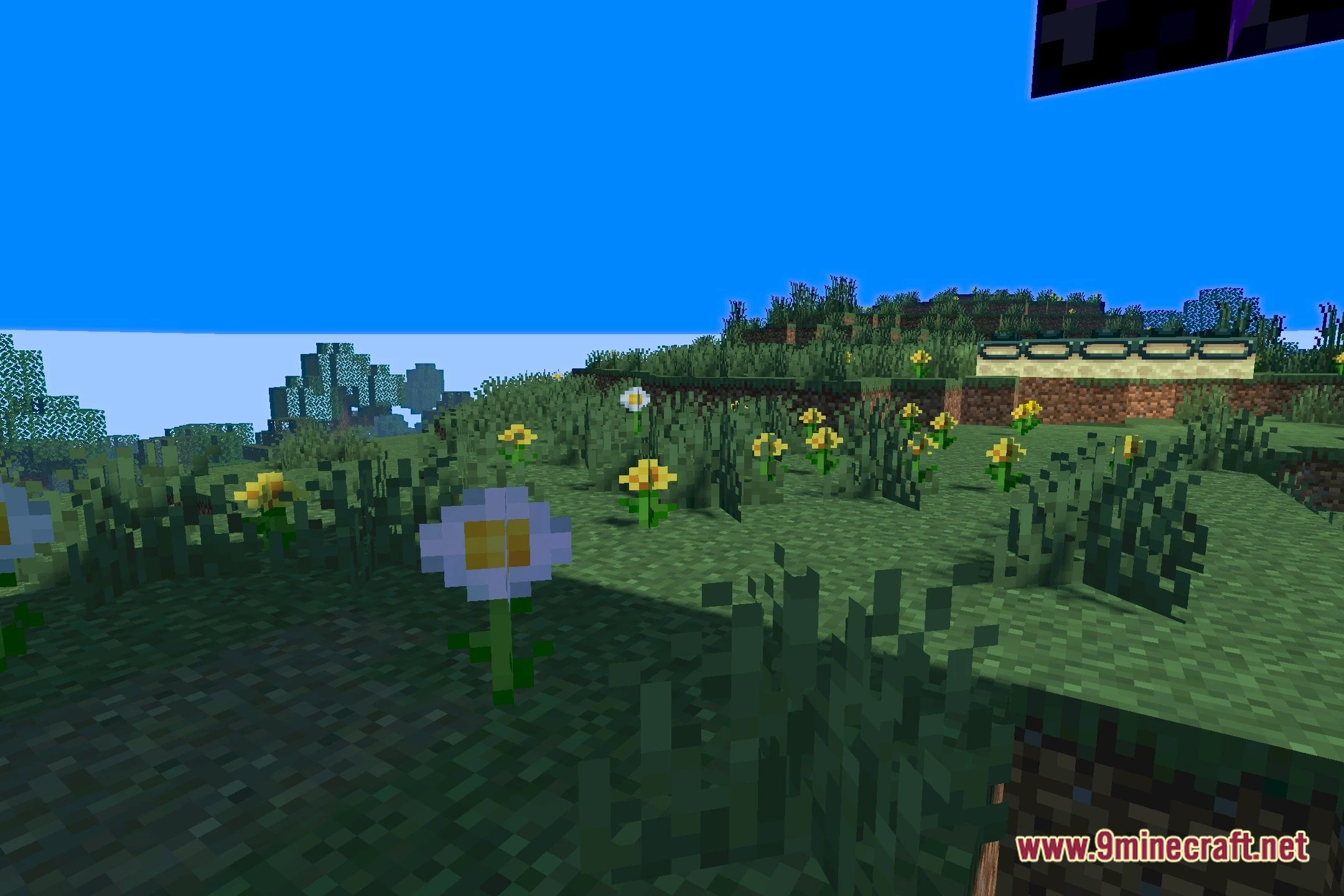
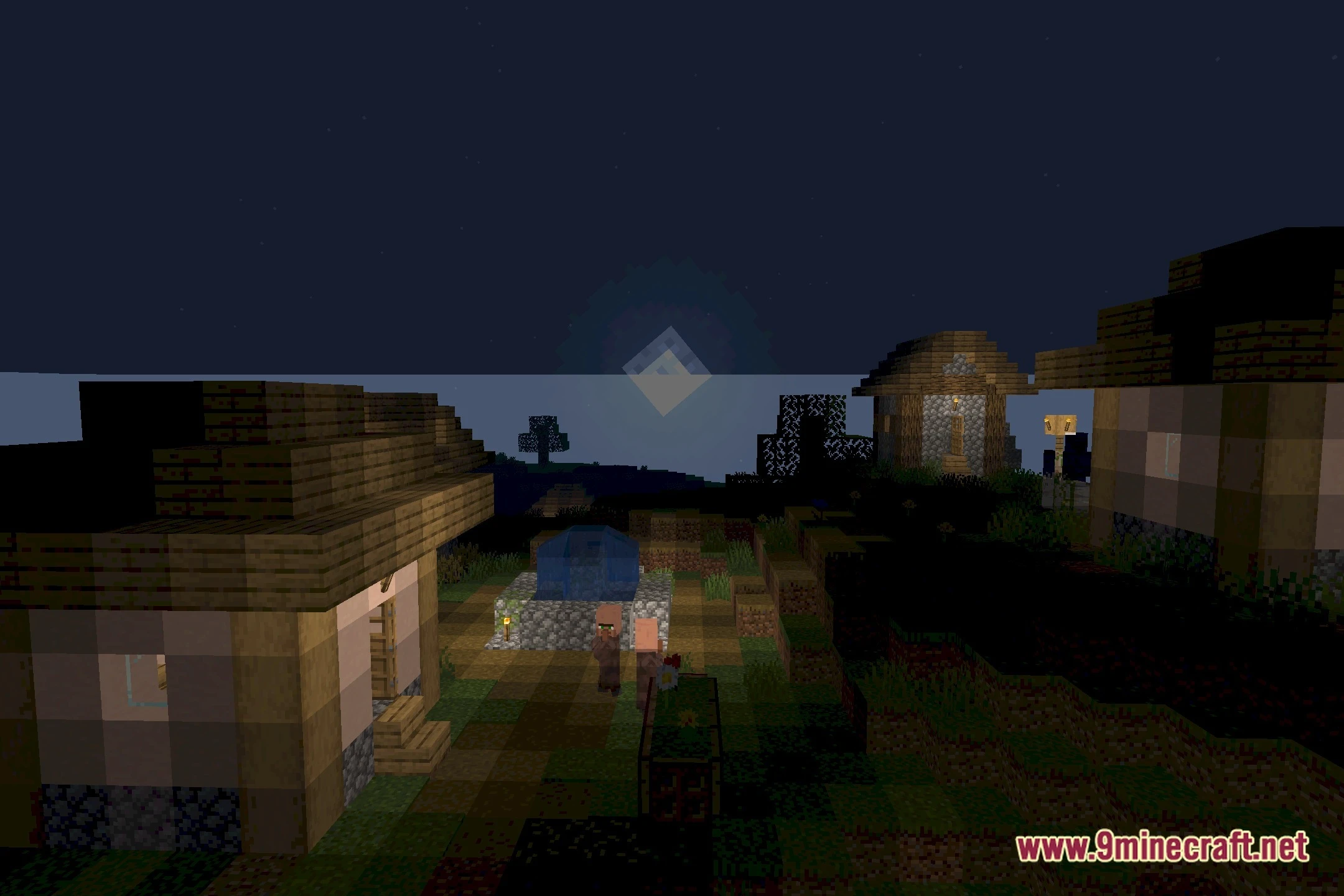
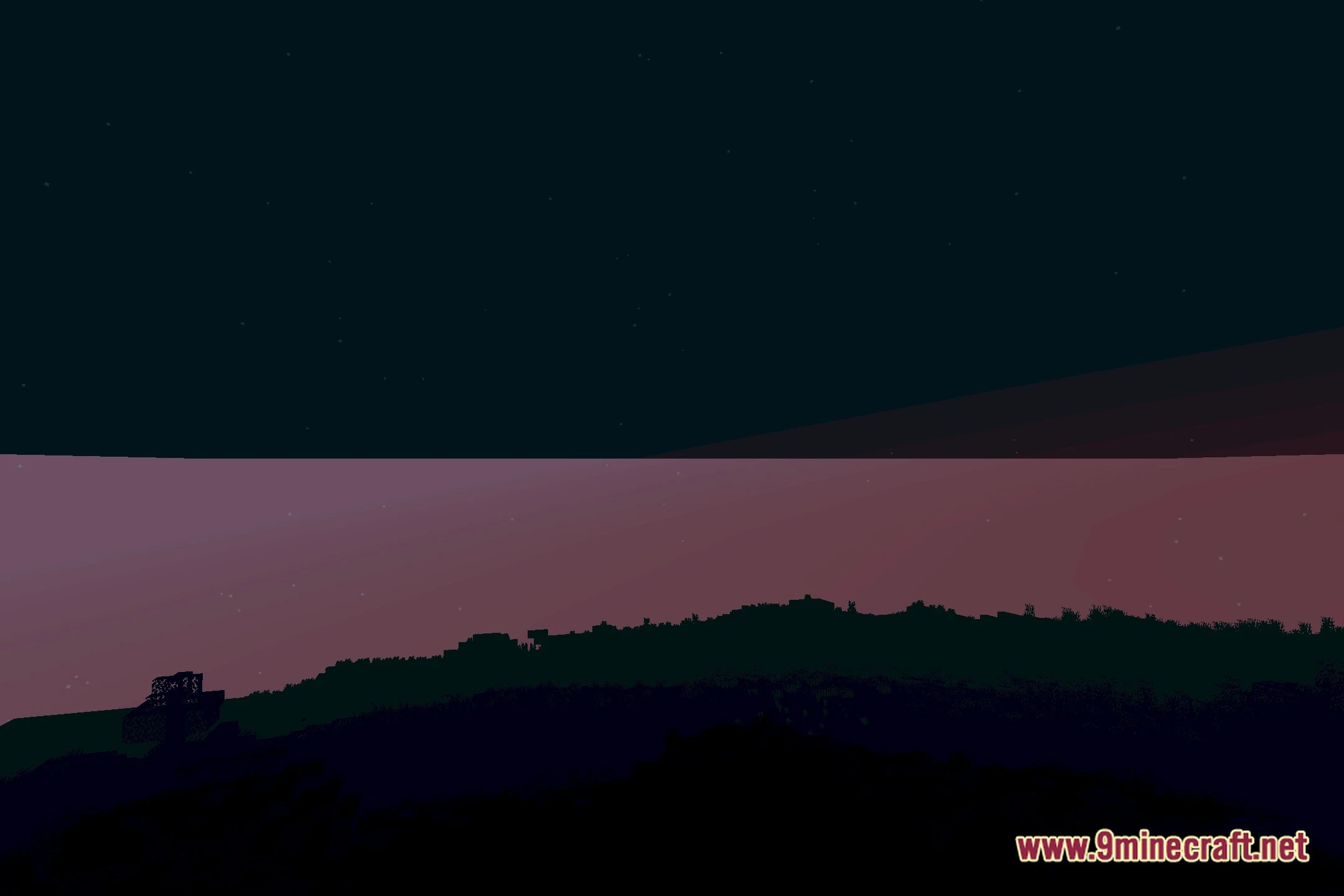
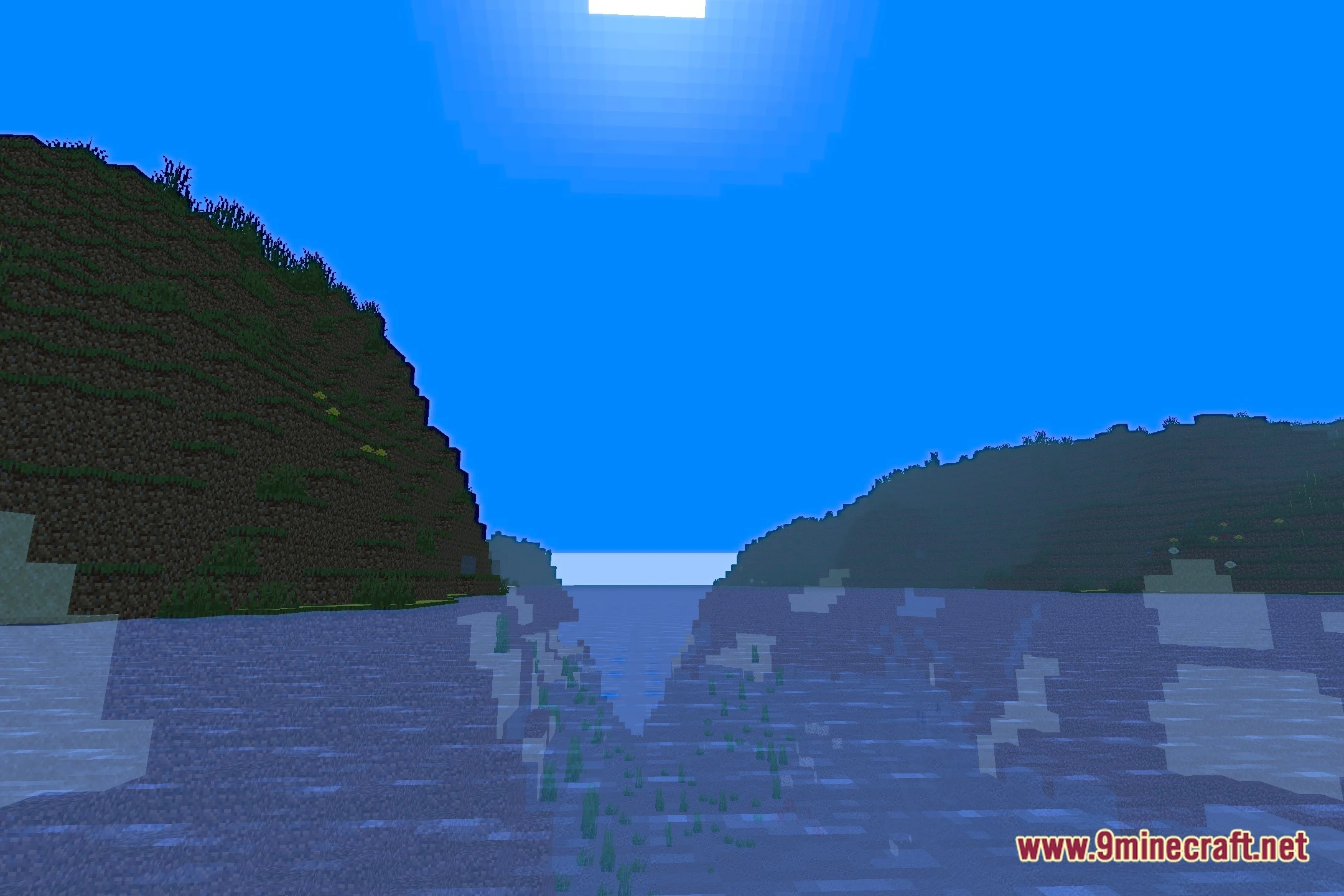
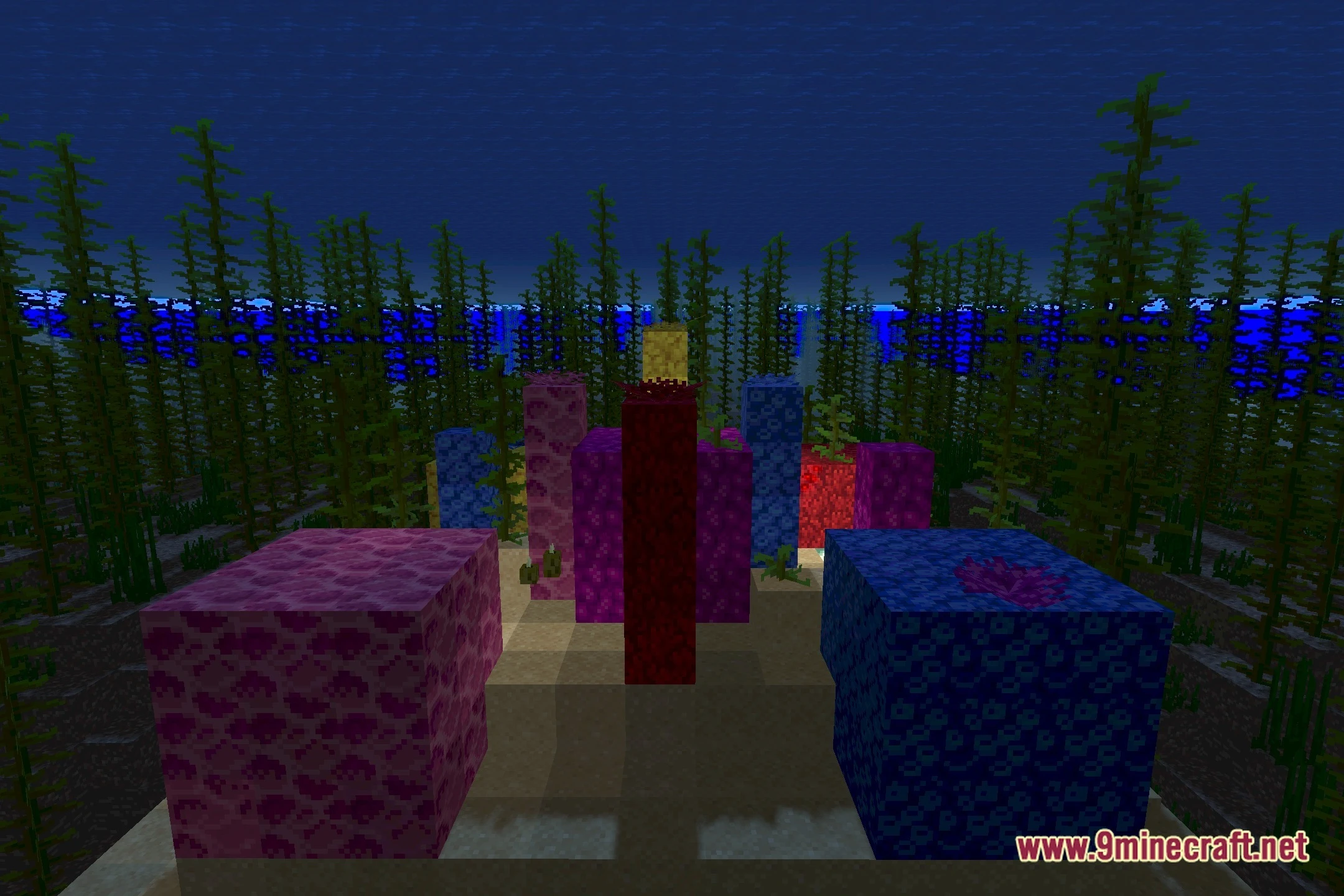
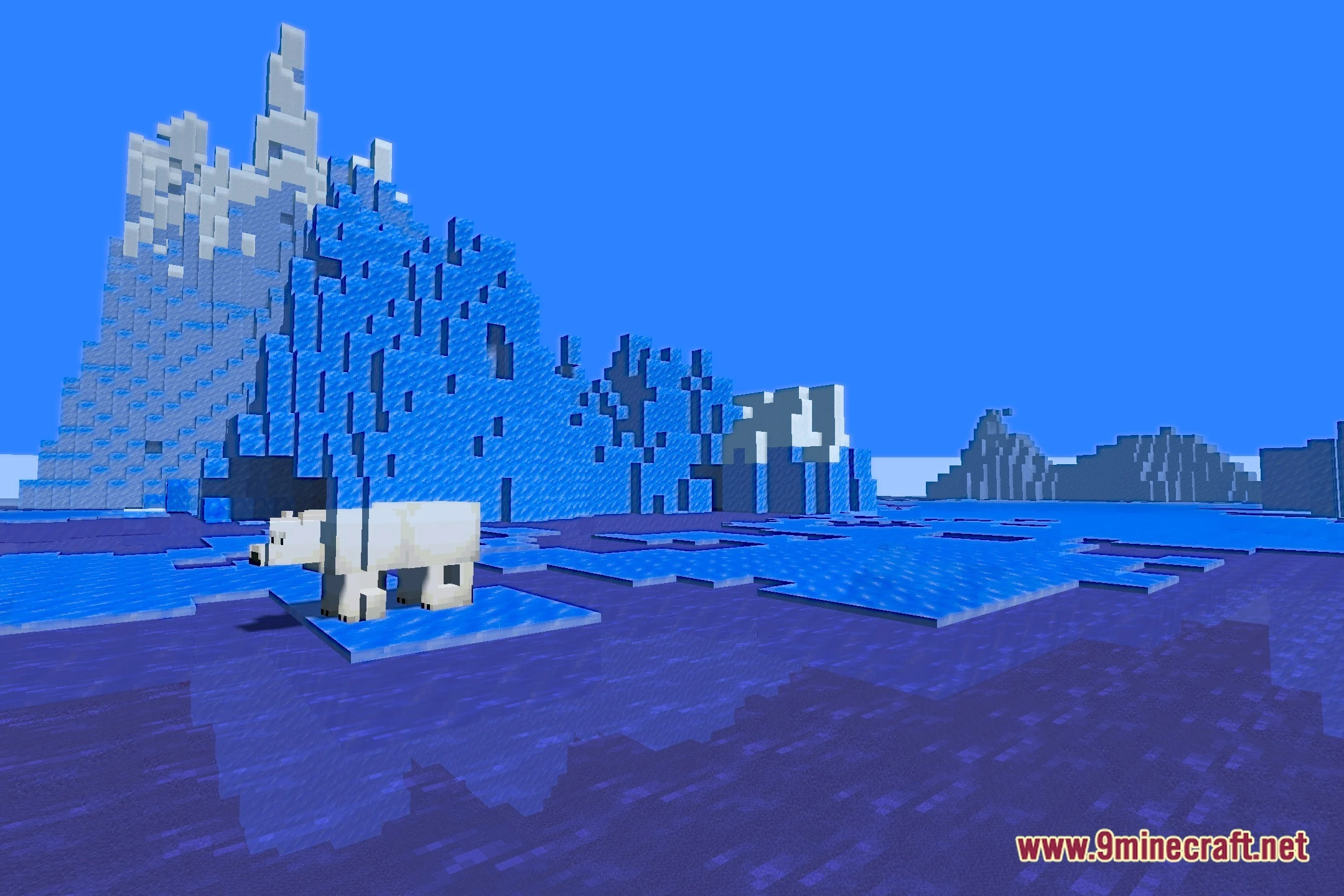
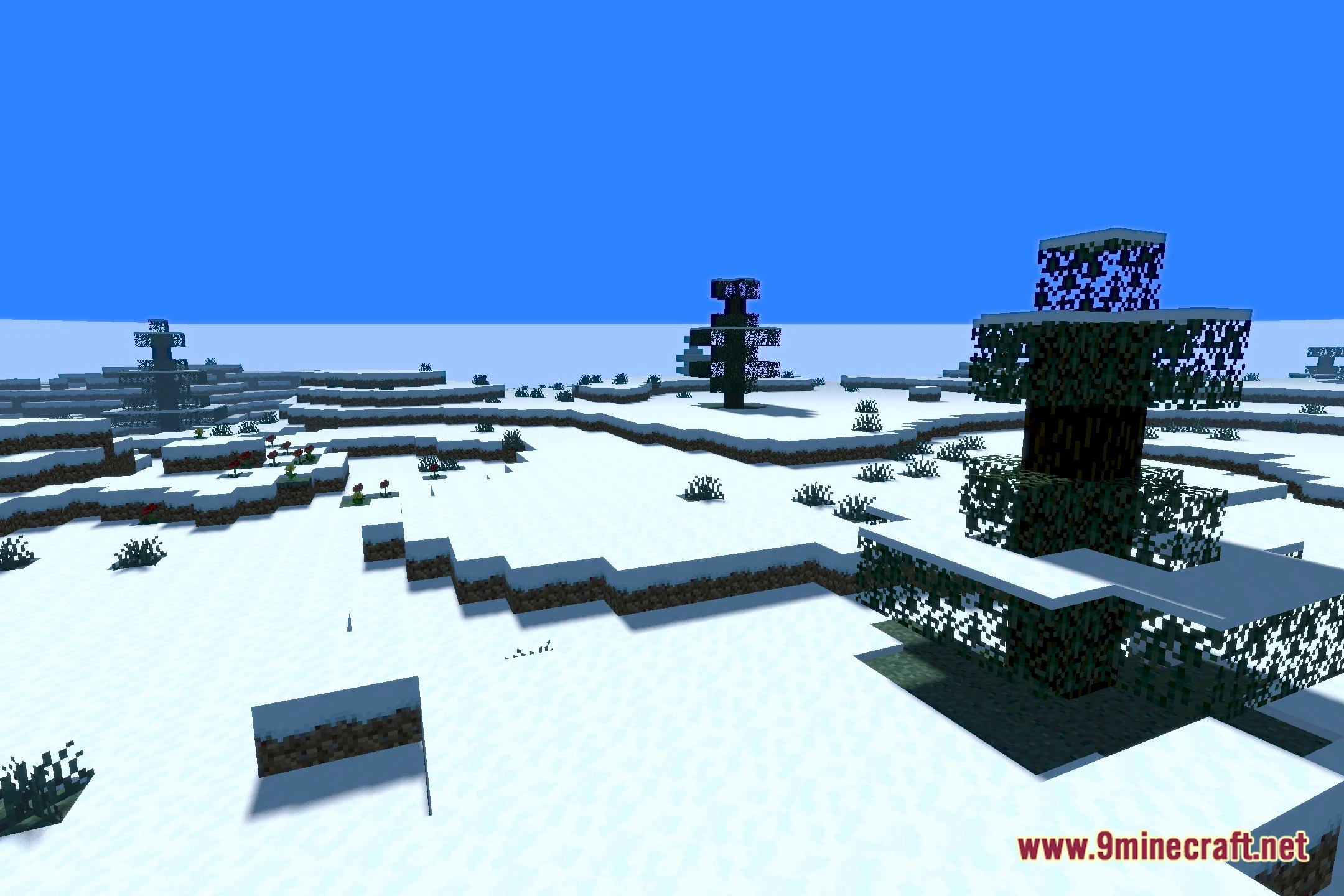
12 images from the Zer0 S Shaders page.
You May Also Like
Wikis that share the most with this one
Wikis on the same theme: light
More shader wikis on the site
The most downloaded mods that have a wiki here