

 DownloadXelvora Shaders
Get the files on 9Minecraft
Guides
Step-by-step, in-game.
Adjusting Shadow Quality and DistanceAccess Shader Settings Open the Shader Options menu from your Video Settings. Look for the Xelvora Shaders…Configuring Shadows for Different Biomes and LightingUnderstand Shadow Behavior by Light Source Xelvora Shaders calculates shadows from the sun, moon, torches, and other…Improving Visibility During PvP CombatMaximize Contrast with Shadows Xelvora Shaders' clean vanilla aesthetic works well for PvP because shadows create…Optimizing Performance on Low-End HardwareDisable Unnecessary Features Xelvora Shaders is lightweight by design, but you can streamline it further. In Shader…
Frequently asked questions
How do I turn on shadows after installing Xelvora Shaders?
Open your shader settings menu (usually accessed through Video Settings > Shaders) and select Xelvora Shaders from the list, then apply. Shadows will be active by default once the shader is loaded.
Why do my shadows look too dark or too light?
Adjust the shadow intensity slider in the shader options menu—lower values make shadows more subtle, while higher values increase contrast. You can also tweak shadow distance to change how far shadows render from your character.
Can I use Xelvora Shaders with other mods?
Yes, Xelvora Shaders works with most mods, but mods that heavily modify lighting or block rendering may cause conflicts; test compatibility by loading them together in a test world first.
My FPS dropped after installing the shader. How do I fix it?
Lower the shadow distance and quality settings in the shader config, reduce render distance in Video Settings, or disable shadow effects on transparent blocks if that option is available. These changes should restore performance on low-end hardware.
See all 10 Xelvora Shaders questions ›
Gallery
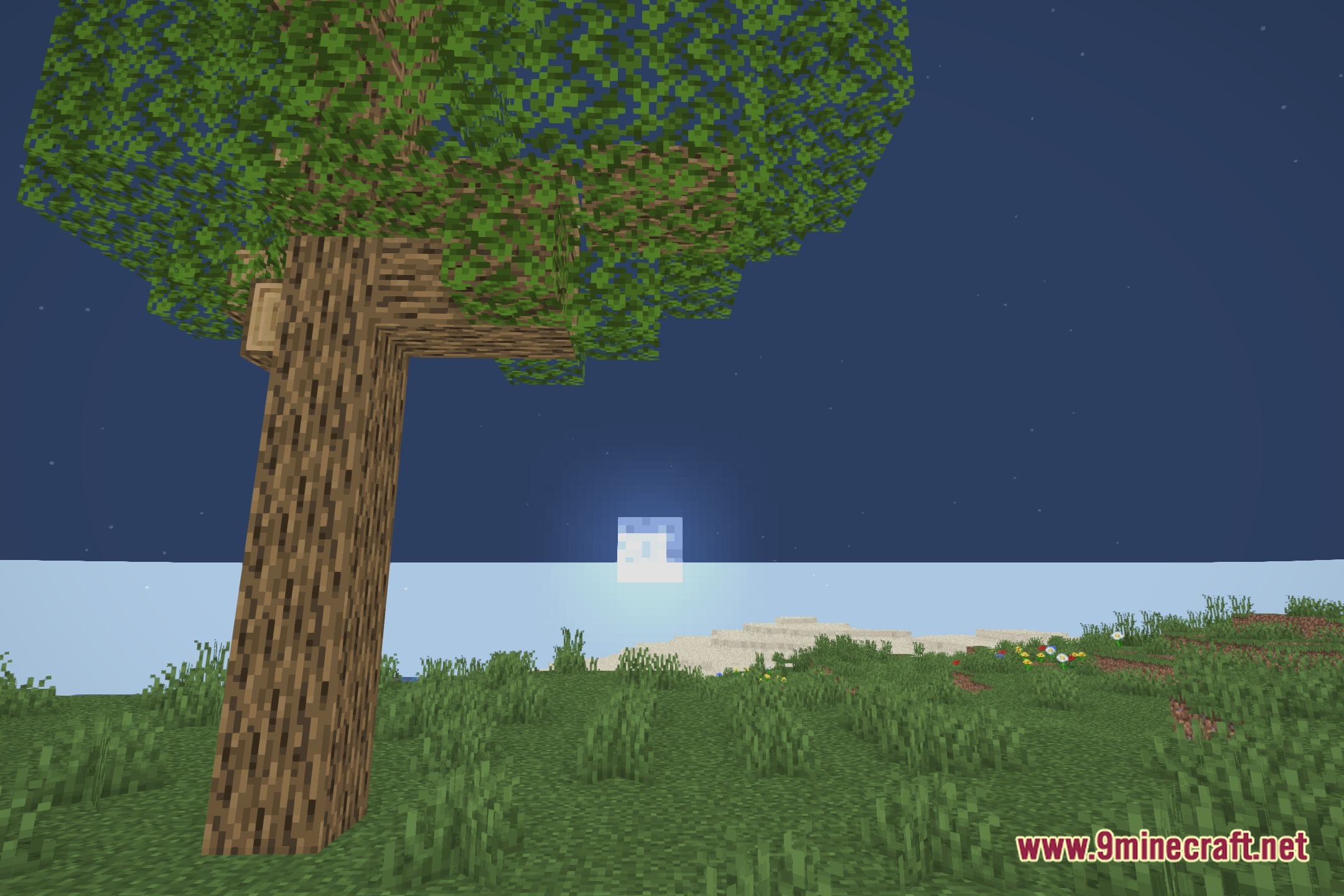
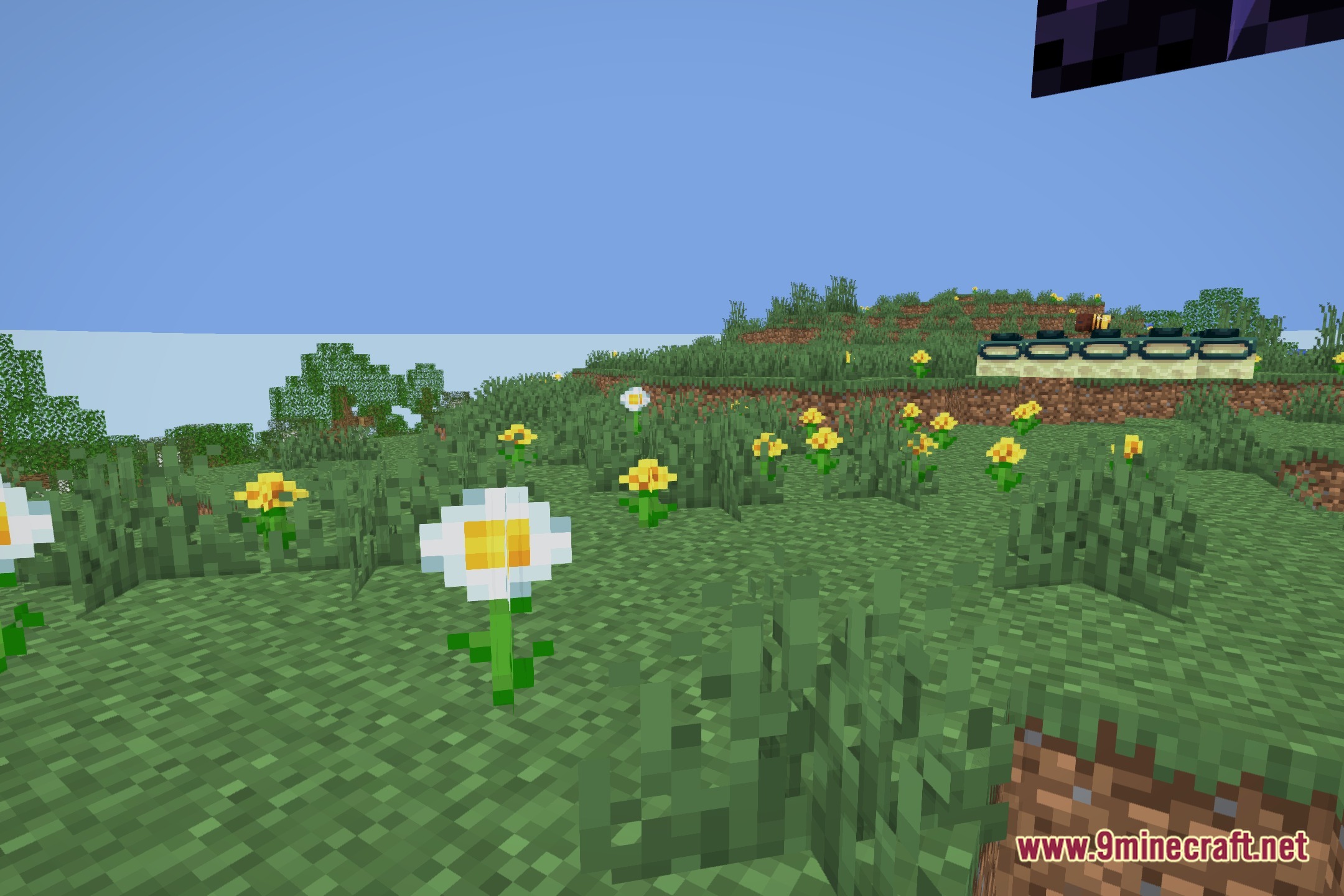
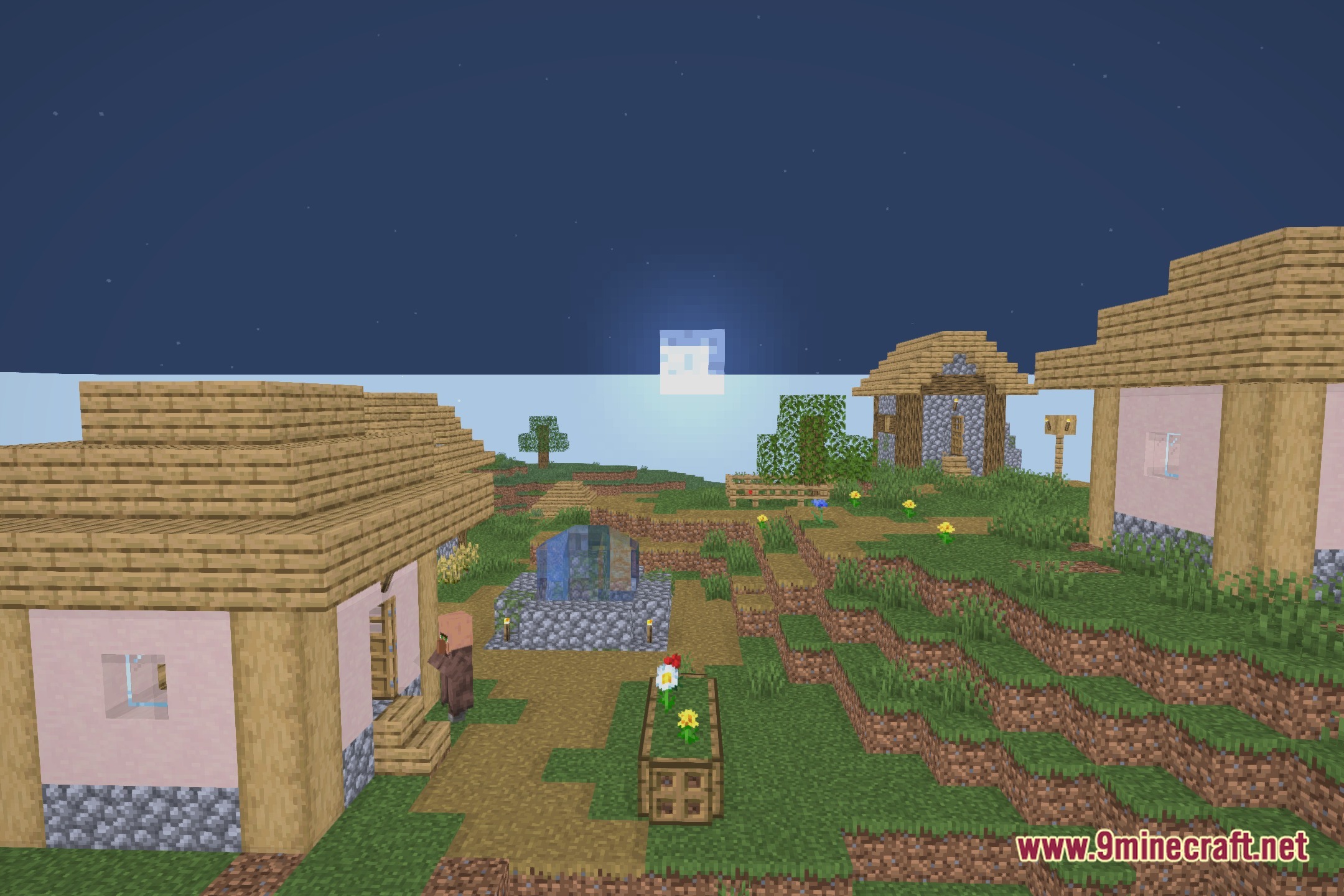
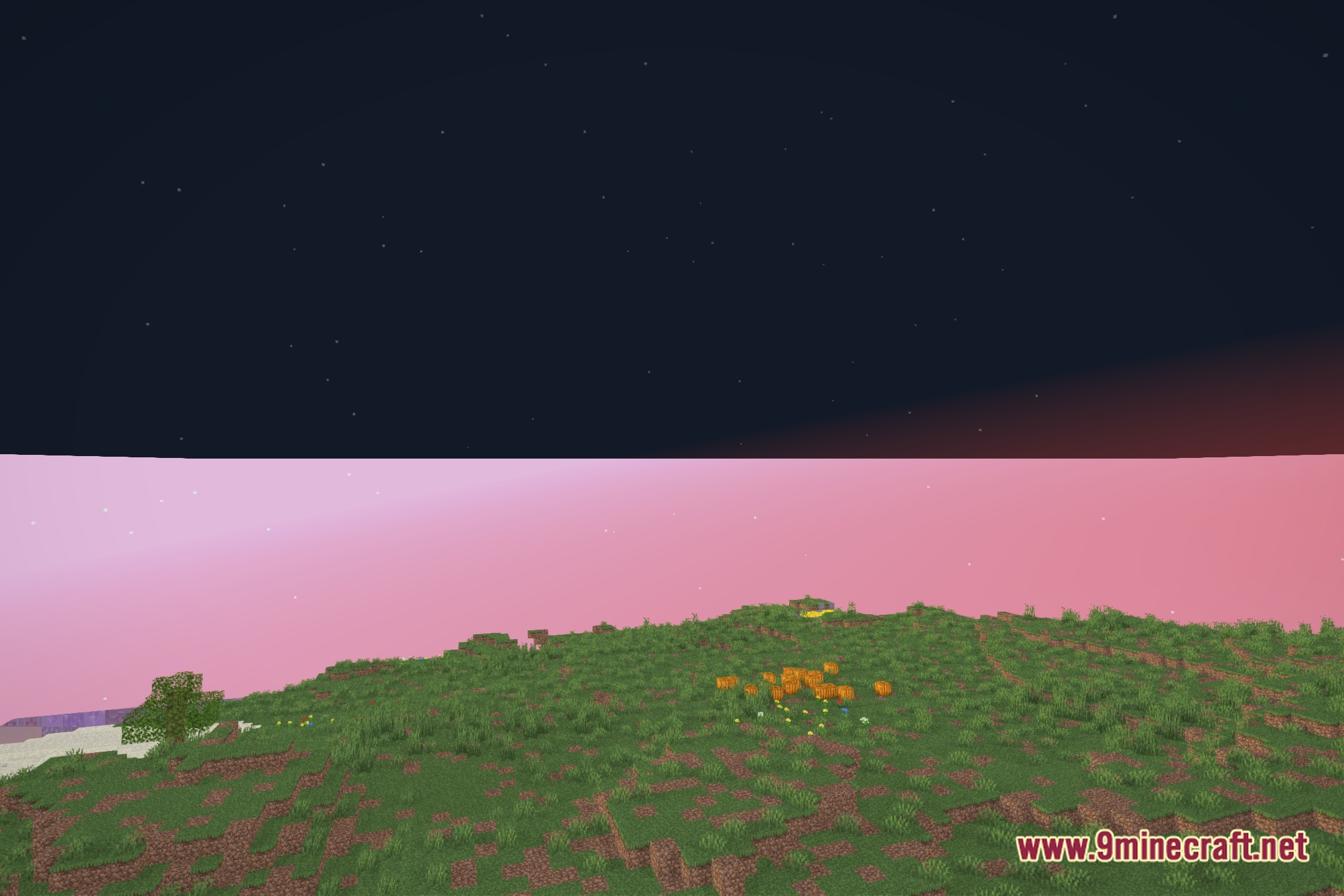
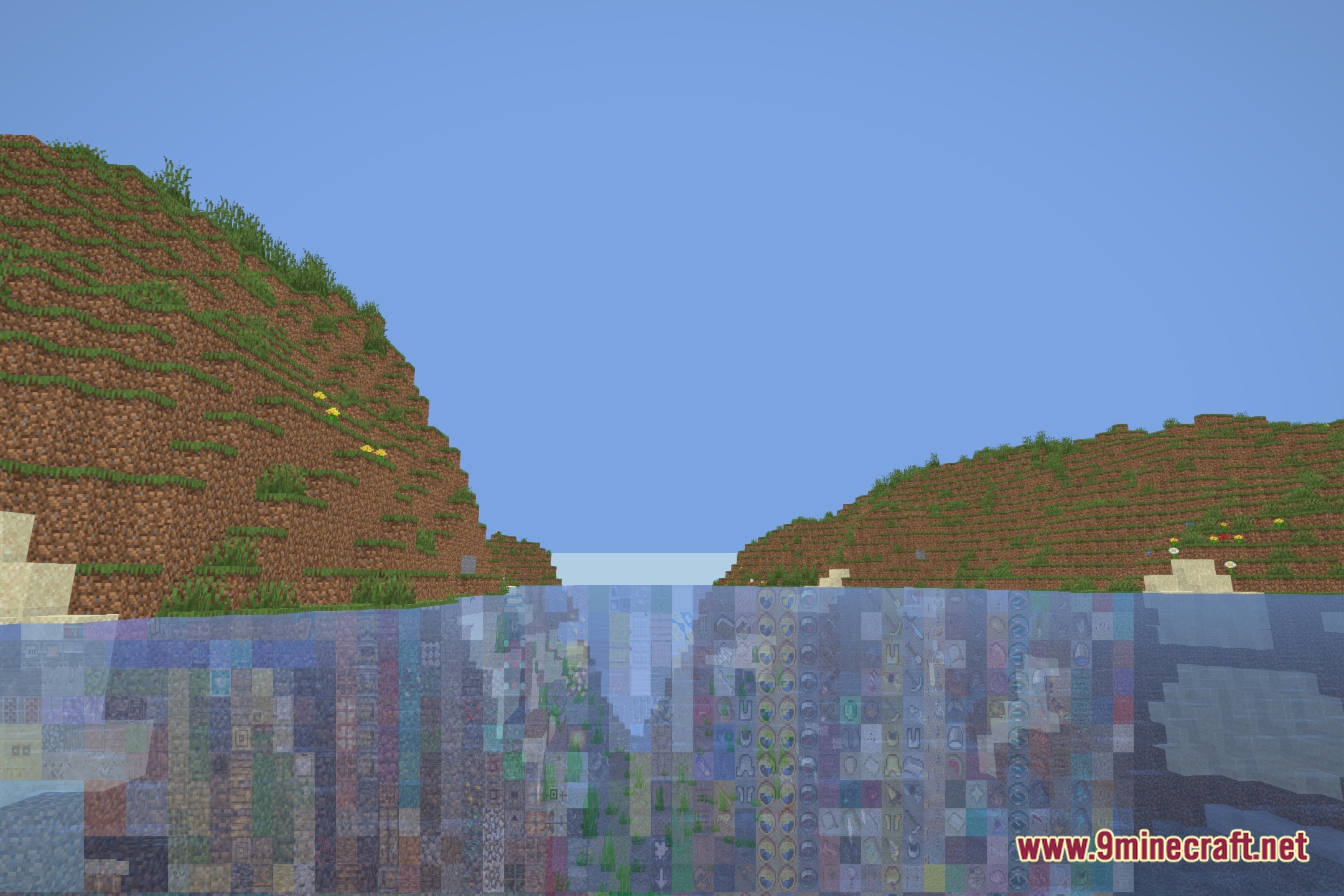
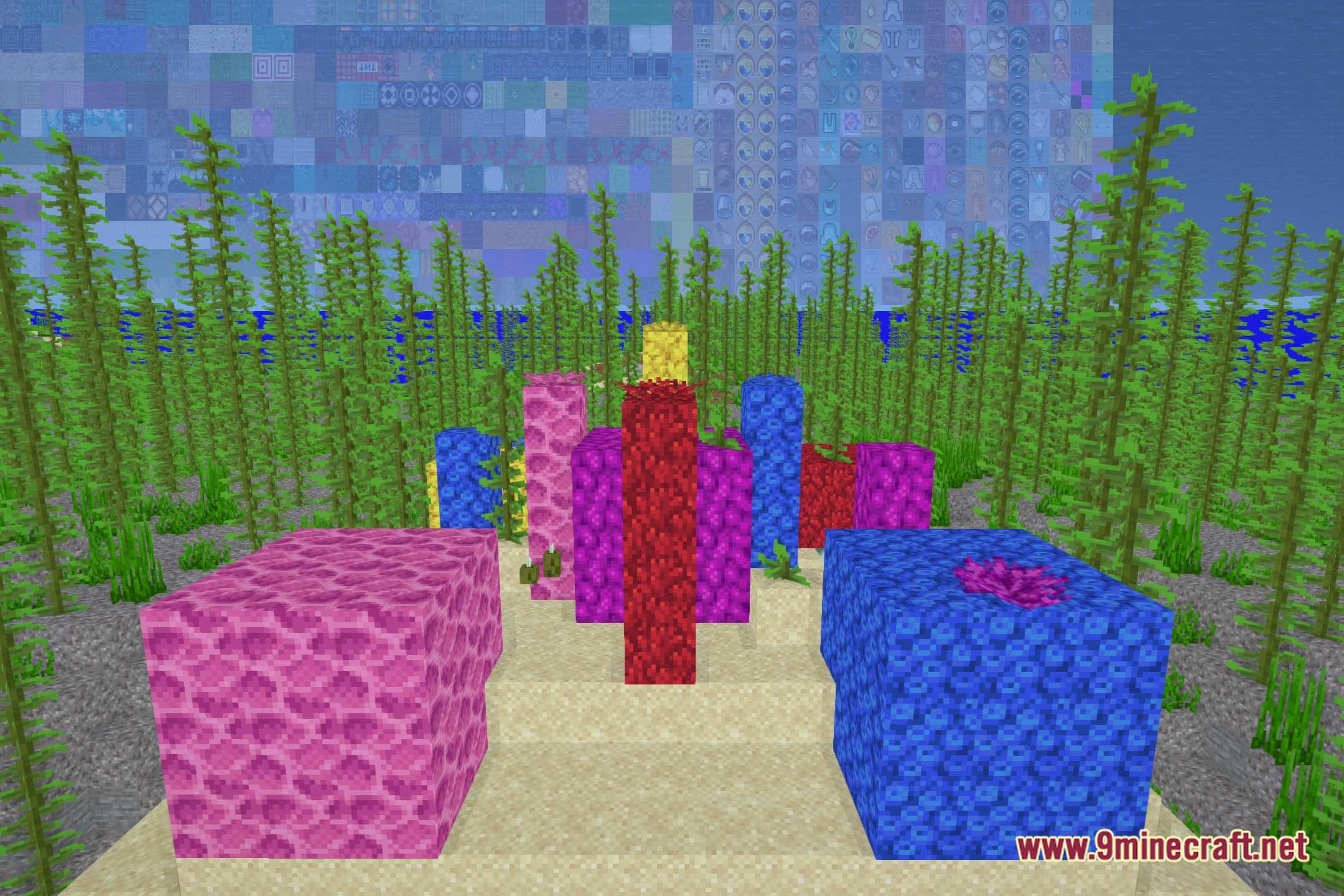
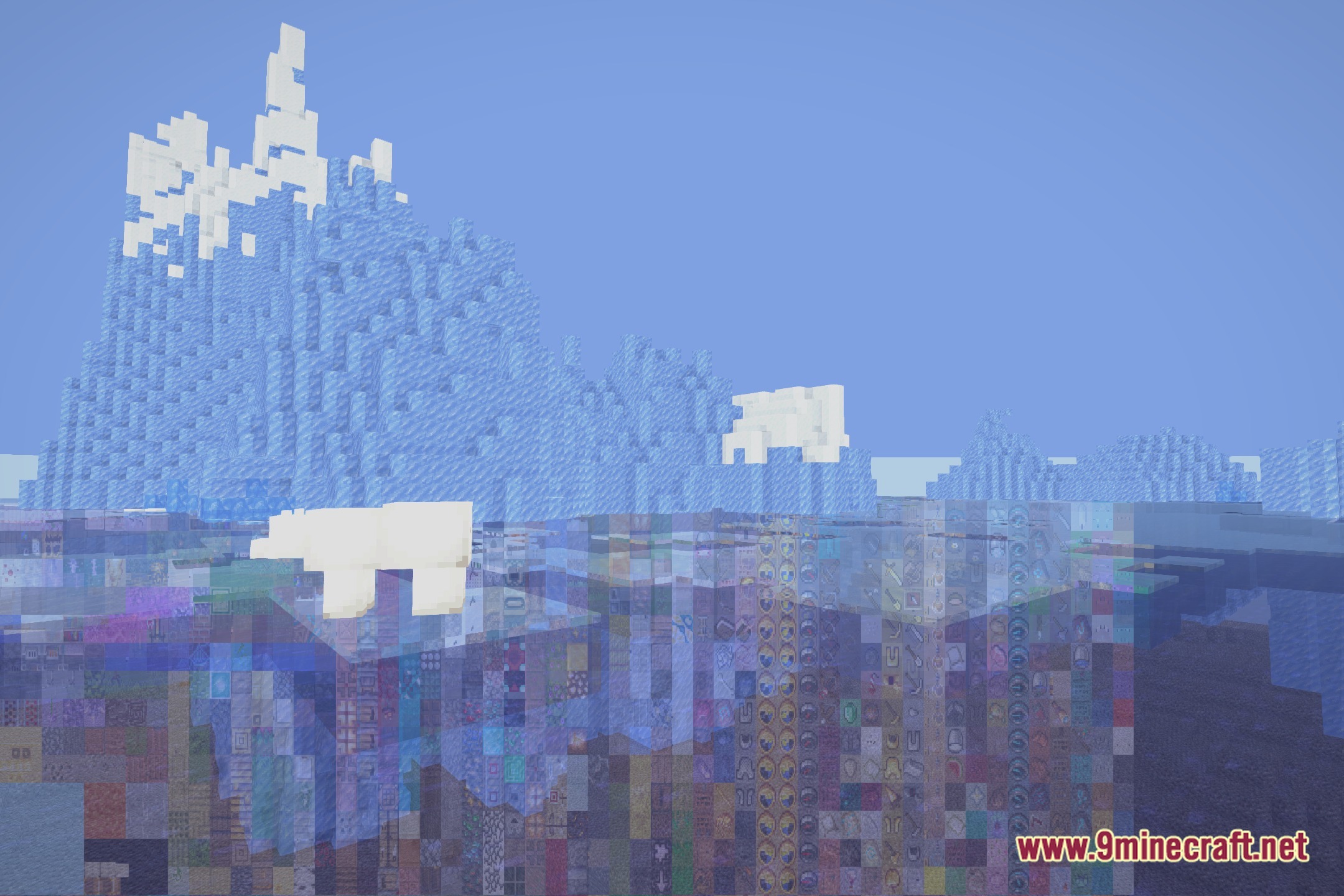
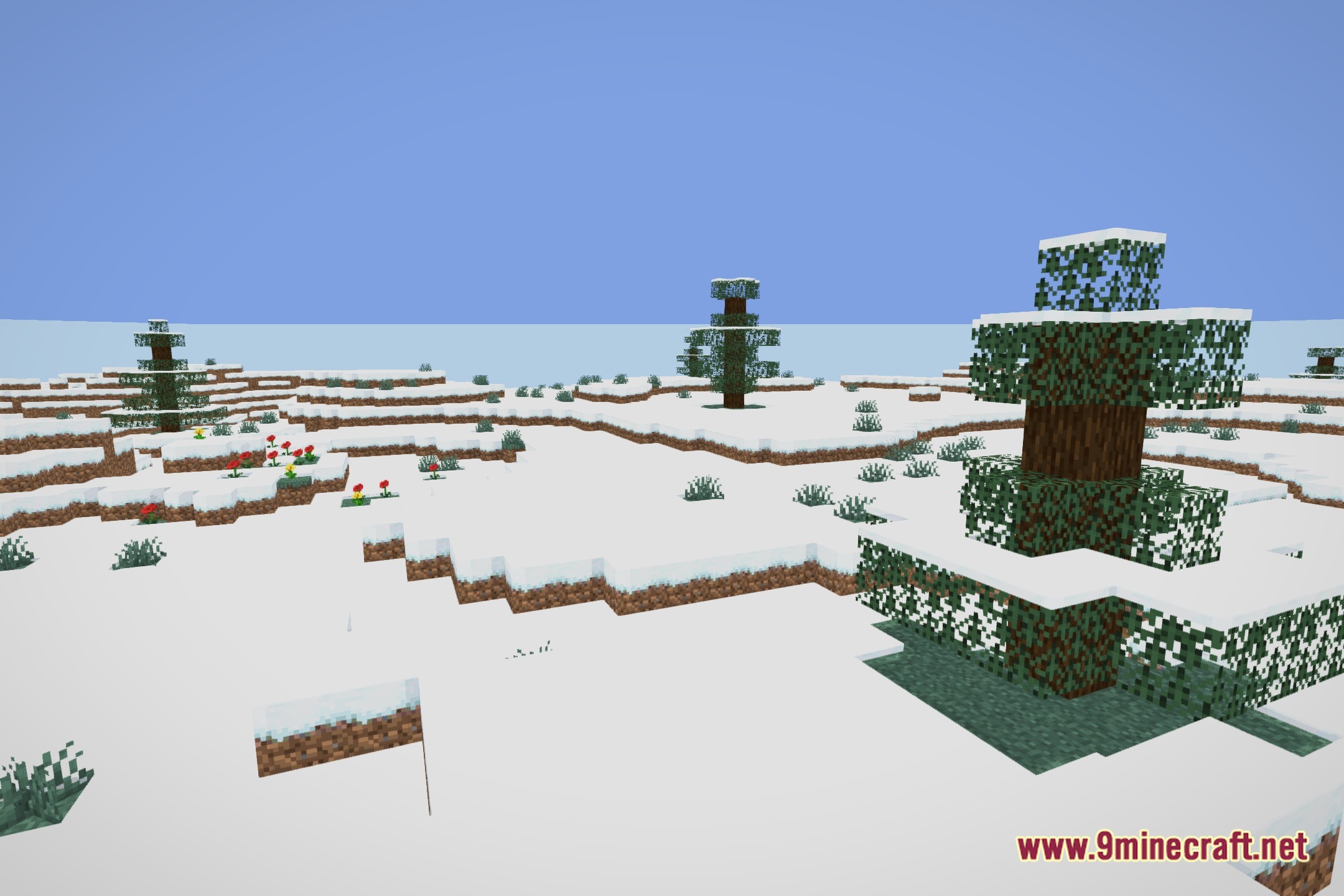
12 images from the Xelvora Shaders page.
You May Also Like
Wikis that share the most with this one
Wikis on the same theme: light
More shader wikis on the site
The most downloaded mods that have a wiki here