

 DownloadZarya Shaders
Get the files on 9Minecraft
Guides
Step-by-step, in-game.
Adjust Shadow Quality and PerformanceAccess Shader Settings Open the shader options menu by pressing Right Shift (or your configured key) while in-game,…Customize Bloom and Light Glow EffectsOpen Bloom Settings Access shader options and navigate to the bloom or glow section. This controls how bright light…Enable and Control Foliage Wind AnimationFind Foliage Settings Open shader options and search for foliage, vegetation, or wind animation controls. This…Enhance Water Reflections and ClarityLocate Water Settings Open shader options and find the water or reflection section. This controls how water surfaces…
Frequently asked questions
How do I turn on Zarya Shaders after installing it?
Open your Video Settings, go to Shaders, and select Zarya Shaders from the list. The shader will activate immediately, though you may need to restart your world for all effects to fully load.
Why do my shadows look blocky or pixelated?
Shadow quality is tied to your shadow map resolution setting in the shader options. Increase the shadow quality slider to reduce blockiness, but be aware this will impact performance.
Can I make water reflections more or less intense?
Yes—open the shader settings and look for water reflection or water quality options. You can adjust reflection strength to balance visual quality with performance.
The bloom effect is too bright and washes out my screen. How do I fix it?
Find the bloom or glow intensity setting in your shader options and lower it. You can also reduce bloom radius if available to make the effect more subtle.
See all 10 Zarya Shaders questions ›
Gallery
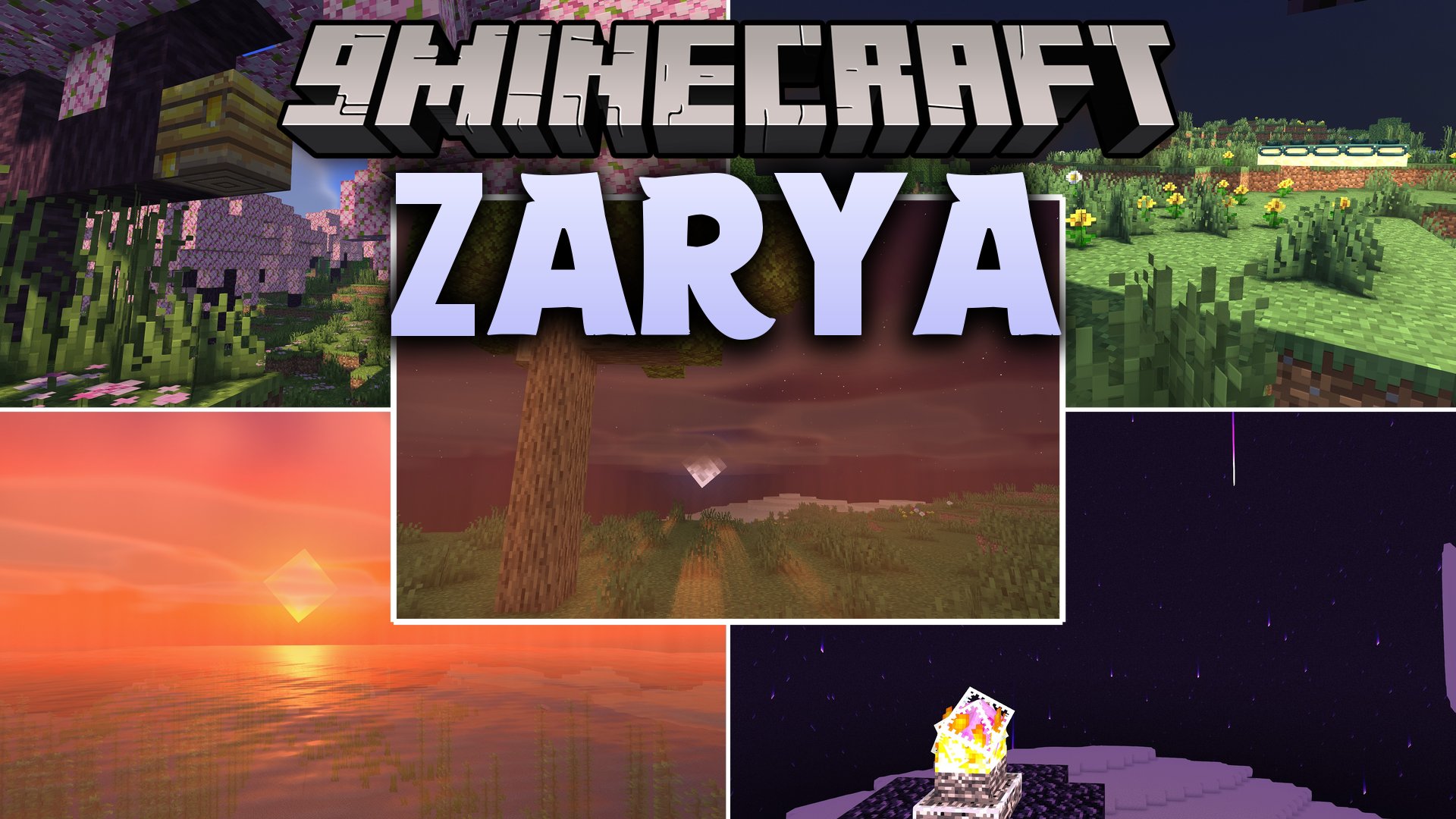
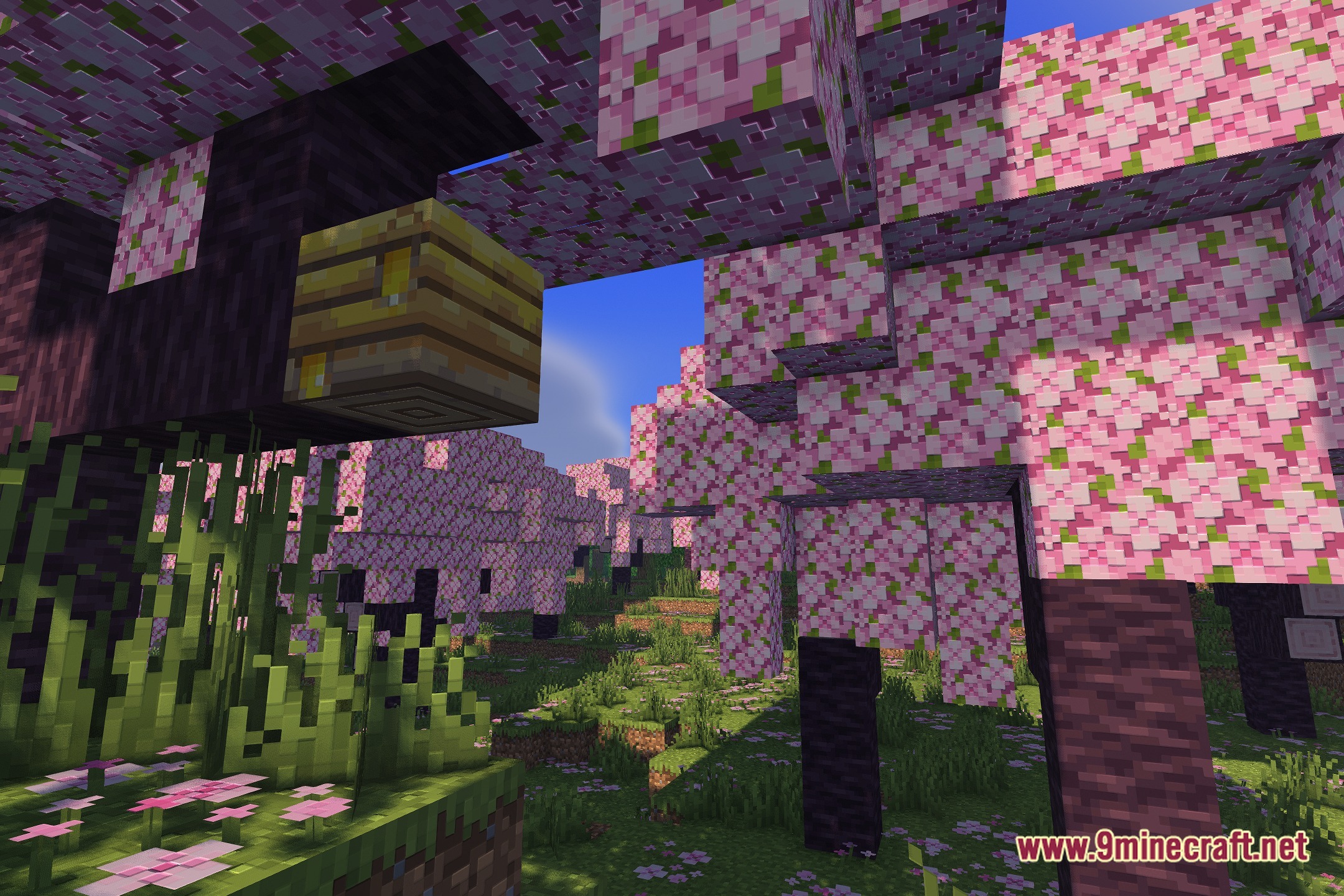
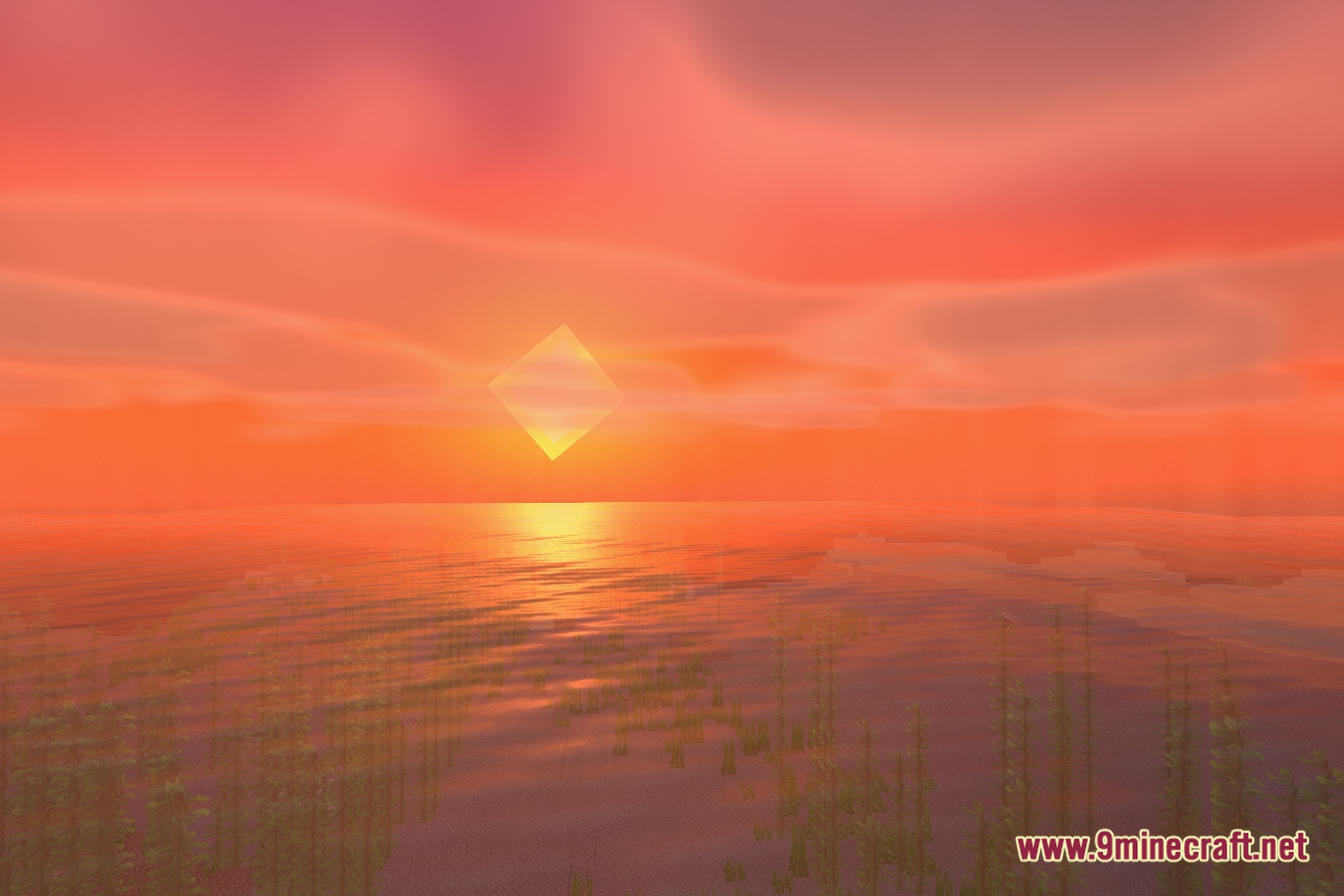
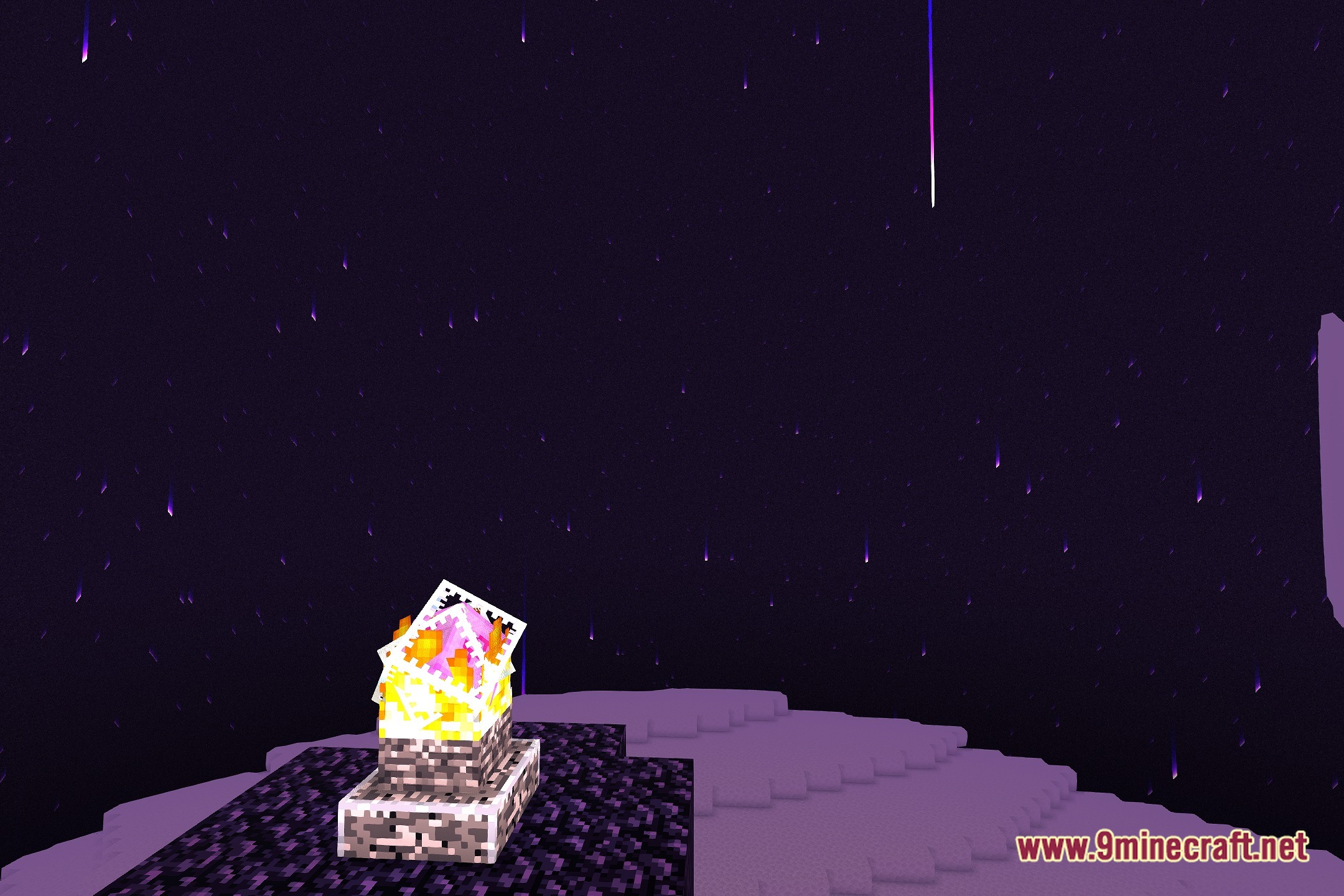
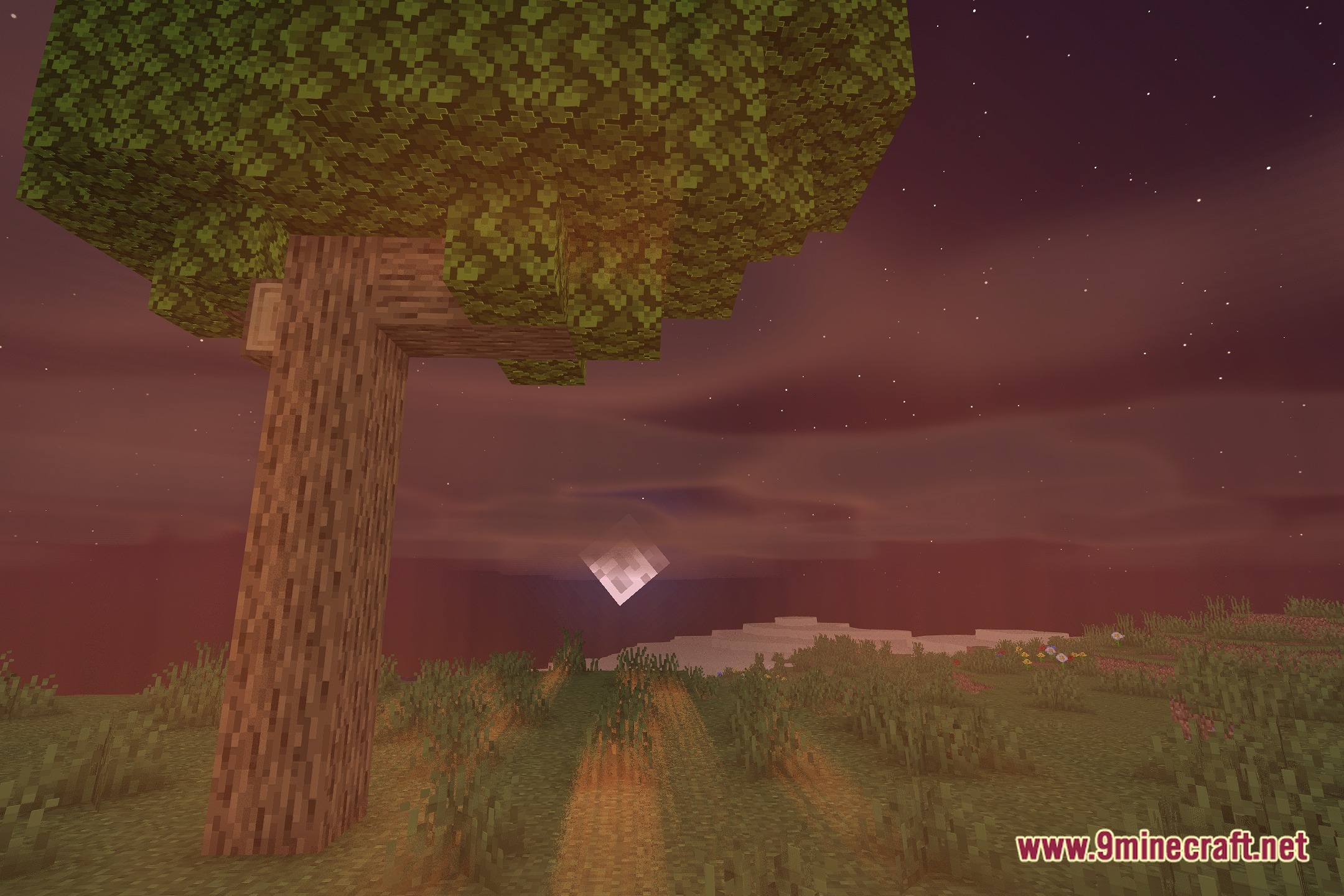
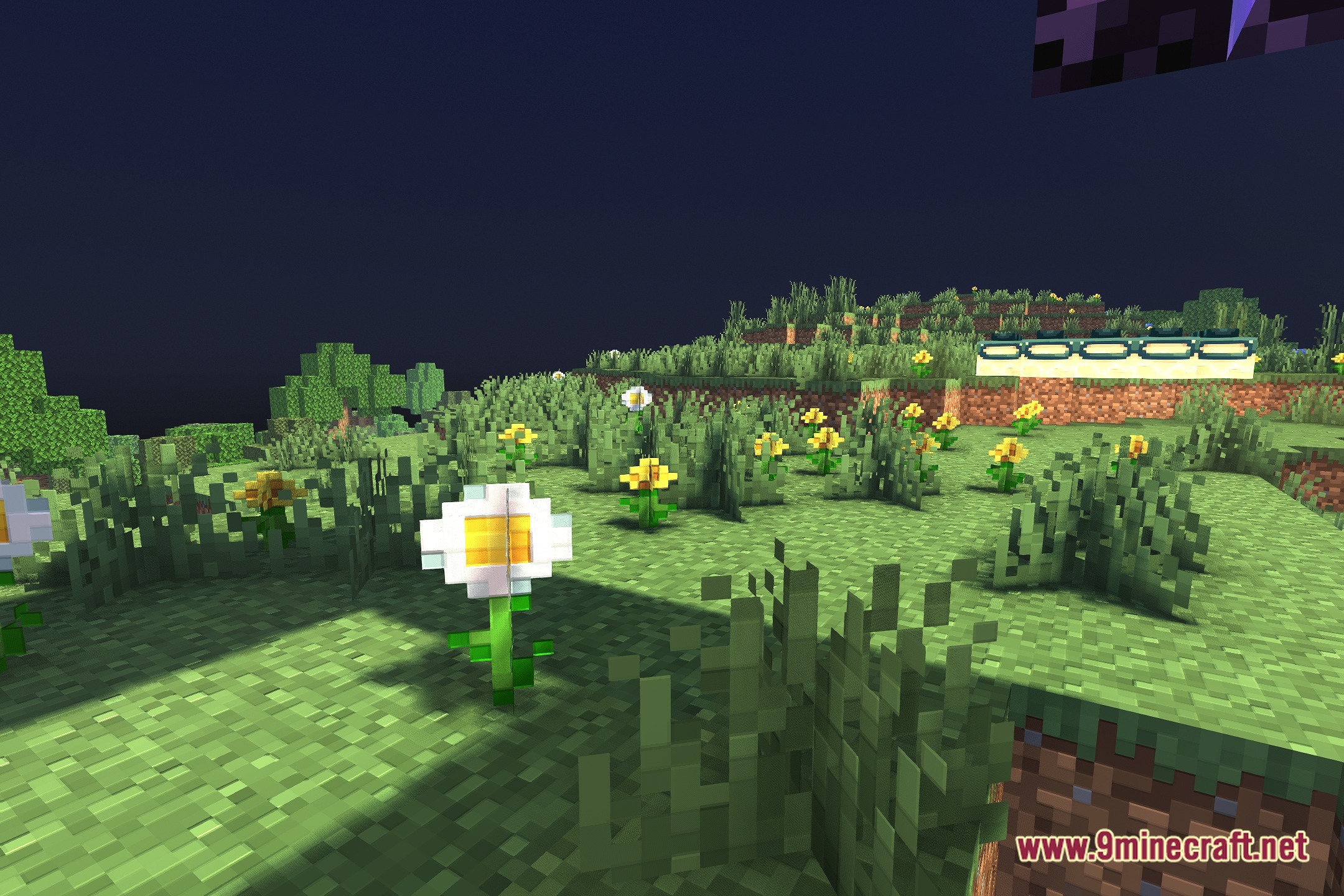
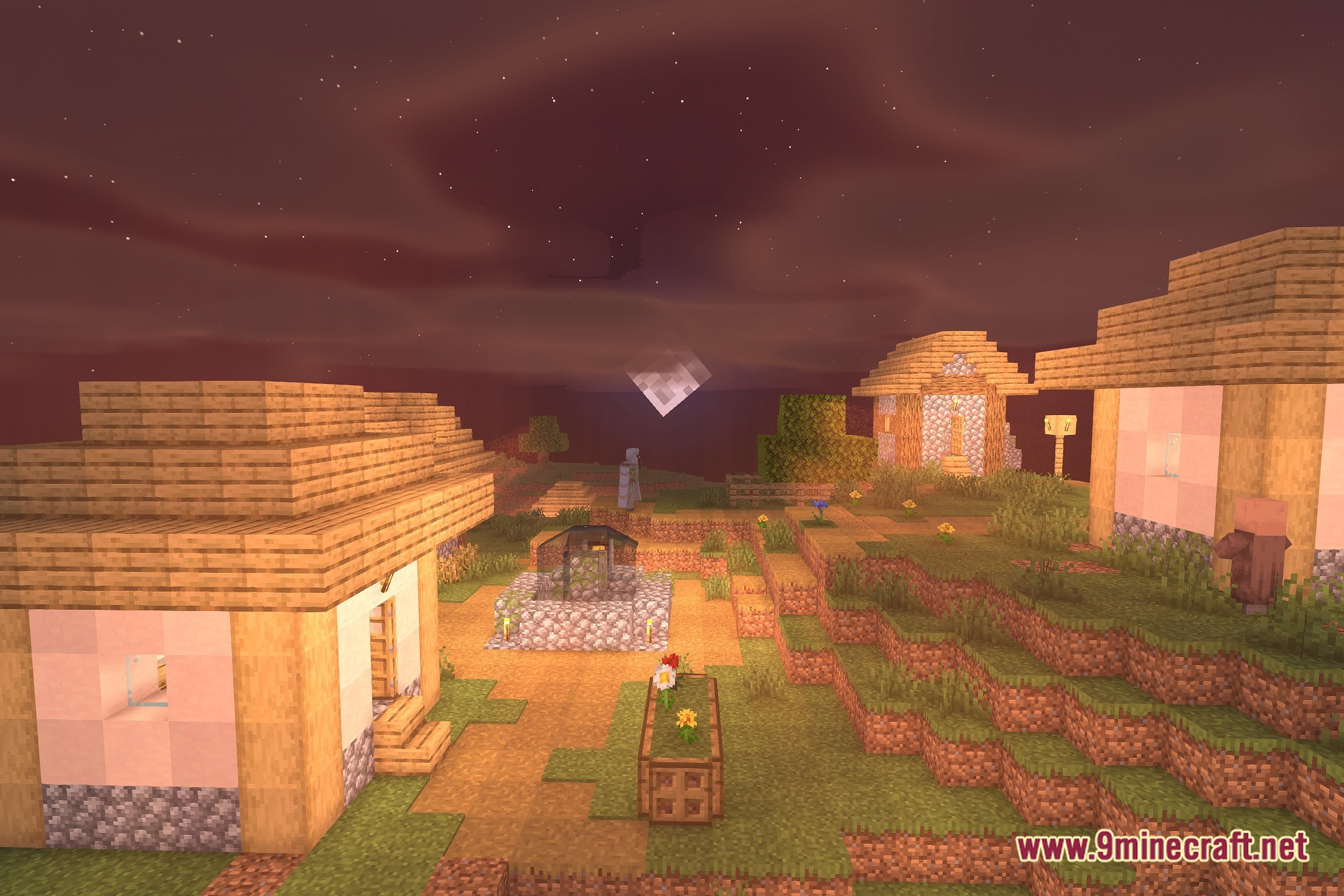
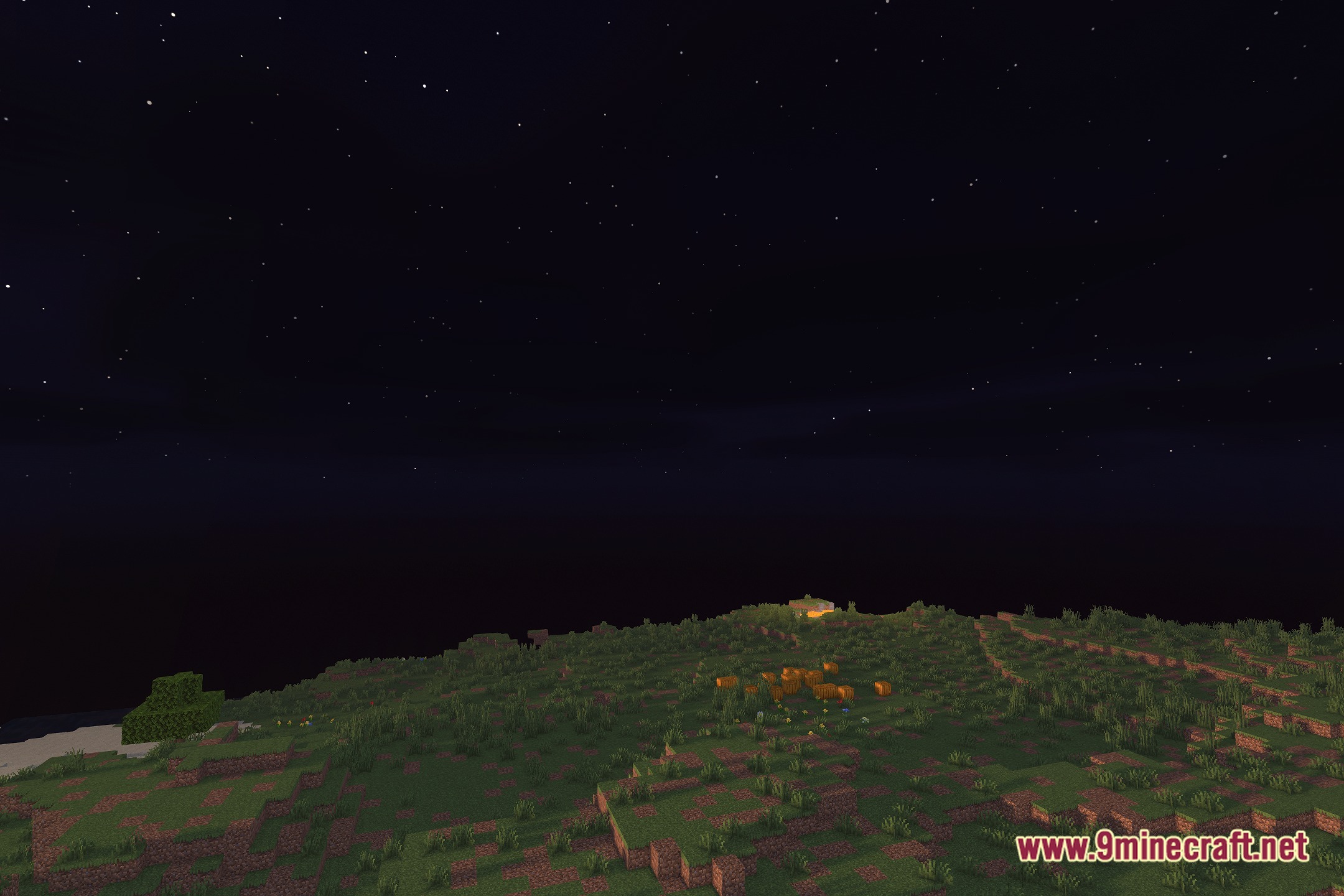
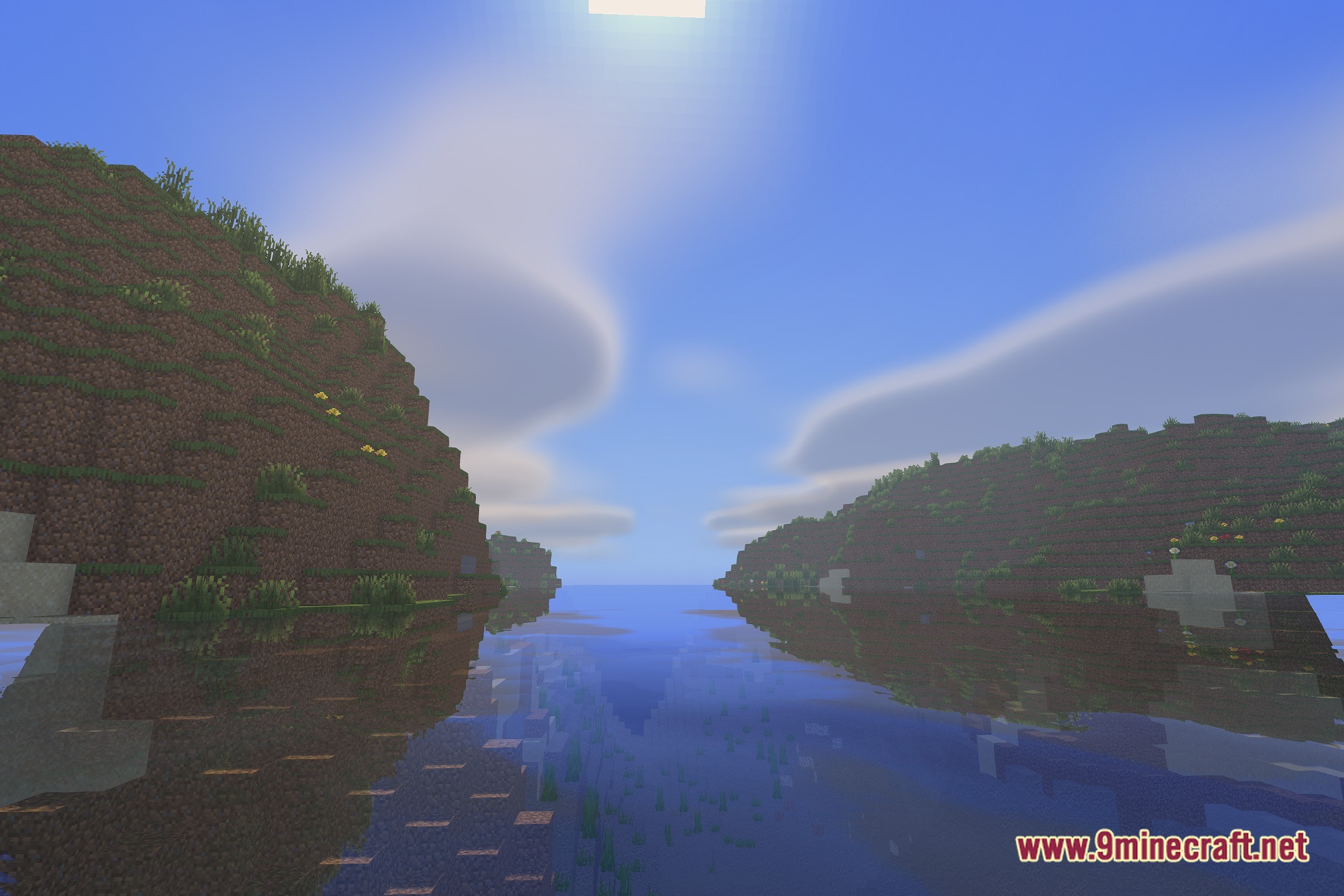
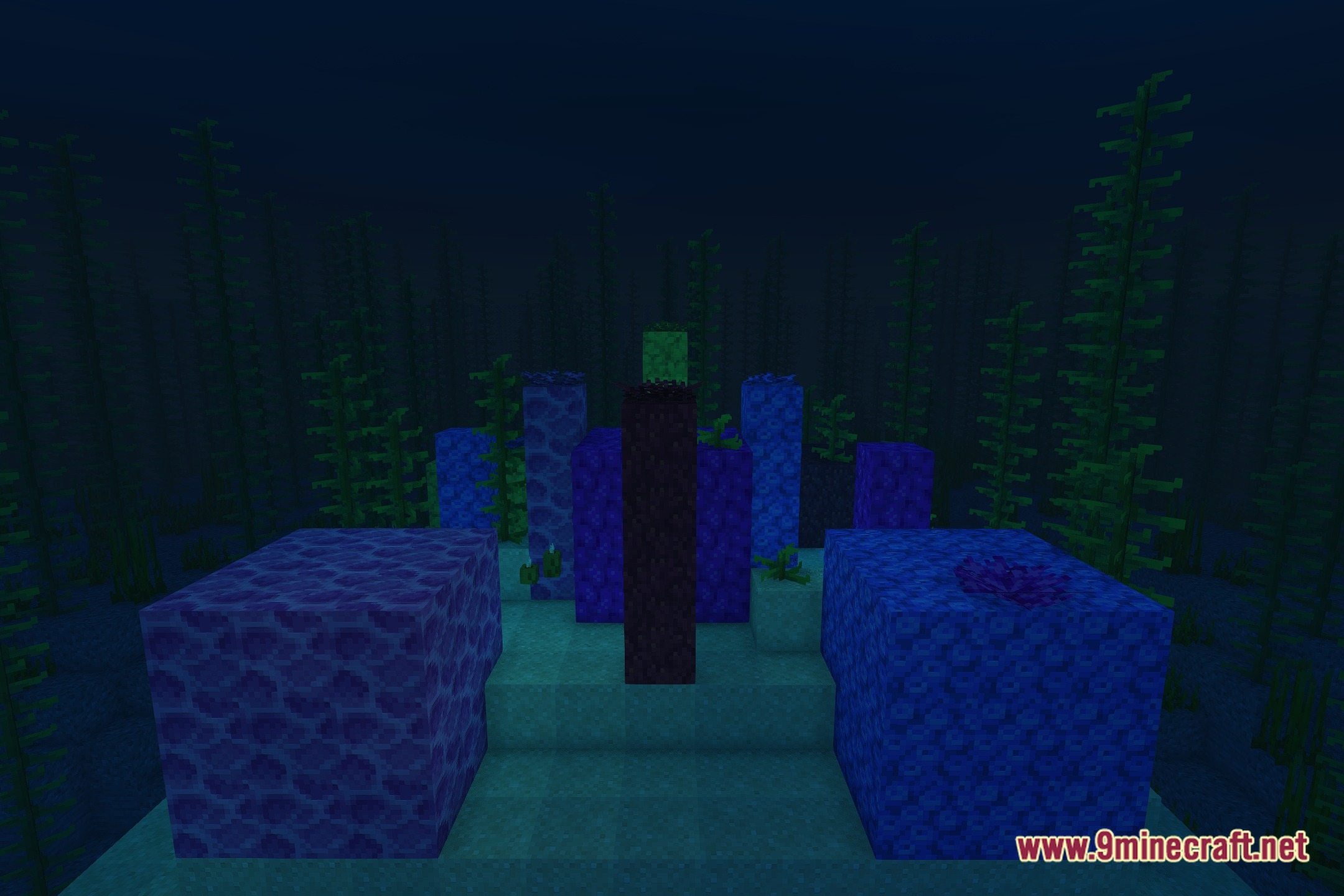
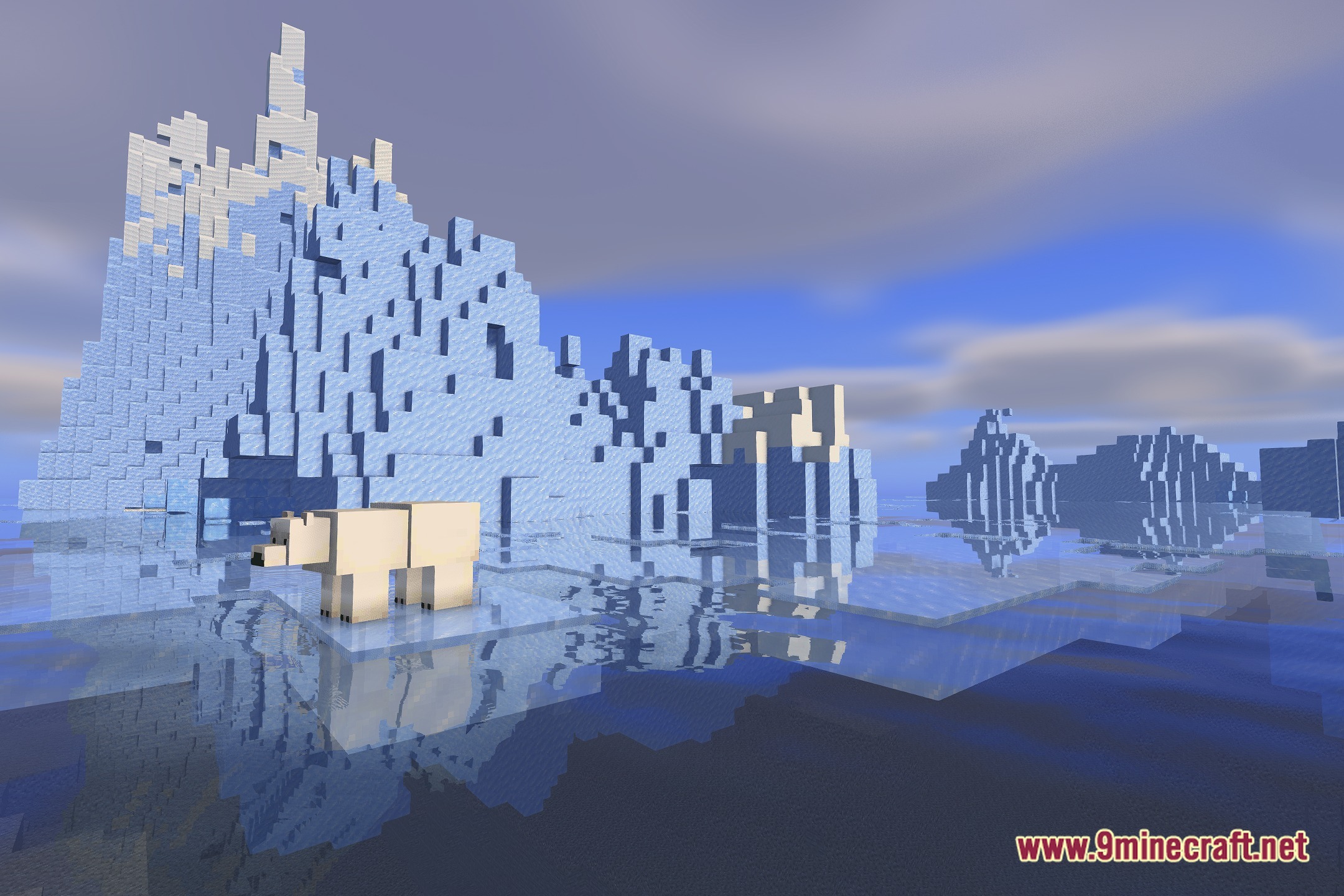
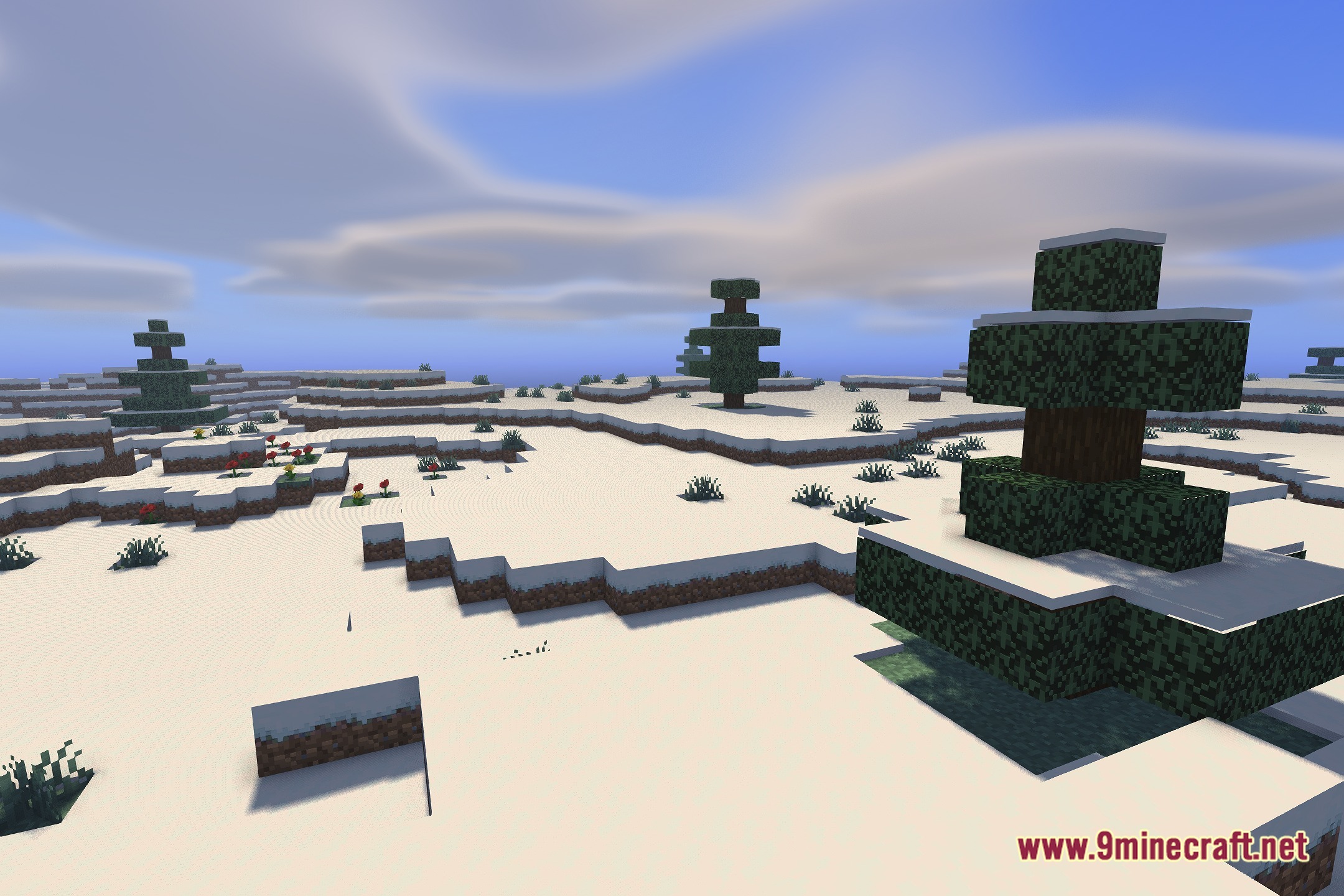
12 images from the Zarya Shaders page.
You May Also Like
Wikis that share the most with this one
Wikis on the same theme: light
More shader wikis on the site
The most downloaded mods that have a wiki here