

 DownloadWozt Vanilla Plus Shaders
Get the files on 9Minecraft
Guides
Step-by-step, in-game.
Appreciate Custom Blocky CloudsUnderstand the Cloud Design Wozt Vanilla Plus Shaders replaces Minecraft's flat cloud layer with custom 3D blocky…Enjoy Animated Plant MovementEnable Plant Waving Wozt Vanilla Plus Shaders includes gentle waving animations for foliage by default. These…Improve Underwater VisibilityUnderstand the Water Clarity Feature Wozt Vanilla Plus Shaders improves water transparency by default, allowing you…Switch Between Quality ProfilesAccess the Shader Menu Open your shader options while in-game. This is typically done through your graphics settings…
Frequently asked questions
How do I turn on the shader after installing it?
Open your Options menu, go to Video Settings, then select Shaders. Find Wozt Vanilla Plus Shaders in the list and click it to activate. You'll see the changes take effect immediately in your world.
Which quality profile should I use if my computer is old?
Start with the Potato profile, which is optimized for older machines and basic graphics cards while still showing the shader's lighting improvements. You can always switch to Medium or High if your computer handles it well.
Why does my game look too dark or too bright?
This shader emphasizes warm, bright sunlight, so outdoor areas will be noticeably brighter than vanilla Minecraft. If interiors feel too dark by comparison, try adjusting your monitor's brightness or switching to a lower quality profile if performance allows.
Can I use this shader with other mods?
Wozt Vanilla Plus Shaders works with most mods, but mods that heavily change lighting, water, or sky rendering may conflict. Test your mod combination in a test world first to check for visual issues.
See all 10 Wozt Vanilla Plus Shaders questions ›
Gallery
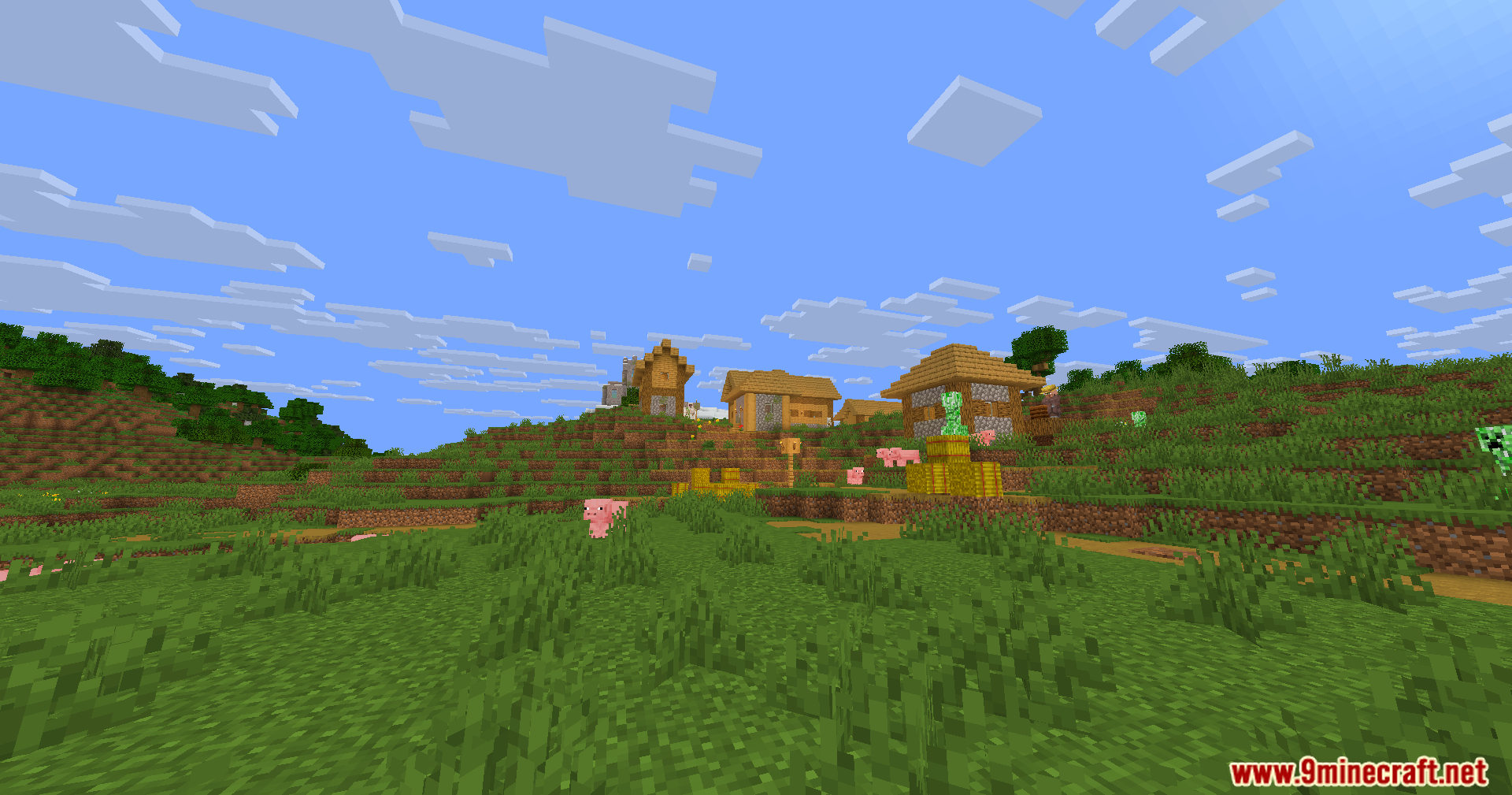
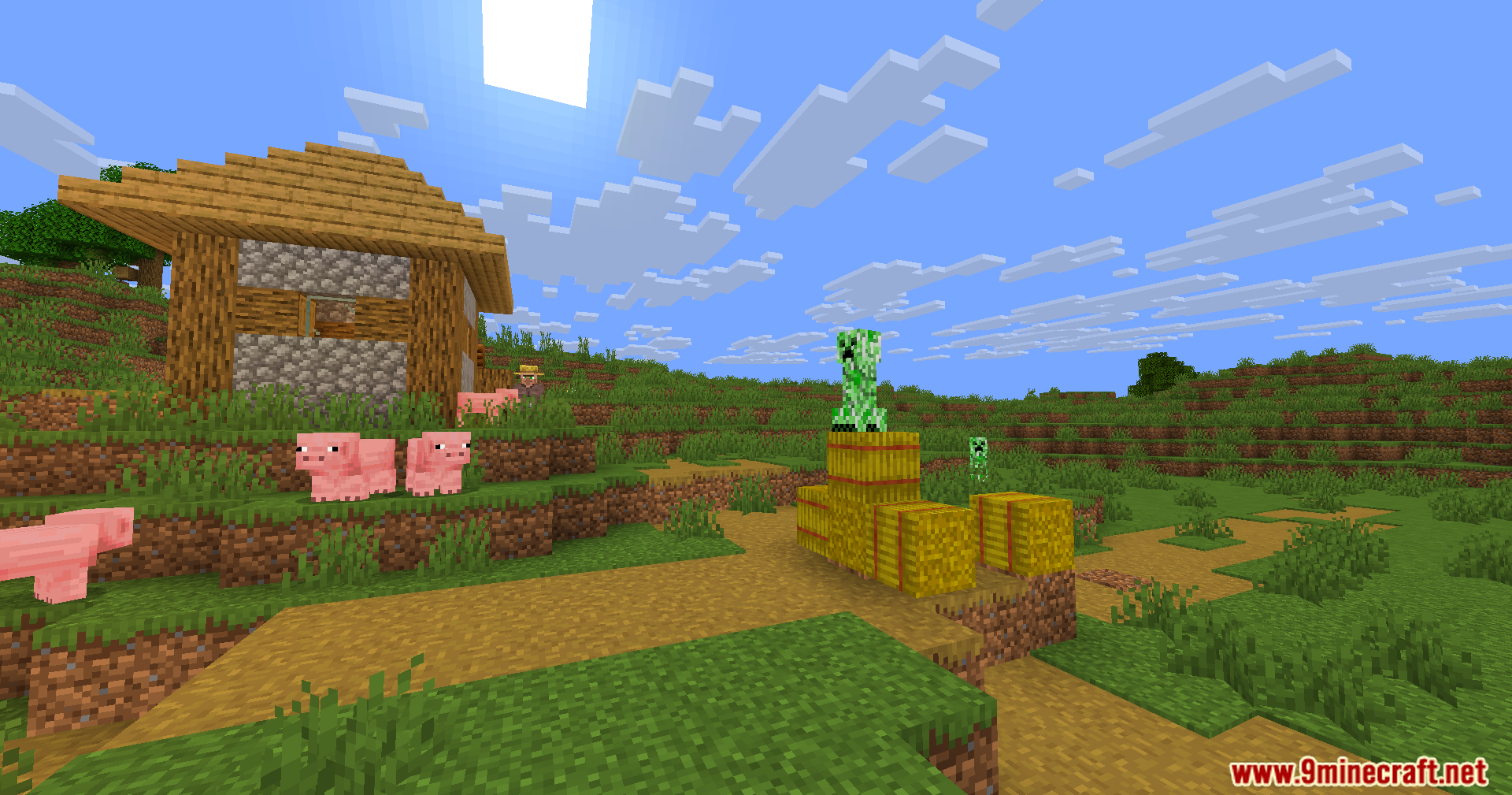
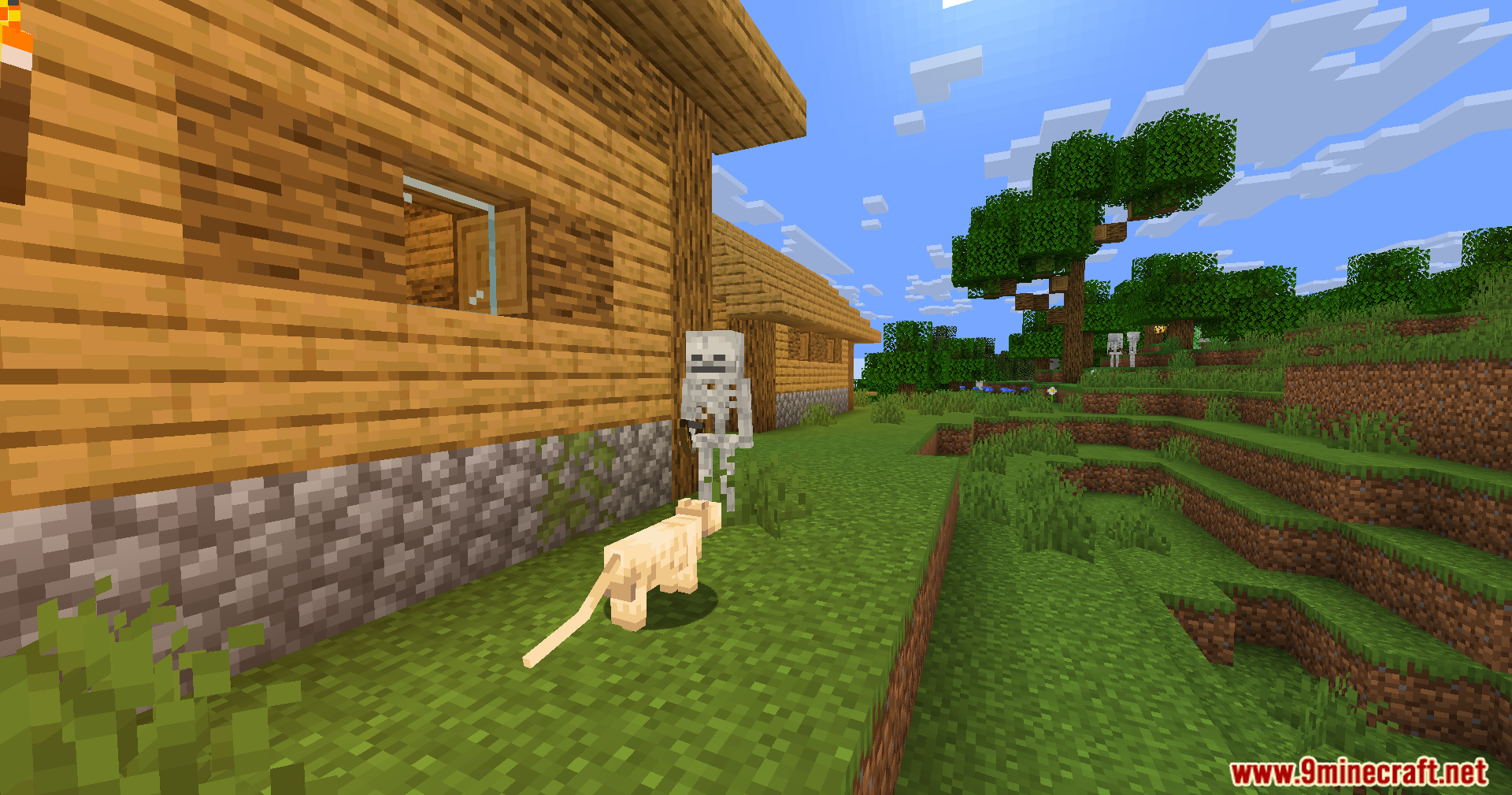
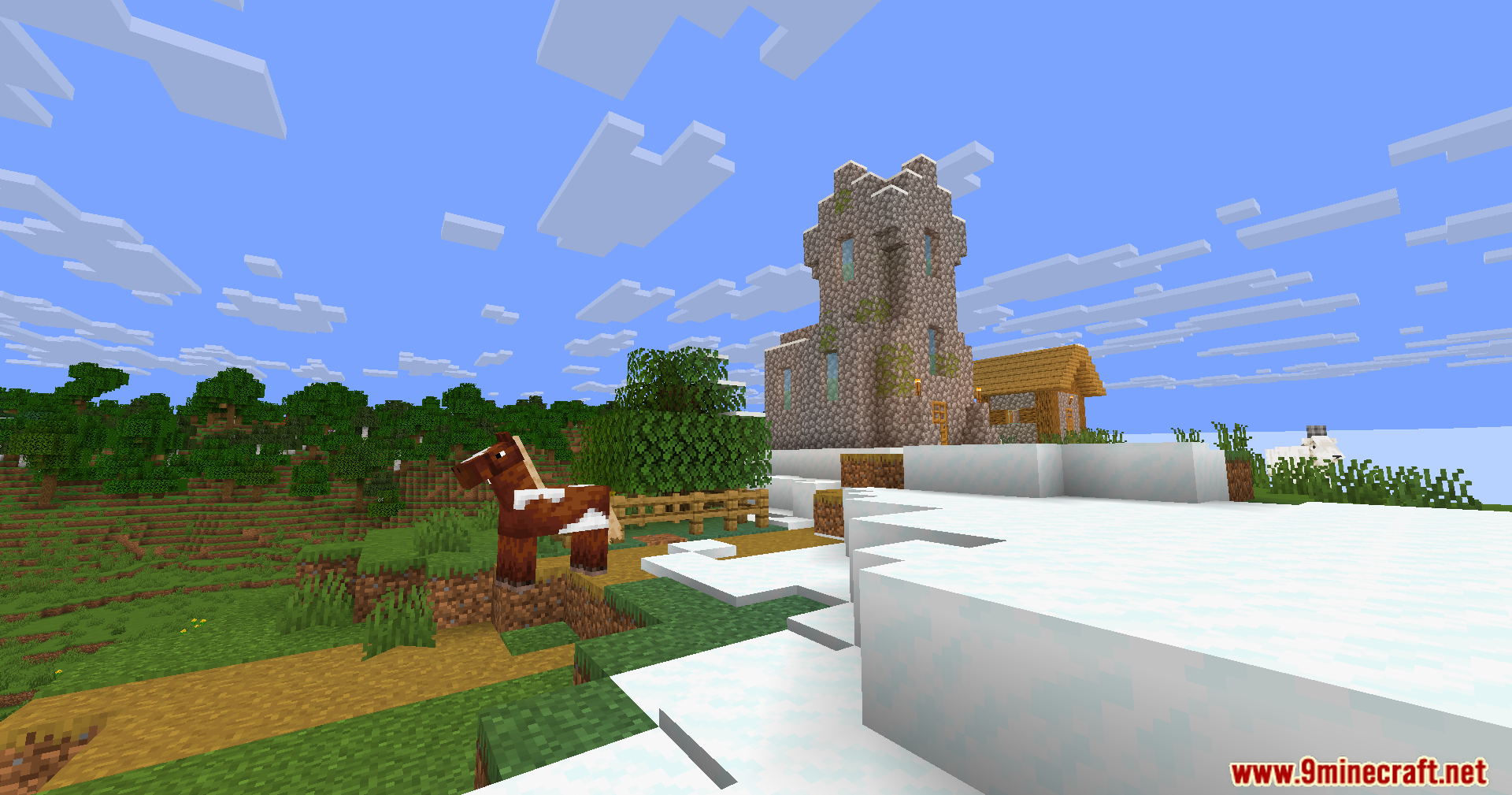
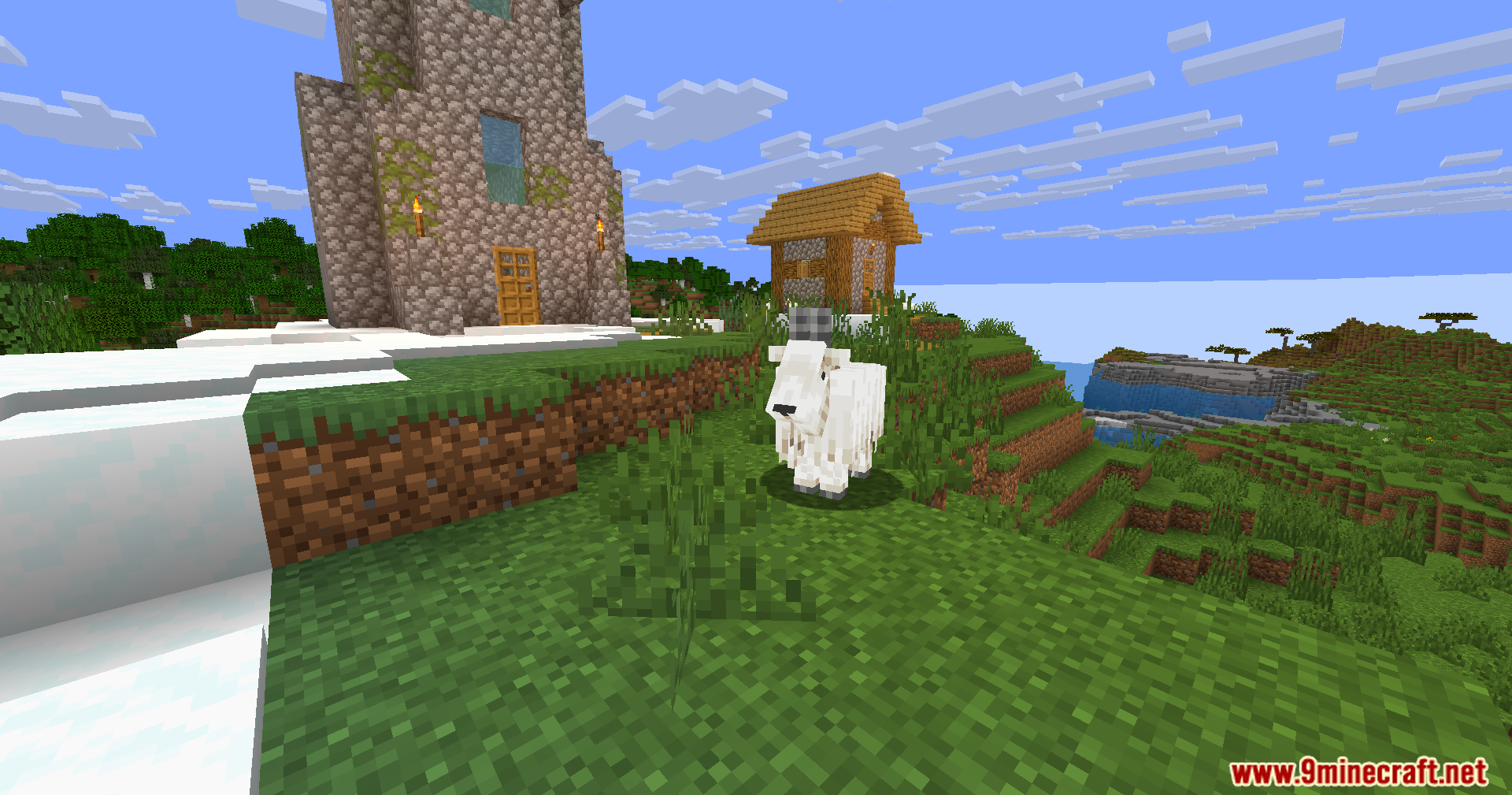
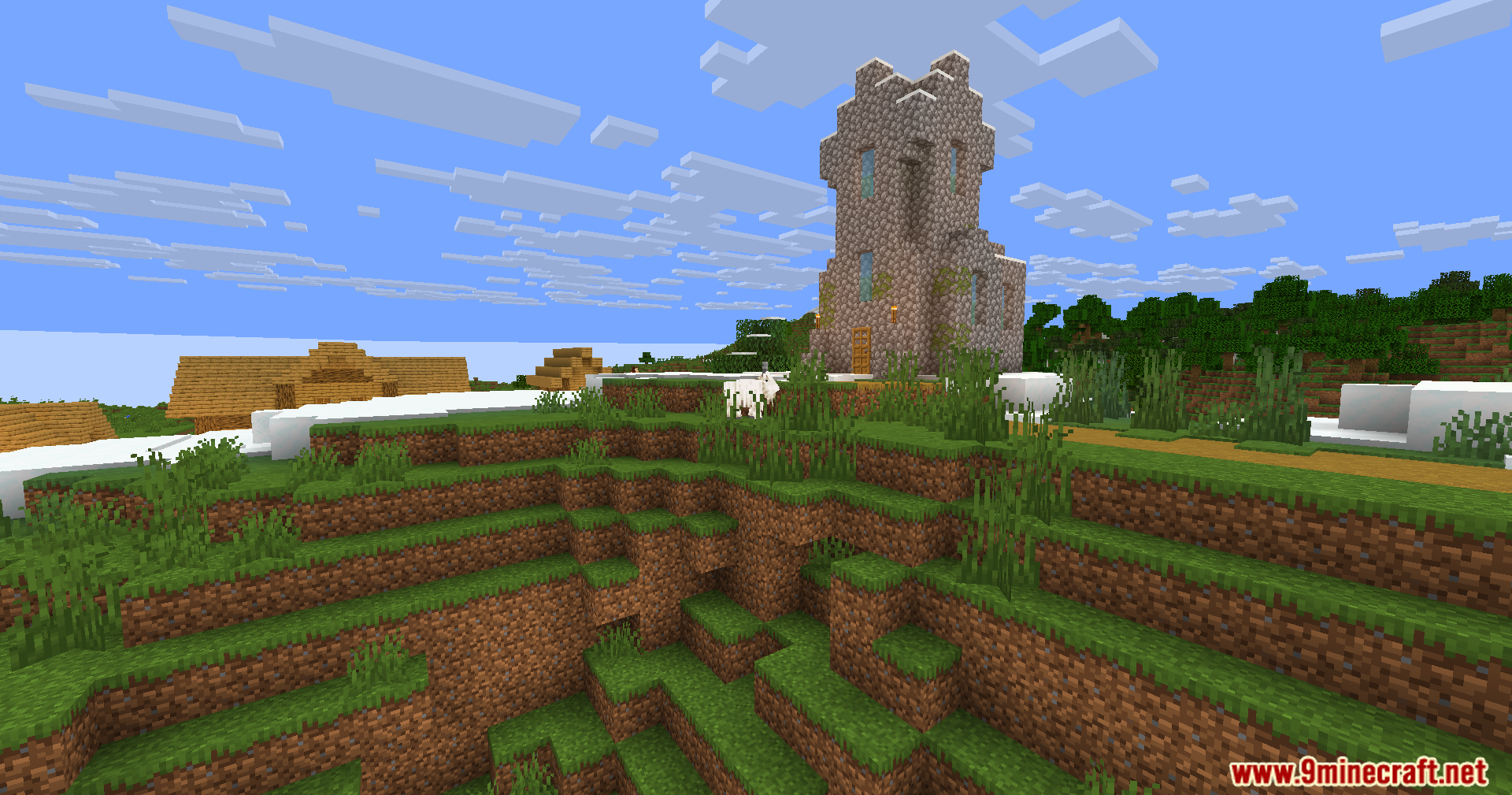
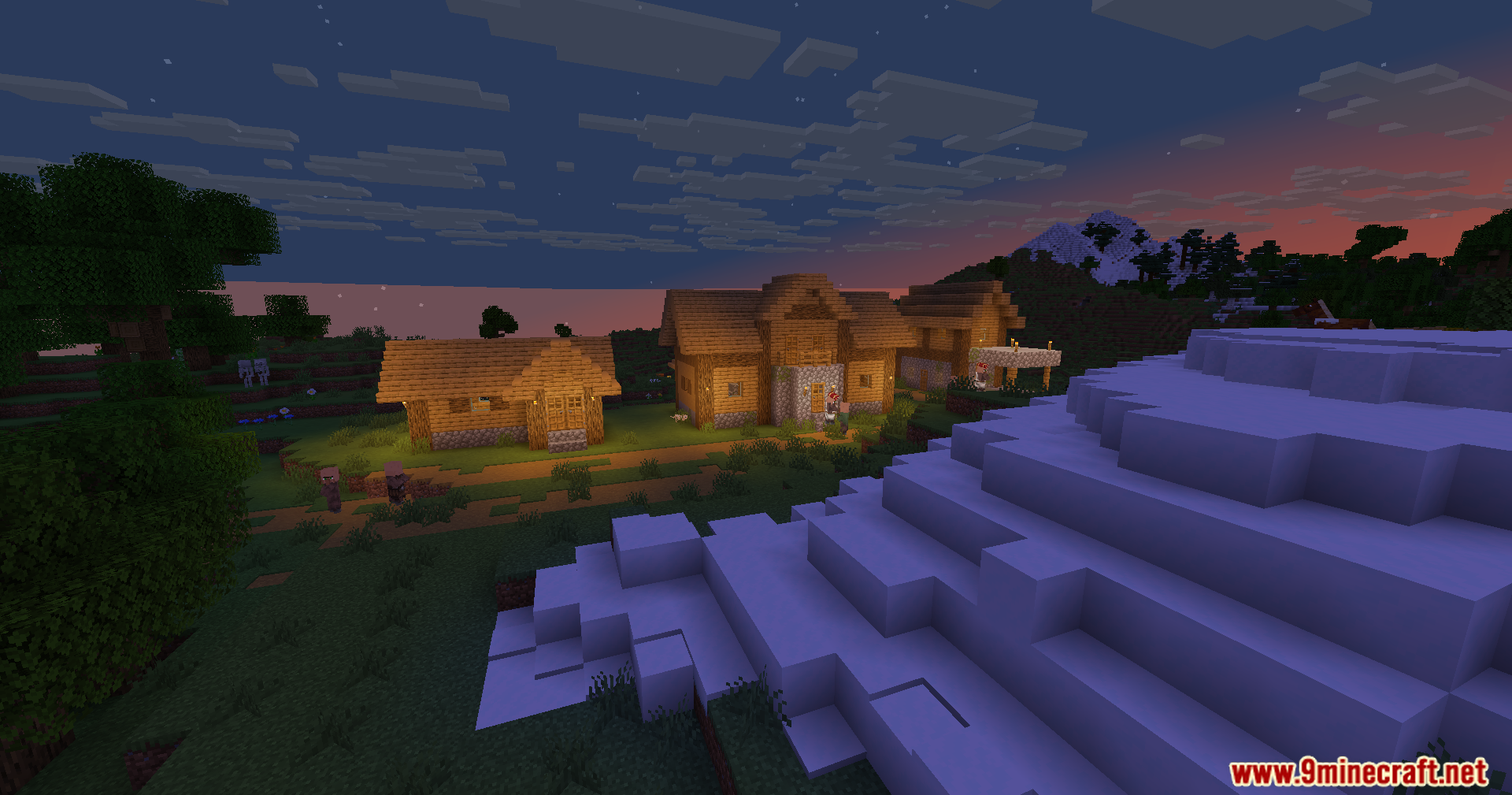
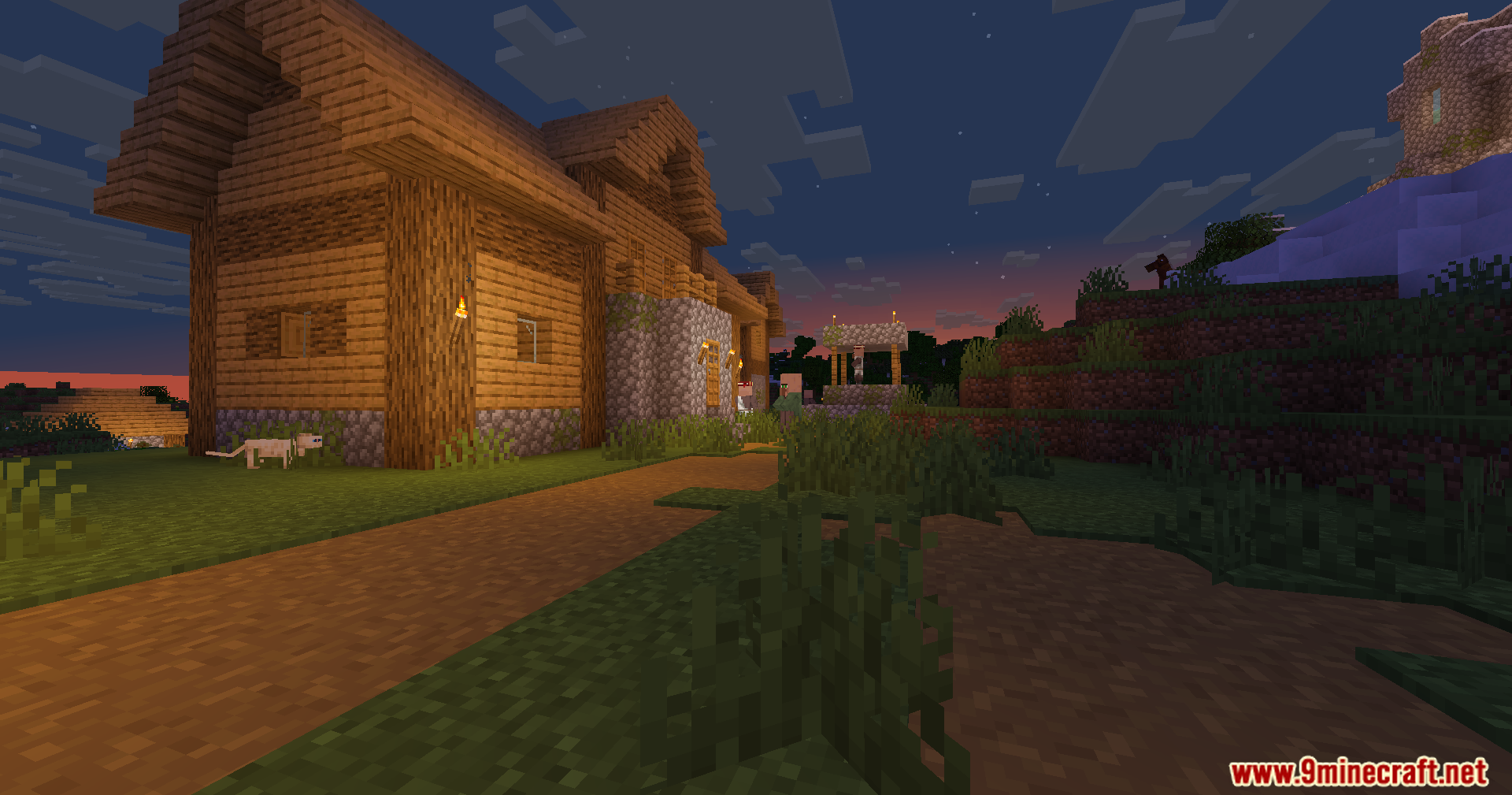
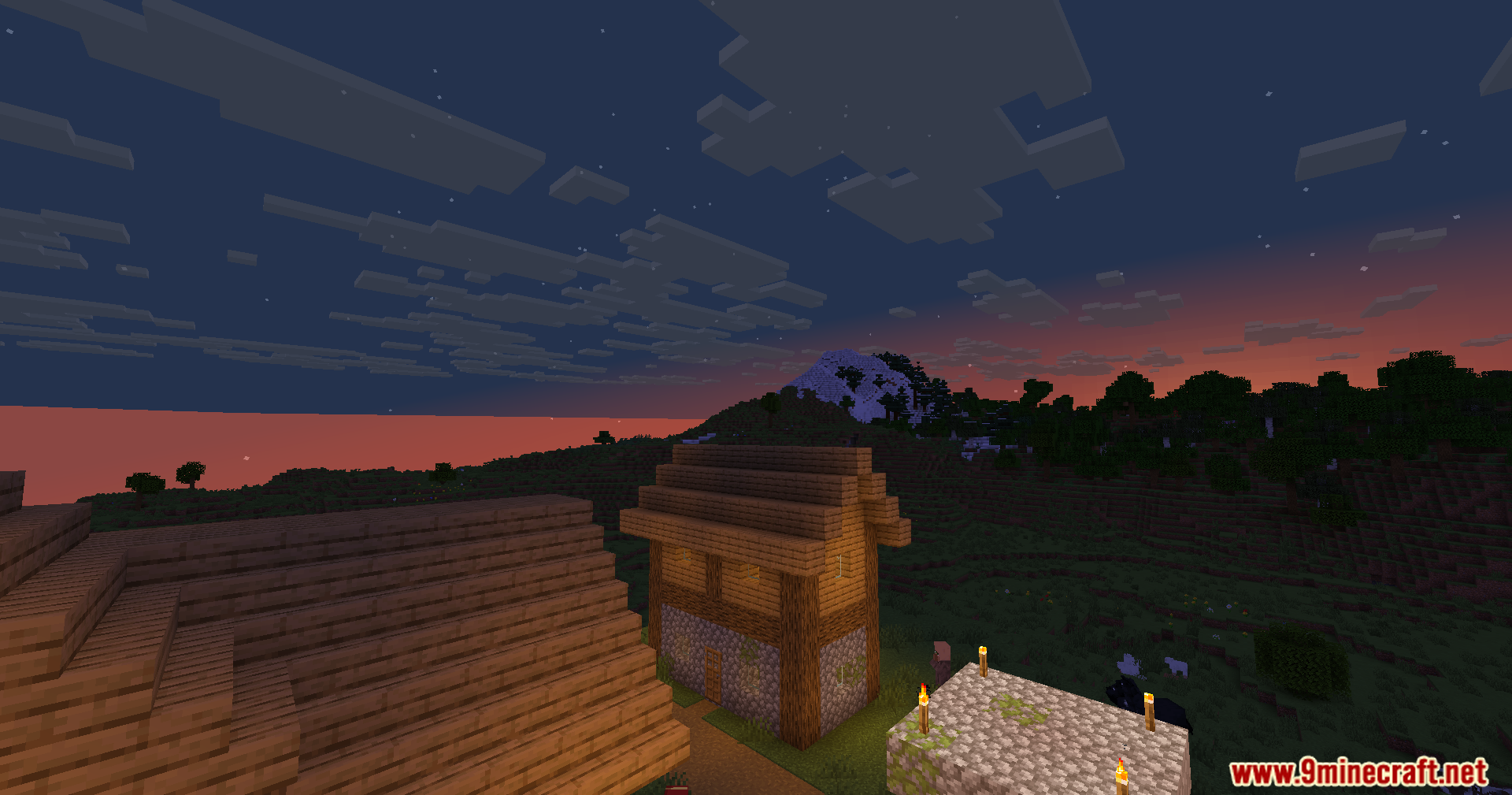
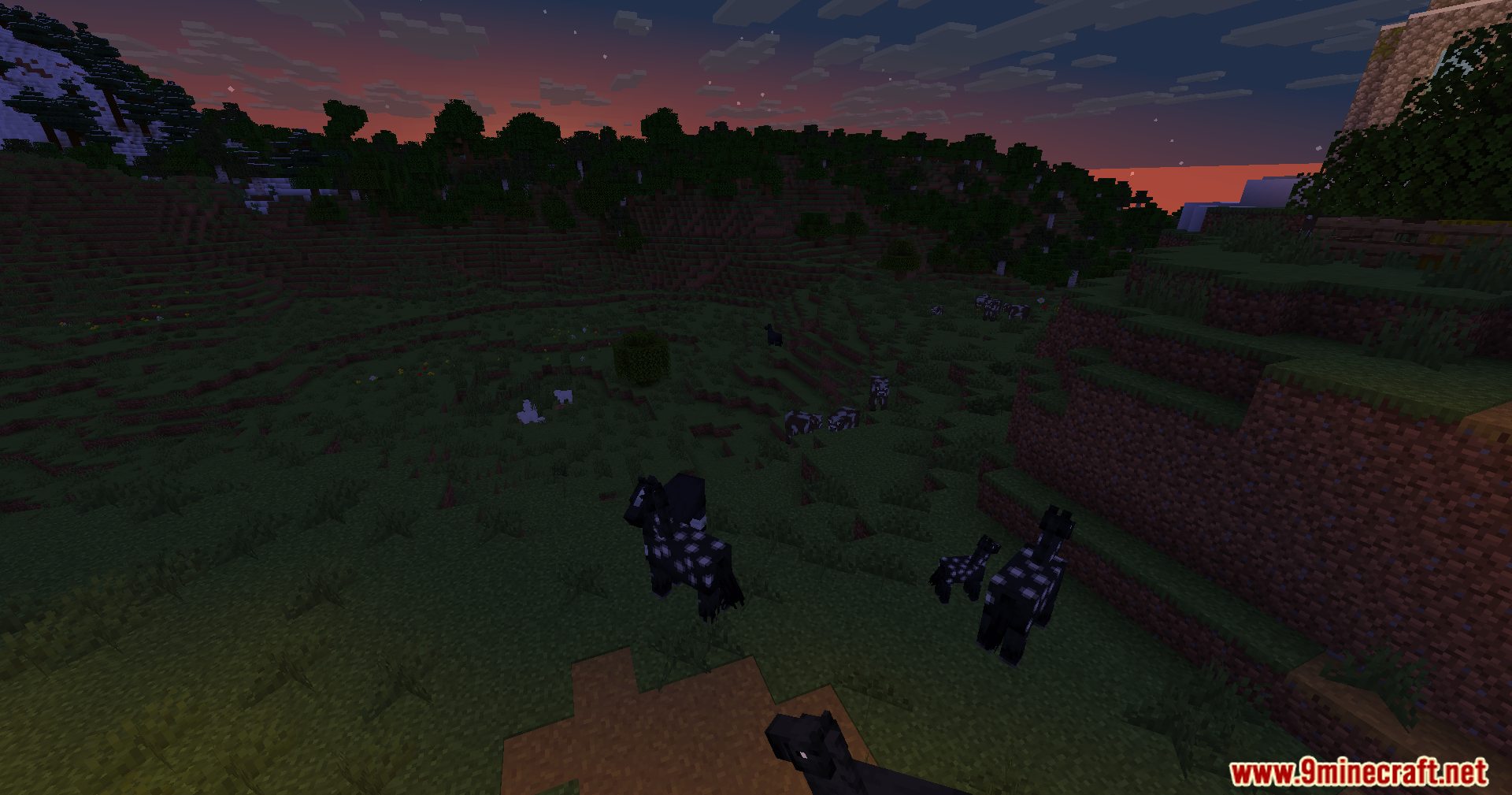
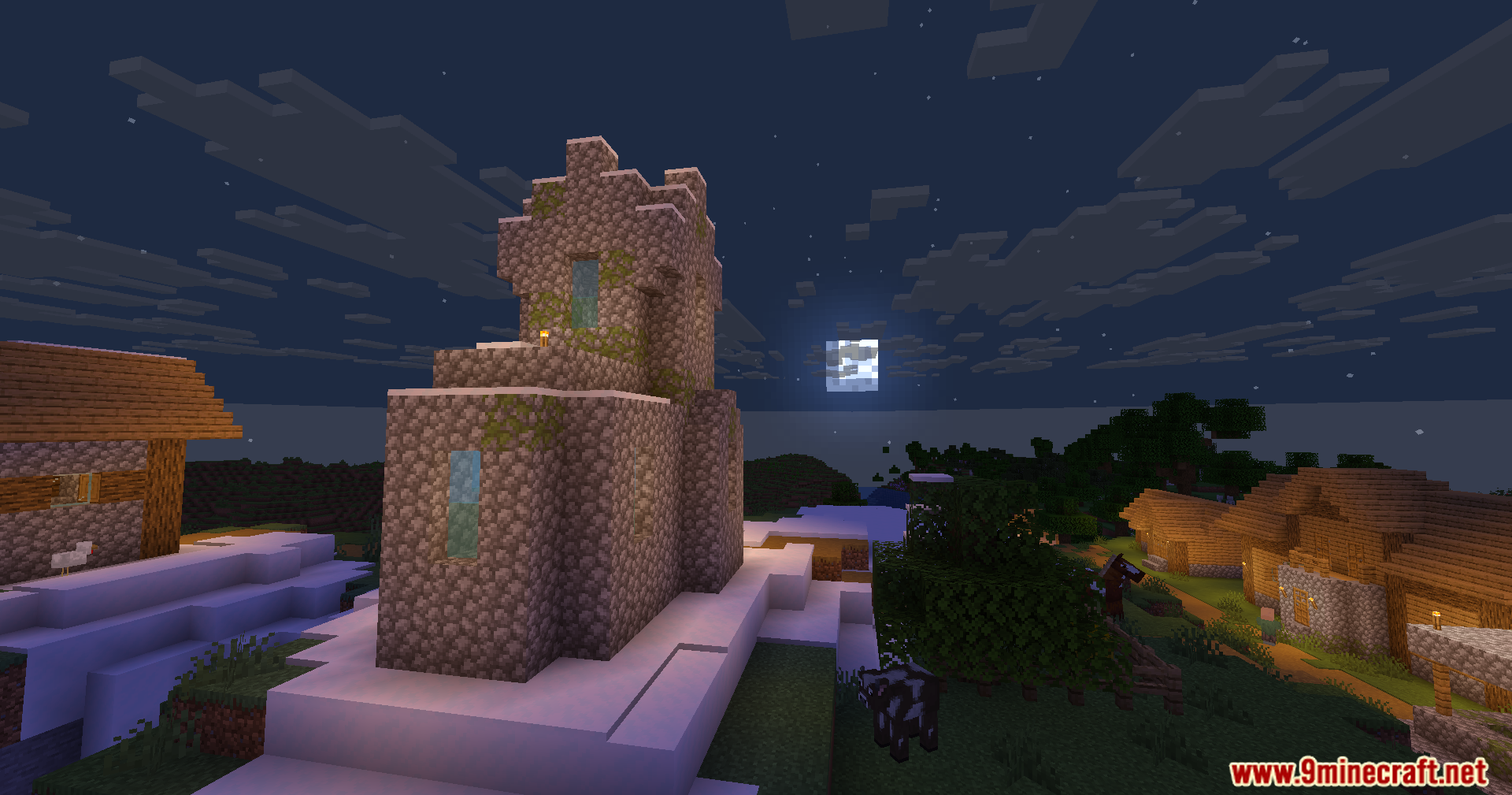
12 images from the Wozt Vanilla Plus Shaders page.

You May Also Like
Wikis that share the most with this one
Wikis on the same theme: end
More shader wikis on the site
The most downloaded mods that have a wiki here