

 DownloadZepholume Shaders
Get the files on 9Minecraft
Guides
Step-by-step, in-game.
Adjusting Light Intensity and Glow in Your WorldAccess Shader Settings Open the shader options menu while in-game by pressing the designated key (usually found in…Creating Cozy Indoor Lighting for BuildsUnderstand Zepholume's Interior Lighting Zepholume brightens cave interiors and indoor spaces by default, but you can…Enhancing Water and Sky AppearanceLocate Water Settings In shader options, find the water quality or water effects section. Zepholume enhances water…Optimizing Performance on Lower-End HardwareIdentify Performance Options Open shader settings and look for performance-related toggles. Zepholume includes…
Frequently asked questions
How do I turn on Zepholume Shaders after installing it?
Open your Video Settings, go to Shaders, and select Zepholume from the list. The shader will activate immediately and you'll see the changes to lighting and glow in your world.
Why do my frames drop when I enable shaders?
Zepholume is optimized for mid-range hardware, but very low-end systems may still see performance hits. Try lowering your render distance or disabling other visual mods, and check the performance optimization guide for your specific setup.
Can I use Zepholume with other shader packs?
No—only one shader pack can be active at a time. If you want to switch between Zepholume and another shader, you'll need to select it in Video Settings > Shaders.
The caves are too dark even with Zepholume on. What do I do?
Zepholume brightens cave interiors by default, but you can adjust light intensity further through the shader settings menu (usually accessed by pressing a key like Shift + R in-game, depending on your setup). Check your mod's documentation for the exact control key.
See all 10 Zepholume Shaders questions ›
Gallery
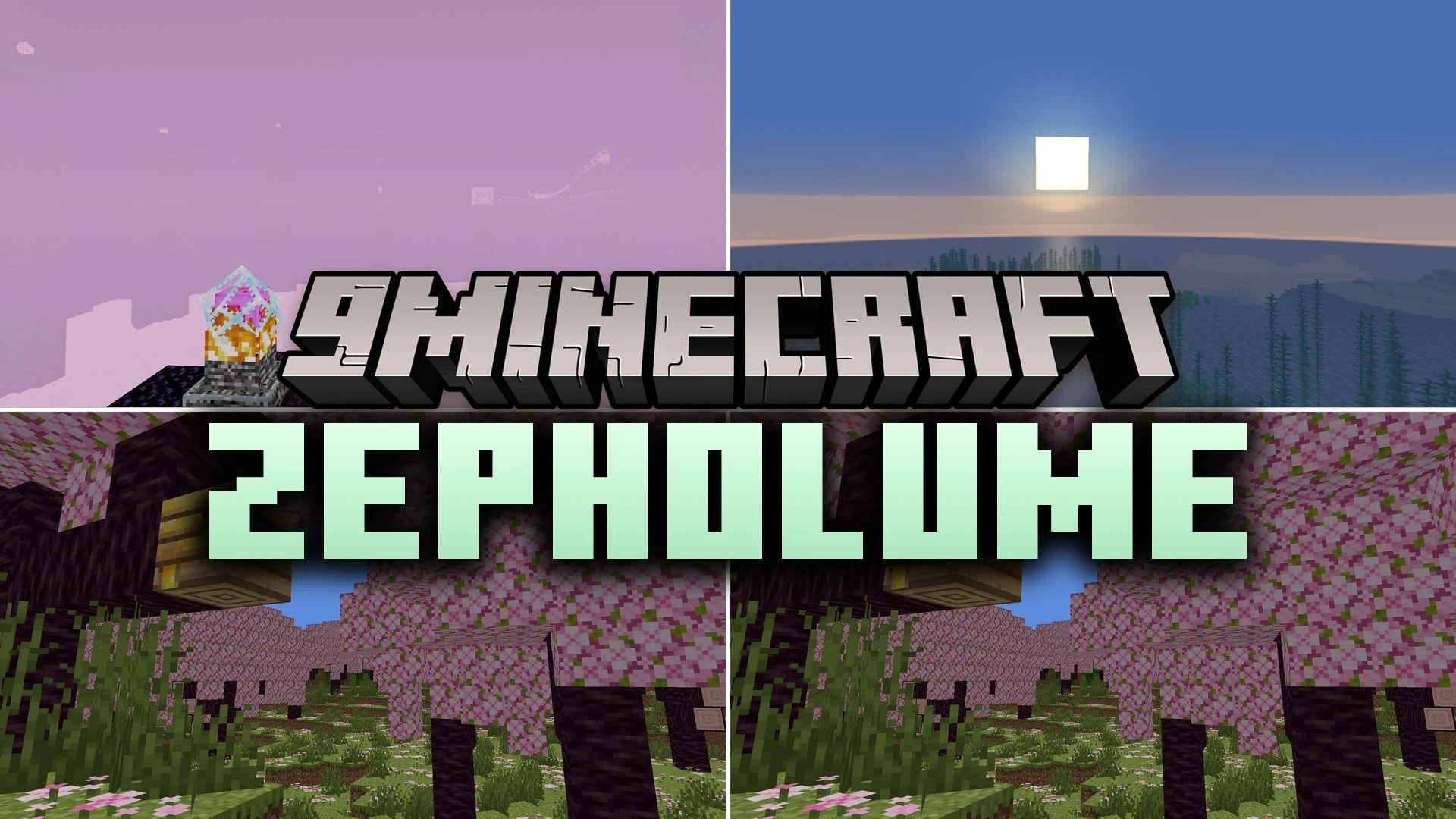
12 images from the Zepholume Shaders page.


You May Also Like
Wikis that share the most with this one
Wikis on the same theme: light
More shader wikis on the site
The most downloaded mods that have a wiki here