

 DownloadVarianceFog Shaders
Get the files on 9Minecraft
Guides
Step-by-step, in-game.
Explore at Night Without Losing Your WayNighttime Exploration Strategy Nighttime fog is particularly thick and disorienting. The combination of darkness and…Push Back Fog with Light SourcesCreating Clear Spaces in the Mist The thick fog that blankets your world can be pushed back by placing or holding…Set Up a Safe Base in FogCreating a Visible, Secure Settlement Building a base in VarianceFog Shaders requires extra attention to lighting and…Survive Caves and Underground TunnelsNavigating Dark Underground Spaces Caves and tunnels become significantly more challenging with VarianceFog Shaders…
Frequently asked questions
How do I turn on VarianceFog Shaders?
VarianceFog Shaders activates automatically once installed. If you don't see fog, check that shaders are enabled in your video settings and that the mod is present in your mods folder.
Why can't I see very far even with high render distance?
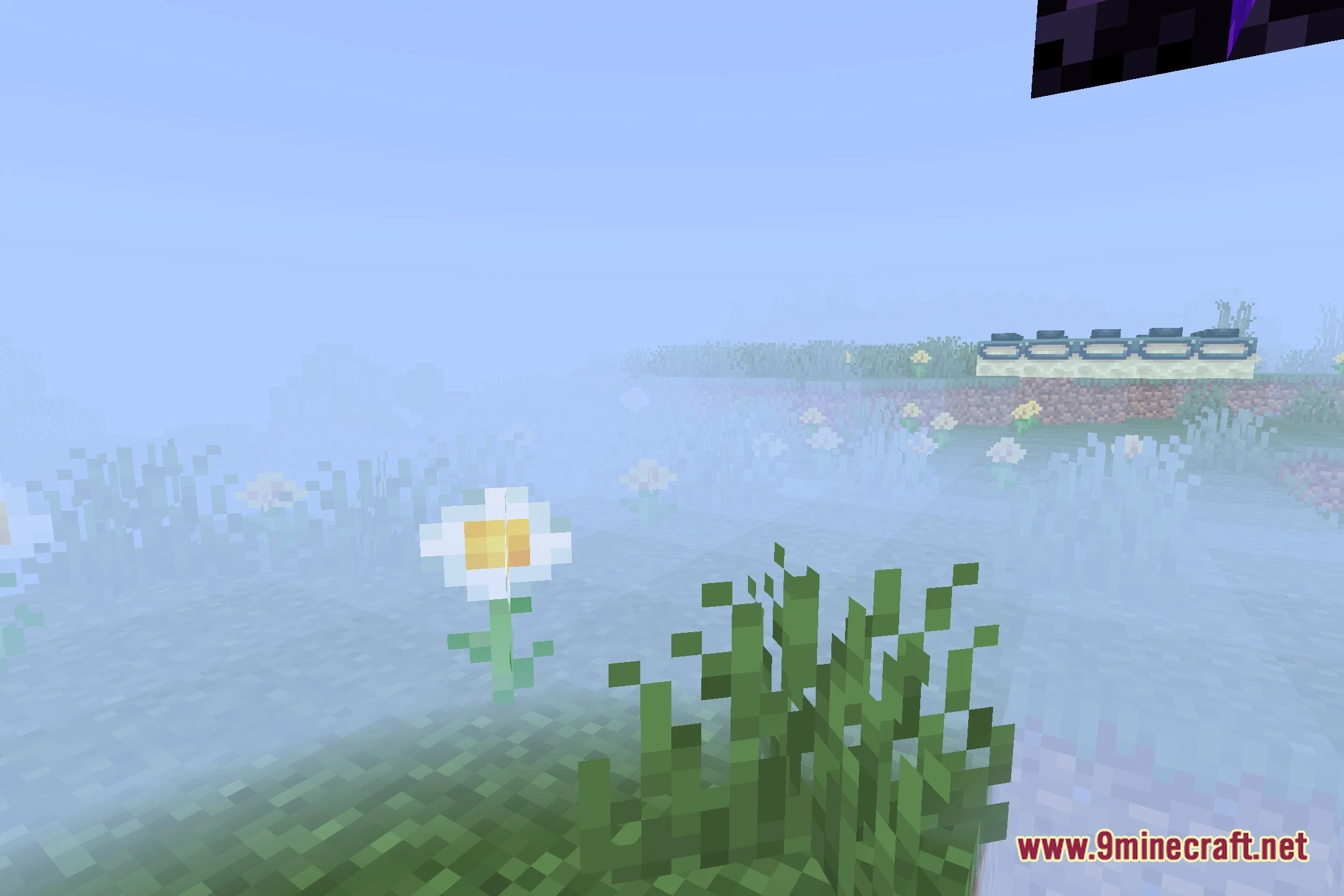
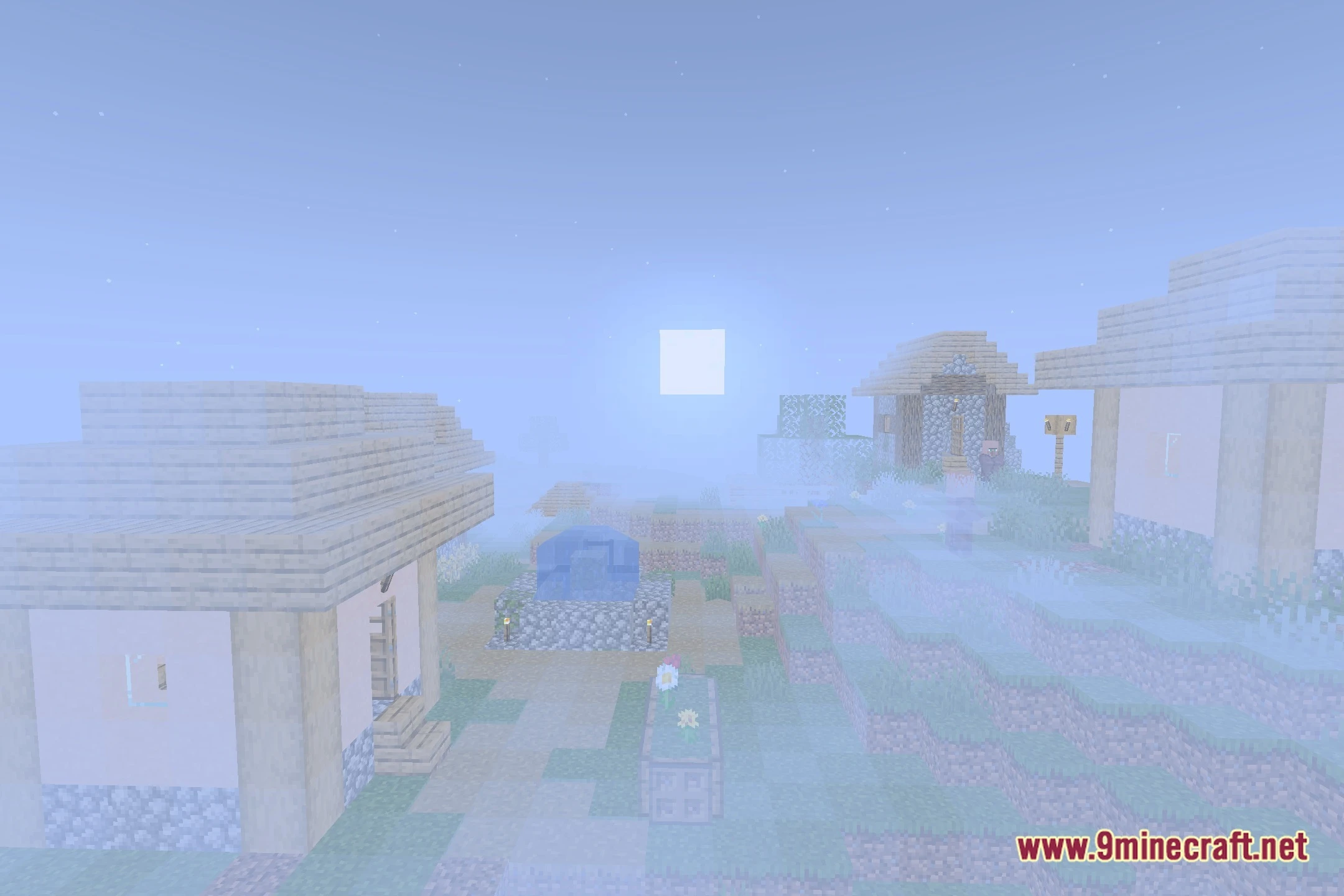
The thick fog is the main feature of this mod—it intentionally limits your view distance to create tension and a spooky atmosphere. This is working as intended and cannot be disabled without removing the mod.
Do torches actually push back the fog?
What light sources work best for clearing fog?
Torches, lanterns, and campfires are the most effective. Glowing blocks like glowstone also push back fog, though handheld torches give you the most control while exploring.
See all 10 VarianceFog Shaders questions ›
Gallery
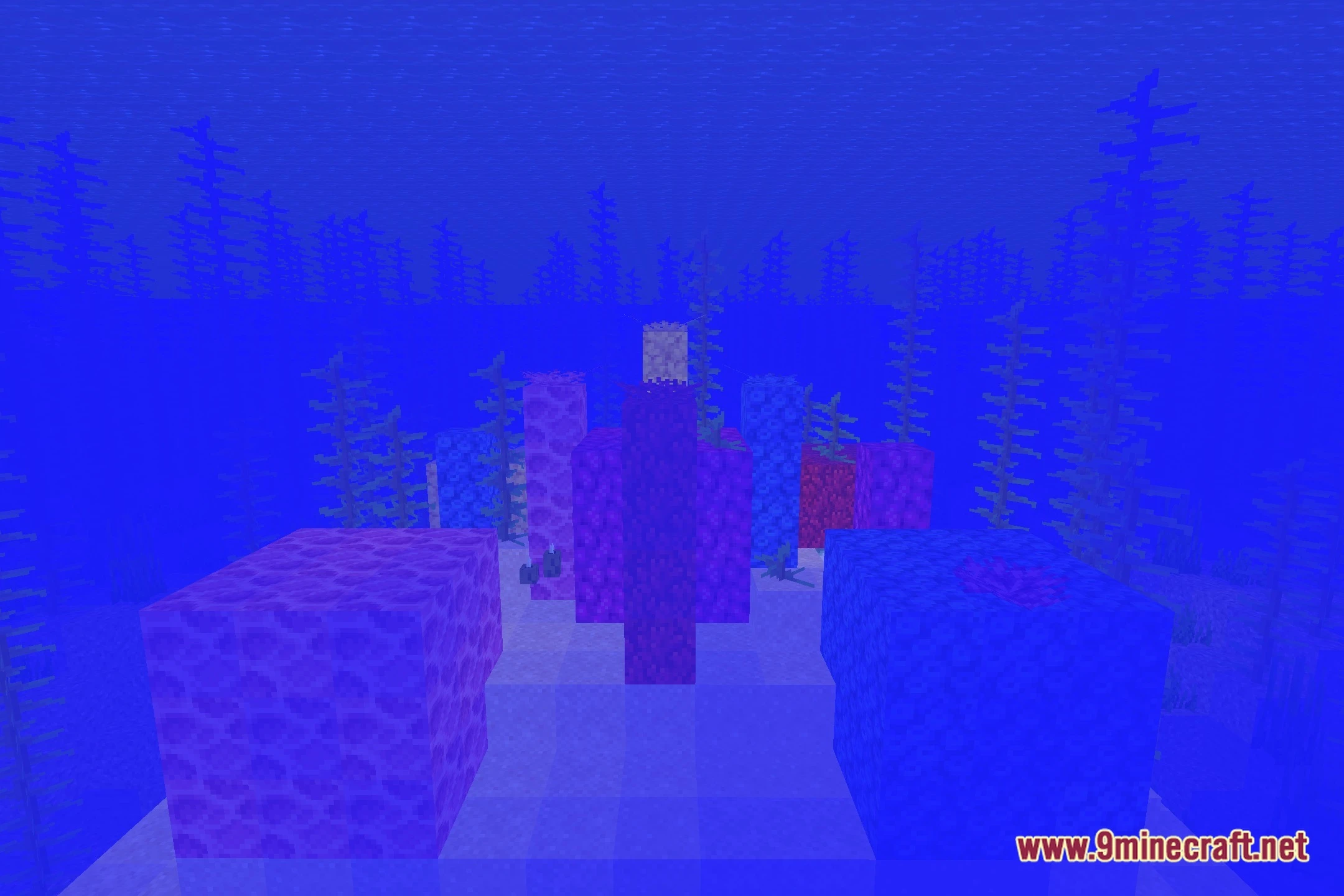
10 images from the Variancefog Shaders page.

You May Also Like
Wikis that share the most with this one
Wikis on the same theme: end
More shader wikis on the site
The most downloaded mods that have a wiki here