

 DownloadVableVanilla Shaders
Get the files on 9Minecraft
Guides
Step-by-step, in-game.
Adjust Shadow Softness and DarknessAccess Shader Settings Open the shader options menu by pressing the designated shader settings key (usually accessed…Make Colored Lighting More Visible in Dark AreasLocate Lighting Intensity Controls Open shader options and find settings related to light emission or colored…Optimize Water Visuals for Your HardwareFind Water Quality Options Enter shader settings and locate water-related parameters. VableVanilla Shaders offers…Reduce Lag from Waving Plants and FoliageAccess Animation Settings Open shader options and search for plant animation, foliage movement, or wave settings.…
Frequently asked questions
How do I turn on the shader after installing it?
Open Options > Video Settings > Shaders, then locate VableVanilla Shaders in the list and click it to activate. You'll see the visual changes take effect immediately in your world.
Why do my shadows look too dark or too light?
Go to Shaders > Shader Options and adjust the shadow softness and darkness sliders to match your preference; lower values create lighter, softer shadows while higher values make them deeper and more defined.
Can I use this shader with other mods?
VableVanilla Shaders works with most mods, but custom blocks or entities may not receive colored lighting effects; test your specific mod combination to confirm compatibility.
The water looks weird or too reflective—how do I fix it?
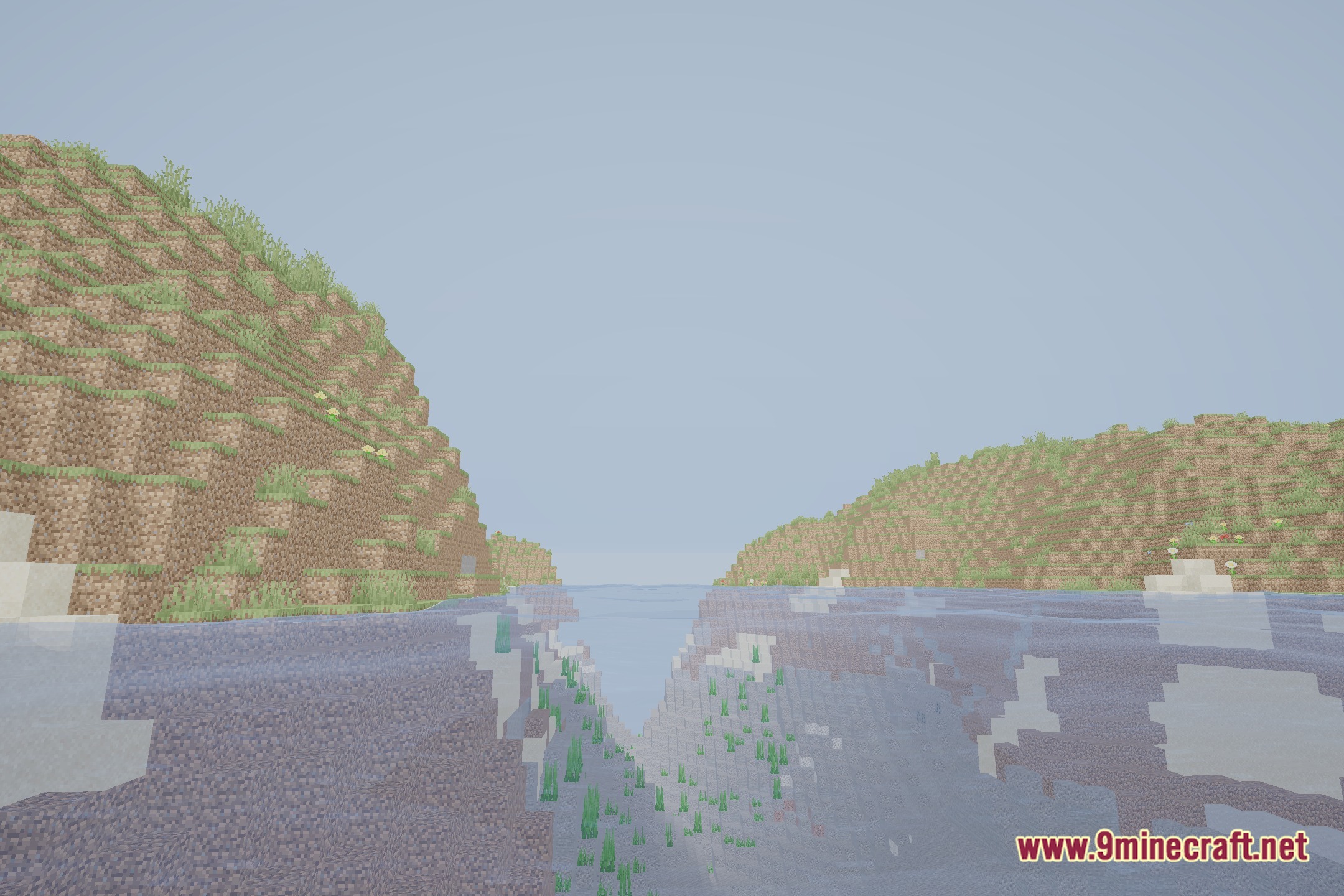
Open Shader Options and look for water-related settings; you can reduce reflection intensity or wave strength to make water appear more subtle and match your hardware's performance.
See all 10 VableVanilla Shaders questions ›
Gallery
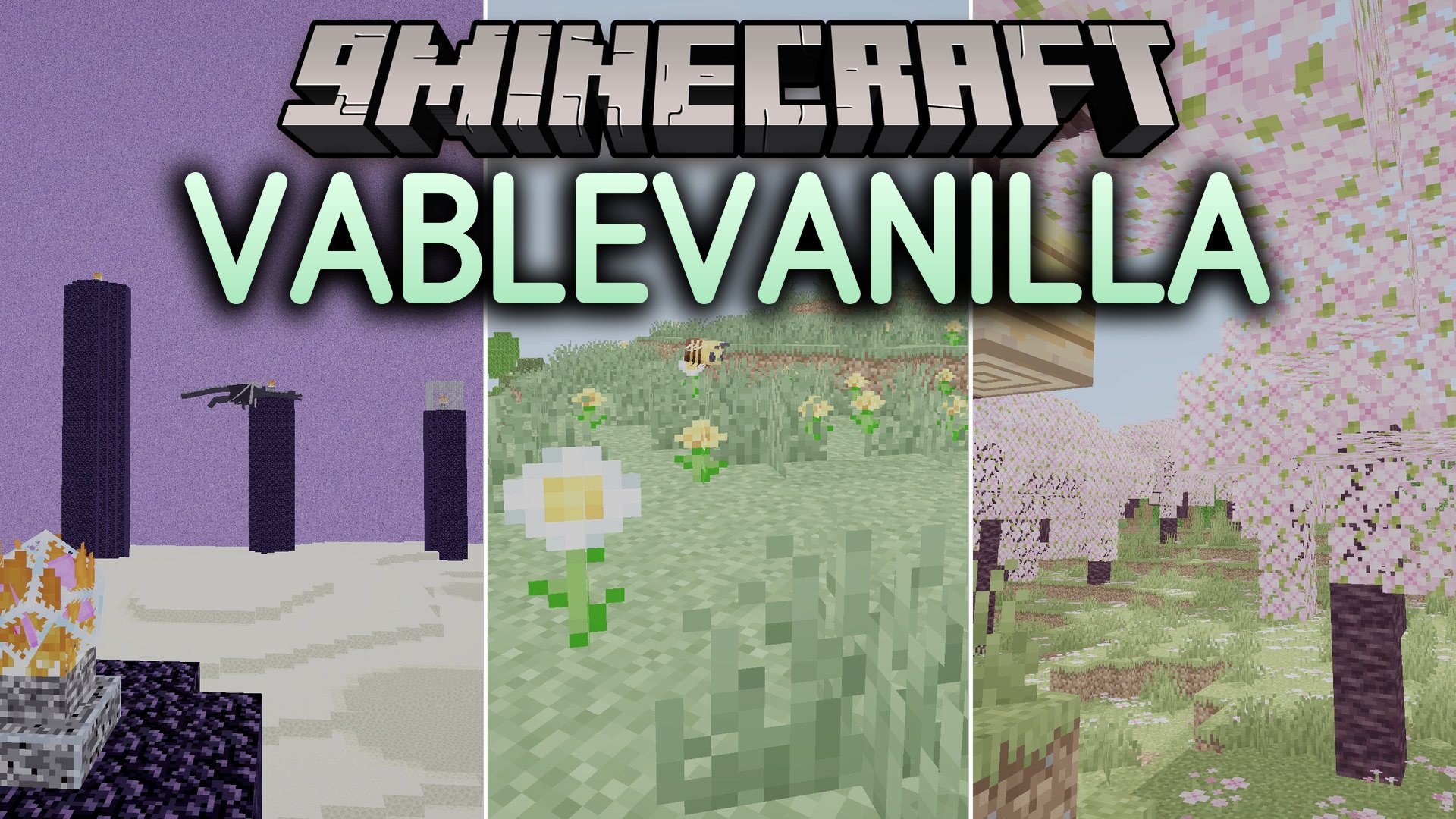
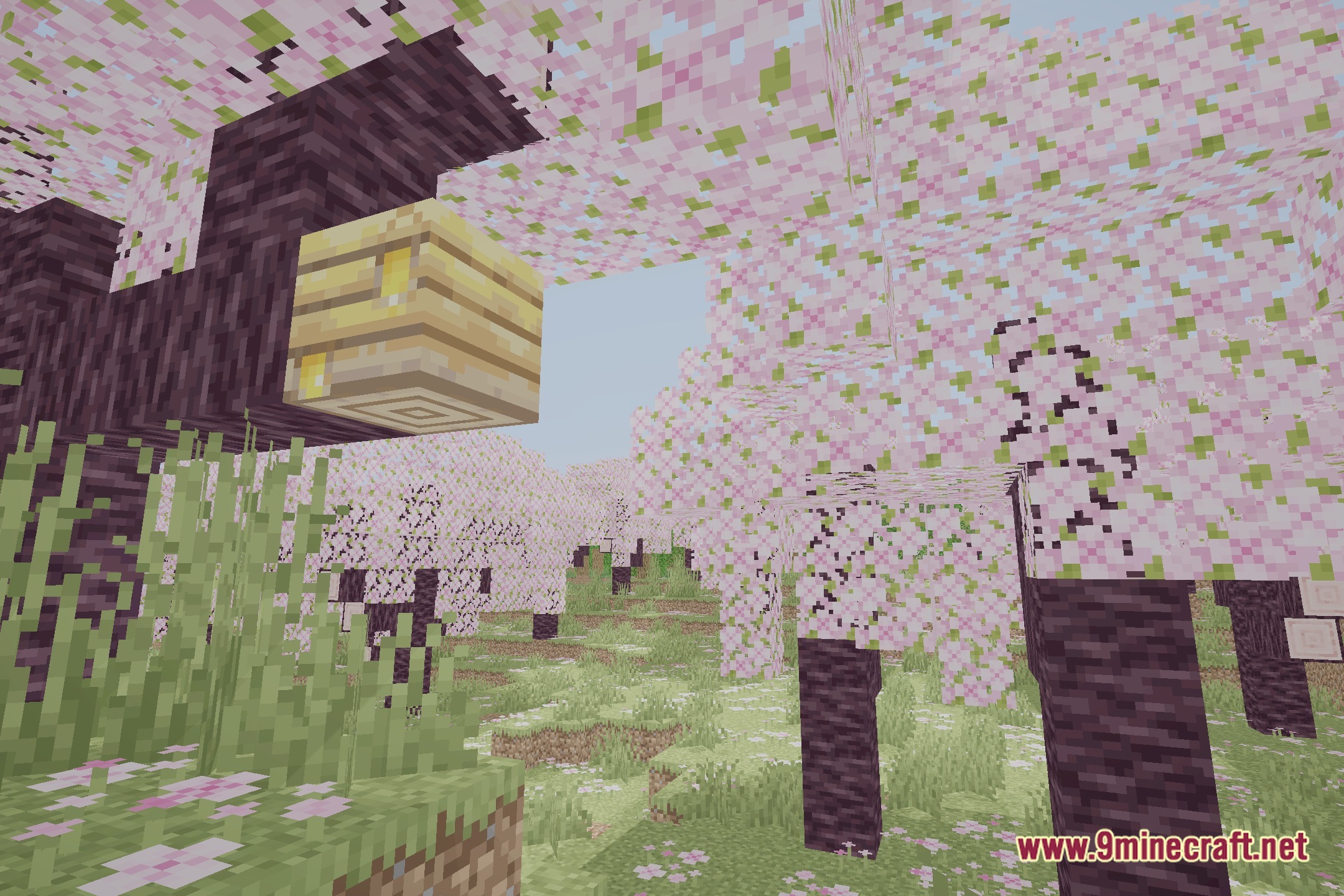
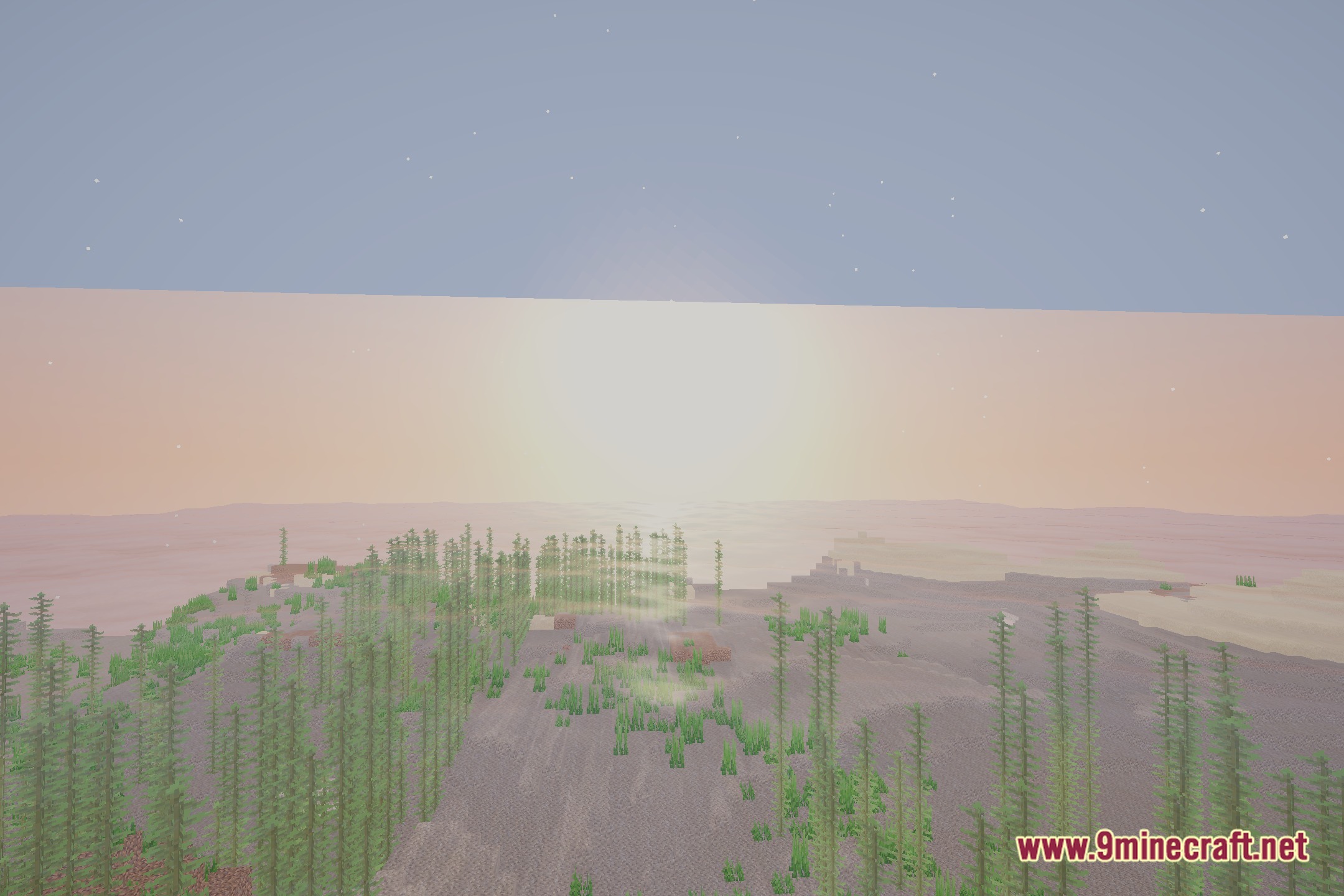
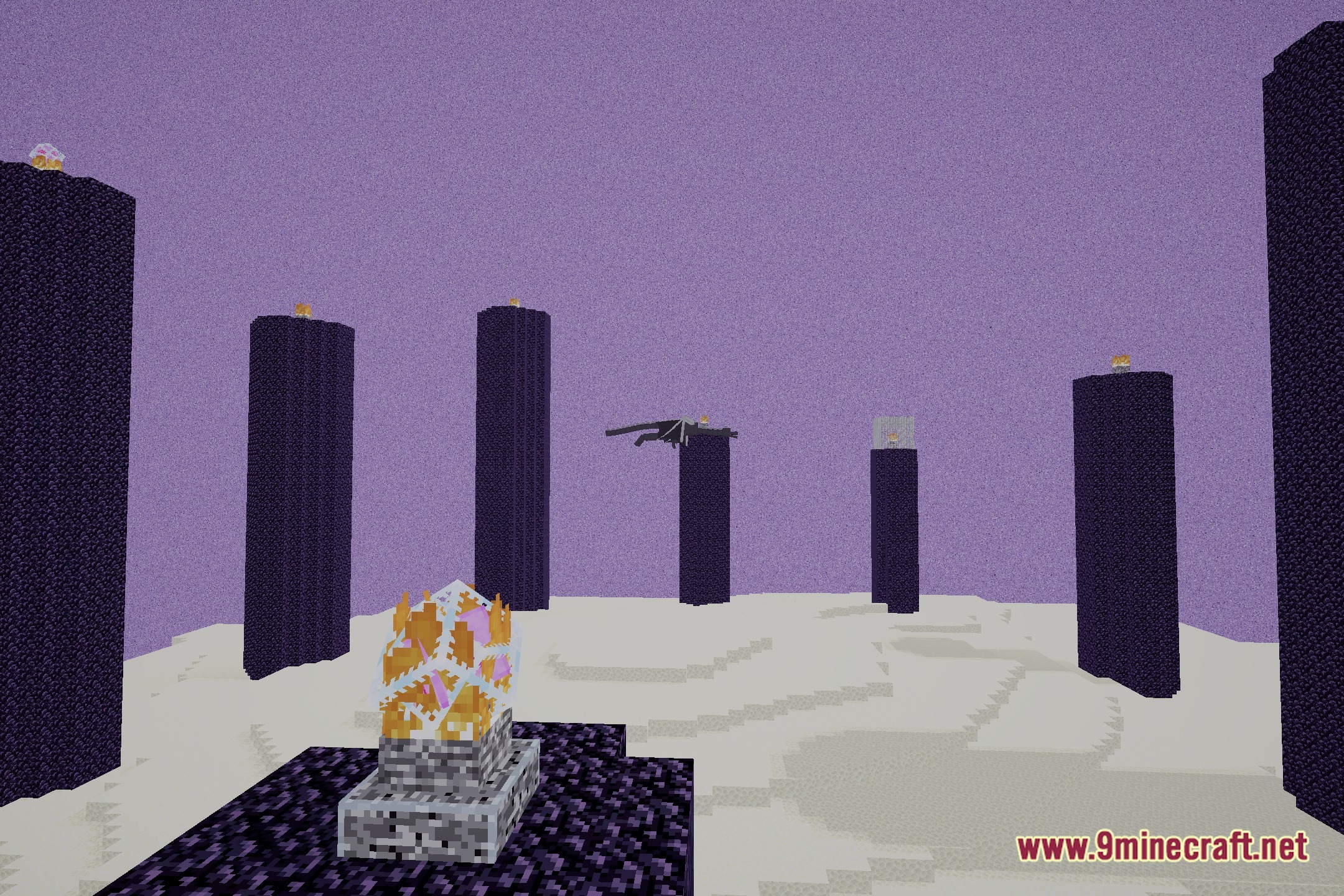
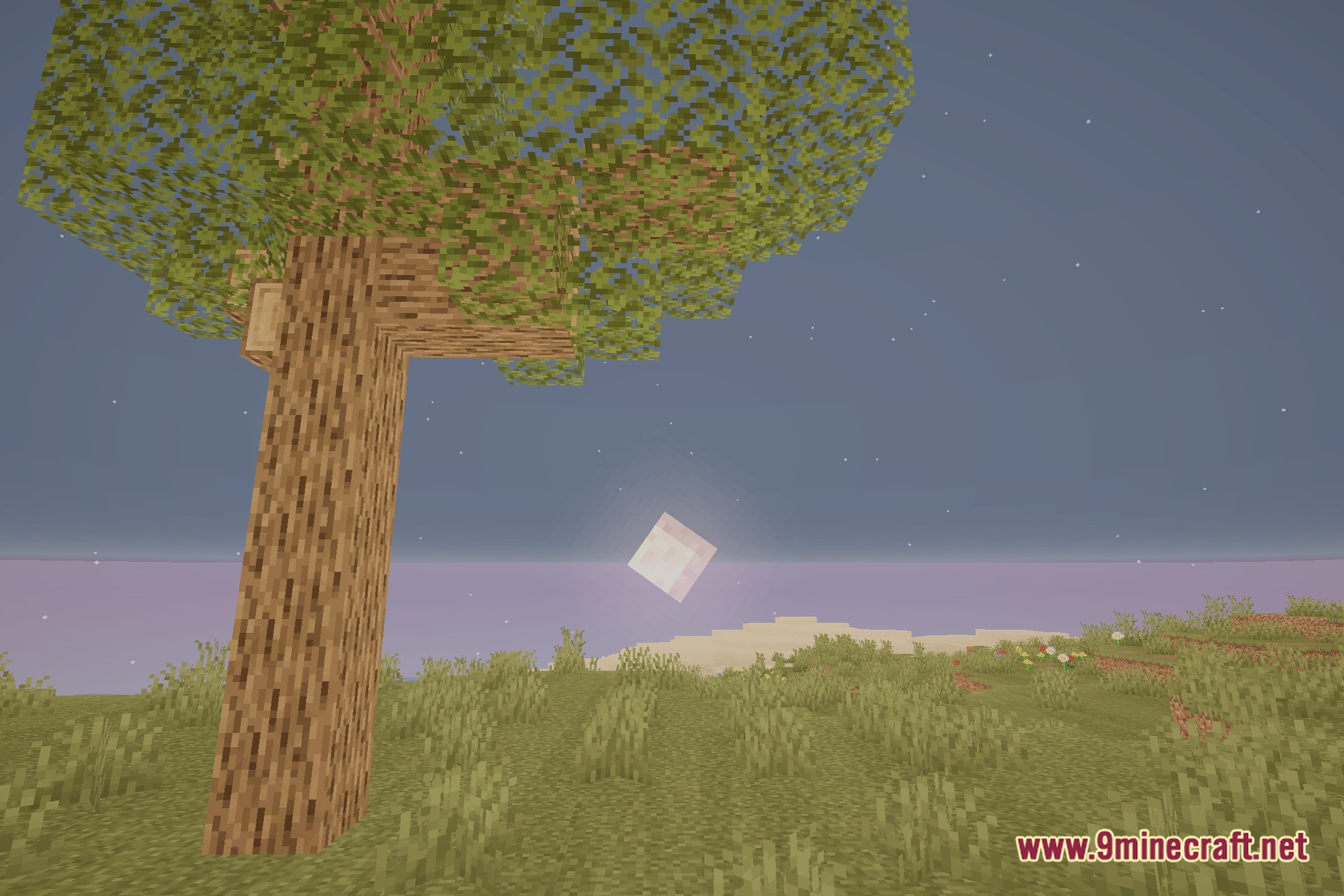
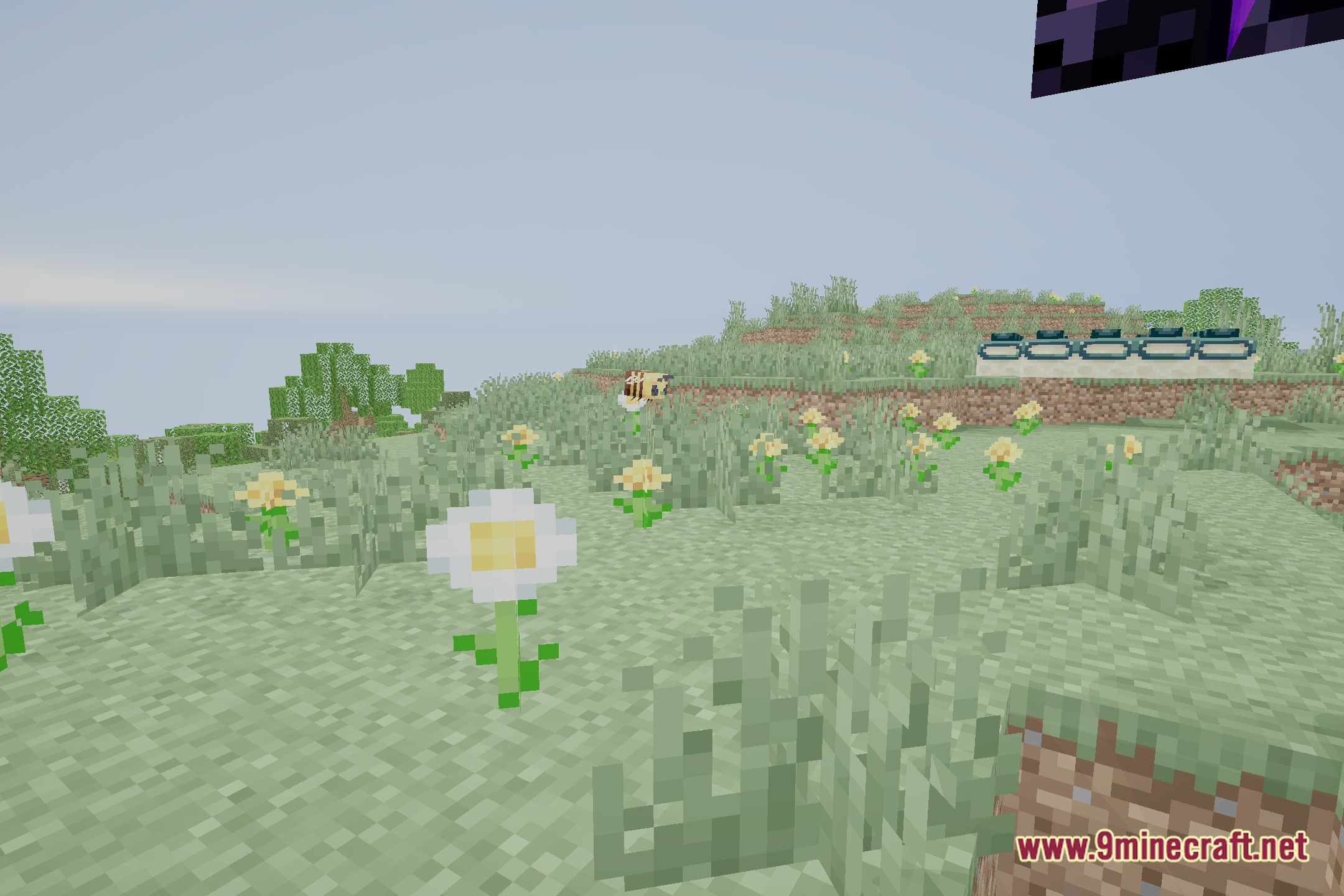
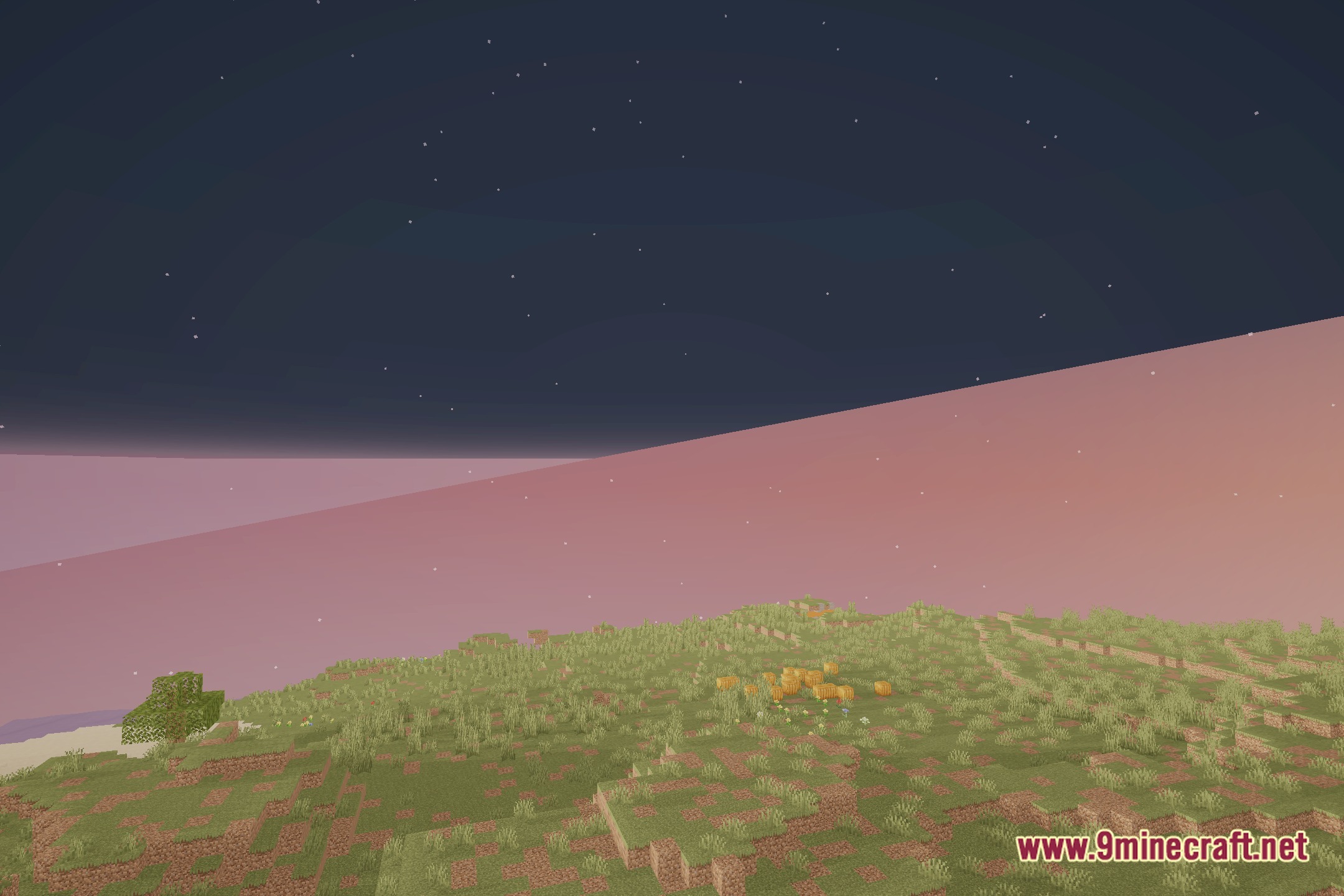
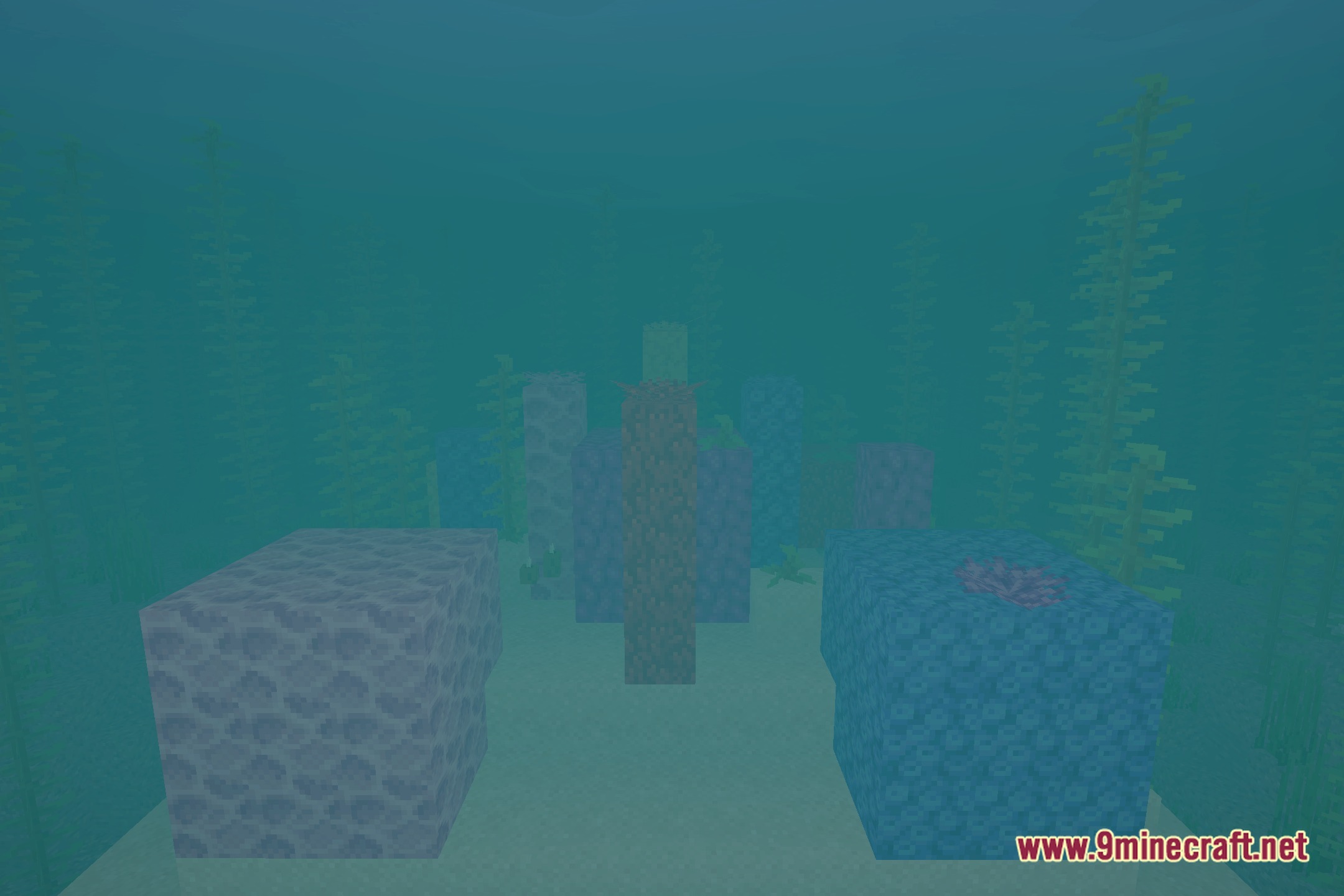
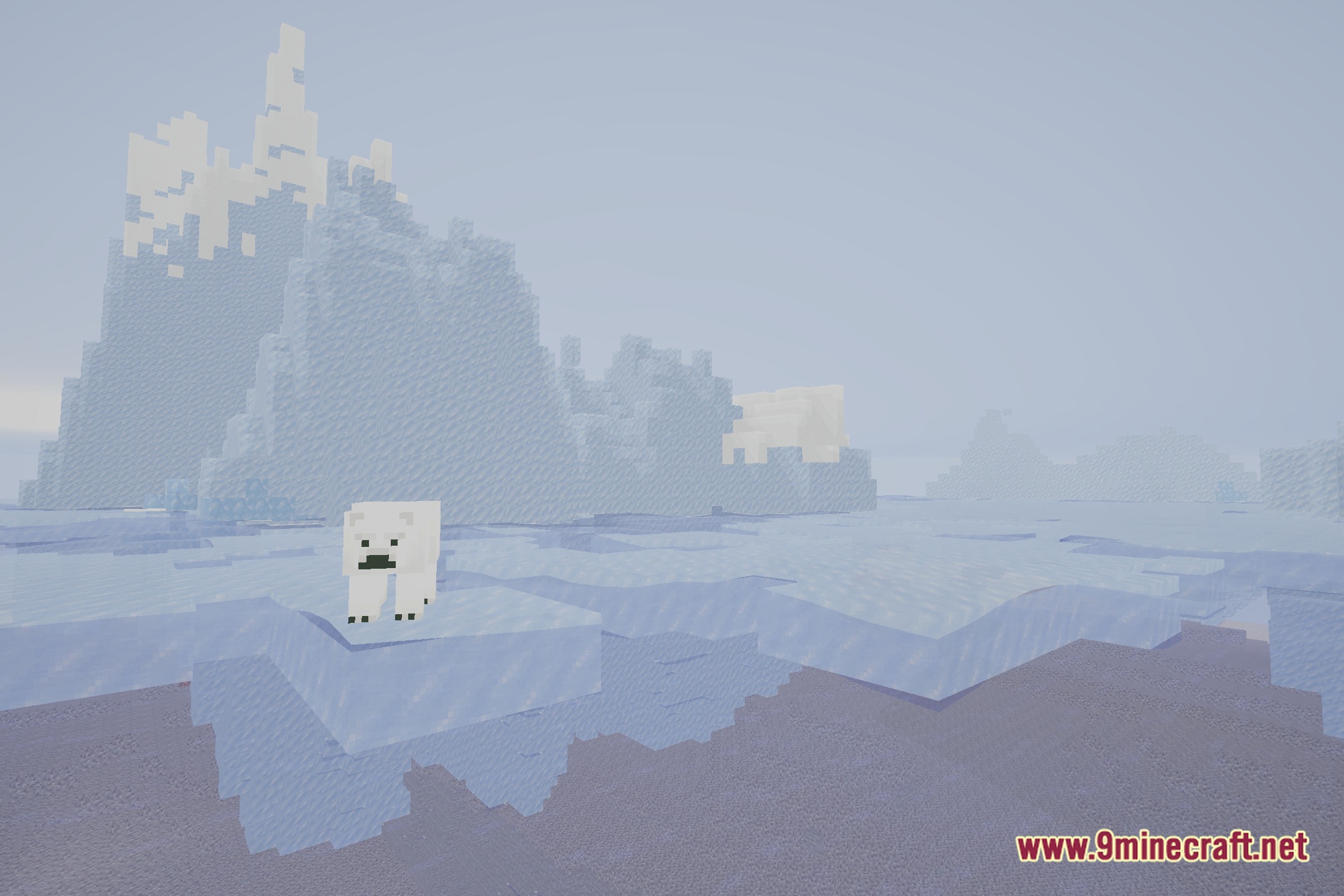
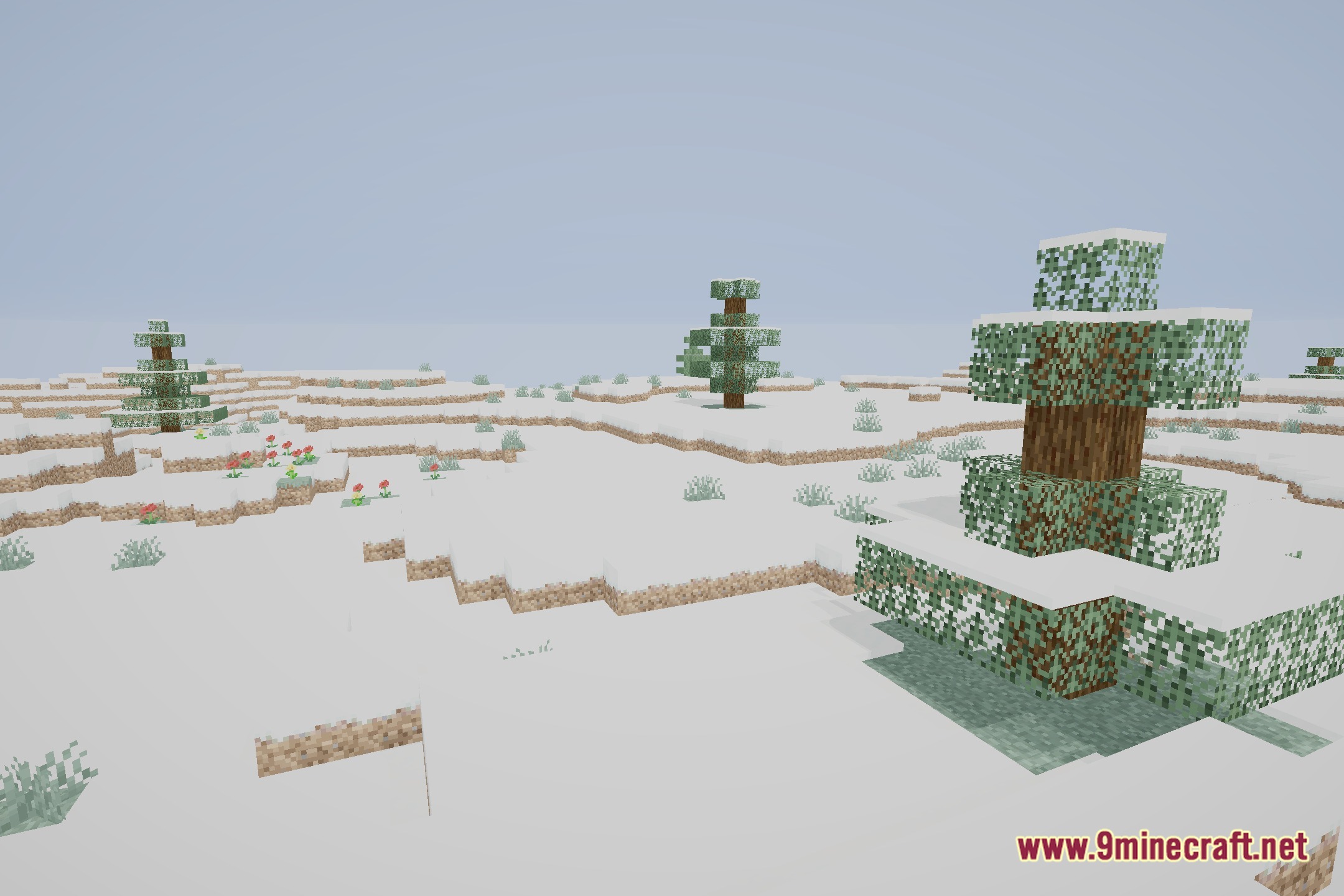
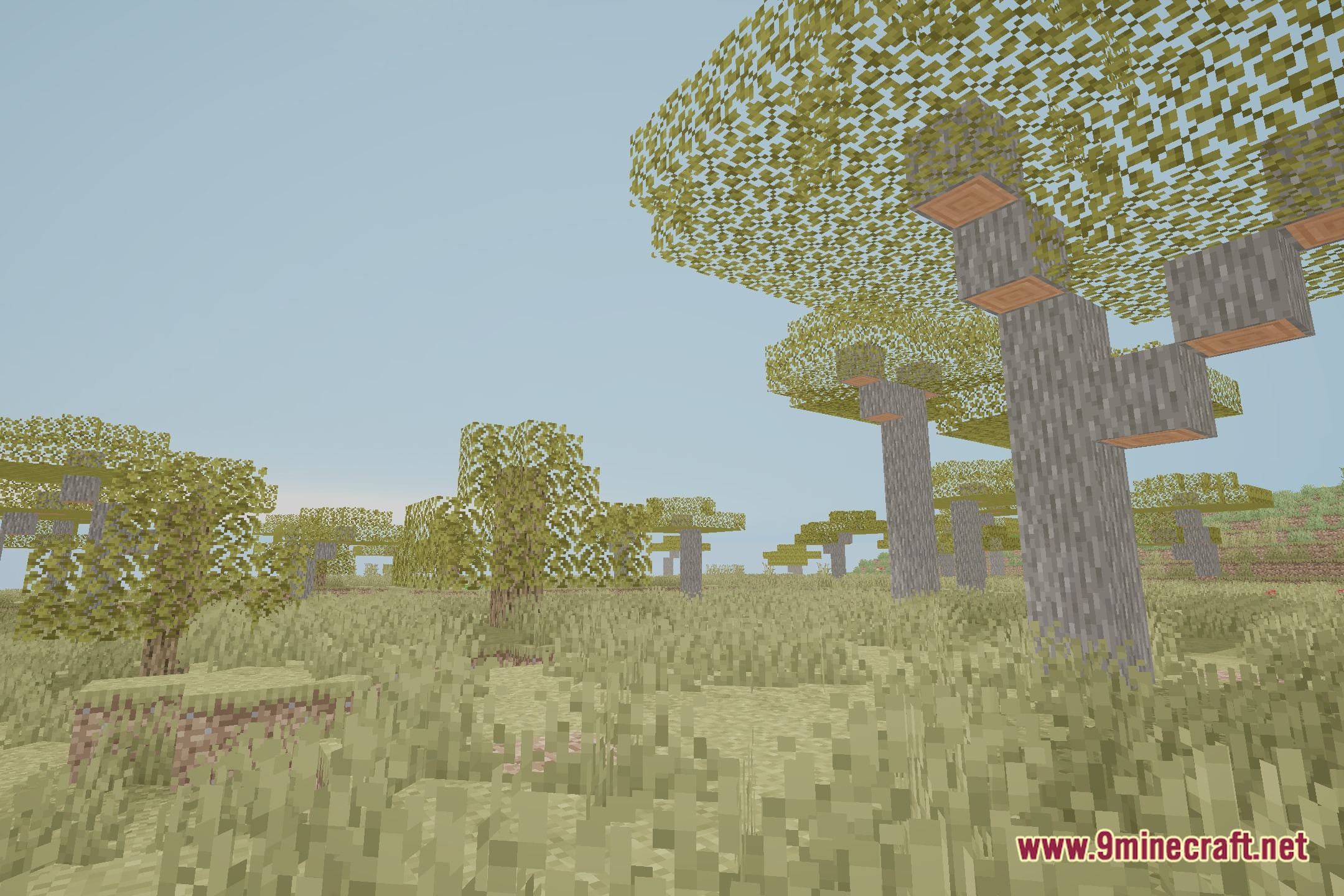
12 images from the Vablevanilla Shaders page.
You May Also Like
Wikis that share the most with this one
 United Shaders
More shader wikis on the site
 Ugly High Contrast Shaders
The most downloaded mods that have a wiki here