

 DownloadVanillaRTXLite Shaders
Get the files on 9Minecraft
Guides
Step-by-step, in-game.
Adjust Shadow Quality and SoftnessAccess Shader Settings Open your shader options by pressing the key bound to shader settings (default varies by…Enhance Water Reflections and TransparencyOpen Reflection Settings Access your shader options menu and navigate to the reflection or water-specific section.…Make Glowing Blocks and Light Sources More ProminentAccess Emissive and Glow Settings Open shader options and find the section labeled "Emissive," "Glow," or "Light…Optimize Performance While Keeping Visual QualityIdentify Performance Bottlenecks Load a demanding area (dense forest, large city, or complex terrain) and check your…
Frequently asked questions
How do I enable the shader after installing it?
Open Options > Video Settings > Shaders, then locate and select VanillaRTXLite Shaders from your shader folder. Click Apply and the effects will load immediately in your world.
Why do my shadows look blocky or pixelated?
Shadow quality is often set to a lower resolution by default for performance. Open the shader options (usually accessible via a settings button in the Video Settings menu) and increase the shadow map resolution to smooth them out.
Can I use this with resource packs?
Yes, VanillaRTXLite Shaders works with most resource packs, especially those designed to stay faithful to vanilla textures. Some heavily modified packs may cause visual conflicts, so test compatibility before committing to a pack.
My FPS dropped a lot after installing this. How do I fix it?
Reduce shadow quality, lower render distance, or disable advanced lighting features in the shader settings. You can also lower your overall graphics settings in Video Settings to find a balance between visuals and performance.
See all 10 VanillaRTXLite Shaders questions ›
Gallery
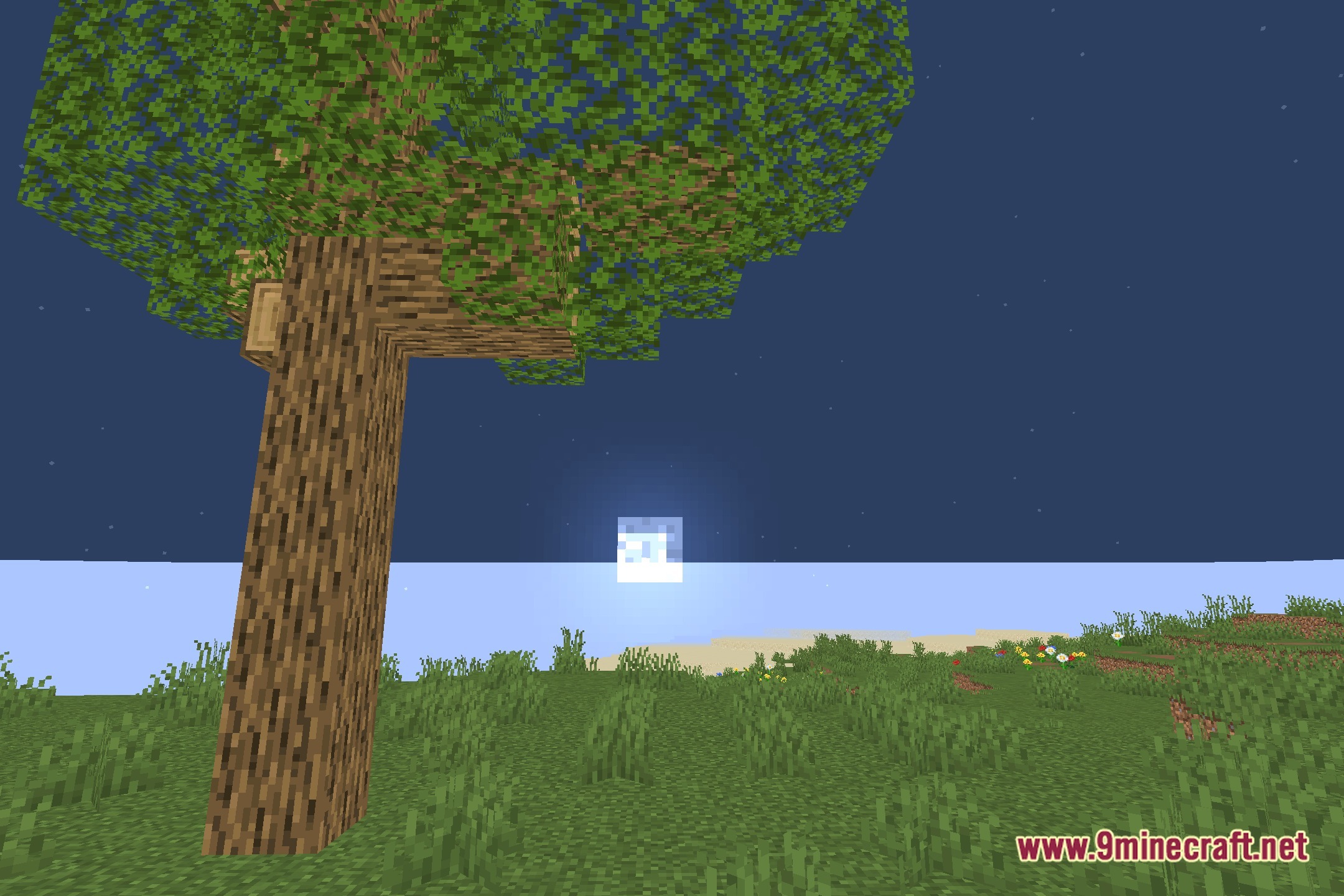
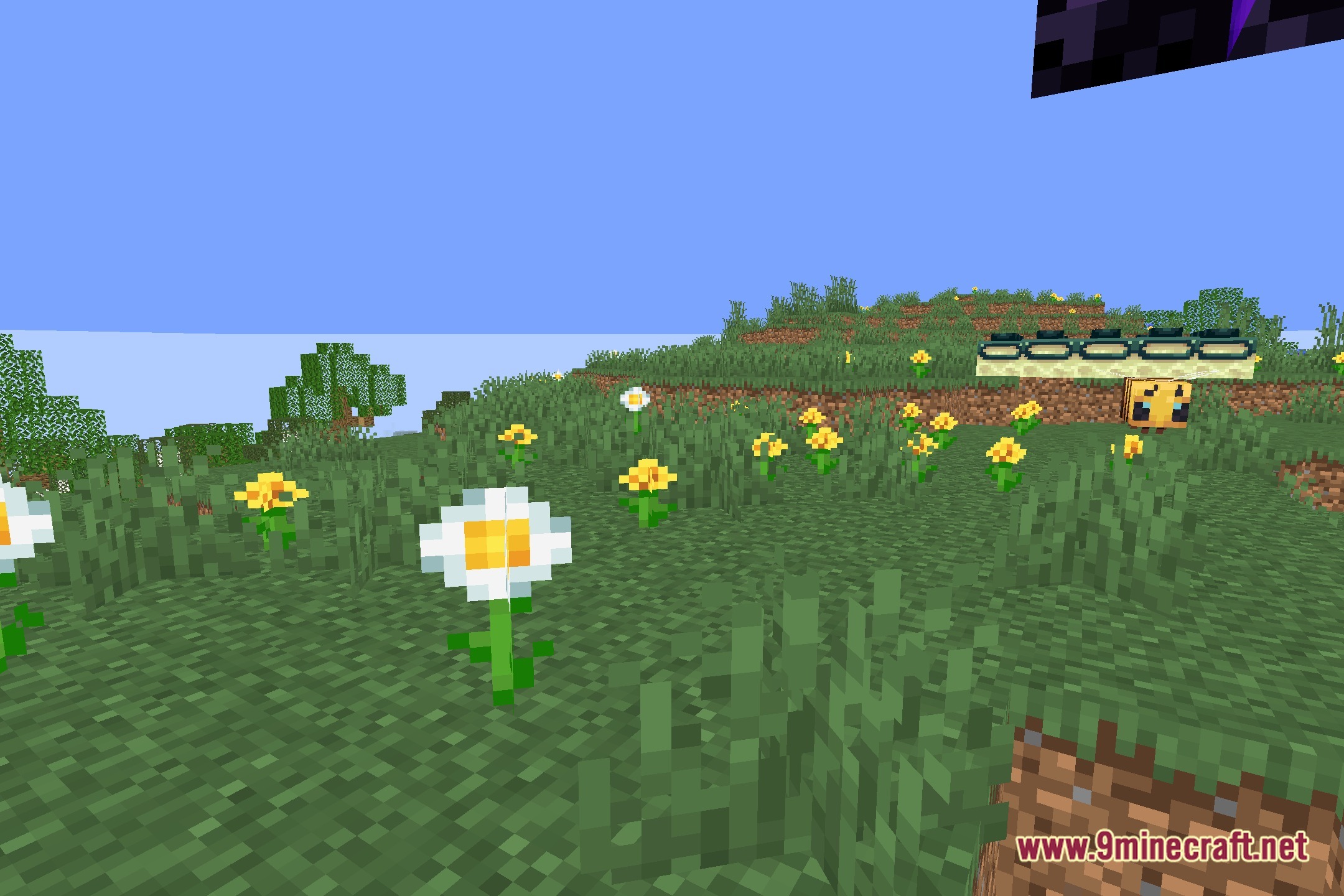
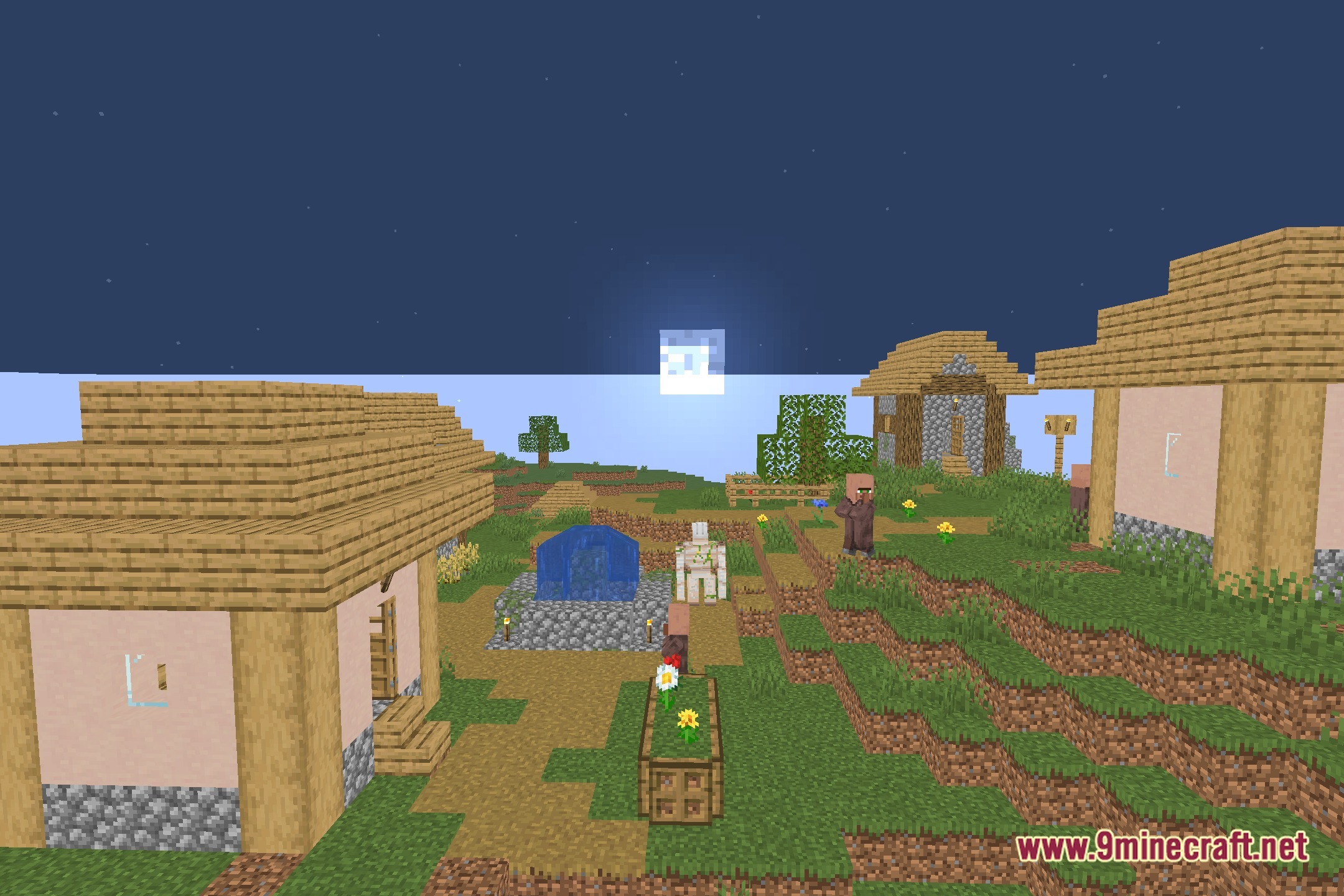
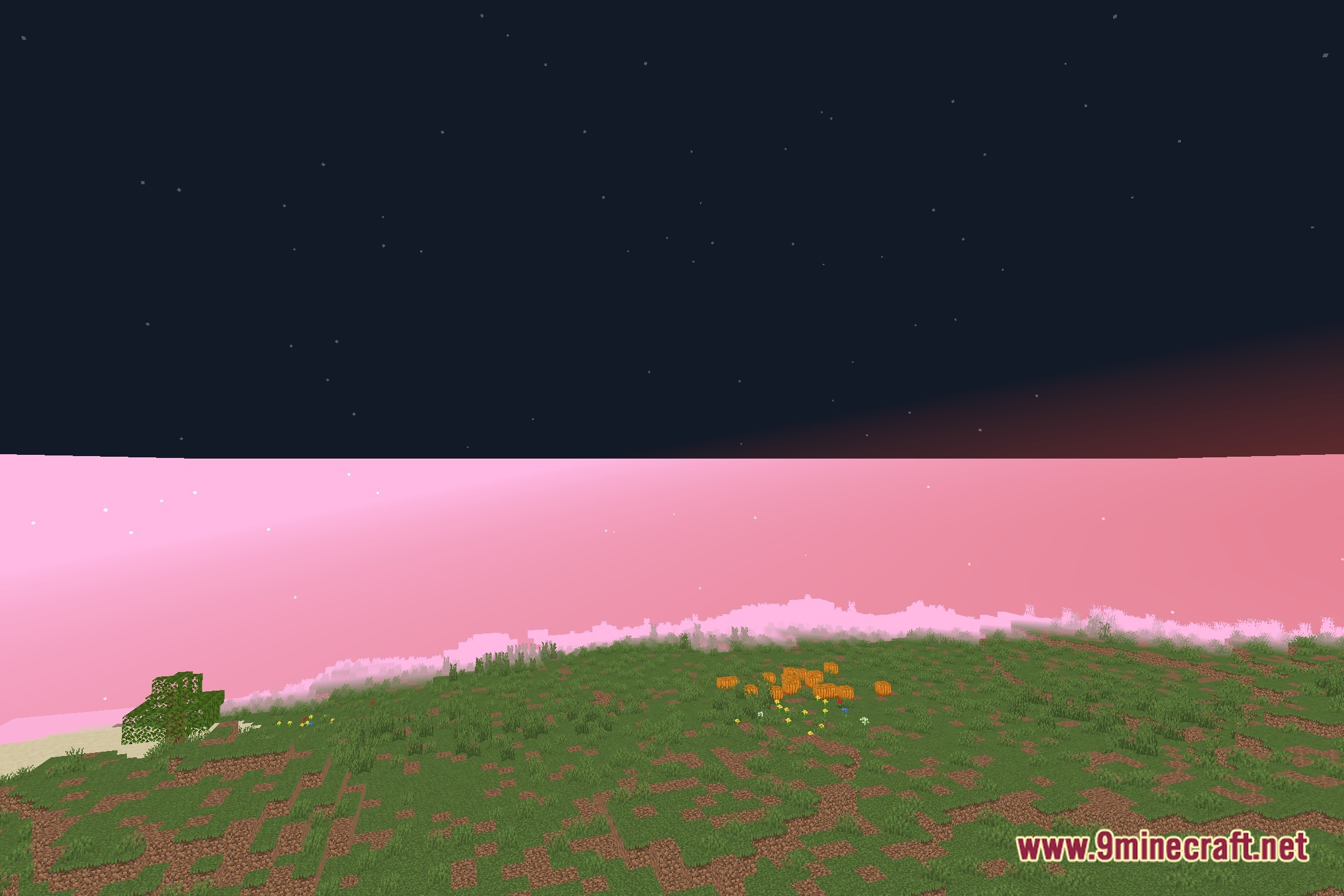
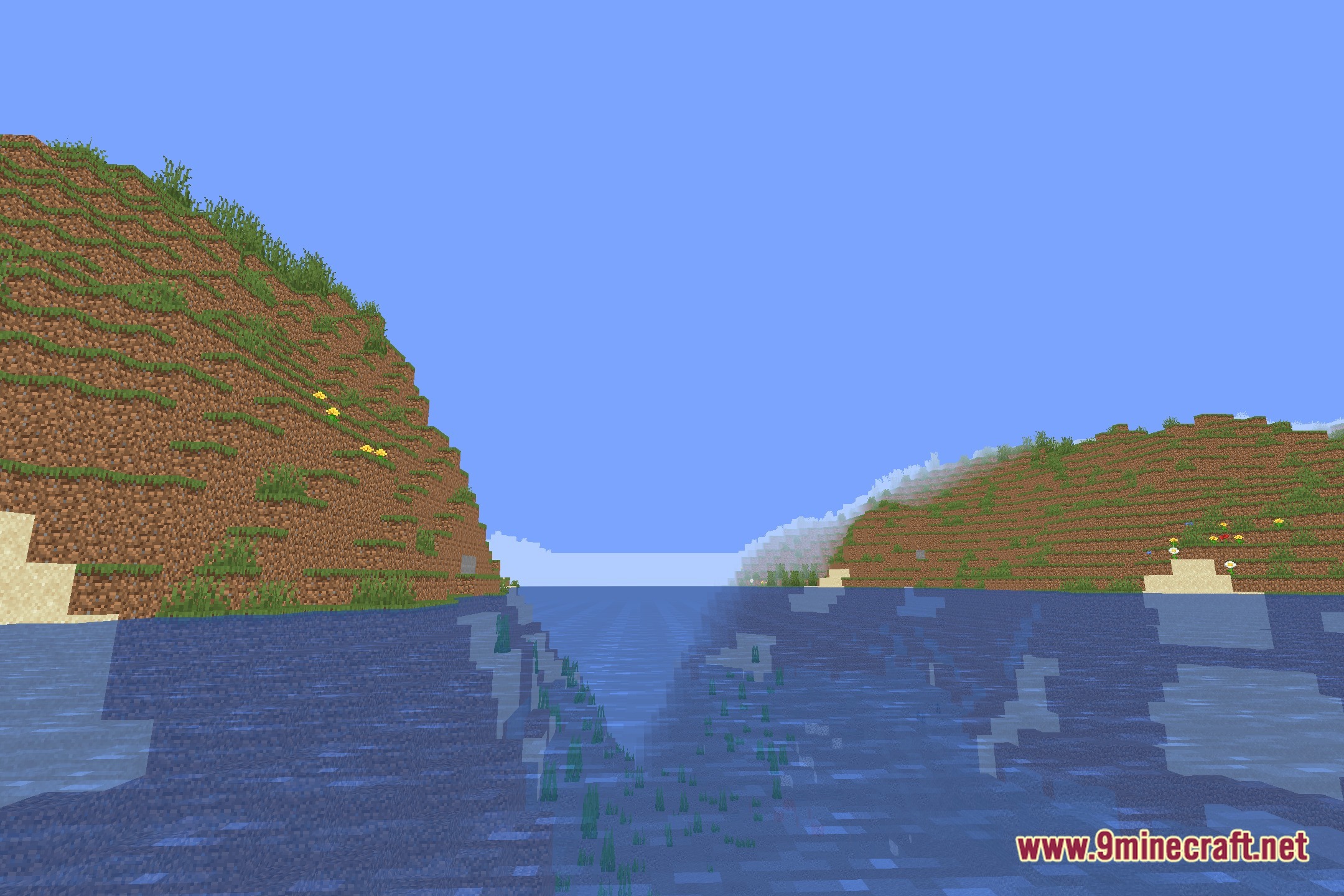
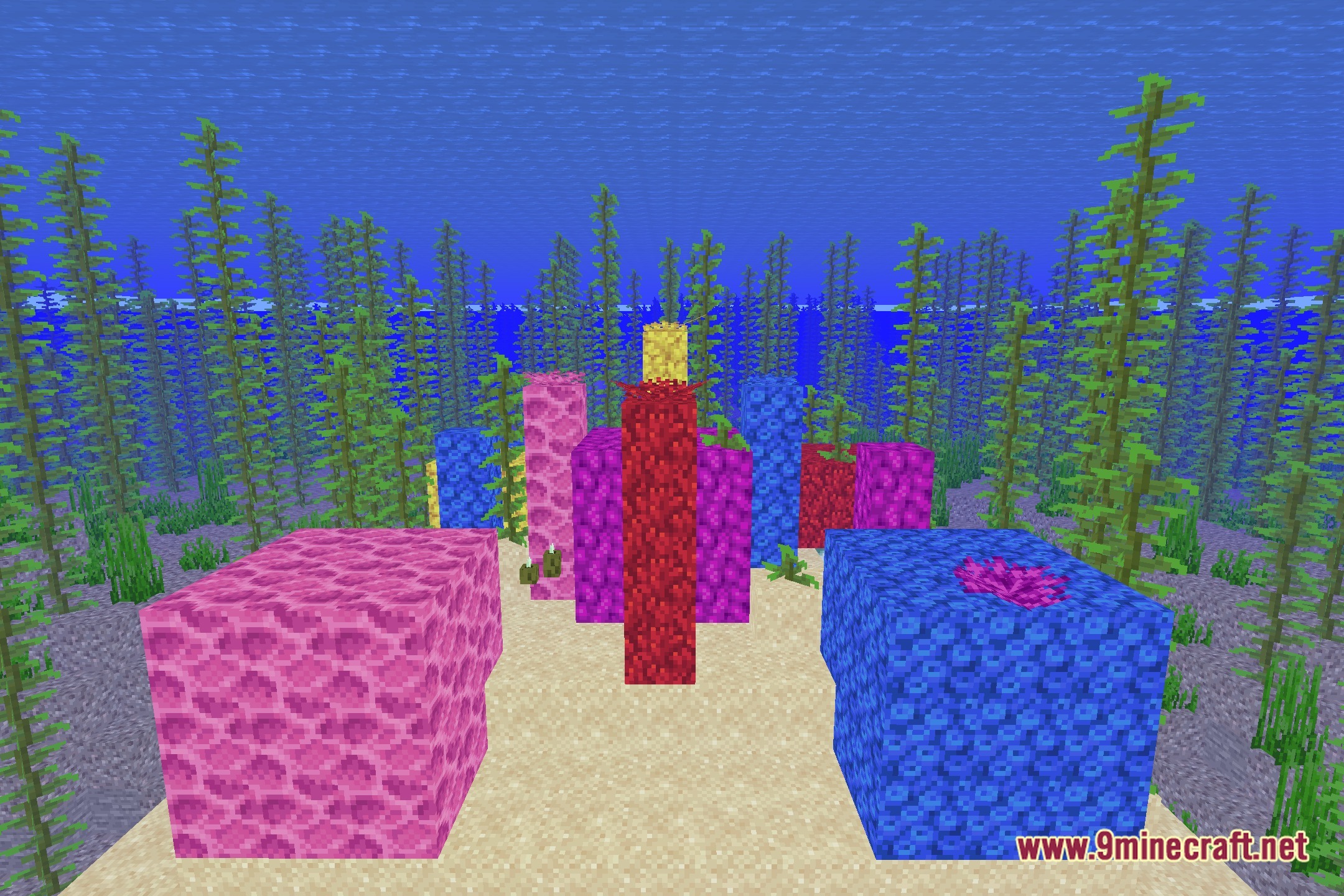
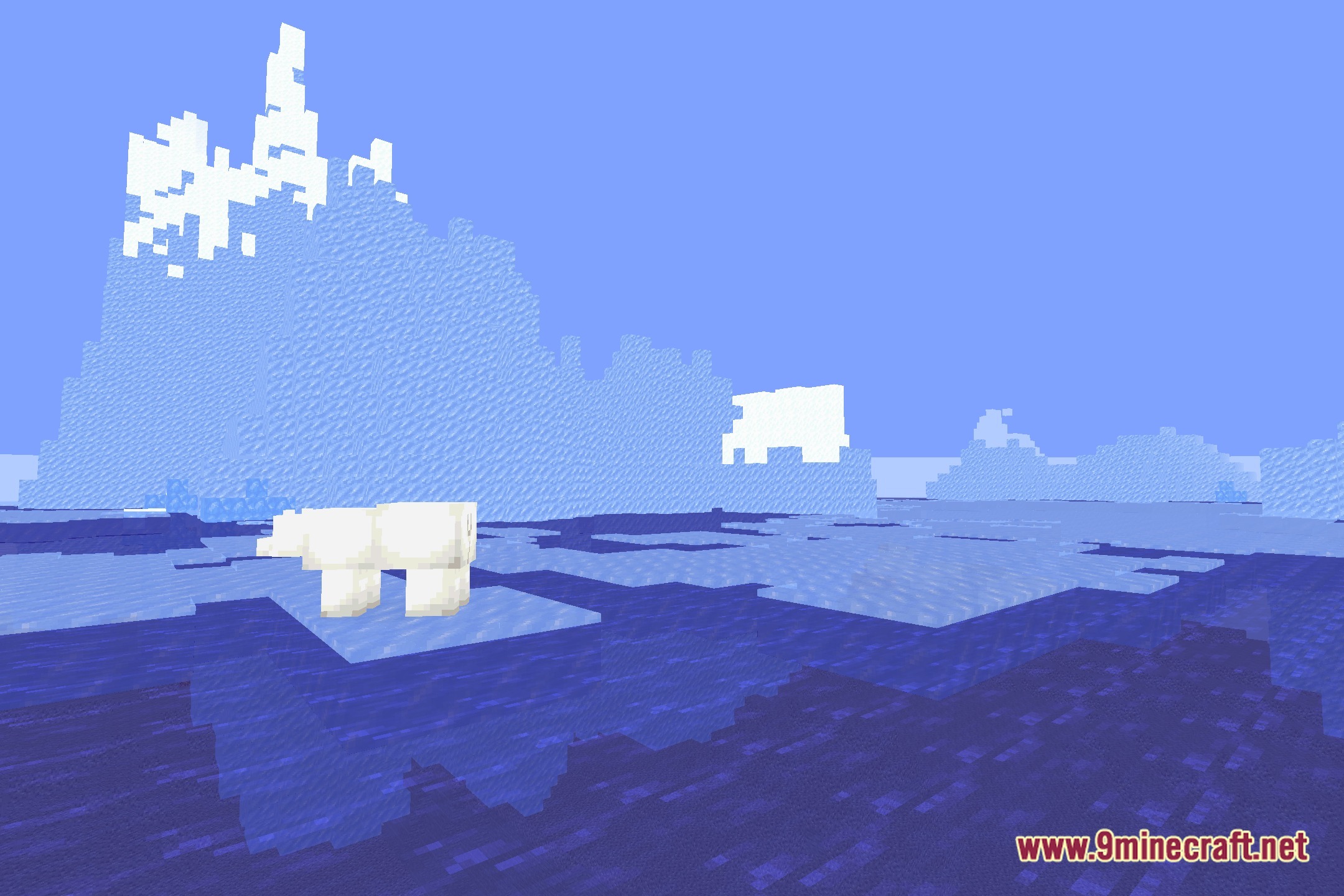
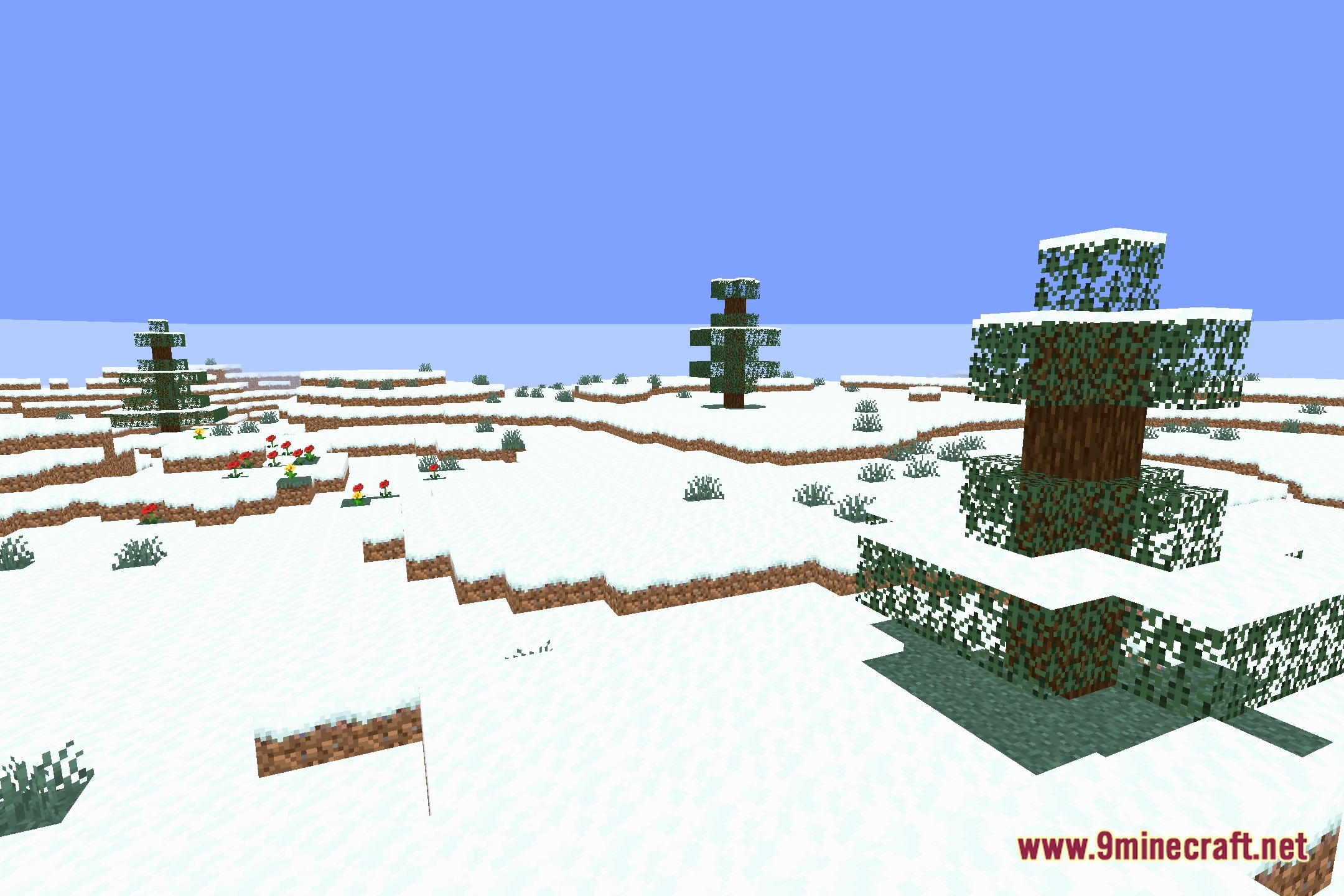
12 images from the Vanillartxlite Shaders page.
You May Also Like
Wikis that share the most with this one
Wikis on the same theme: light
More shader wikis on the site
 United Shaders
The most downloaded mods that have a wiki here