

 DownloadKarma Shaders
Get the files on 9Minecraft
Guides
Step-by-step, in-game.
Adjust Cloud Density and ThicknessAccess Shader Settings Open the Shader Options screen by pressing the key bound to shader settings (usually accessed…Configure Light Shafts (God Rays) IntensityOpen Lighting Options Access your Shader Options menu and navigate to the Lighting , Effects , or Volumetric section.…Customize Nether and End Dimension VisualsAccess Dimension-Specific Settings Open Shader Options and look for sections labeled Nether or Dimension Effects .…Enhance Water Reflections and ClarityLocate Water Settings Open your Shader Options and find the Water section. This controls how water renders, including…
Frequently asked questions
How do I enable Karma Shaders after installing it?
Open your shader settings through the Options menu, navigate to Shaders, and select Karma Shaders from the list. Make sure you're using either Iris or OptiFine for the shaders to load properly.
Why do my clouds look flat or invisible?
Check your cloud density and thickness settings in the shader configuration menu—they may be set too low. You can also verify that your render distance is high enough to display the 3D clouds properly.
Can I use Karma Shaders with OptiFine and Iris at the same time?
No, you should only use one shader loader at a time. Choose either Iris or OptiFine, then load Karma Shaders through that loader to avoid conflicts and performance issues.
How do I make the sun rays (god rays) more or less visible?
Open the shader settings and look for the Light Shafts or God Rays intensity option, then adjust the slider to your preference. Higher values make the rays more dramatic, while lower values make them subtle.
See all 10 Karma Shaders questions ›
Gallery
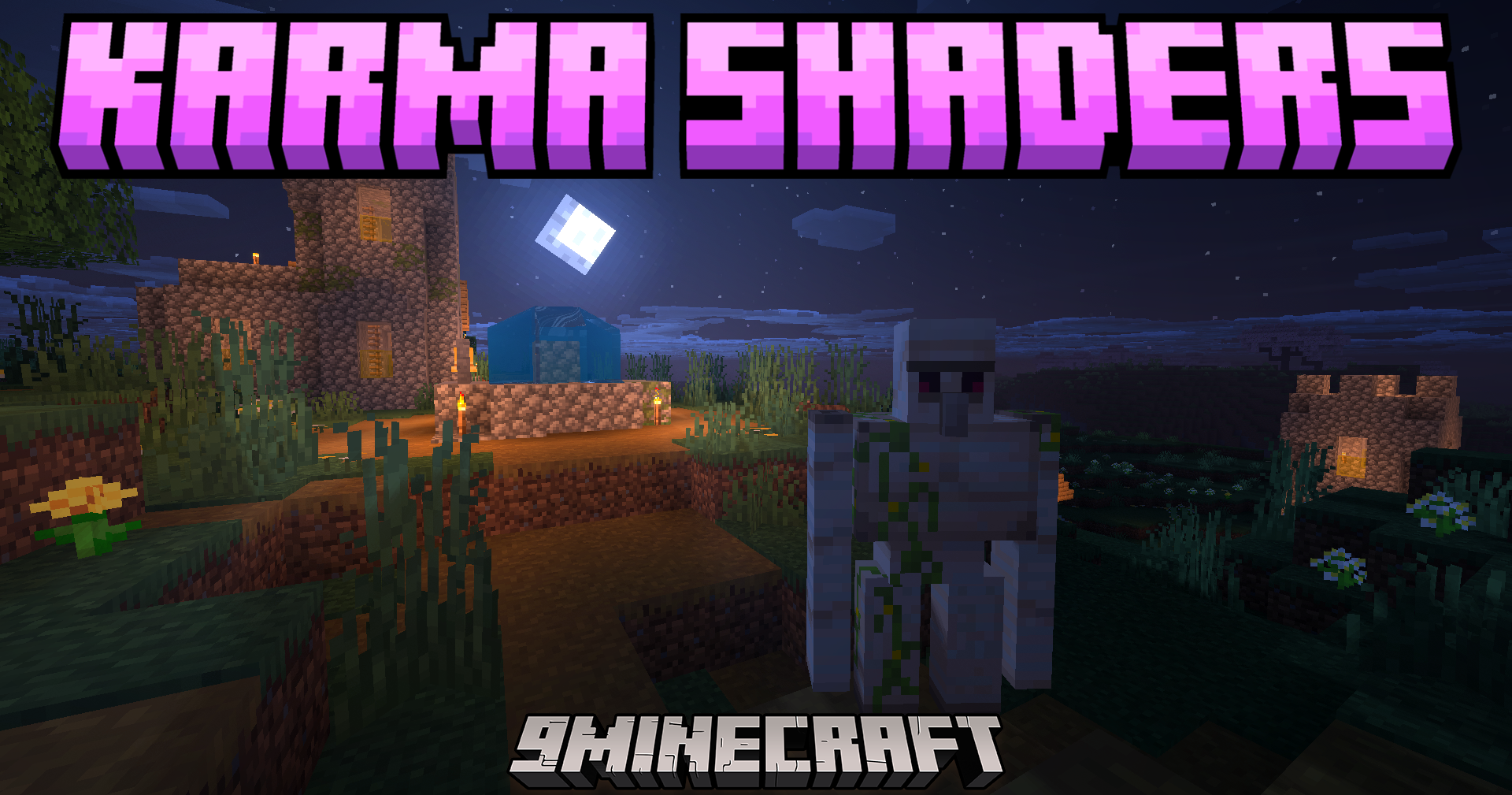
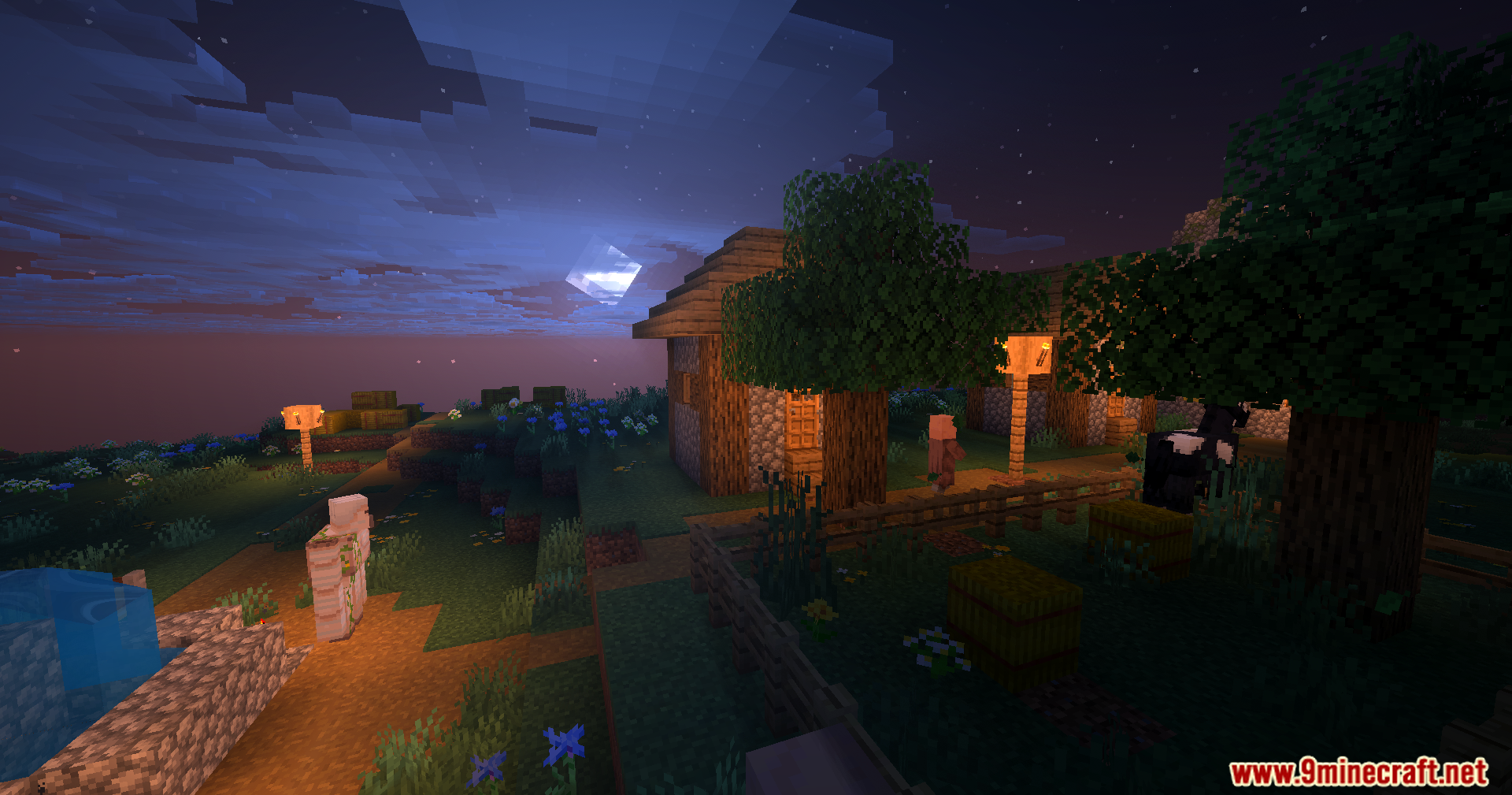
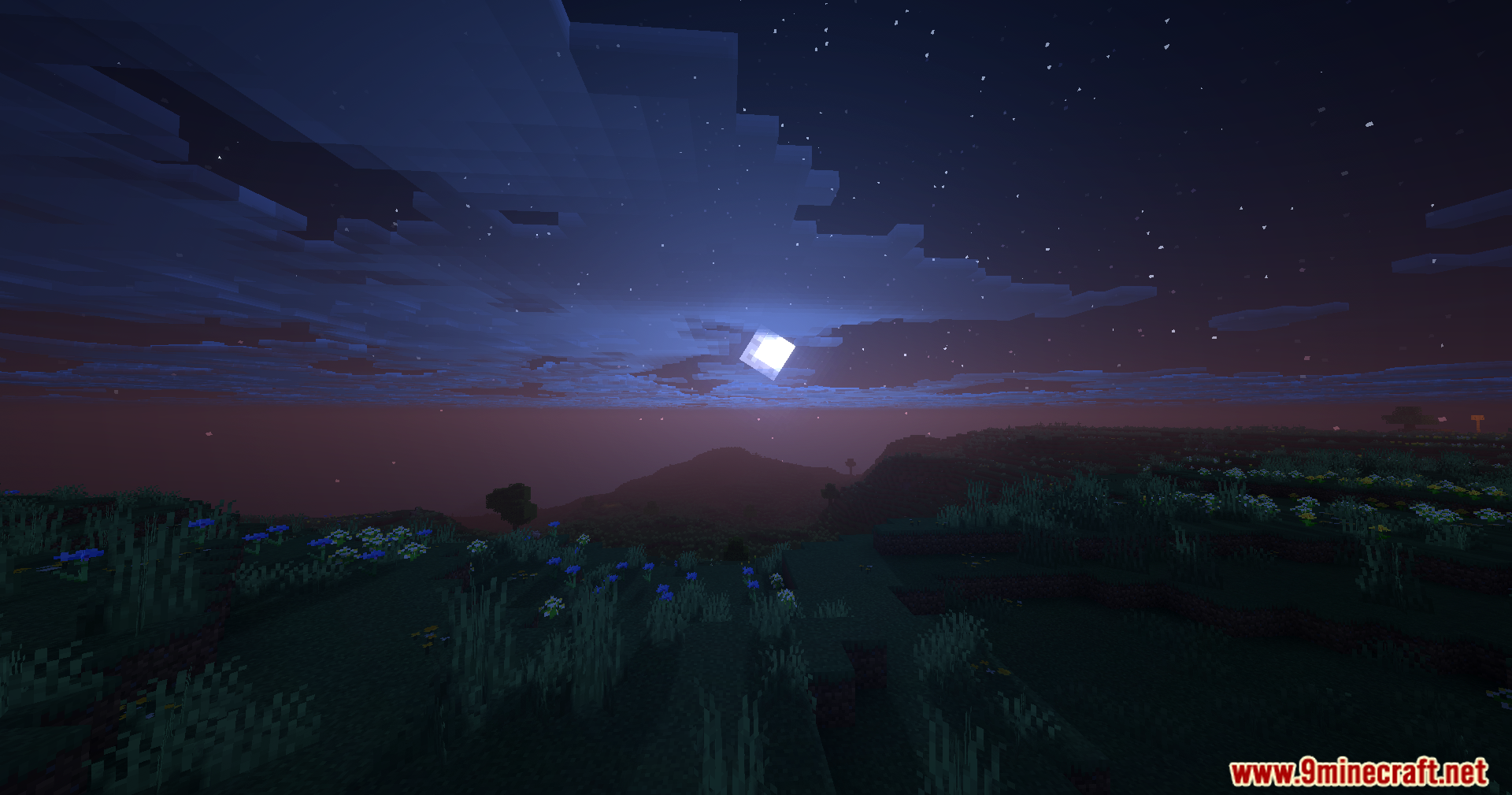
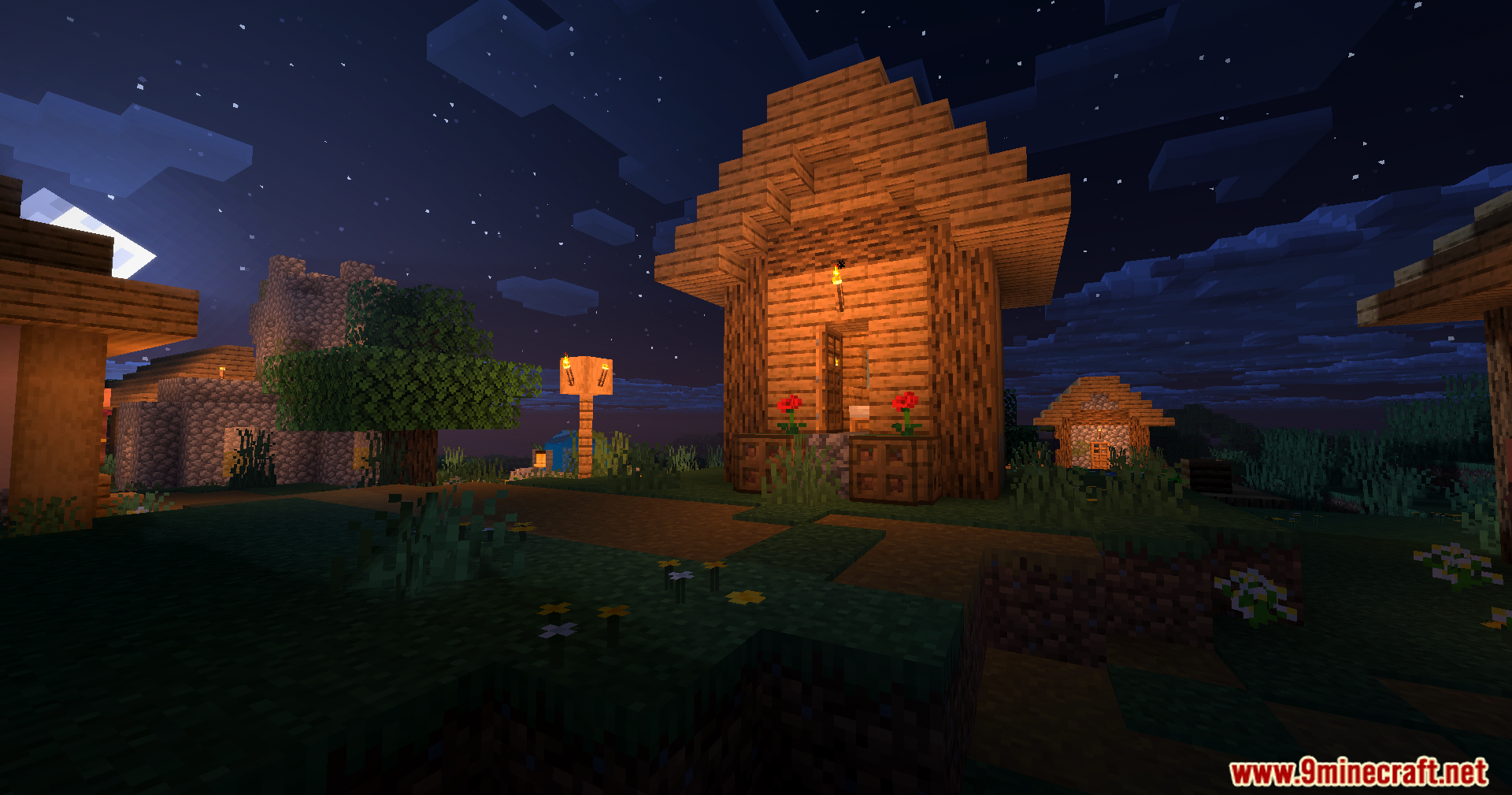
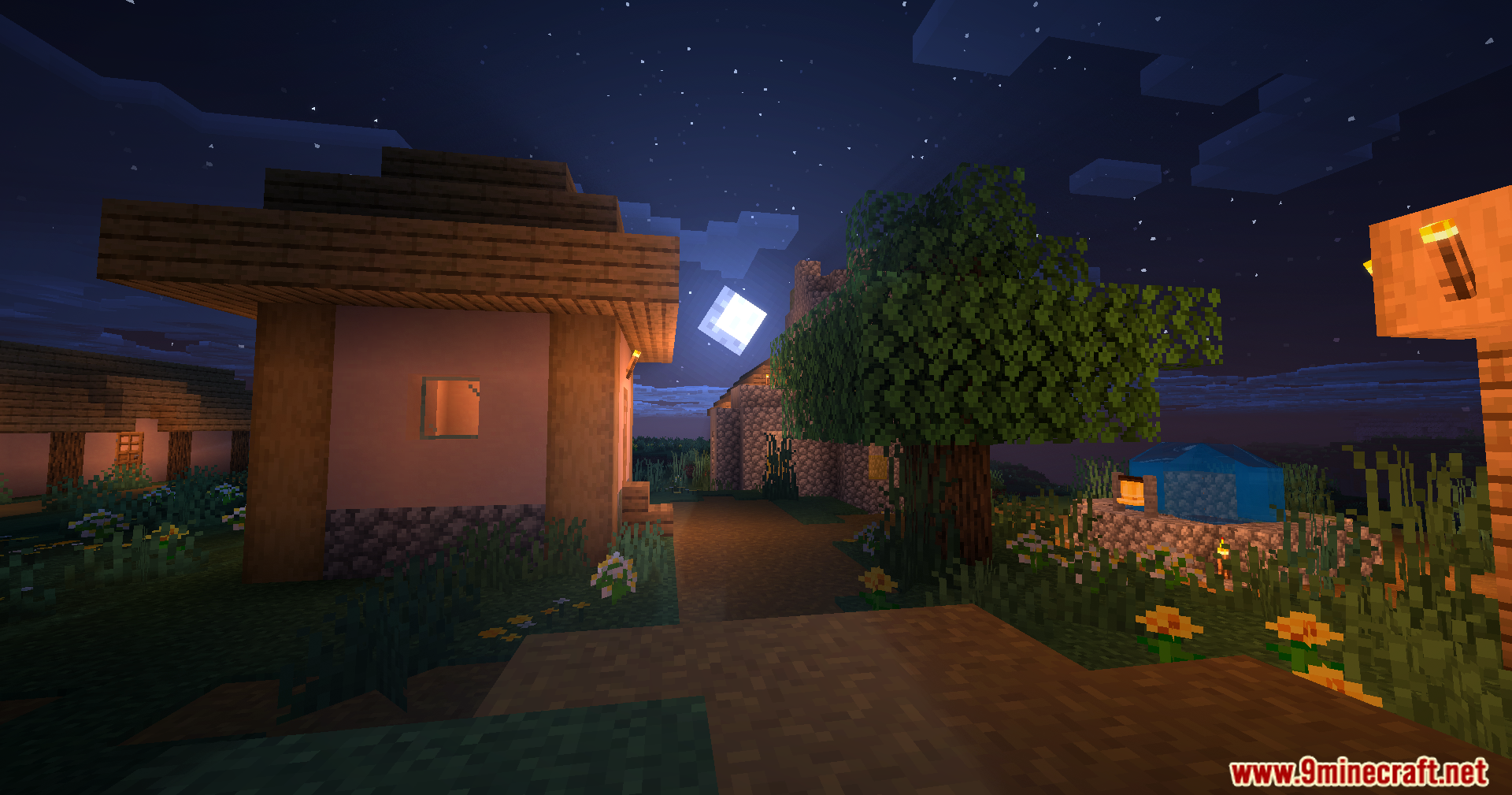
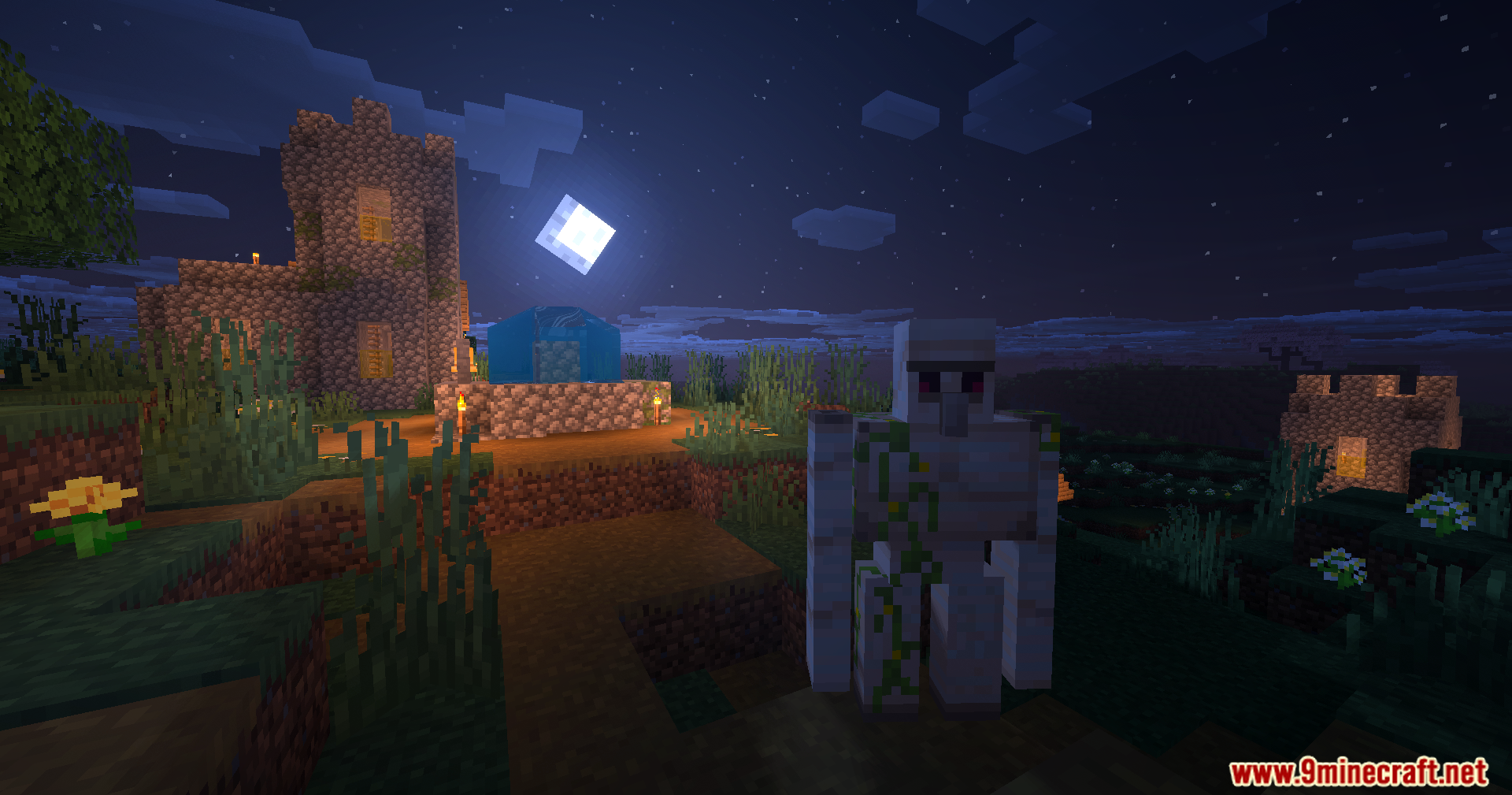
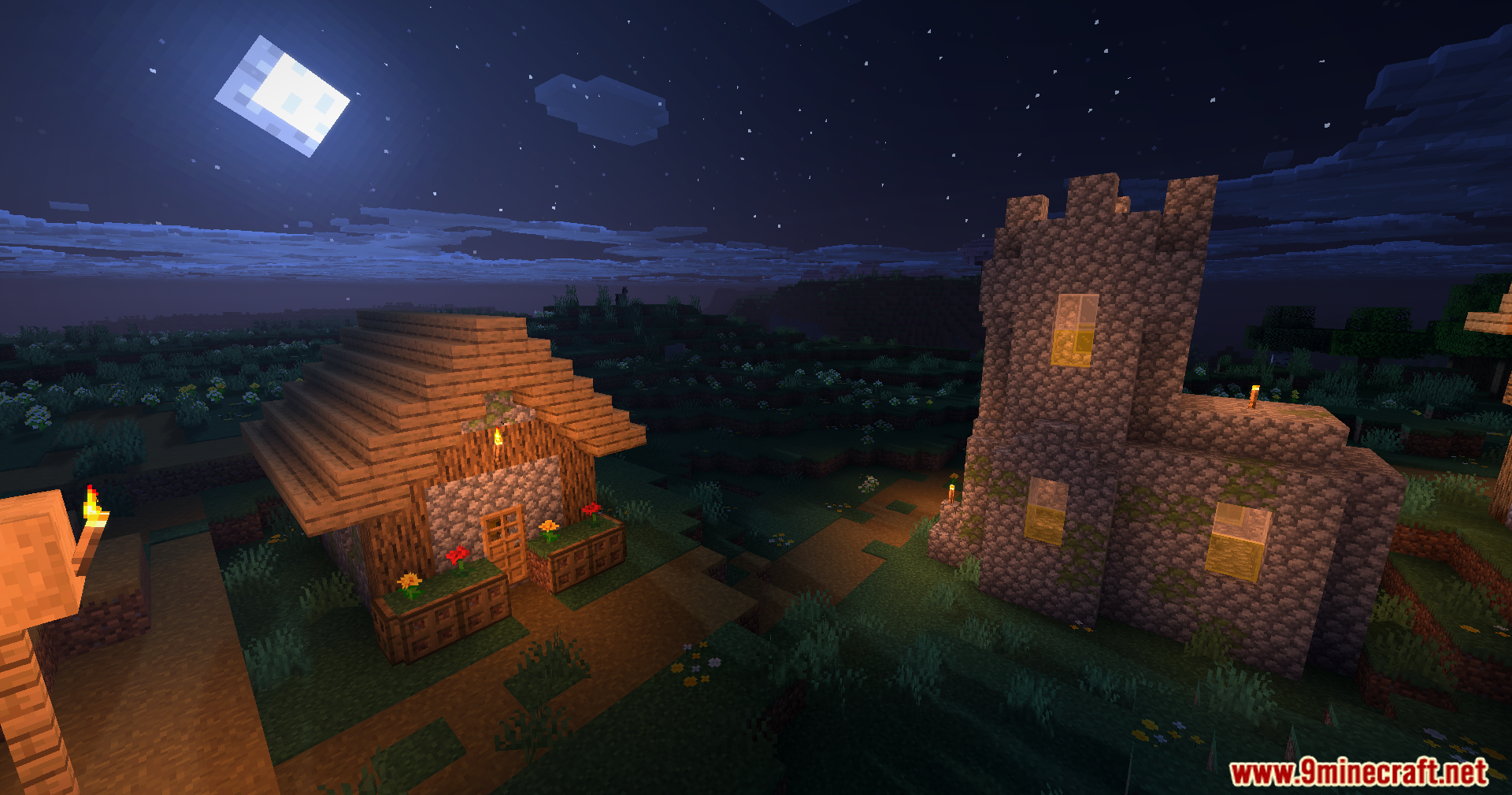
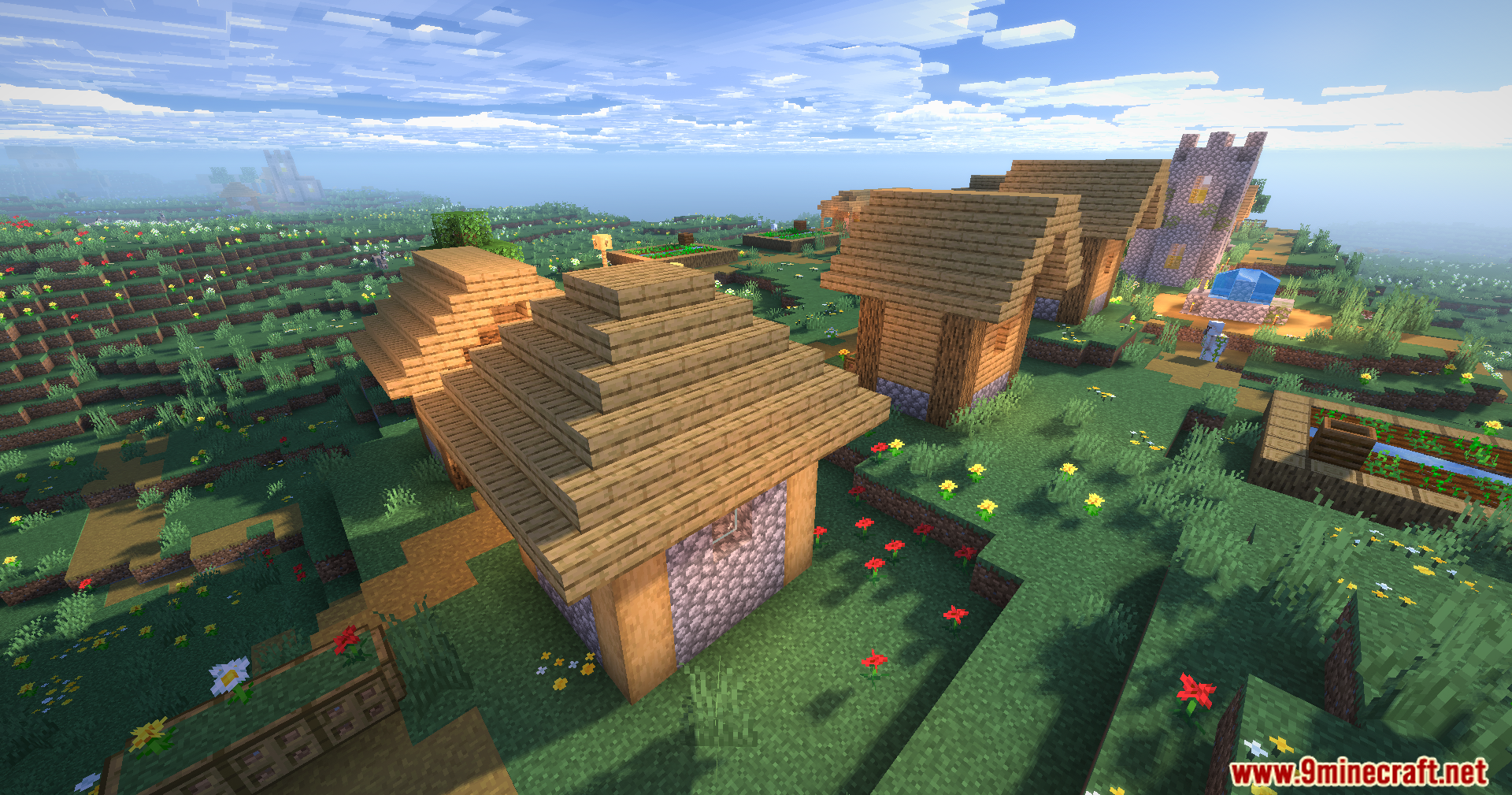
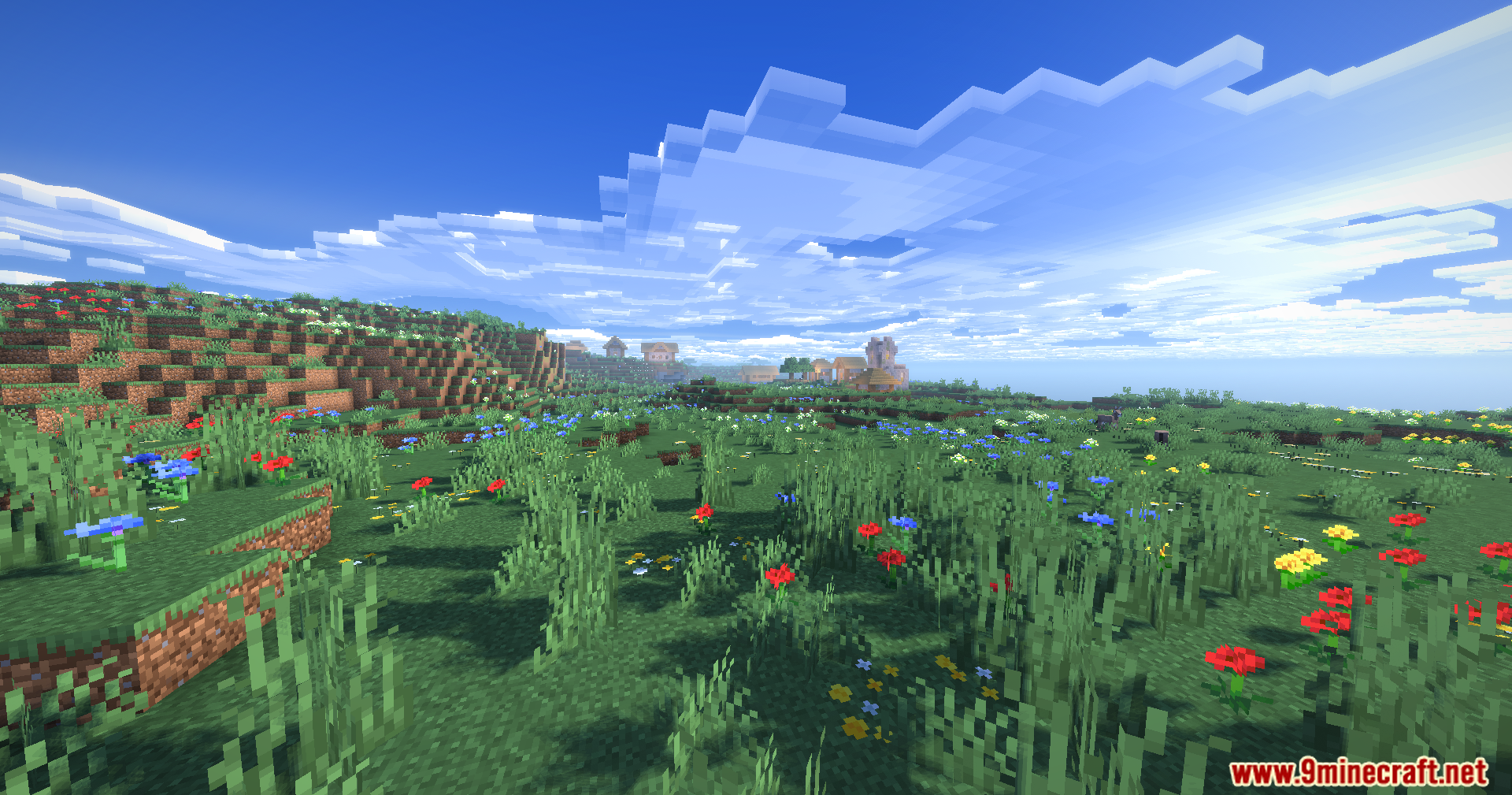
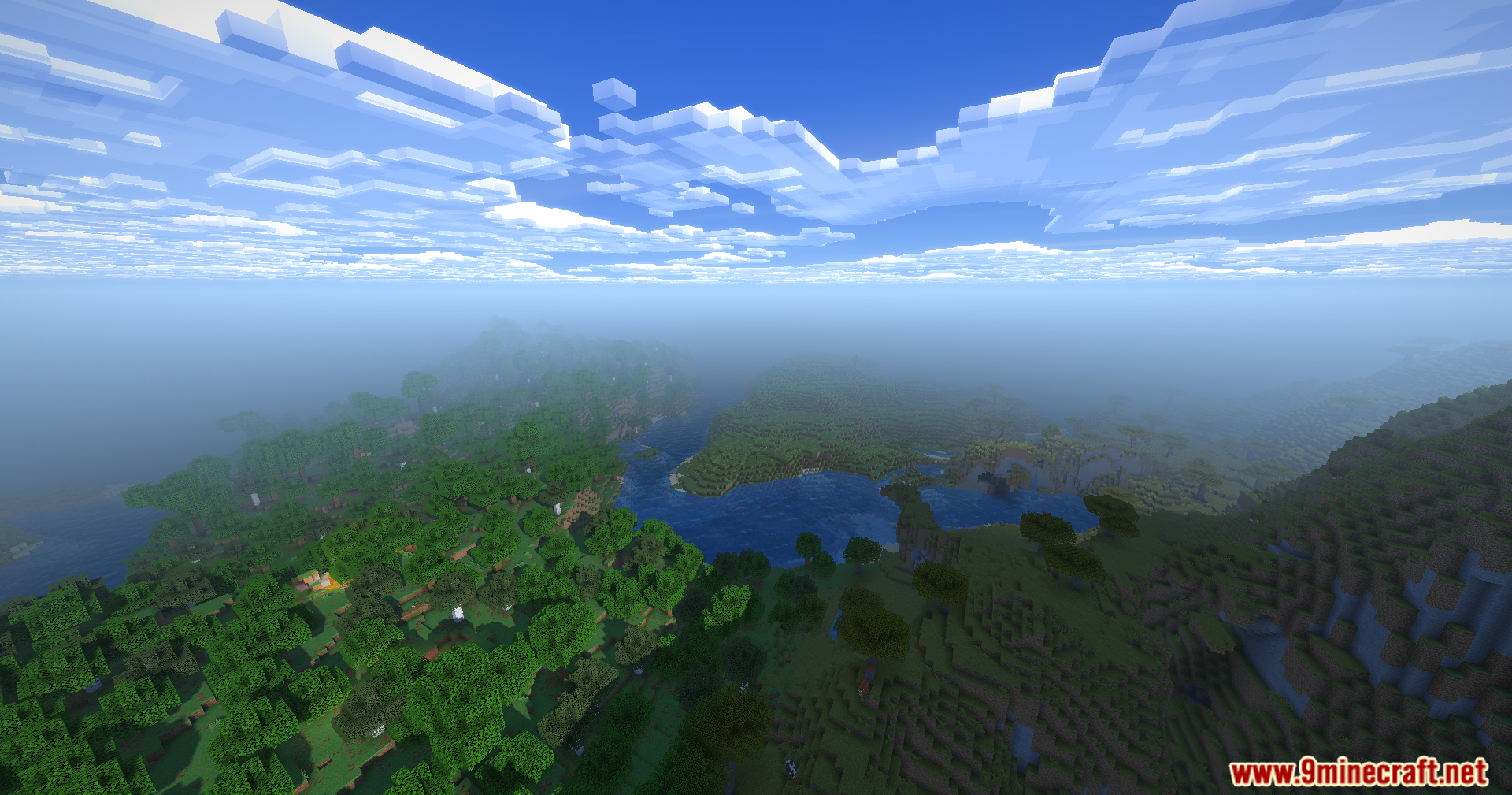
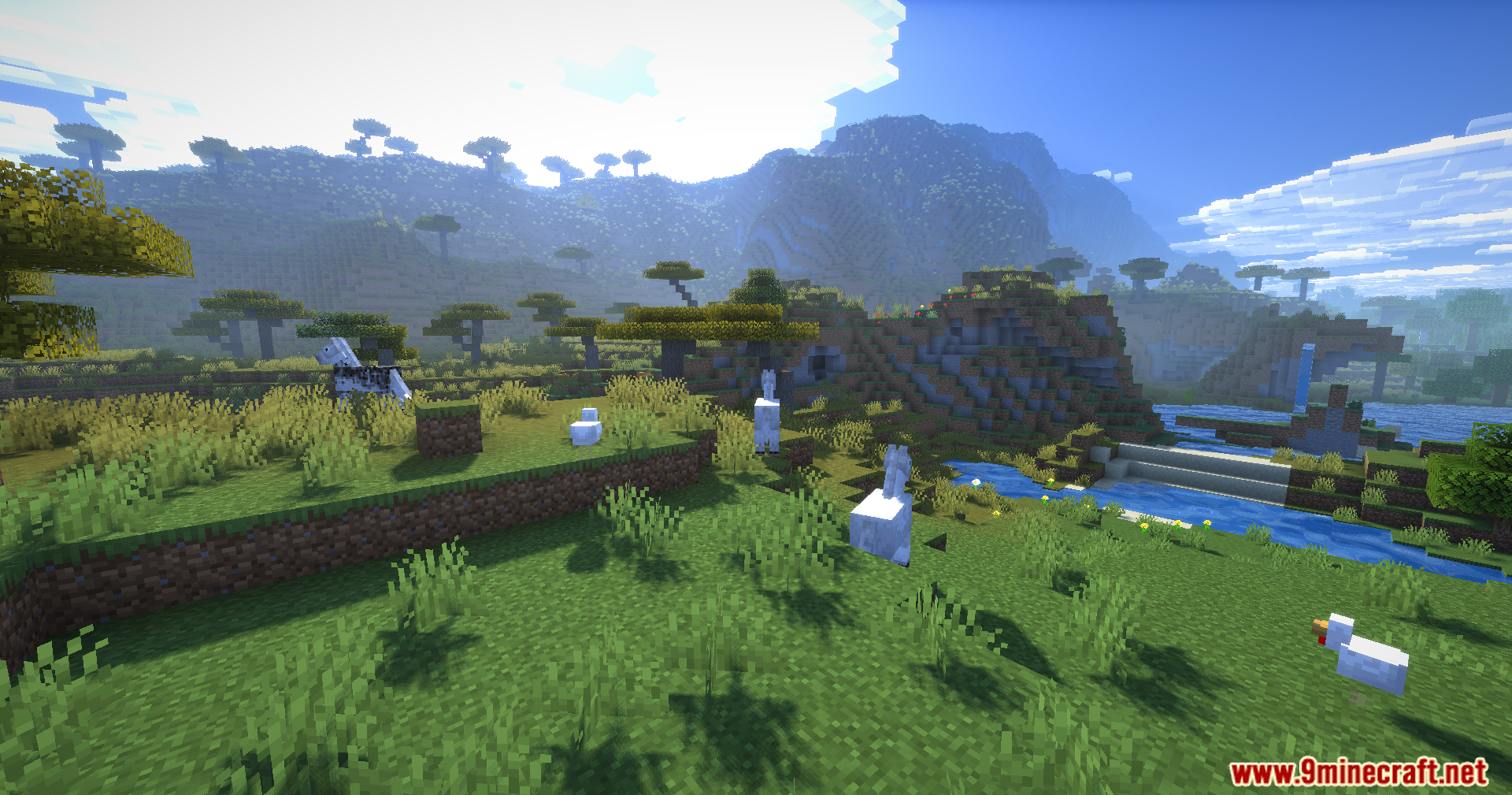
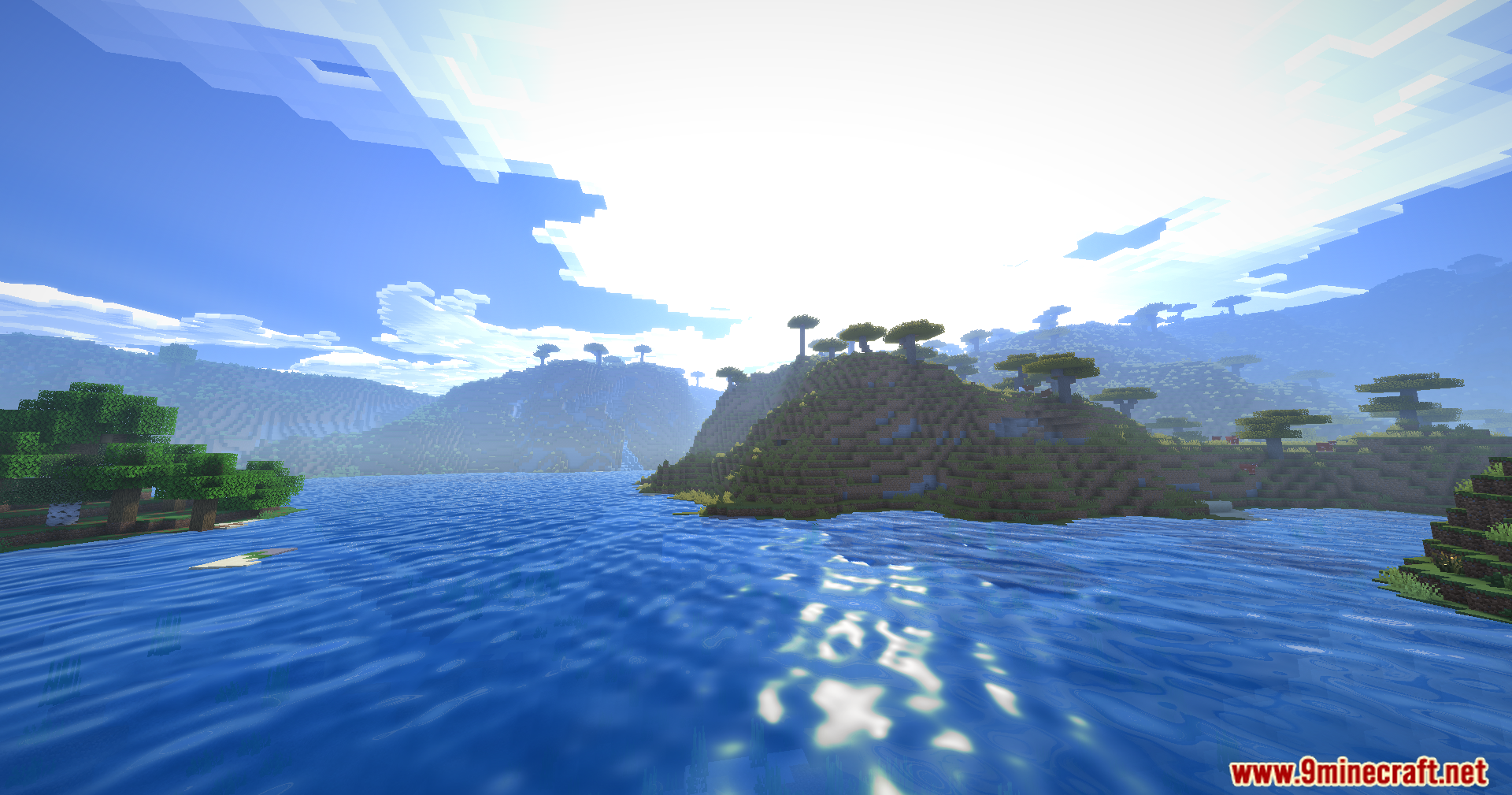
12 images from the Karma Shaders page.
You May Also Like
Wikis that share the most with this one
Wikis on the same theme: end
More shader wikis on the site
The most downloaded mods that have a wiki here