

 DownloadVanilla Shading Renewed Shaders
Get the files on 9Minecraft
Guides
Step-by-step, in-game.
Adjust Shadow Intensity and SoftnessAccess Shader Settings Open the shader options menu by pressing Shift + O while in-game, or navigate to Options >…Improve Visibility in Dark Caves and MinesUnderstand the Lighting Refresh Vanilla Shading Renewed improves how block light (from torches, lava, glowstone)…Make Nighttime and Moonlight Look More NaturalUnderstand Nighttime Shading Vanilla Shading Renewed adjusts how moonlight and ambient light behave at night. The…Reduce Lag While Keeping Shadows EnabledIdentify Performance Bottlenecks Open the debug screen with F3 and monitor your frame time. If shadows are causing…
Frequently asked questions
How do I turn on shadows after installing the mod?
Open your shader settings menu (usually accessible from Video Settings) and select Vanilla Shading Renewed Shaders from the shader pack list. Shadows will be enabled by default once the shader is active.
Why do my shadows look too harsh or too soft?
Look for shadow softness or shadow radius options in your shader settings menu. Increasing the value makes shadows softer and more diffuse, while decreasing it makes them sharper and more defined.
Can I make shadows less intense without turning them off completely?
Yes, most shader settings include a shadow intensity or shadow strength slider that lets you dial down how dark shadows appear while keeping them visible.
My caves are still too dark even with this shader. What can I do?
See all 10 Vanilla Shading Renewed Shaders questions ›
Gallery
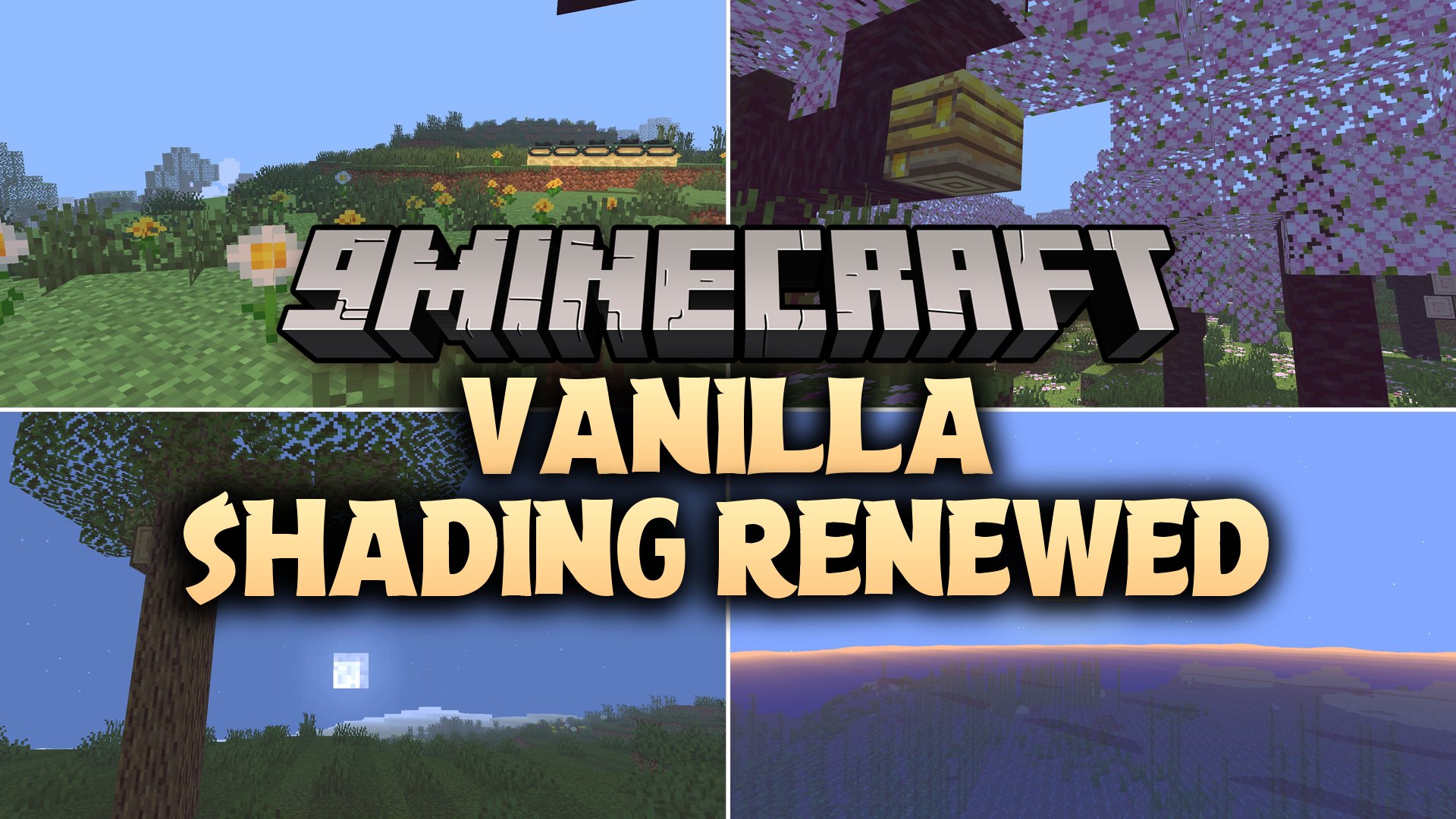
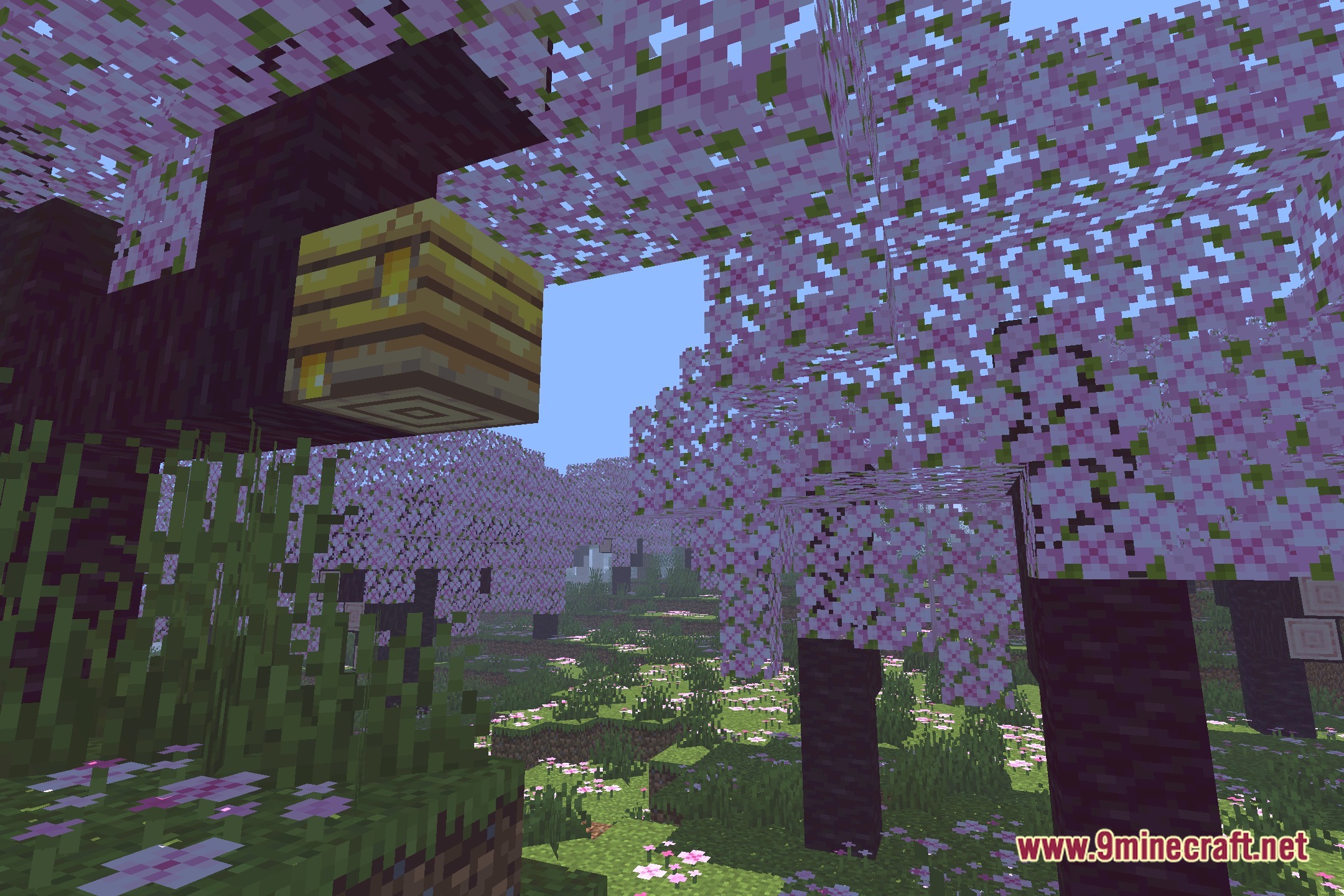
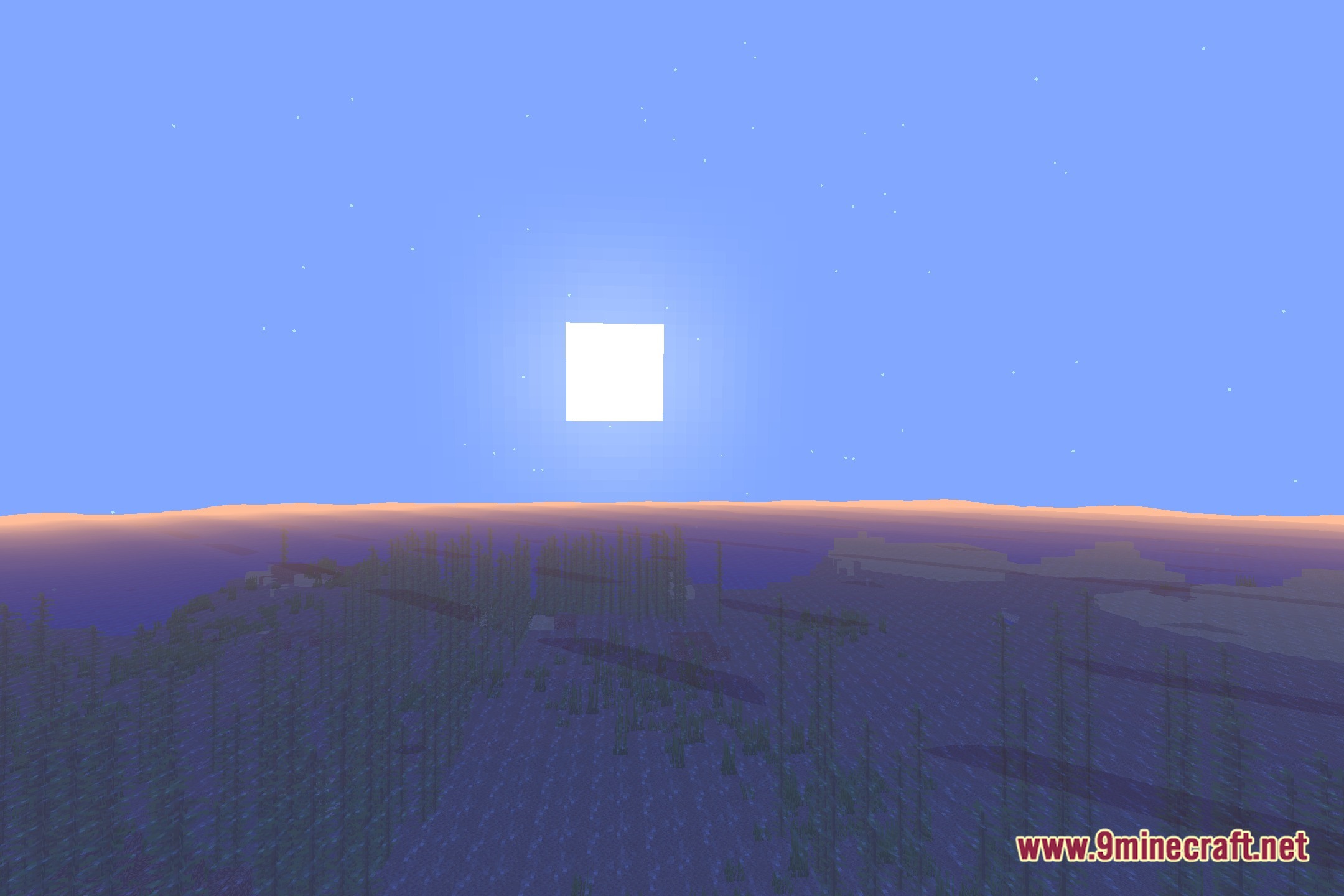
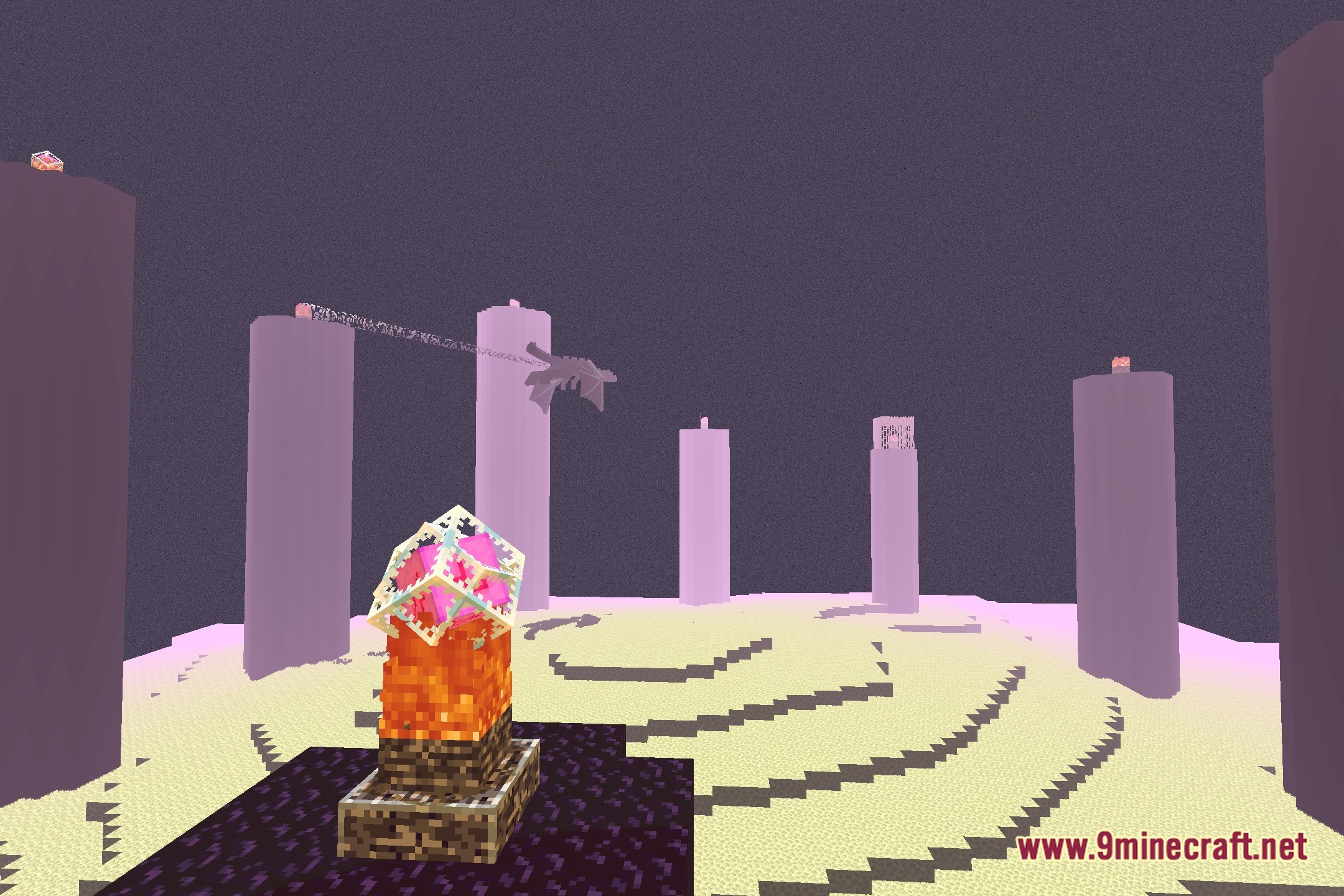
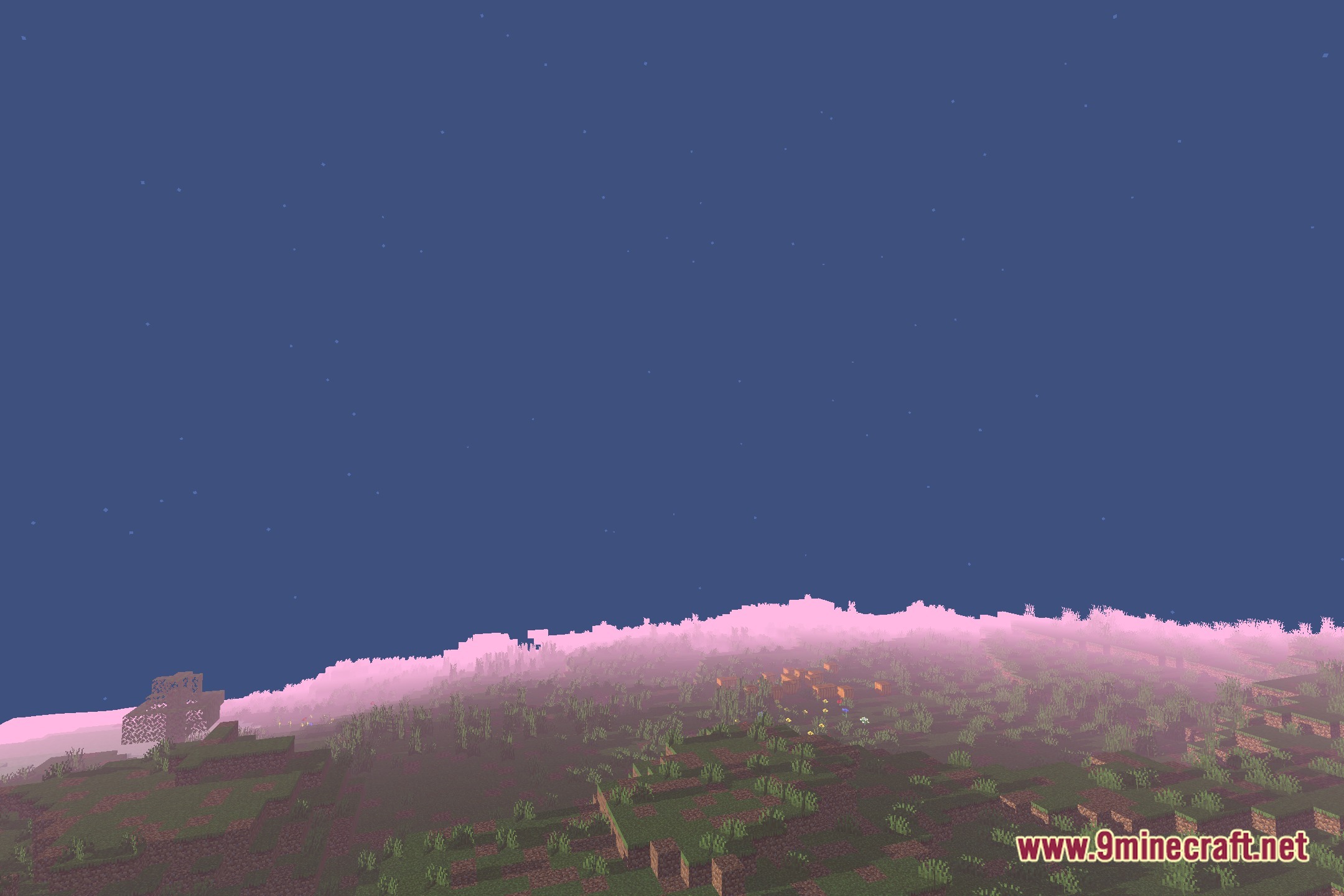
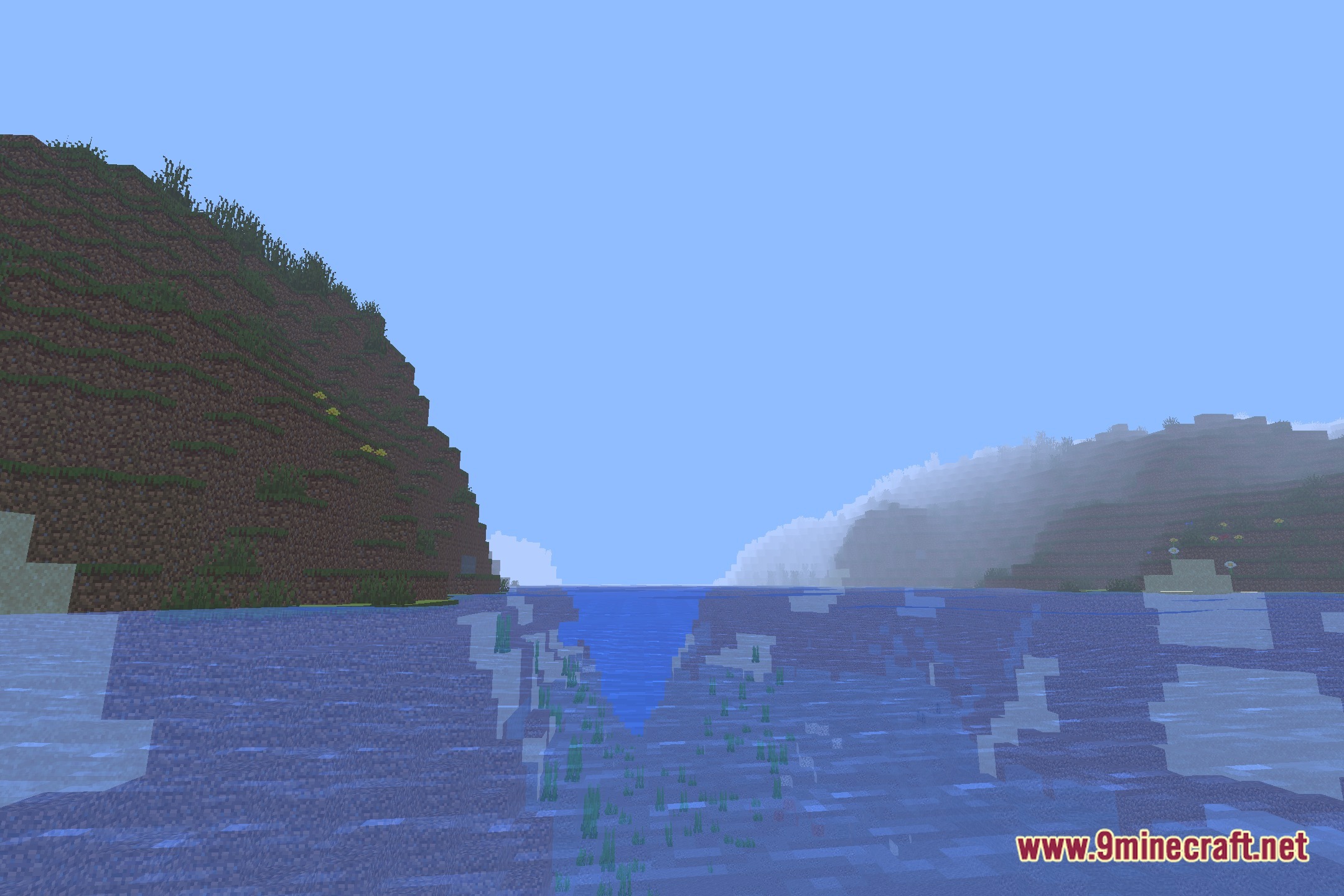
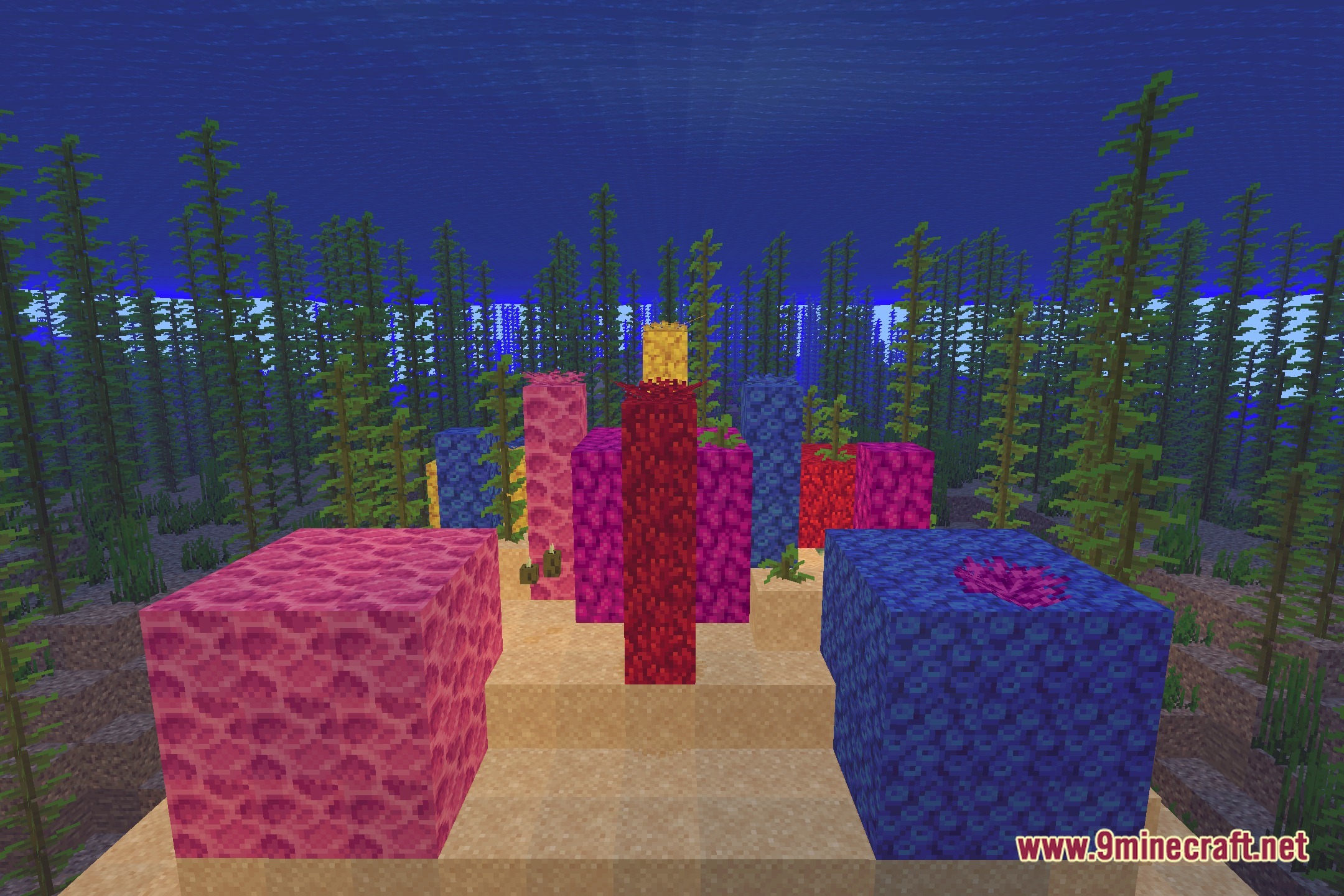
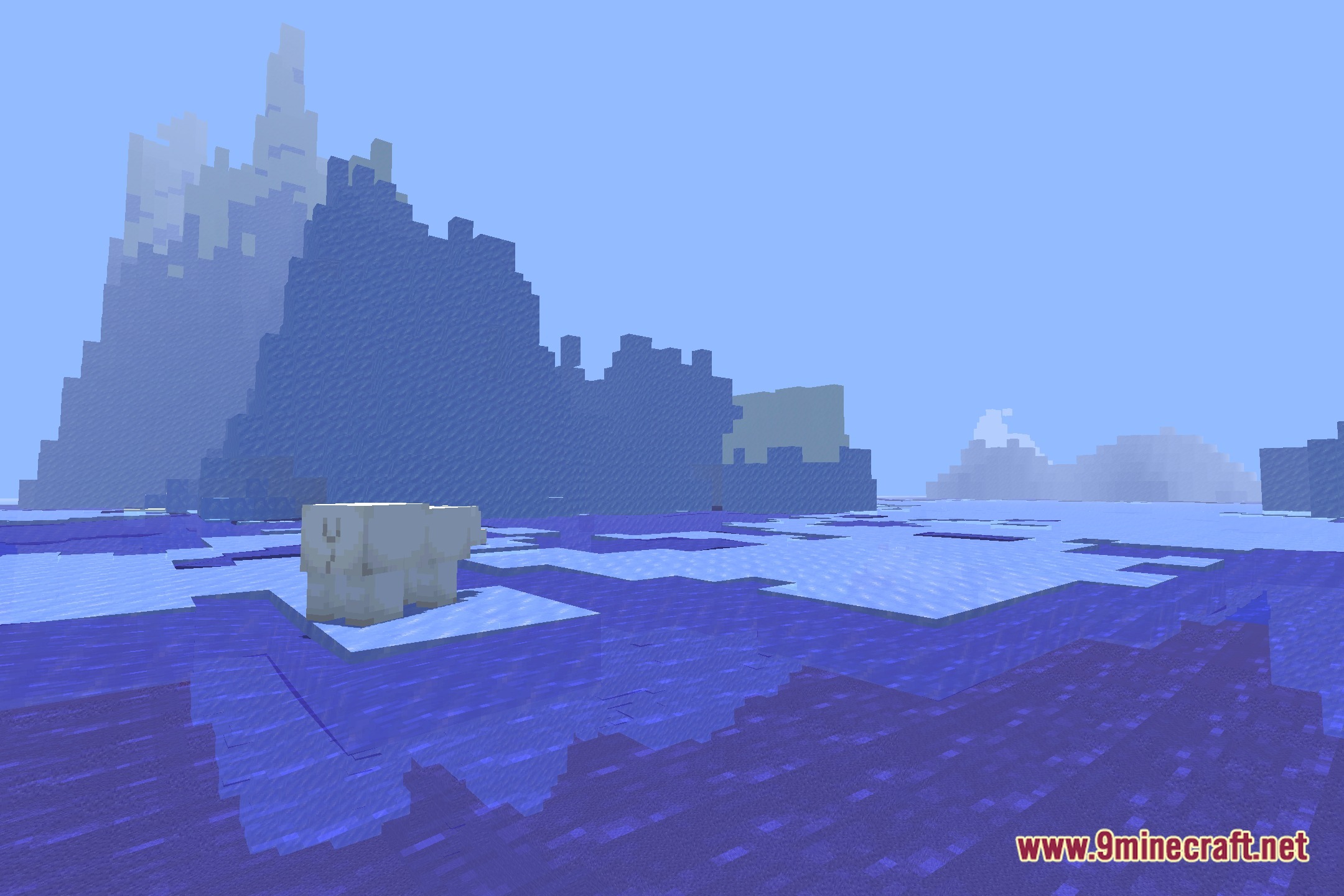
12 images from the Vanilla Shading Renewed Shaders page.
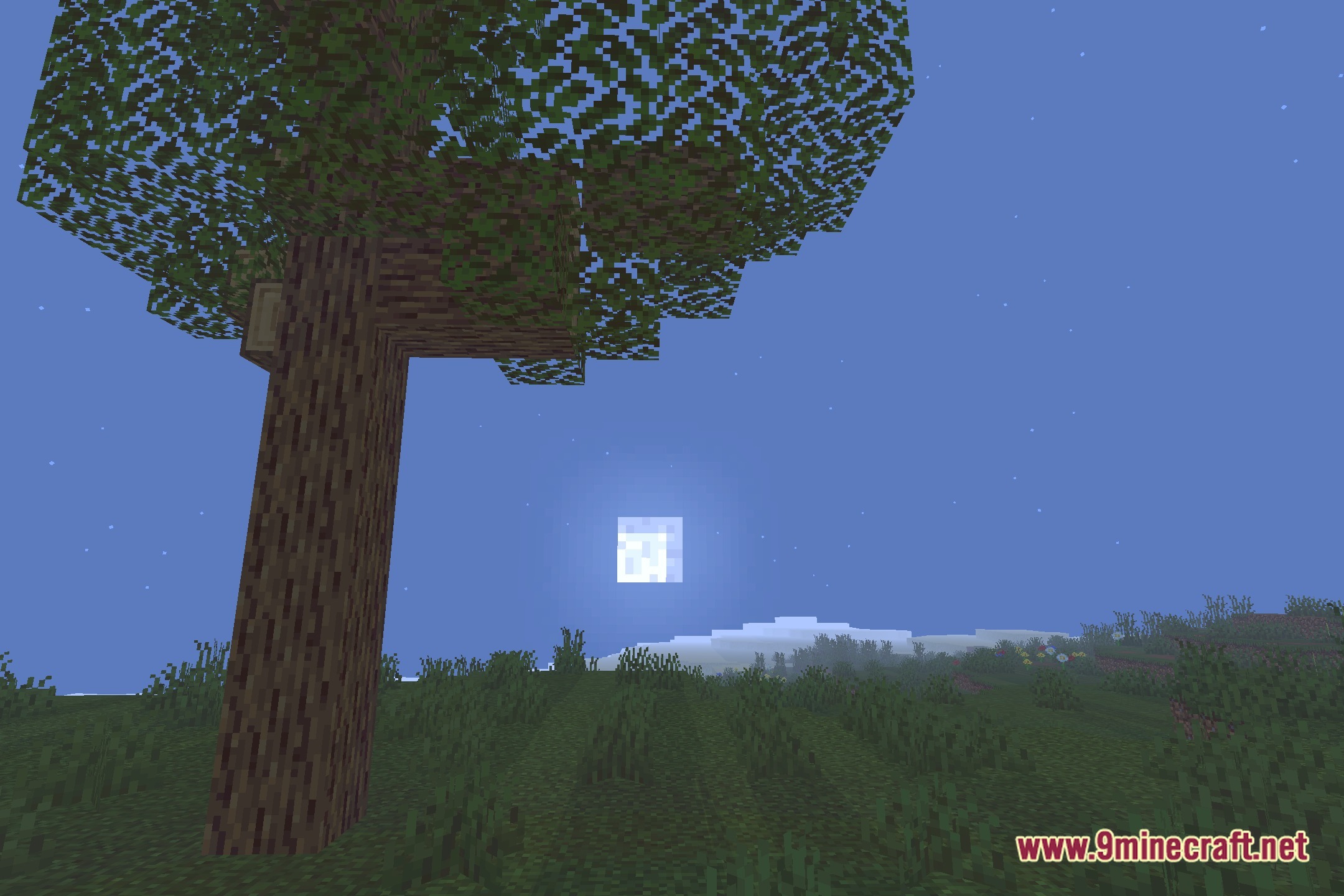
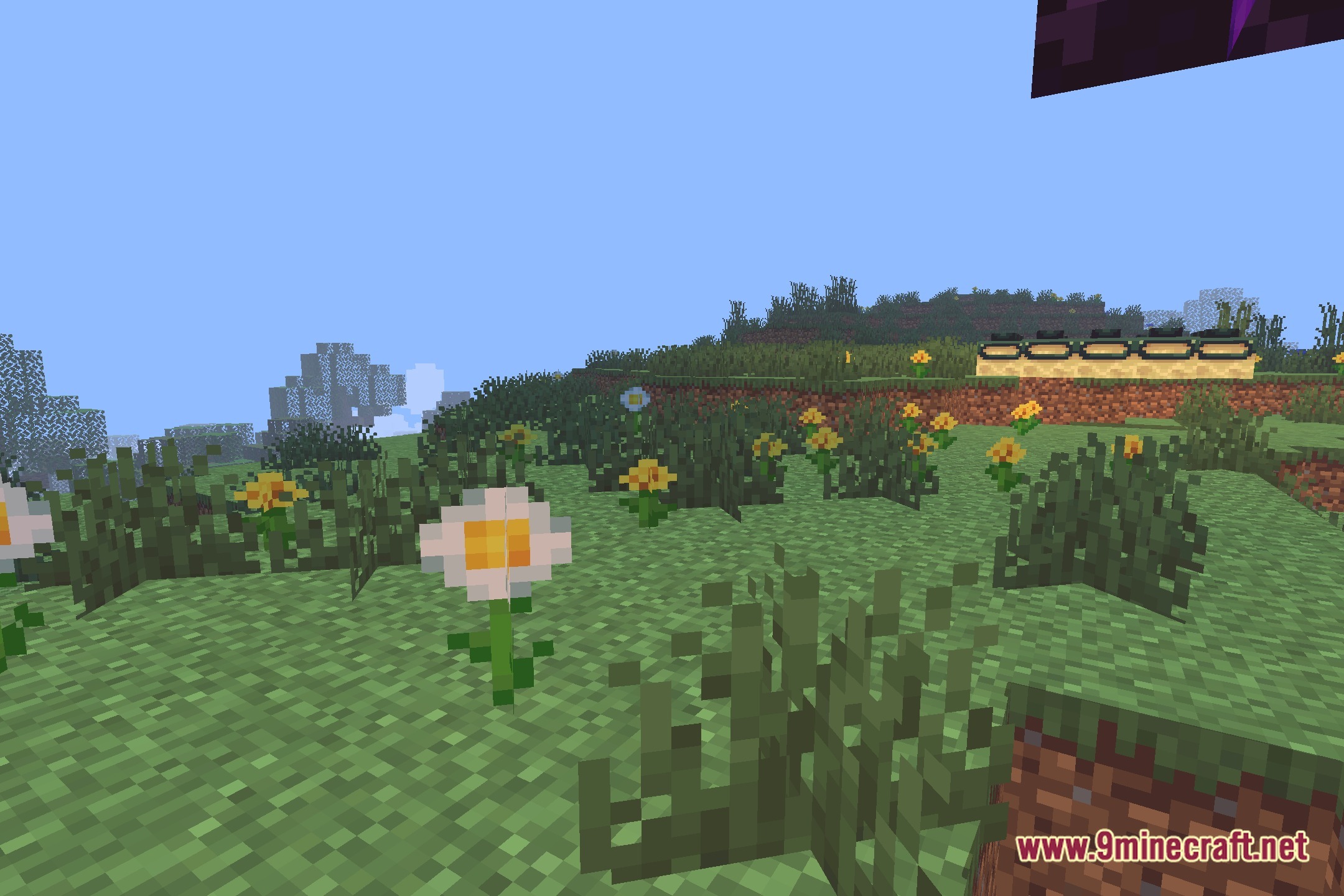
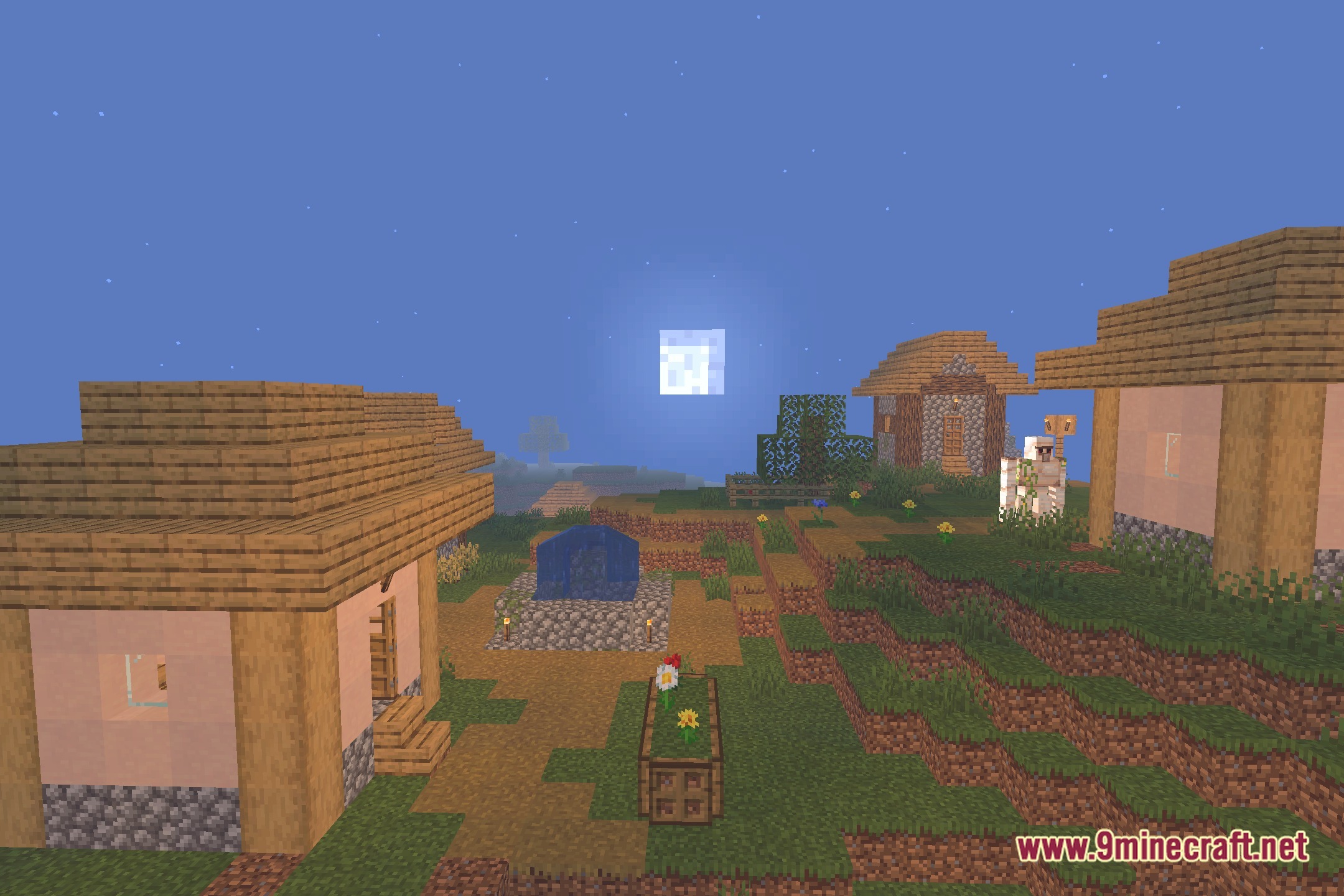
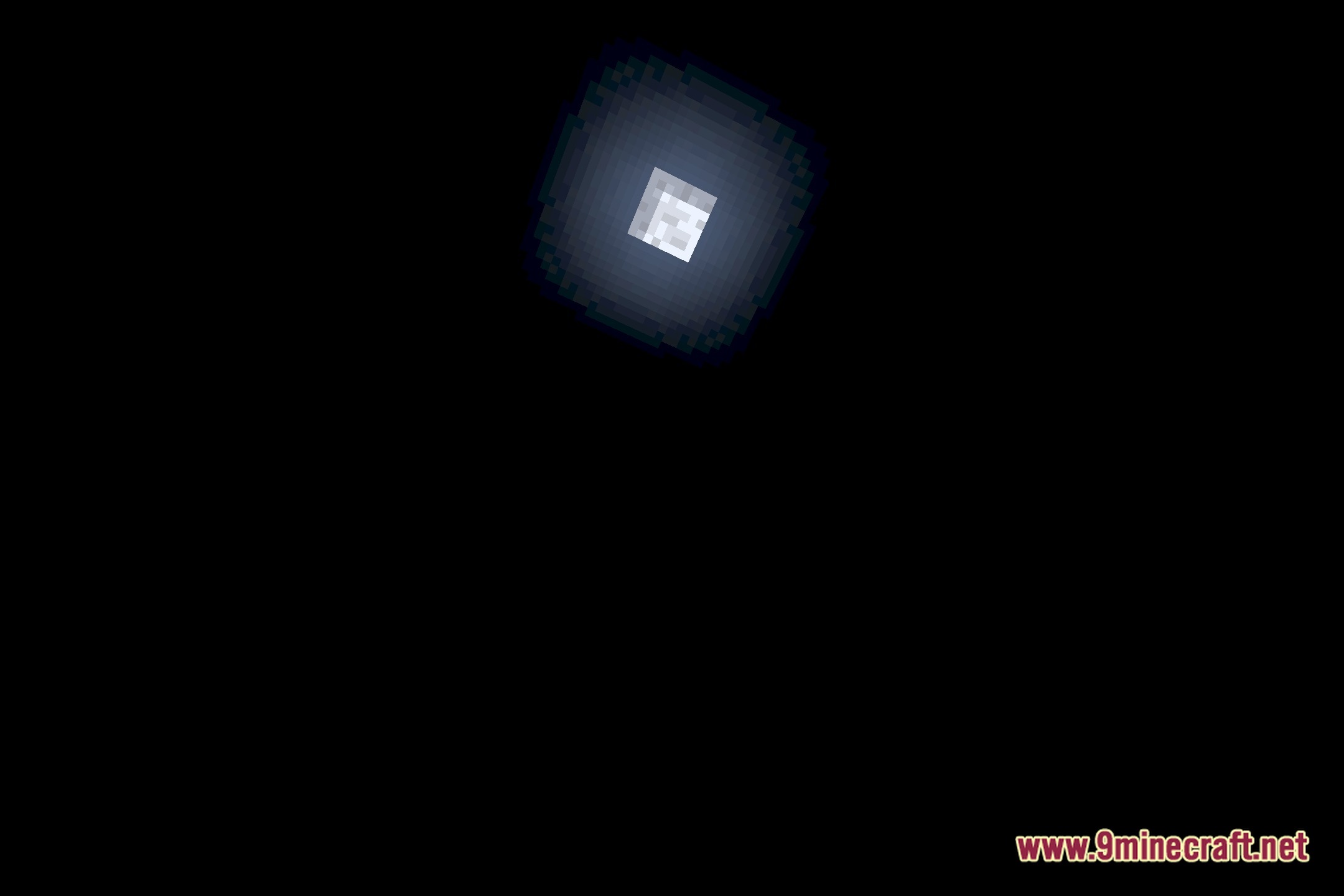
You May Also Like
Wikis that share the most with this one
Wikis on the same theme: light
More shader wikis on the site
 United Shaders
The most downloaded mods that have a wiki here