

 DownloadVanillaX Shaders
Get the files on 9Minecraft
Guides
Step-by-step, in-game.
Adjust Shader Intensity and Visual EffectsAccess Shader Settings Open your in-game options menu and look for the Shaders or Graphics section. VanillaX provides…Maintain Classic Vanilla Aesthetics While Using ShadersUnderstand VanillaX's Design Philosophy VanillaX is built specifically to preserve vanilla's blocky, familiar…Make Water and Wet Surfaces Look More RealisticEnable Water Reflections VanillaX's reflection system is its core feature. Ensure reflections are enabled in your…Troubleshoot Low Frame Rates Despite Low-End OptimizationVerify Shader is Actually Active Confirm VanillaX Shaders is enabled in your graphics settings. Sometimes shaders…
Frequently asked questions
How do I turn on VanillaX Shaders after installing it?
Launch Minecraft, go to Options > Video Settings > Shaders, and select VanillaX from the list. The shaders will activate immediately in your world.
Why is my frame rate dropping even though this is supposed to be low-end friendly?
Check if you have other resource-heavy mods or shaders running alongside VanillaX, and verify your render distance isn't set too high. Try lowering shadow quality or disabling reflections in the shader settings to regain performance.
Can I use VanillaX Shaders with my texture pack?
Yes, VanillaX is designed to work with vanilla textures and most custom texture packs without conflicts. If you notice visual glitches, try disabling reflections temporarily to isolate the issue.
How do I make water look more realistic with VanillaX?
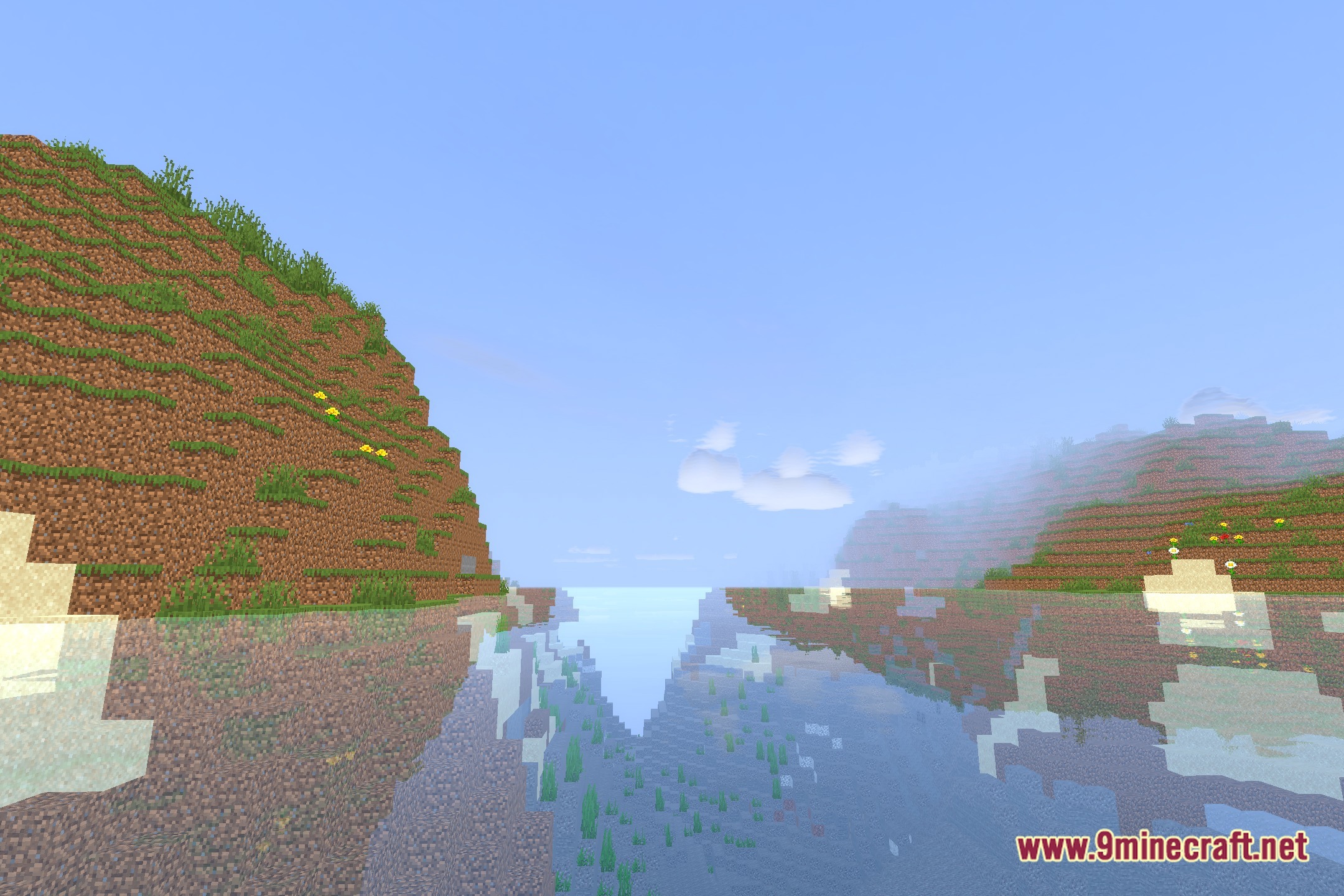
Open the shader settings and look for reflection or water-specific options, then increase the intensity to enhance surface reflections and wave effects. You can fine-tune these values until the water matches your preferred look.
See all 10 VanillaX Shaders questions ›
Gallery
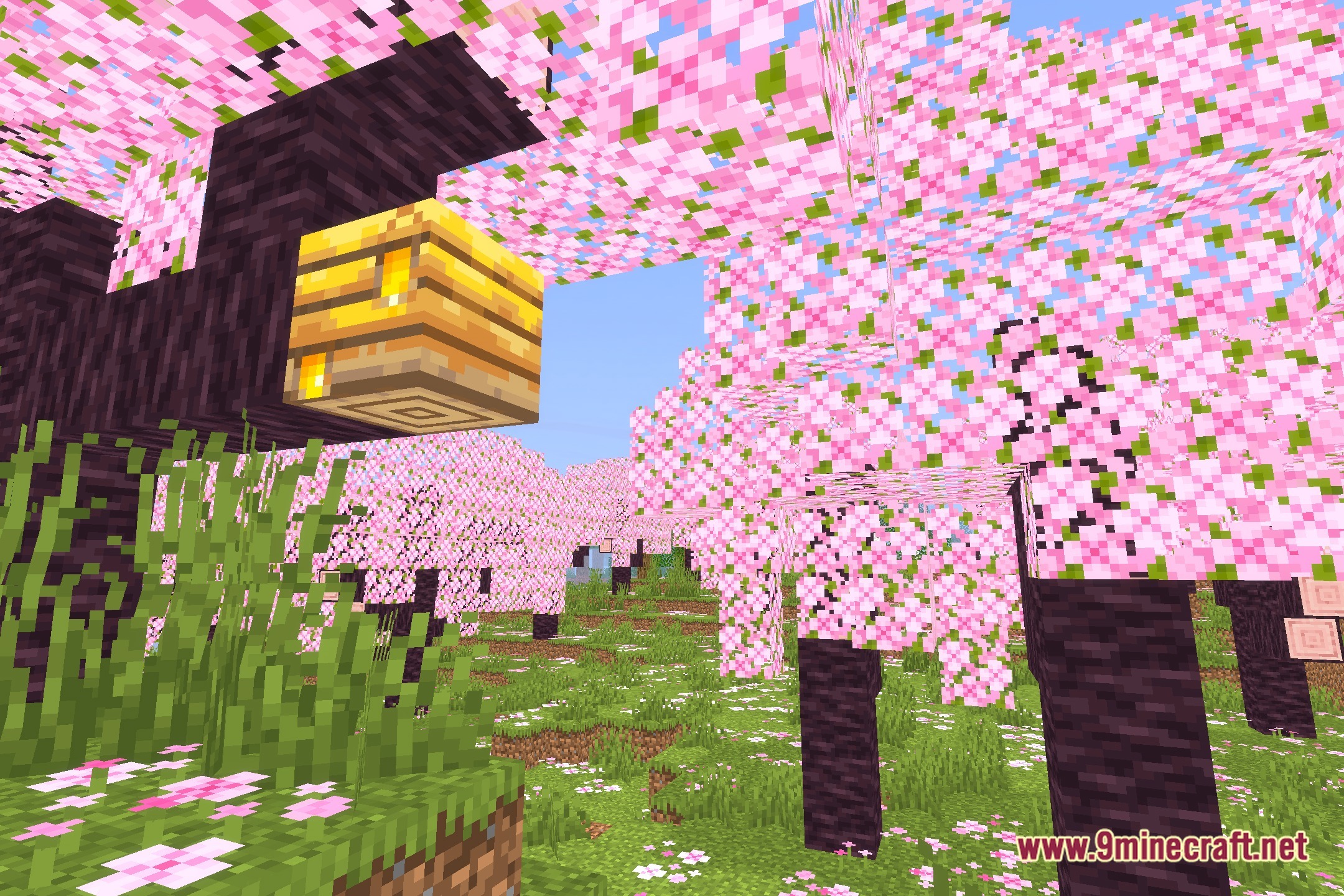
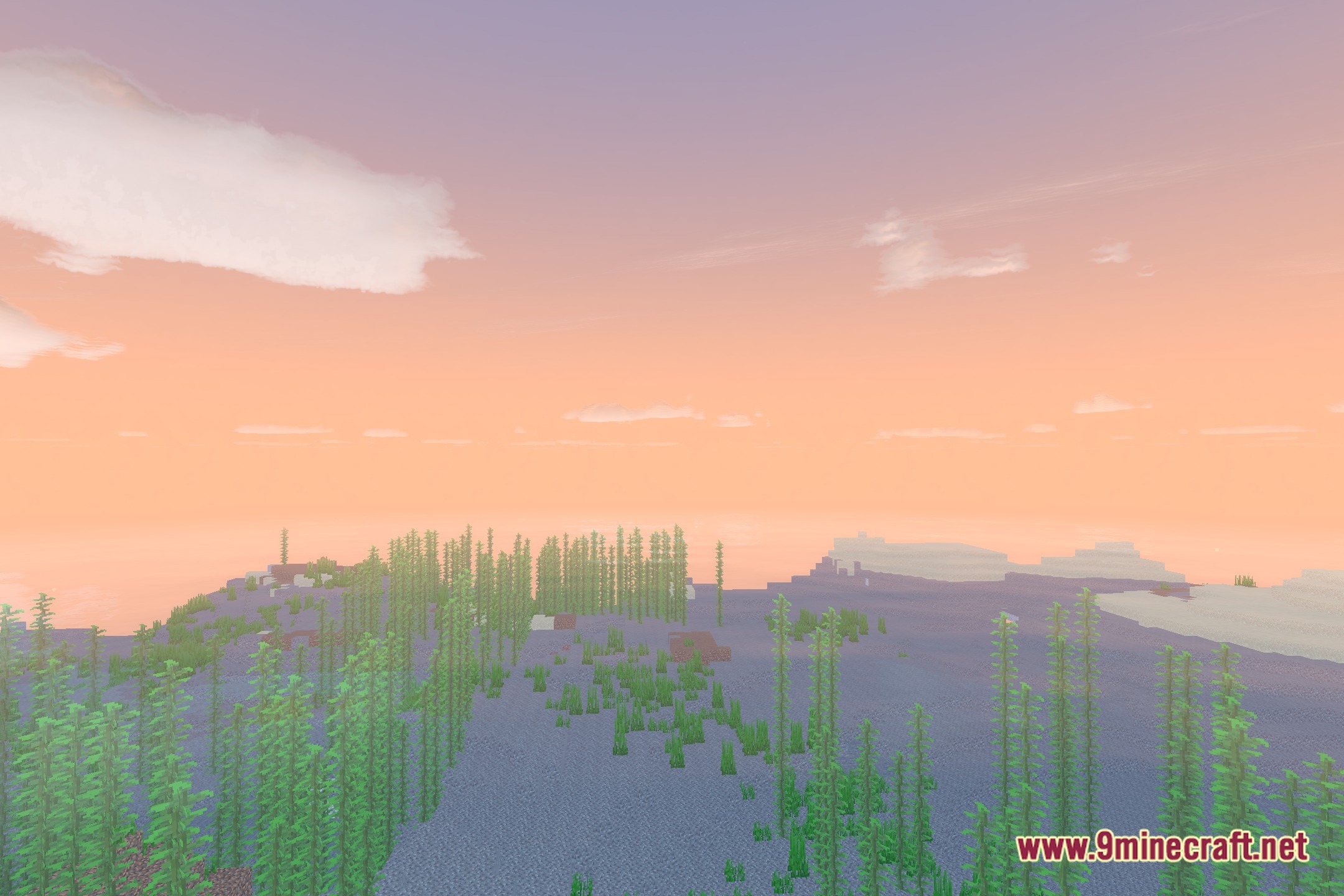
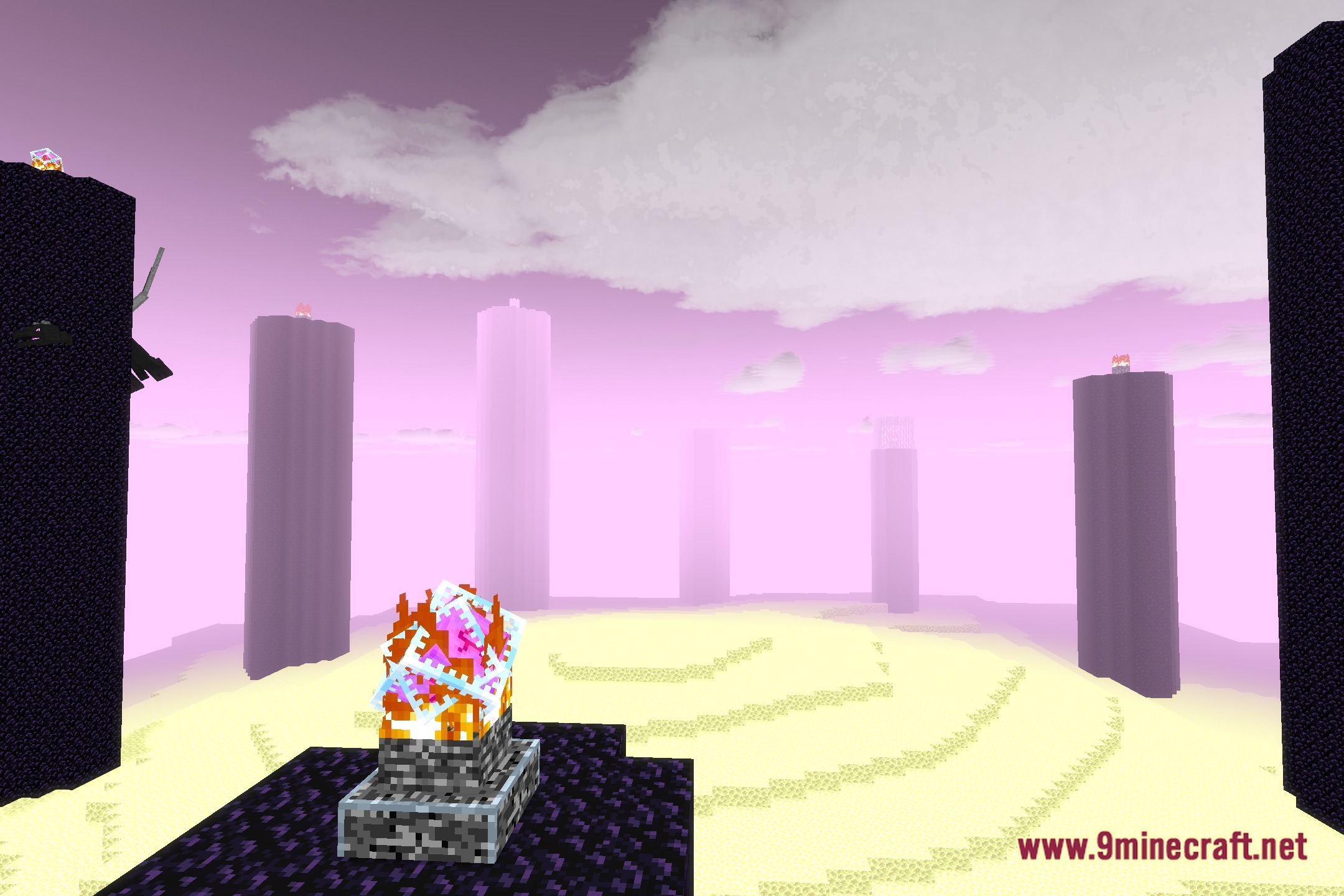
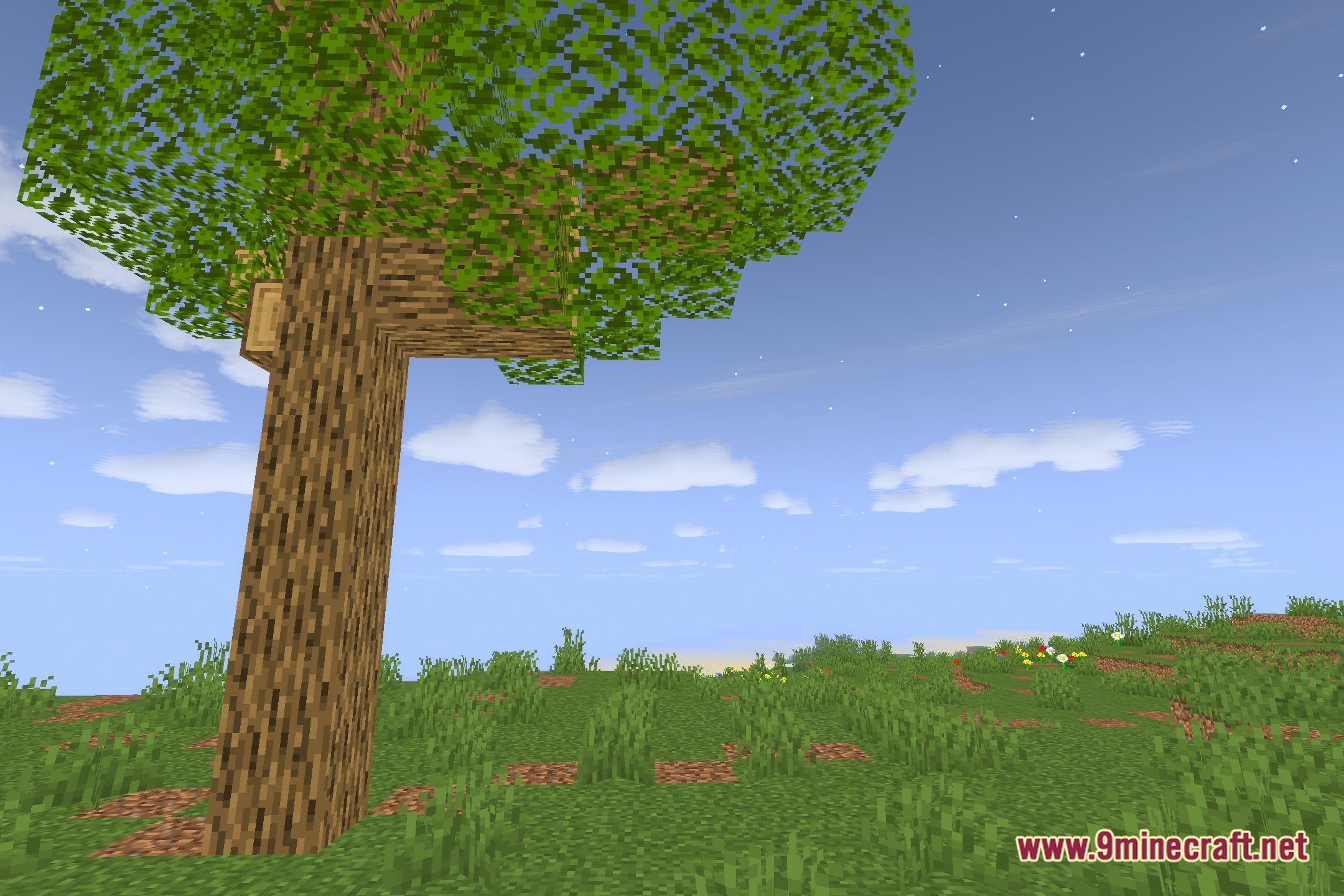
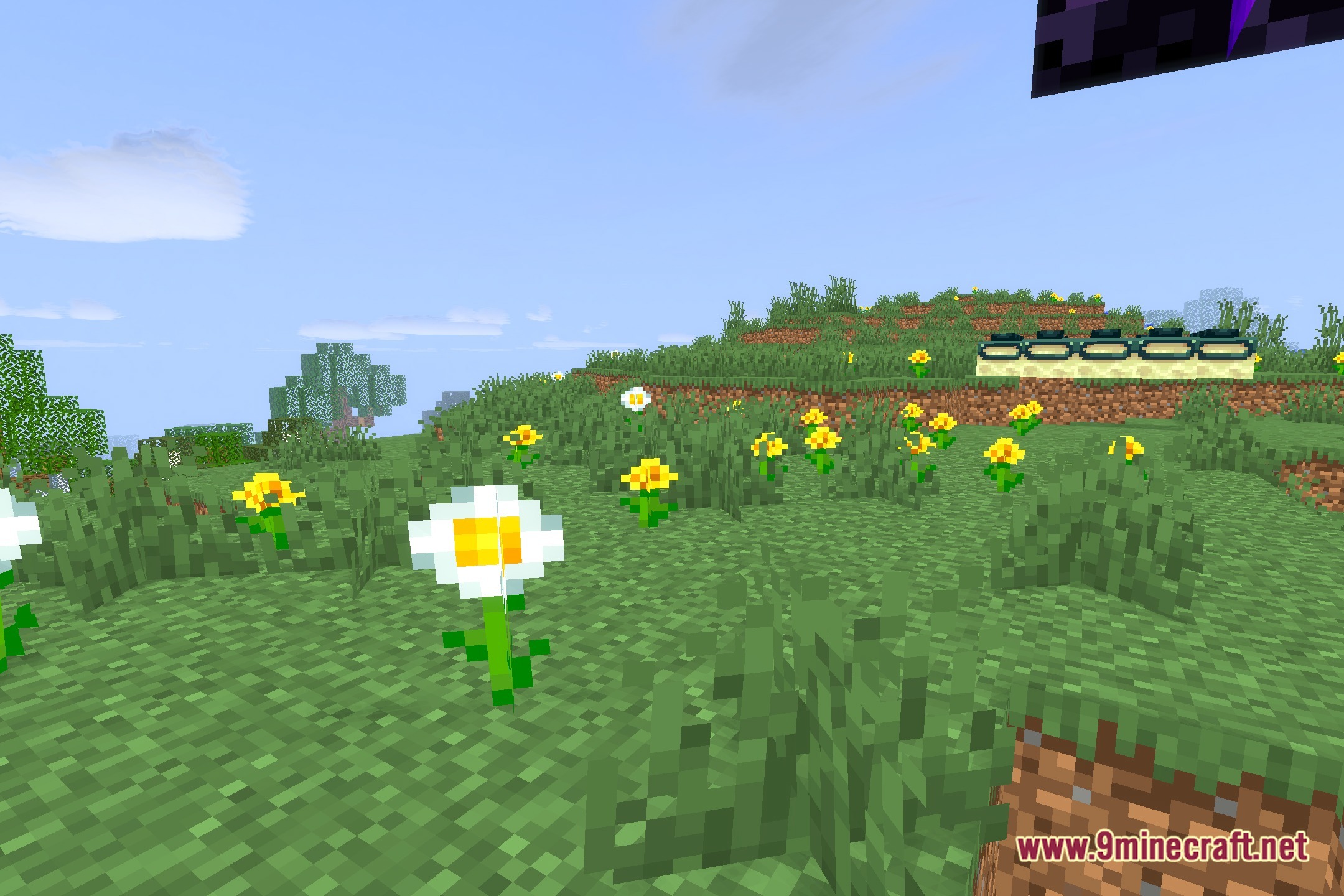
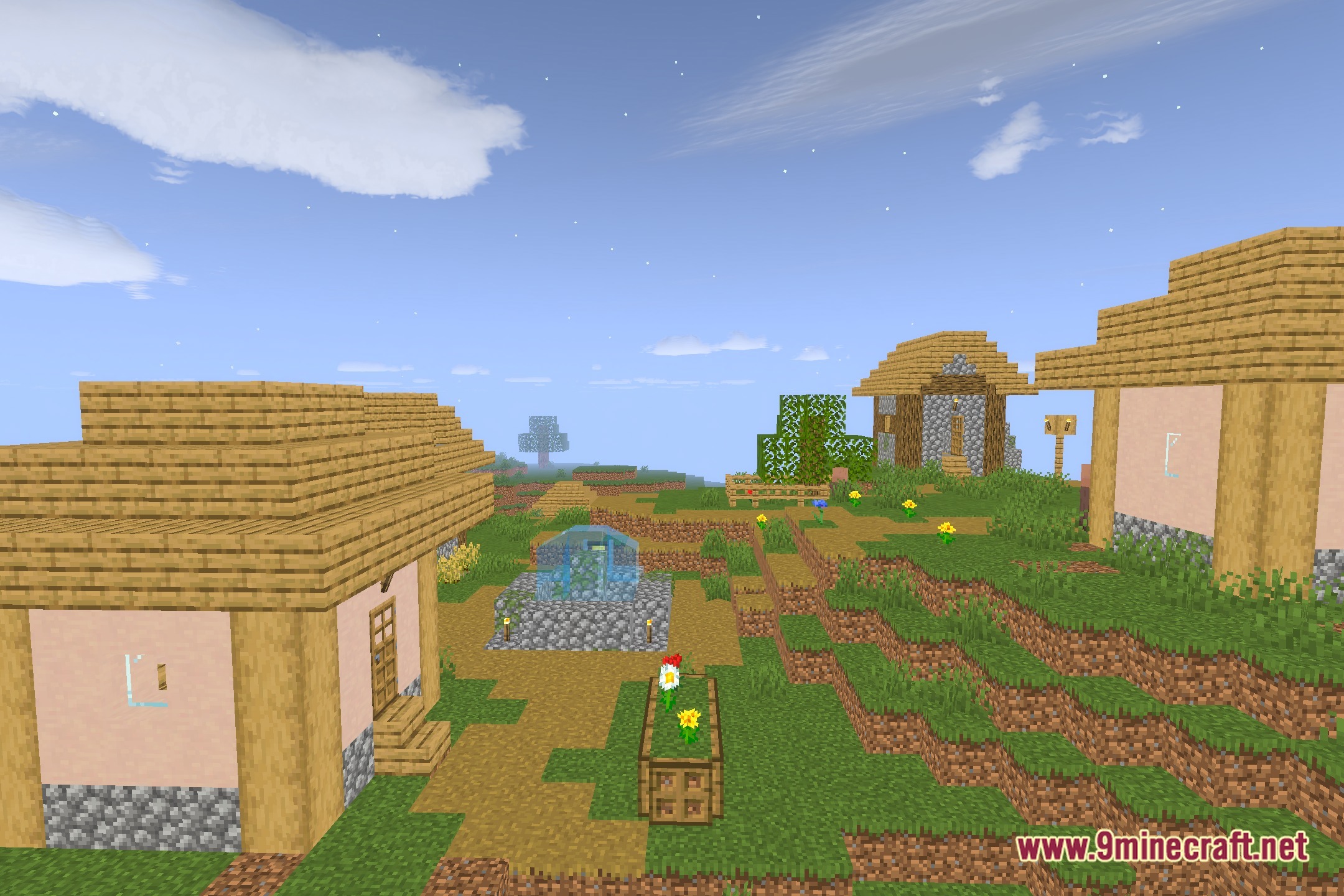
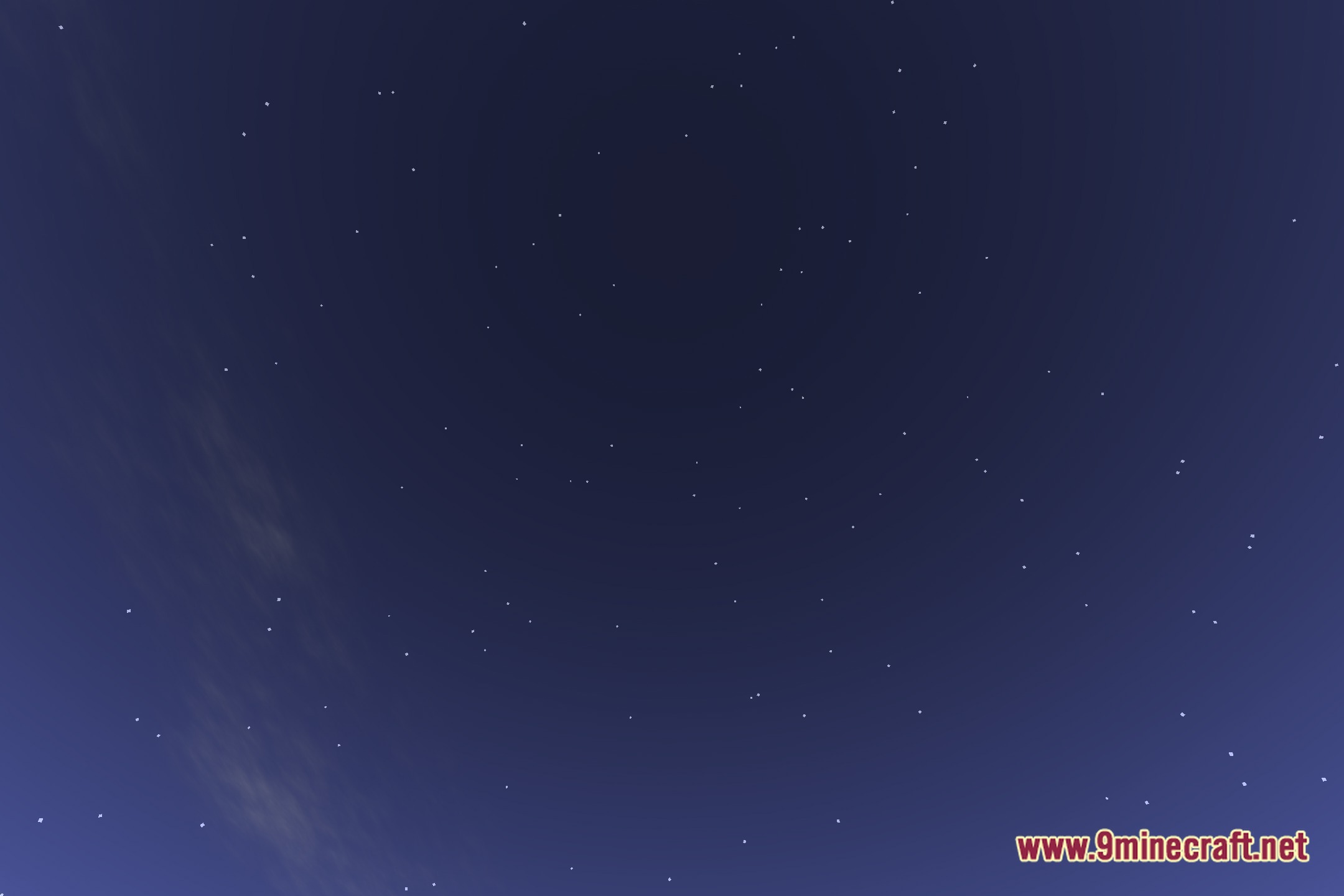
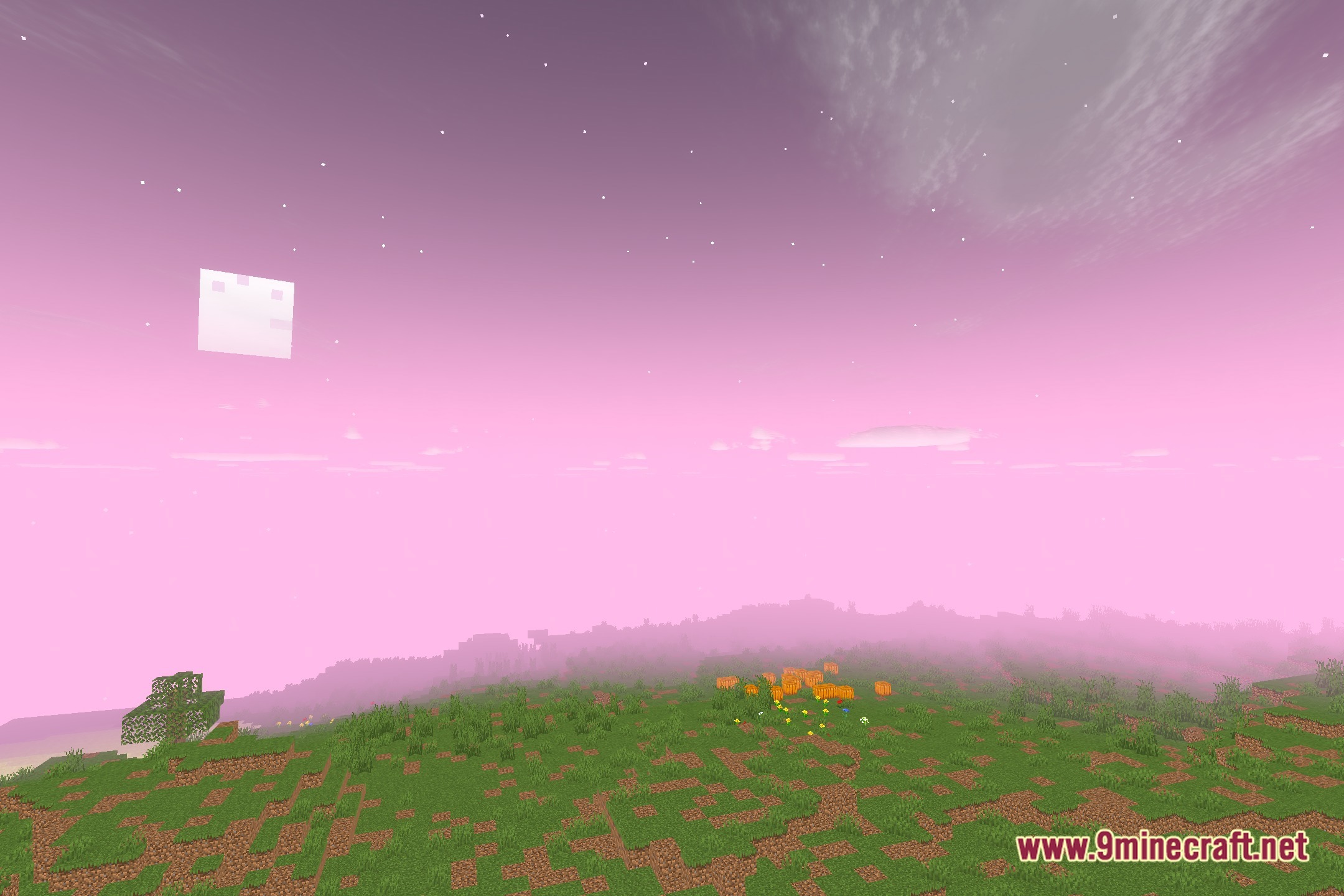
12 images from the Vanillax Shaders page.

You May Also Like
Wikis that share the most with this one
Wikis on the same theme: light
More shader wikis on the site
 United Shaders
The most downloaded mods that have a wiki here