

 DownloadTrueLight FX Shaders
Get the files on 9Minecraft
Guides
Step-by-step, in-game.
Adjust Lighting Intensity for Your ComputerOpen the Shader Settings Press the settings key (default is usually a key like O or accessible through your shader…Customize How Sunlight Looks Throughout the DayOpen Daytime Lighting Options Access the shader settings and find controls for sunlight, sun color, or time-of-day…Make Nighttime Lighting Look More NaturalAccess Moon and Night Settings Open the shader settings menu and locate options for moonlight, night brightness, or…Reduce Lag Caused by Realistic ShadowsIdentify Shadow Settings Open the TrueLight FX settings menu and find shadow-related options. Look for shadow…
Frequently asked questions
How do I open the shader settings menu?
Press the settings hotkey (usually a specific key you can bind in your controls) while in-game to open the TrueLight FX settings panel. From there you can adjust lighting intensity, shadow detail, and other visual parameters without leaving your world.
The shadows look too dark, how do I fix this?
Open the settings menu and look for shadow intensity or darkness controls—reduce these values to make shadows lighter. You can also adjust the overall lighting intensity slider to brighten your world.
My FPS dropped after installing this shader, what should I do?
Open the settings menu and lower the shadow quality, lighting detail, or overall render distance settings to match your computer's performance. Start by reducing shadow resolution first, as that typically has the biggest impact on frame rate.
Does this shader work with other mods?
TrueLight FX Shaders is generally compatible with most mods, but mods that heavily modify lighting or add custom light sources may conflict. If you experience visual glitches, try disabling the shader temporarily to confirm the conflict.
See all 10 TrueLight FX Shaders questions ›
Gallery
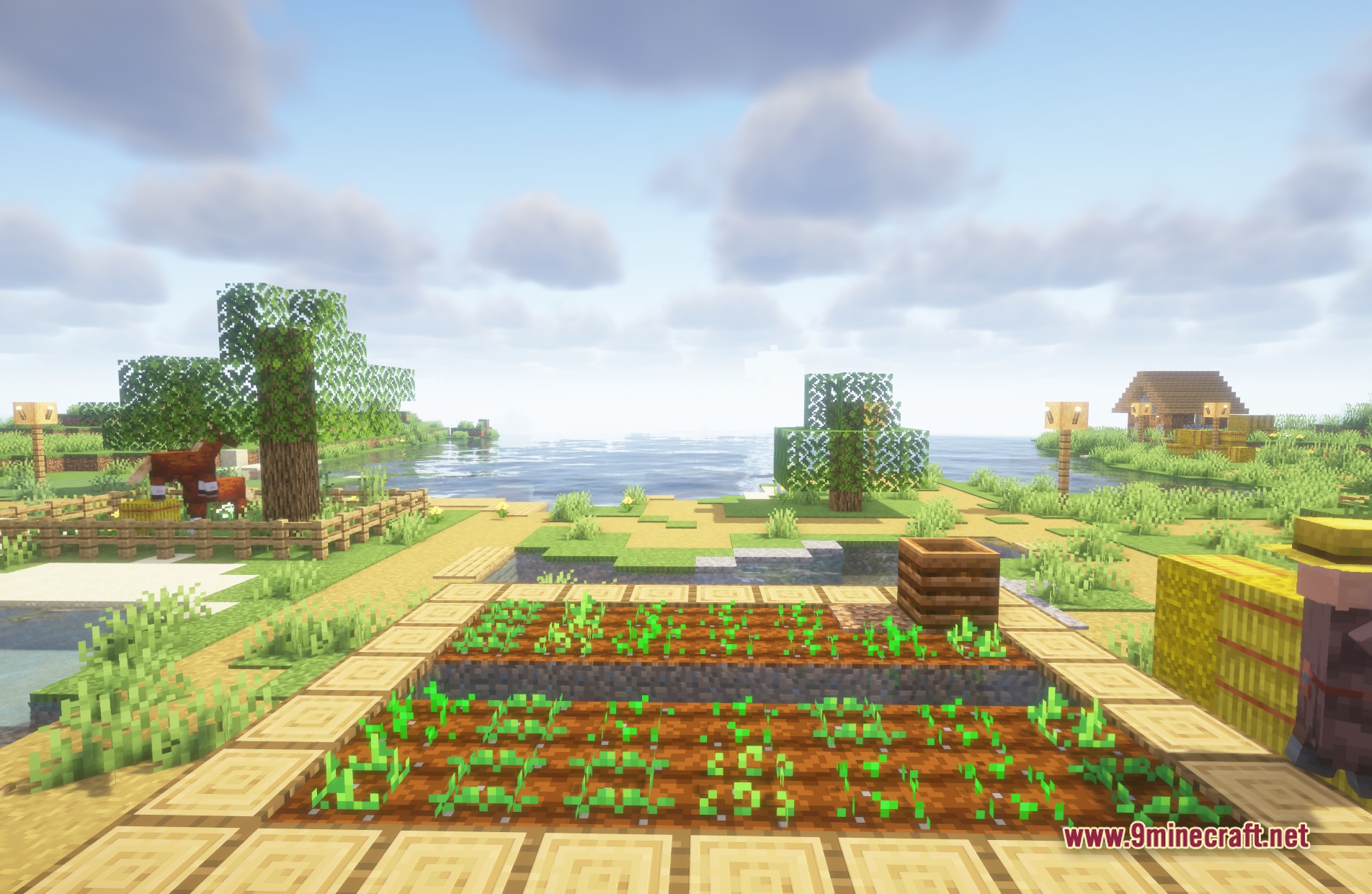
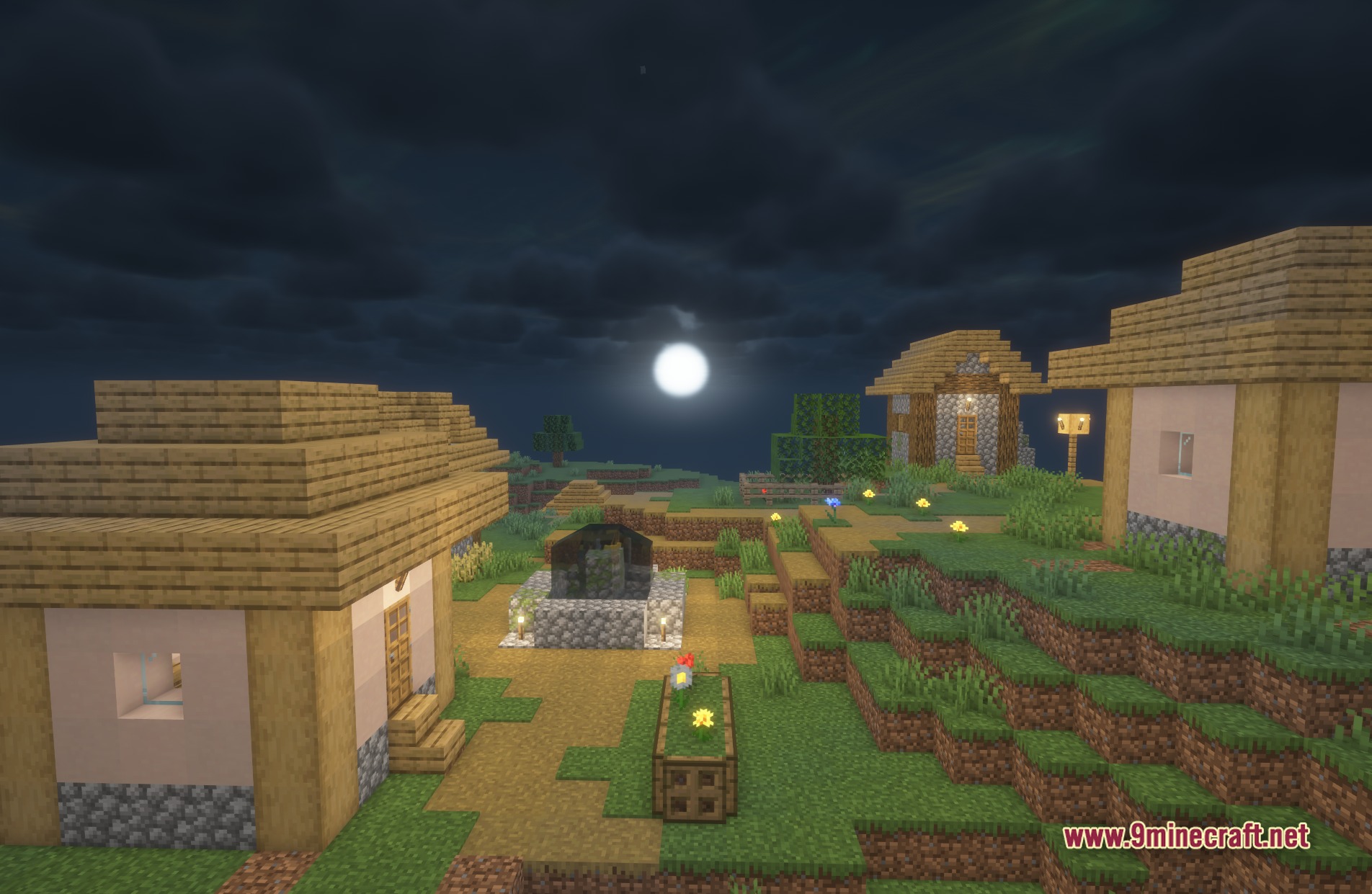
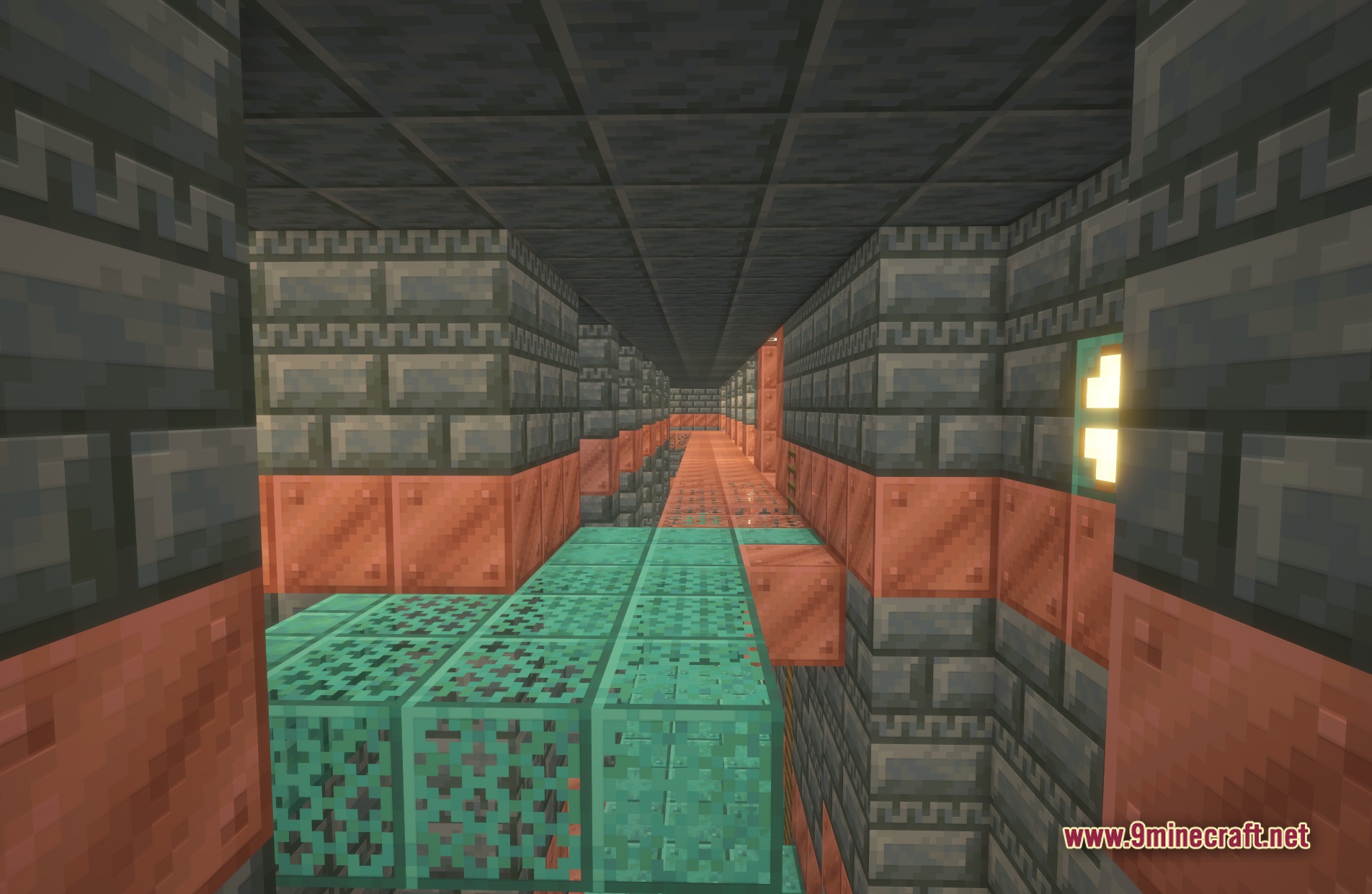
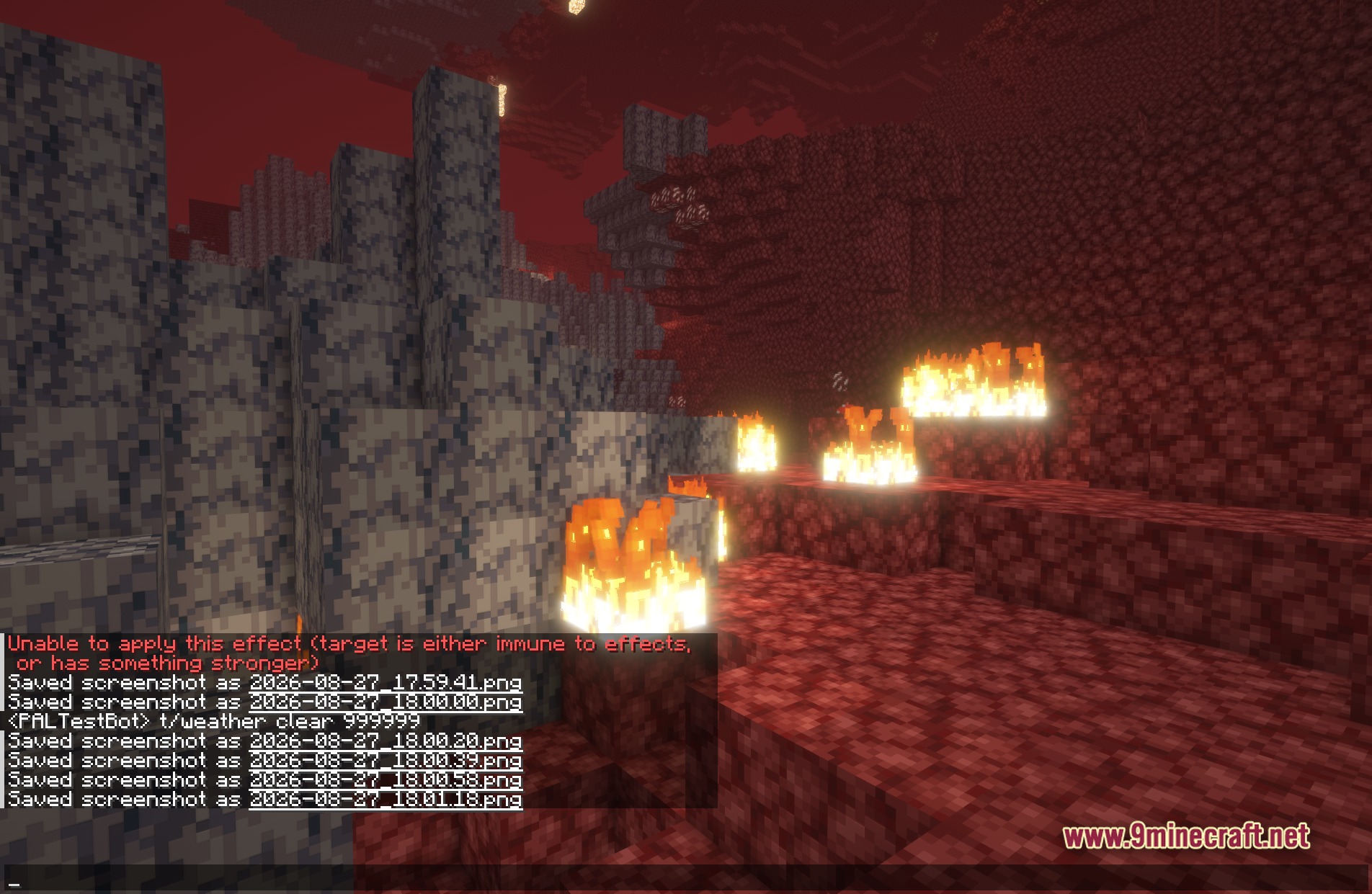
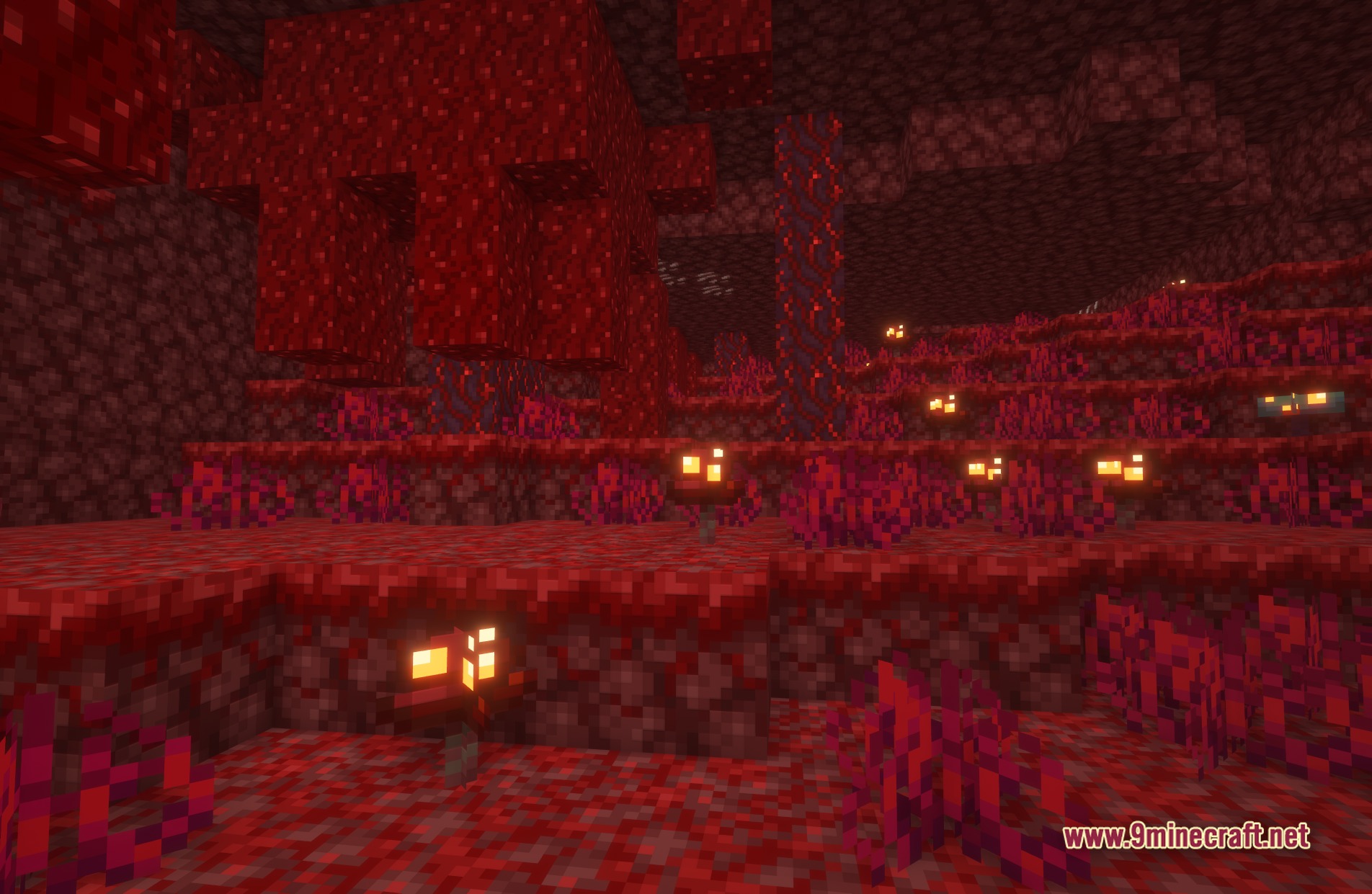
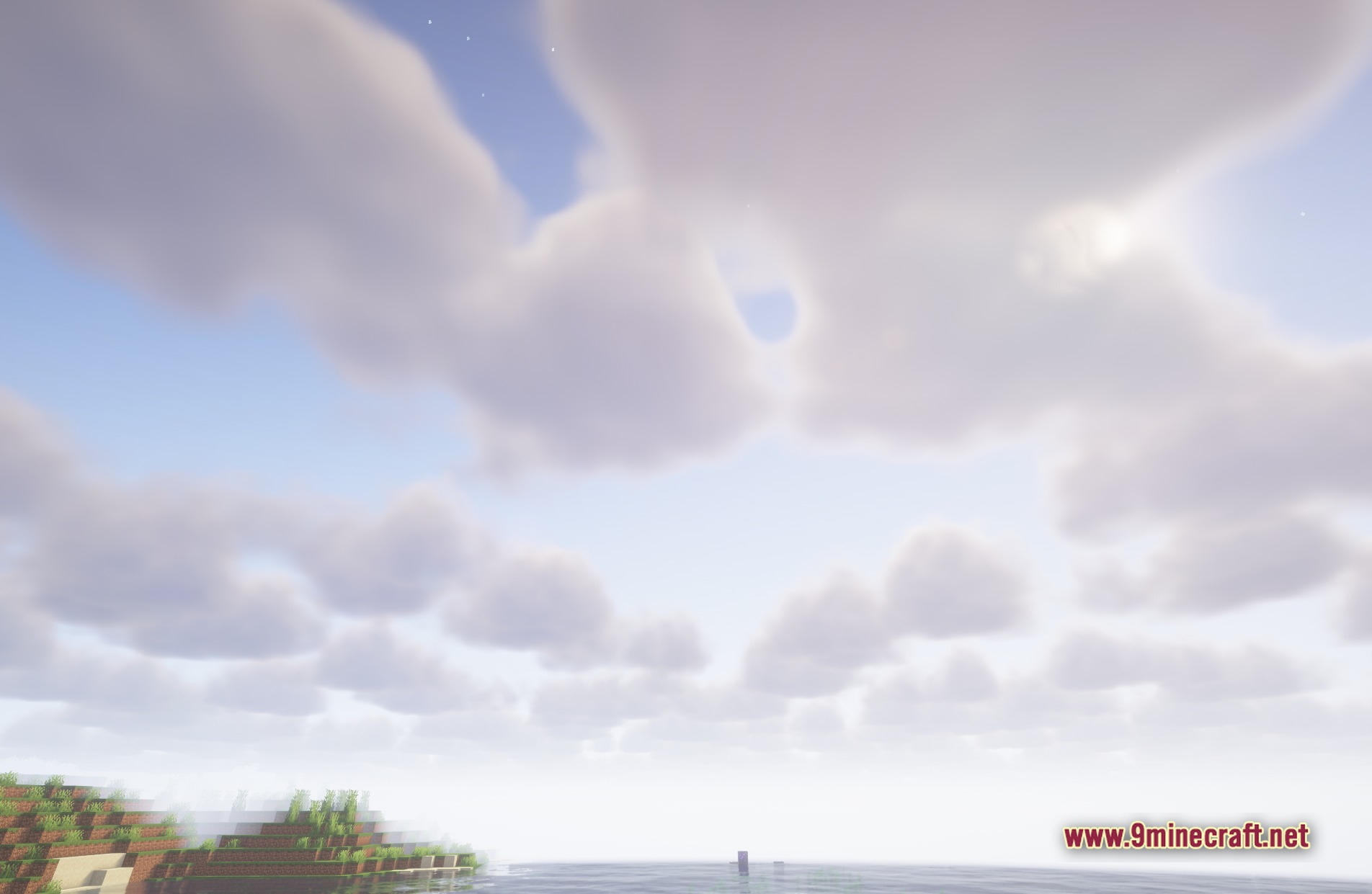
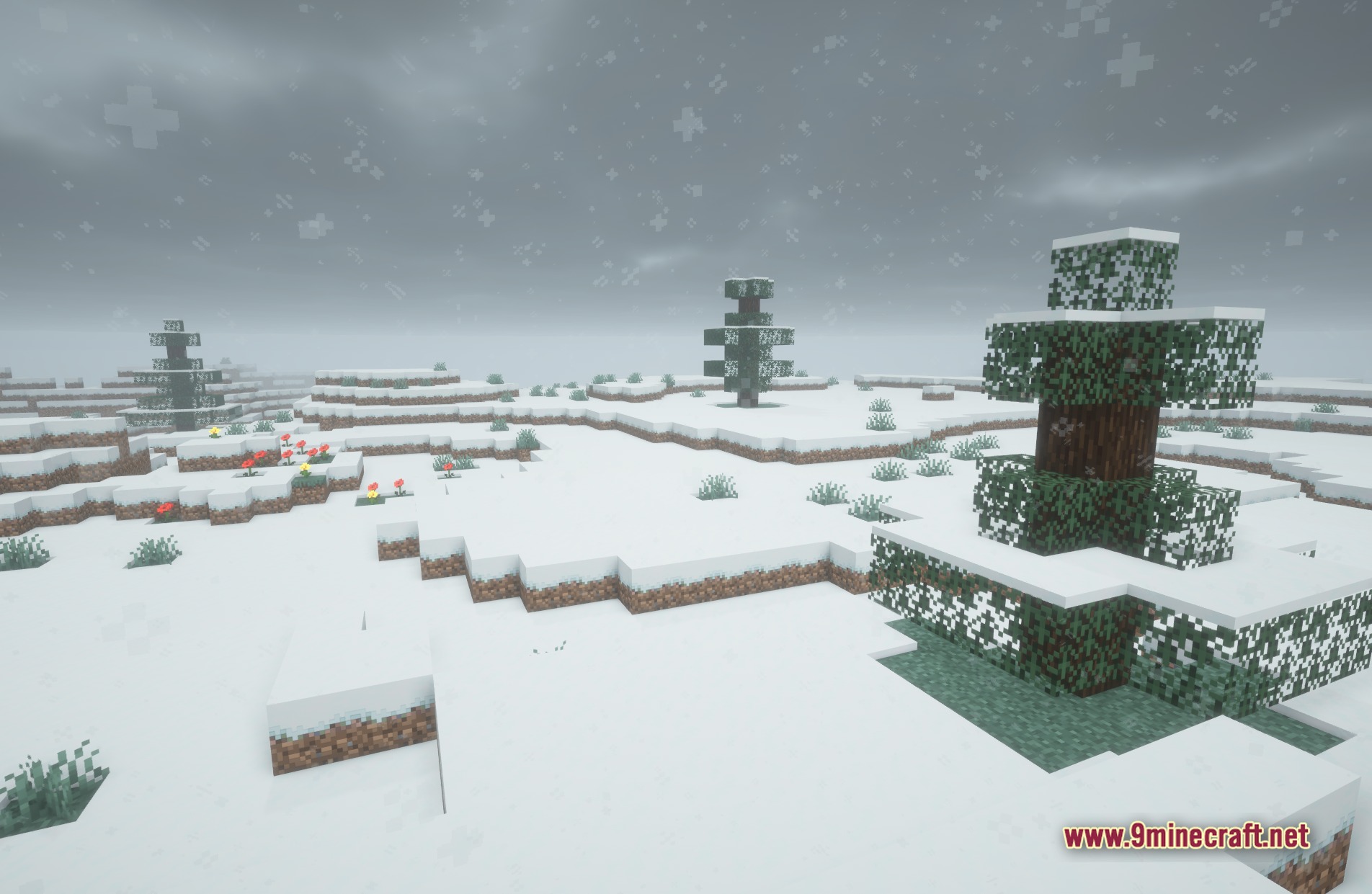
11 images from the Truelight Fx Shaders page.
You May Also Like
Wikis that share the most with this one
Wikis on the same theme: light
More shader wikis on the site
 Toon Shades Shaders
The most downloaded mods that have a wiki here