

 DownloadTheMaxFPS Shaders
Get the files on 9Minecraft
Guides
Step-by-step, in-game.
Adjust Shadow Quality and DistanceAccess Shader Settings Open your shader options menu while in-game. On OptiFine, press Esc → Options → Shader Options…Customize Color Grading and Bloom EffectsAccess Color and Bloom Settings Open shader options via Esc → Shader Options . Look for sliders or toggles labeled…Enhance Water and Liquid VisualsLocate Water Settings Access shader options through Esc → Shader Options (OptiFine or Iris). Search for water-related…Optimize Performance on Lower-End HardwareIdentify Performance Bottlenecks Monitor your frame rate using F3 debug screen. If FPS drops below your target,…
Frequently asked questions
How do I enable the shader after installing it?
Open your video settings in-game, find the Shaders option, and select TheMaxFPS Shaders from the list. The shaders will activate immediately and you'll see the lighting and visual effects take effect.
Why is my game running slowly with this shader?
Check your shadow distance and quality settings in the shader options—these have the biggest impact on performance. Lowering shadow quality or distance, or disabling bloom, will improve frame rates on lower-end hardware.
Can I use this shader with OptiFine and Iris, or do I have to pick one?
TheMaxFPS Shaders works with both OptiFine and Iris, so you can use whichever loader you prefer without compatibility issues.
How do I make the water look better?
Open the shader settings and look for water or liquid visual options—you can adjust wave intensity, reflections, and transparency to enhance how water and lava appear.
See all 10 TheMaxFPS Shaders questions ›
Gallery
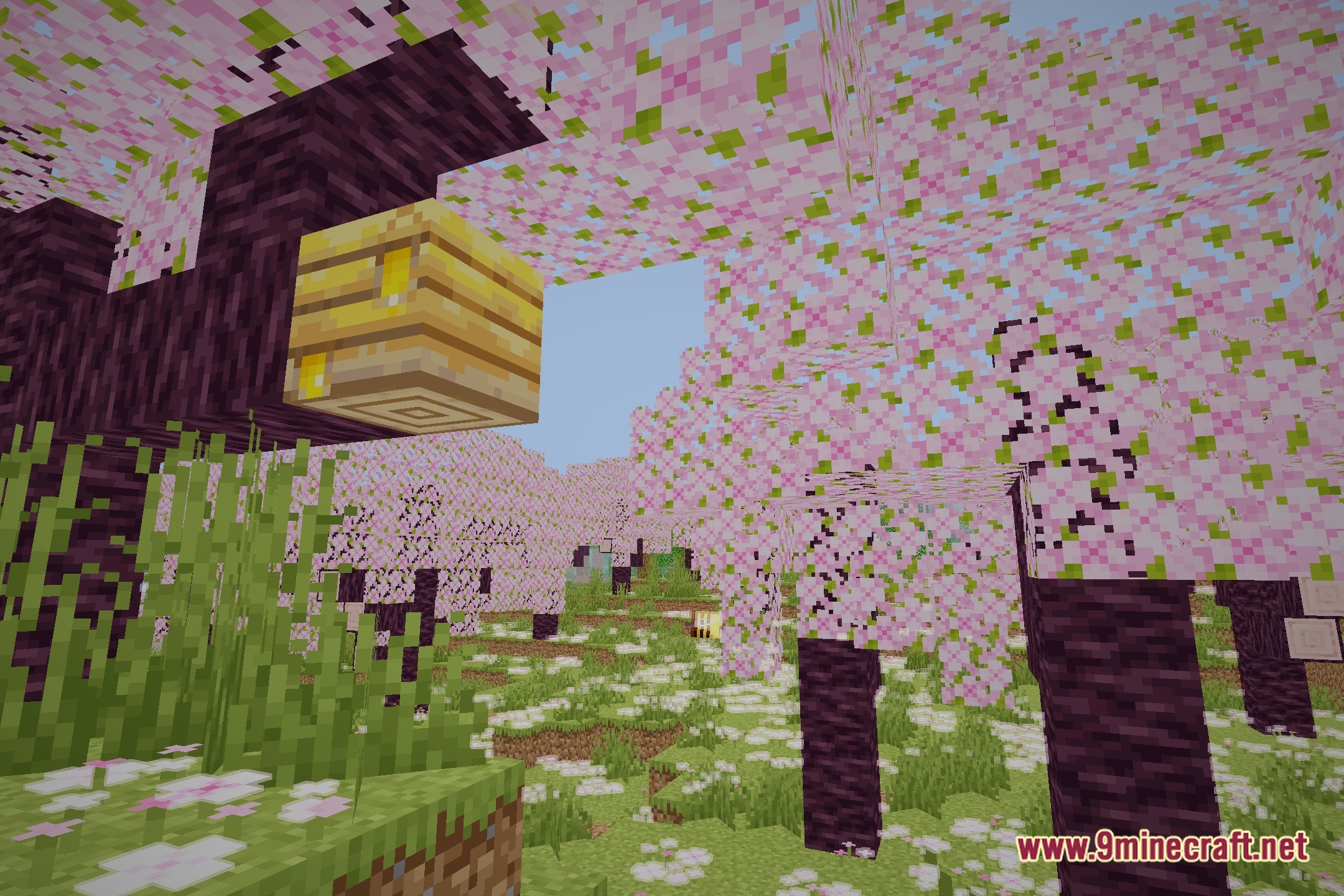
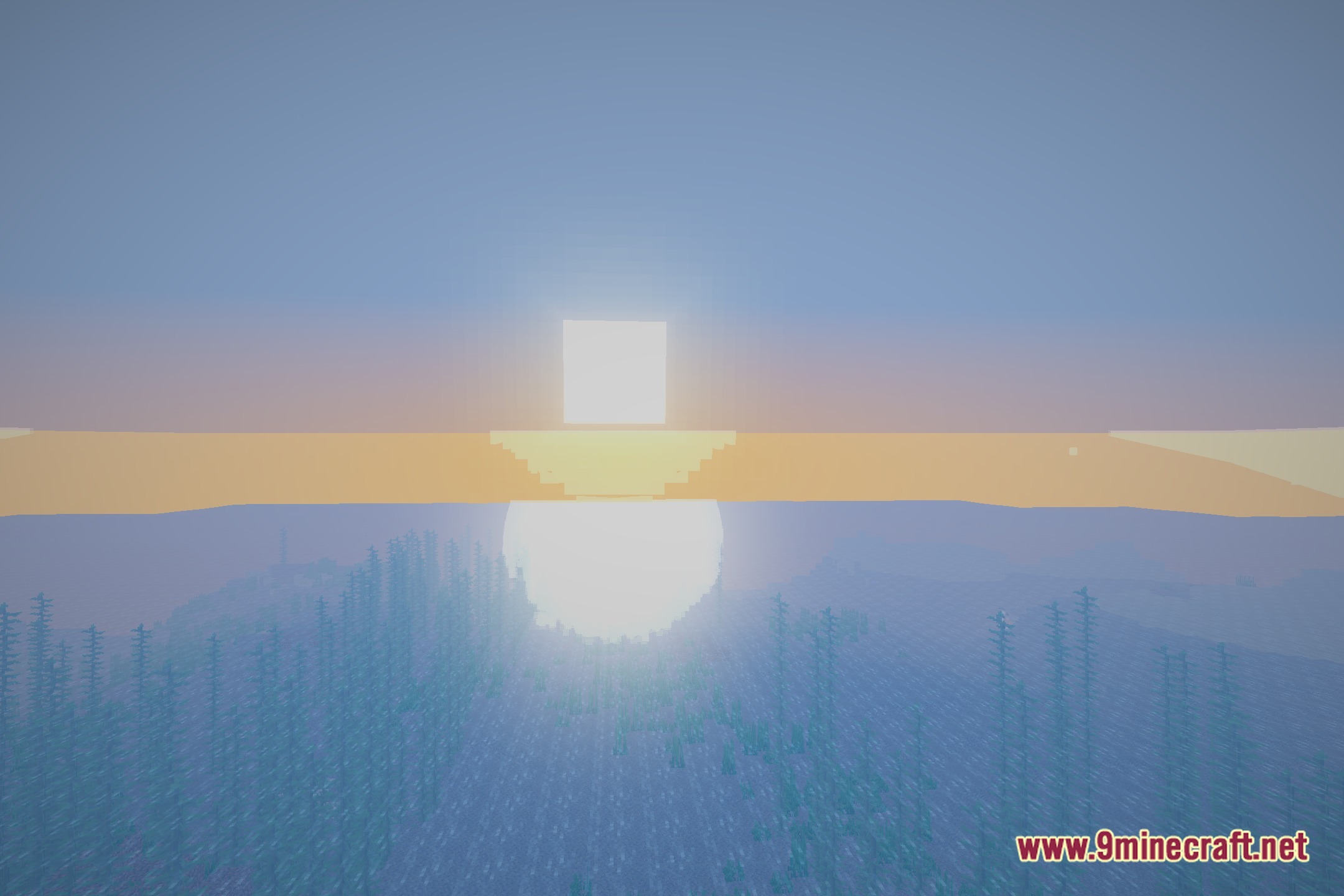
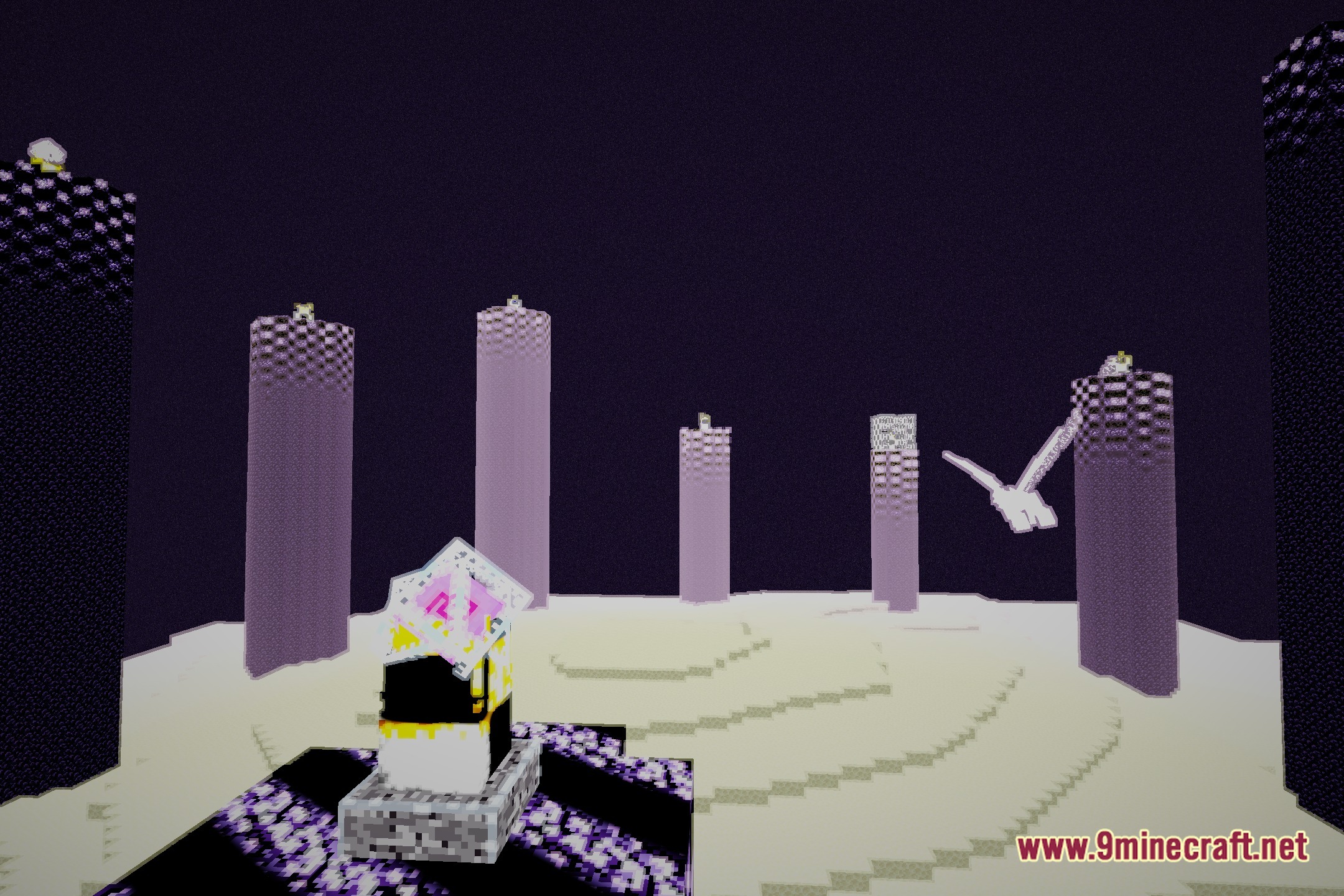
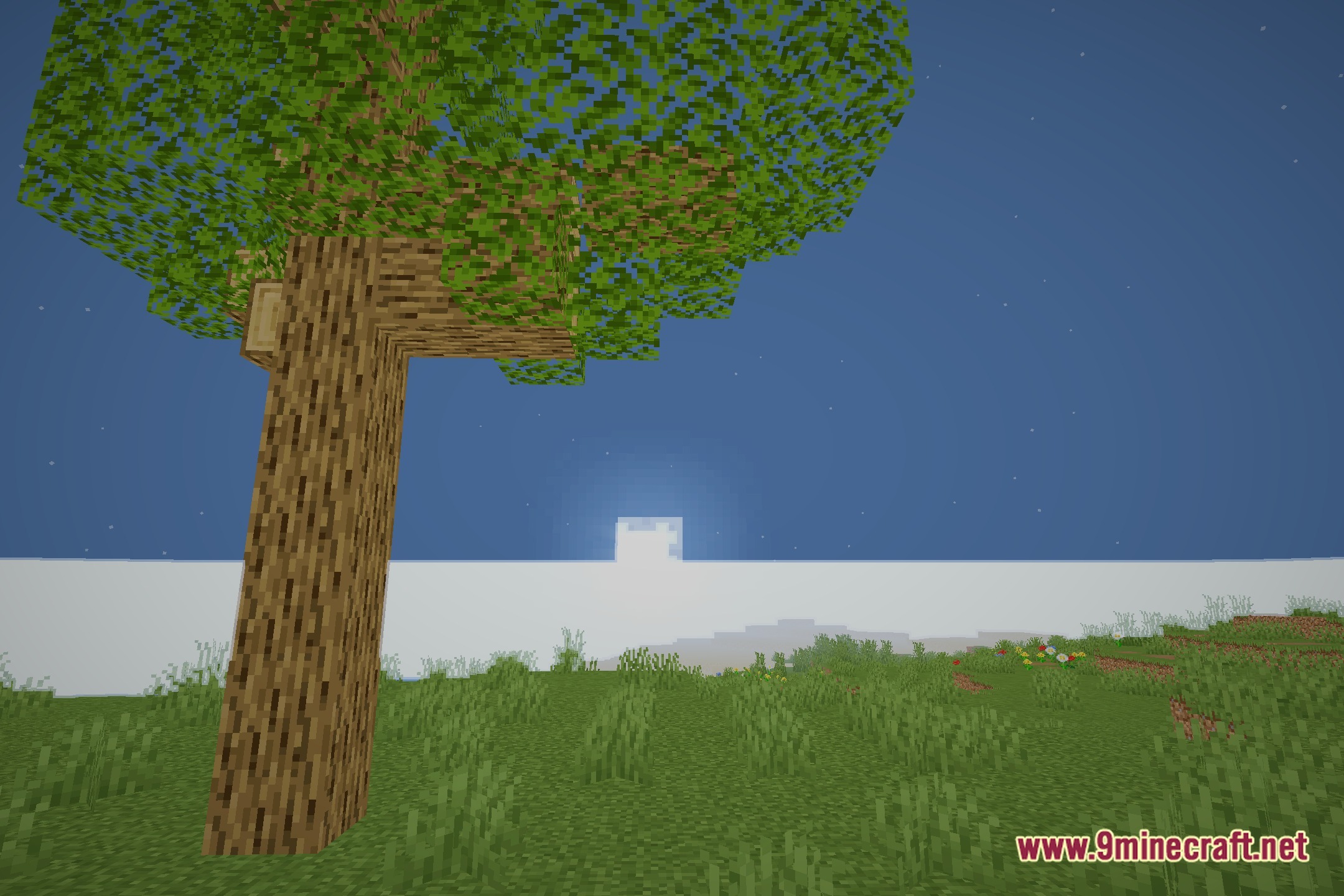
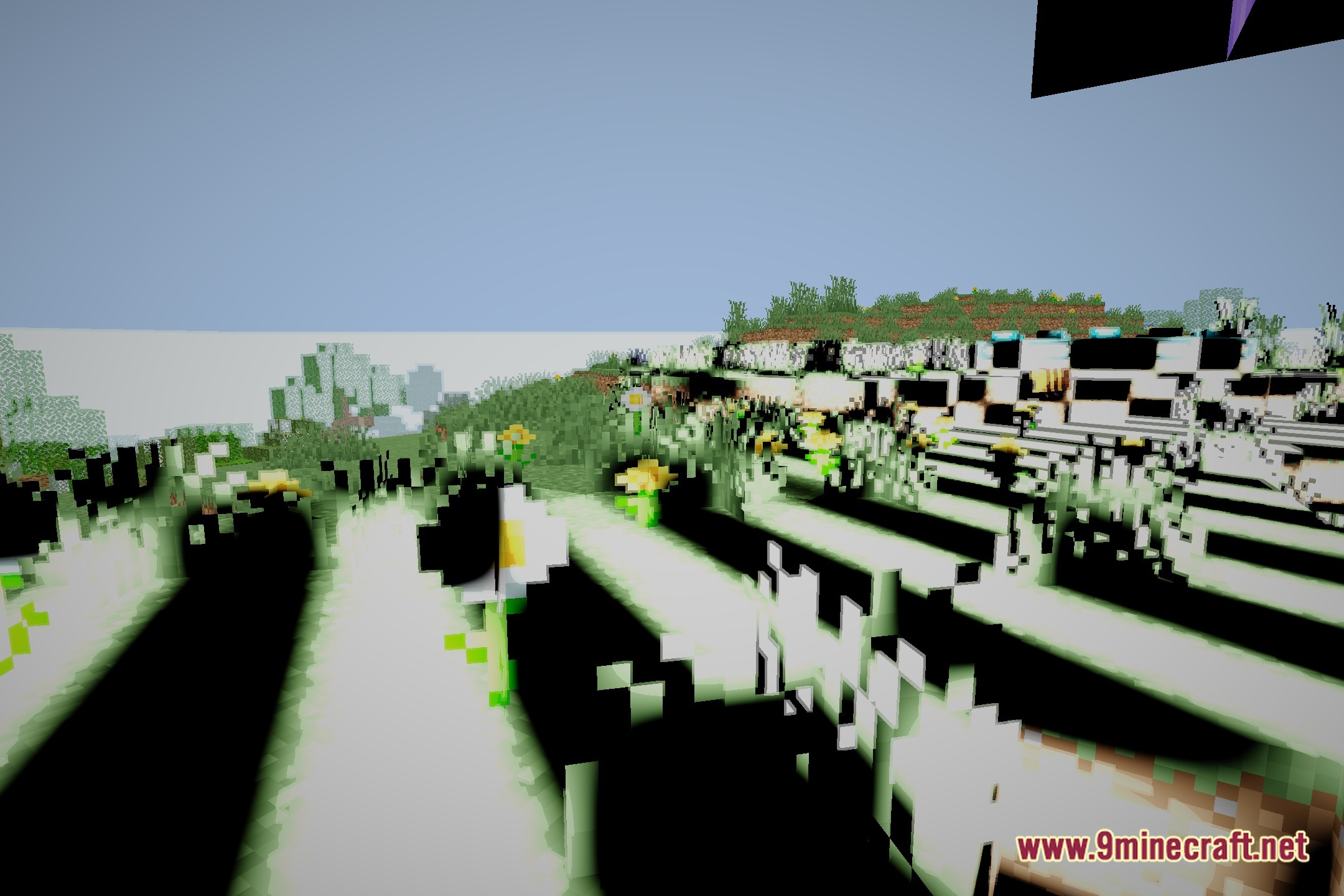
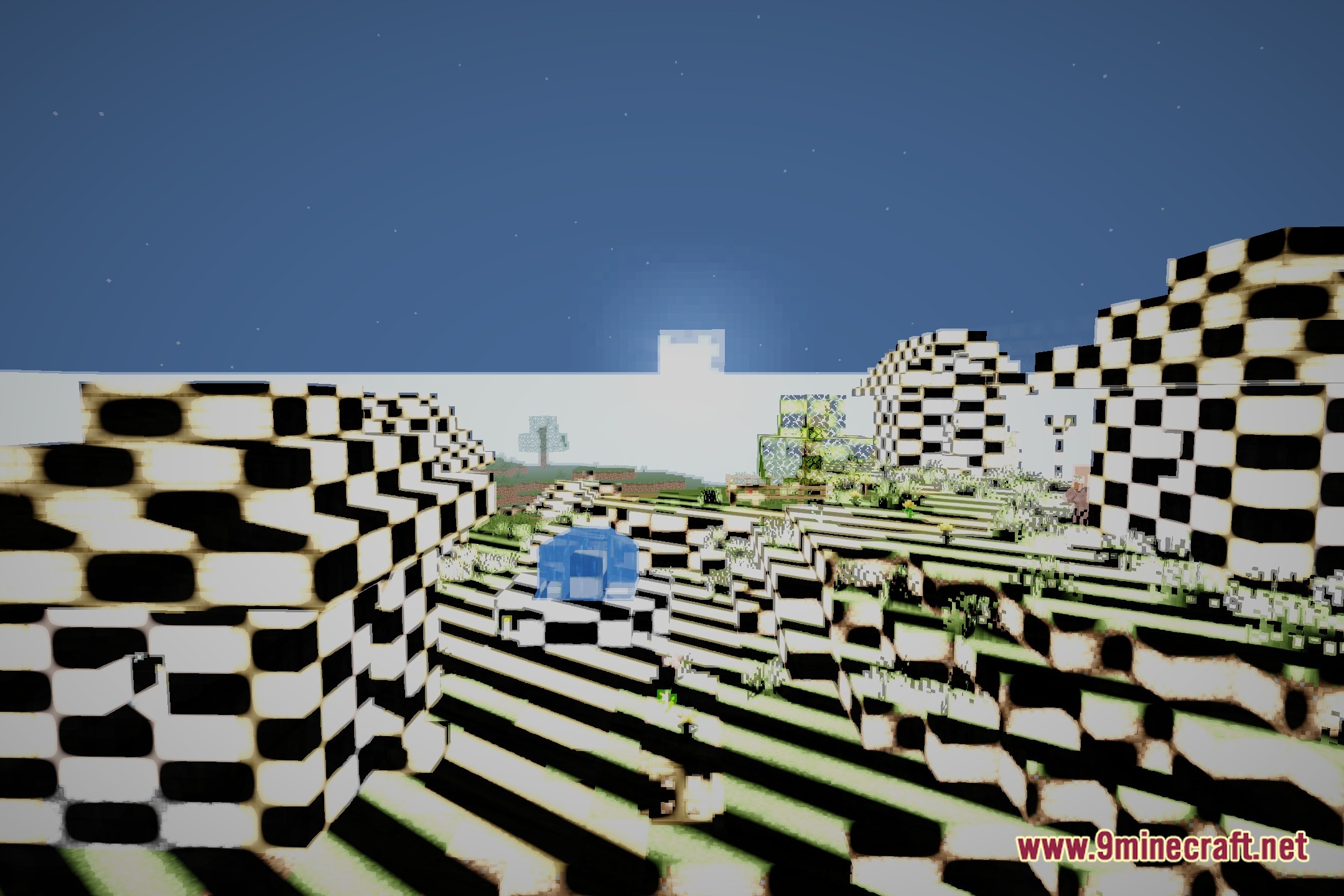
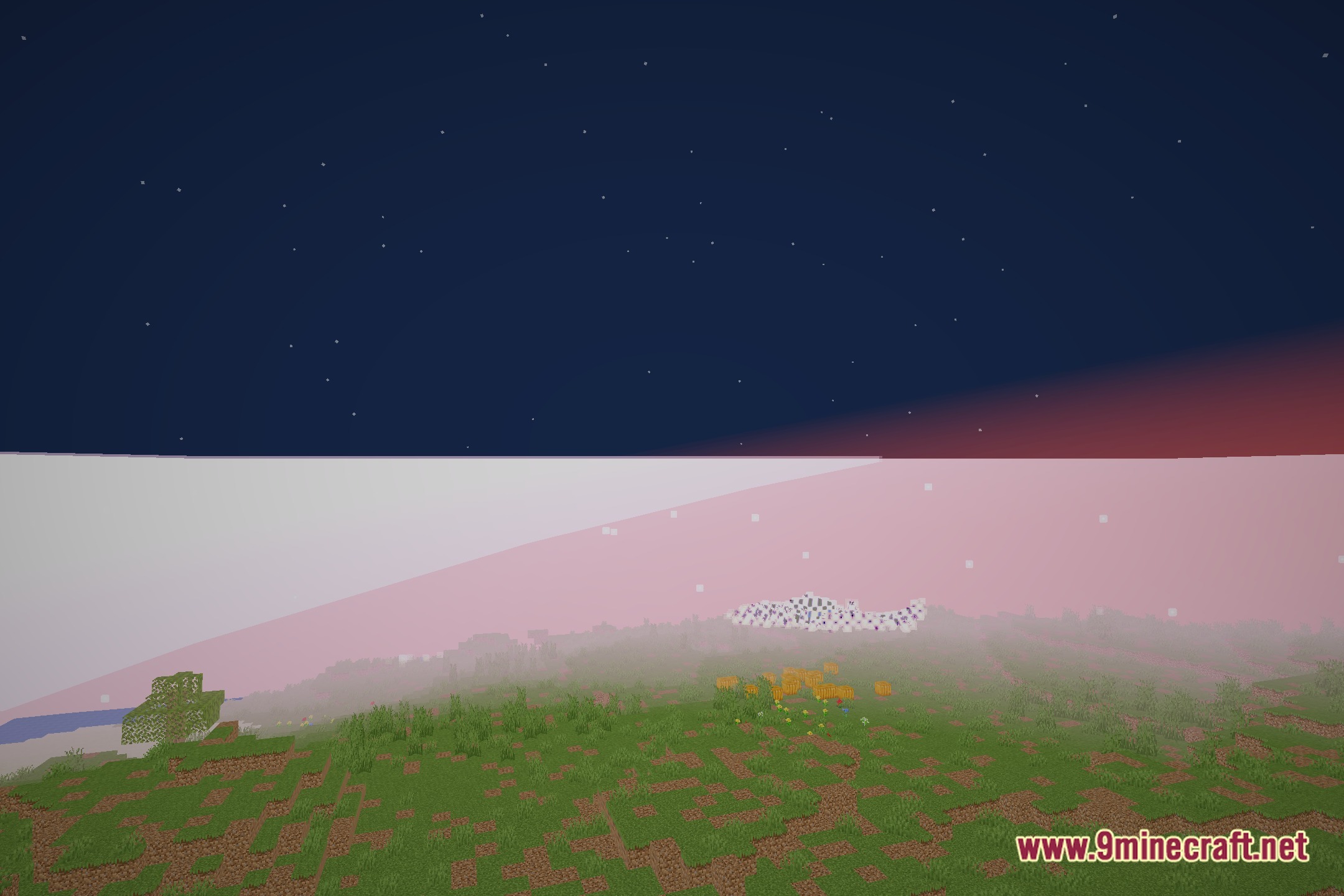
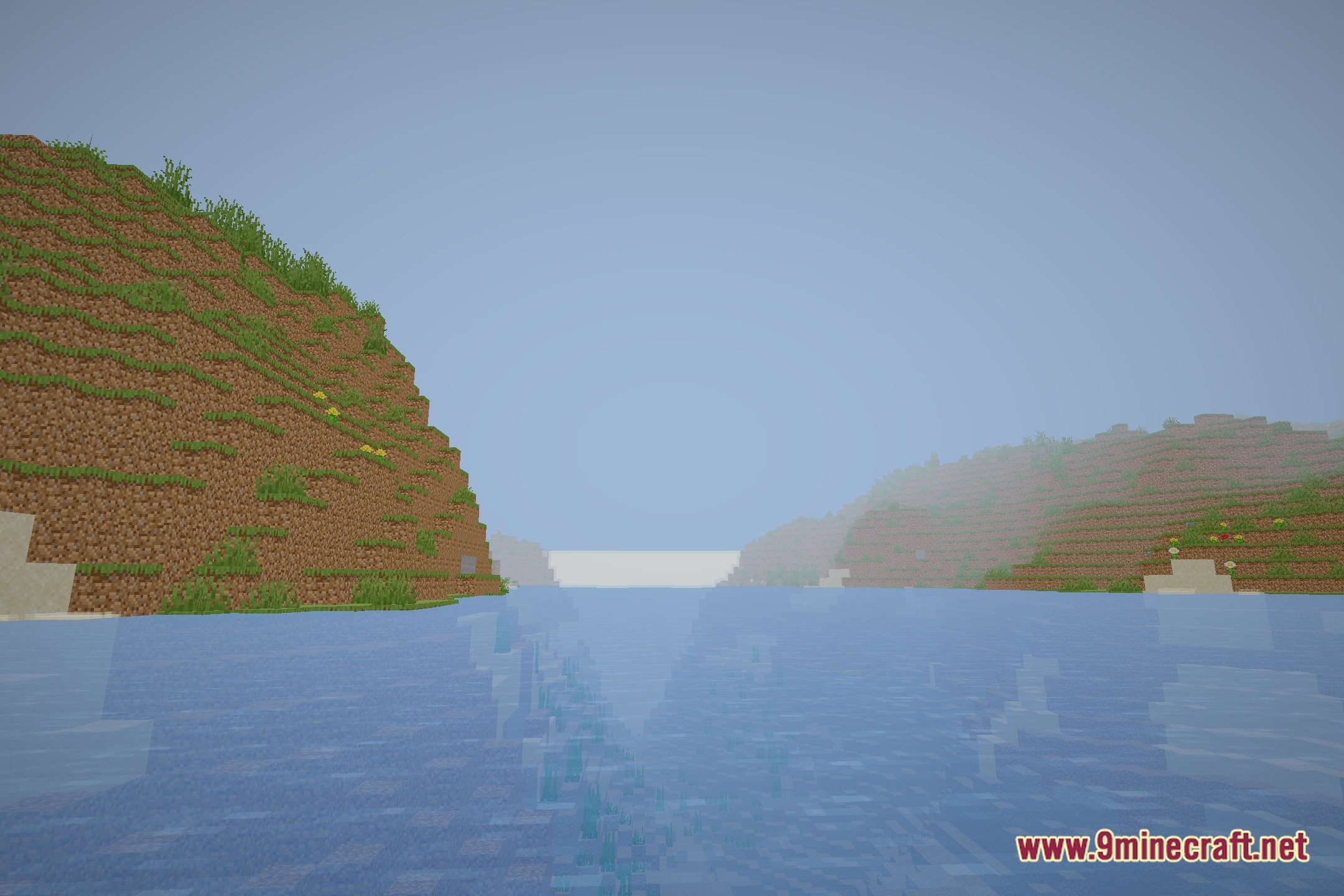
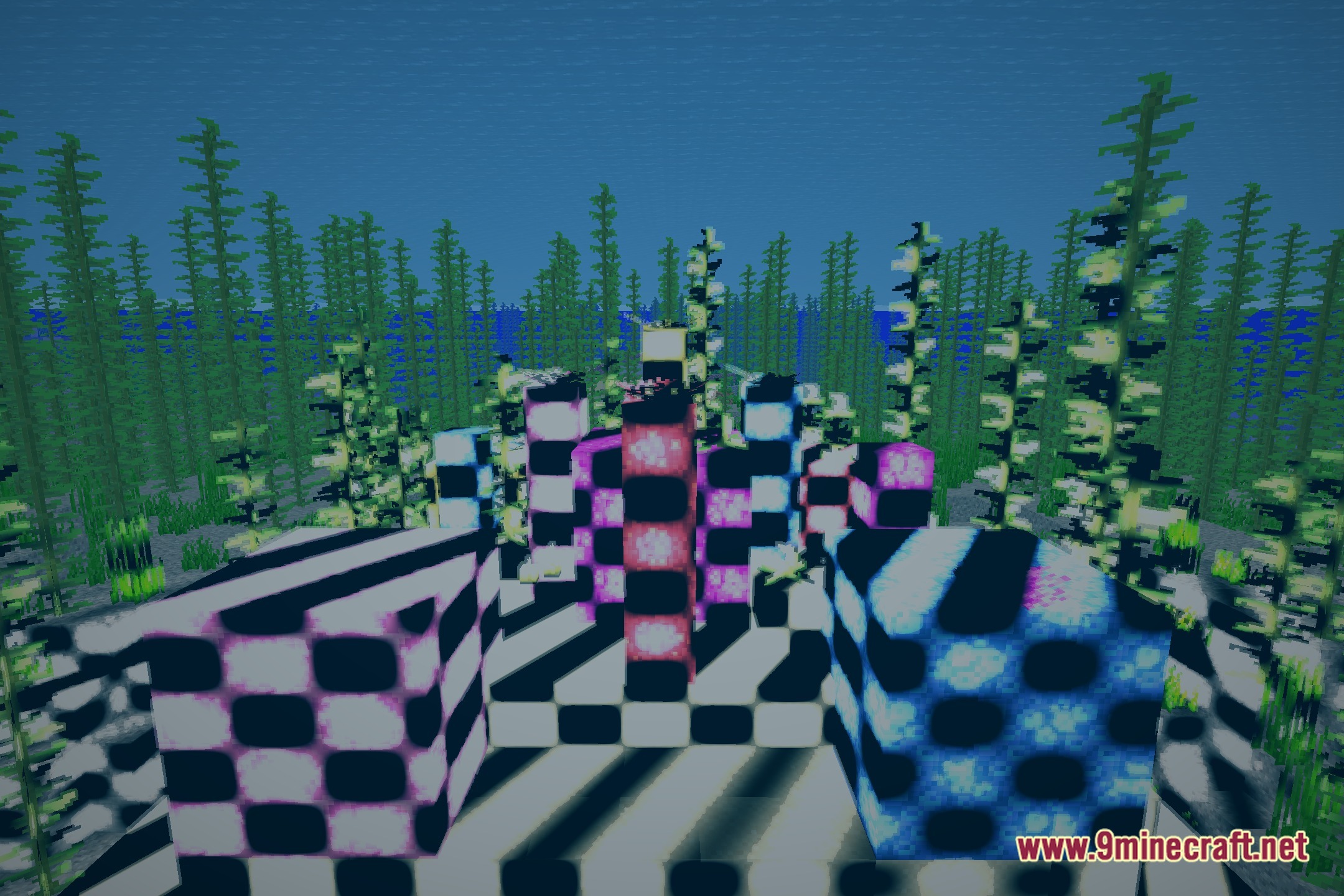
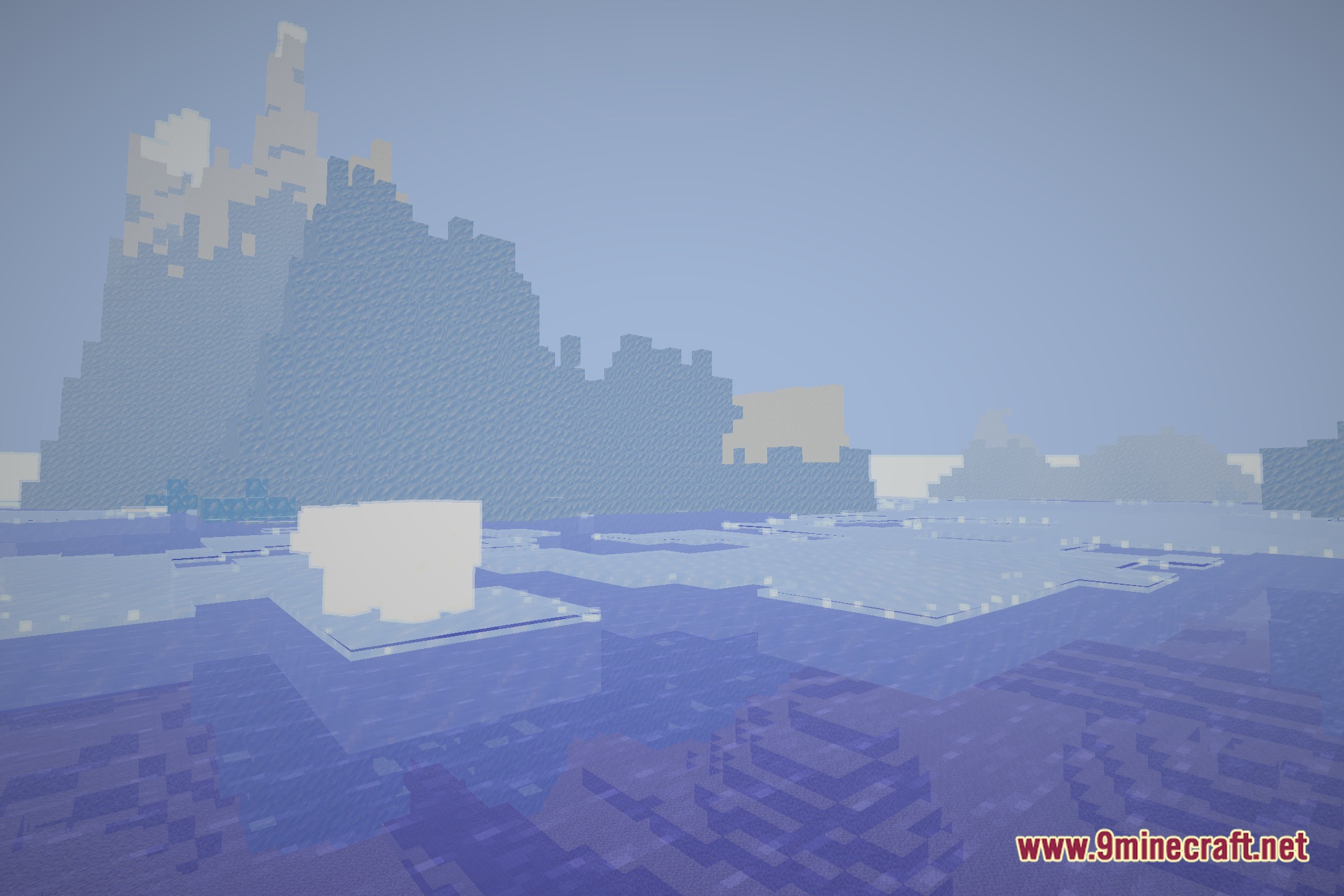
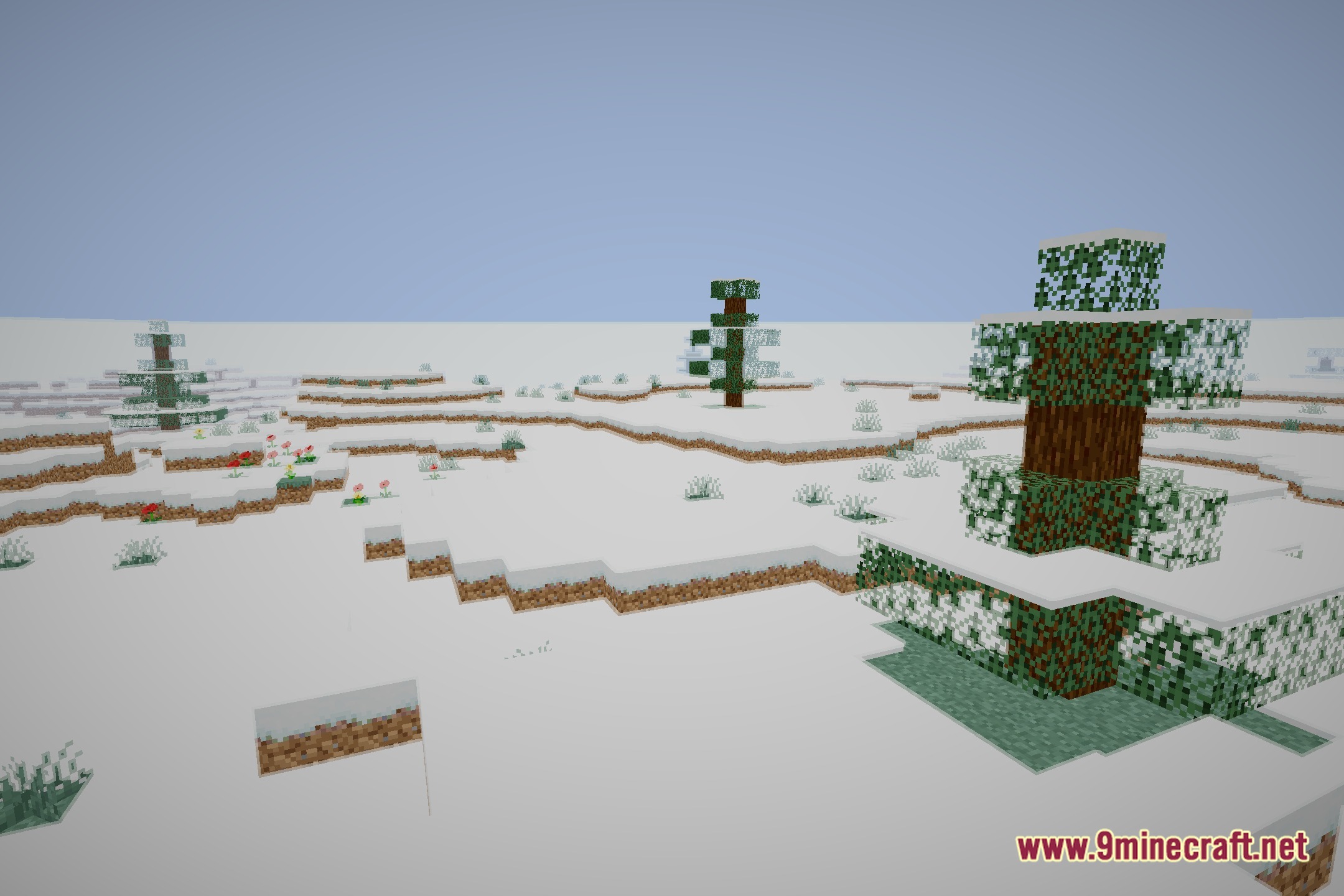
12 images from the Themaxfps Shaders page.
You May Also Like
Wikis that share the most with this one
 Toon Shades Shaders
More shader wikis on the site
 Sursum Corda Renewed Shaders
The most downloaded mods that have a wiki here