

 DownloadThe Cursed Shaders
Get the files on 9Minecraft
Guides
Step-by-step, in-game.
Adjust Individual Shader EffectsOpen Shader Options Access Video Settings from the main menu or pause screen, then select Shader Options. The Cursed…Optimize Shader Performance on Low-End HardwareStart with Potato Profile Select the Potato performance profile as your baseline. This strips away the most demanding…Switch Between Performance ProfilesAccess the Shader Settings Open your in-game options menu and navigate to the Video Settings. Look for the Shader…Troubleshoot Compatibility with Other ModsVerify Iris Installation The Cursed Shaders requires Iris to function. Confirm Iris is installed and up to date by…
Frequently asked questions
How do I enable The Cursed Shaders after installing it?
Open the Iris shader menu (usually Shift+O by default), navigate to the shader folder, and select The Cursed Shaders from the list. The shaders will apply immediately to your world.
My computer is really old. Which performance profile should I use?
Start with the Potato profile, which has the most aggressive optimizations for low-end hardware. If it runs smoothly, you can try the Low profile for slightly better visuals.
Can I use The Cursed Shaders with other shader packs at the same time?
No, only one shader pack can be active at a time in Iris. You'll need to switch between them in the shader menu if you want to use a different pack.
The shaders look too dark or too bright for me. How do I fix this?
Open the shader options menu (usually accessible from the Iris menu) and adjust the brightness or exposure sliders to your preference. You can also tweak individual lighting effects if the options are available.
See all 10 The Cursed Shaders questions ›
Gallery
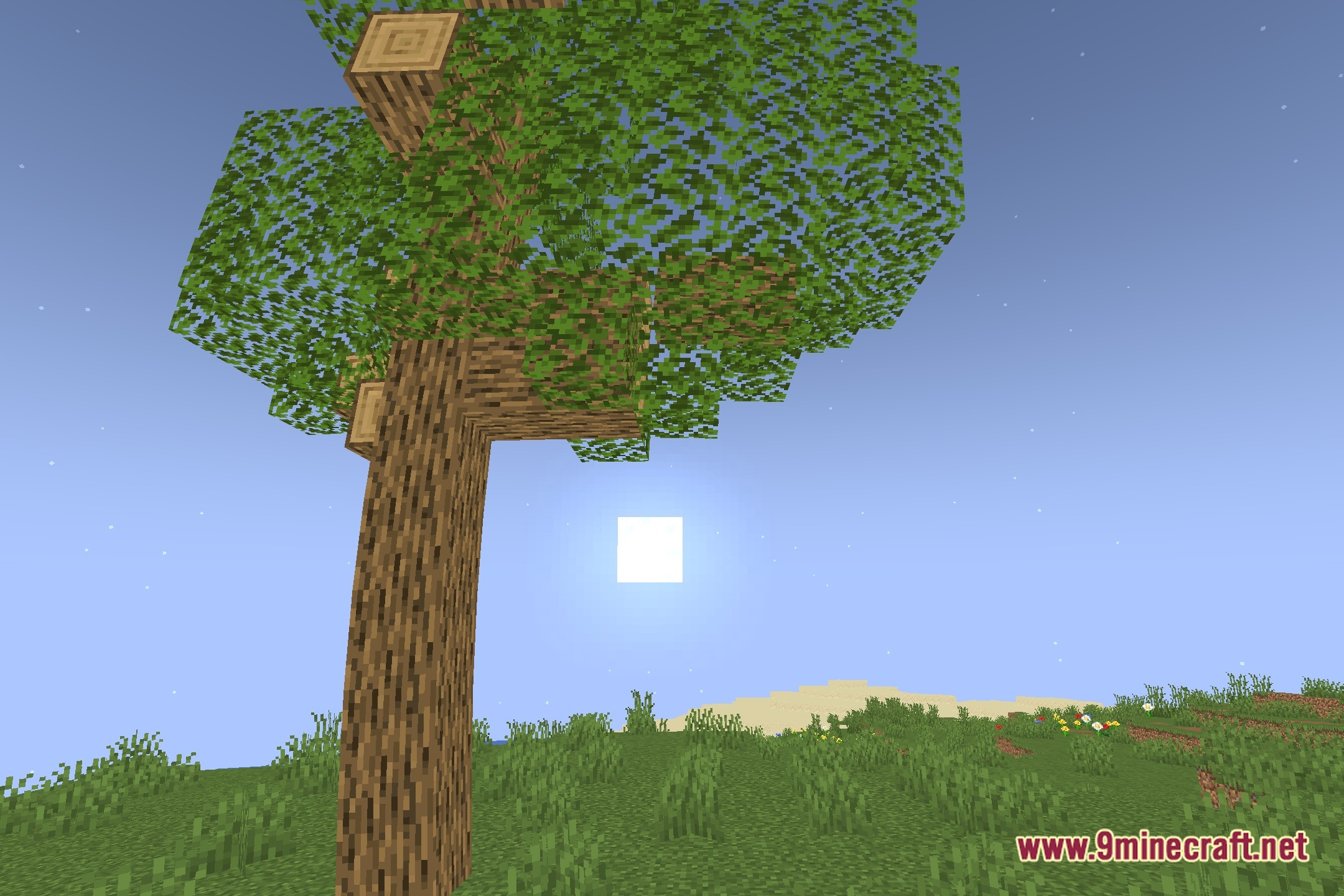
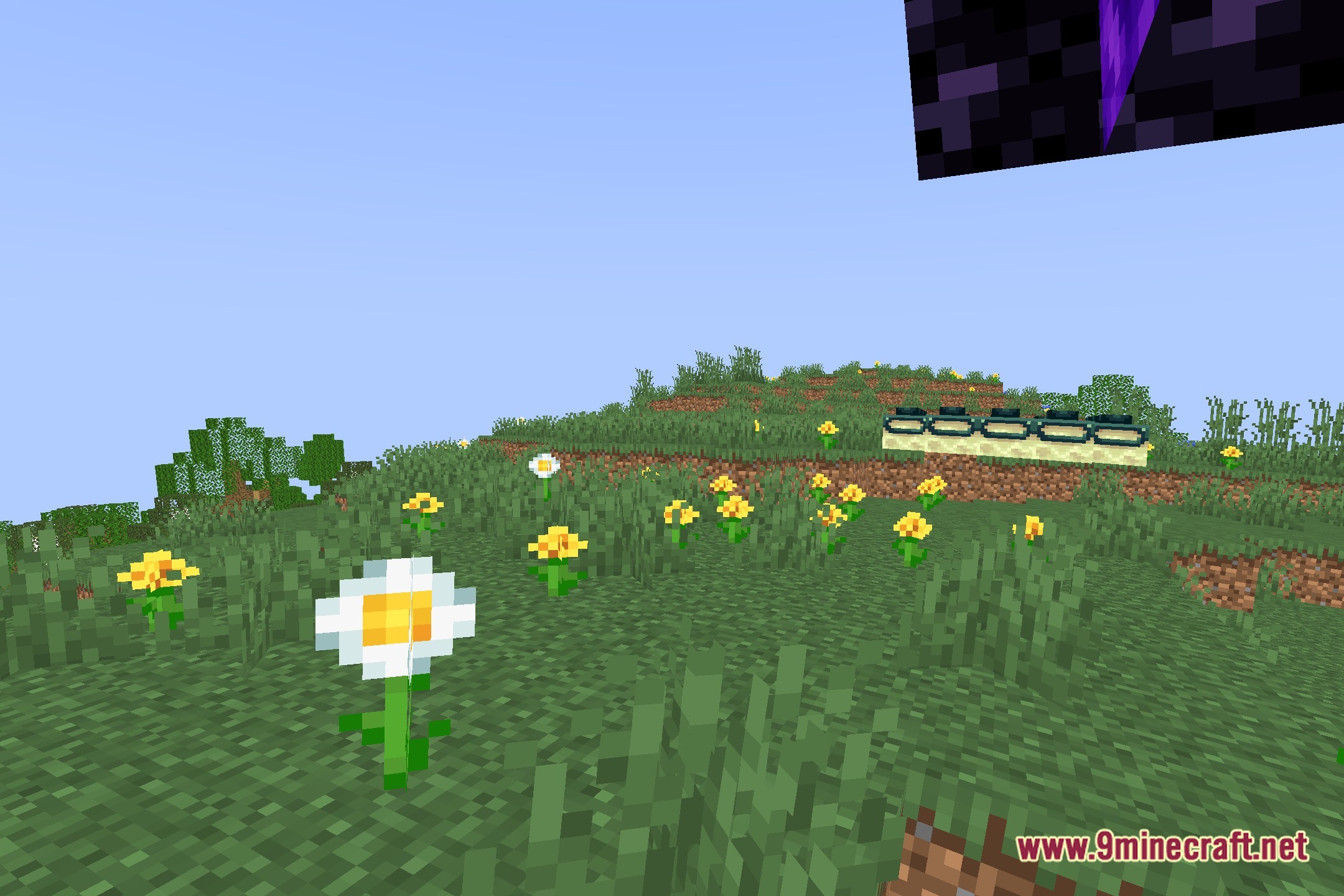
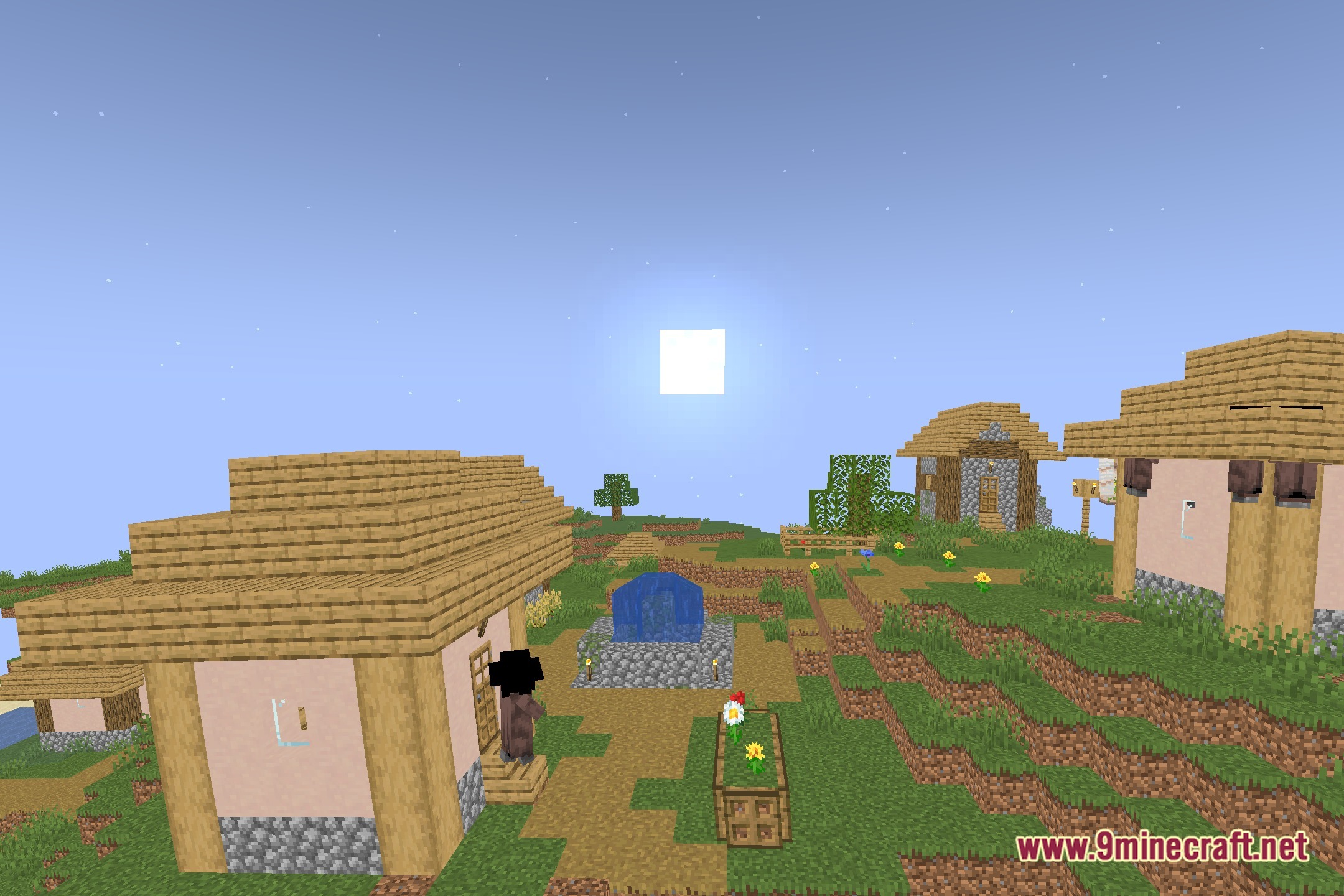
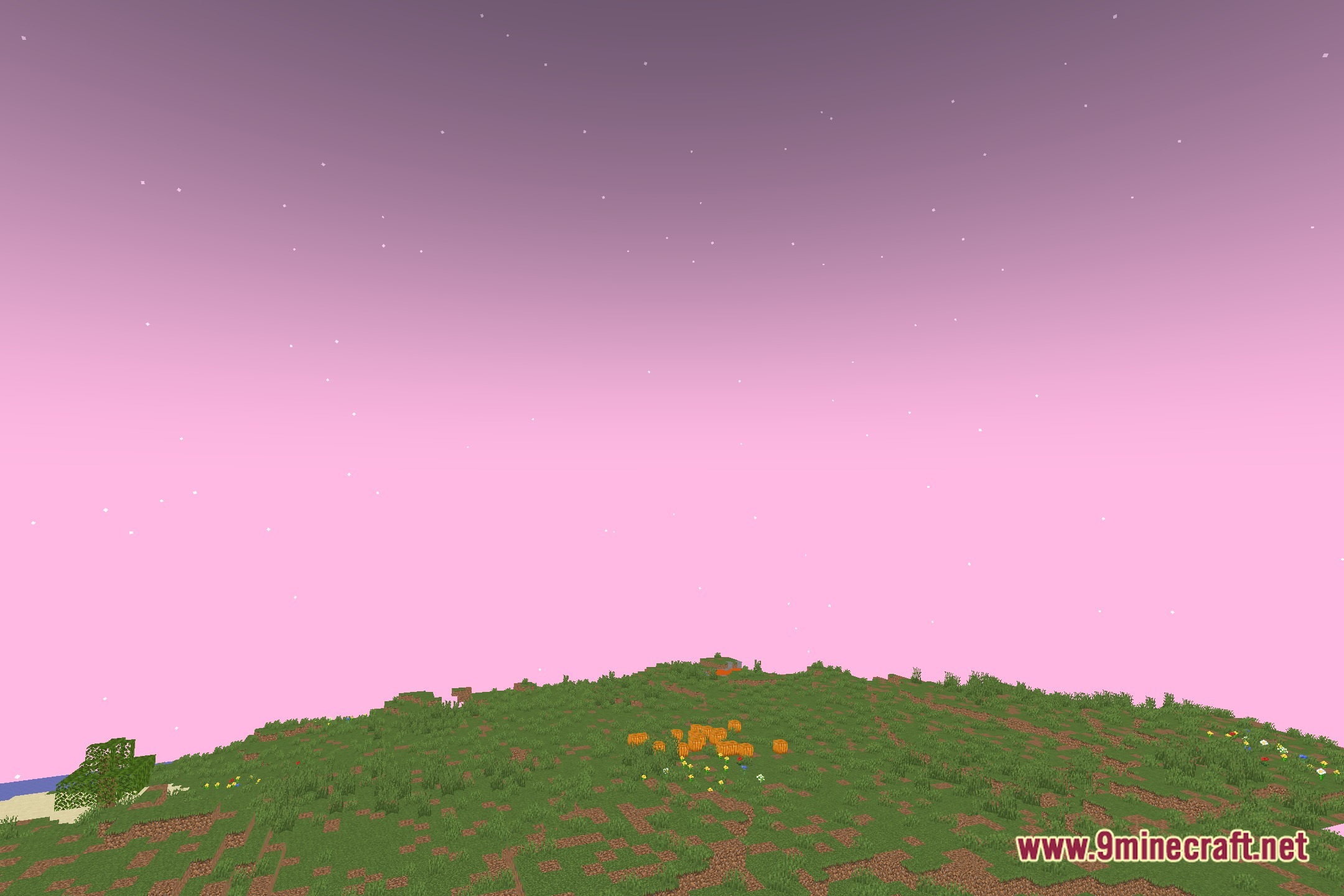
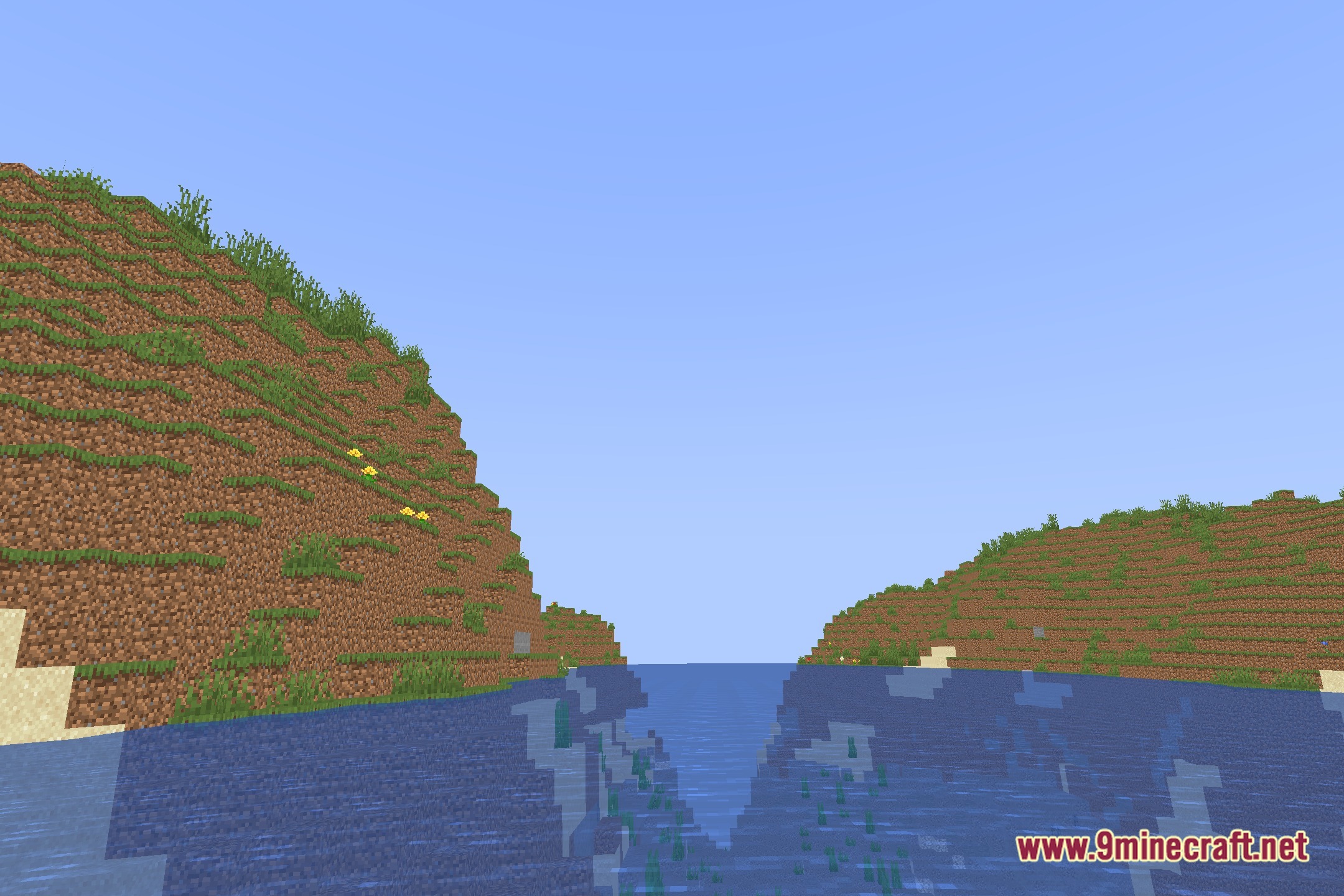
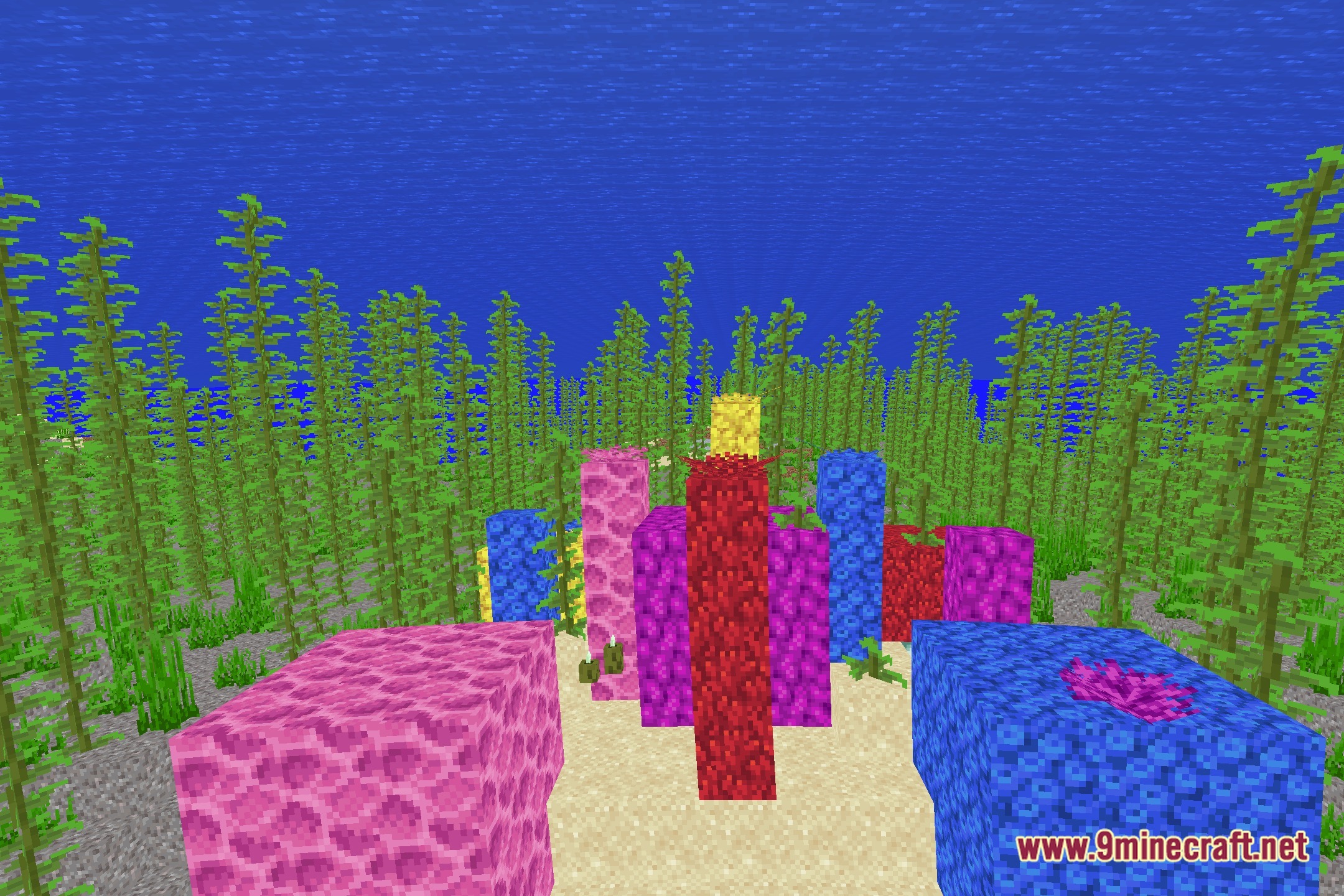
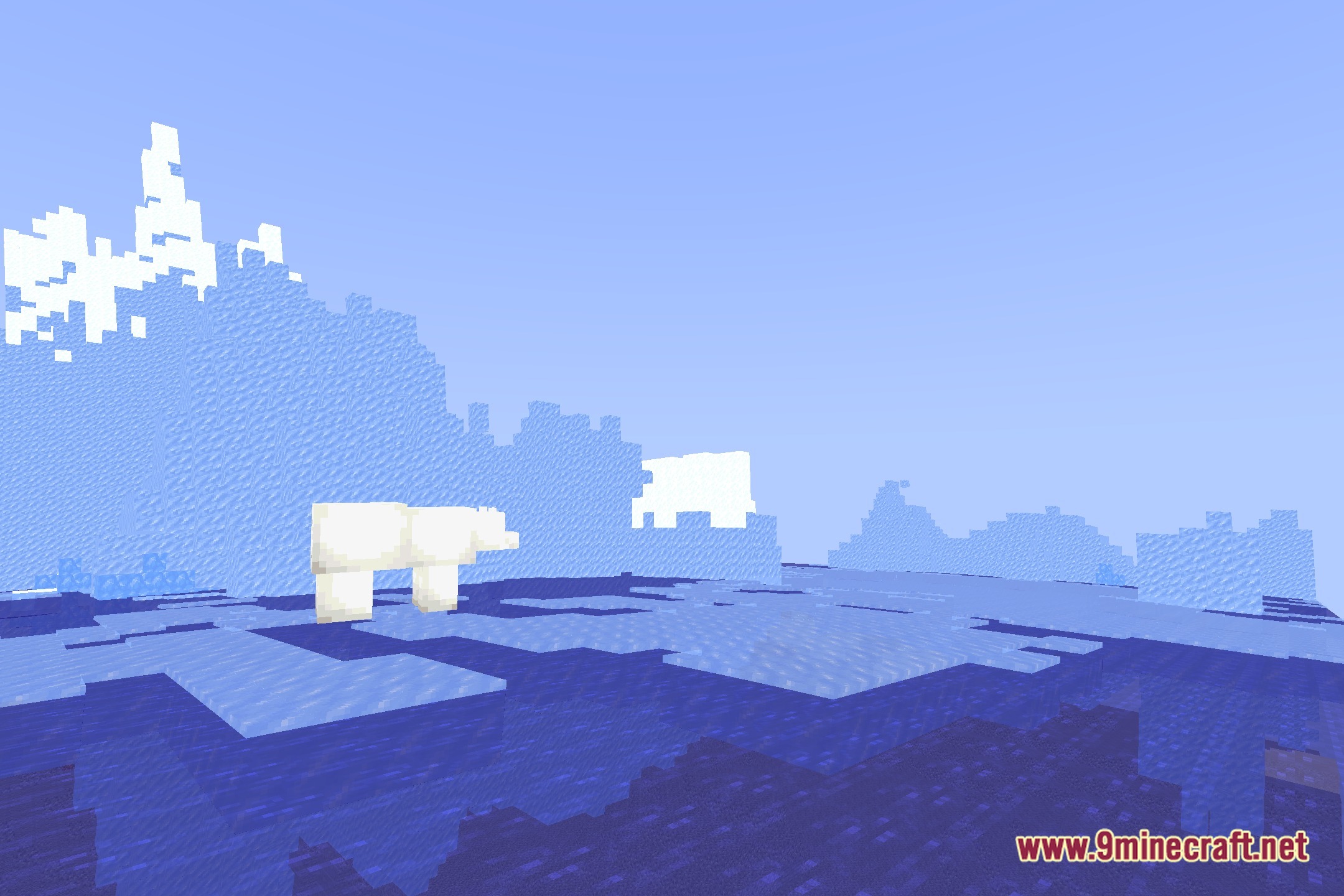
12 images from the The Cursed Shaders page.
You May Also Like
Wikis that share the most with this one
Wikis on the same theme: world
More shader wikis on the site
The most downloaded mods that have a wiki here