

 DownloadSolas World Evils Shaders
Get the files on 9Minecraft
Guides
Step-by-step, in-game.
Adjust shader brightness and contrast for better visibilityAccess shader settings Press the shader settings key (default: Right Shift) while in-game to open the Solas World…Customize lighting for magical and decorative blocksUnderstand block lighting in this shader Solas World Evils applies smooth glow effects to light-emitting blocks like…Enable or disable water reflectionsOpen shader configuration Press the shader settings hotkey (default: Right Shift) to access the Solas World Evils…Optimize shader performance for smoother gameplayCheck current performance Launch your world and observe frame rate using the debug screen (F3). Note your baseline…
Frequently asked questions
How do I enable the shader after installing it?
Open your Video Settings, navigate to Shaders, and select Solas World Evils Shaders from the list. The shader will activate immediately and you'll see the visual changes in your world.
Why do my torches and magical blocks look dim?
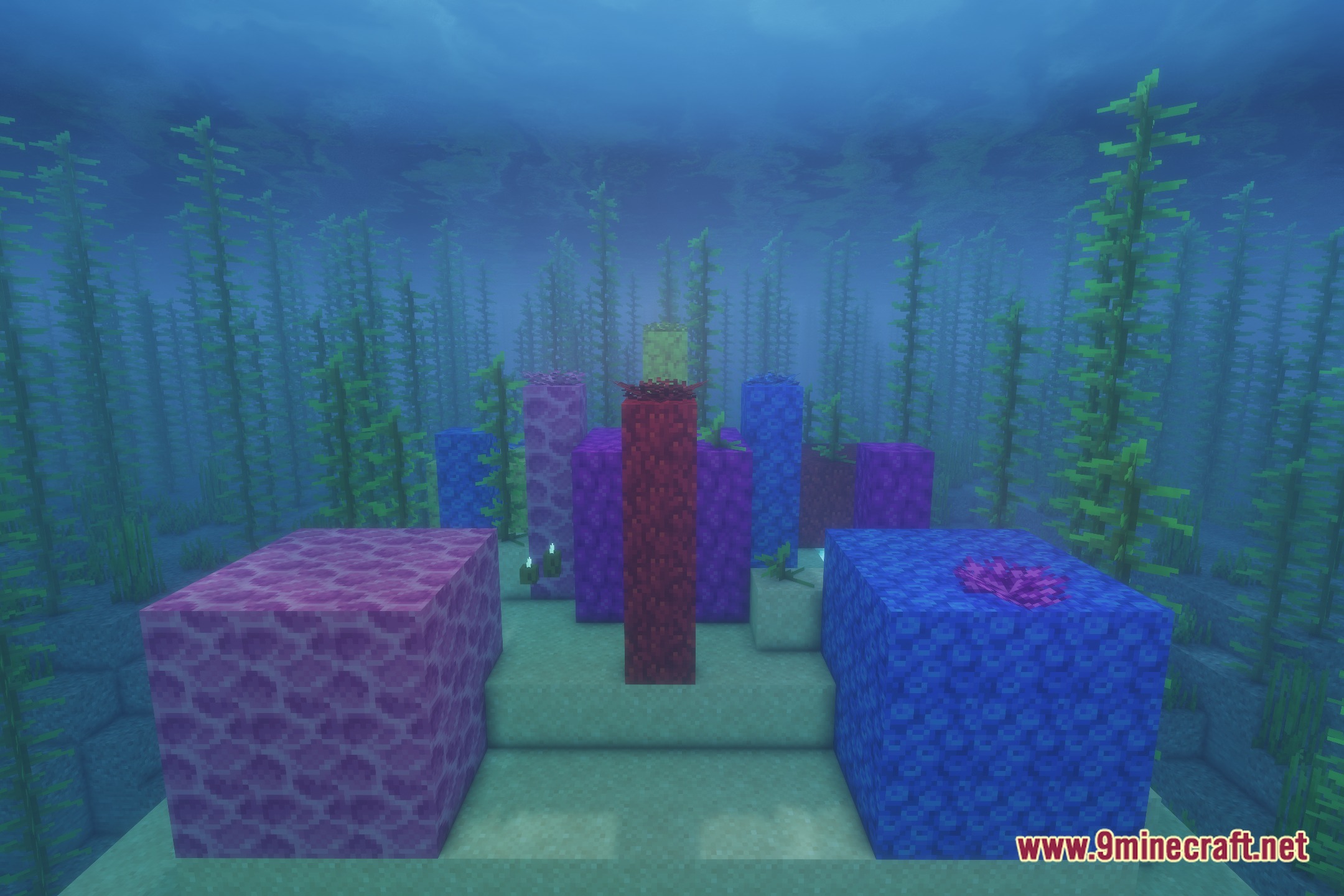
Check your brightness and contrast settings in the shader options—they may be set too low. Adjust the brightness slider upward to make light sources like torches and magical blocks glow more visibly.
Can I turn off water reflections if they cause lag?
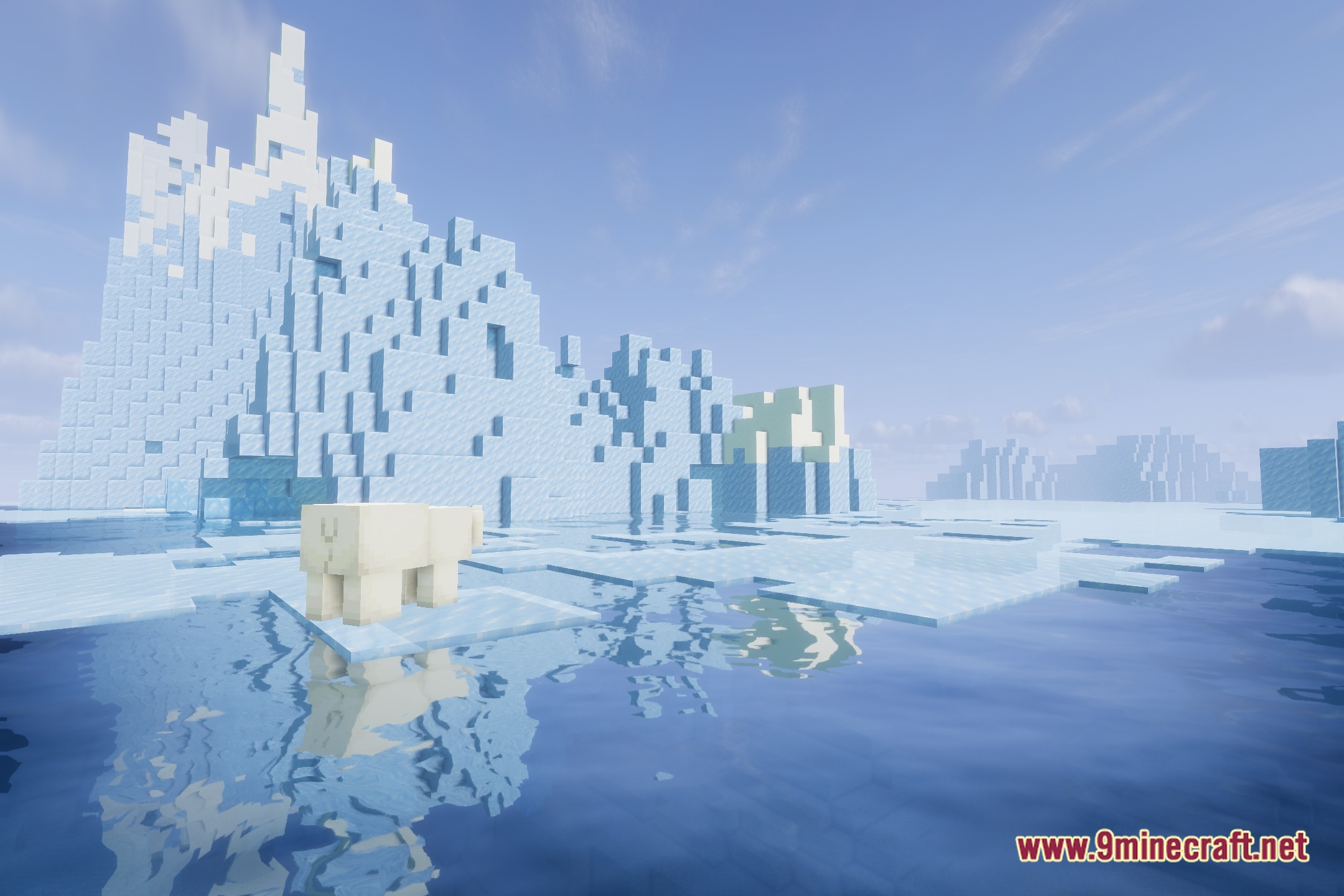
Yes, open the shader settings and look for the water reflection or reflection quality option, then disable or lower it. This is one of the most effective ways to improve performance if you're experiencing slowdown.
Does this shader work with World Evils content only?
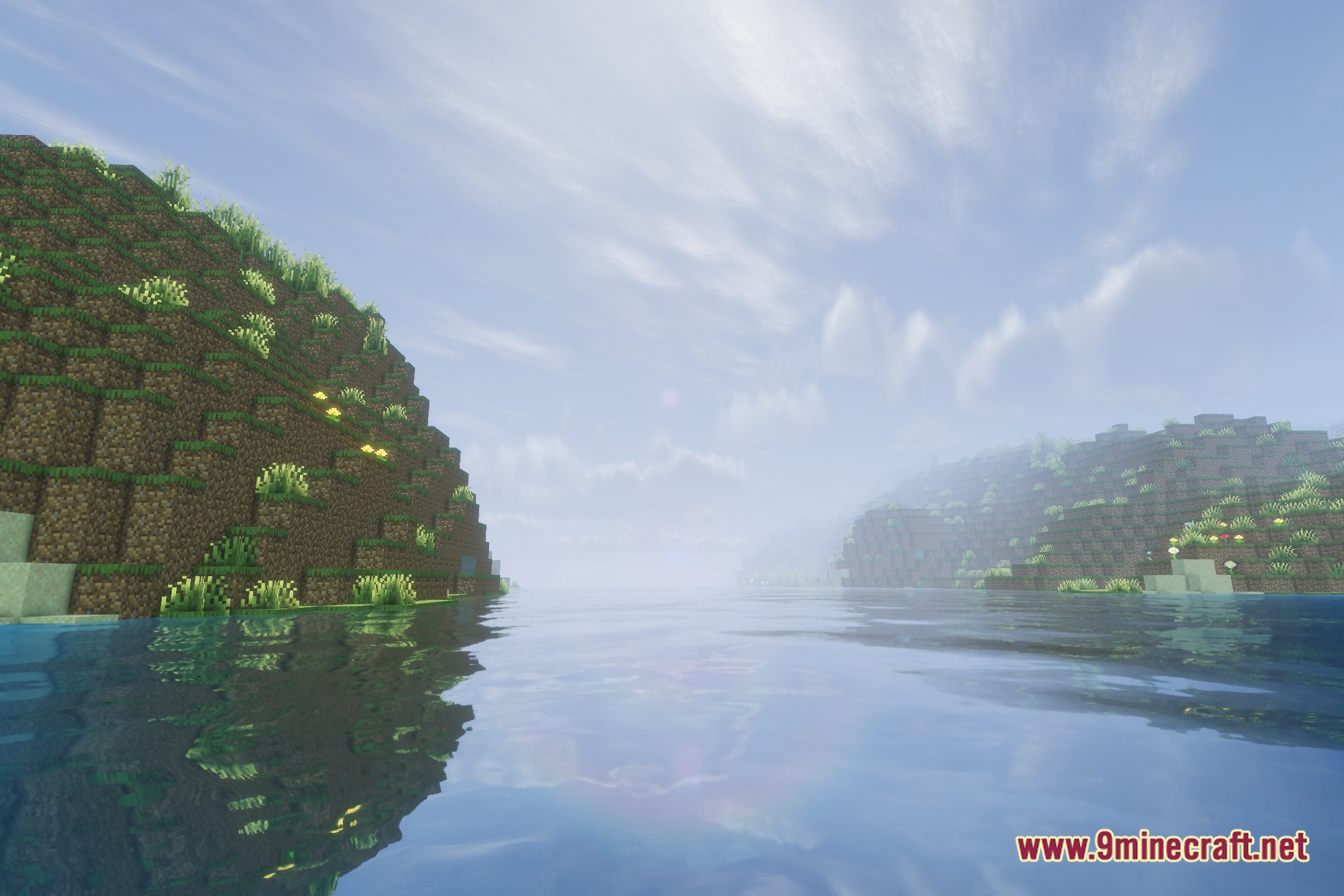
No—the shader enhances your entire world with improved lighting, water, and sky effects. World Evils content receives tailored visual adjustments, but all biomes and dimensions benefit from the shader's core features.
See all 10 Solas World Evils Shaders questions ›
Gallery
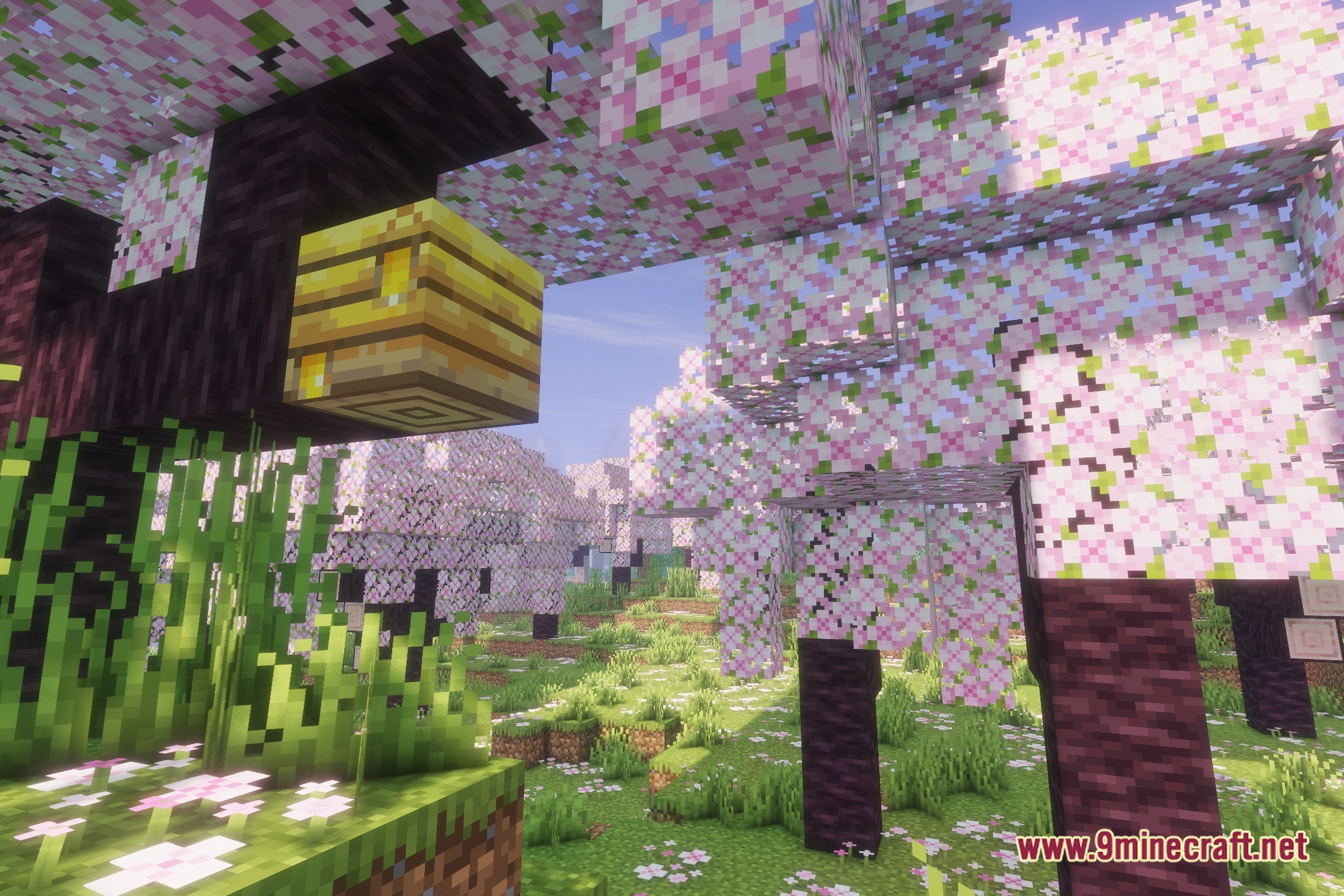
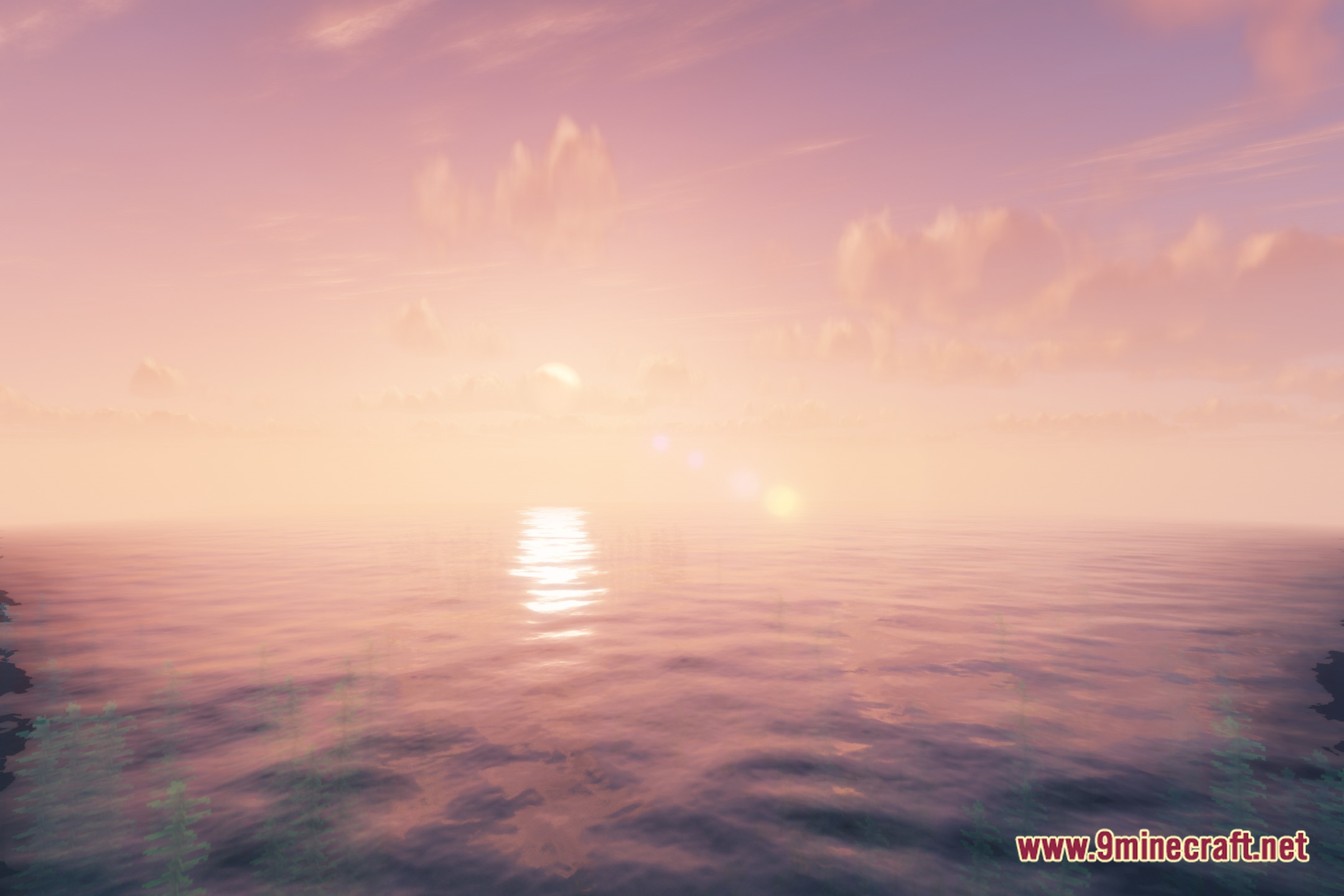
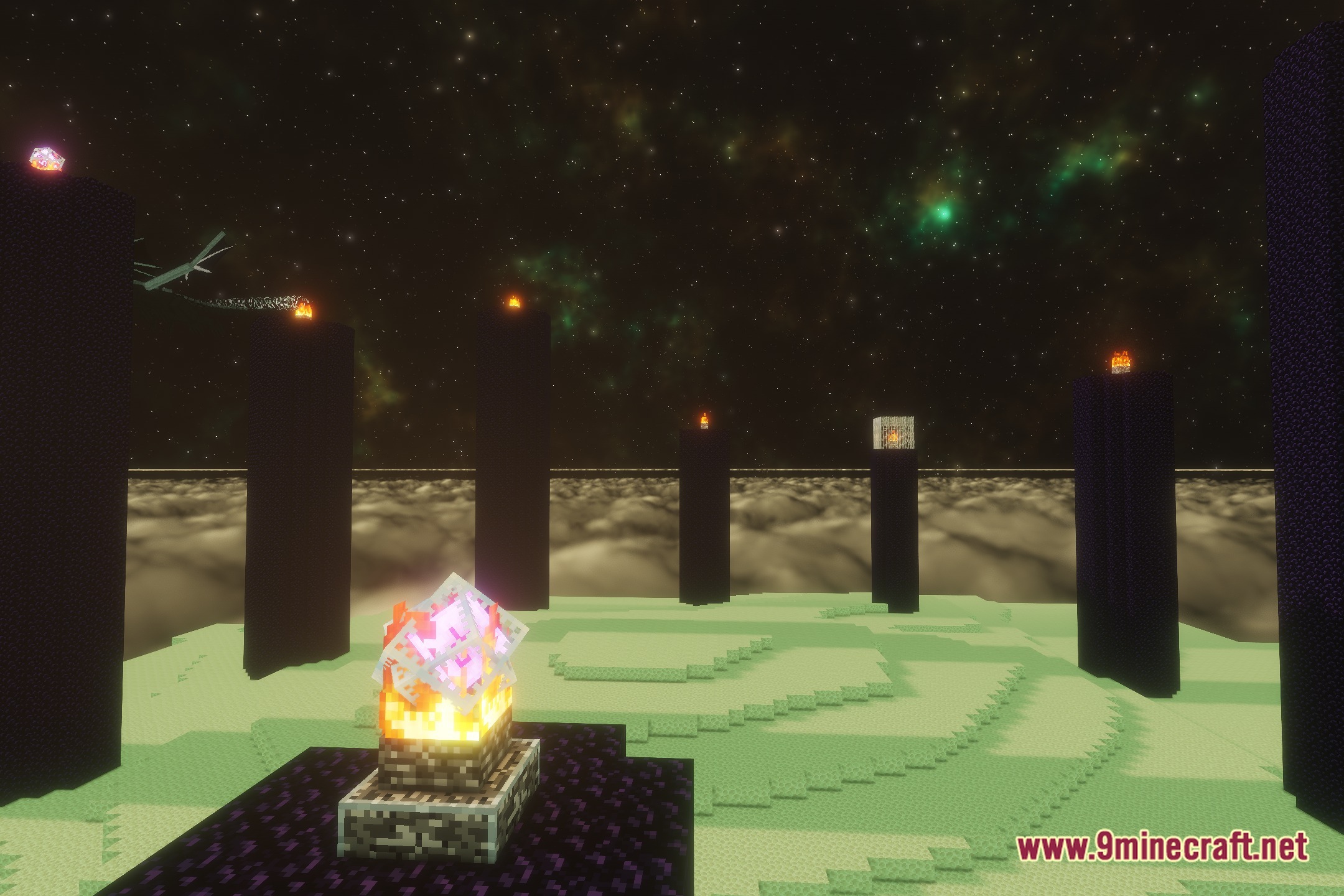
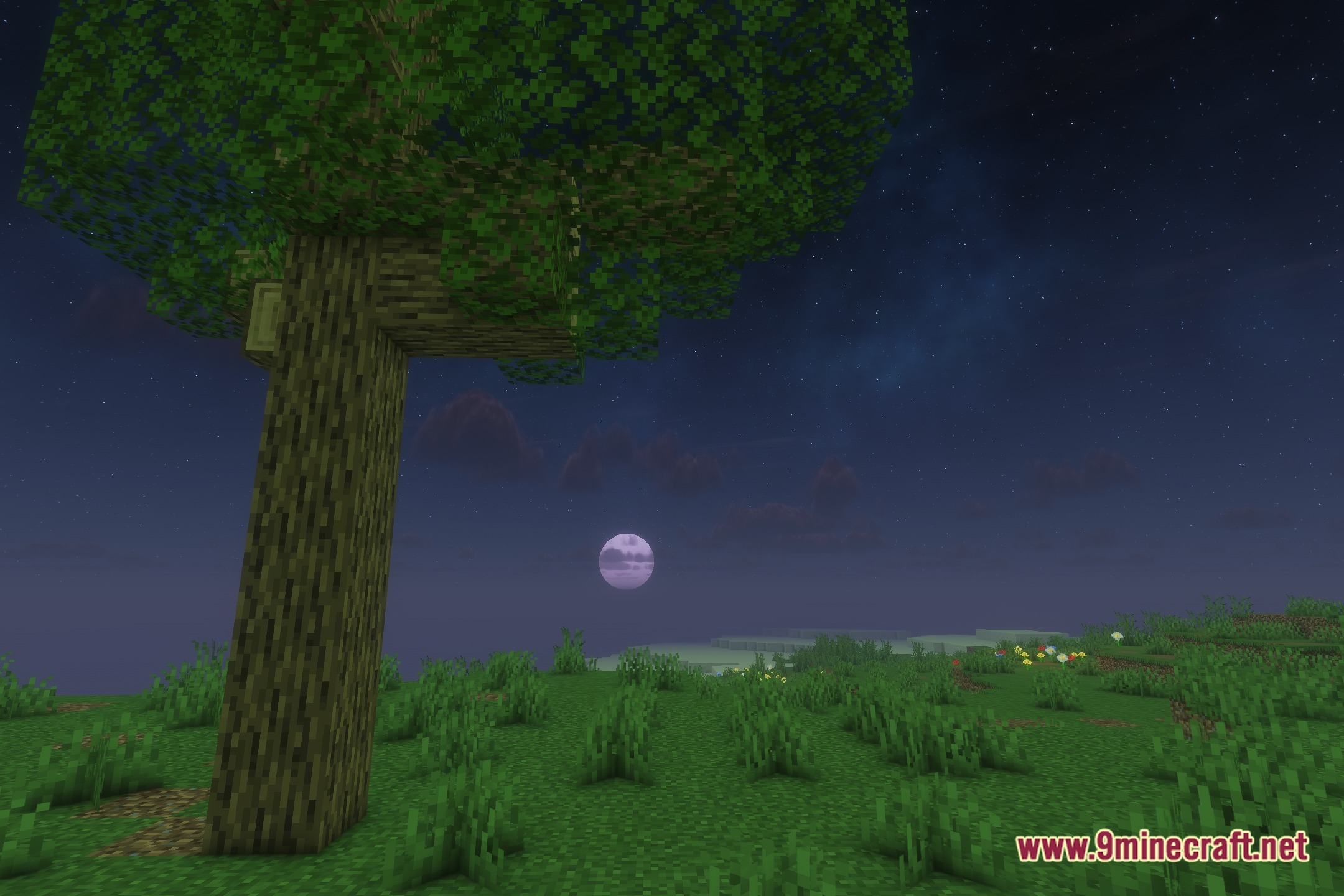
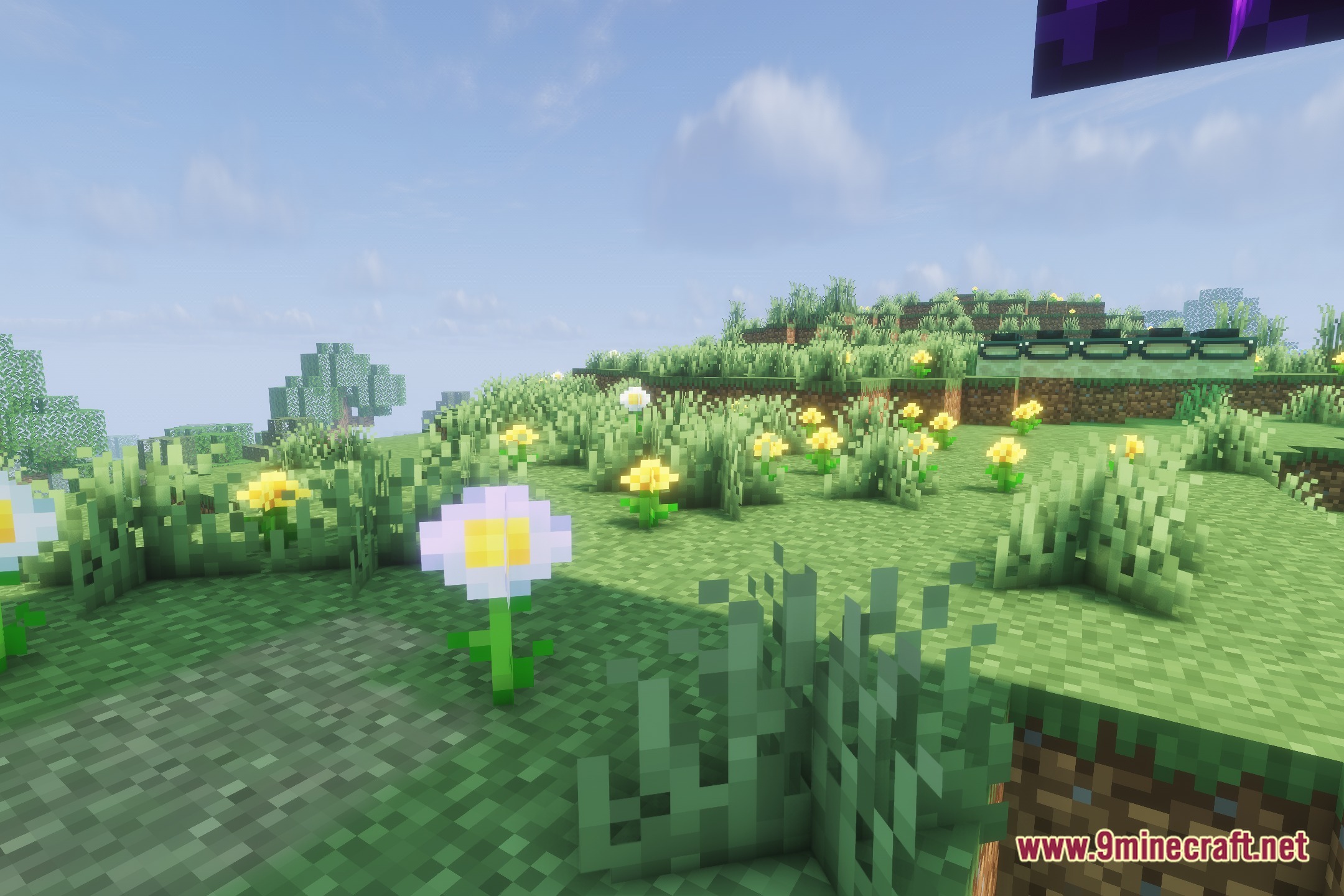
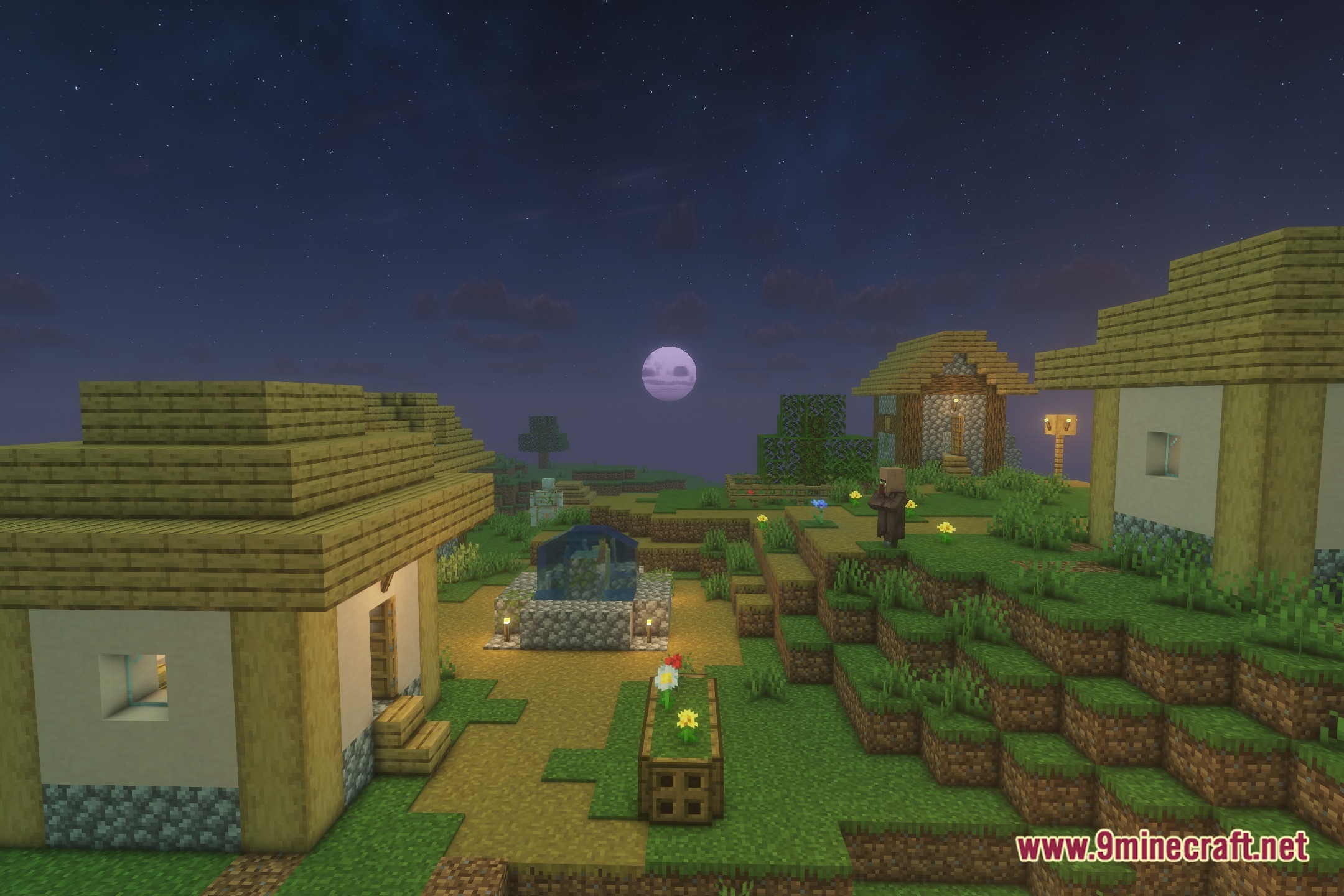
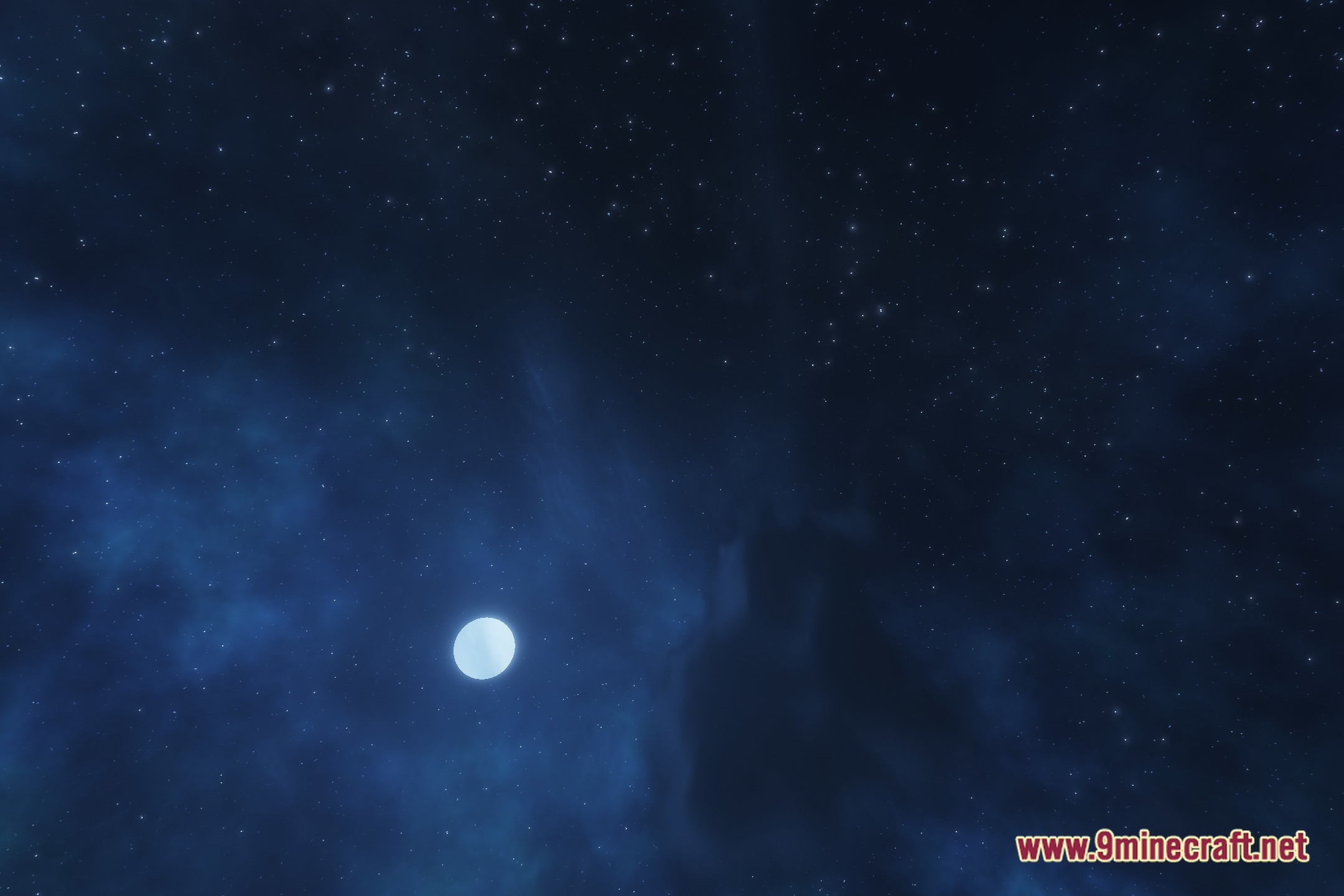
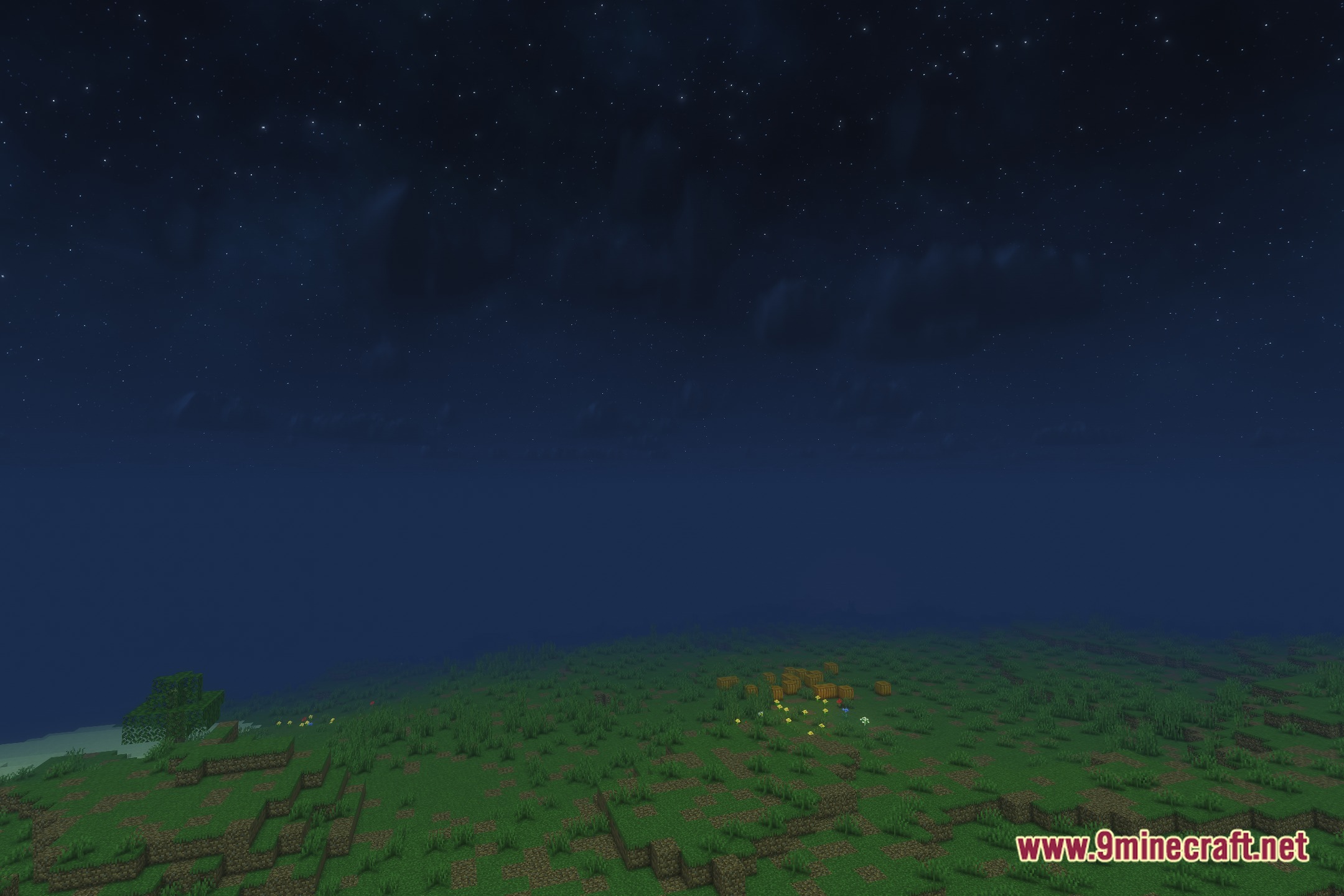
12 images from the Solas World Evils Shaders page.

You May Also Like
Wikis that share the most with this one
Wikis on the same theme: world
More shader wikis on the site
 Sobel Pack Shaders
The most downloaded mods that have a wiki here