

Guides
Step-by-step, in-game.
Adjust Outline Thickness and VisibilityOpen Shader Settings Access your Contour Shaders customization menu through your shader configuration panel.…Control Outline Distance ScalingUnderstand Base Distance The Base Distance setting determines when outline borders begin to shrink as mobs and…Enable Rainbow Mode for Cycling Outline ColorsAccess the Settings Menu Open your shader settings while in-game. This is typically done through your shader…Toggle Outlines on Your Held ItemLocate the Outline on Hand Setting Open your Contour Shaders customization menu and find the Outline on Hand option.…
Frequently asked questions
How do I turn on Contour Shaders?
Open your shader settings menu (usually by pressing a key like Shift+O or through your shader options), find Contour Shaders in the list, and enable it. The outlines should appear around all mobs and items immediately.
Why can't I see outlines on mobs far away?
The Base Distance setting controls when outlines start to shrink based on distance. Increase the Base Distance value in your settings to keep outlines visible from farther away.
How do I make the outlines thicker?
Go to your shader settings and adjust the Outline Thickness slider to a higher value. Higher numbers create wider, more visible borders around targets.
Can I turn off outlines on items I'm holding?
Yes, toggle the Outline on Hand setting in your customization menu to disable borders on your held item while keeping them on everything else.
See all 10 Contour Shaders questions ›
Gallery
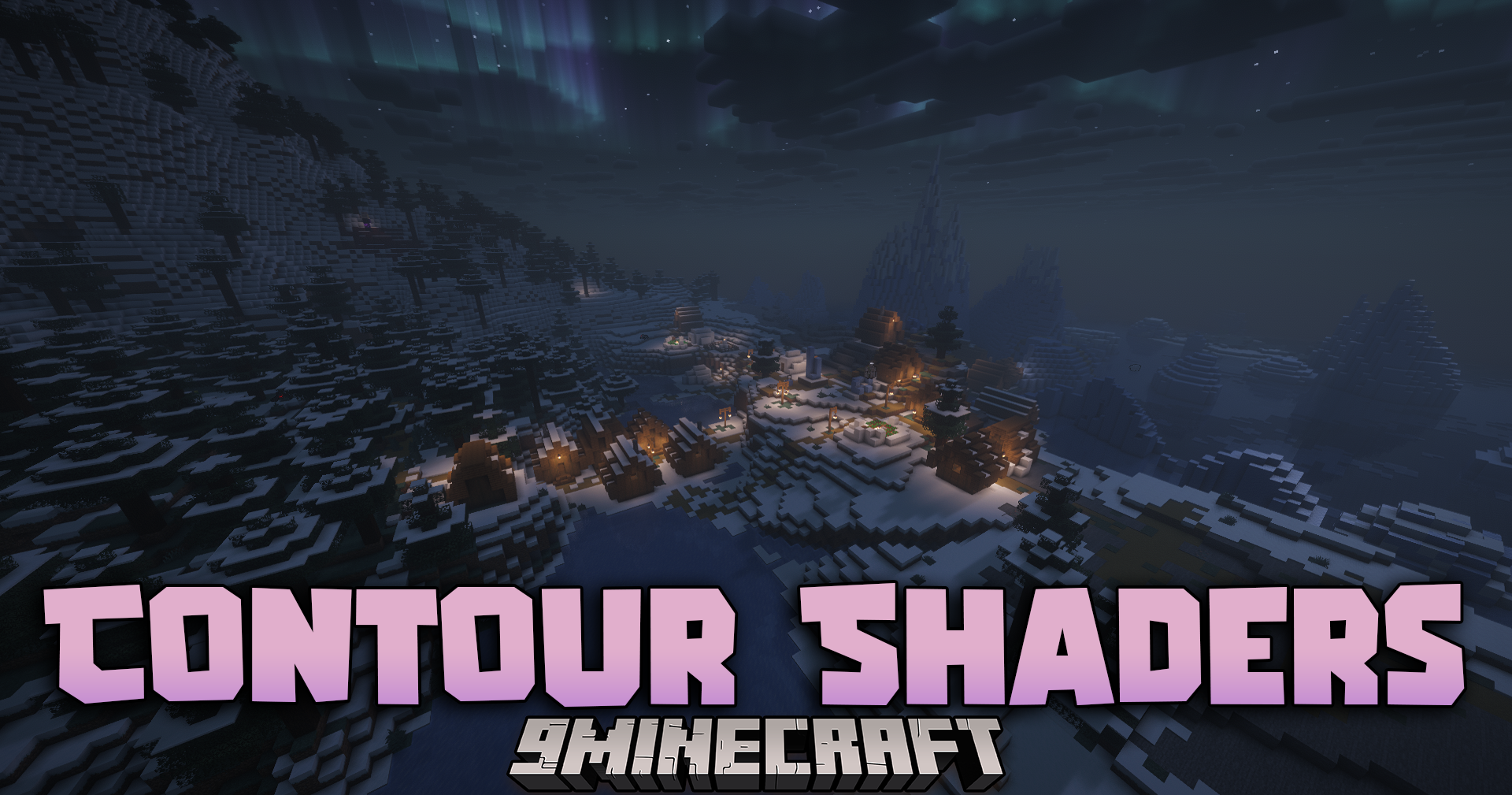
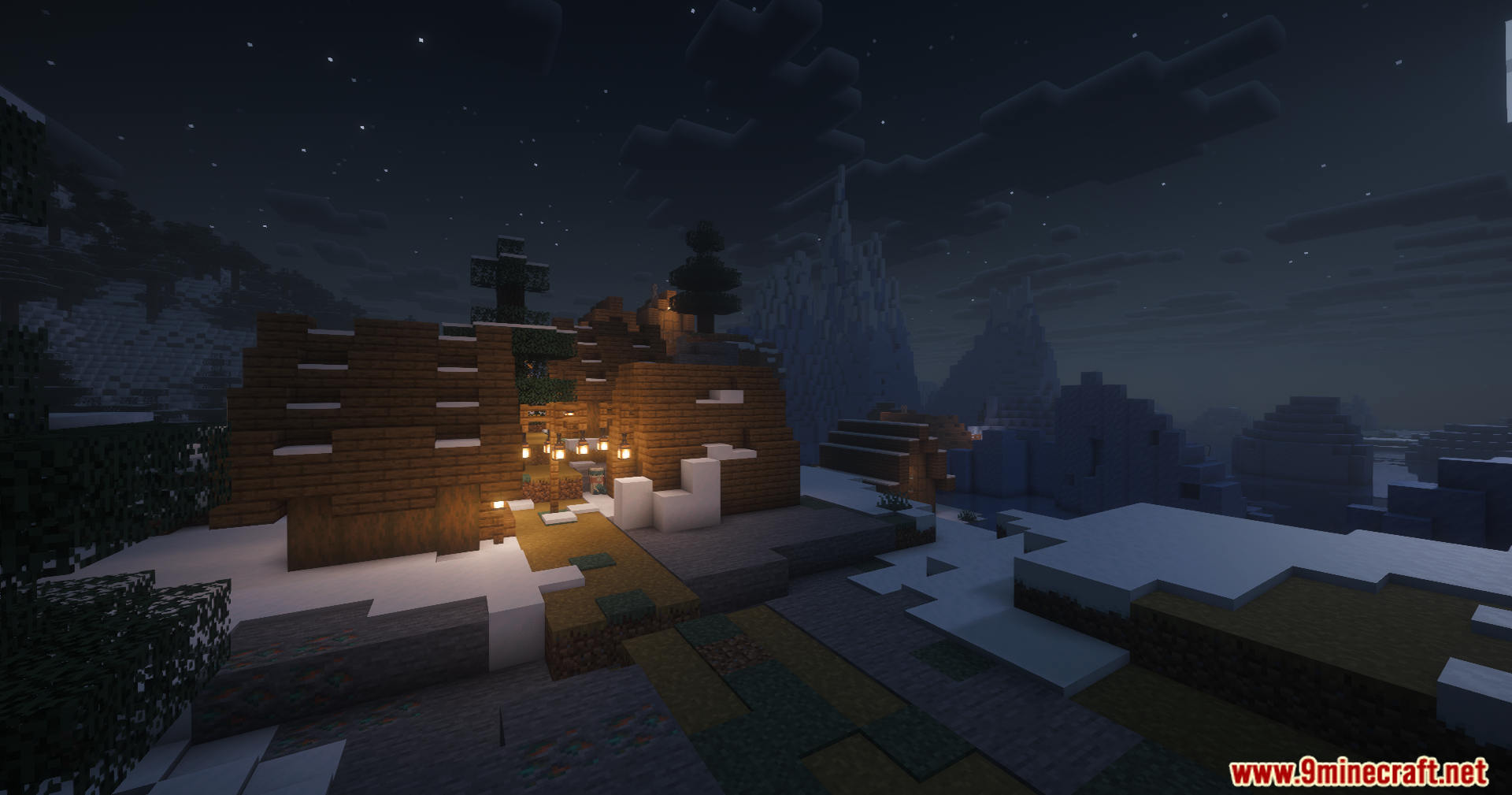
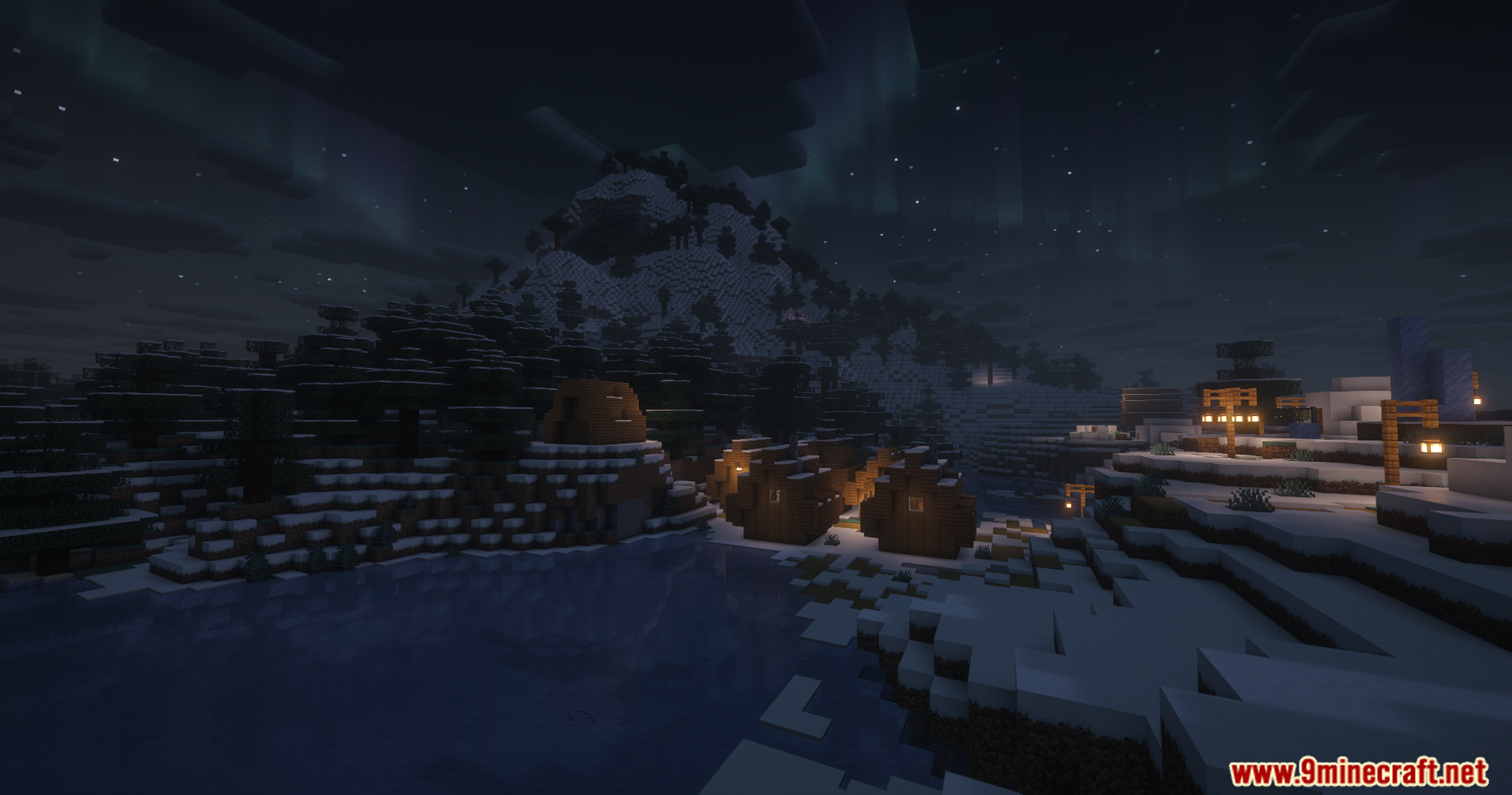
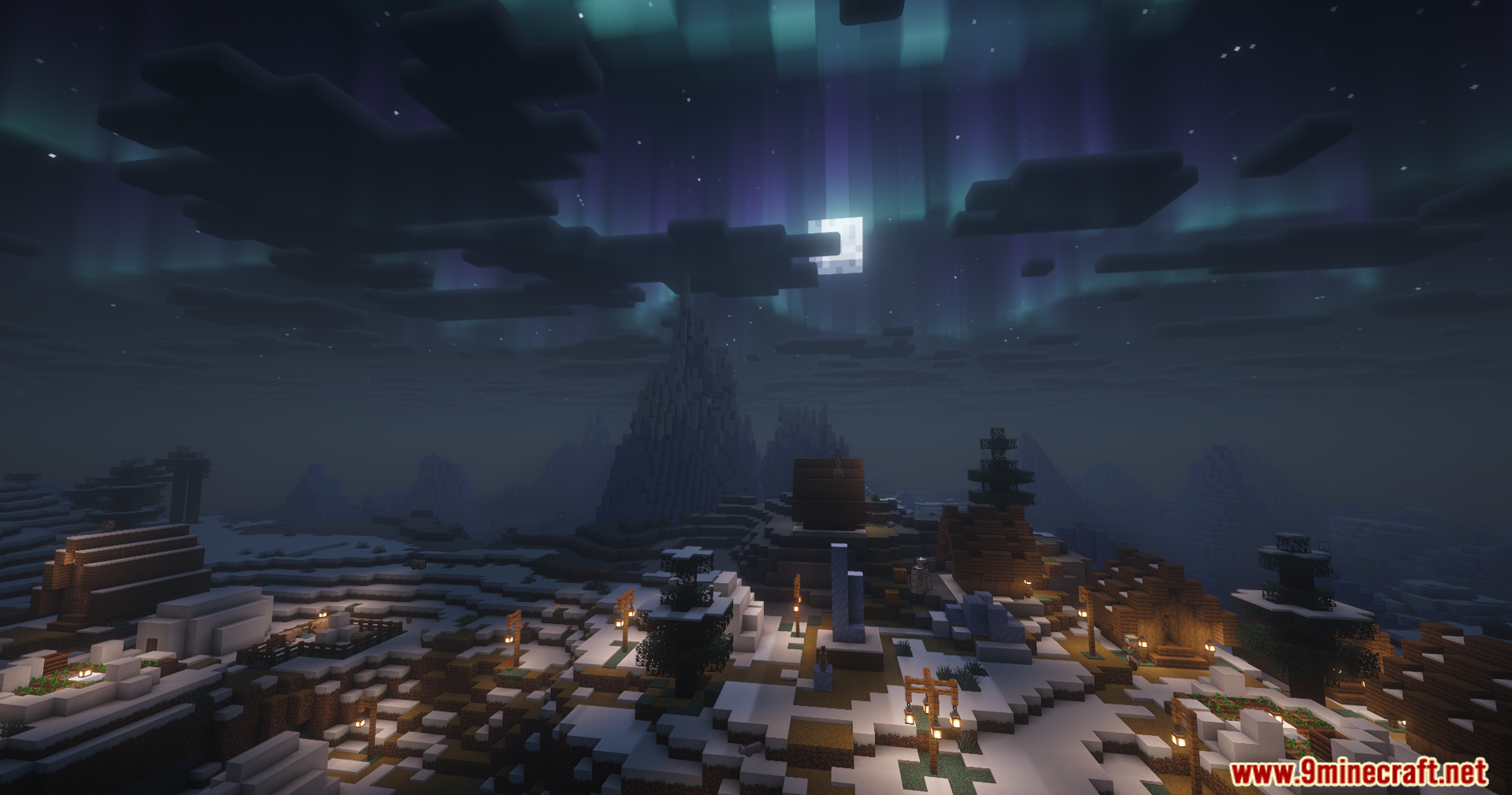
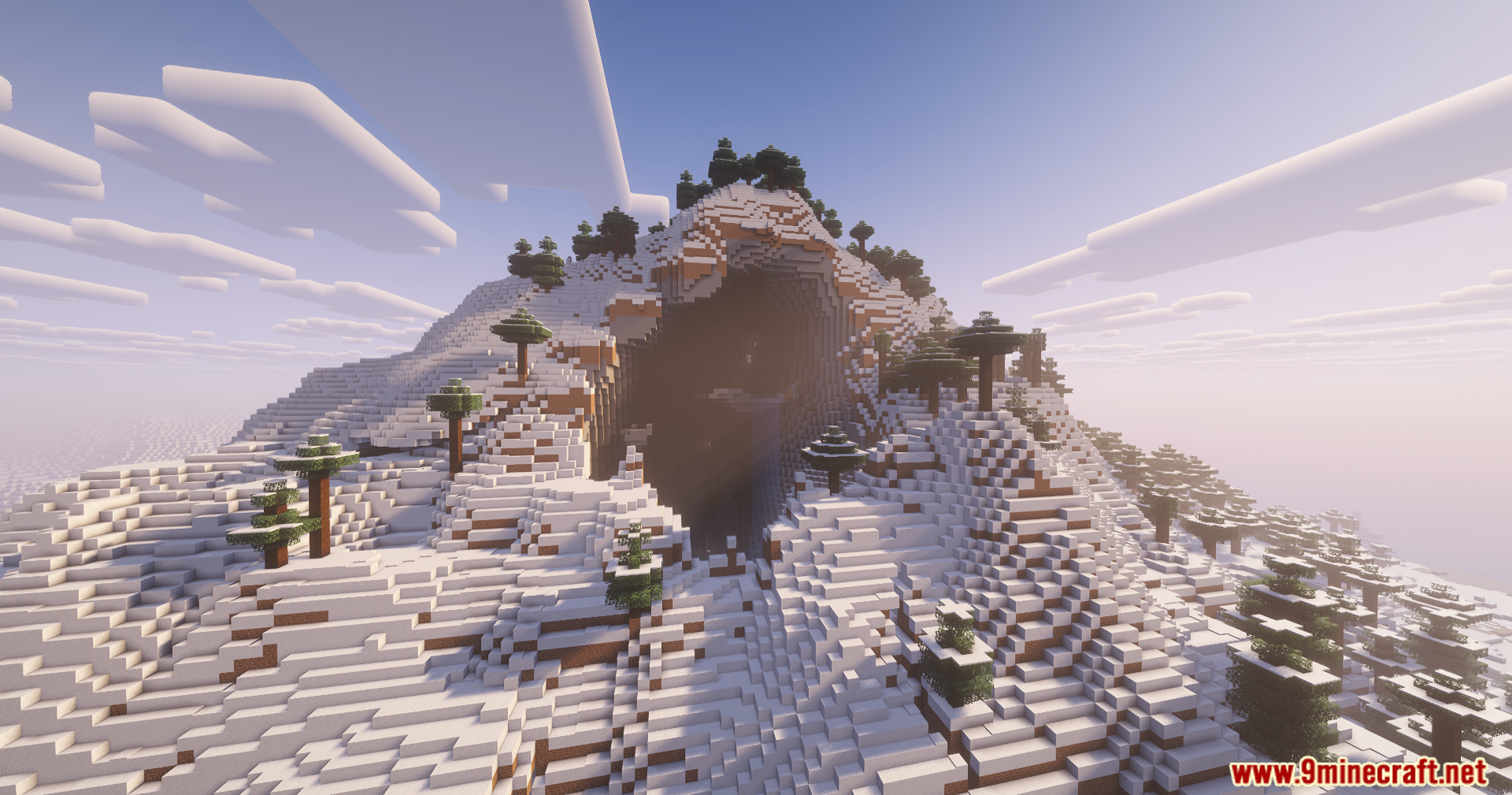
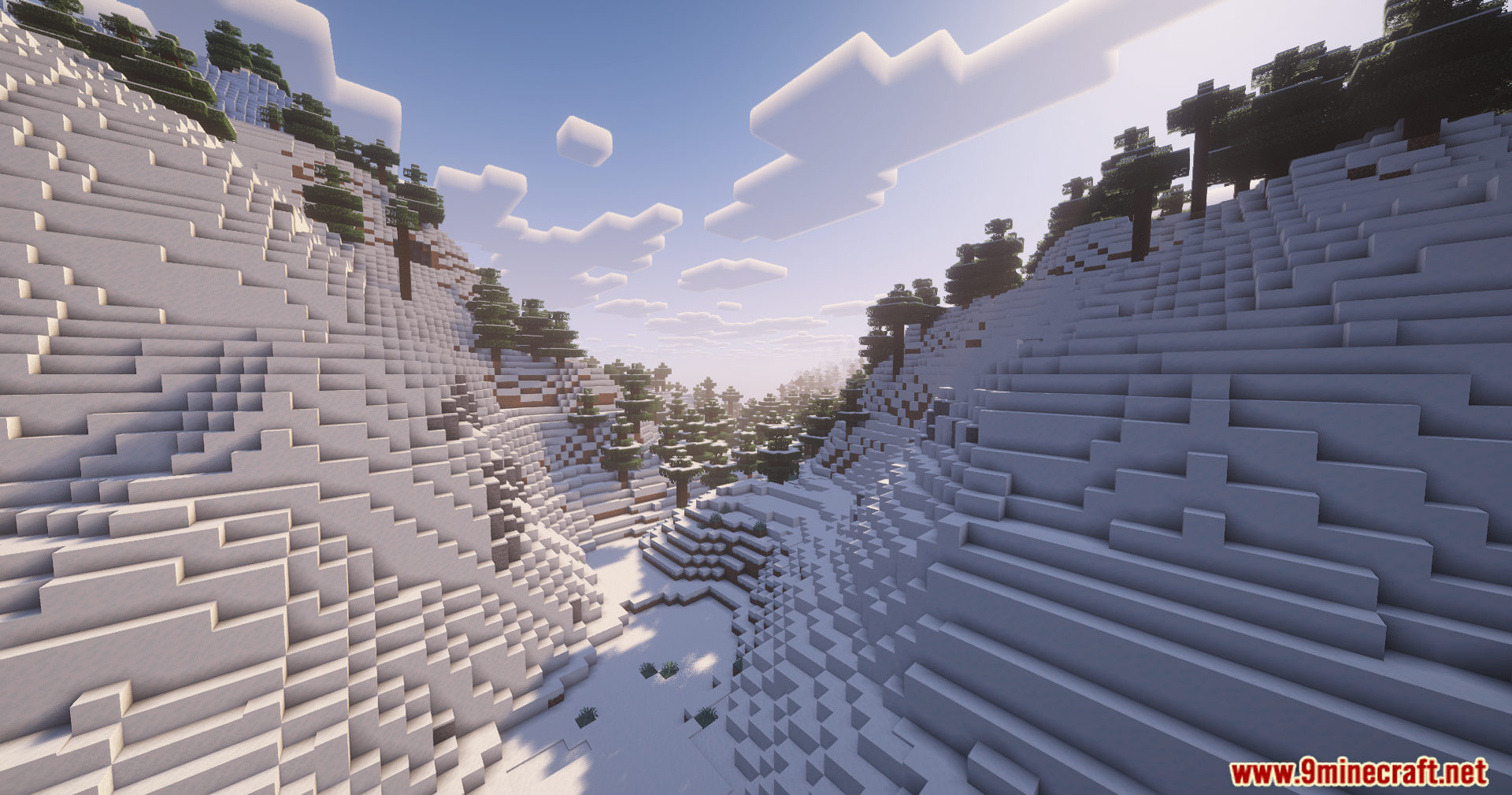
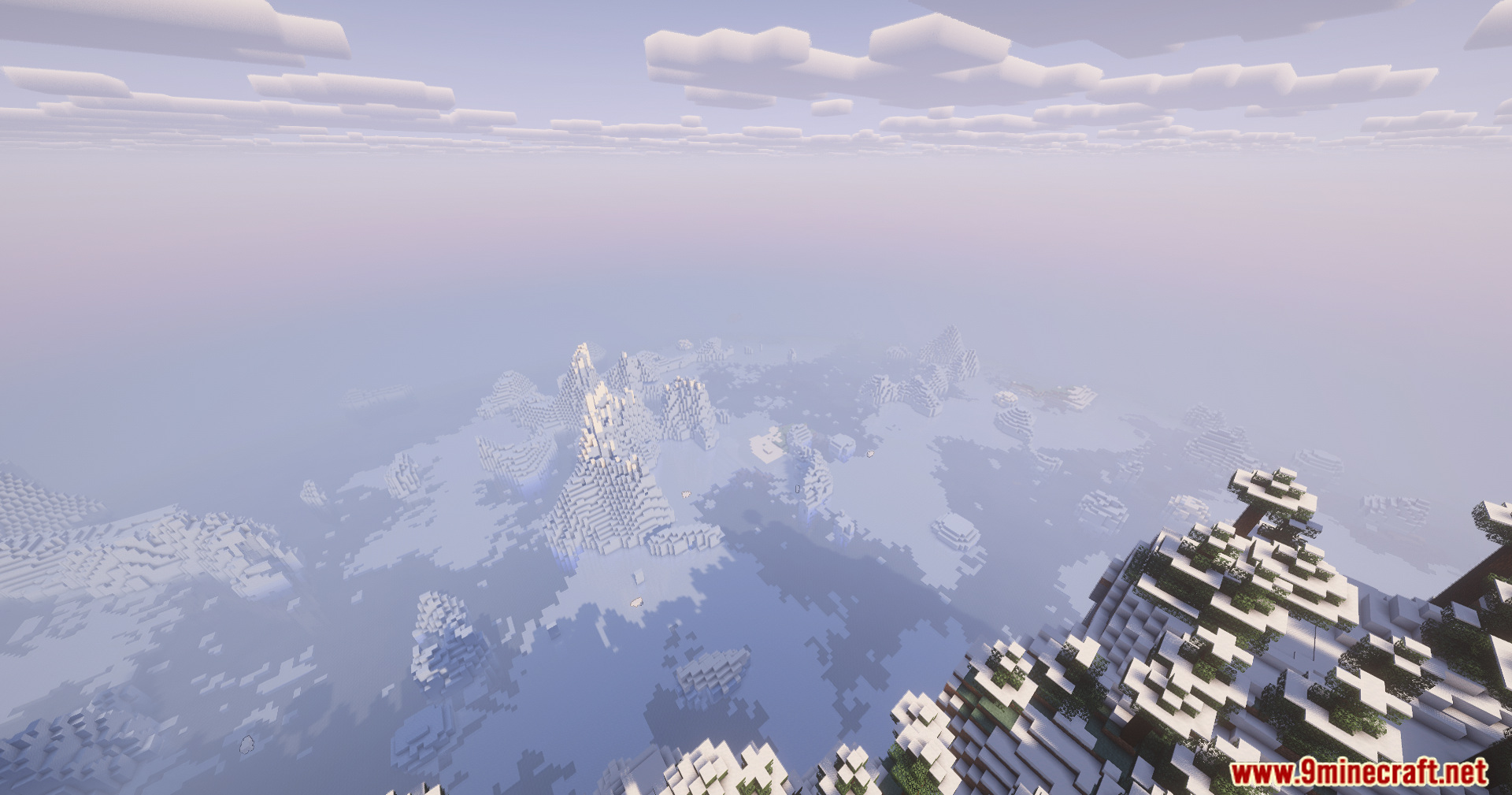
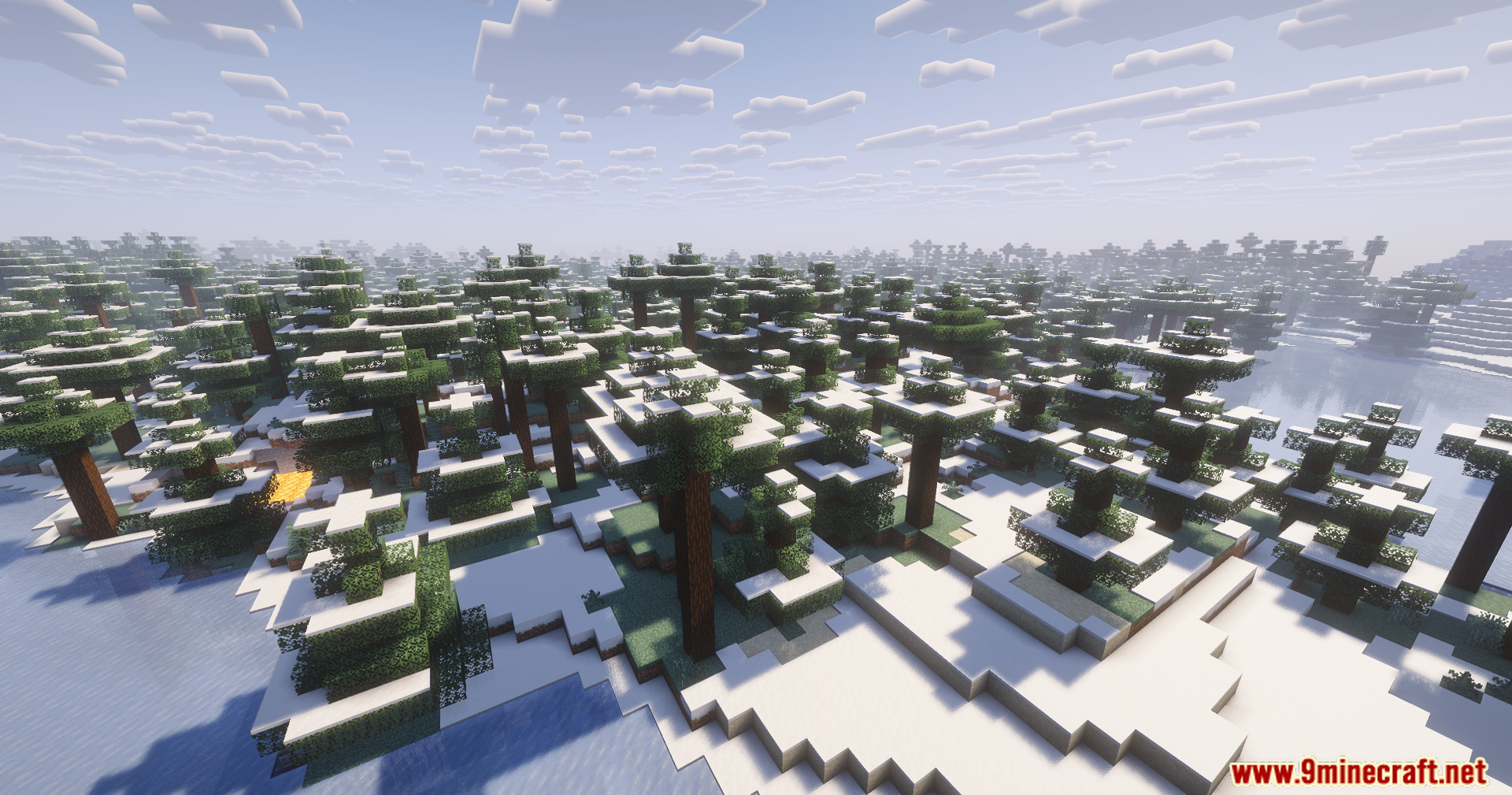
12 images from the Contour Shaders page.
You May Also Like
Wikis that share the most with this one
Wikis on the same theme: world
More shader wikis on the site
The most downloaded mods that have a wiki here