

Guides
Step-by-step, in-game.
Adjust SMAA Settings for Your PreferenceAccessing Shader Options While SMAA MC Shaders is intentionally simple, some versions may include basic configuration…Enable SMAA Shaders and Check if They're WorkingActivating the Shader Pack SMAA MC Shaders works through Iris, so you need Iris installed first. Once installed: 1.…Reduce Lag or Improve Performance with SMAAWhy SMAA Is Already Lightweight SMAA MC Shaders is specifically designed to run on older and low-end computers.…Troubleshoot SMAA Not Appearing or Causing Visual IssuesShader Won't Load or Doesn't Appear in the List 1. Verify Iris is installed : SMAA requires Iris to function. Check…
Frequently asked questions
How do I turn on SMAA shaders after installing the mod?
Open your shader options menu through Iris (usually accessible in video settings), find SMAA MC Shaders in the list, and select it to activate. You should see the effect take place immediately on block edges throughout your world.
Will SMAA shaders make my game lag?
SMAA MC Shaders is designed to run smoothly even on older computers with minimal performance impact. If you do experience lag, try adjusting the SMAA quality settings to a lower preset or disabling other resource-heavy mods.
What's the difference between SMAA and regular anti-aliasing?
SMAA 1x is a post-processing anti-aliasing technique that smooths jagged edges after the game renders, rather than during rendering, making it much lighter on your GPU while still cleaning up block edges effectively.
Can I use SMAA shaders with other shader packs?
No, you can only have one shader pack active at a time in Iris. If you want to use SMAA, you'll need to disable any other shader pack you have loaded.
See all 10 SMAA MC Shaders questions ›
Gallery
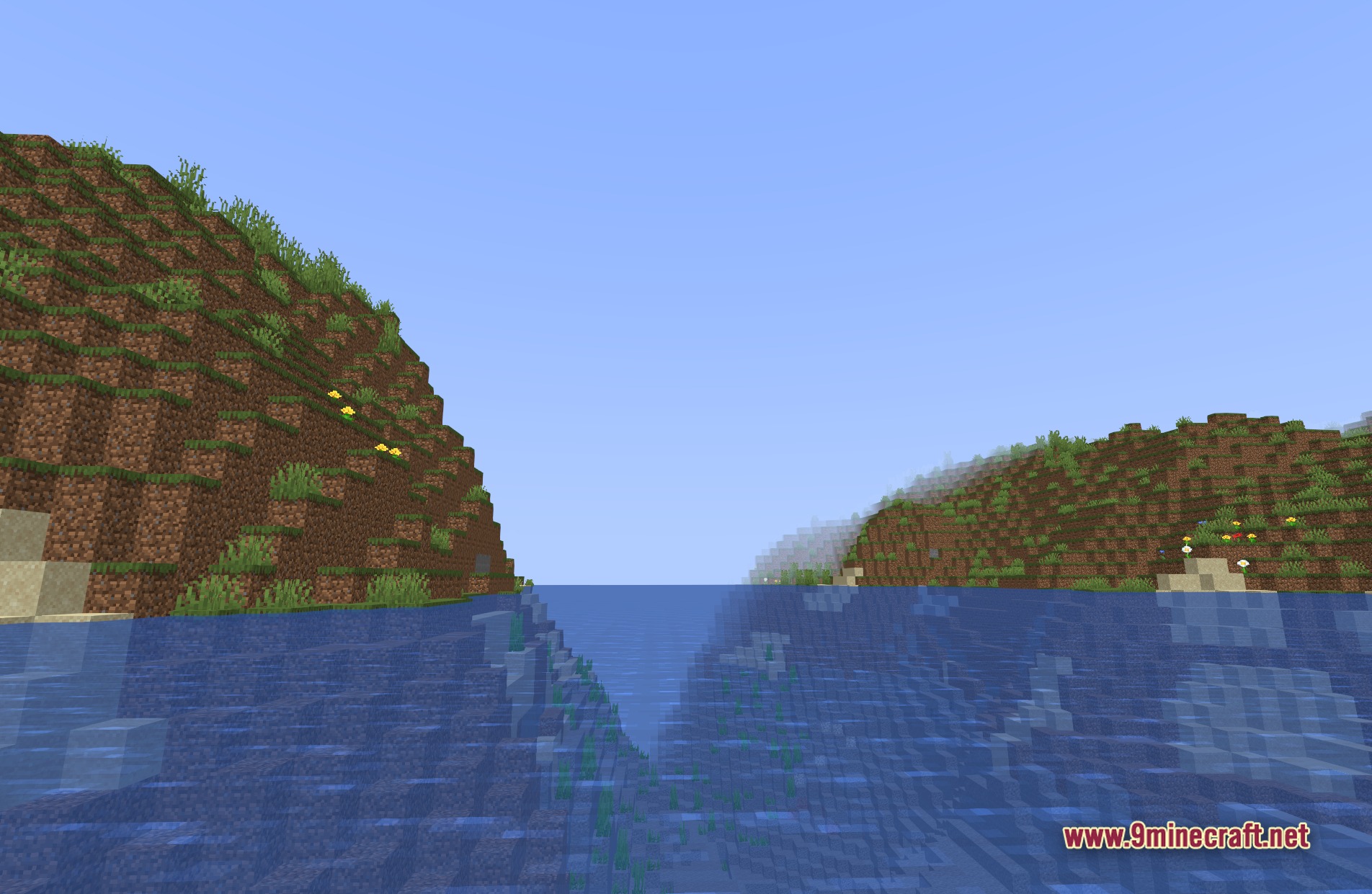
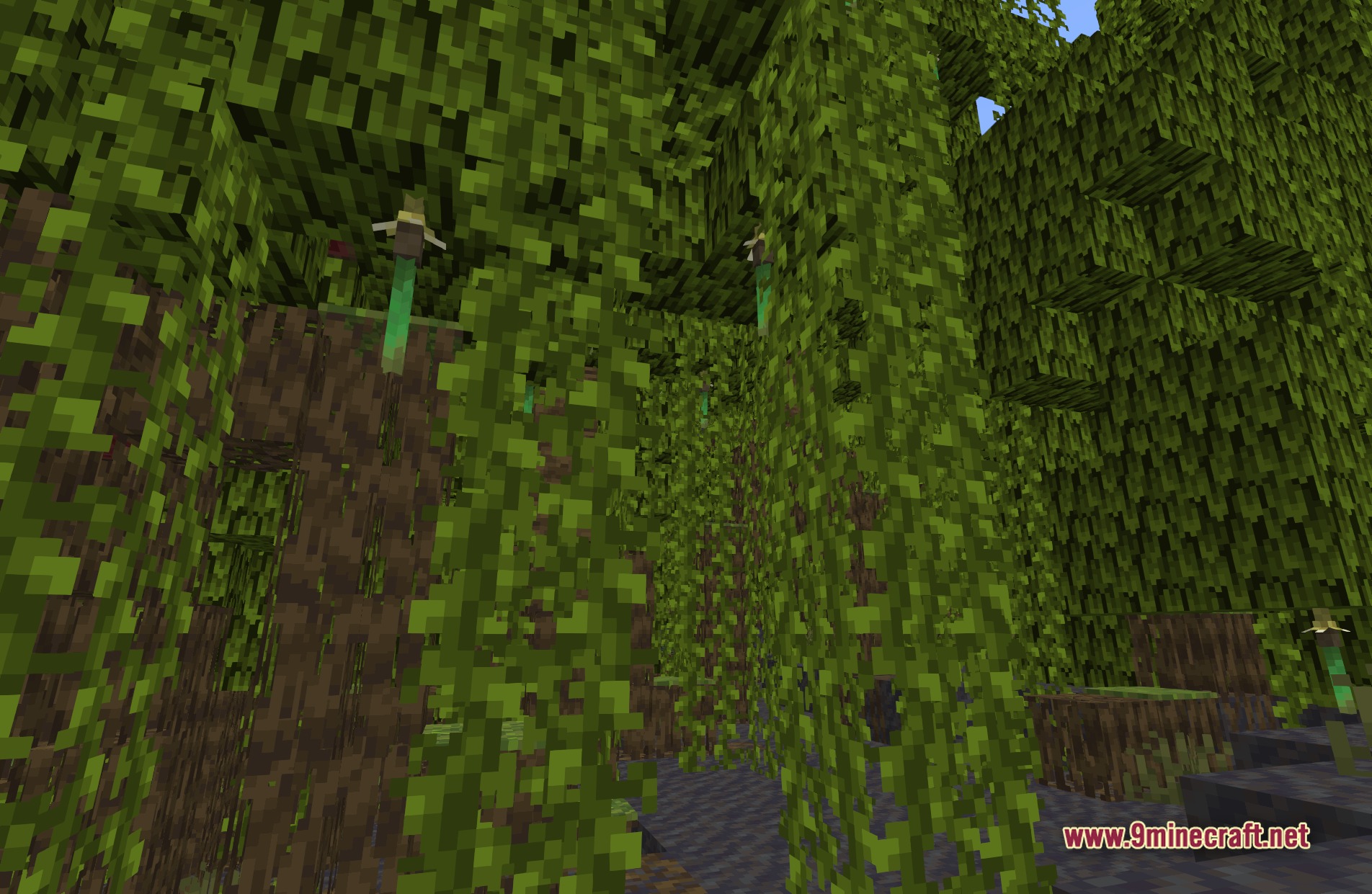
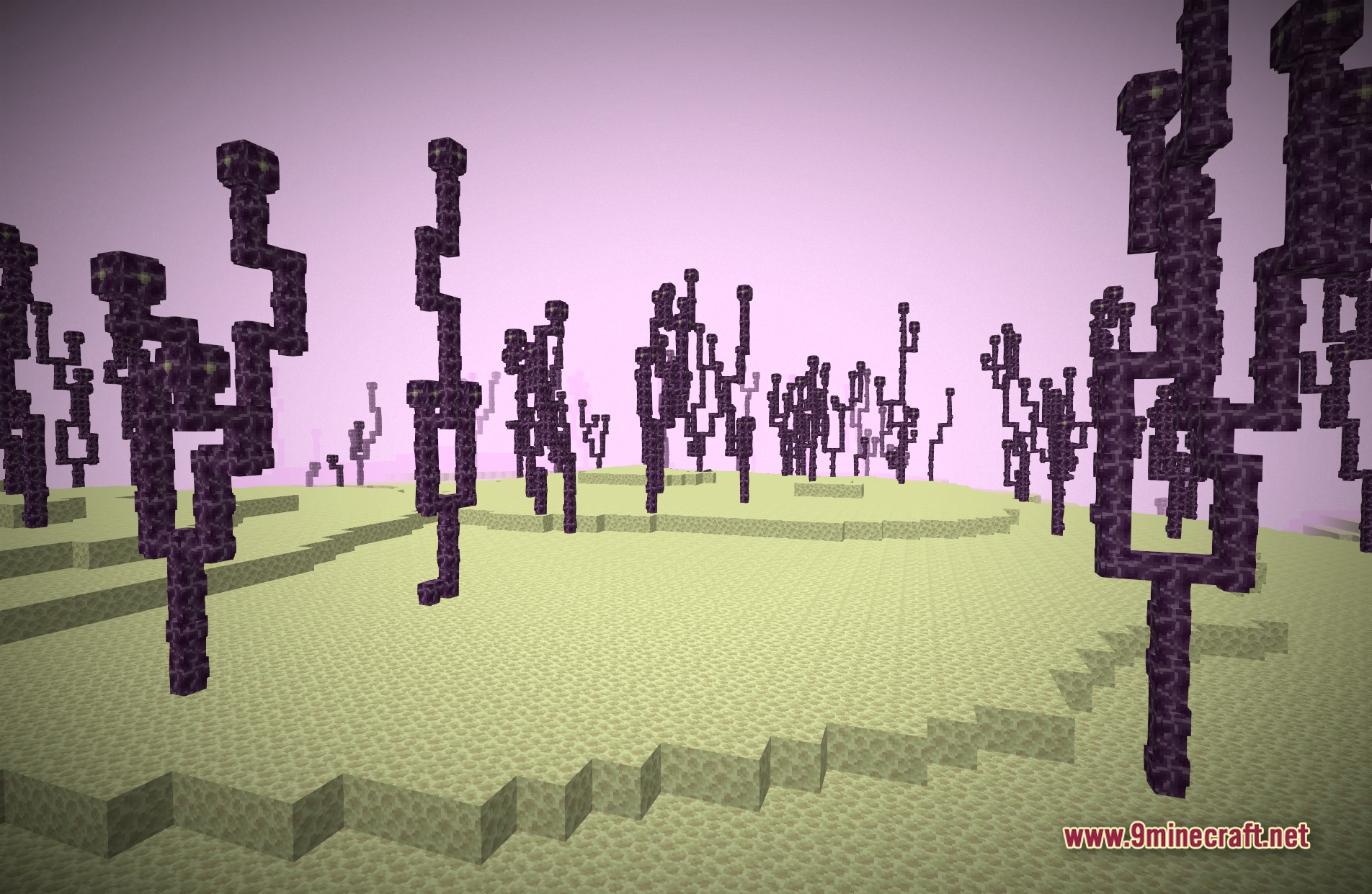
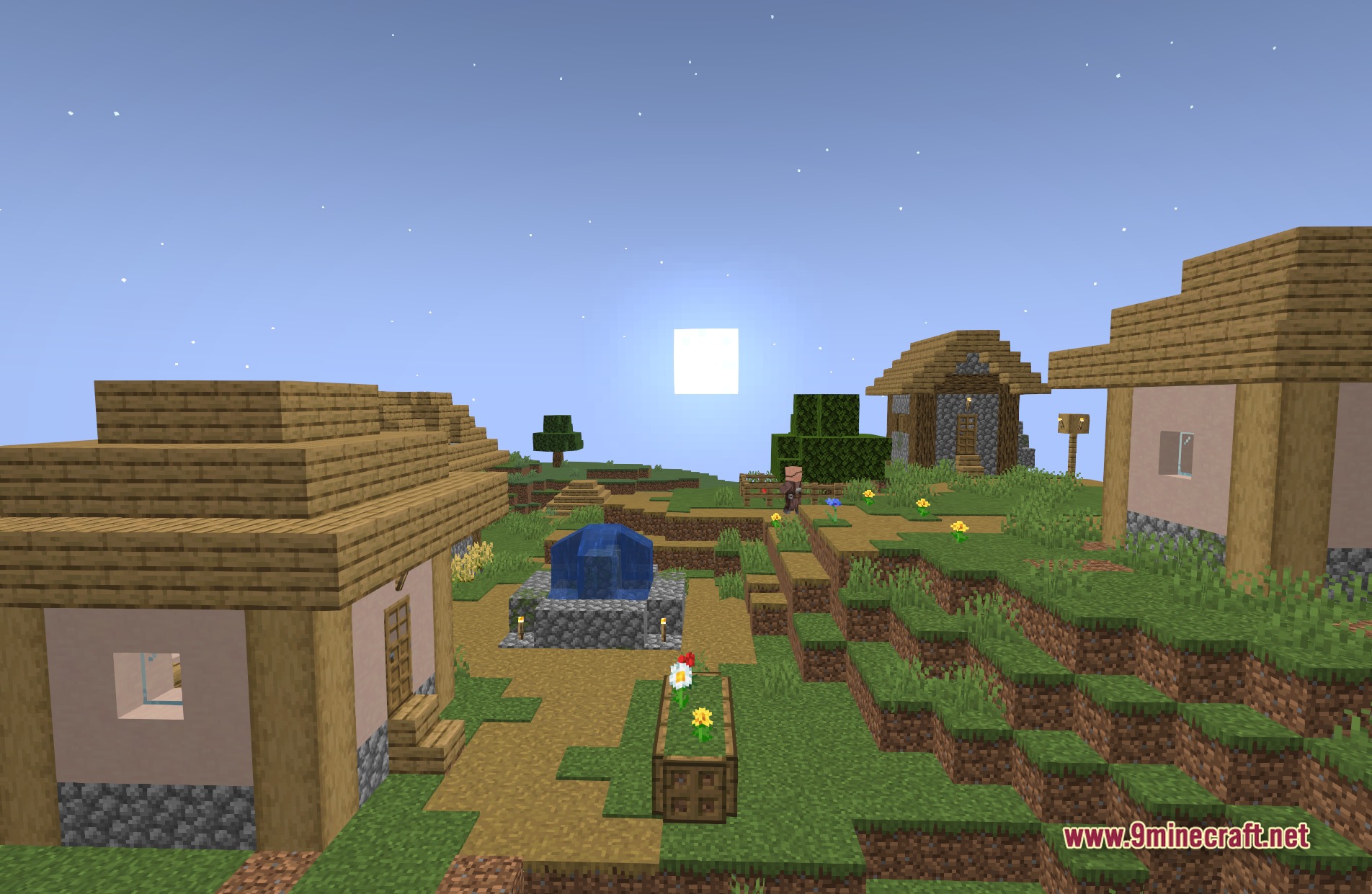
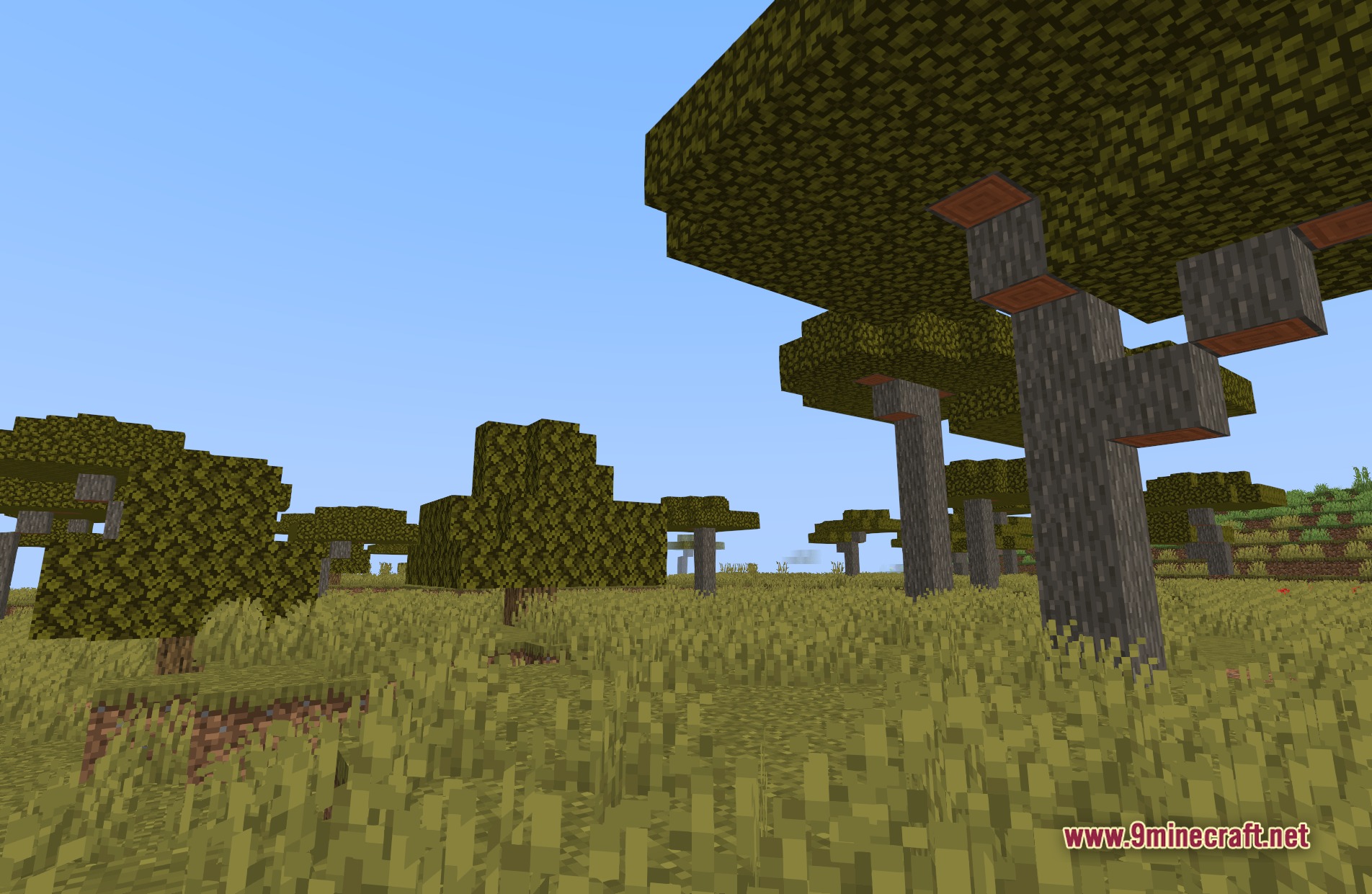
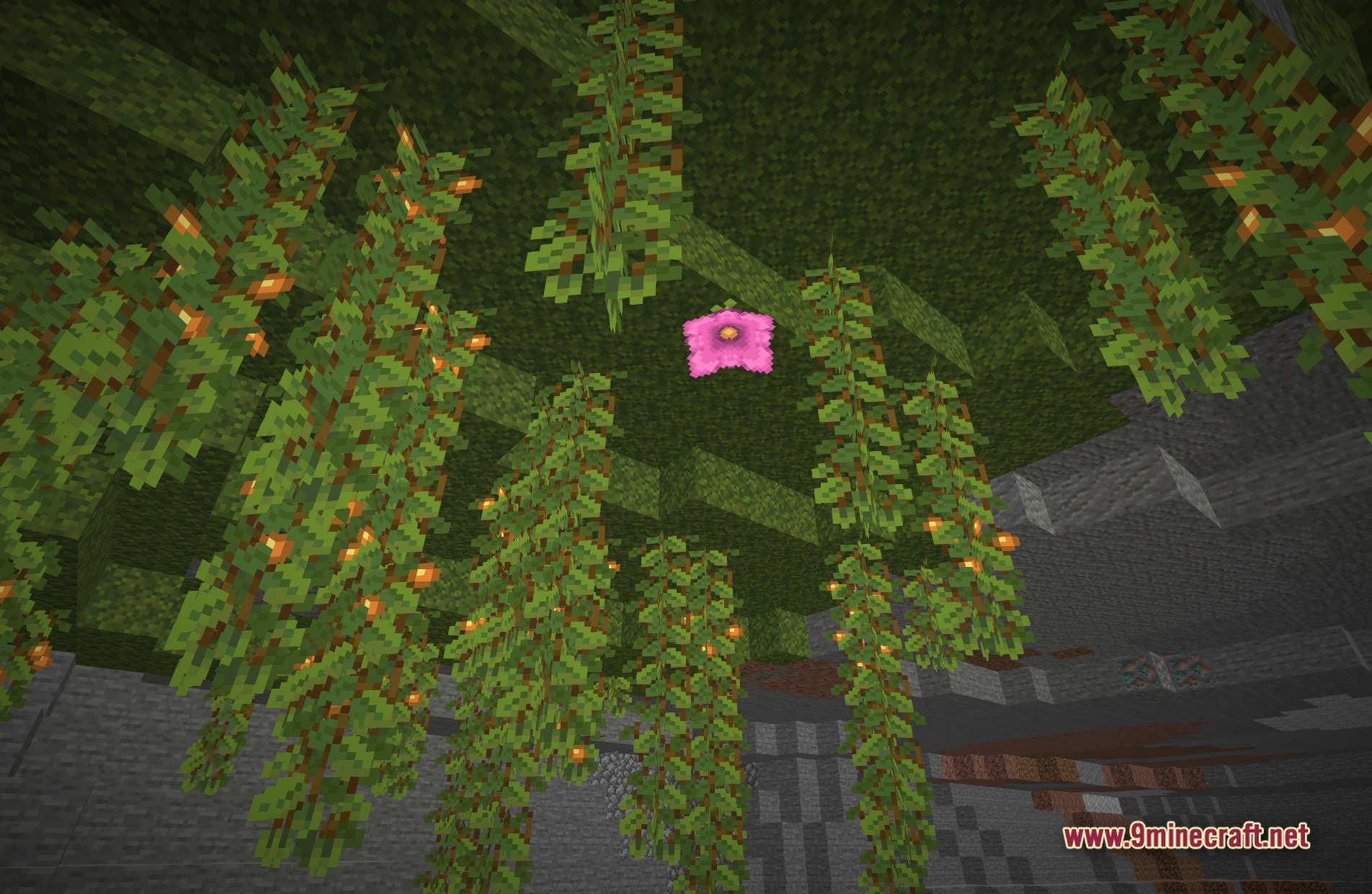
11 images from the Smaa Mc Shaders page.
You May Also Like
Wikis that share the most with this one
 SketchPaper Shaders
 Sobel Pack Shaders
More shader wikis on the site
 Simple Brightness Shaders
The most downloaded mods that have a wiki here