

 DownloadWorld Border Mod
Get the files on 9Minecraft
Guides
Step-by-step, in-game.
How to Configure the World Border Size and Enable LoopingFinding the Config File After installing the mod, a config file is generated in your config folder. Open it with any…How to Safely Loop Through the Nether Without DyingThe Lava Problem Looping in the Nether is dangerous because the matching coordinate on the opposite side might land…How to Set Separate Borders for the Overworld, Nether, and EndWhy Separate Borders Matter Each dimension has different travel scales and hazards. A border that feels right in the…How to Tell When You Are Near or Crossing the World BorderWhy You See No Wall The World Border Mod does not render a visible barrier. Instead, it relies on chat messages to…
Frequently asked questions
How do I set up the world border in the first place?
Open the mod's config file and set your desired border size for the dimension you want to limit. The border is applied automatically on world load, so no commands or blocks are needed to activate it.
Why can't I see the world border?
The World Border Mod's borders are intentionally invisible, unlike vanilla's glowing barrier. You'll only know you're near one because the mod sends you an in-game chat message as you approach or cross it.
What happens when I walk past the border?
If looping is enabled, you're teleported to the opposite side of the world at the matching coordinate instead of being blocked. If looping is disabled, you simply can't pass through.
How do I turn on looping so the world wraps around?
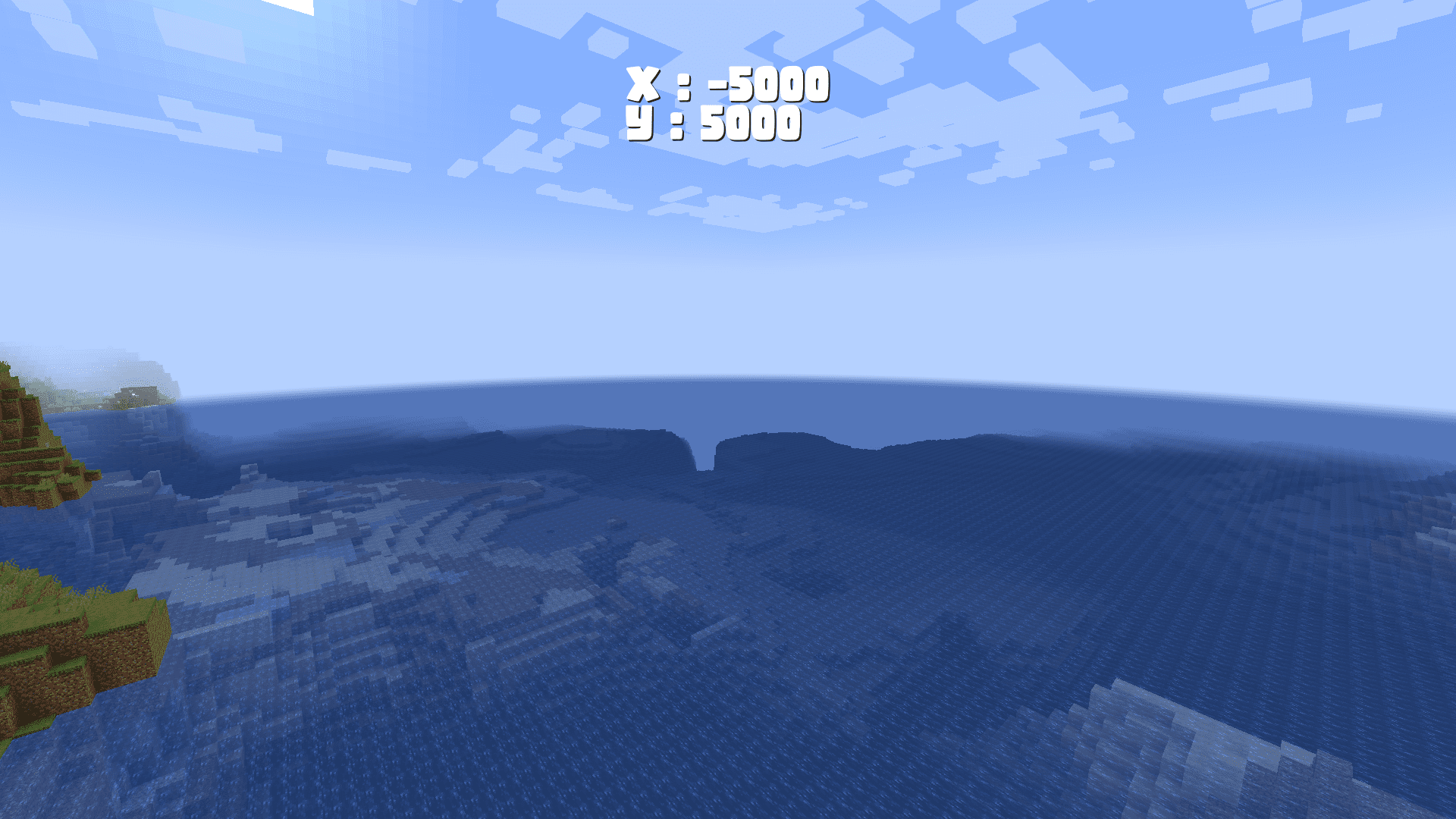
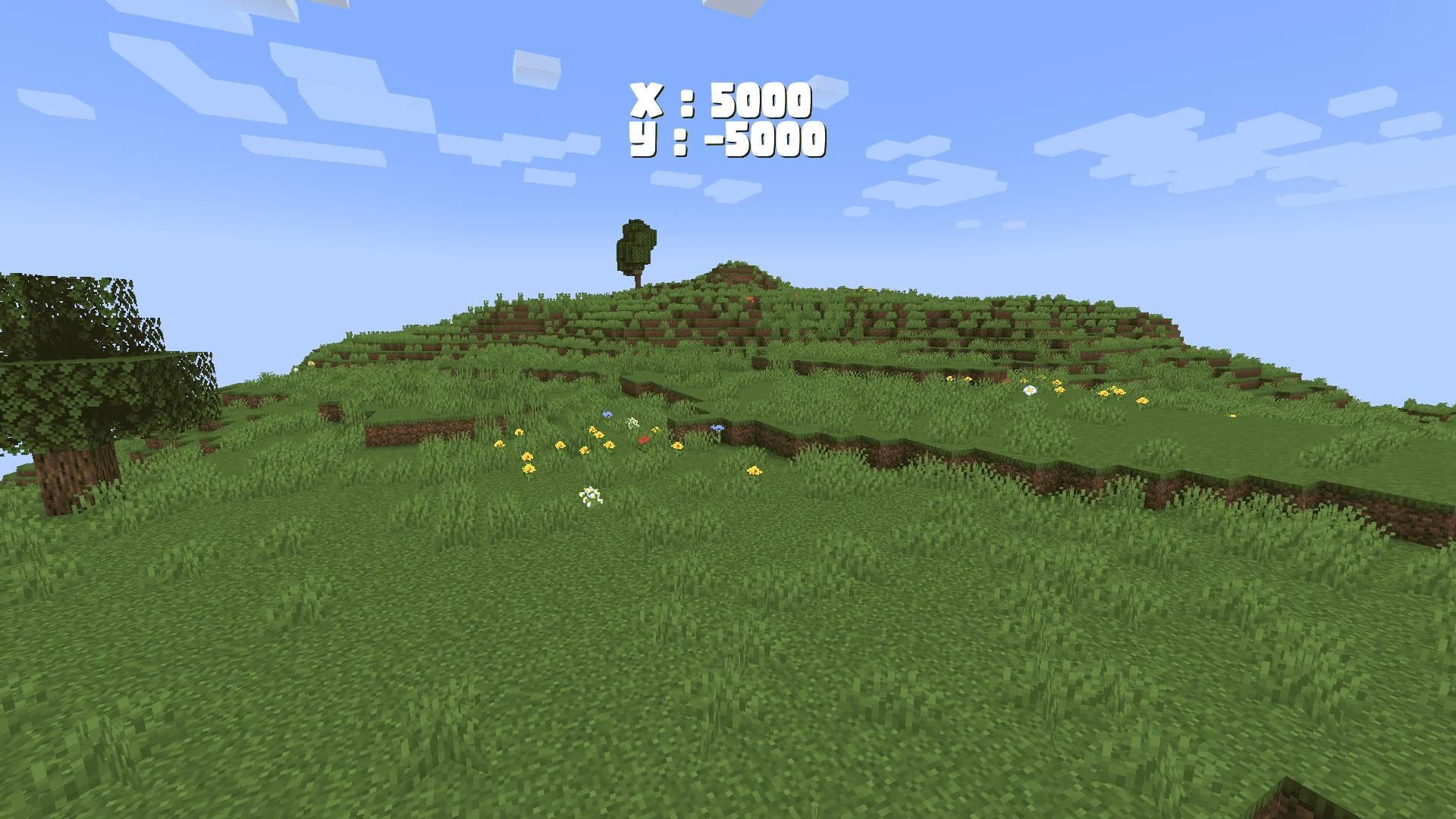
Enable the looping option in the config for the dimension you want. Once on, reaching a positive coordinate edge teleports you to the equivalent negative coordinate edge, and vice versa.
See all 10 World Border questions ›
Gallery
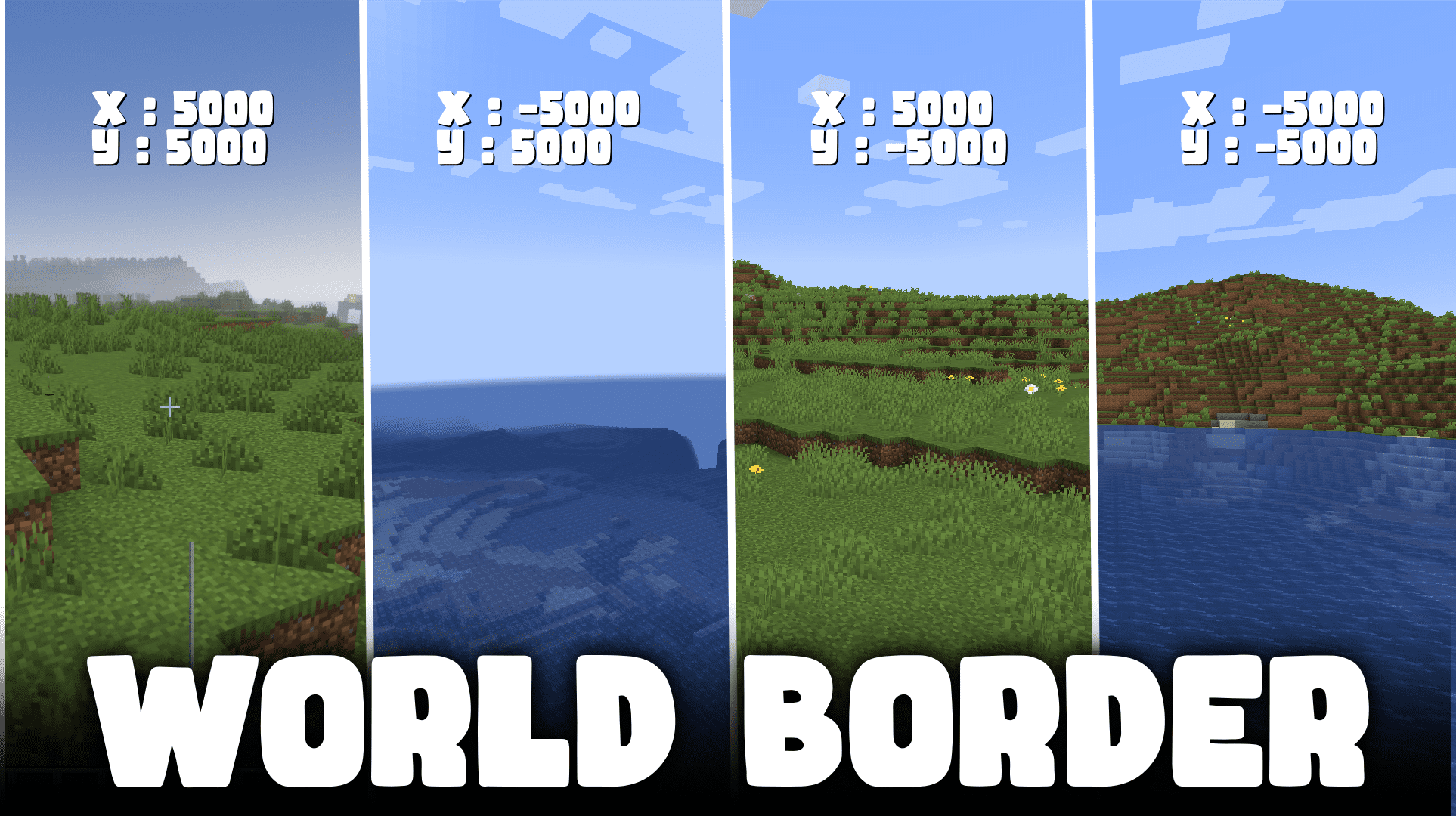
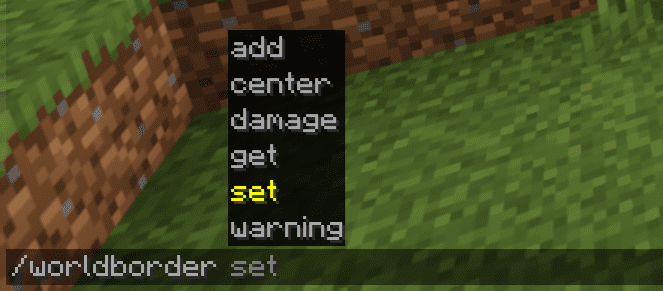
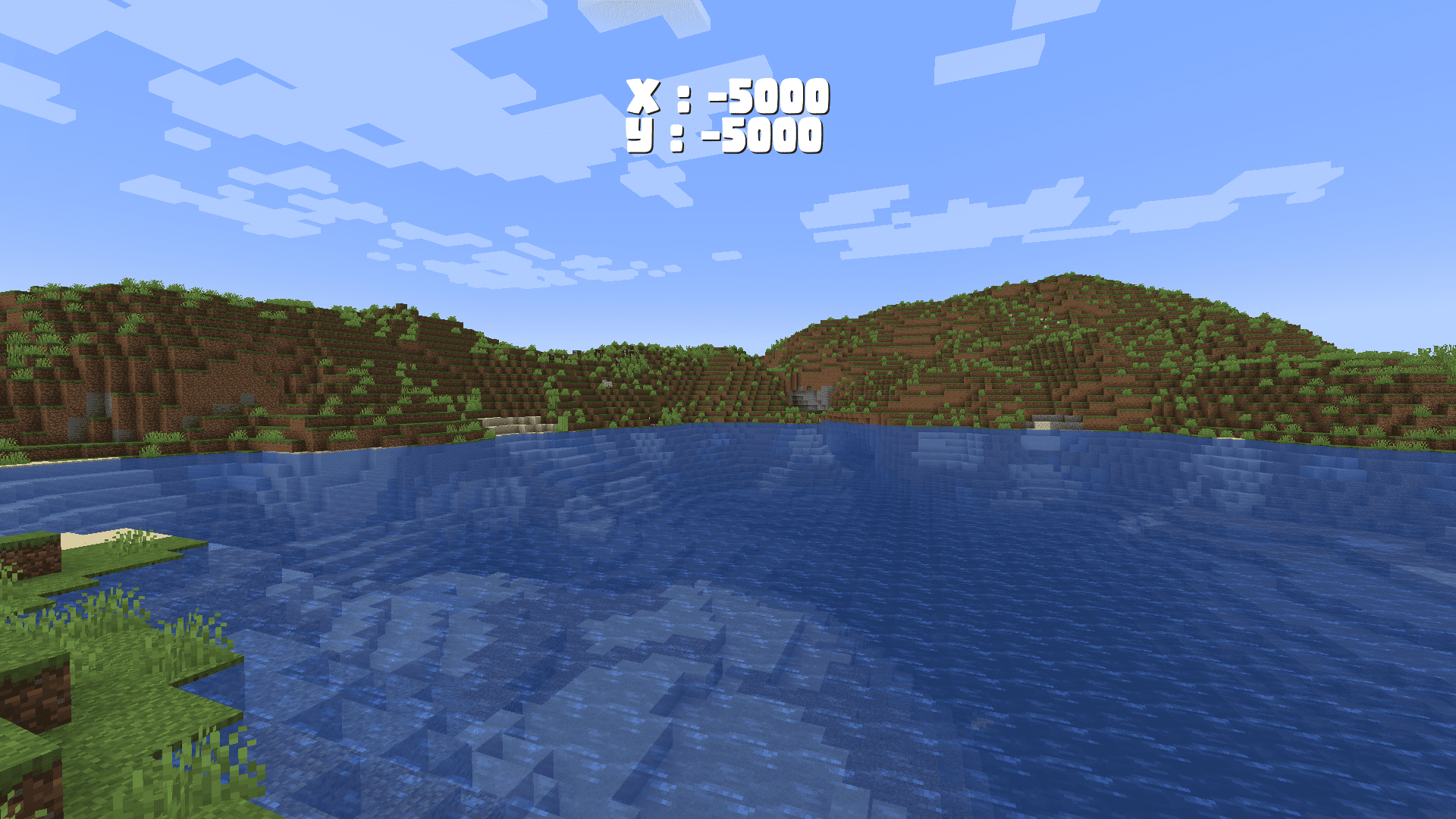
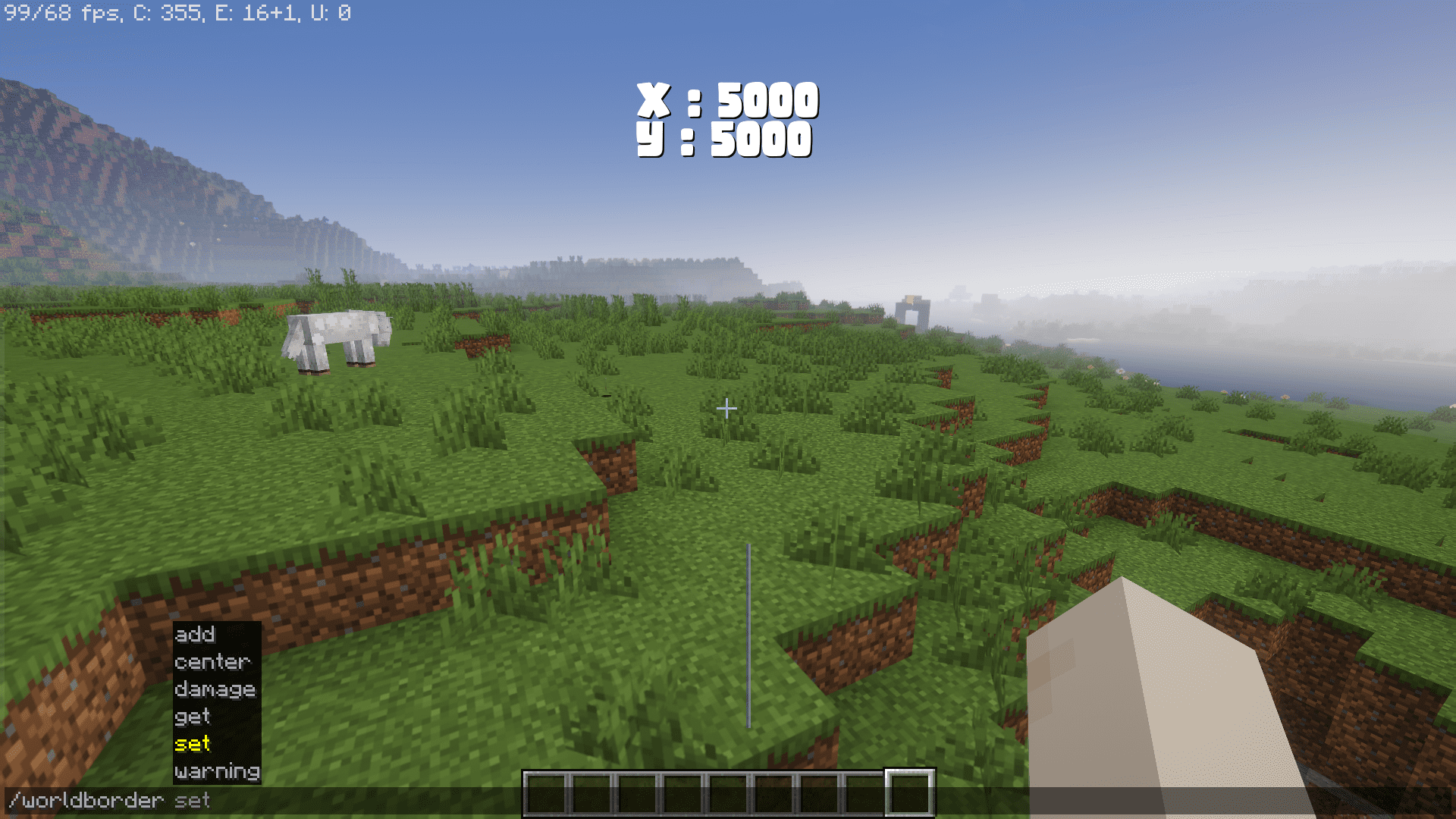
6 images from the World Border Mod page.
You May Also Like
Wikis that share the most with this one
Wikis on the same theme: world
More mod wikis on the site
The most downloaded mods that have a wiki here
A few wikis from each of the other kinds