

 DownloadSolar Shaders
Get the files on 9Minecraft
Guides
Step-by-step, in-game.
Adjust Water Appearance and ReflectionsAccess Shader Settings Open the Iris shader options menu while in-game by pressing the key bound to shader settings…Enhance Nighttime Visibility and StarfieldConfigure Night Lighting Open the Iris shader menu and find Solar Shaders' night-time and moon settings. The mod…Optimize Shadows for Better Visibility in Dark AreasOpen Shader Configuration Access the Iris shader menu and navigate to Solar Shaders shadow settings. This mod…Switch Between Included PresetsAccess Preset Menu Open the Iris shader options and locate the Solar Shaders preset selector. The mod includes…
Frequently asked questions
How do I start using Solar Shaders after installing it?
Launch the game and open Video Settings, then navigate to Shader Packs and select Solar Shaders from the list. The mod loads through Iris, so you'll see it available immediately—just click it and the shader will activate on your next world load.
What's the difference between the included presets?
Each preset adjusts brightness, shadow intensity, and water effects to suit different playstyles—some favor visibility in caves while others enhance atmospheric lighting. You can switch between presets in the shader options menu without restarting the game.
Why does my frame rate drop when I use this shader?
Solar Shaders is optimized for high FPS, but demanding settings like high render distance or maximum shadow quality still cost performance. Try lowering shadow resolution or disabling advanced water reflections in the shader settings if you experience lag.
Can I use Solar Shaders with other mods that change lighting?
Solar Shaders may conflict with mods that override vanilla lighting or shadow rendering. Avoid using it alongside other shader packs or mods like Optifine's lighting changes, but it works fine with most content mods.
See all 10 Solar Shaders questions ›
Gallery
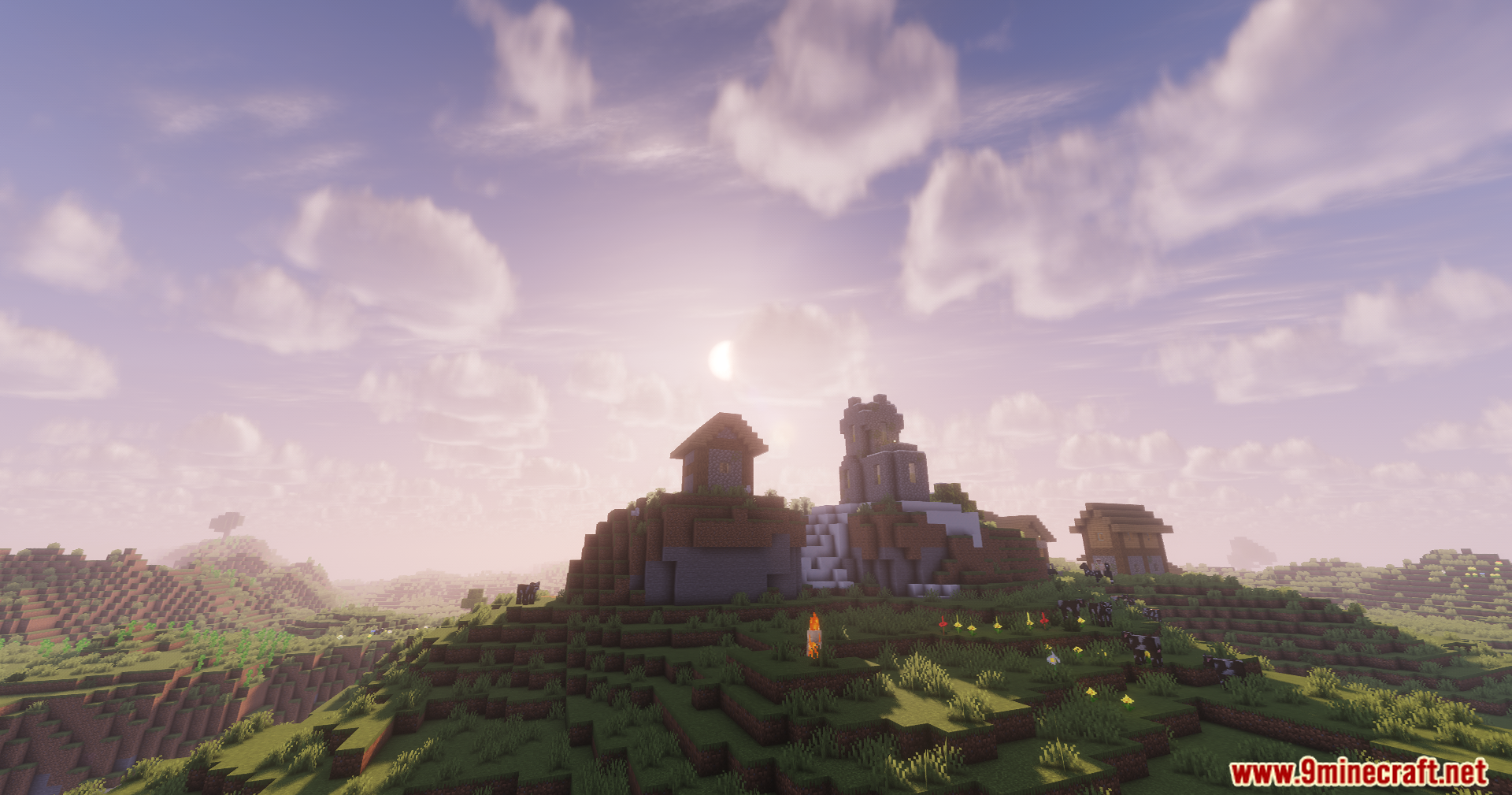
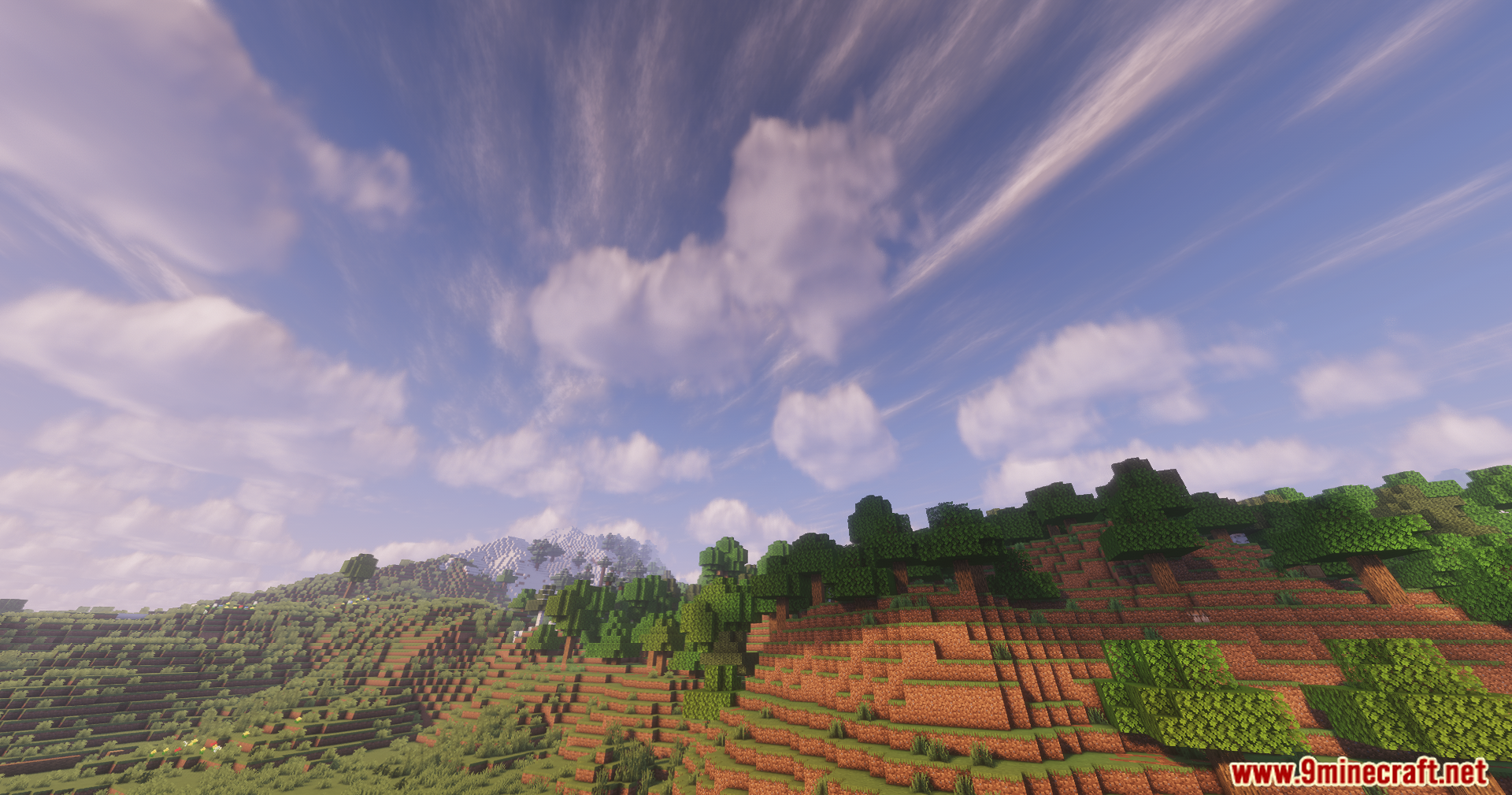
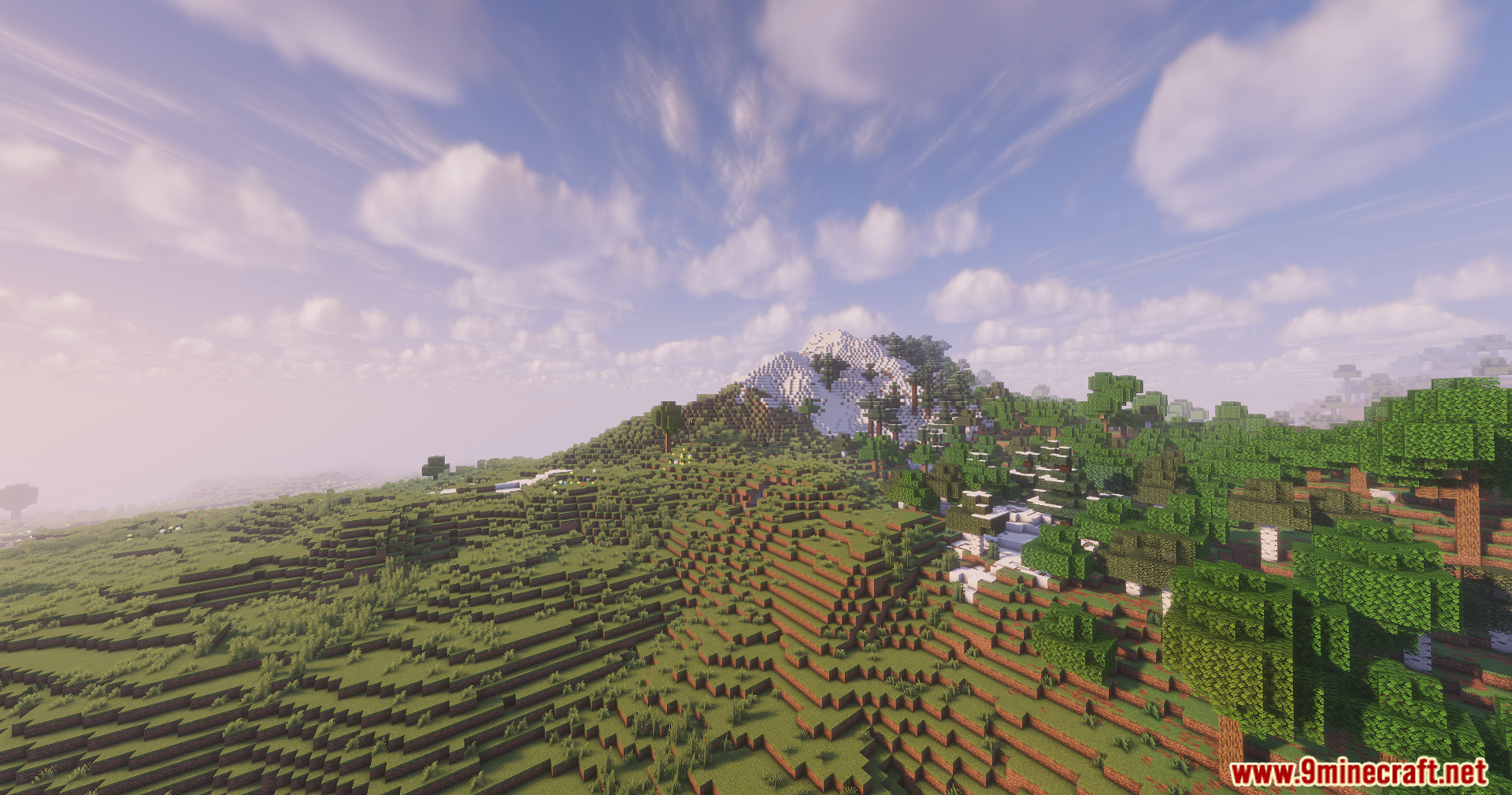
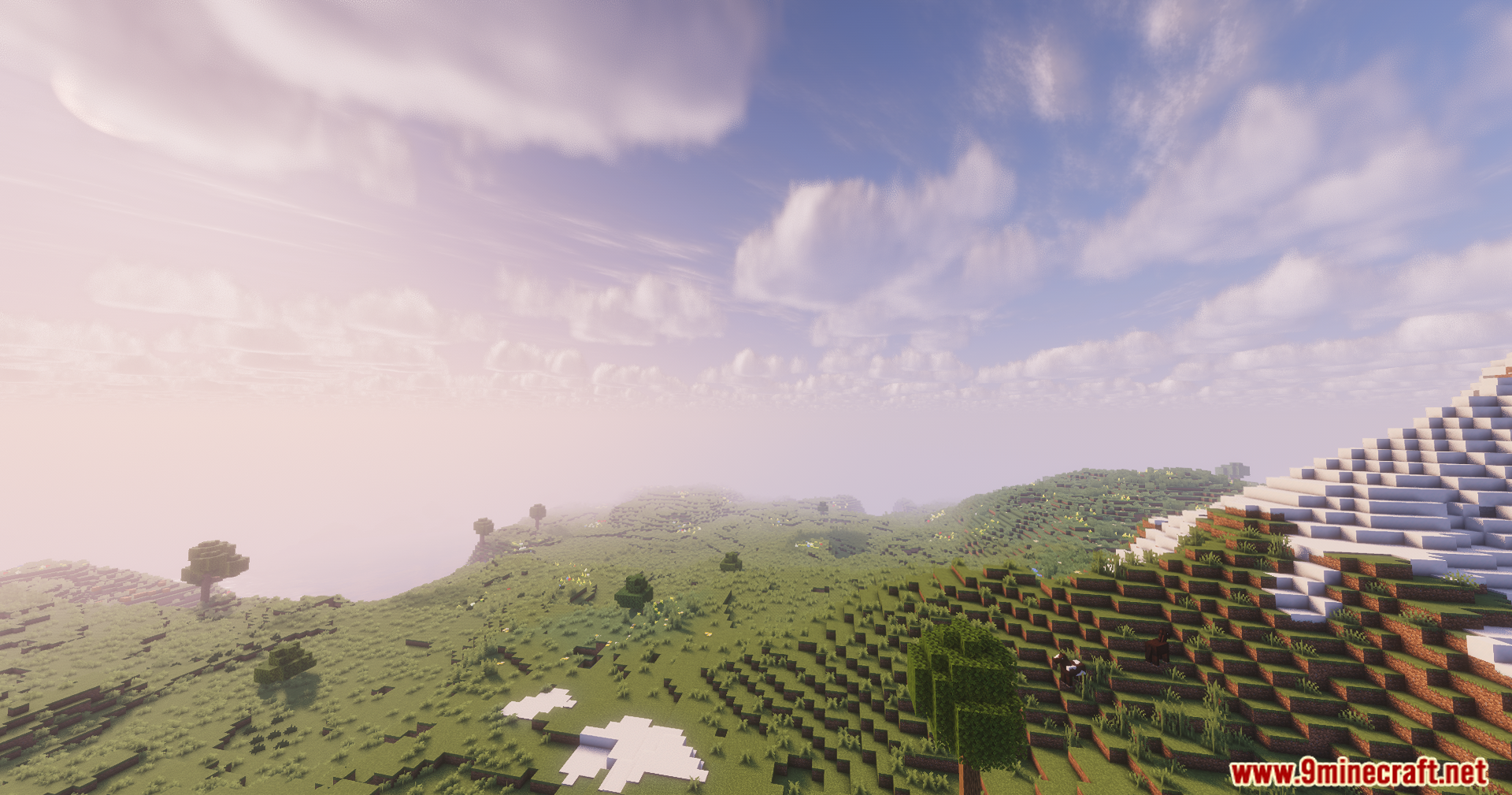
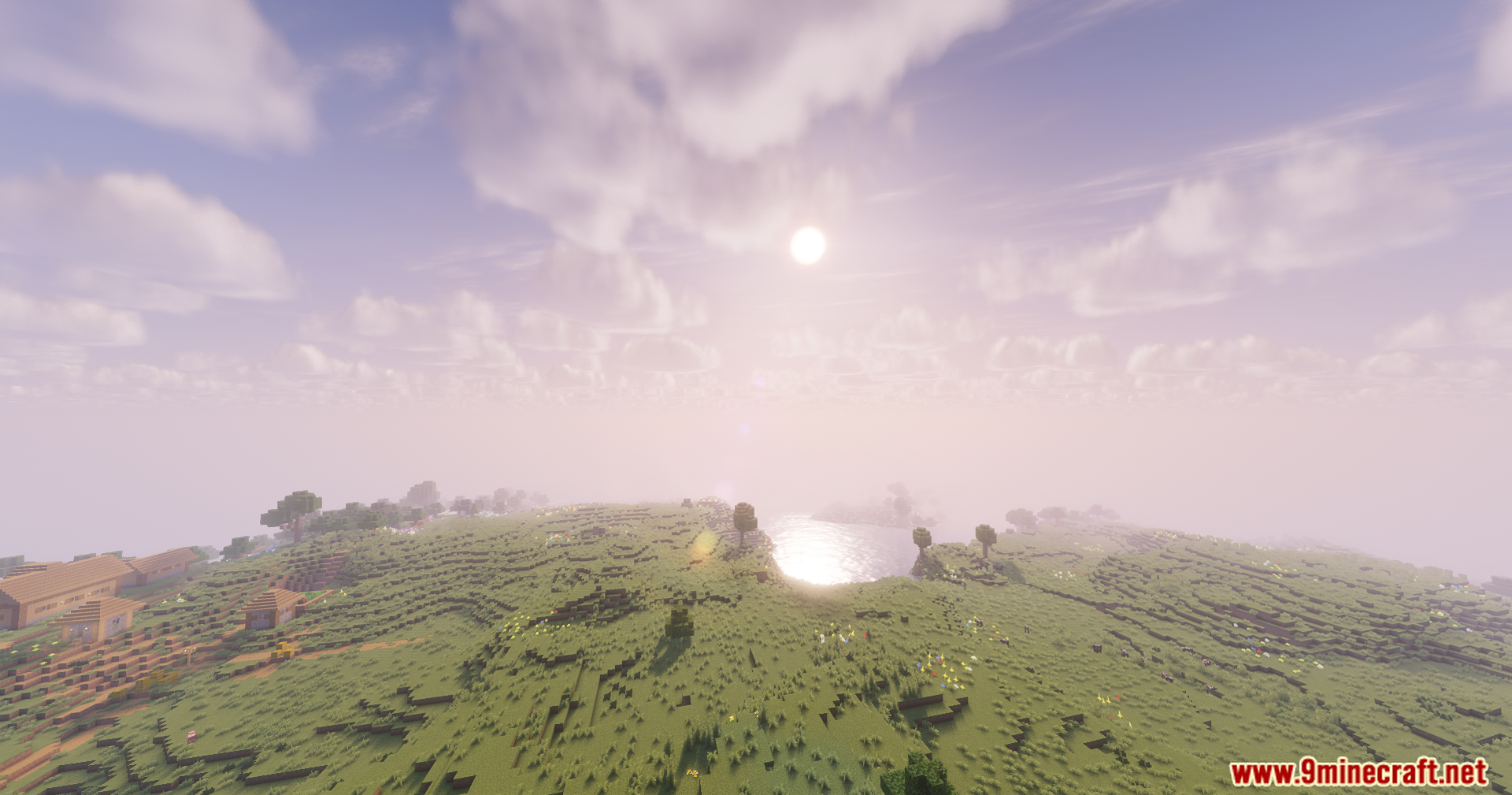
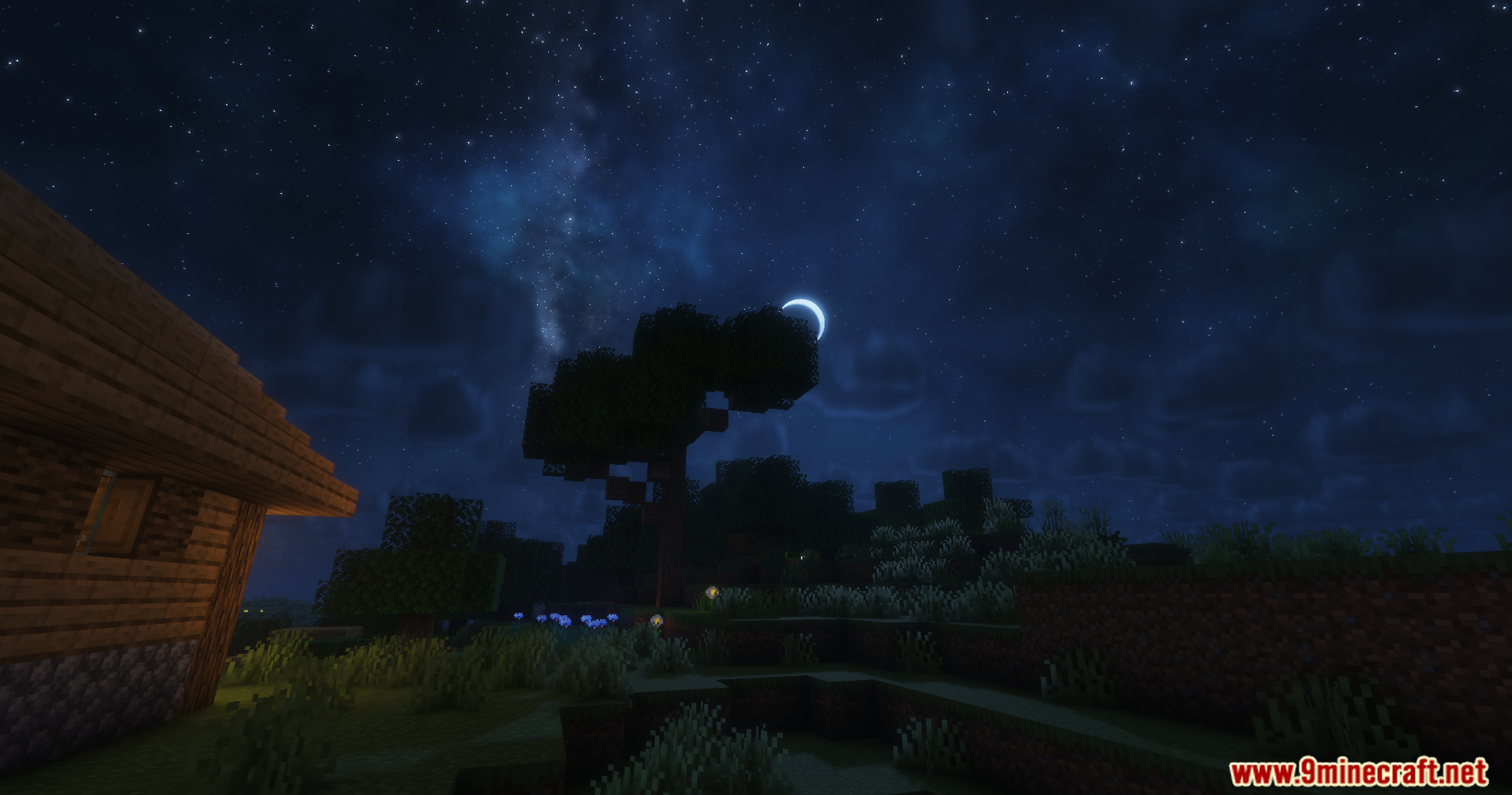
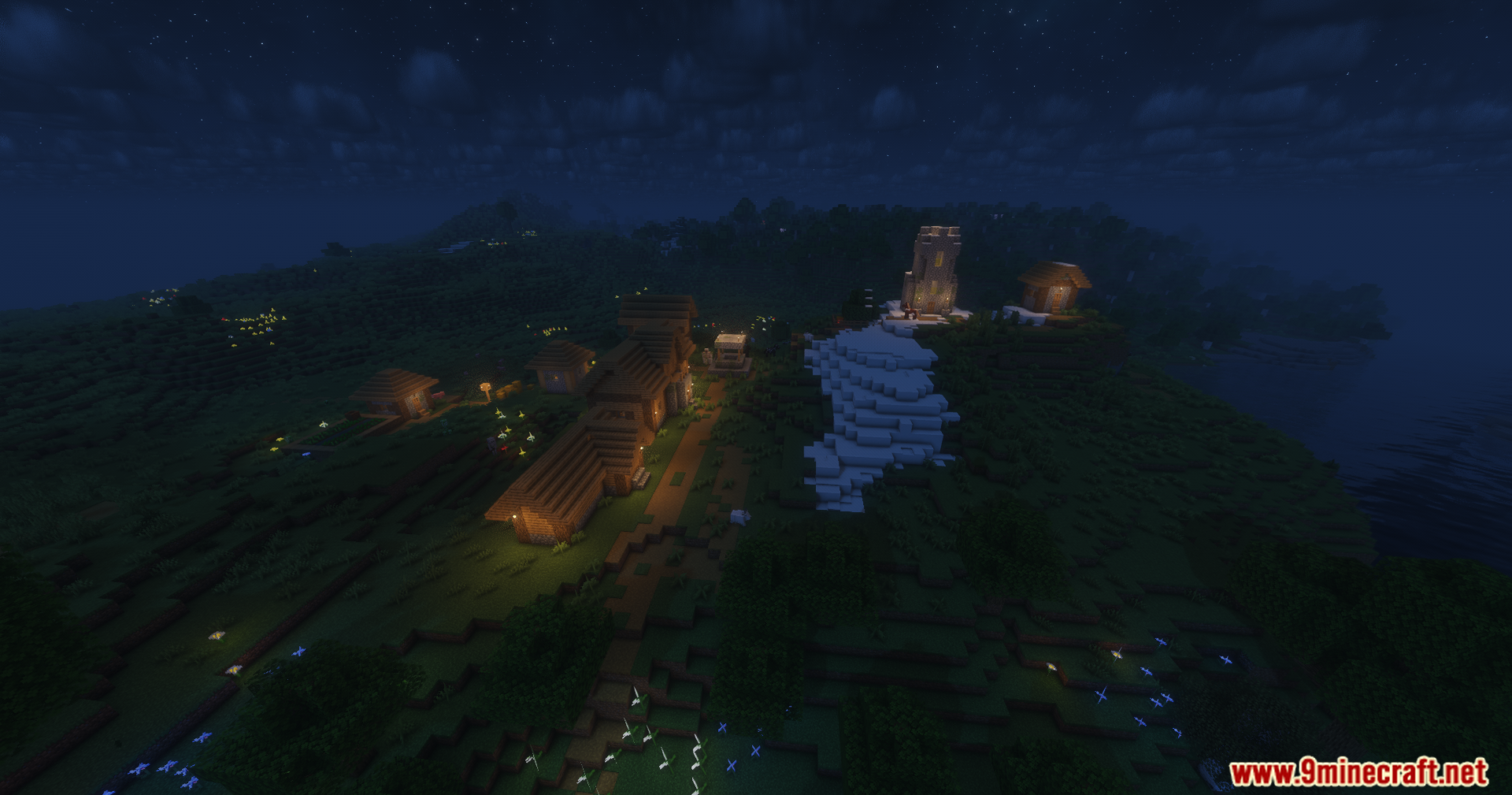
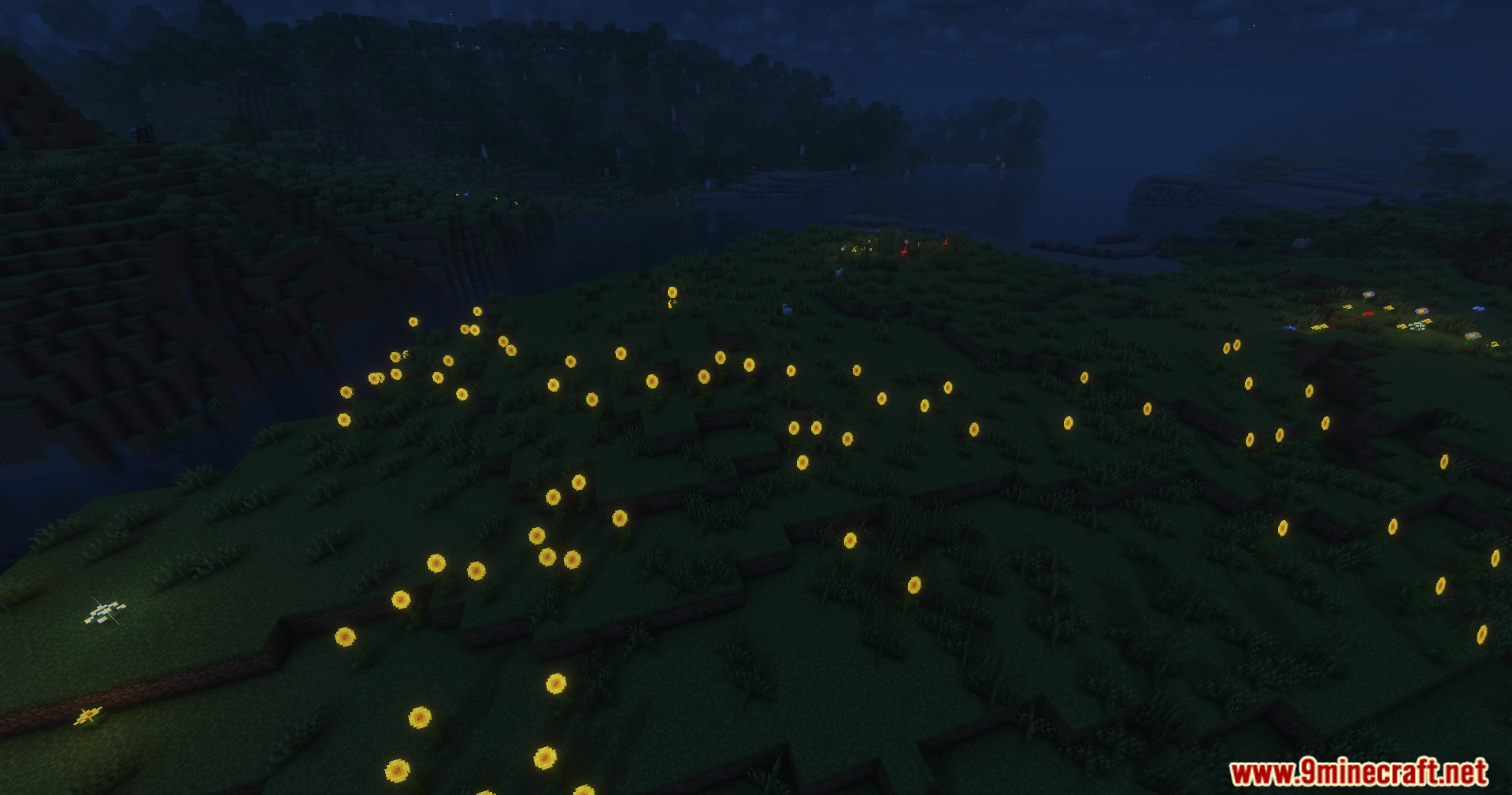
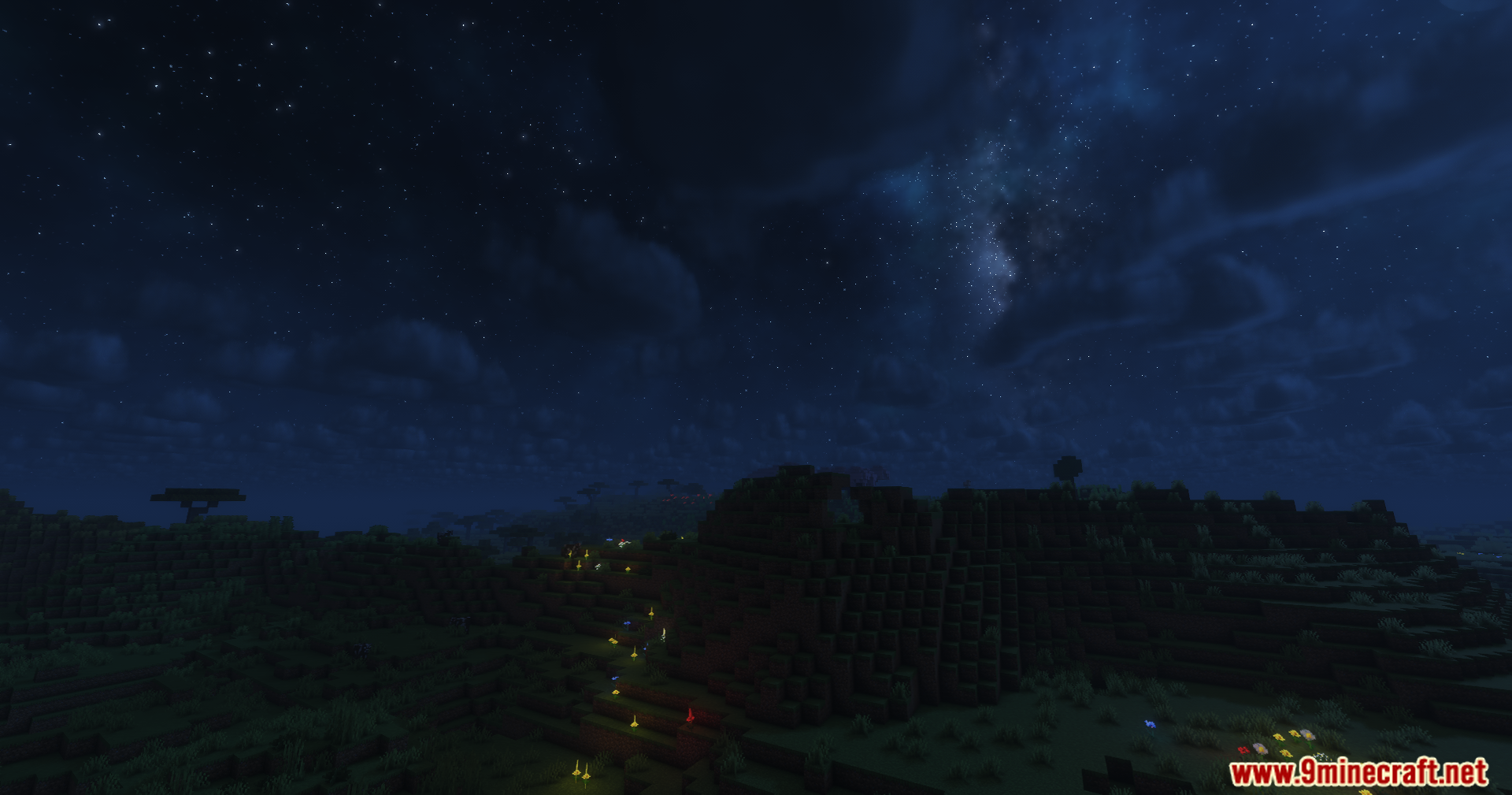
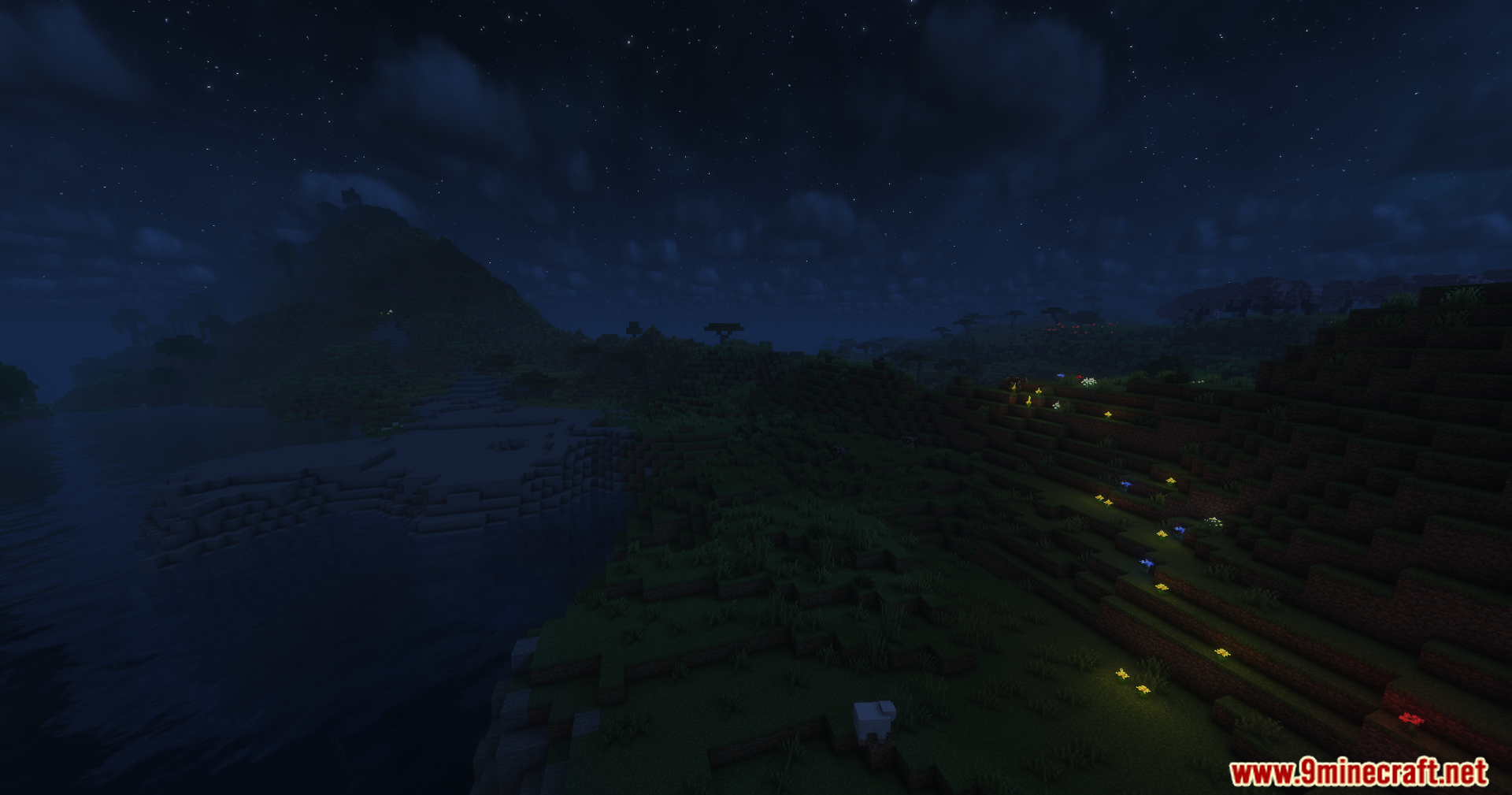
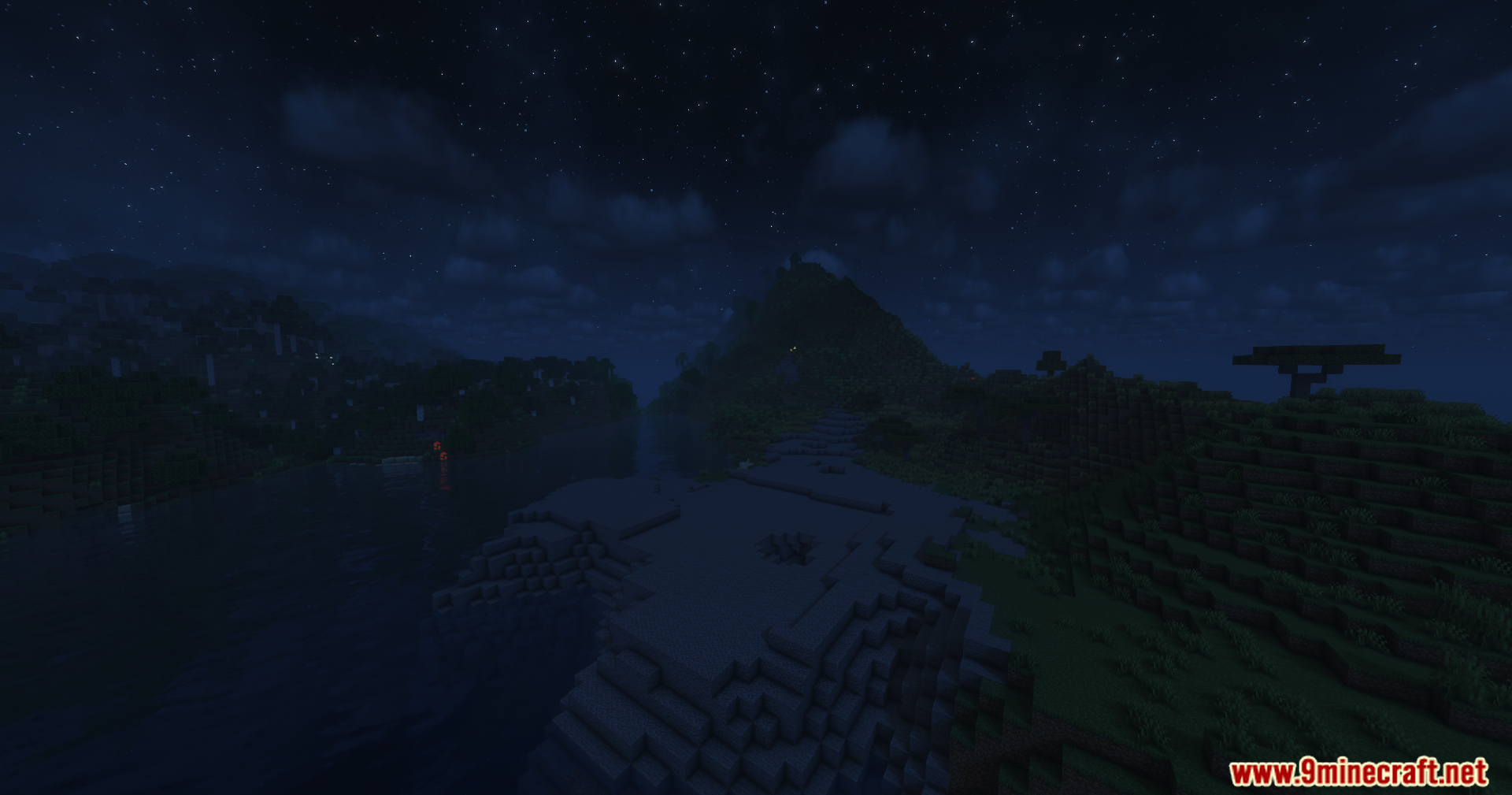
12 images from the Solar Shaders page.
You May Also Like
Wikis that share the most with this one
Wikis on the same theme: world
More shader wikis on the site
 Sobel Pack Shaders
The most downloaded mods that have a wiki here