

 DownloadWorld Of Stone
Get the files on 9Minecraft
Guides
Step-by-step, in-game.
Build a Base Using New Stone Types and BlocksAccessing the Full Stone Block Sets Each of the 24 stone types comes with a complete building set. Every stone has…Find and Identify Specific Stone Types in Your WorldUnderstanding Stone Layer Distribution World of Stone Mod organizes stone into realistic geological layers. As you…Harvest and Use Stalactites and Stalagmites for BuildingFinding Stalactites and Stalagmites Caves in World of Stone Mod are filled with over 260 types of hanging and…Understand How Ores Spawn in Different Stone TypesOre Appearance Changes World of Stone Mod recolors all ores to match the stone type they spawn inside. This means the…
Recipes
Every recipe the mod adds, grouped by how it is made.
Items
 Ammonite Fossil
 Bone Fossil
 Lignite Coal
 Rib Fossil
 Shell Fossil
 Skull Fossil
Blocks
1945 blocks · showing 24. Browse all →
 Abyssaline Speleothem
 Abyssmarine Speleothem
 Acacia Leaves Speleothem
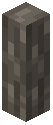 Acacia Log Speleothem
 Acacia Planks Speleothem
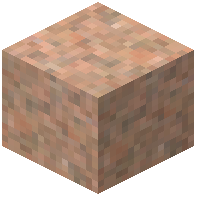 Adamellite
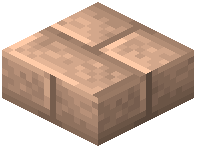 Adamellite Brick Slab
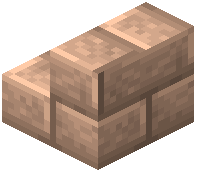 Adamellite Brick Stairs
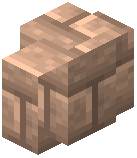 Adamellite Brick Wall
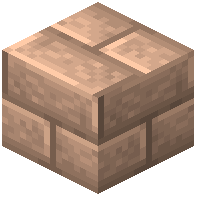 Adamellite Bricks
 Adamellite Button
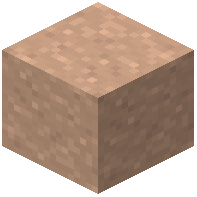 Adamellite Clay
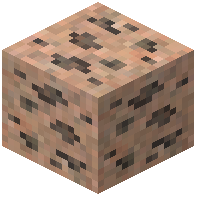 Adamellite Coal Ore
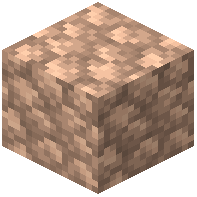 Adamellite Cobblestone
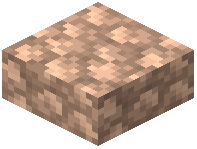 Adamellite Cobblestone Slab
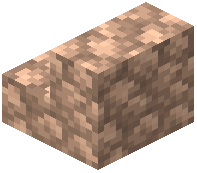 Adamellite Cobblestone Stairs
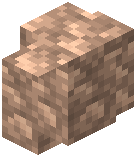 Adamellite Cobblestone Wall
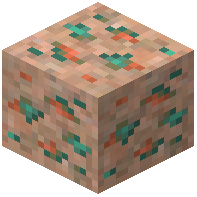 Adamellite Copper Ore
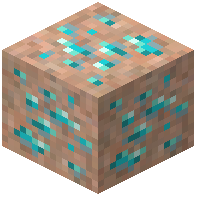 Adamellite Diamond Ore
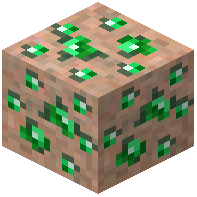 Adamellite Emerald Ore
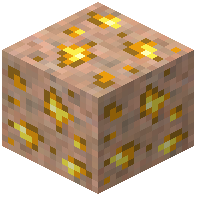 Adamellite Gold Ore
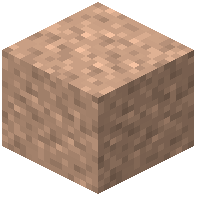 Adamellite Gravel
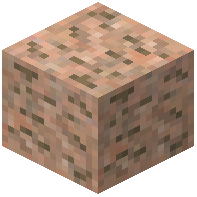 Adamellite Iron Ore
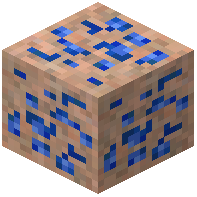 Adamellite Lapis Ore
Frequently asked questions
How do I make the mod generate realistic stone layers instead of random blobs?
Open the mod's configuration file and set the NOISE option—this is the recommended setting that creates 3D layered strata as you dig deeper. The other options (BLOB and CHUNK) create different patterns if you prefer vanilla-style ore veins or single-stone-per-chunk generation.
Why do I see the same stone type everywhere instead of different layers?
Check your world generation config setting. If you're using CHUNK mode, each chunk generates mostly one stone type; switch to NOISE mode for realistic layered geology. Also make sure you're digging deep enough—different stone types appear at different depths.
Can I turn regular blocks into stalactites?
Yes, use the mimicBlocks configuration list to add any block you want to appear as stalactites and stalagmites. This works with unusual materials like wood, wool, glass, and slime, giving you creative decoration options.
Do ores look different in this mod?
What building blocks come with each new stone type?
Every stone type includes a full set: stairs, slabs, walls, bricks, and pillars, giving you 24 different stone varieties with complete building options for each.
Do surface rocks change based on the biome?
Yes, surface rocks automatically grow moss or gather snow depending on the biome temperature, making your terrain look more realistic and climate-appropriate.
Can Mason villagers trade the new stone blocks?
Yes, the mod updates Mason villagers so they buy and sell the new stone blocks, making it easier to trade for materials you need.
Will this mod cause lag or performance issues?
The NOISE setting (recommended) uses 3D layered generation which is more intensive than vanilla; if you experience lag, try the BLOB or CHUNK config options for lighter world generation, or reduce your render distance.
How many new blocks does this mod add?
The mod adds over 1,800 new blocks total: 24 different stone types with full building sets each, plus over 260 types of stalactites and stalagmites.
Do I need to start a new world to see the stone layers?
Yes, the mod changes world generation, so you need to create a new world to see realistic geological layers; existing worlds will only show the new stones in newly generated chunks.
You May Also Like
Wikis that share the most with this one
Wikis on the same theme: wall
More mod wikis on the site
The most downloaded mods that have a wiki here
A few wikis from each of the other kinds
Gallery
9 images from the World Of Stone Mod page.


