

 DownloadSMAA Iris Shaders
Get the files on 9Minecraft
Guides
Step-by-step, in-game.
Compare SMAA Results and Verify It's WorkingVisual Inspection Method The easiest way to confirm SMAA is active is to look at distant blocks and item edges.…Enable SMAA Filtering and Adjust Quality SettingsAccessing Shader Settings SMAA Iris Shaders integrates with Iris, so you'll configure it through your shader options…Optimize Performance While Using SMAAWhy SMAA Is Lightweight SMAA 1x is designed to run on older systems because it only processes edge detection, not…Troubleshoot Blurry or Over-Smoothed VisualsIdentifying Over-Smoothing If your world looks blurry or textures appear washed out after enabling SMAA, the filter…
Frequently asked questions
How do I turn on SMAA after installing the mod?
Open your shader settings menu in-game (usually accessible through the Iris Shaders menu), locate the SMAA option, and enable it. The smoothing effect should apply immediately to block edges and distant objects.
What's the difference between SMAA 1x and other quality levels?
SMAA 1x is the standard setting that balances edge smoothing quality with performance. Higher quality modes process more pixels but demand more GPU power, while lower settings reduce smoothing intensity for faster framerates.
Why do my textures look blurry when I enable SMAA?
SMAA can over-smooth fine details if quality settings are too aggressive; try lowering the edge detection threshold or reducing the quality level to preserve texture sharpness while keeping jagged lines smooth.
Does SMAA work with other shader packs?
SMAA Iris Shaders is designed to work alongside Iris-compatible shader packs, but enabling multiple post-processing effects simultaneously may cause visual conflicts or performance drops—test your specific combination.
See all 10 SMAA Iris Shaders questions ›
Gallery
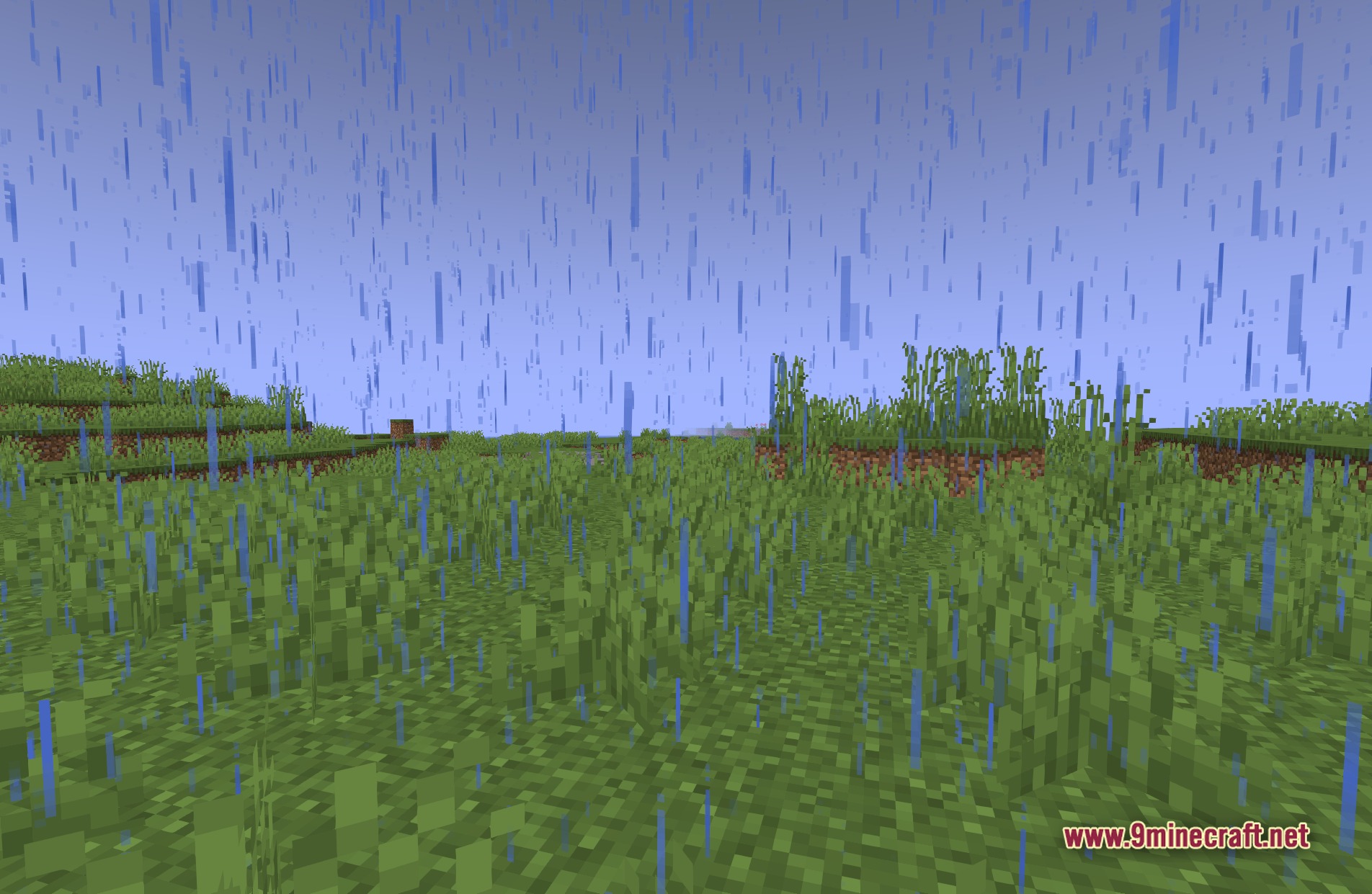
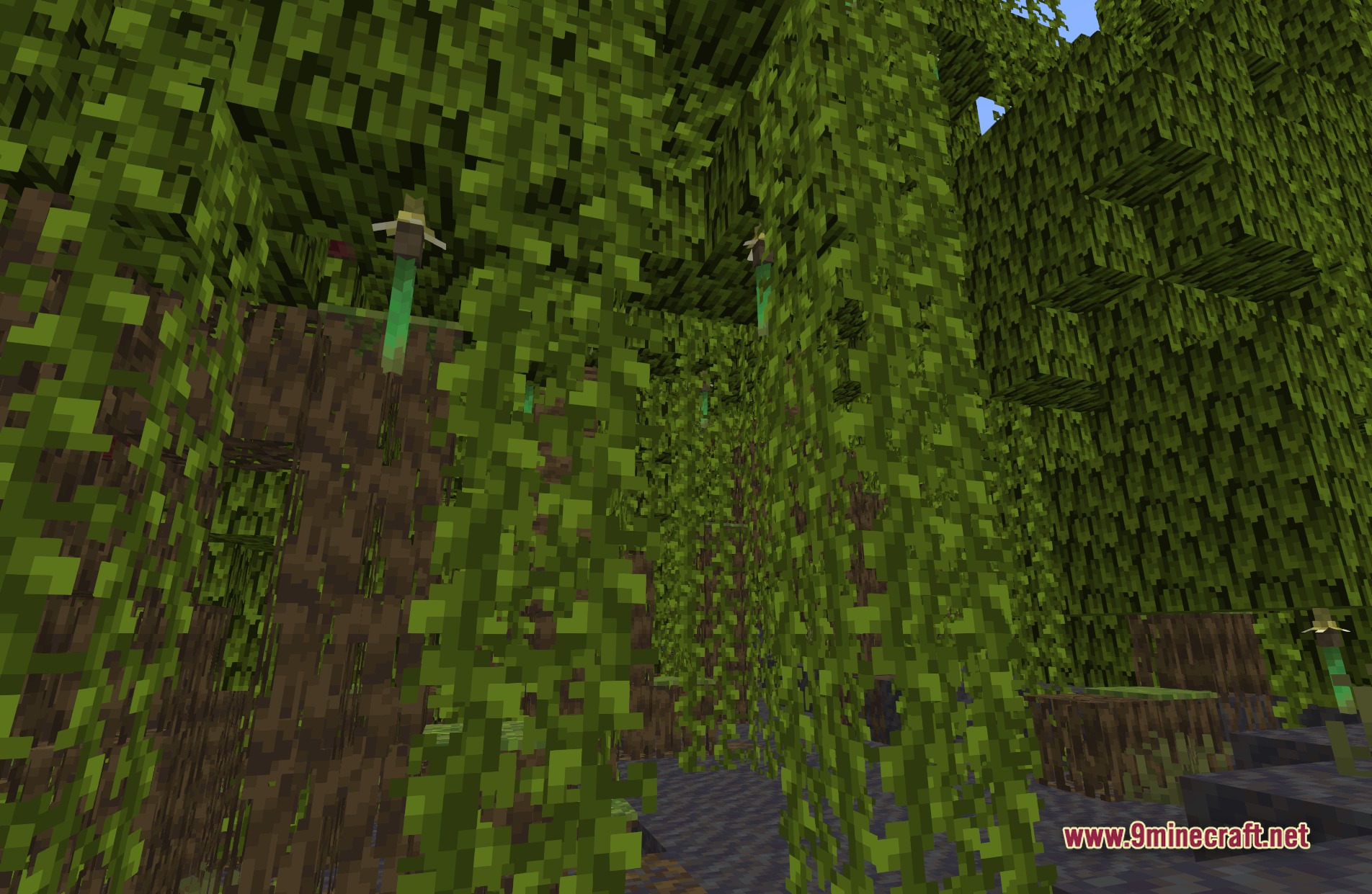
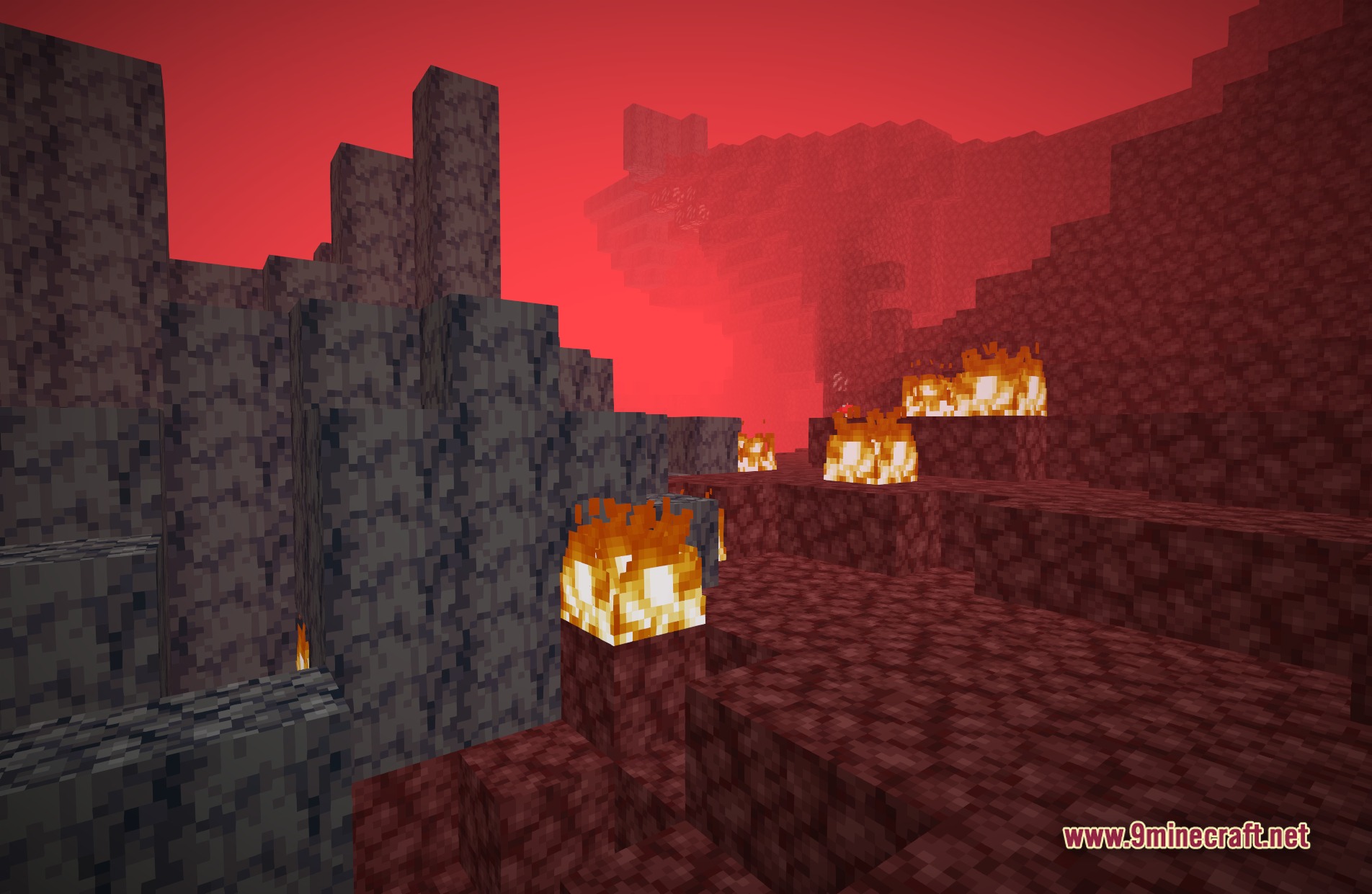
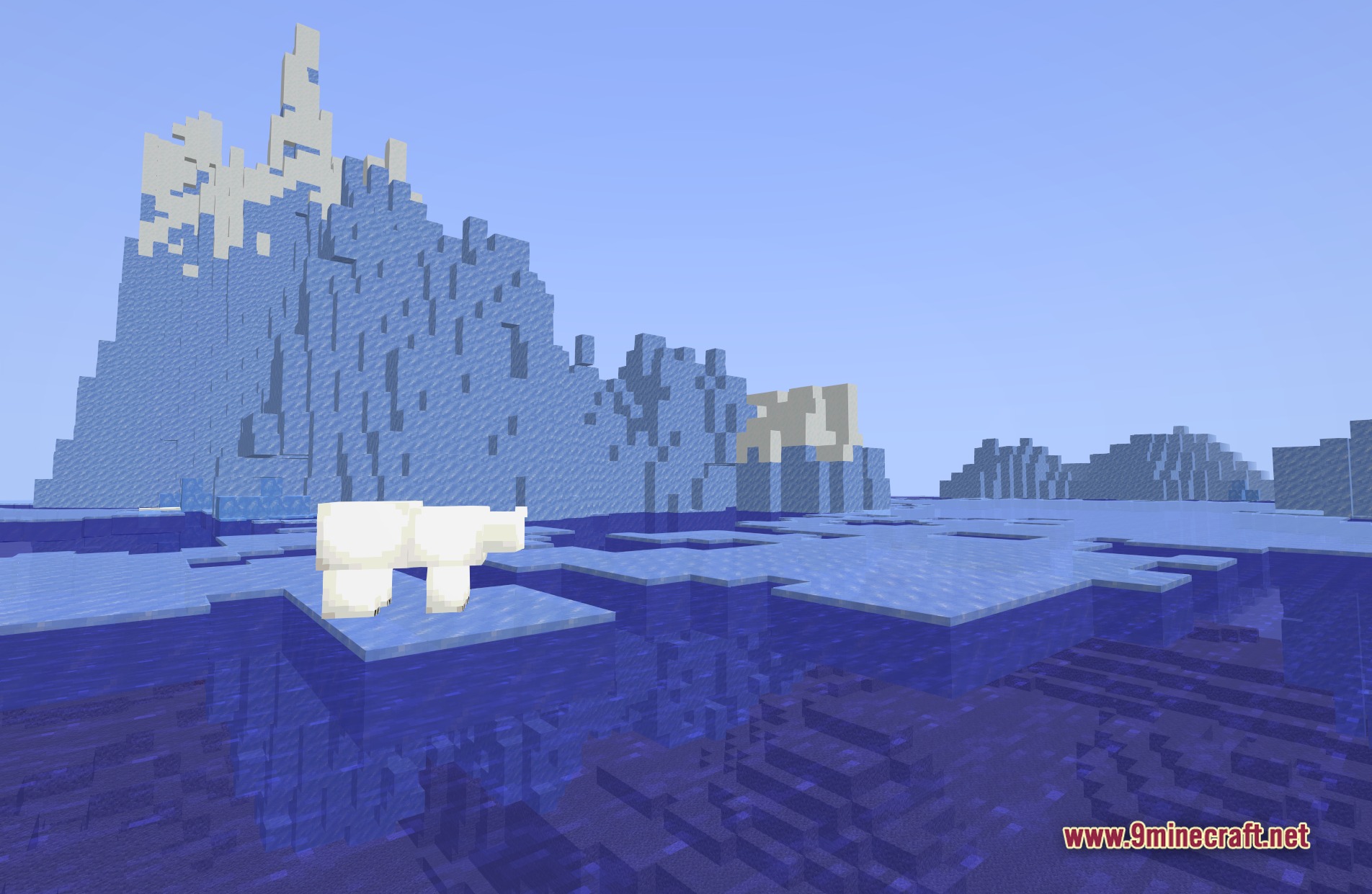
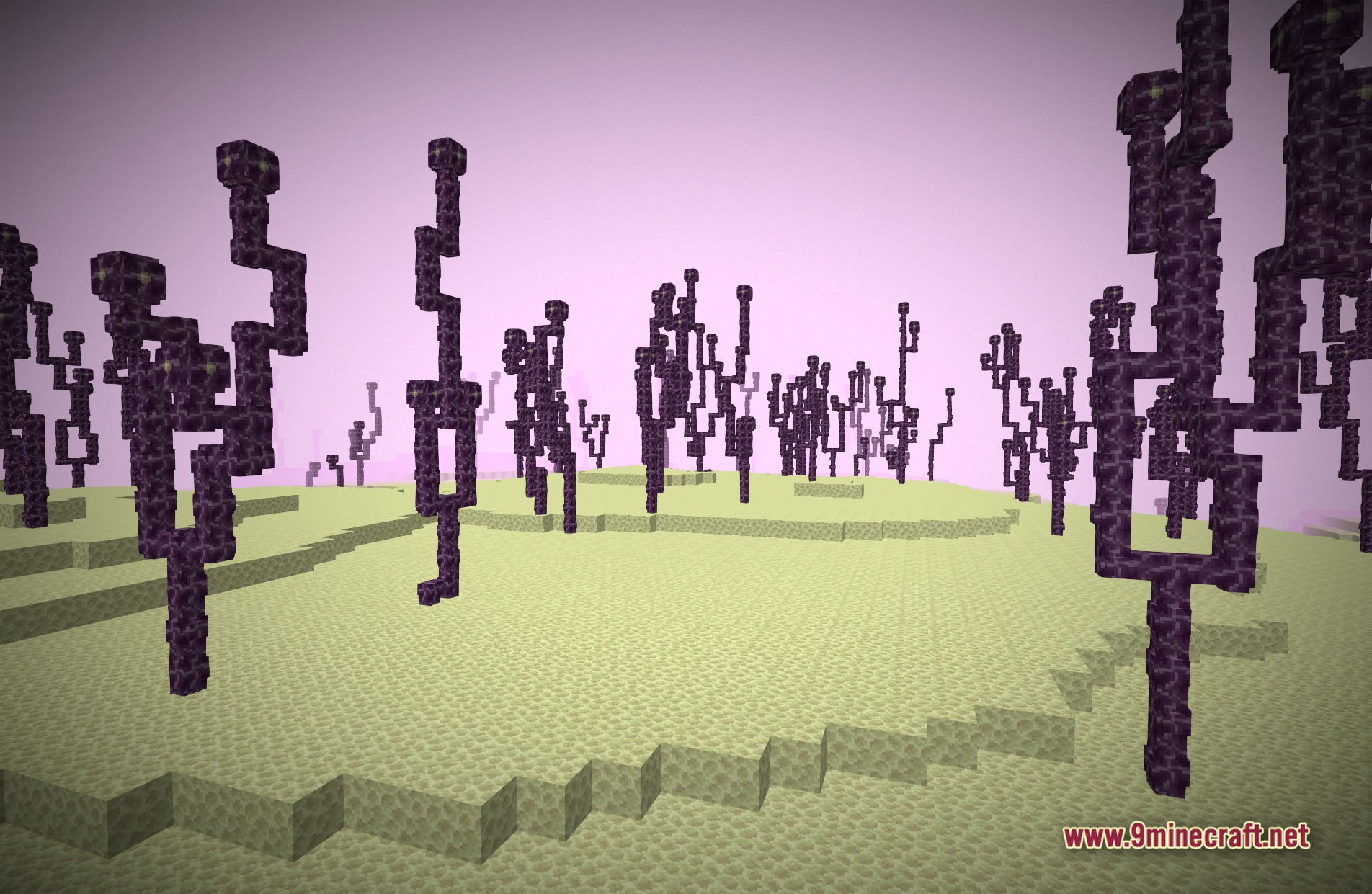
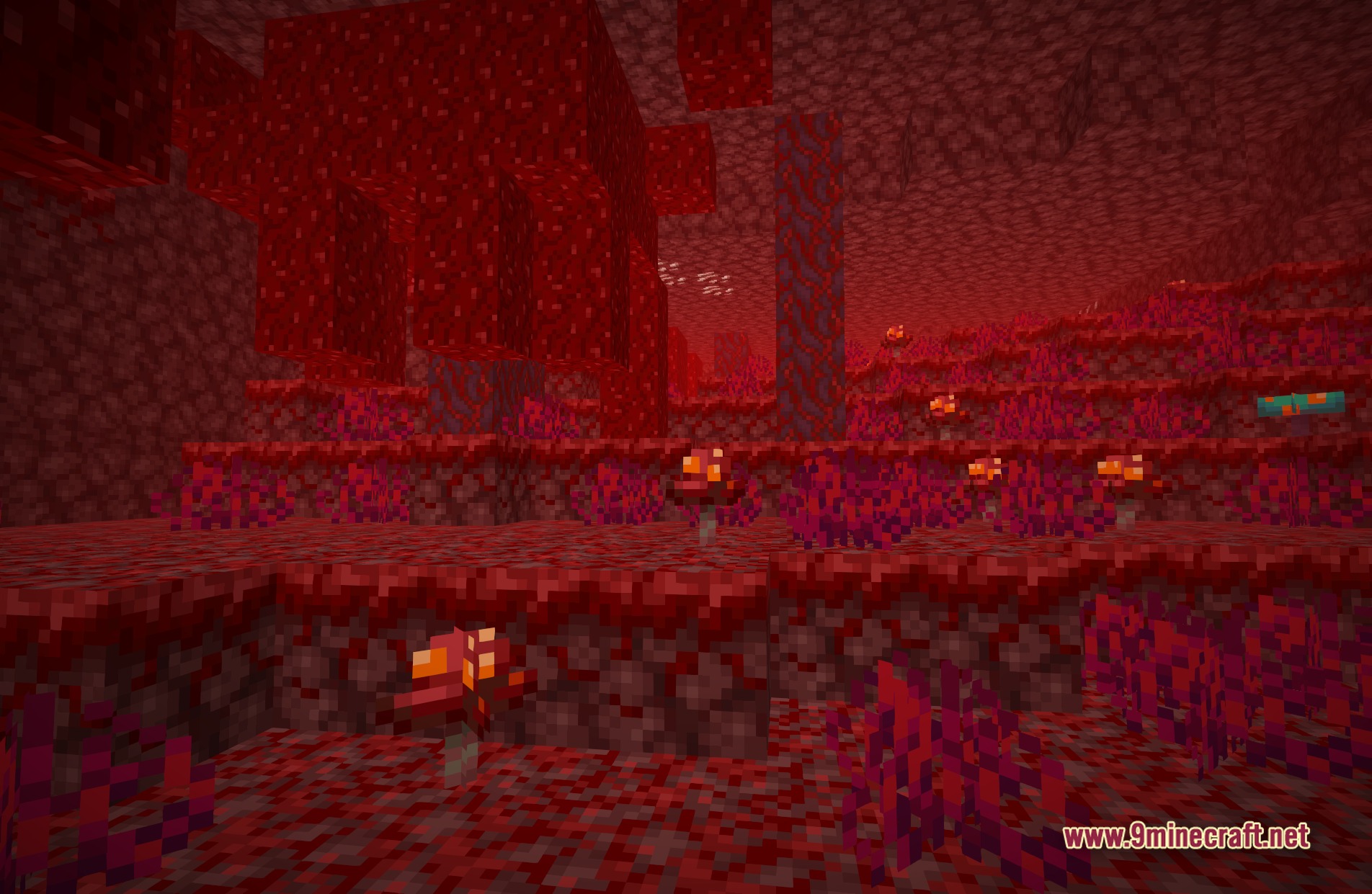
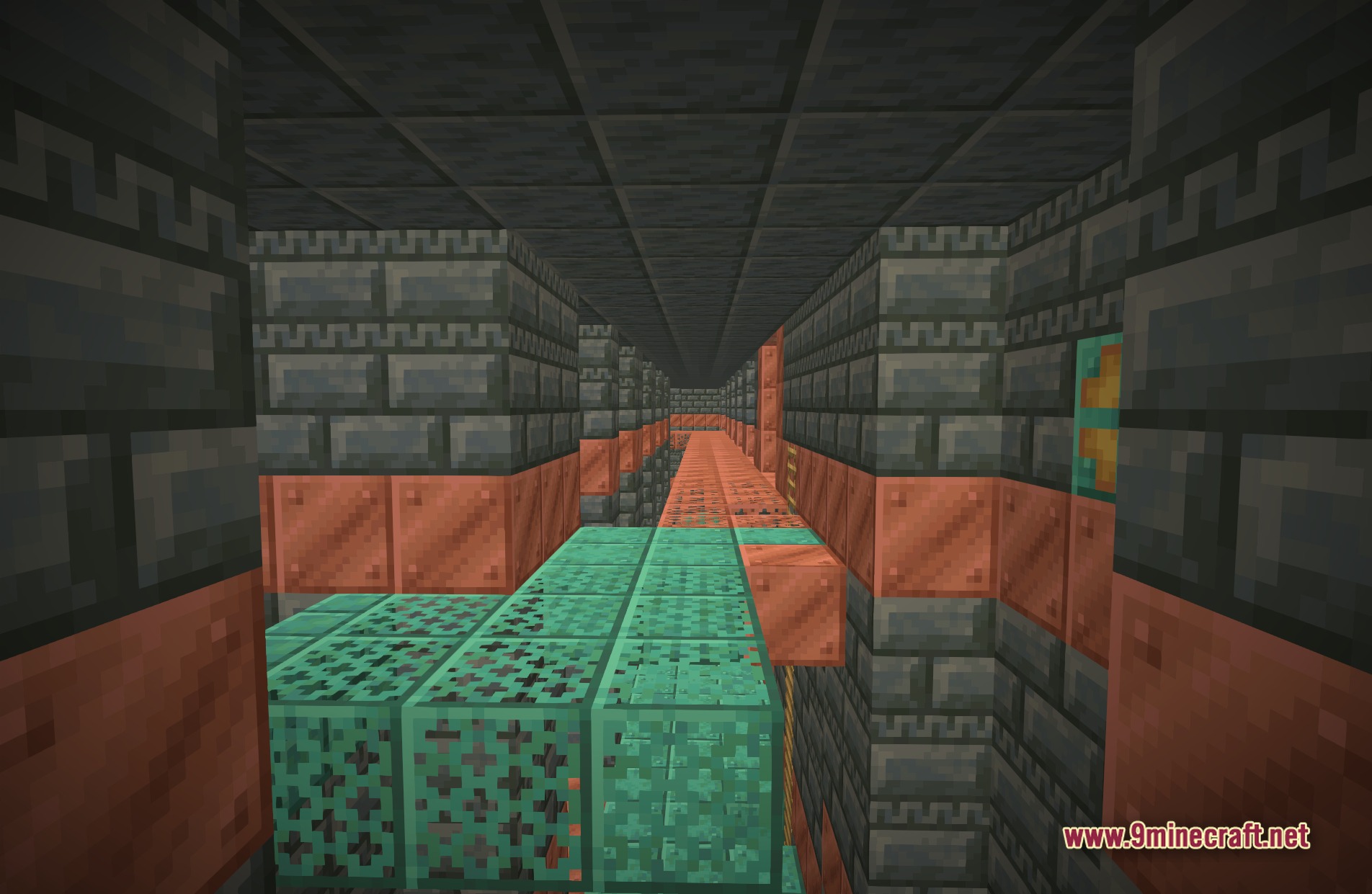
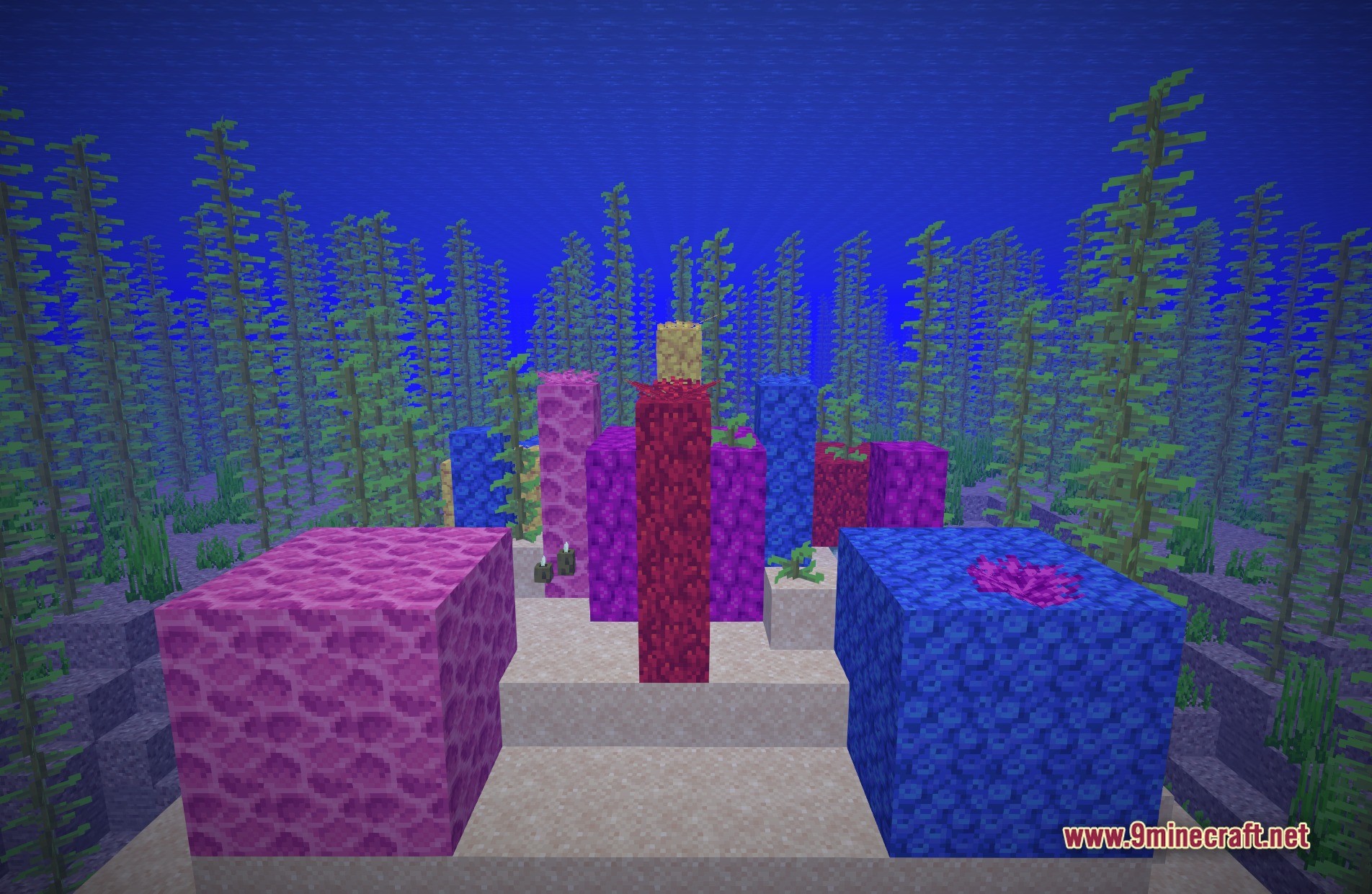
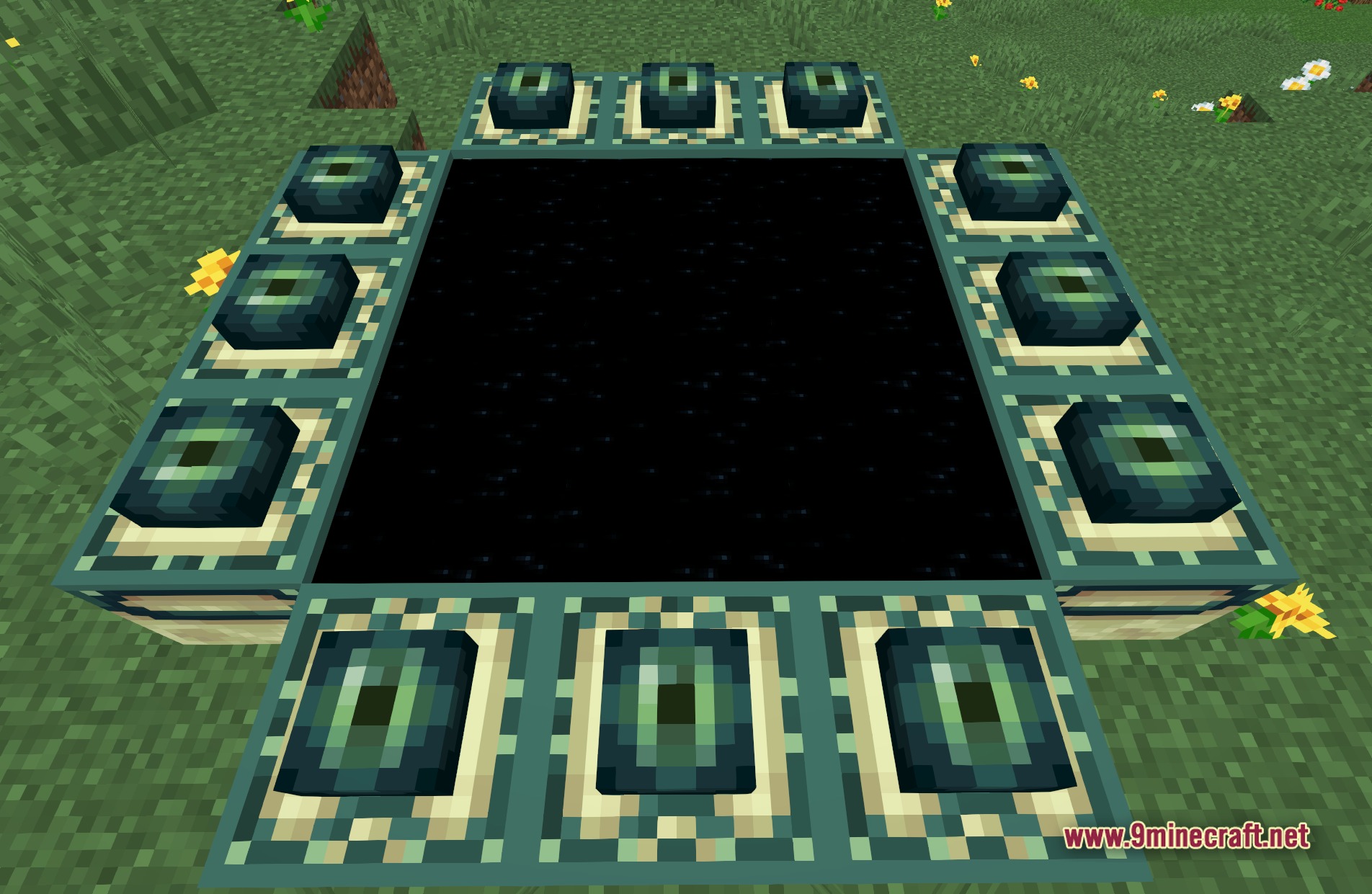
11 images from the Smaa Iris Shaders page.
You May Also Like
Wikis that share the most with this one
 SketchPaper Shaders
More shader wikis on the site
 Simple Brightness Shaders
The most downloaded mods that have a wiki here