

 DownloadBloomy Shaders
Get the files on 9Minecraft
Guides
Step-by-step, in-game.
Adjust Shadow Quality and BrightnessAccess Shader Settings Open your shader options menu while in-game. This is typically found in Video Settings >…Customize Lighting for Different BiomesUnderstand Biome Lighting Behavior Bloomy Shaders applies its brightening and shadow system globally, but different…Fix Visual Artifacts and GlitchesIdentify Common Issues Artifacts in Bloomy Shaders typically appear as: Flickering shadows or light banding Color…Optimize Performance on Low-End SystemsReduce Render Distance Lower your render distance in Video Settings. Bloomy Shaders performs best at 8-12 chunks on…
Frequently asked questions
How do I enable Bloomy Shaders after installing it?
Open your Video Settings in-game, go to Shaders, and select Bloomy Shaders from the list. The shaders will apply immediately to your world.
Why is my game still laggy even with Bloomy Shaders?
Try lowering shadow quality in the shader settings, disabling advanced lighting features, or reducing your render distance. Bloomy Shaders is optimized for low-end systems, but extremely old hardware may need further adjustments.
Can I use Bloomy Shaders with other mods?
Yes, Bloomy Shaders works with most mods, but mods that heavily modify lighting or rendering may cause conflicts. Test your mod combination in a test world first.
How do I make shadows look sharper or softer?
Open the shader options menu (usually by pressing a key while in-game or through Video Settings) and adjust the shadow quality slider to find your preferred balance between clarity and performance.
See all 10 Bloomy Shaders questions ›
Gallery
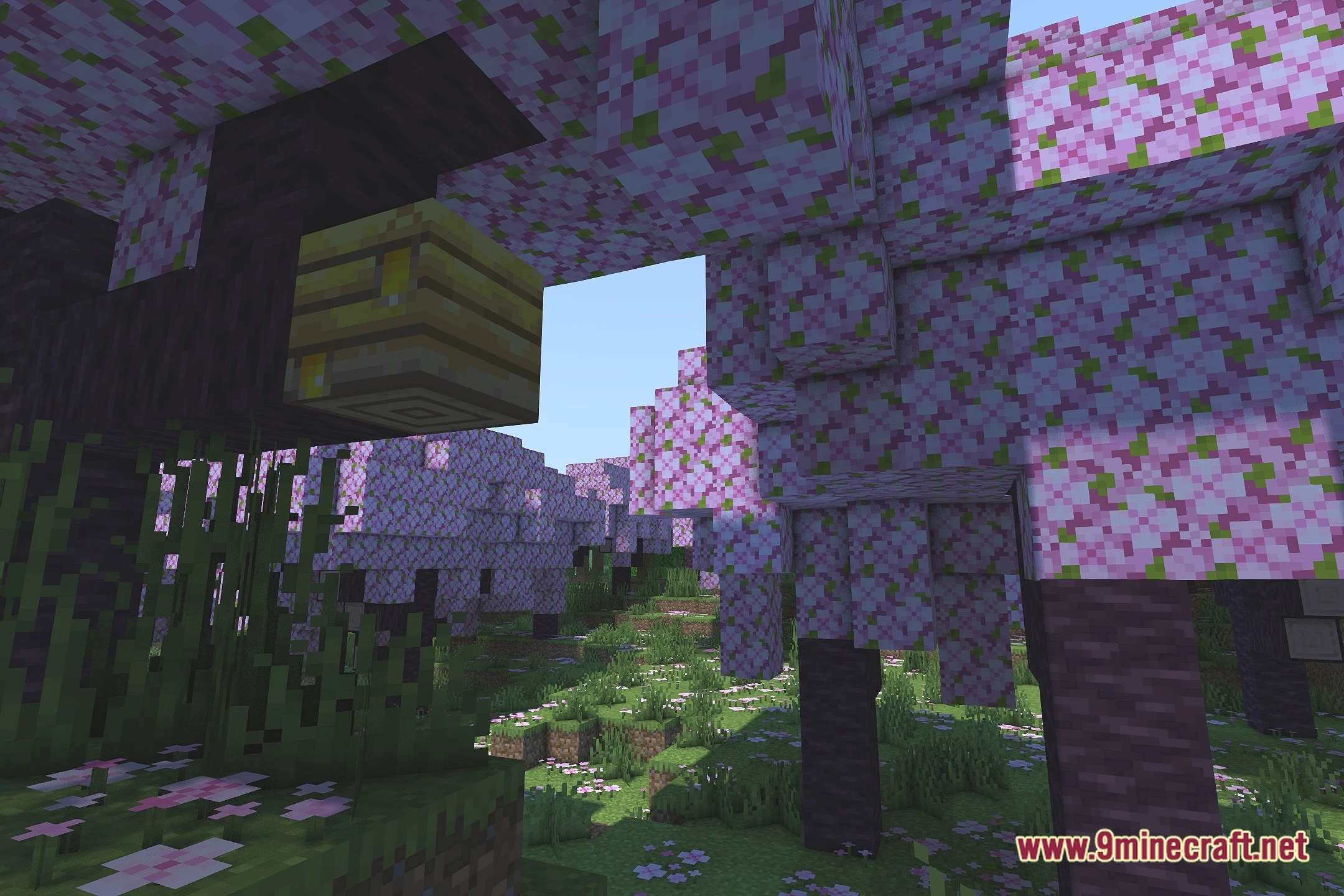
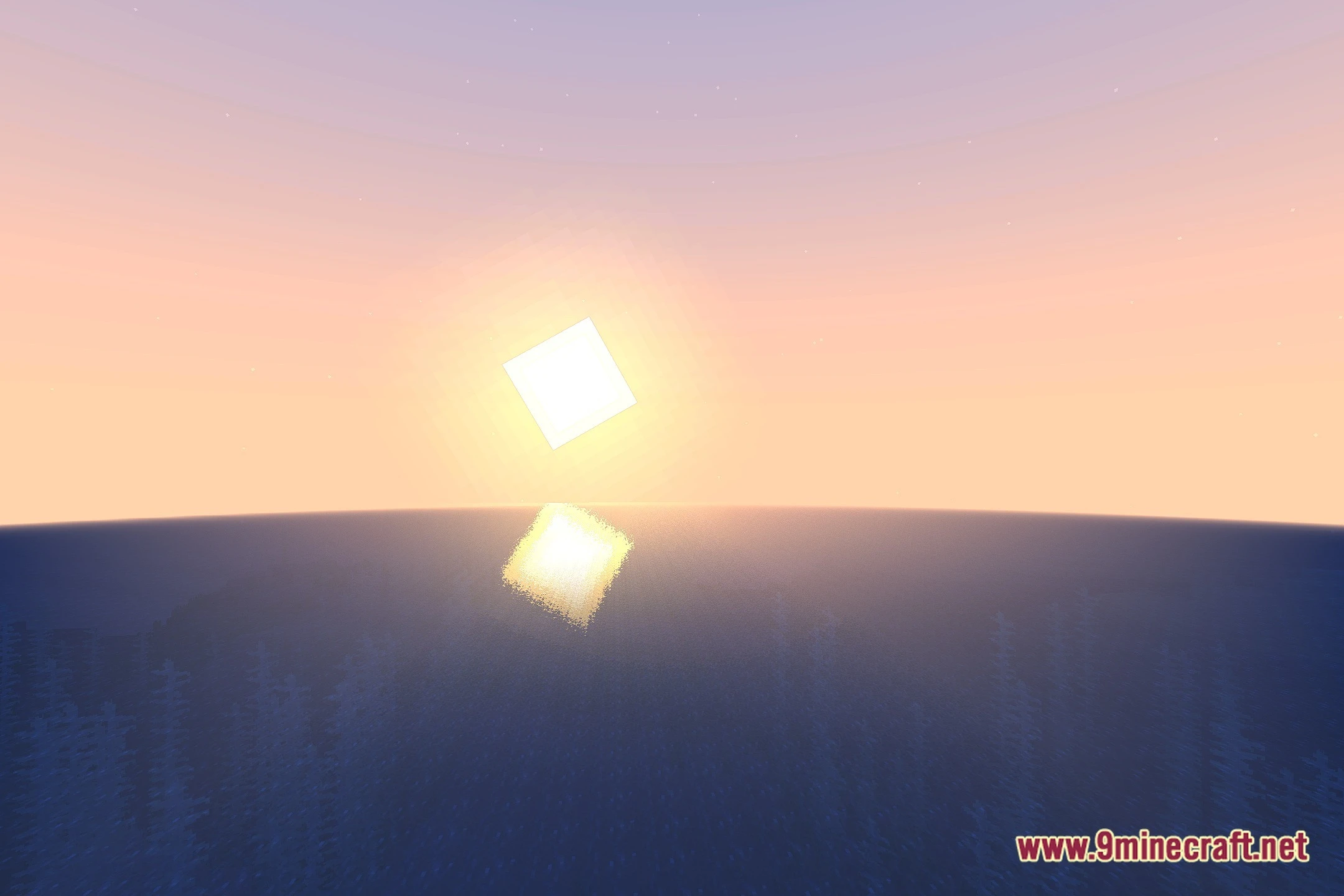
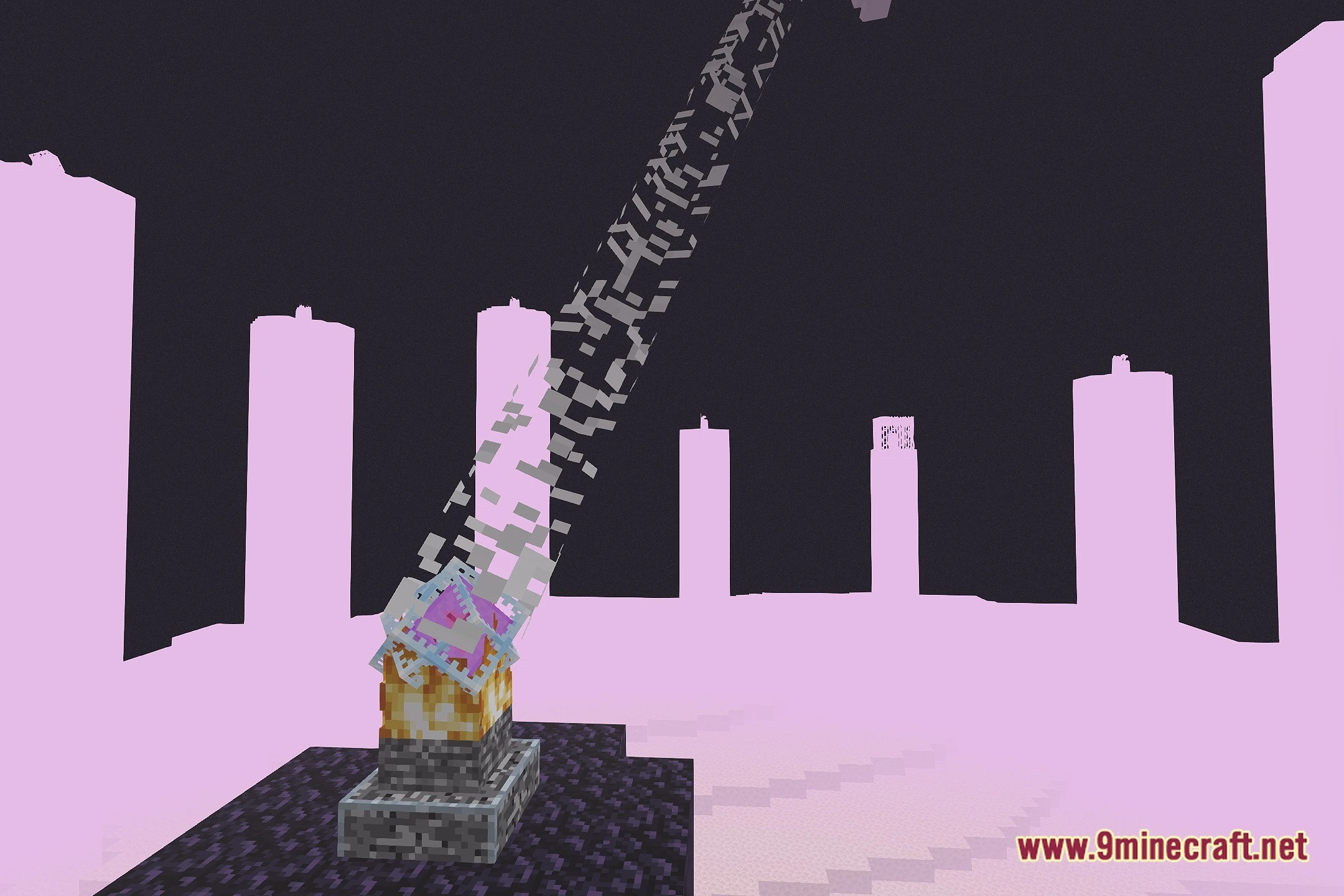
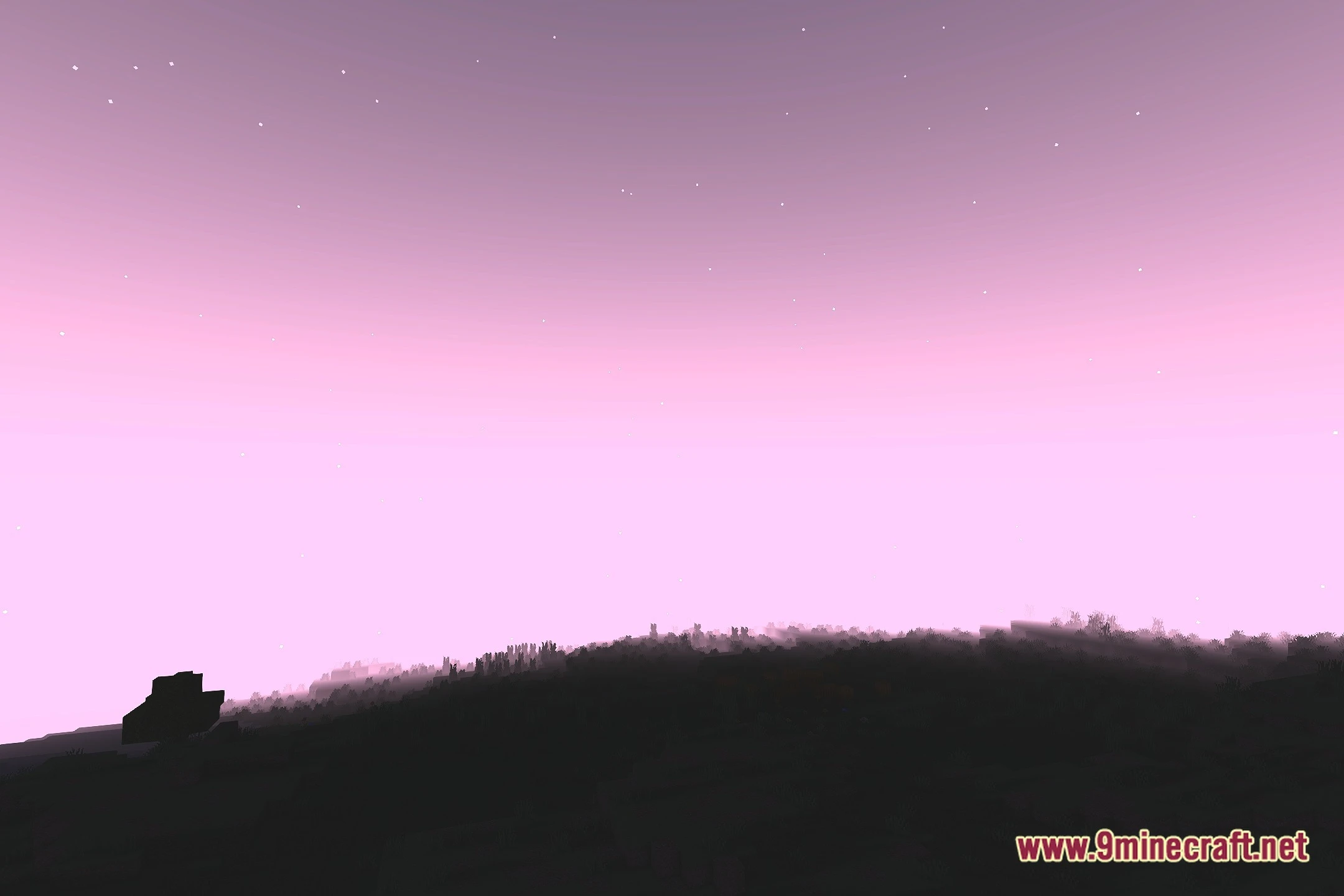
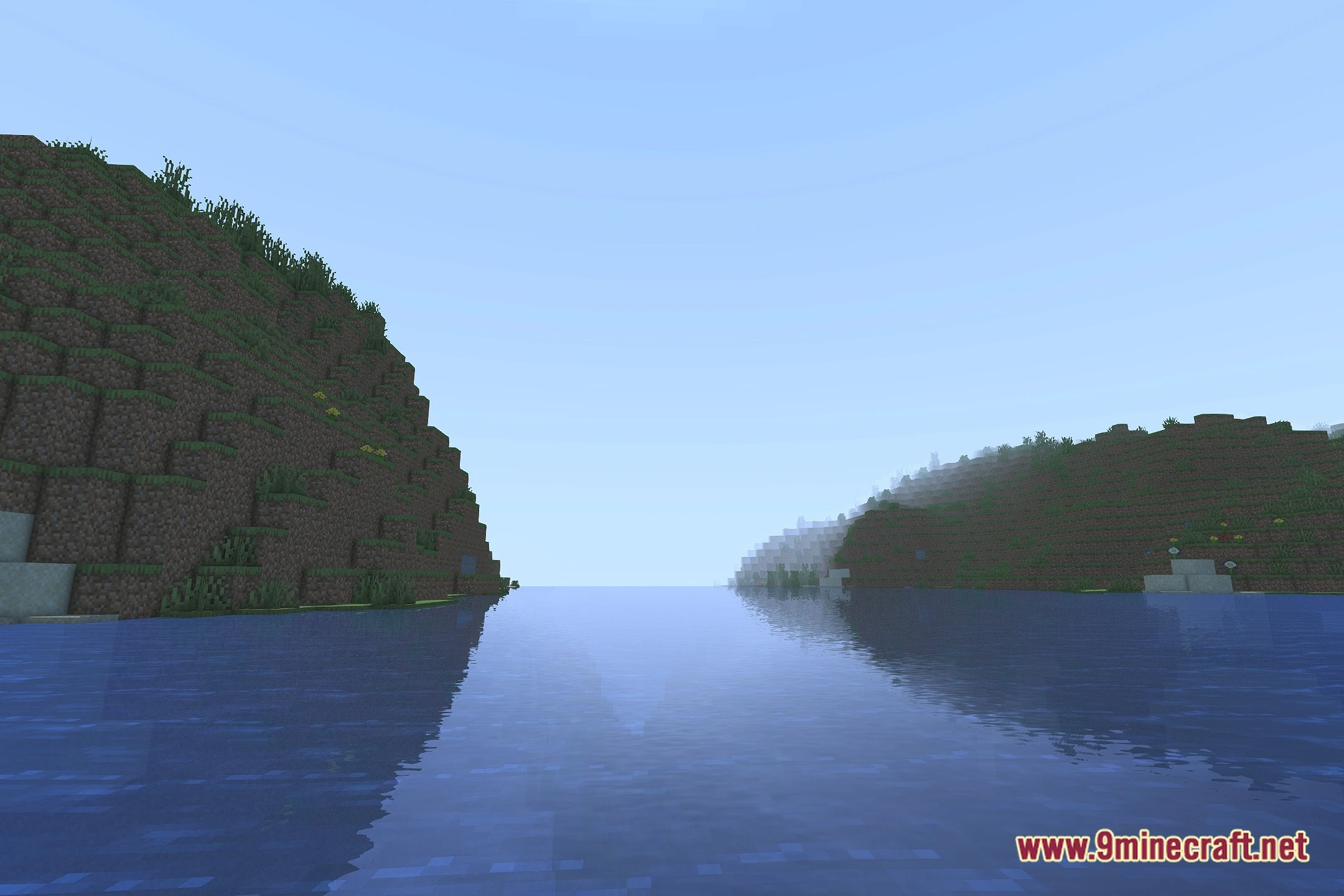
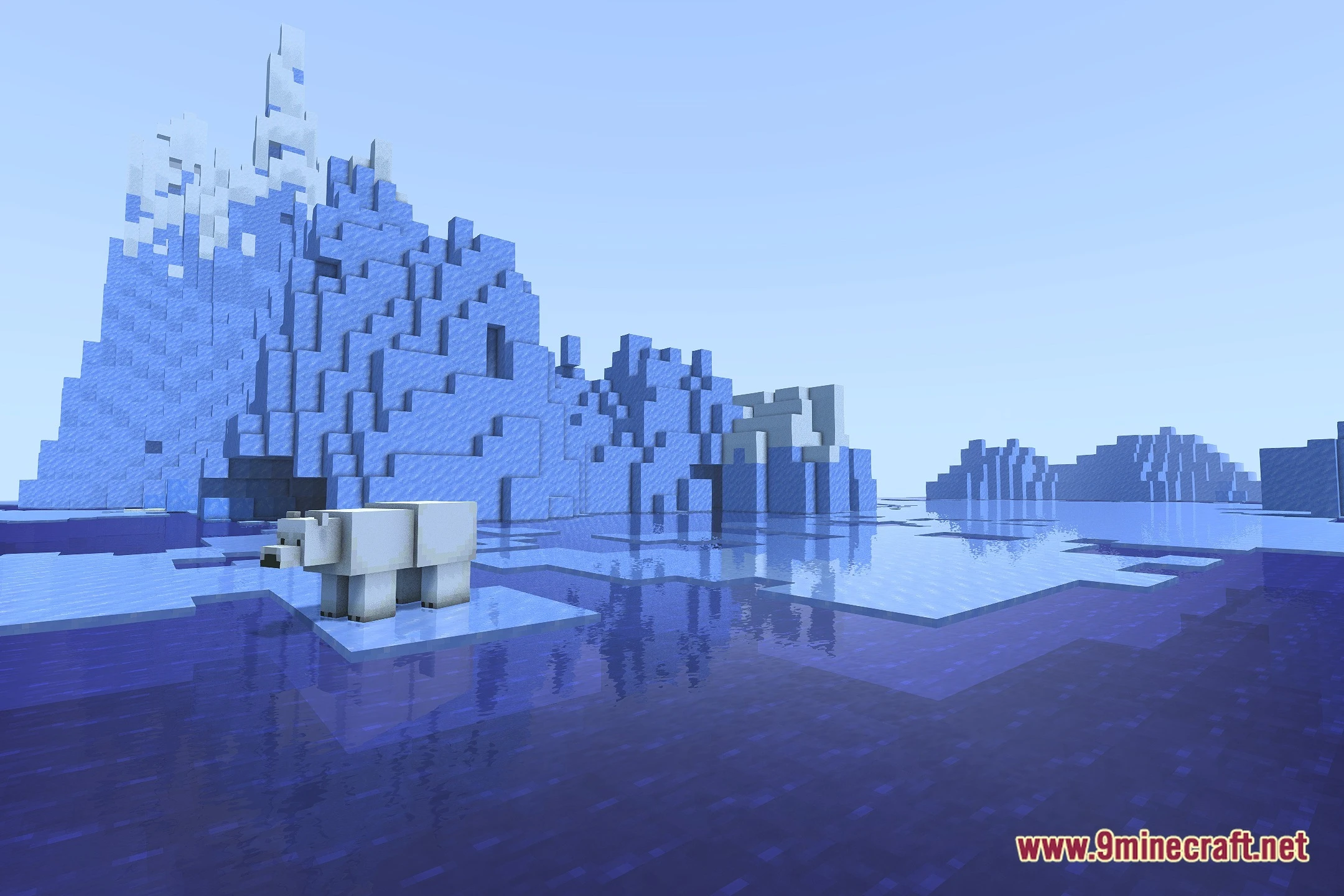
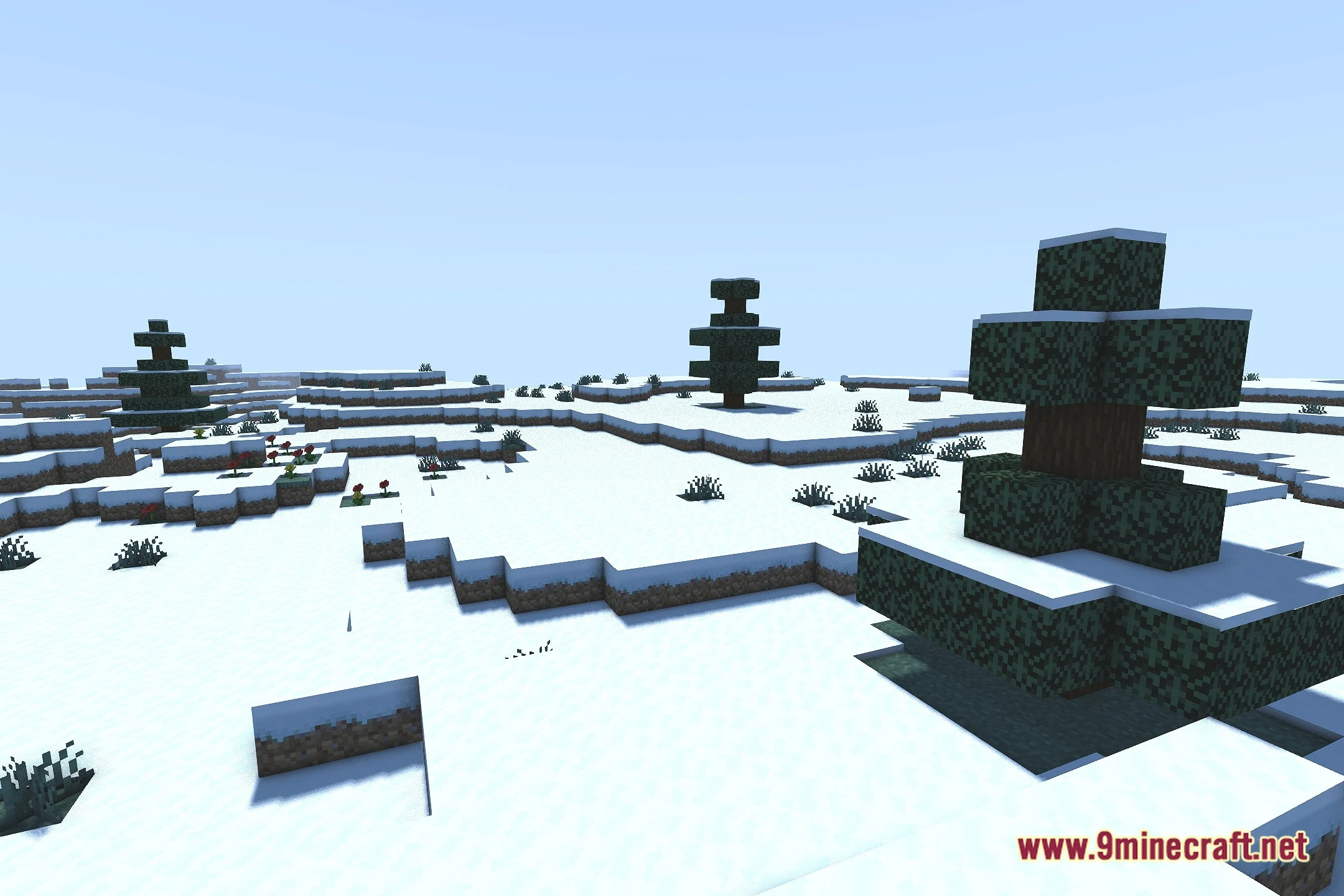
12 images from the Bloomy Shaders page.
You May Also Like
Wikis that share the most with this one
Wikis on the same theme: world
More shader wikis on the site
 Beyond Horizons Shaders
The most downloaded mods that have a wiki here