

 DownloadSlight Shaders
Get the files on 9Minecraft
Guides
Step-by-step, in-game.
Adjust Shadow Intensity and QualityAccess Shader Settings Open your pause menu and navigate to Options → Video Settings → Shaders . Select Slight…Enable or Disable Water Wave AnimationsOpen Shader Configuration Pause the game and go to Options → Video Settings → Shaders . Click on Slight Shaders to…Experience Shaders in the Nether and End DimensionsTravel to the Nether Create or enter a Nether portal. Slight Shaders automatically adapts its lighting and sky…Optimize Performance on Lower-End HardwareReduce Core Visual Features Start by lowering shadow quality and distance—these consume the most resources. In shader…
Frequently asked questions
How do I turn on Slight Shaders after installing it?
Open your Video Settings in-game, find the Shaders option, and select Slight Shaders from the list. The shader will activate immediately and you'll see the changes to shadows, water, and sky colors.
Why does my game lag after enabling Slight Shaders?
Shaders are performance-intensive; try lowering your render distance, disabling shadow quality in the shader settings, or turning off water wave animations. Check the Optimize Performance on Lower-End Hardware guide for more detailed steps.
Can I use Slight Shaders with other mods?
Yes, Slight Shaders is compatible with most mods, but mods that heavily modify rendering or add custom blocks may cause visual conflicts. Test your mod combination in a test world first.
How do I make shadows darker or lighter?
Open the shader settings from the Video Settings menu and adjust the Shadow Intensity slider to your preference. You can also change shadow quality to balance visual detail with performance.
See all 10 Slight Shaders questions ›
Gallery
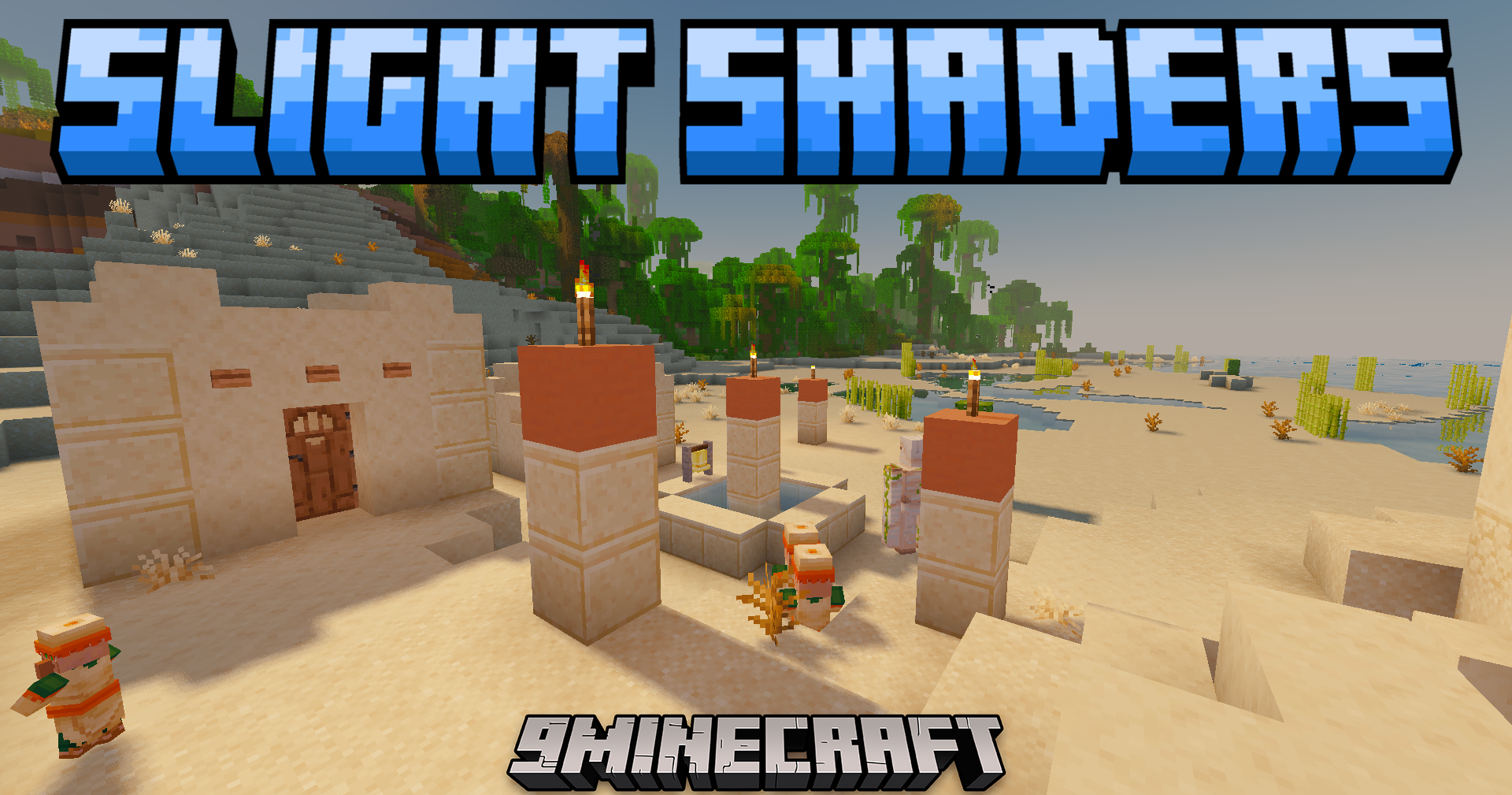
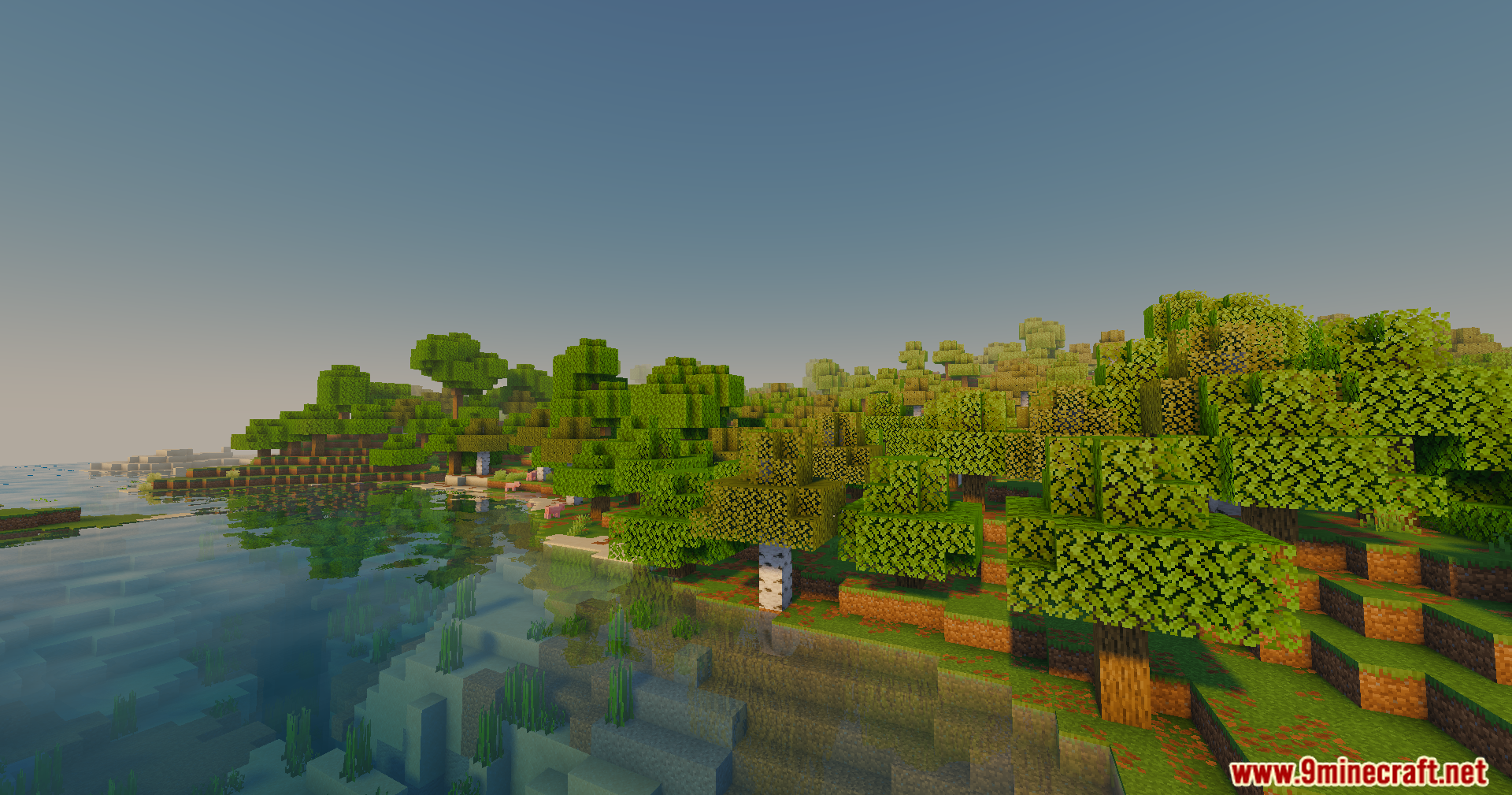
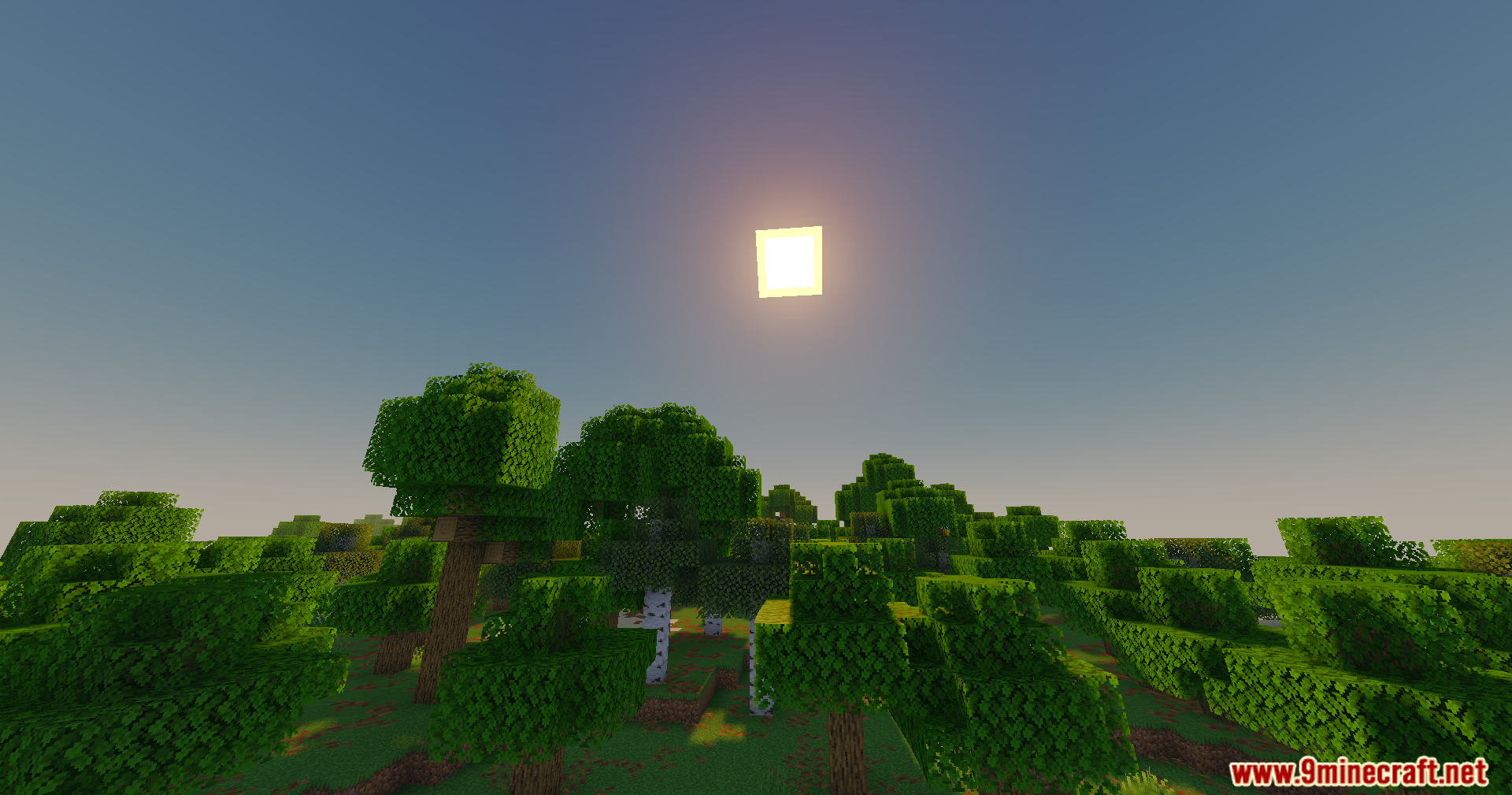
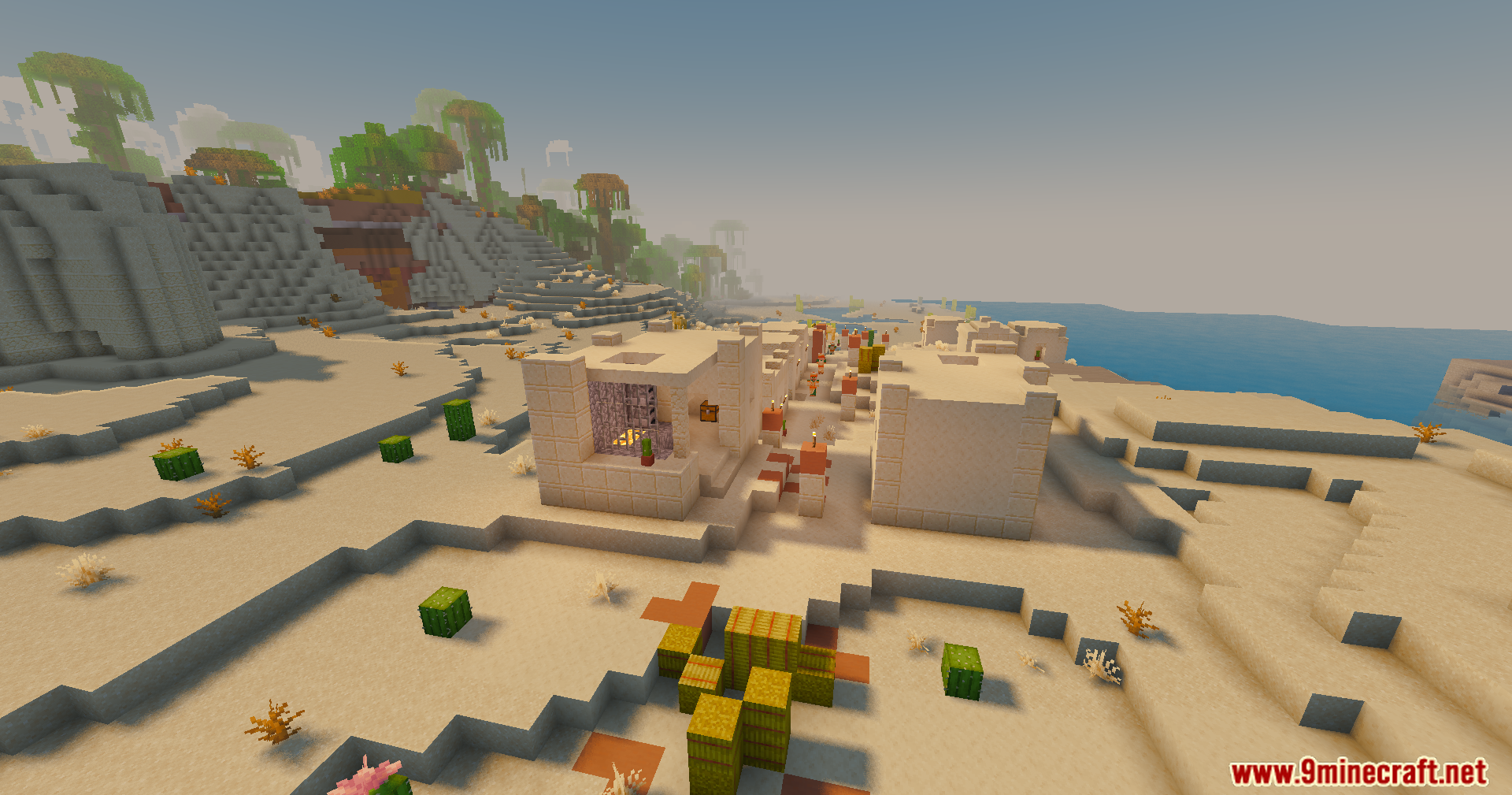
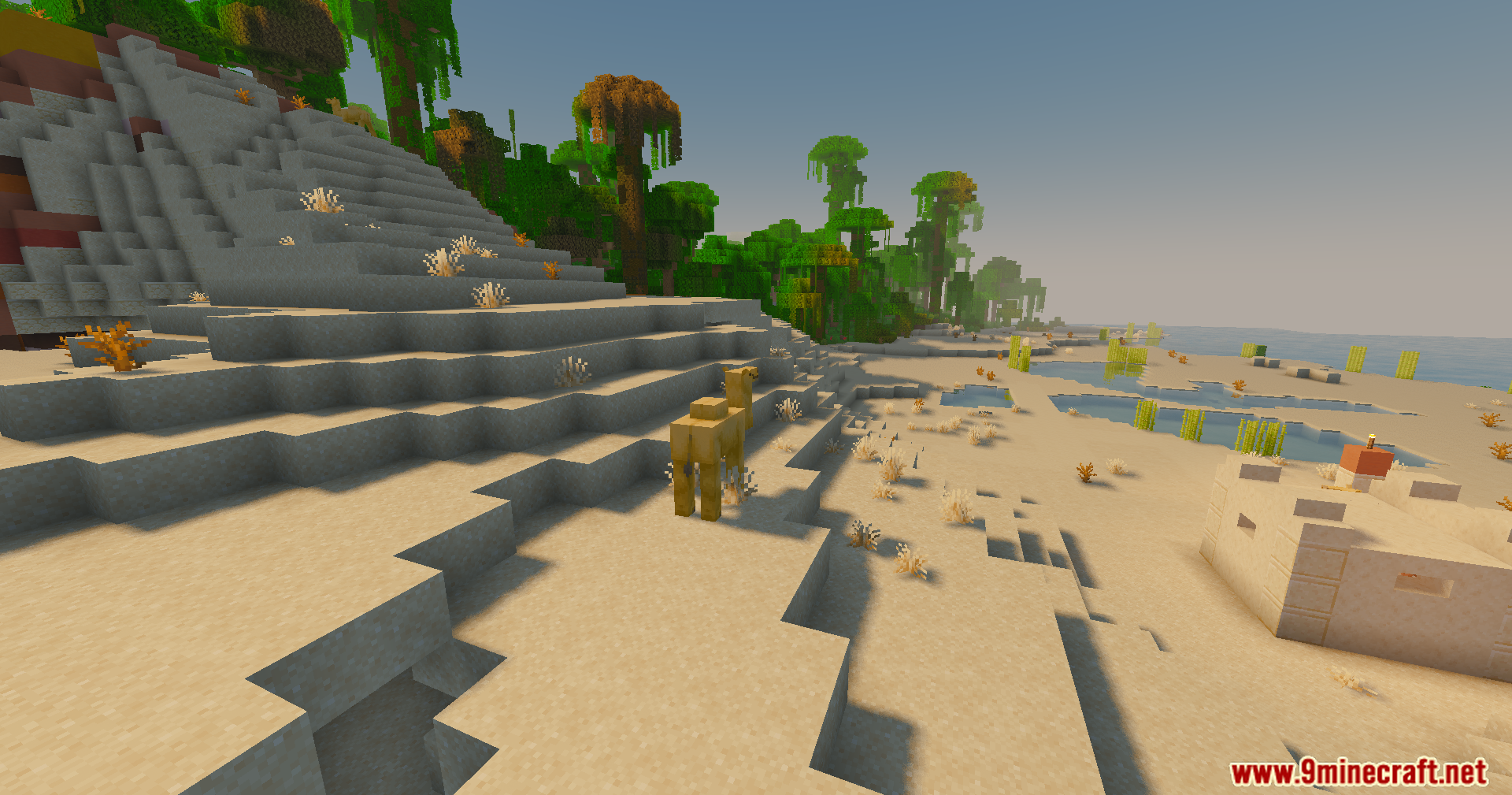
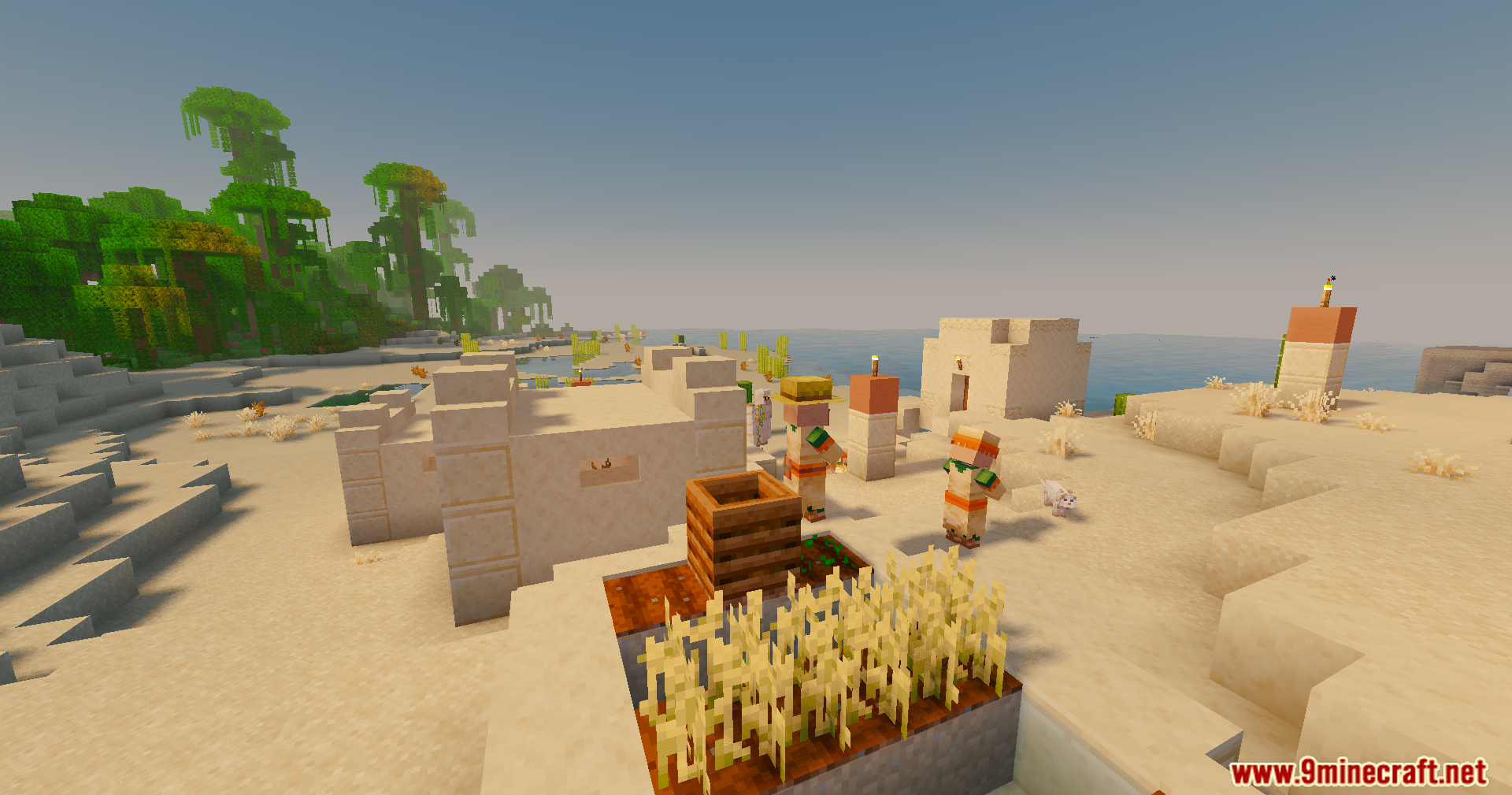
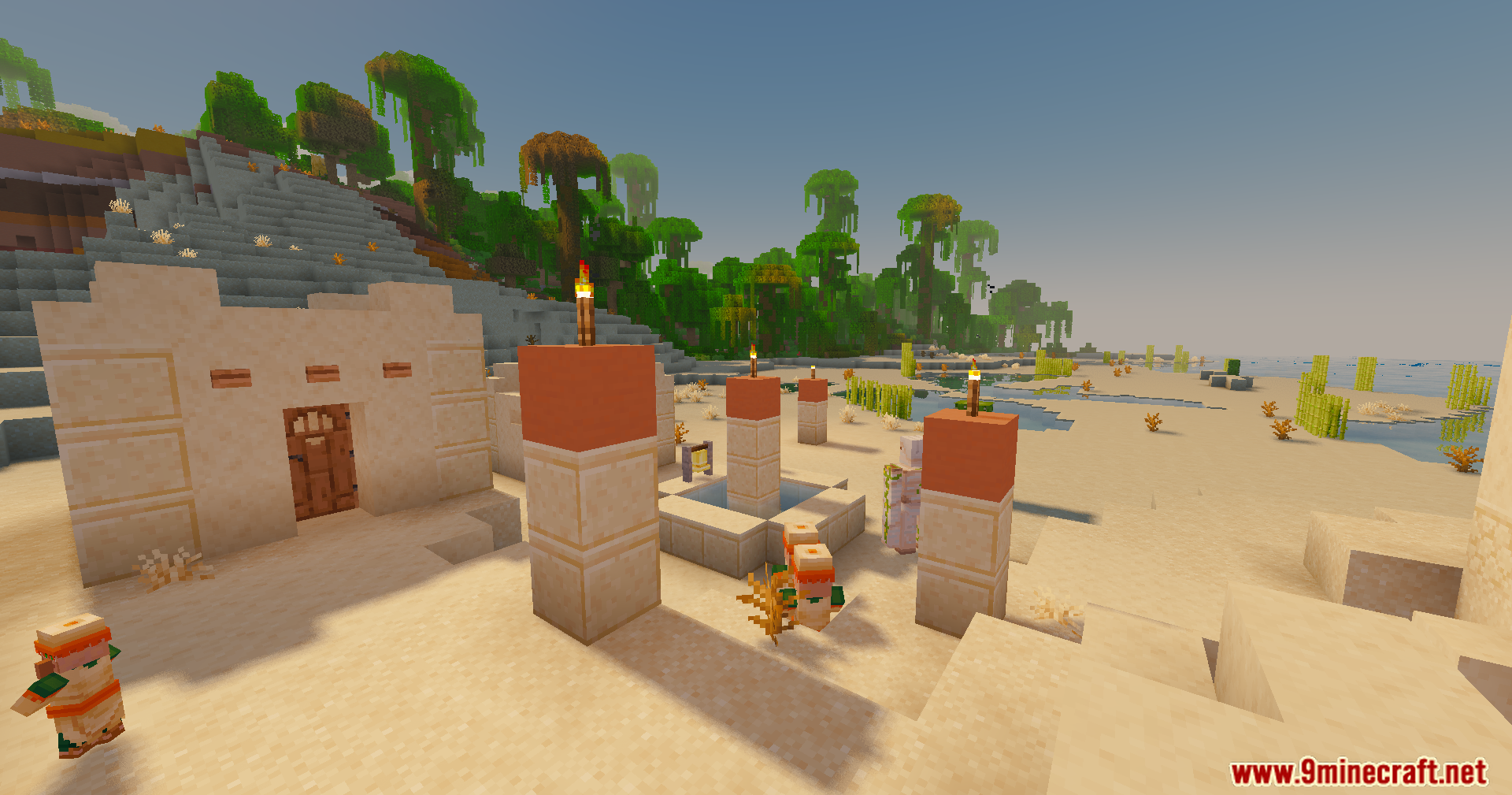
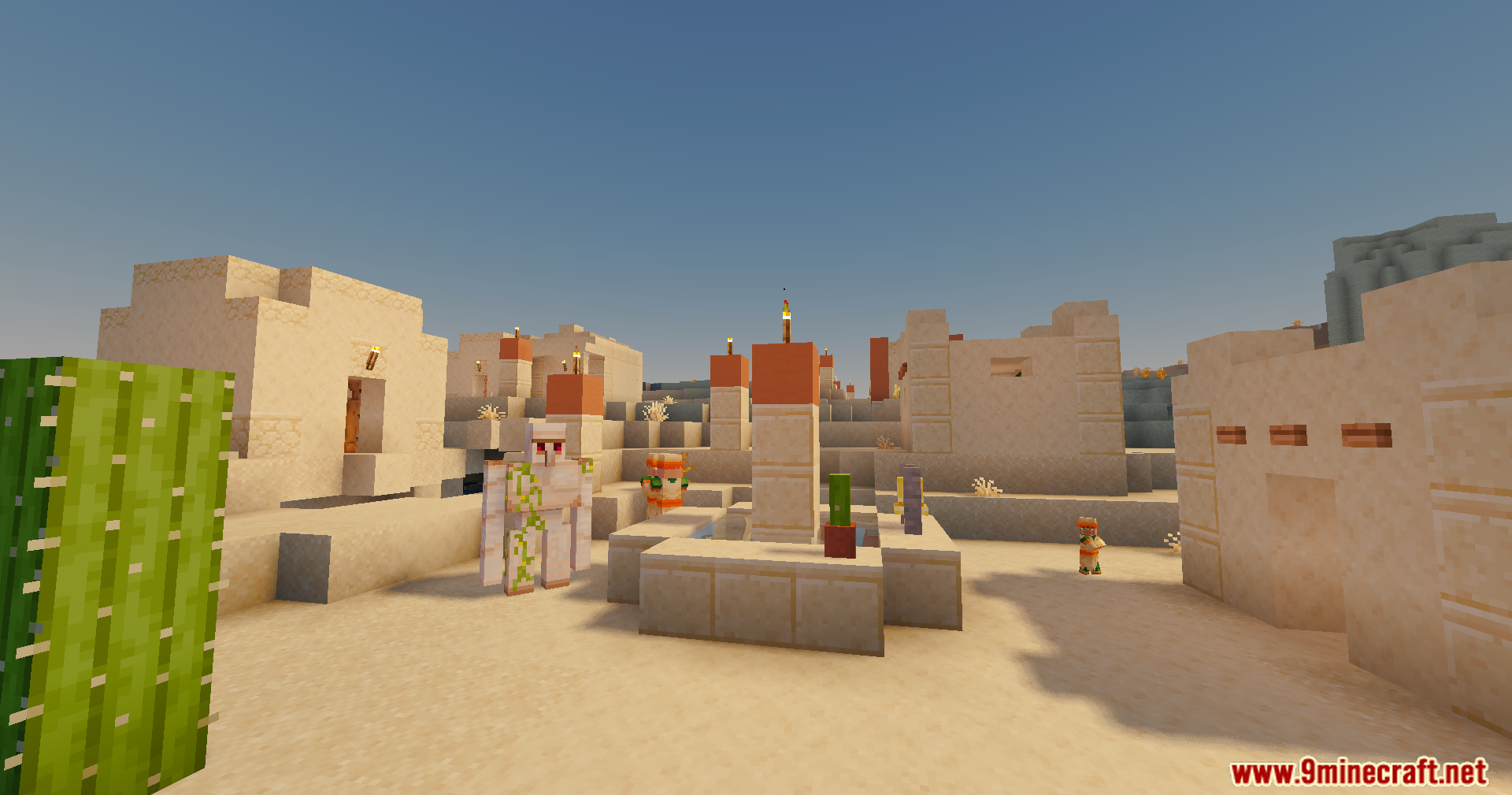
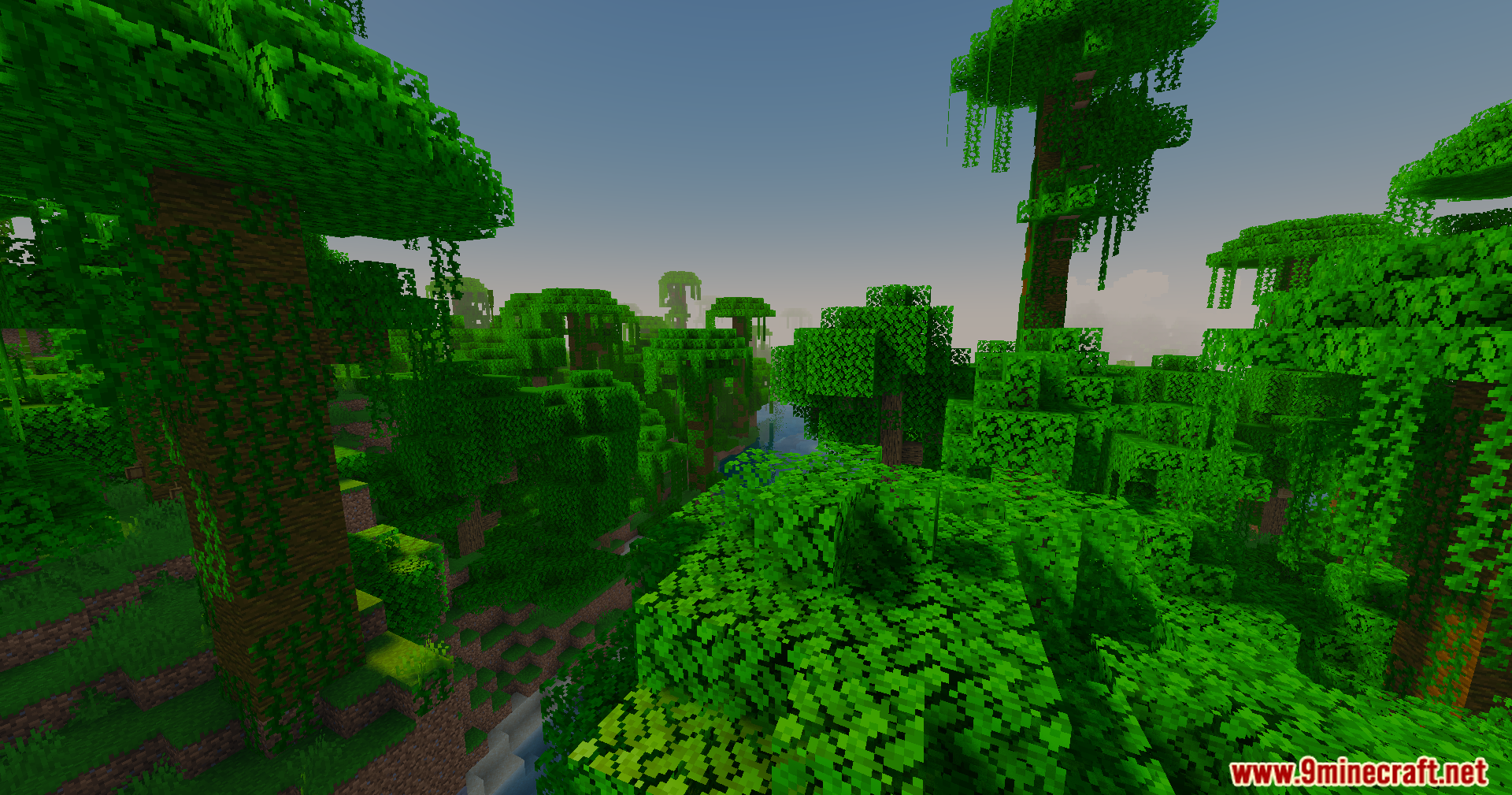
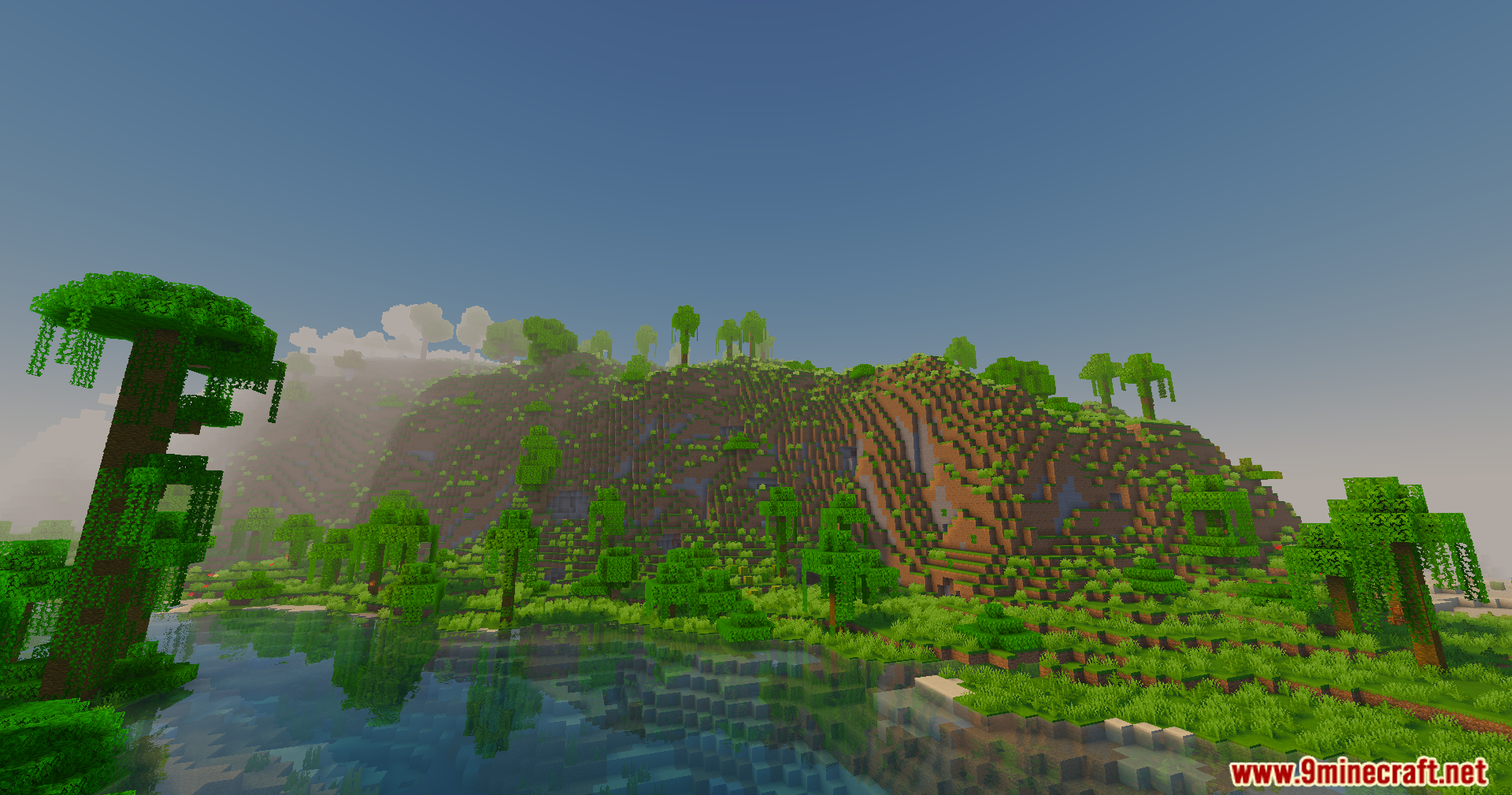
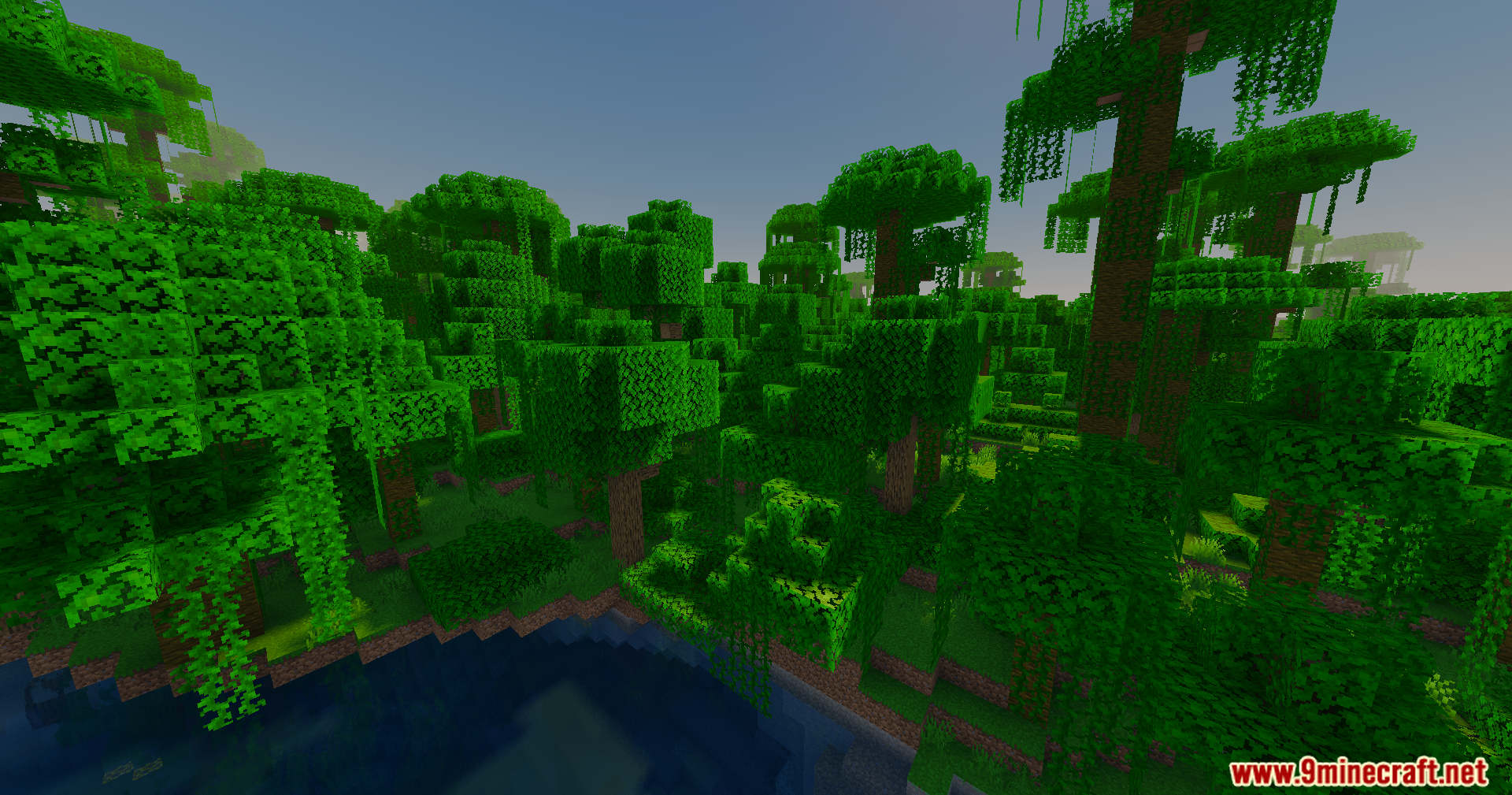
11 images from the Slight Shaders page.
You May Also Like
Wikis that share the most with this one
Wikis on the same theme: light
More shader wikis on the site
 SketchPaper Shaders
The most downloaded mods that have a wiki here