

 DownloadRetroPixel Shaders
Get the files on 9Minecraft
Guides
Step-by-step, in-game.
Adjust Pixelation Intensity for Your SystemFinding the Right Pixel Size RetroPixel Shaders lets you control how chunky or fine the pixelation effect appears. A…Make RetroPixel Work Best with Your World ThemePairing Shaders with Your Build Style RetroPixel Shaders shine when paired with fantasy and cartoon-style worlds. The…Optimize RetroPixel Shaders on Low-End HardwareWhy RetroPixel is Potato-Friendly RetroPixel Shaders is designed to run on weak systems because pixelation is…Troubleshoot Pixelation Looking Uneven or GlitchyCommon Visual Issues Sometimes RetroPixel Shaders can produce uneven pixelation, where some areas look crisp while…
Frequently asked questions
How do I turn on RetroPixel Shaders after installing it?
Open your shader settings menu in-game, find RetroPixel Shaders in the list, and select it. The pixelated effect should apply immediately to your world.
The pixelation is too strong and makes everything blurry. How do I fix this?
Look for the pixelation intensity setting in the shader options and lower it to reduce the effect. You can fine-tune it until the retro look feels right for your system and preference.
RetroPixel Shaders is making my game lag. What can I do?
Try reducing the pixelation intensity, lowering your render distance, or disabling other resource-heavy mods. RetroPixel is designed to be lightweight, so lag usually comes from other sources or system limits.
Does RetroPixel work with texture packs?
Yes, RetroPixel works over texture packs, but the pixelation effect may interact differently depending on your texture pack's resolution and style. Simpler texture packs tend to work best with the retro look.
See all 10 RetroPixel Shaders questions ›
Gallery
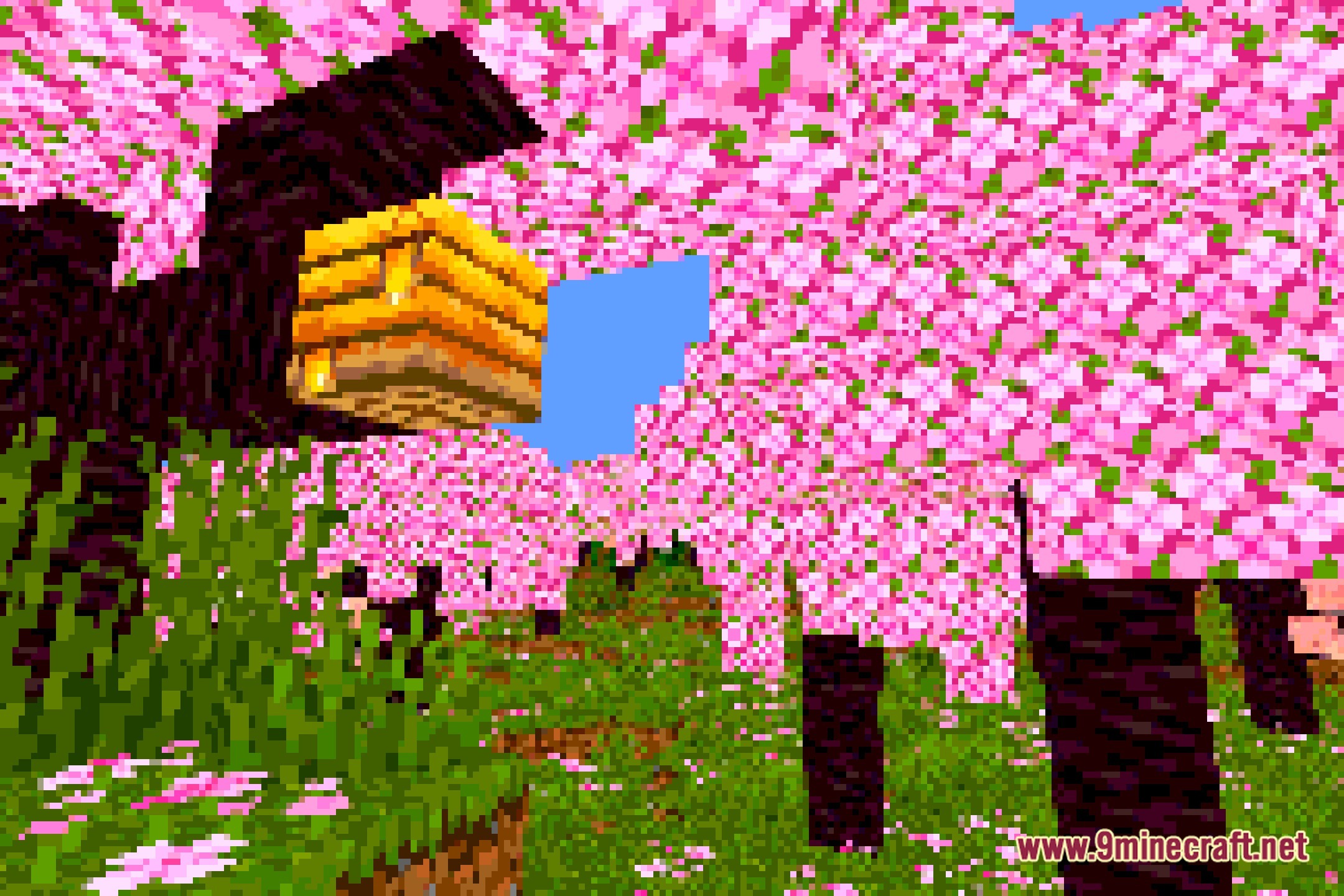
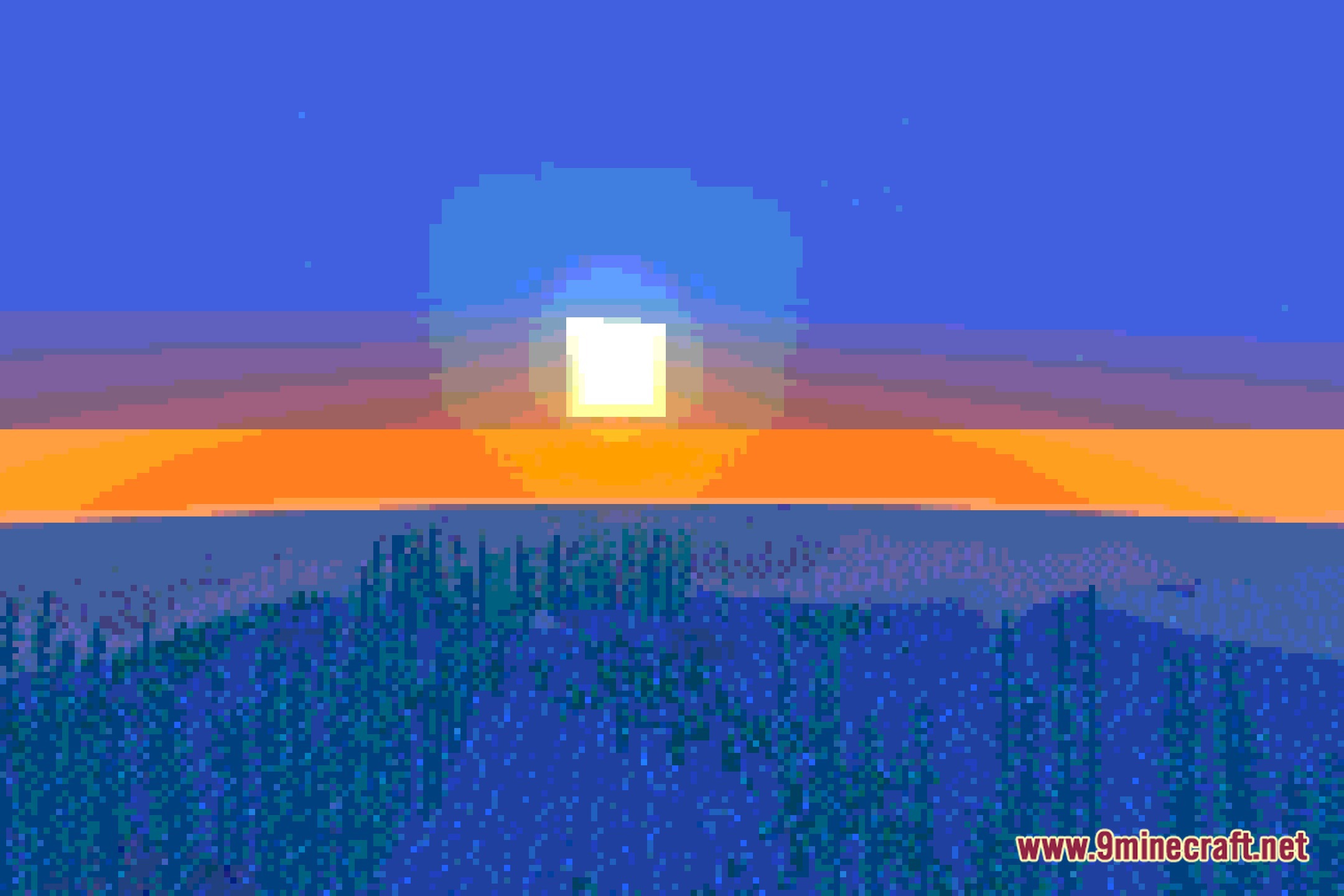
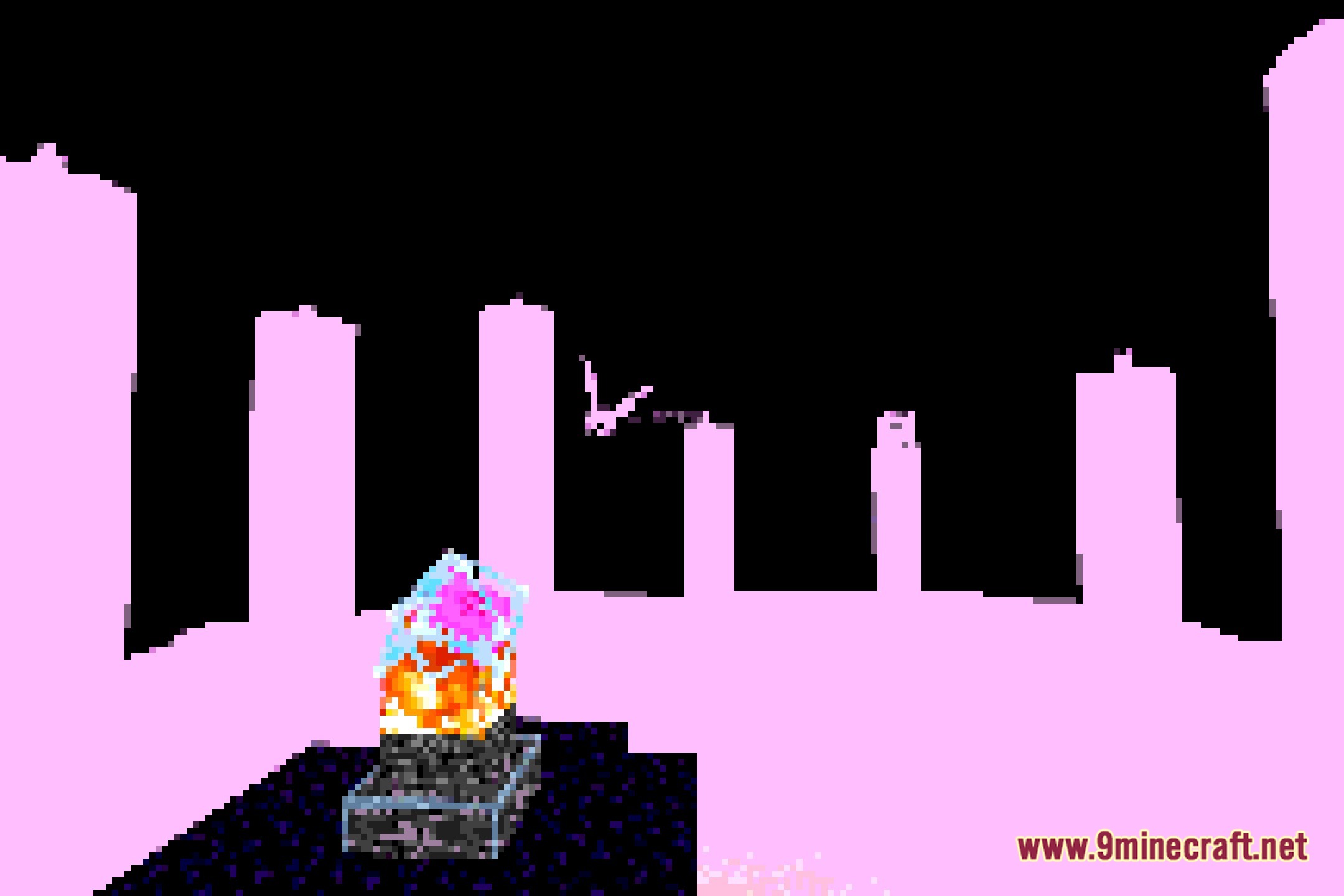
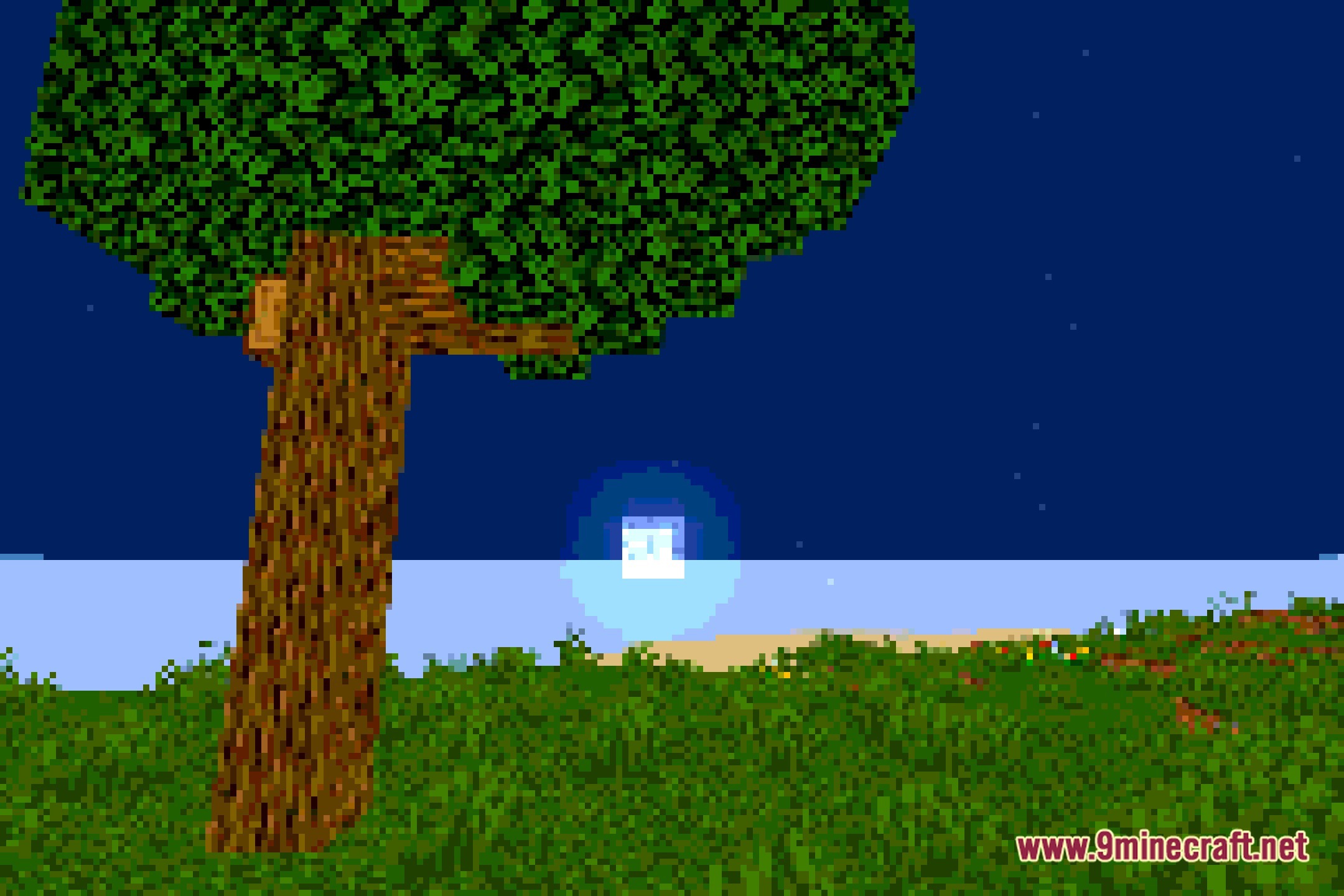
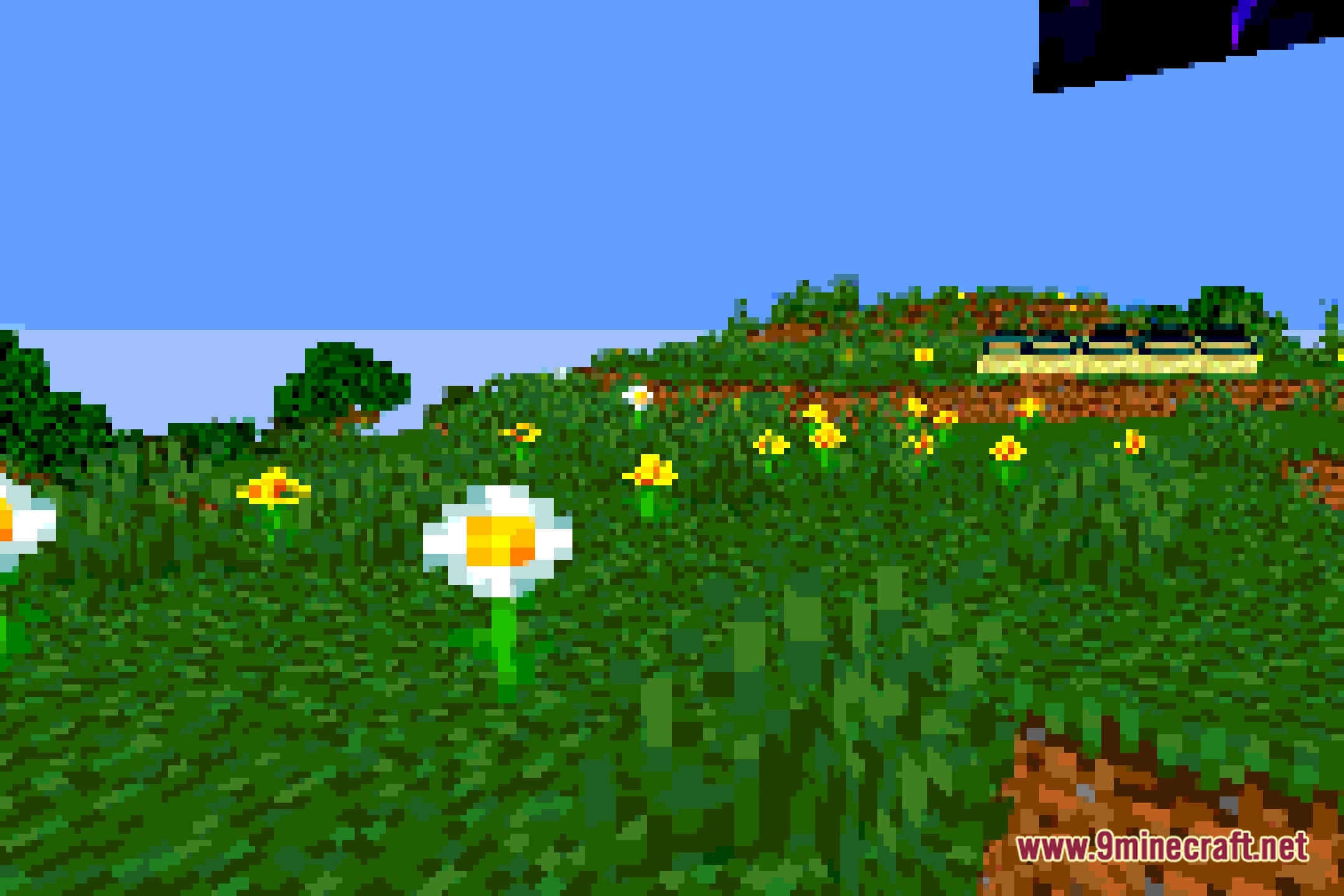
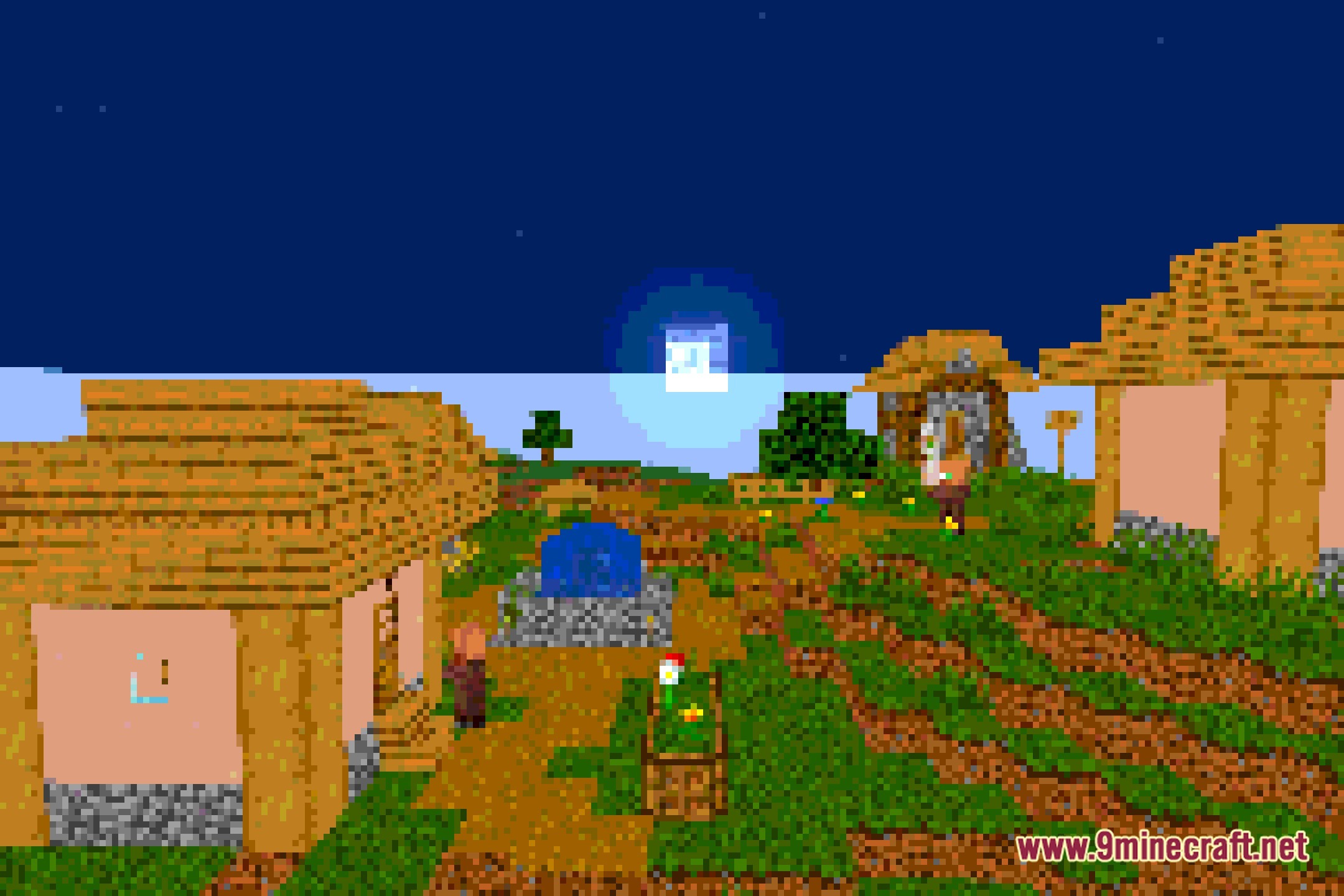
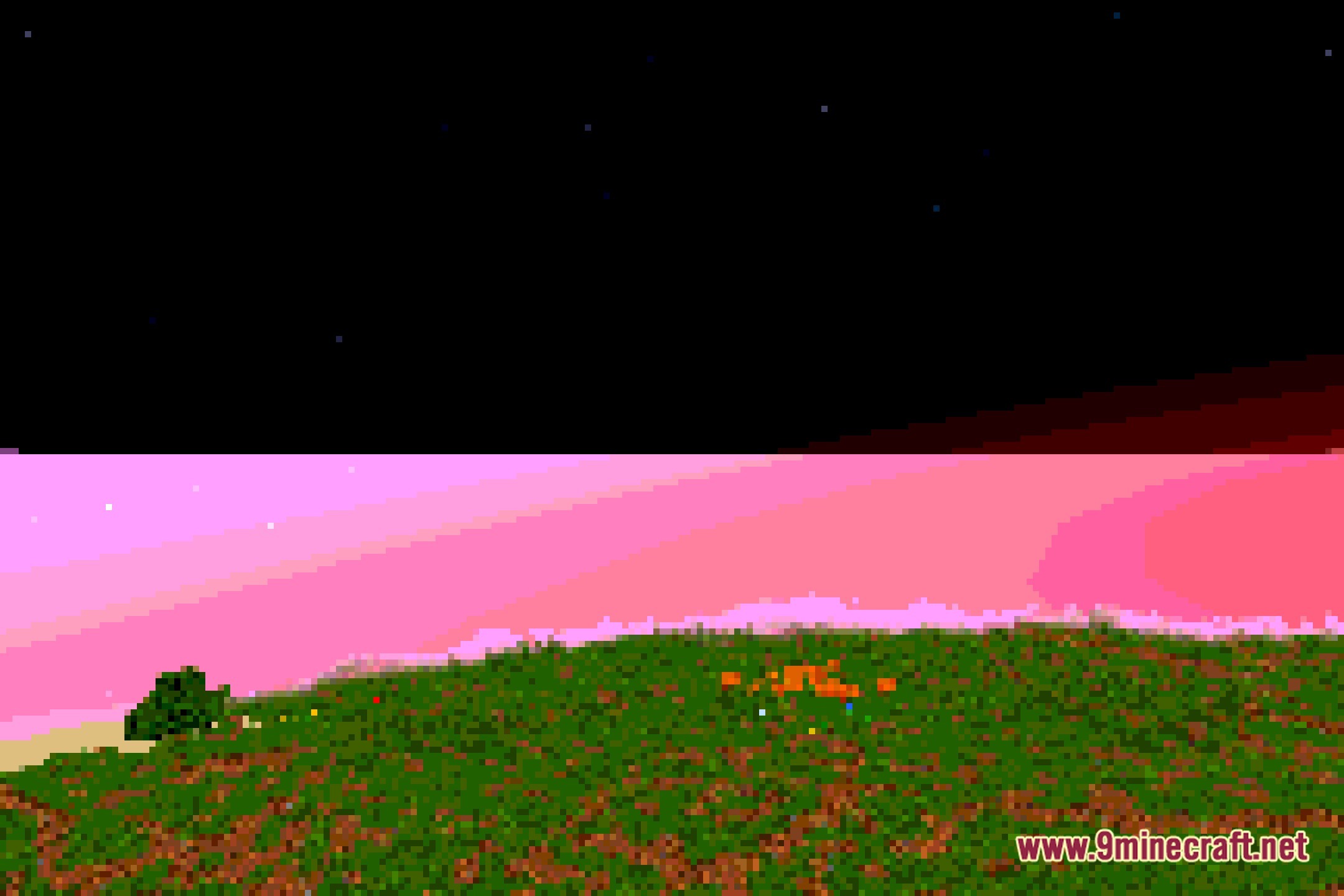
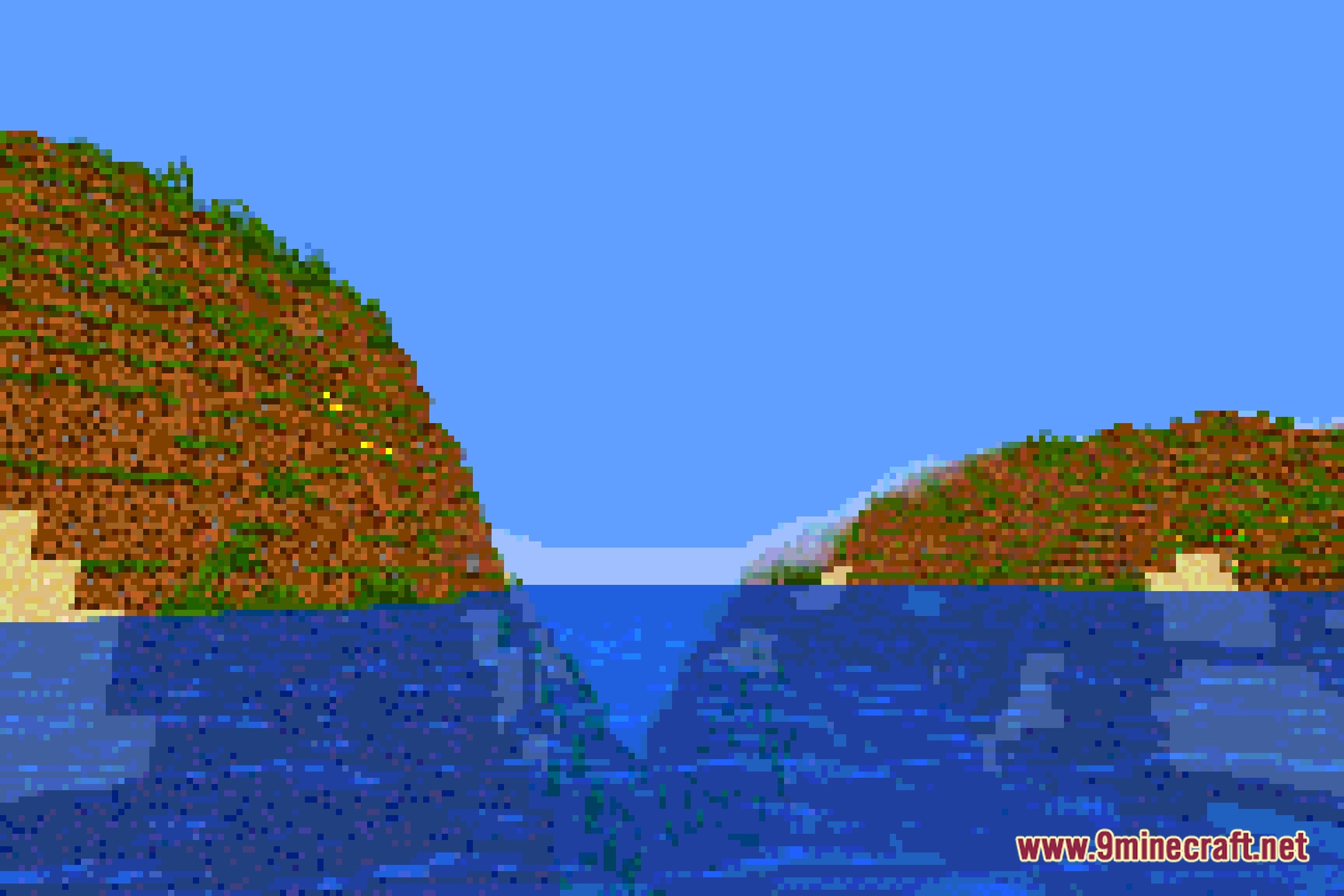
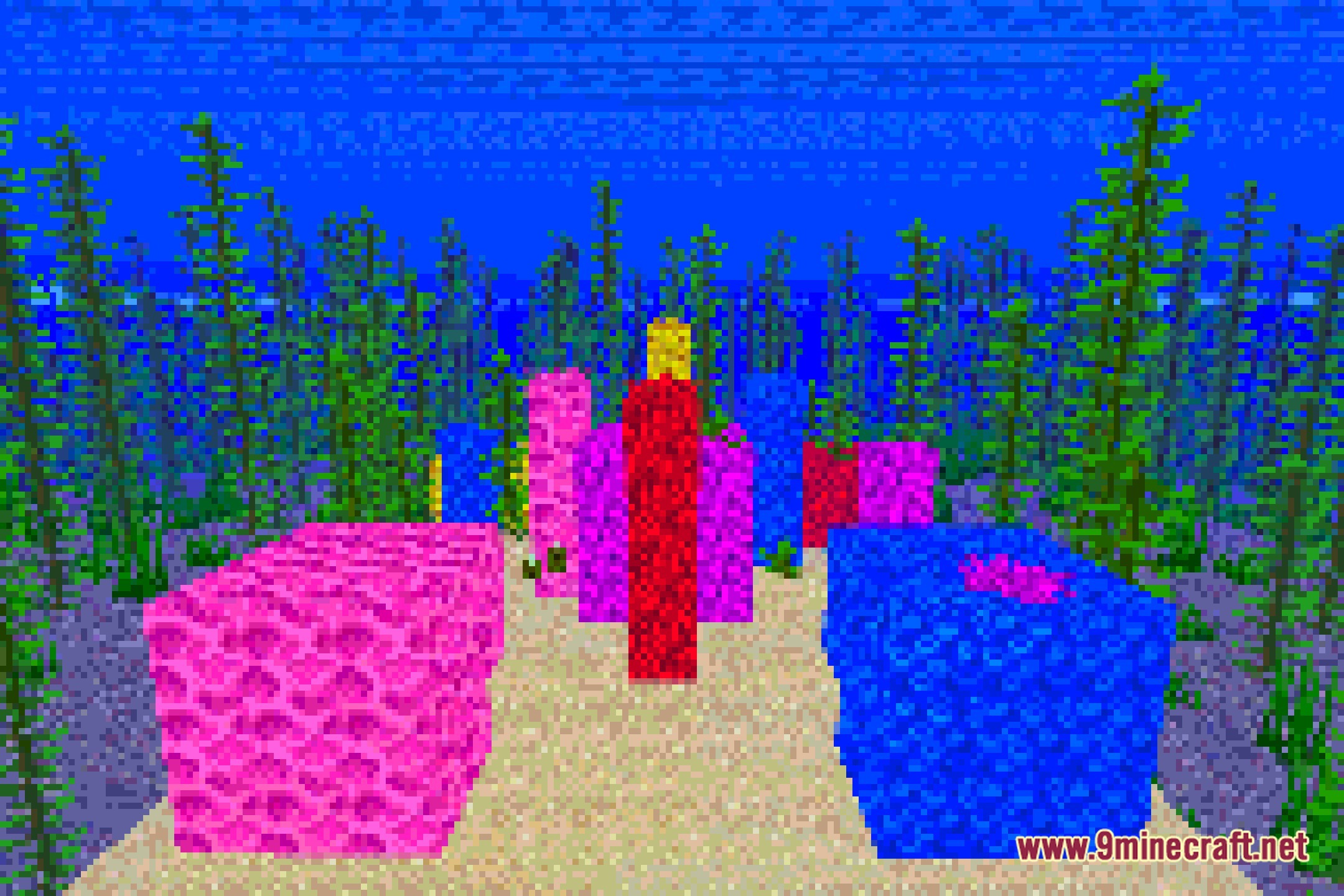
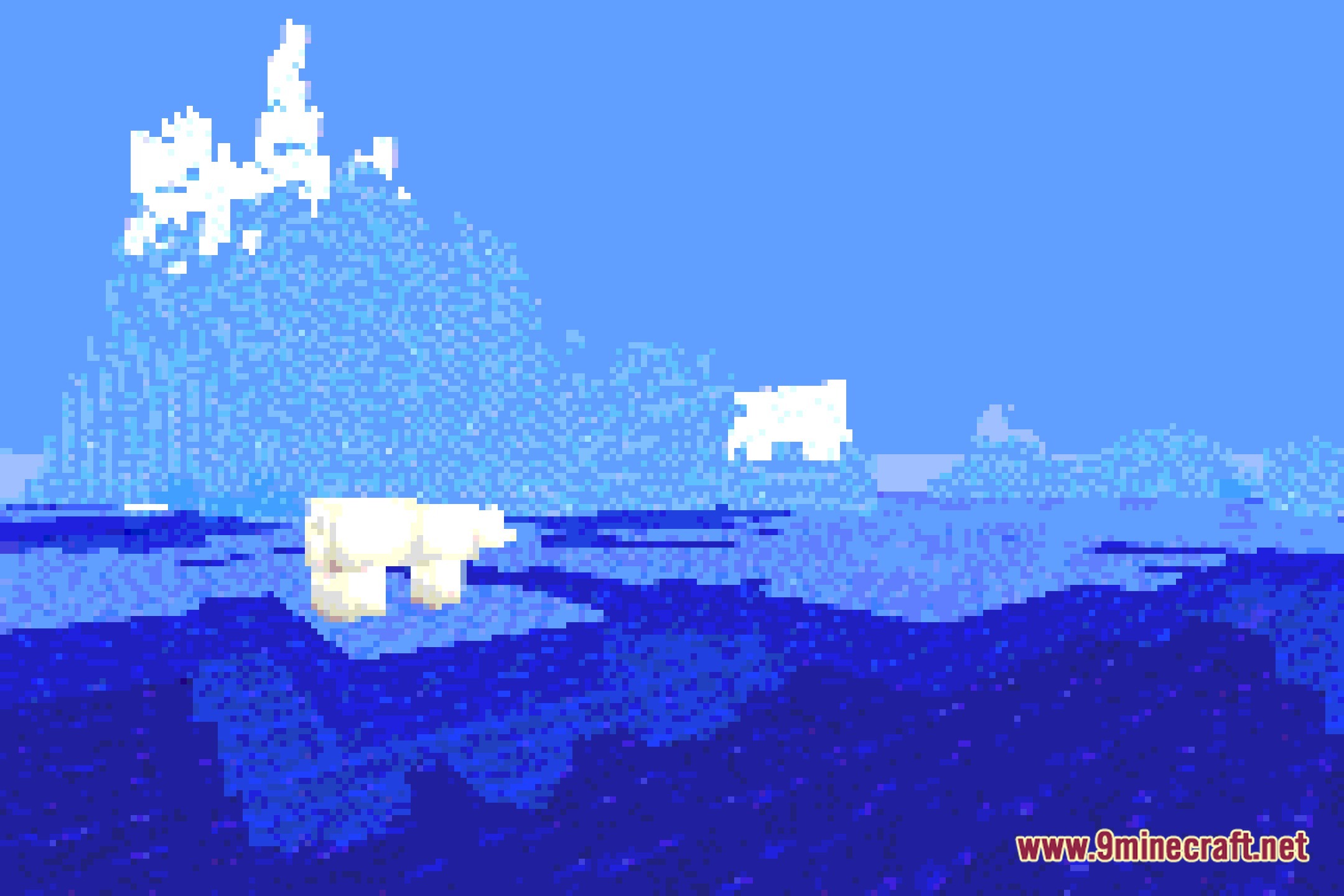
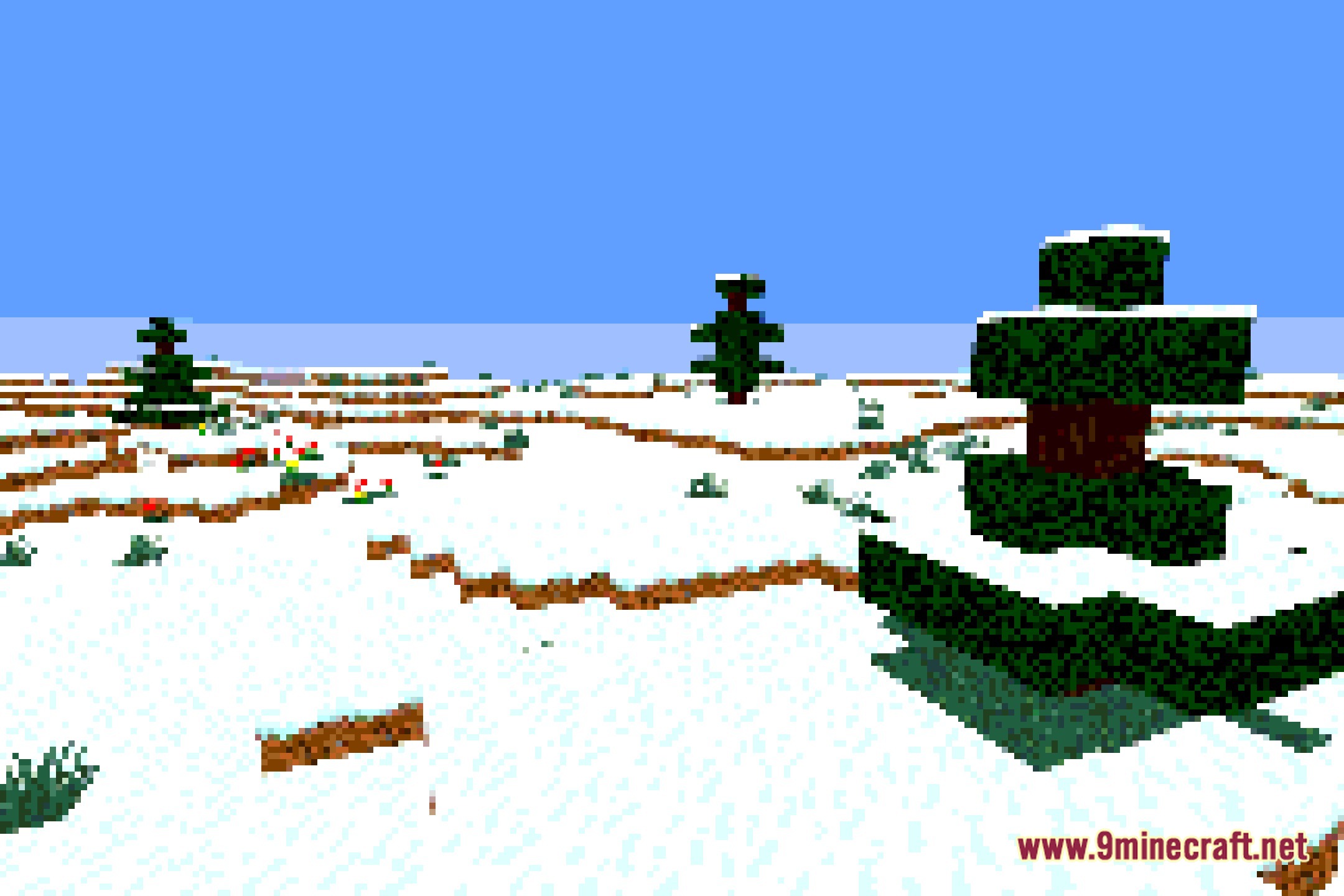
12 images from the Retropixel Shaders page.

You May Also Like
Wikis that share the most with this one
Wikis on the same theme: light
More shader wikis on the site
 RenderKit Utilities Shaders
The most downloaded mods that have a wiki here