

 DownloadRob’s Vanilla Reshaded Shaders
Get the files on 9Minecraft
Guides
Step-by-step, in-game.
Adjust Bloom Intensity for Bright Light SourcesAccess Shader Settings Open the shader options menu while in-game by pressing the designated key (usually found in…Enable or Disable Foliage AnimationOpen Shader Configuration Access the shader settings menu in-game. Navigate to the animation or foliage section of…Improve Nighttime Visibility Without Losing AtmosphereLocate Lighting Adjustments Open shader settings and find the lighting or brightness section. This mod includes…Maintain Original Block Colors and TexturesVerify Color Preservation Settings This shader is designed to preserve vanilla block colors by default. Open shader…
Frequently asked questions
How do I turn on the shader after installing it?
Open the Options menu, go to Video Settings, then select Shaders. Find Rob's Vanilla Reshaded Shaders in the list and click it to activate. The shader will apply immediately to your world.
Why does my bloom look too bright or too dim?
You can adjust bloom intensity through the shader settings menu. Open Shaders, click on the shader name, then look for bloom or brightness options to fine-tune the effect to your preference.
Can I turn off the leaf and grass waving?
Yes, foliage animation can be toggled on or off in the shader options. Access the shader settings and look for foliage or animation controls to disable the waving effect if you prefer static plants.
Does this shader work with texture packs?
Yes, this shader is designed to preserve original block colors and works well with most texture packs. Some heavily modified texture packs may look different, but standard packs should display correctly.
See all 10 Rob’s Vanilla Reshaded Shaders questions ›
Gallery
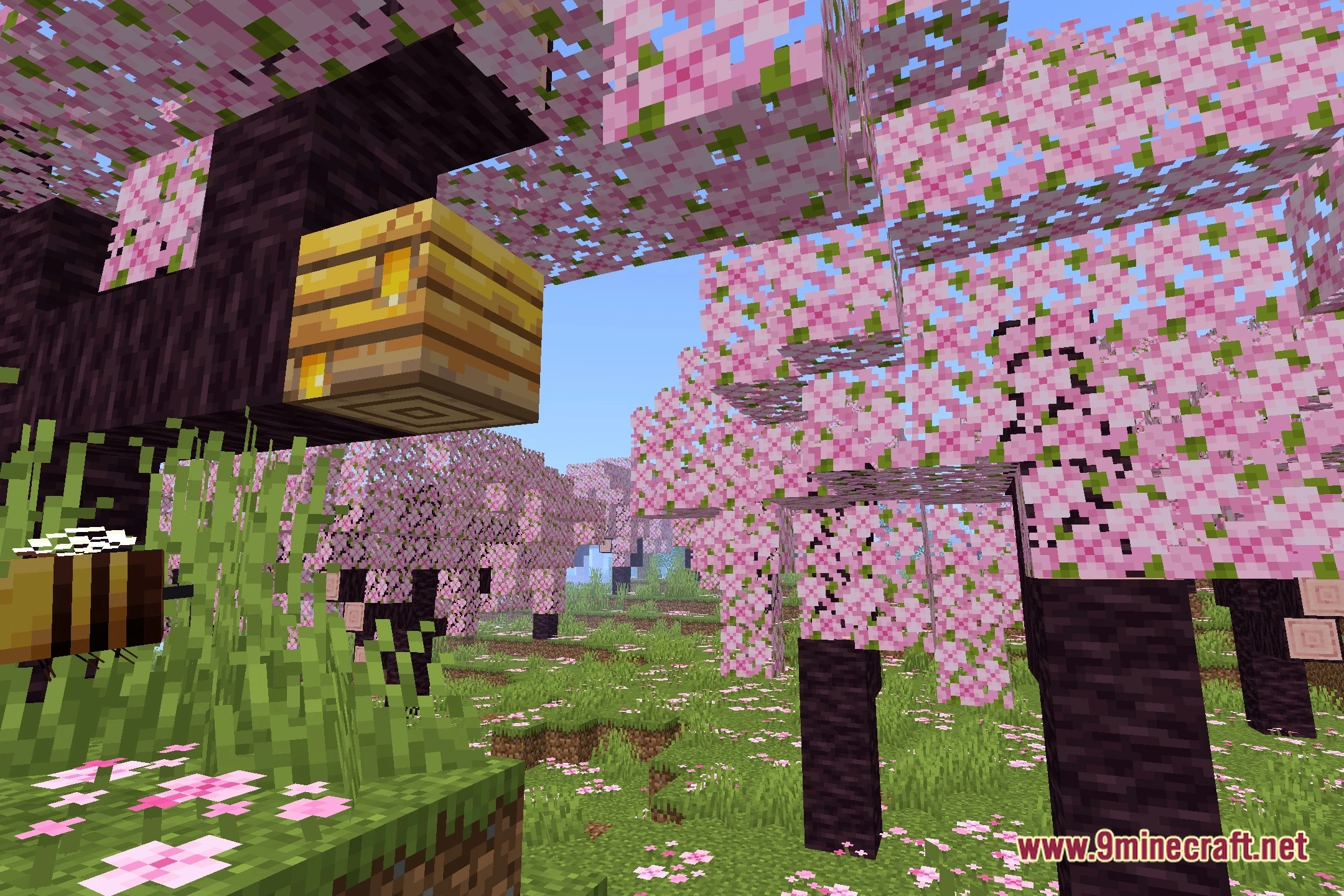
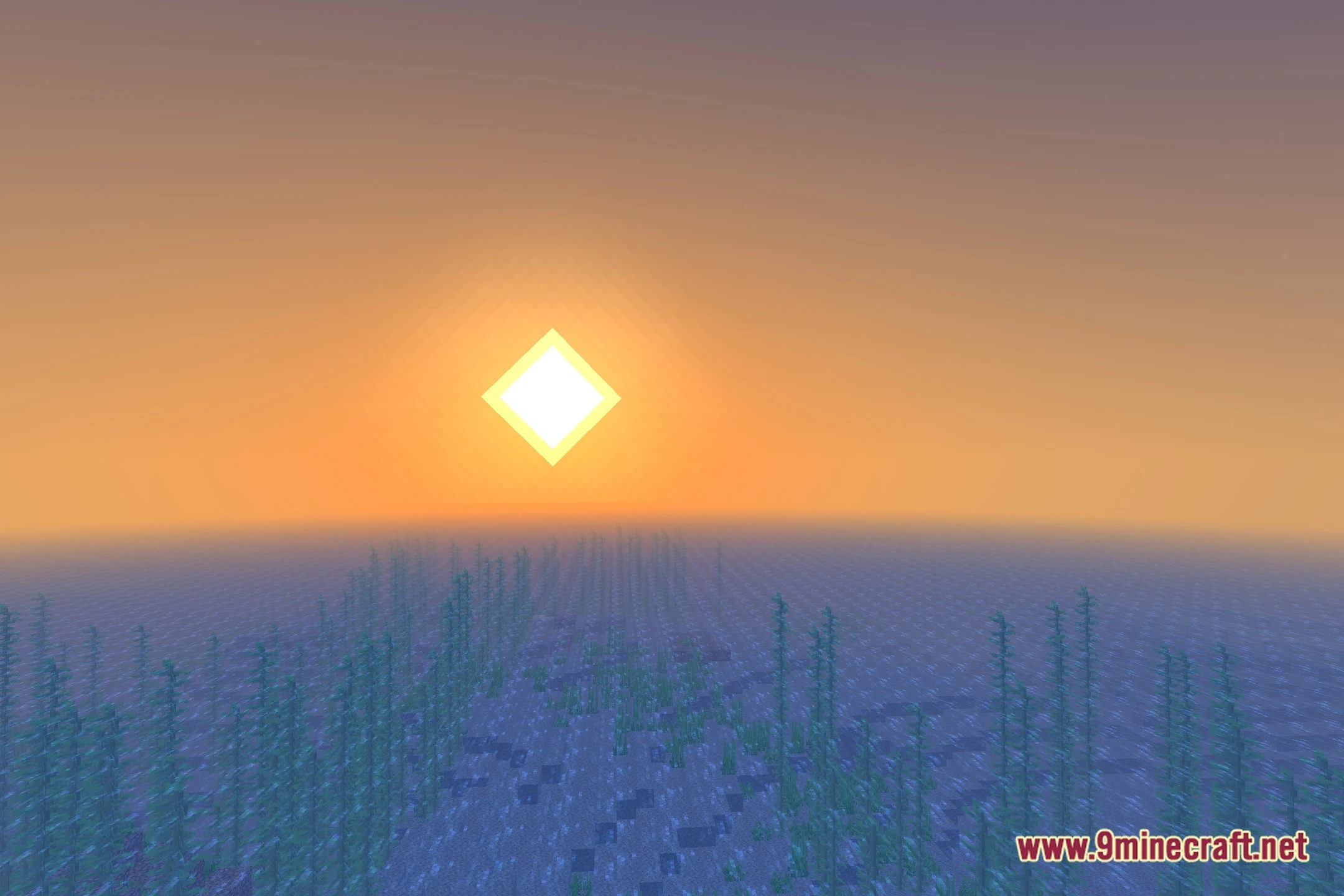
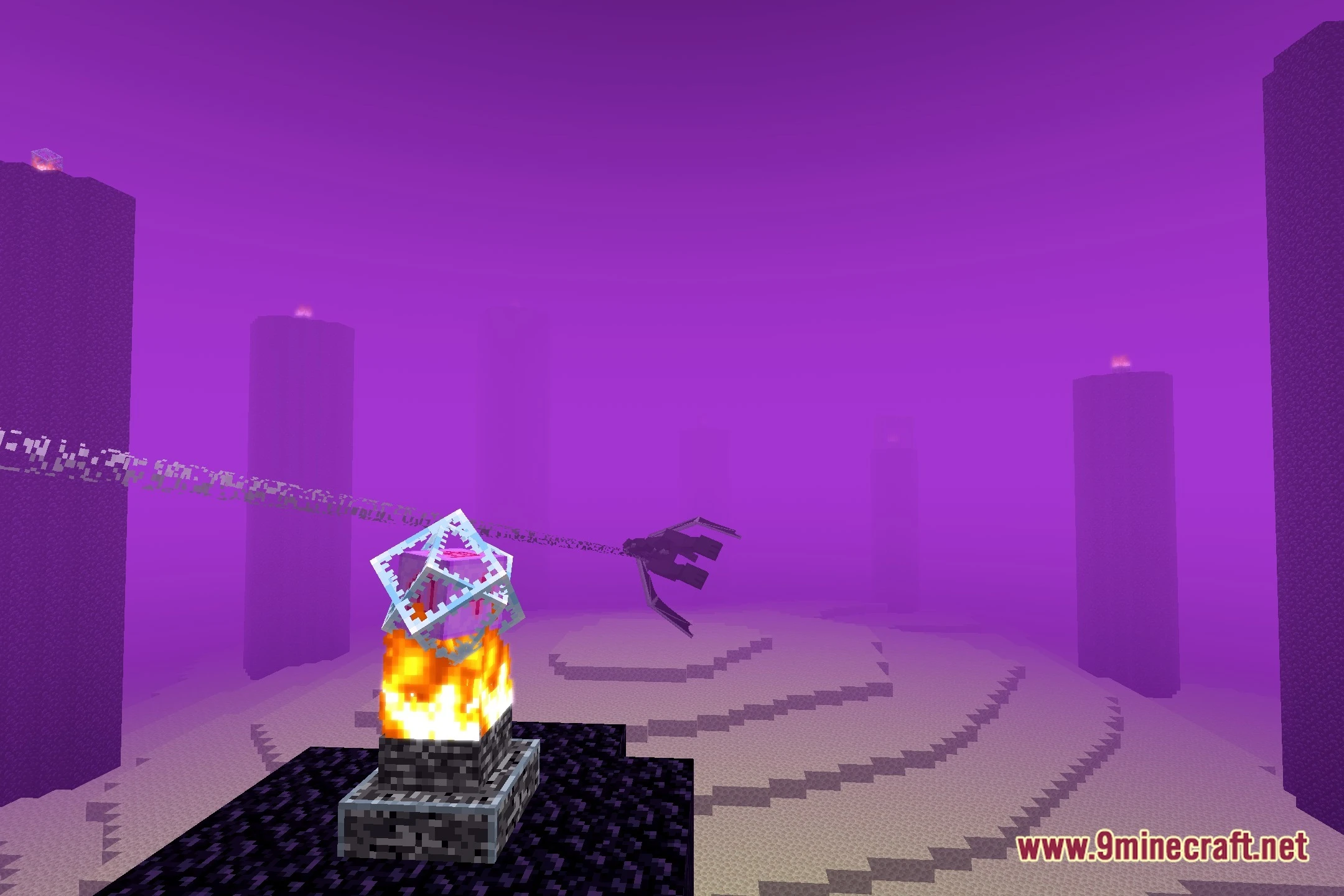
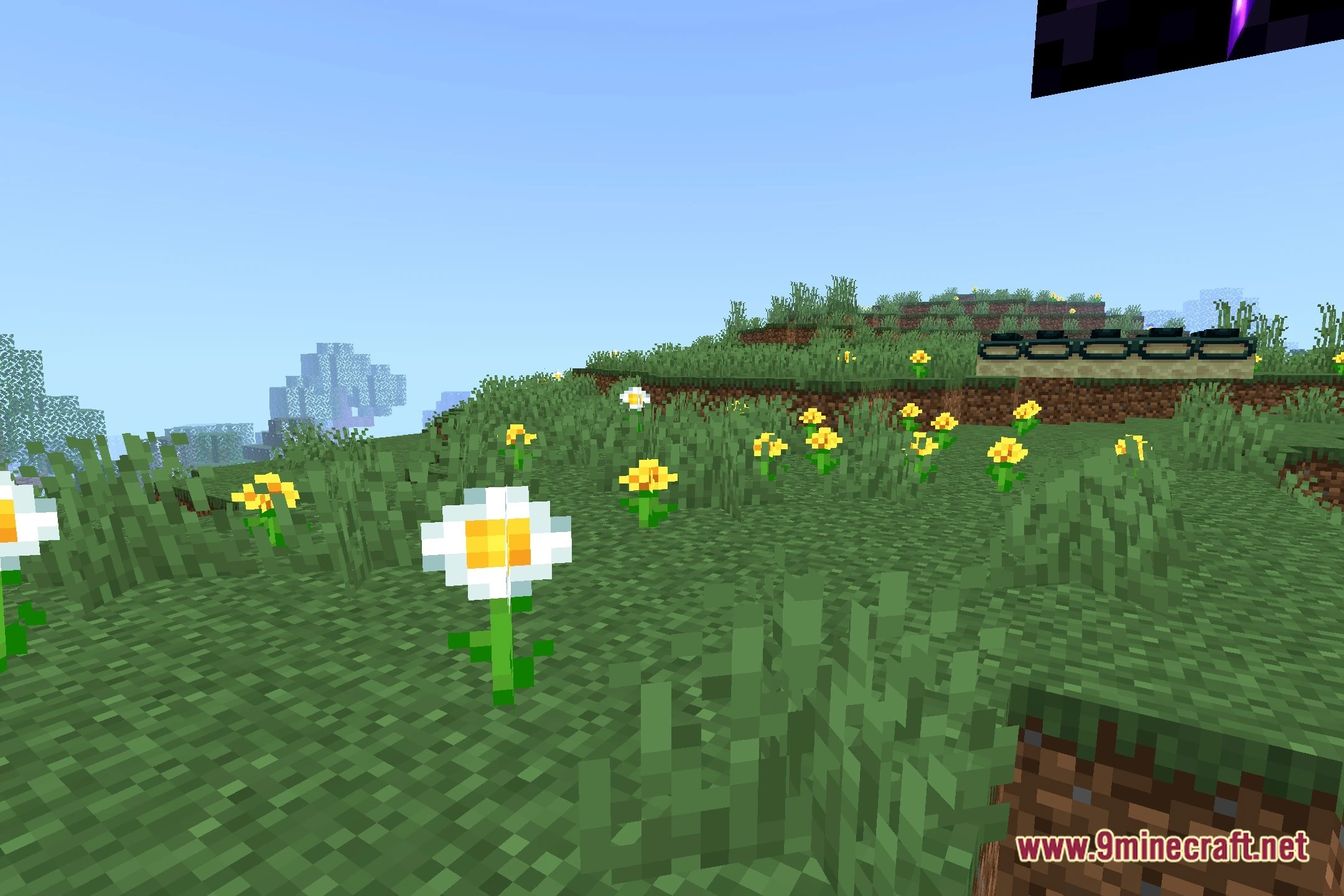
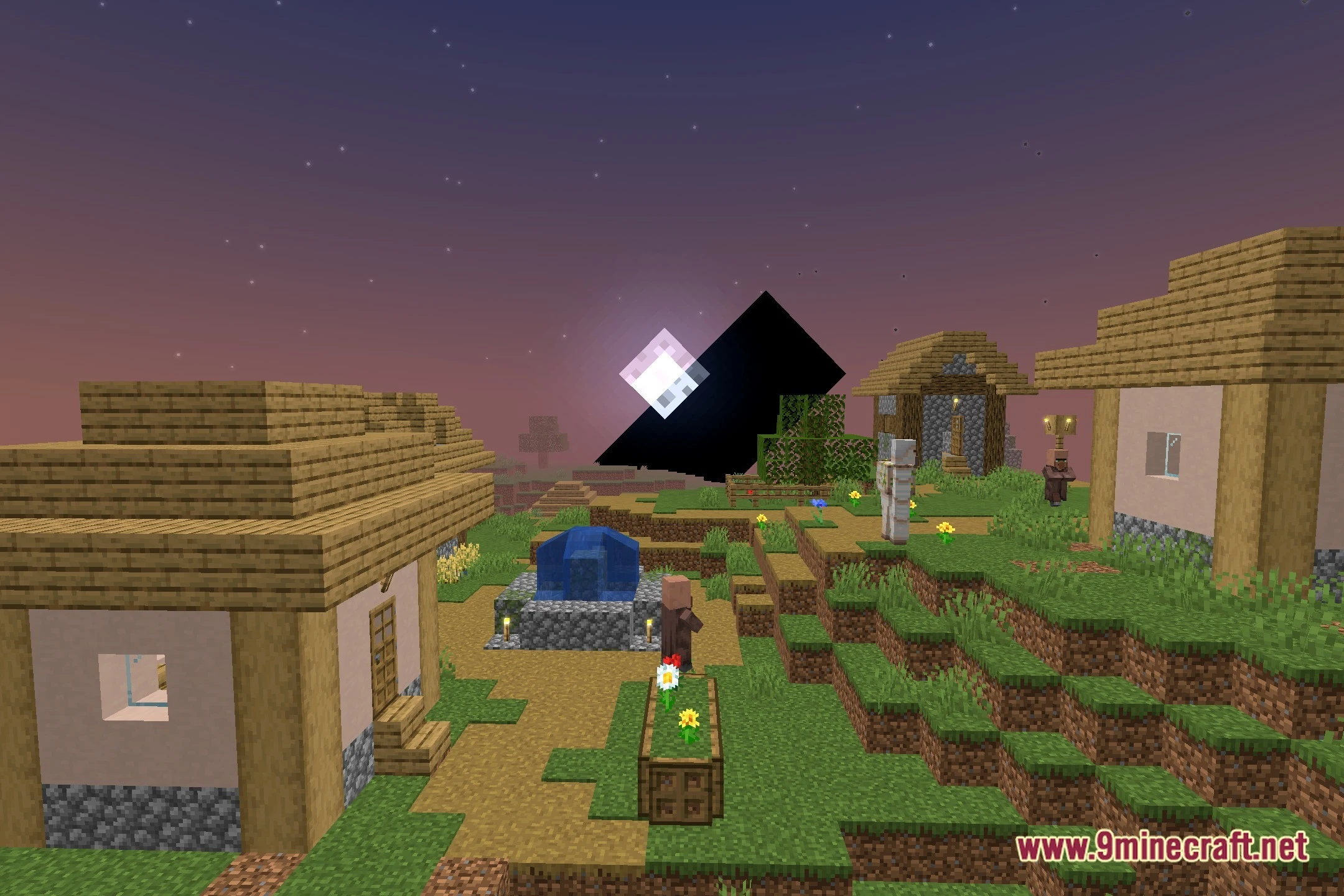
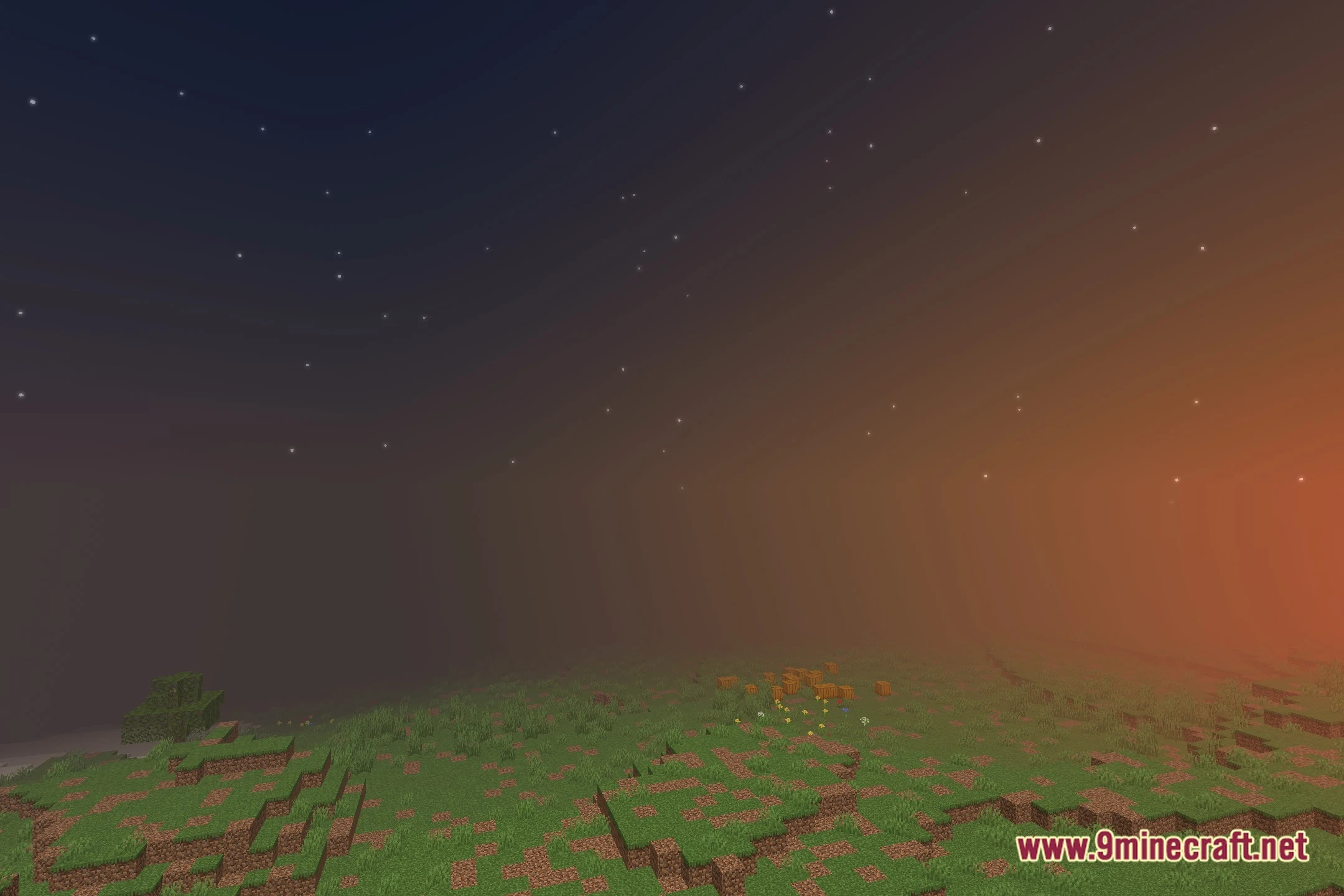
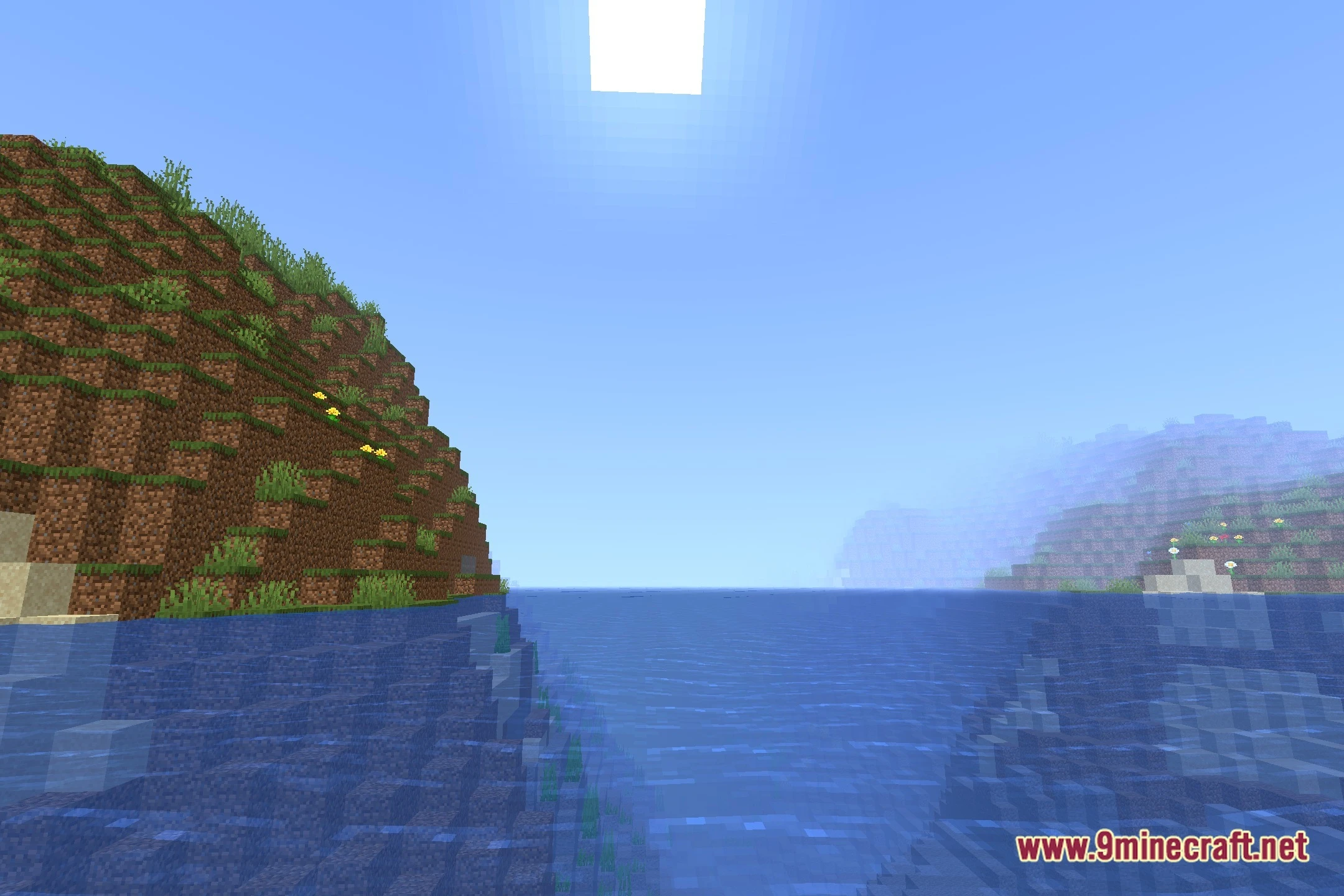
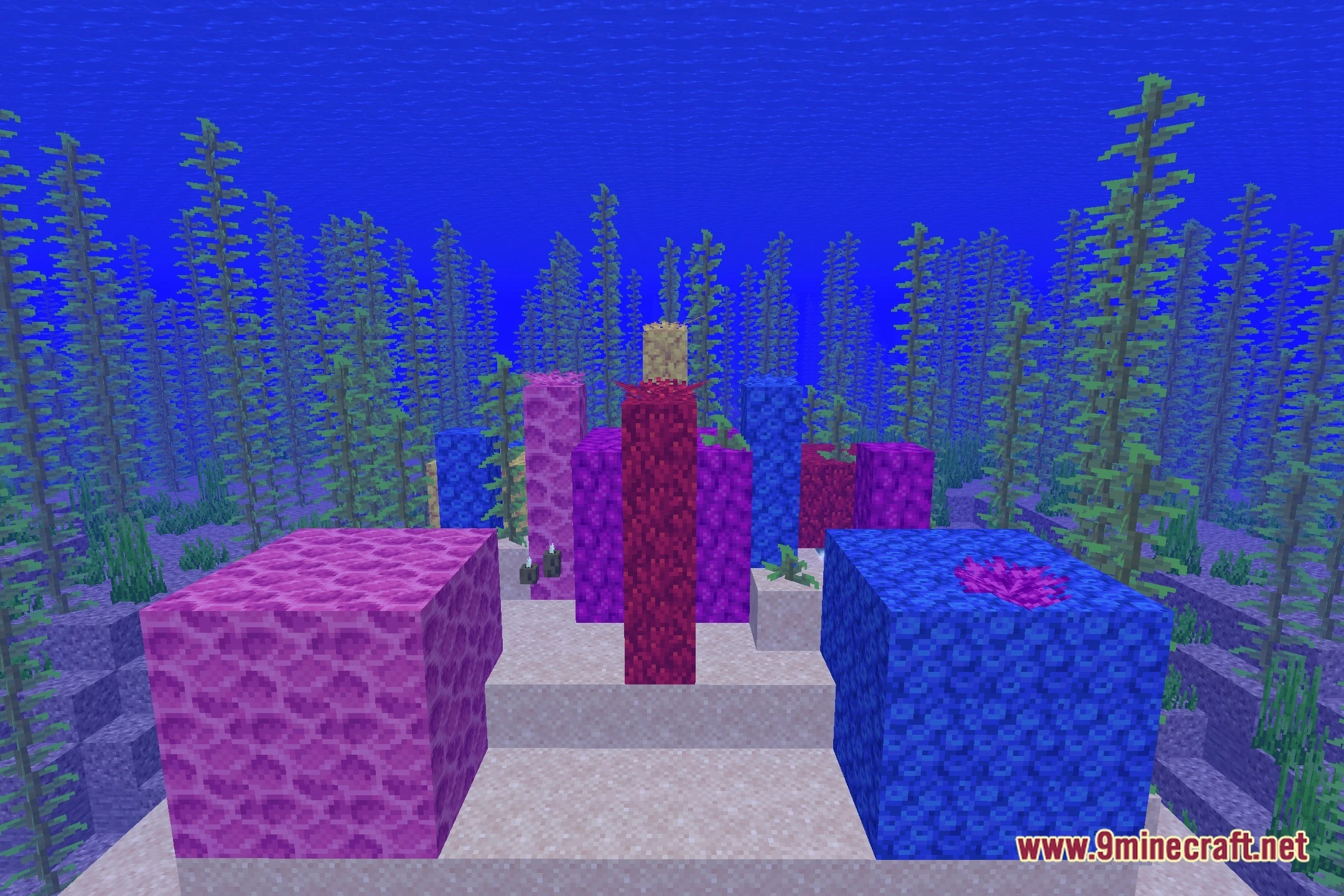
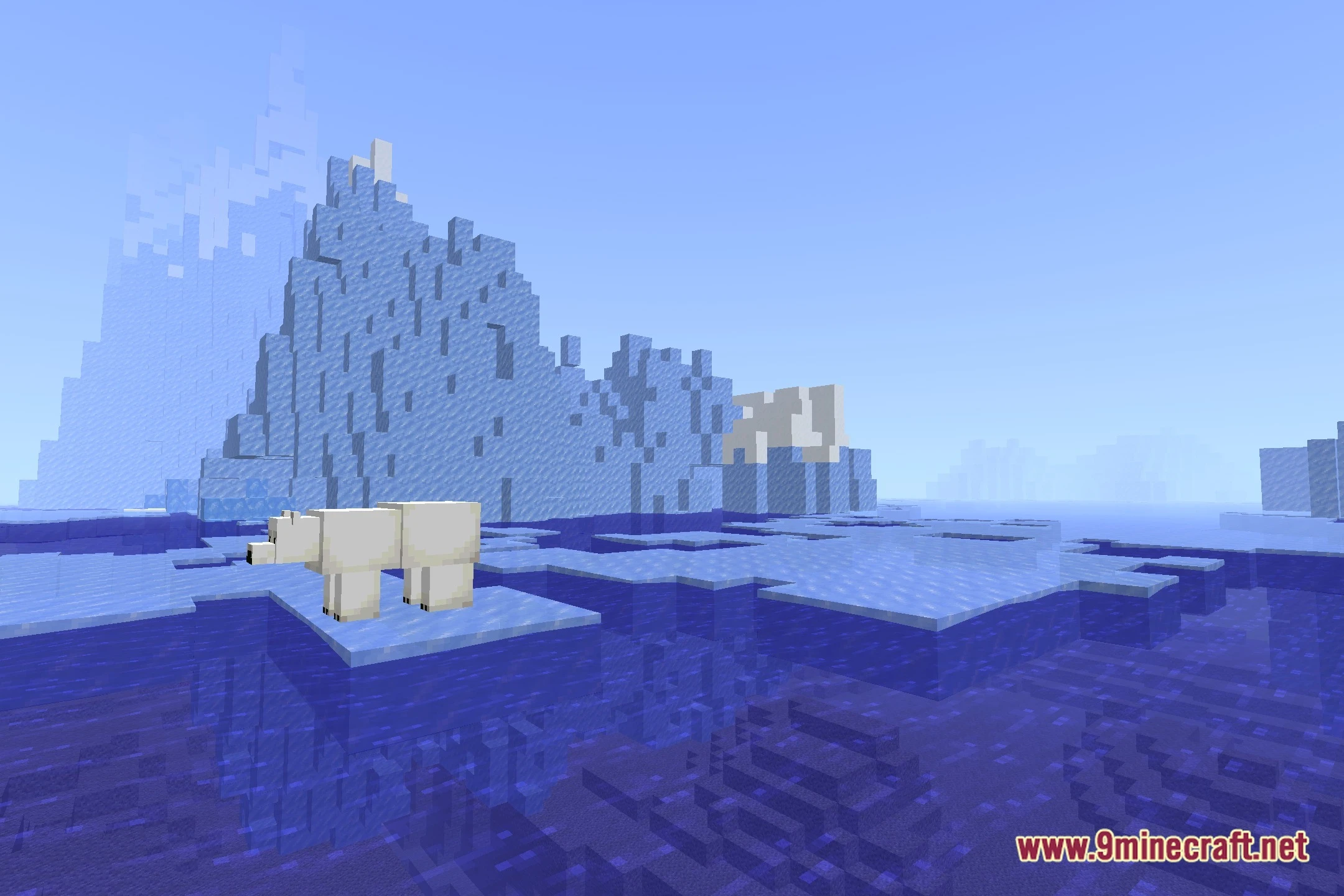
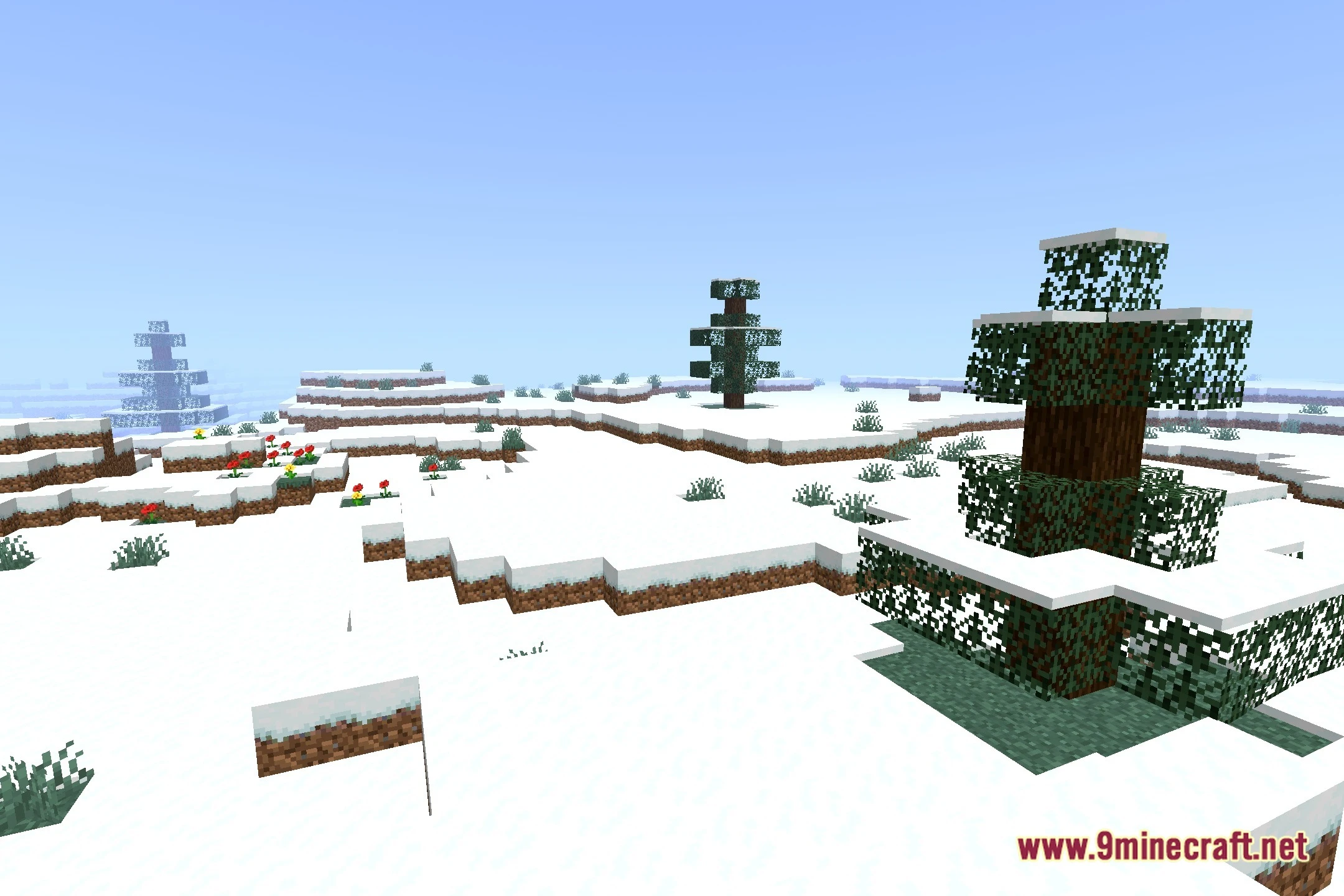
12 images from the Rob S Vanilla Reshaded Shaders page.

You May Also Like
Wikis that share the most with this one
Wikis on the same theme: light
More shader wikis on the site
 Rivet Lite Animatic 1 Shaders
 RenderKit Utilities Shaders
The most downloaded mods that have a wiki here