

 DownloadRefract Shaders
Get the files on 9Minecraft
Guides
Step-by-step, in-game.
Adjust Colored Lighting IntensityAccess Shader Settings Open the shader options menu while in-game by pressing the designated shader menu key…Maintain Vanilla Aesthetics While Using ShadersDisable Aggressive Visual Effects Refract Shaders is designed to preserve the blocky vanilla look, but you can dial…Optimize Water Reflections for Your SystemOpen Reflection Settings Access the shader configuration menu and navigate to the reflection or water quality…Reduce Shadow Harshness During MiddayLocate Shadow Settings Open the shader options menu and find the shadow softness or shadow quality controls. Refract…
Frequently asked questions
How do I enable Refract Shaders after installing it?
Launch Minecraft, go to Options > Video Settings > Shaders, then locate and select Refract Shaders from your shader pack list. The shaders will activate immediately when you apply the selection.
Why do my shadows look too dark or too harsh?
Adjust the shadow softness setting in the shader options menu—look for shadow distance or penumbra controls to reduce harshness. If shadows are too dark overall, check your brightness slider and ensure your monitor isn't set too low.
Can I adjust how bright the colored lighting looks?
Yes, open the shader settings and find the colored lighting or light intensity slider to increase or decrease how much tint light sources cast on nearby blocks. Lower values make lighting more subtle; higher values make it more dramatic.
Water reflections are making my game lag—how do I fix this?
Reduce the water reflection quality in shader settings by lowering the reflection resolution or disabling reflections for distant blocks. You can also lower your render distance to improve performance while keeping reflections enabled up close.
See all 10 Refract Shaders questions ›
Gallery
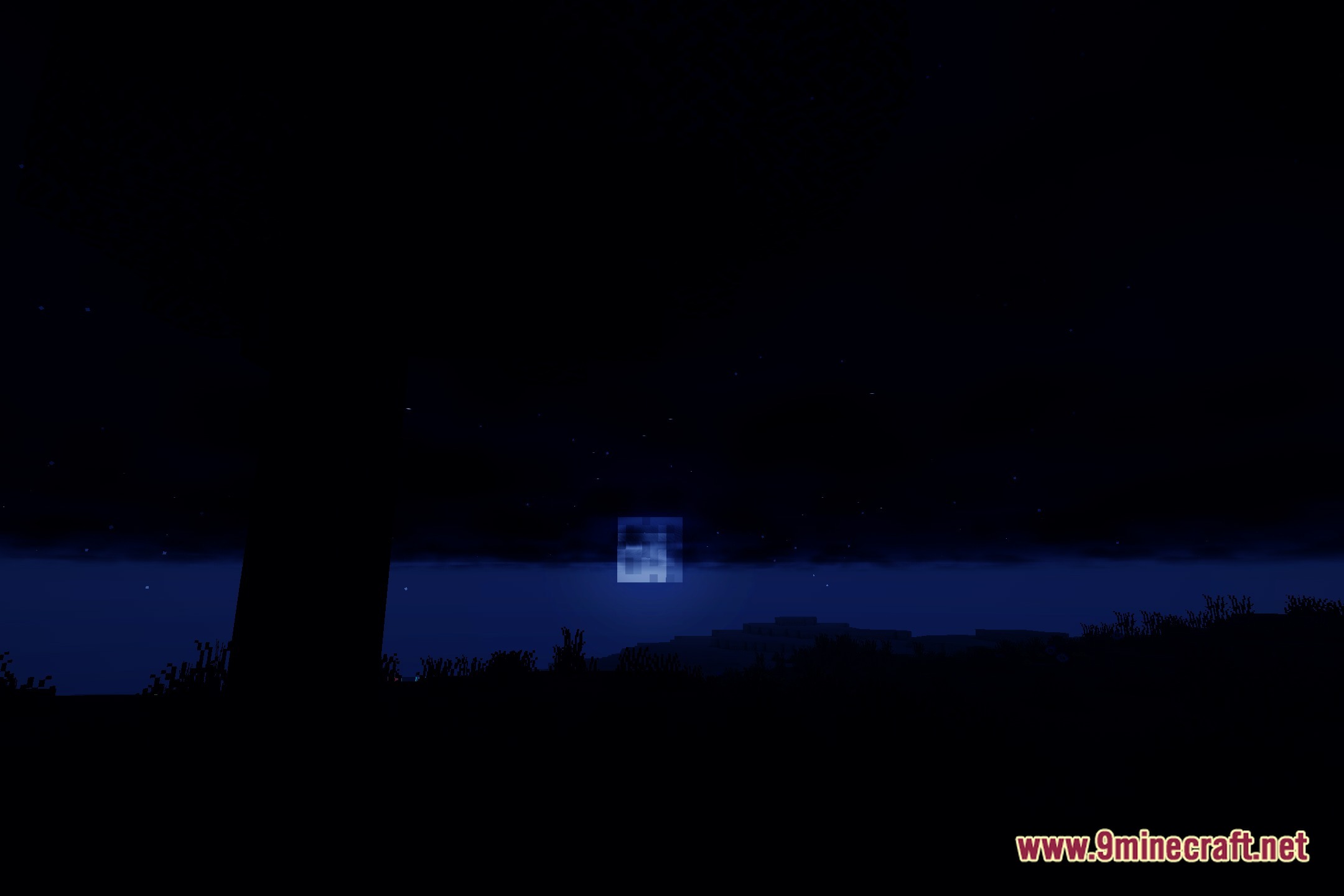
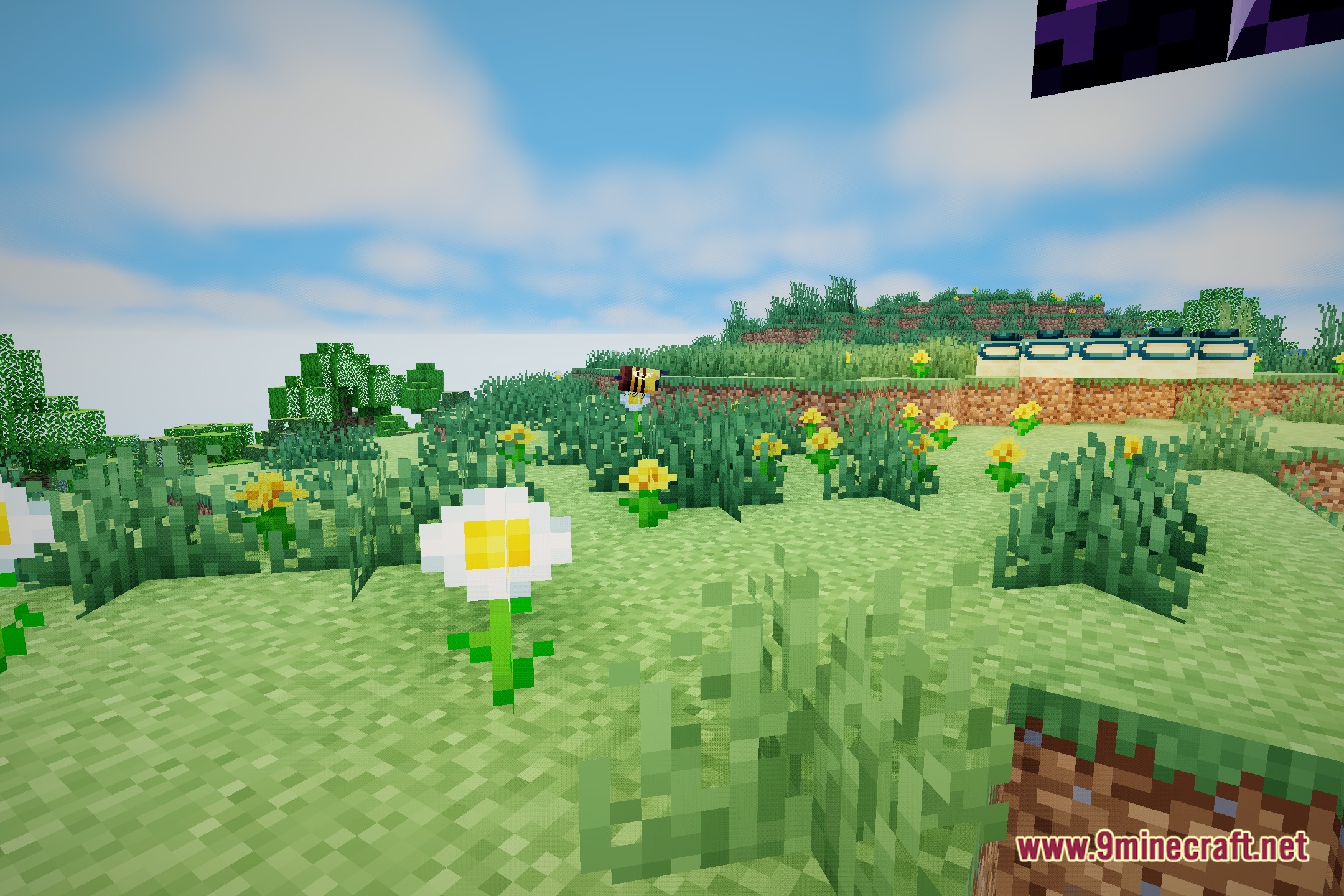
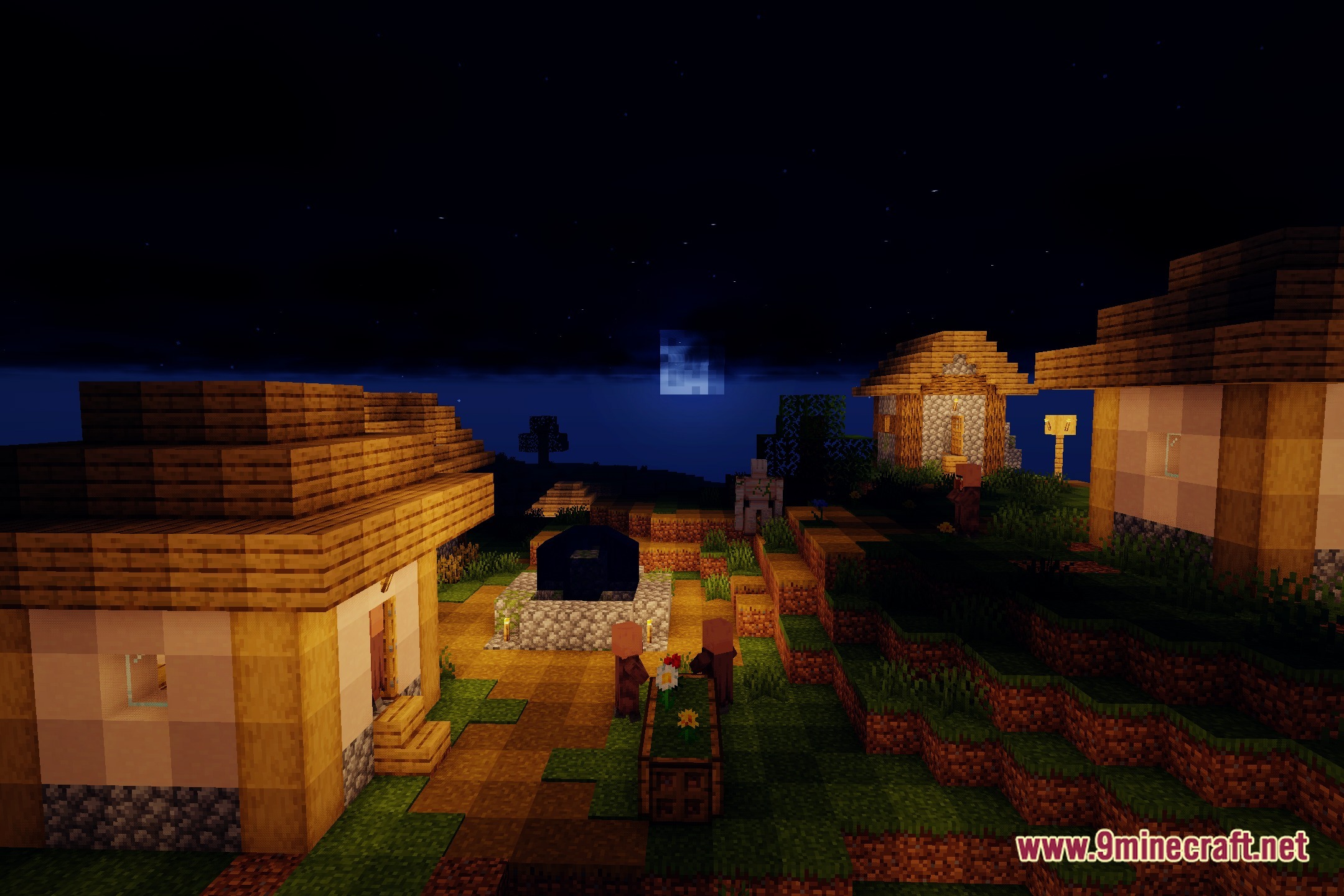
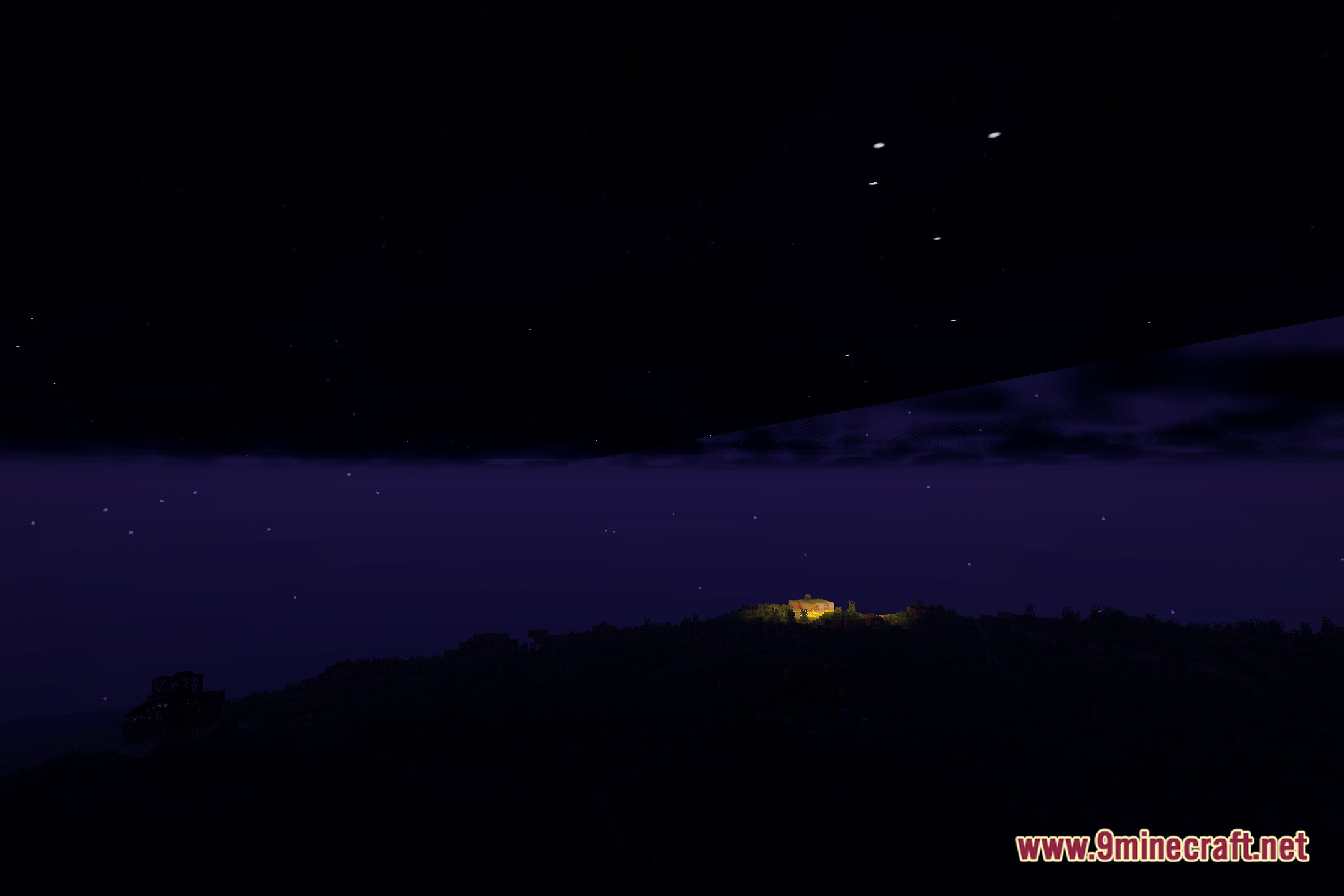
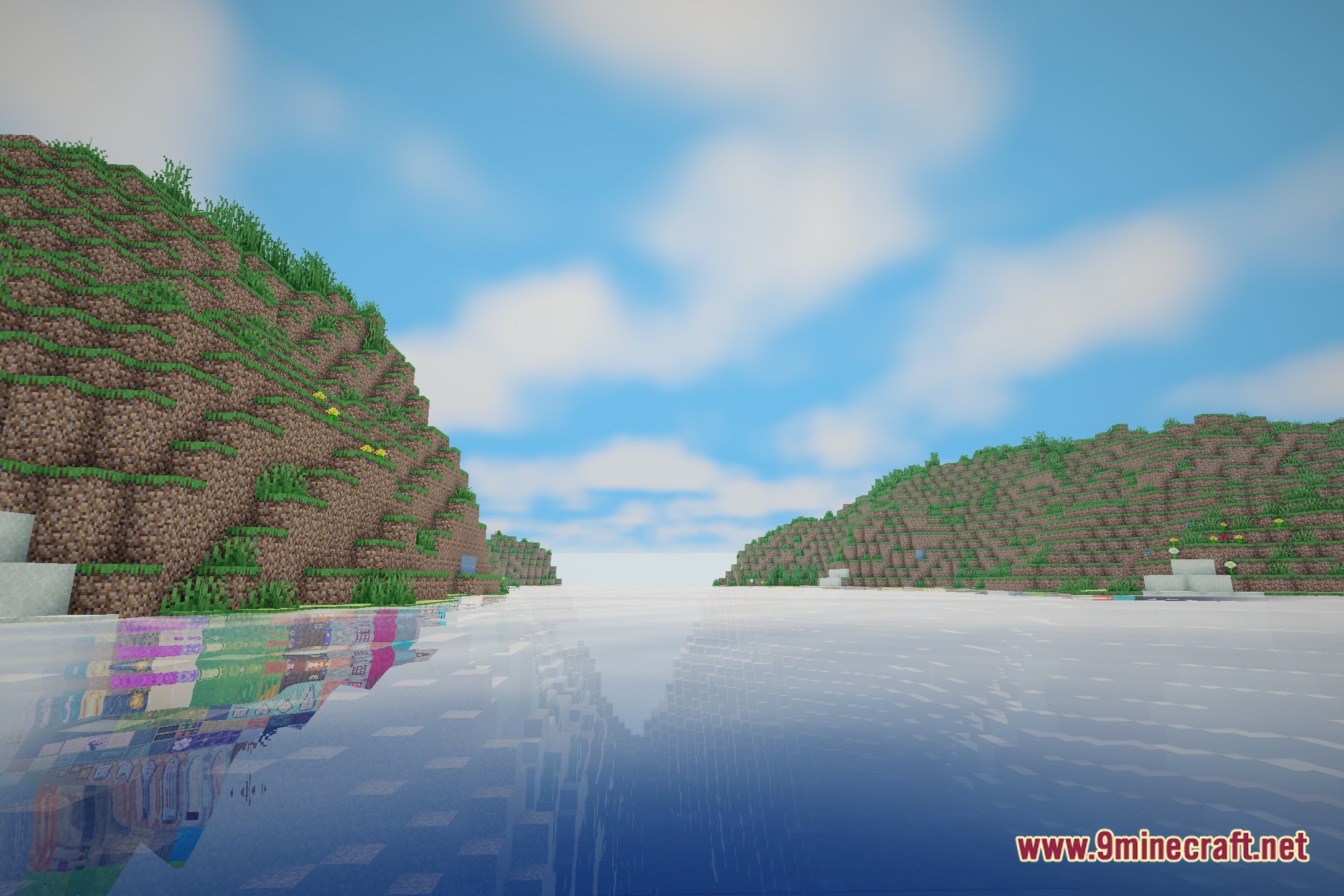
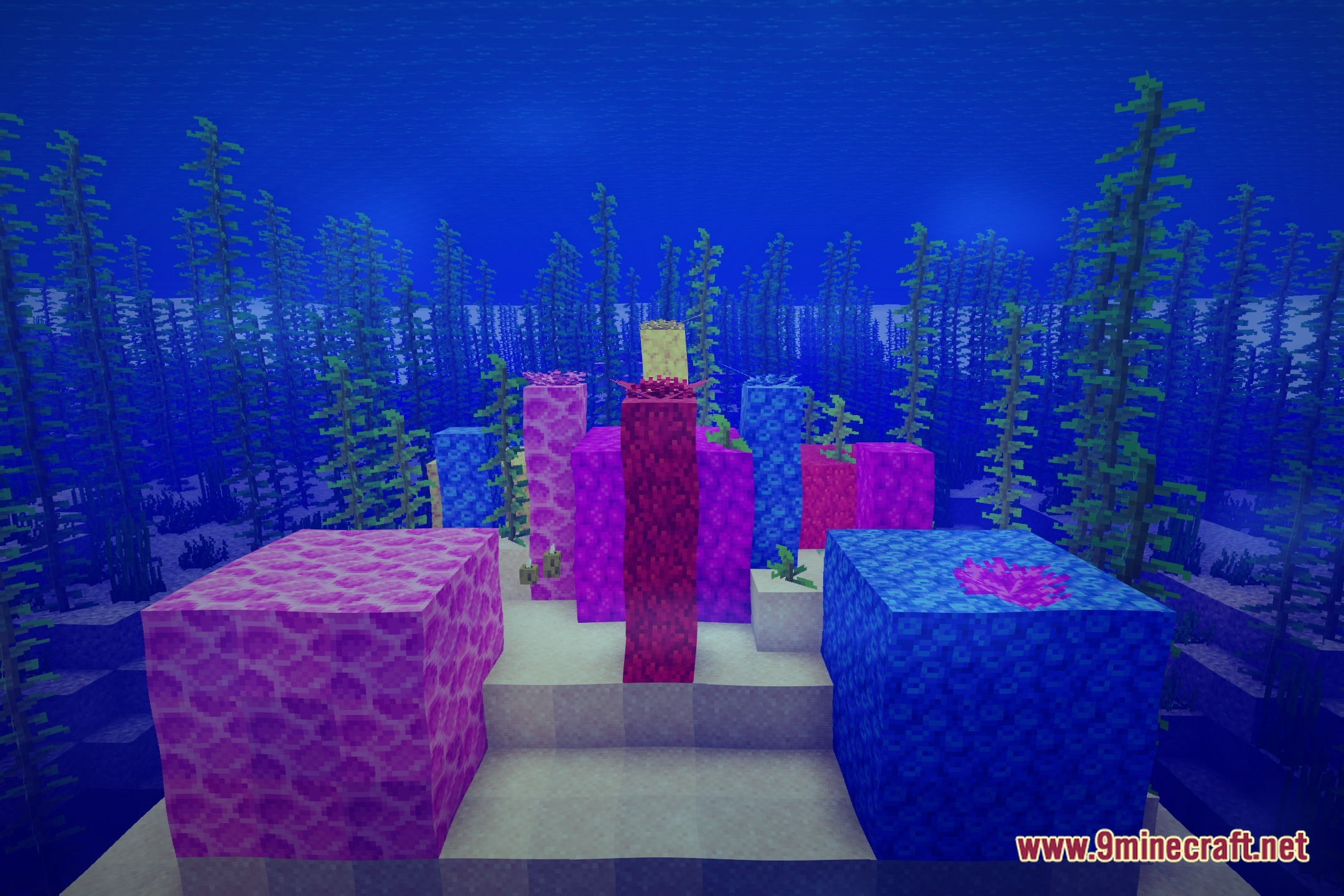
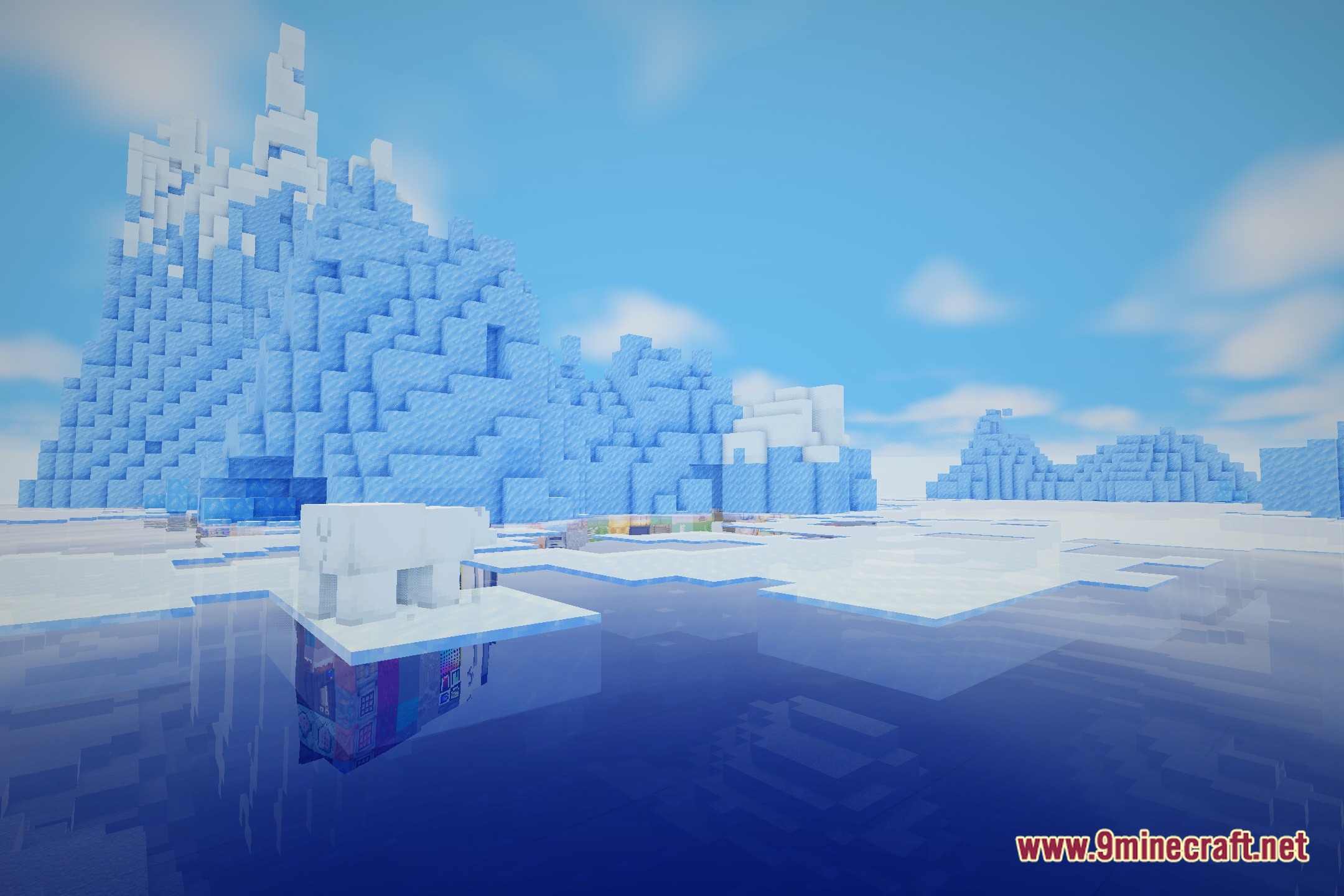
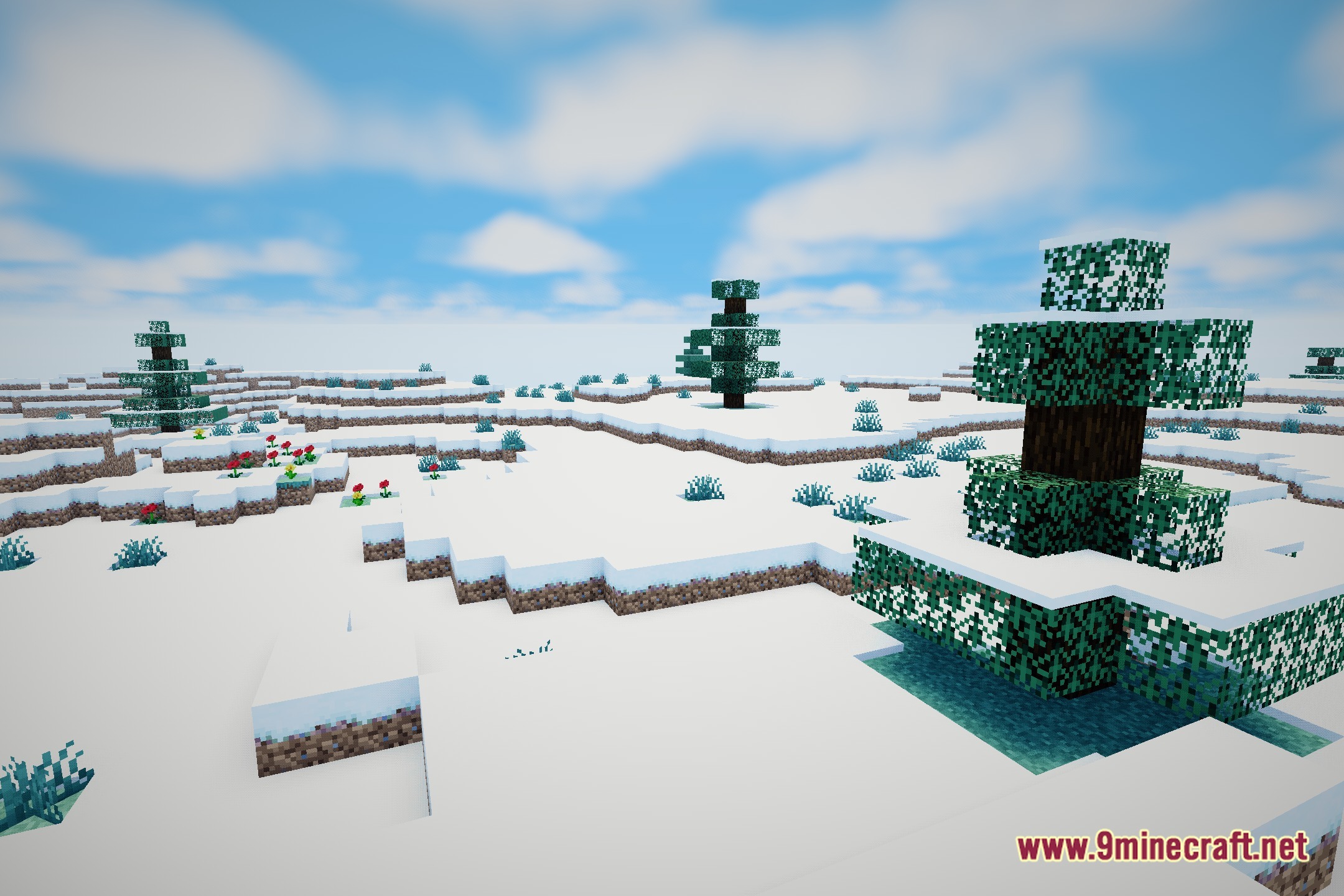
12 images from the Refract Shaders page.
You May Also Like
Wikis that share the most with this one
Wikis on the same theme: light
More shader wikis on the site
 REAlite Shaders
 Realistic Dark Shaders
The most downloaded mods that have a wiki here