

 DownloadRayTrace ShaderPack Shaders
Get the files on 9Minecraft
Guides
Step-by-step, in-game.
Adjust Global Illumination for Indoor LightingOpen Global Illumination Menu Access your shader settings and navigate to the Global Illumination or GI section. This…Enable Ray-Marched Reflections on WaterAccess Shader Settings Open the shader options menu while in-game by pressing the designated shader menu key (usually…Fine-Tune Shadow Softness and Sun PositionAccess Shadow Settings Open the shader menu and find the Shadows or Shadow Quality section. These options control how…Optimize Performance While Maintaining Visual QualityIdentify Performance Bottlenecks Monitor your frame rate in-game (usually F3 in vanilla Minecraft). Open shader…
Frequently asked questions
How do I enable the shader pack after installing it?
Open Options > Video Settings > Shaders, then locate RayTrace ShaderPack Shaders in your shader folder and select it. The shaders will load immediately, and you'll see reflections and global illumination take effect on your next screen refresh.
Why do my reflections look broken or pixelated?
Ray-marched reflections depend on screen resolution and ray quality settings. Lower your render distance or check if ray-marching steps are set too low in the shader options—increasing these will improve reflection clarity at the cost of performance.
Can I use this with OptiFine and Iris at the same time?
No, you should use either OptiFine or Iris as your shader loader, not both. Choose whichever one gives you better performance on your system, as they handle shaders differently.
My indoor lighting looks too dark or too bright. How do I fix it?
Adjust the Global Illumination settings in your shader options—increase the GI intensity to brighten indoor spaces where sunlight doesn't reach, or decrease it if interiors are washed out. You can also tweak block light radius to control how far torchlight spreads.
See all 10 RayTrace ShaderPack Shaders questions ›
Gallery
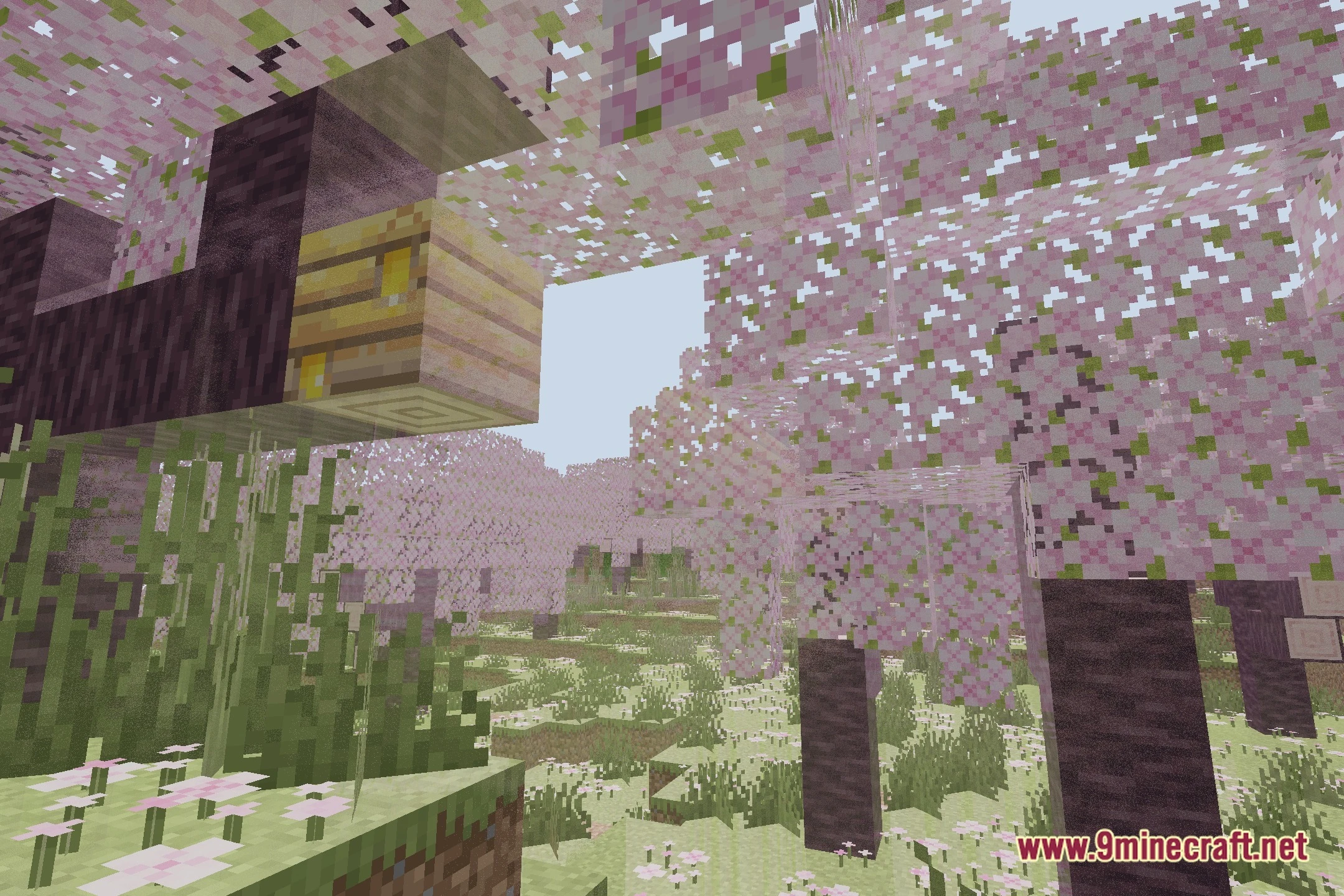
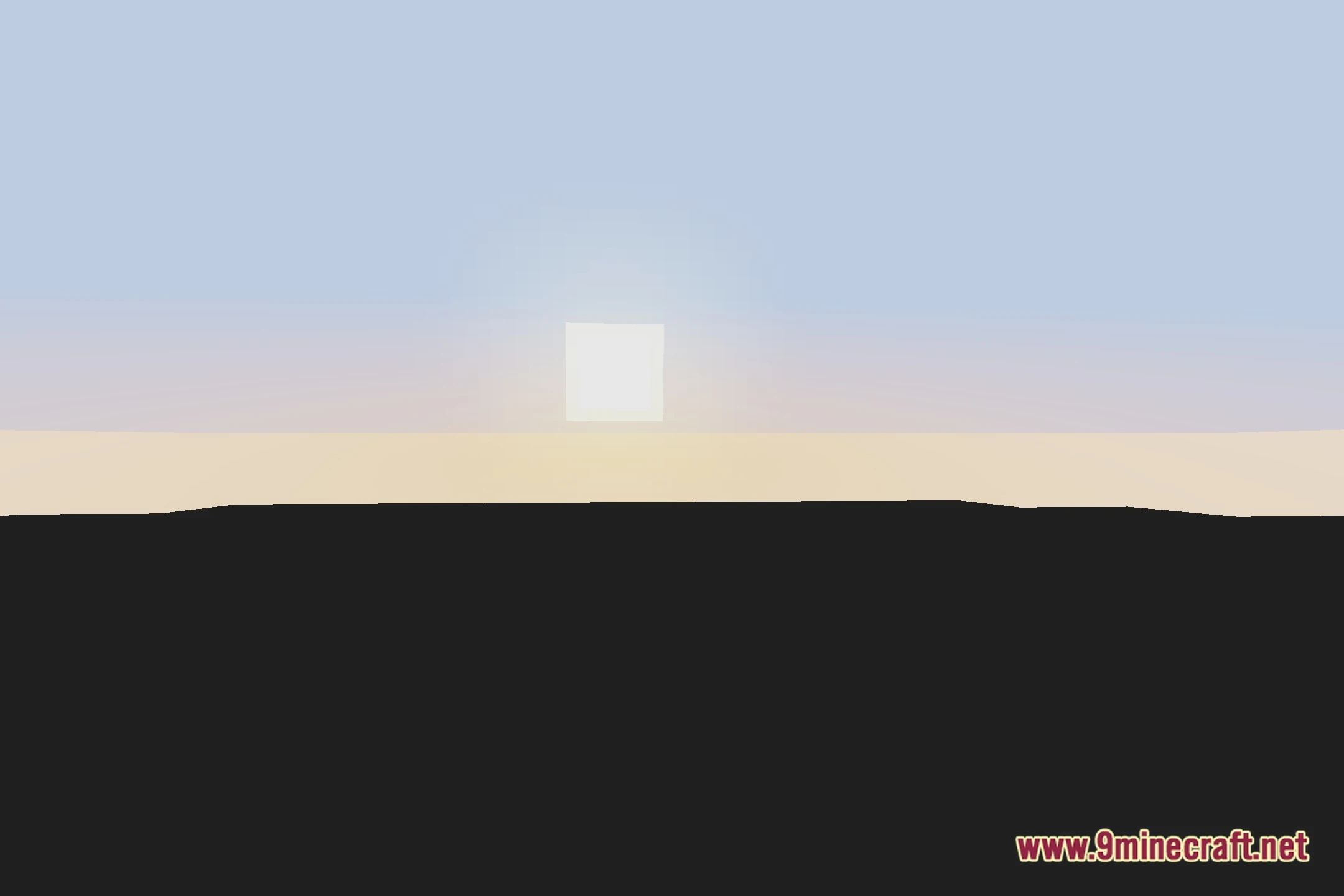
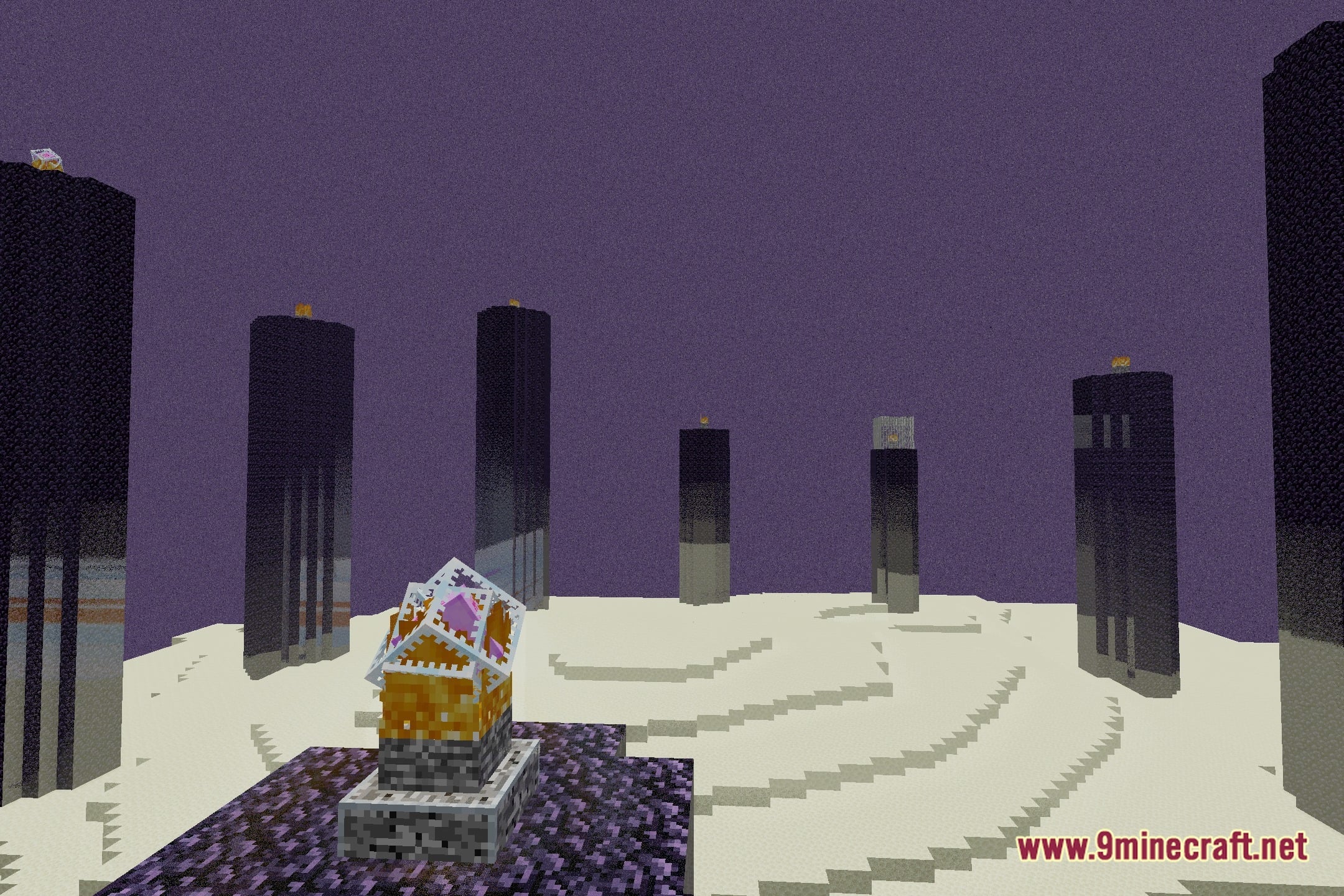
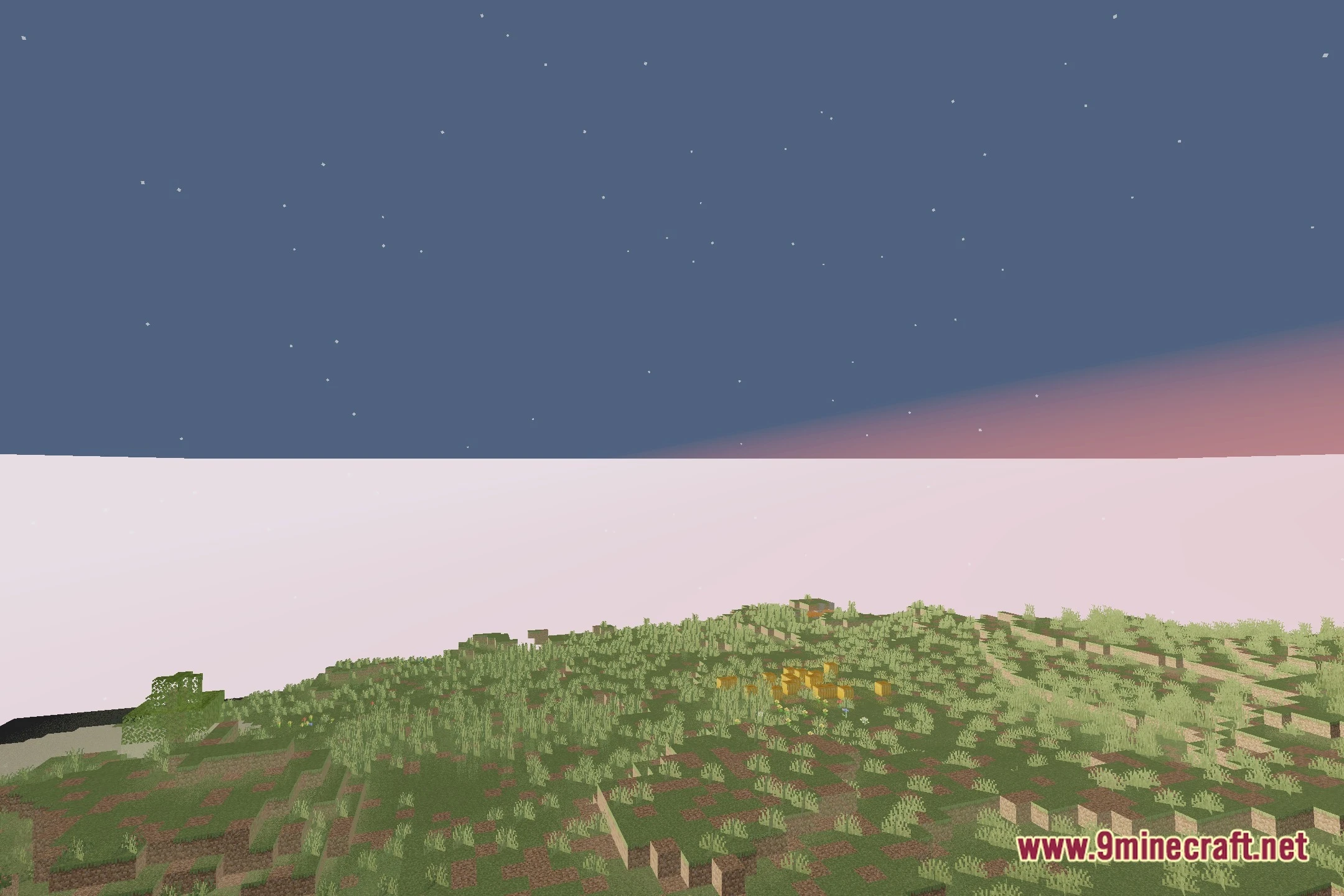
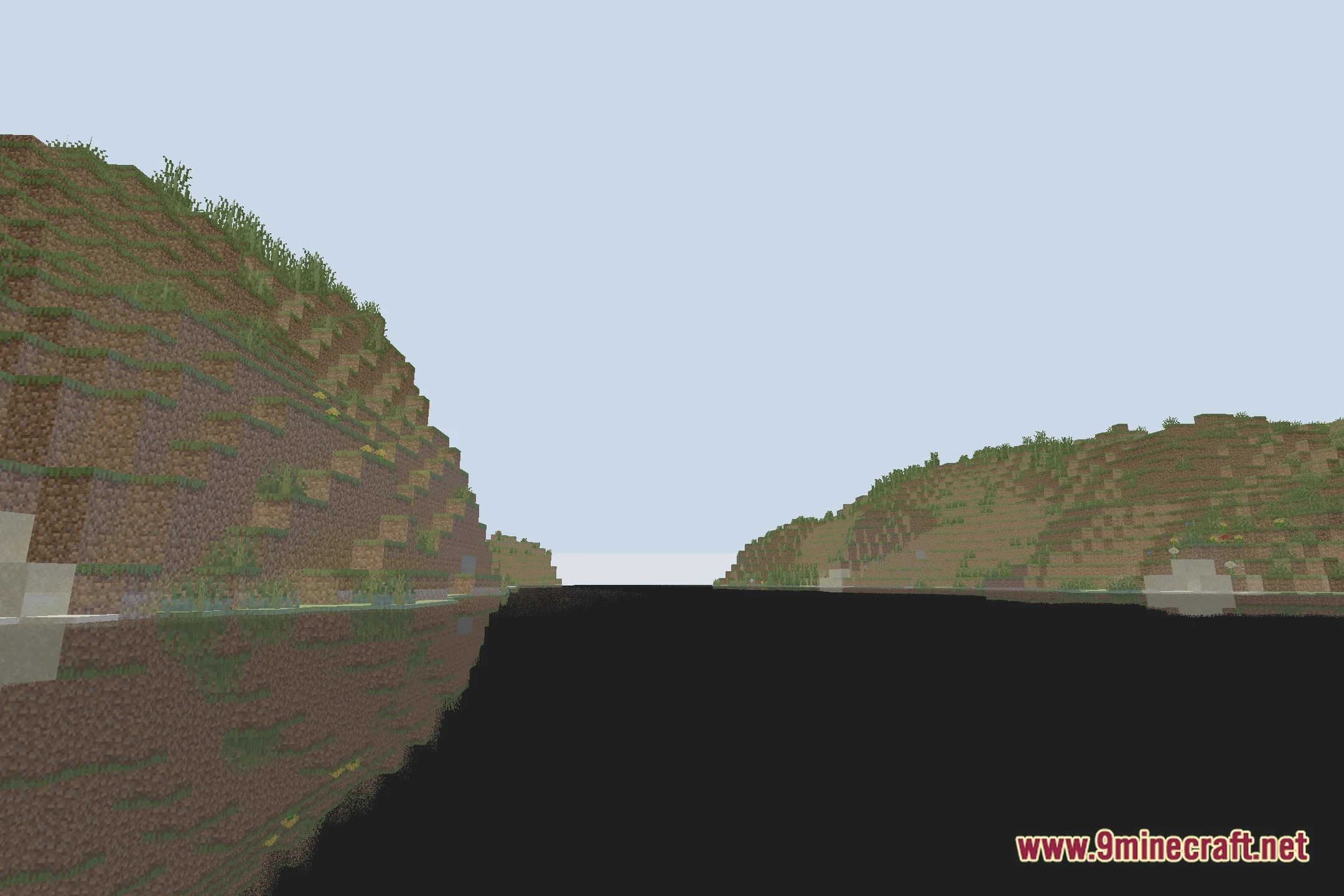
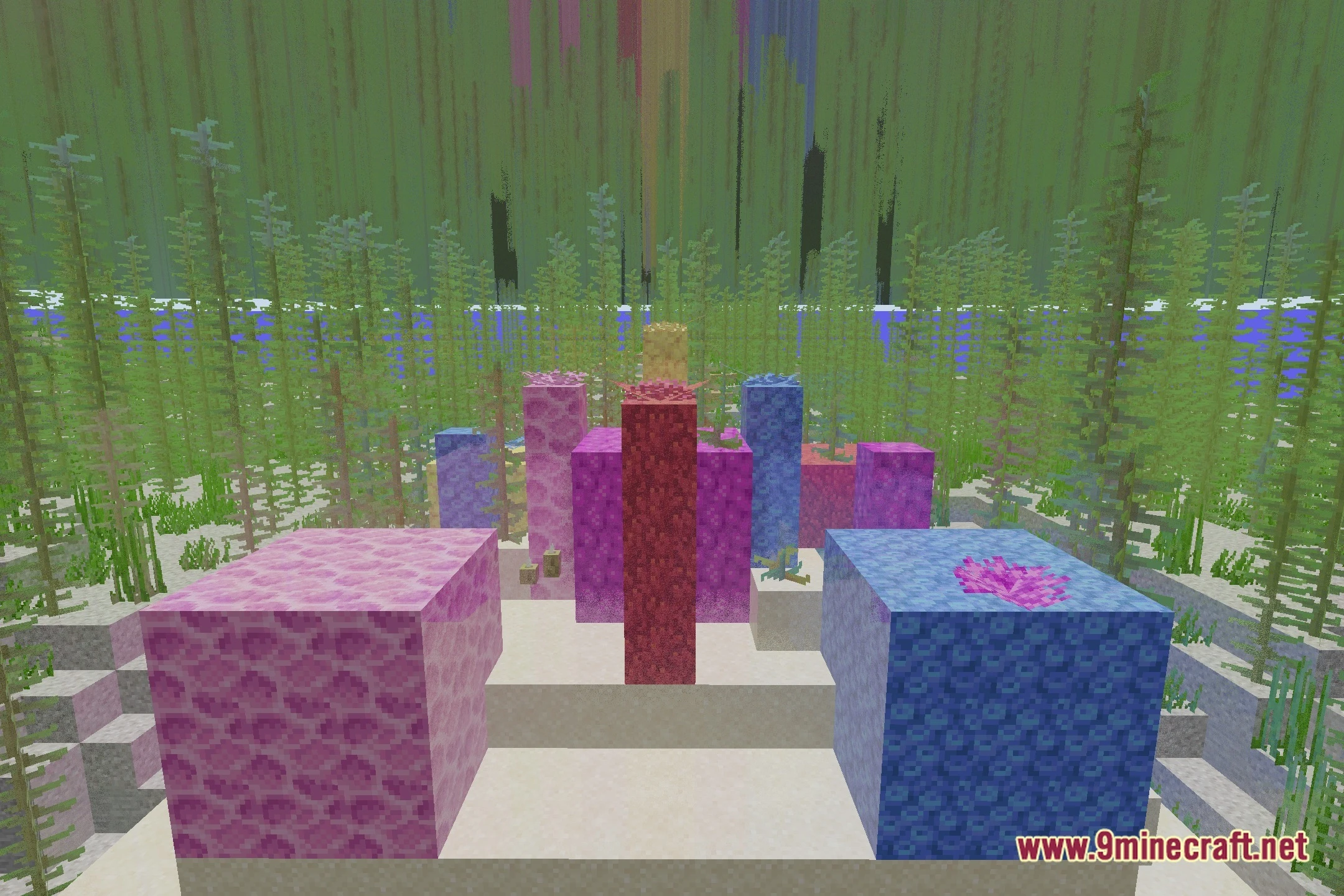
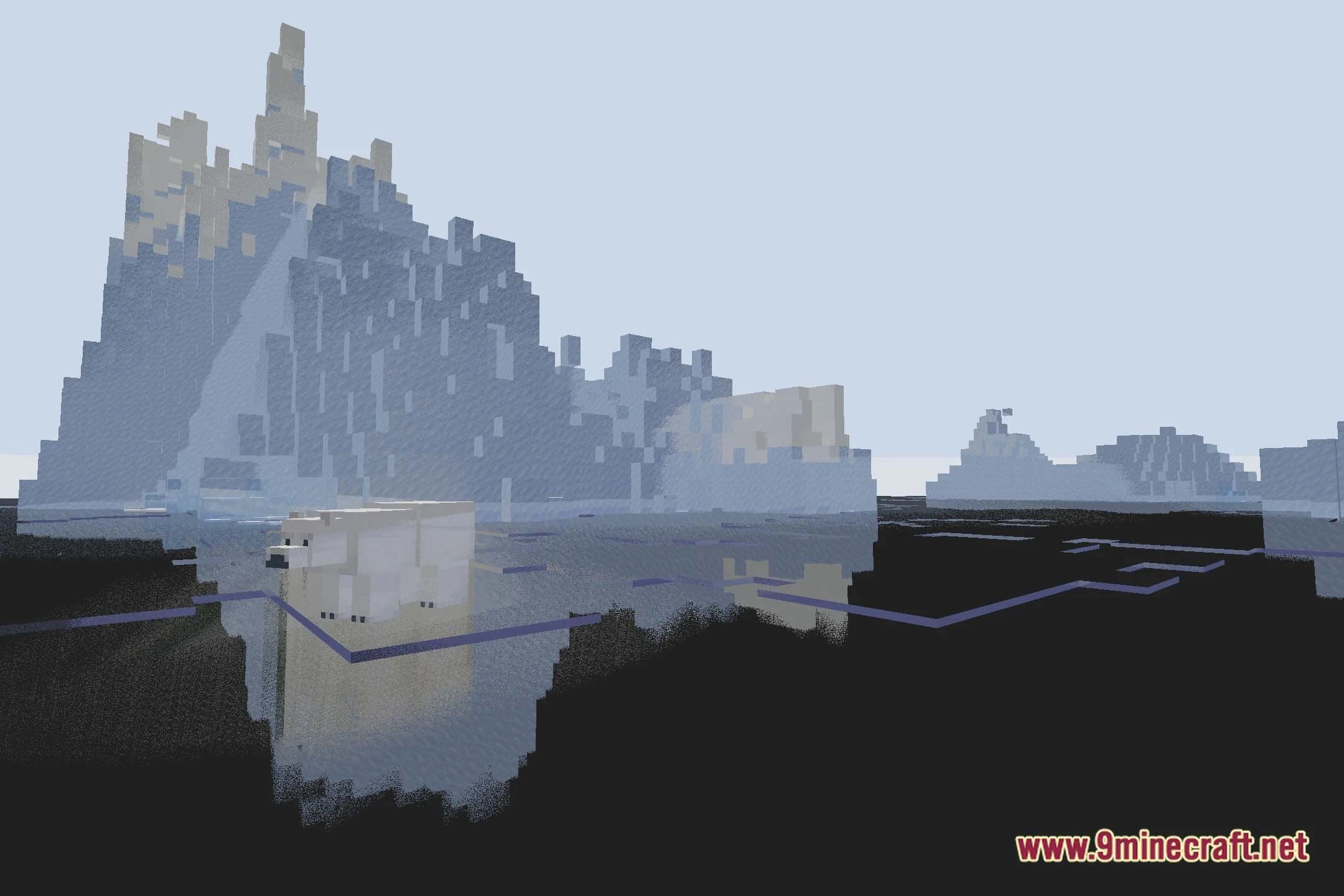
12 images from the Raytrace Shaderpack Shaders page.
You May Also Like
Wikis that share the most with this one
Wikis on the same theme: end
More shader wikis on the site
The most downloaded mods that have a wiki here