

 DownloadReasonableView Shaders
Get the files on 9Minecraft
Guides
Step-by-step, in-game.
Adjust Shader Settings for Better Cave VisibilityAccess Shader Options Press Shift + O (or your configured key) while in-game to open the ReasonableView Shaders…Enhance Colored Lighting Effects in Your BuildUnderstand Colored Light Sources ReasonableView's colored lighting system responds to specific light-emitting blocks.…Fix Underwater Visibility and ReflectionsAdjust Water Fog Distance Open shader settings and locate Water Fog or Underwater Visibility options. If underwater…Optimize Performance on Lower-End HardwareLower Shadow Quality Open shader settings ( Shift + O ) and find shadow-related options. Reduce Shadow Resolution or…
Frequently asked questions
How do I turn on ReasonableView Shaders after installing it?
Launch Minecraft with Iris installed, go to Options > Video Settings > Shaders, then locate and select ReasonableView Shaders from the list. The shader will activate immediately.
Why are my caves still too dark even with this shader?
Open the shader settings (usually by pressing a hotkey in-game or through the shader menu) and increase the cave brightness or ambient light slider. You can also adjust the shadow intensity to reduce how dark shadowed areas become.
Can I use ReasonableView Shaders with resource packs?
Yes, ReasonableView works with most resource packs, but PBR-enabled packs will show the best results since the shader supports PBR material rendering. Some packs may look different than intended if they weren't designed with shader support in mind.
My FPS dropped a lot after enabling the shader. What can I do?
Lower the shadow quality or distance in shader settings, disable volumetric clouds, or reduce render distance. ReasonableView is designed for medium hardware, so these adjustments should help without losing the core visual style.
See all 10 ReasonableView Shaders questions ›
Gallery
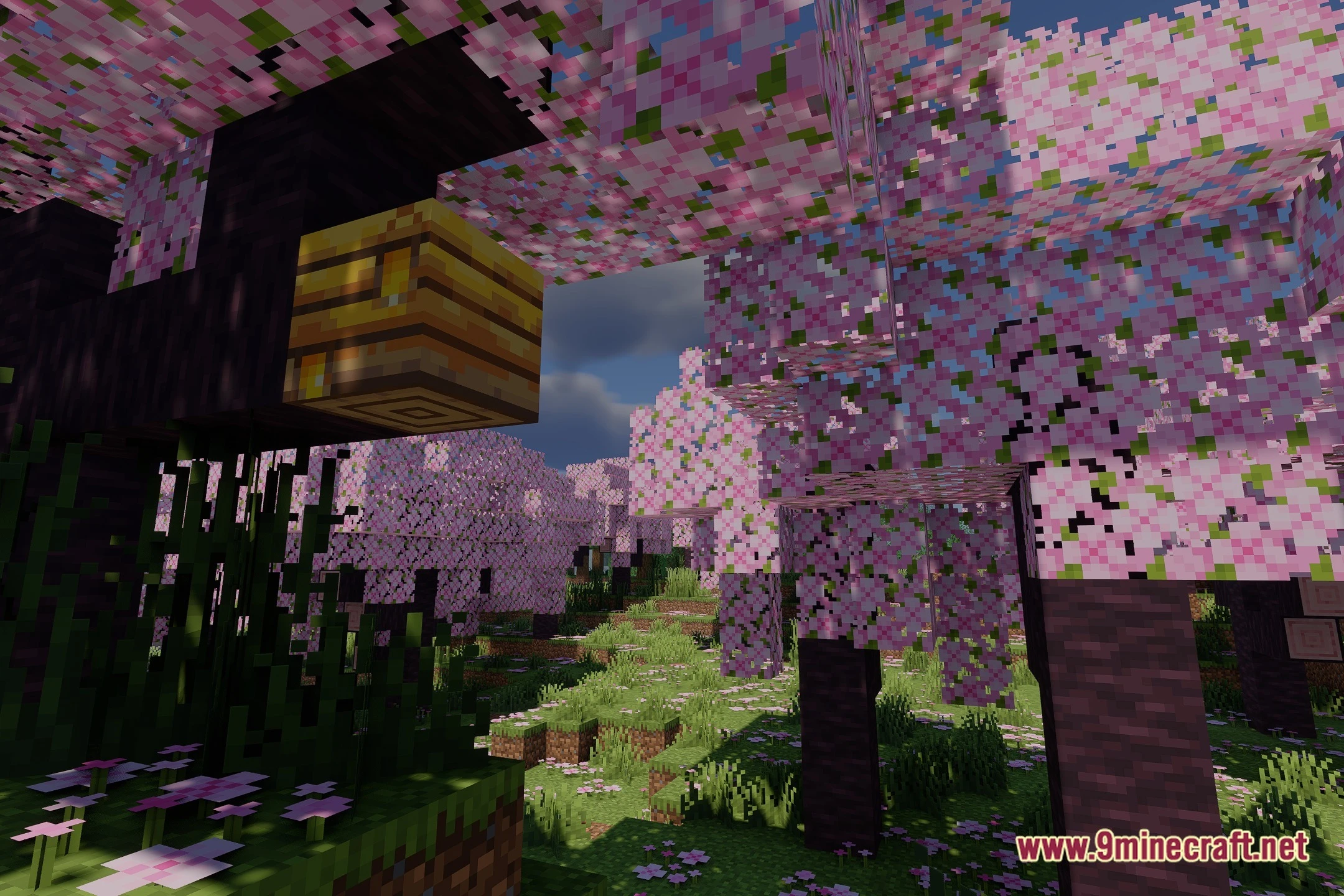
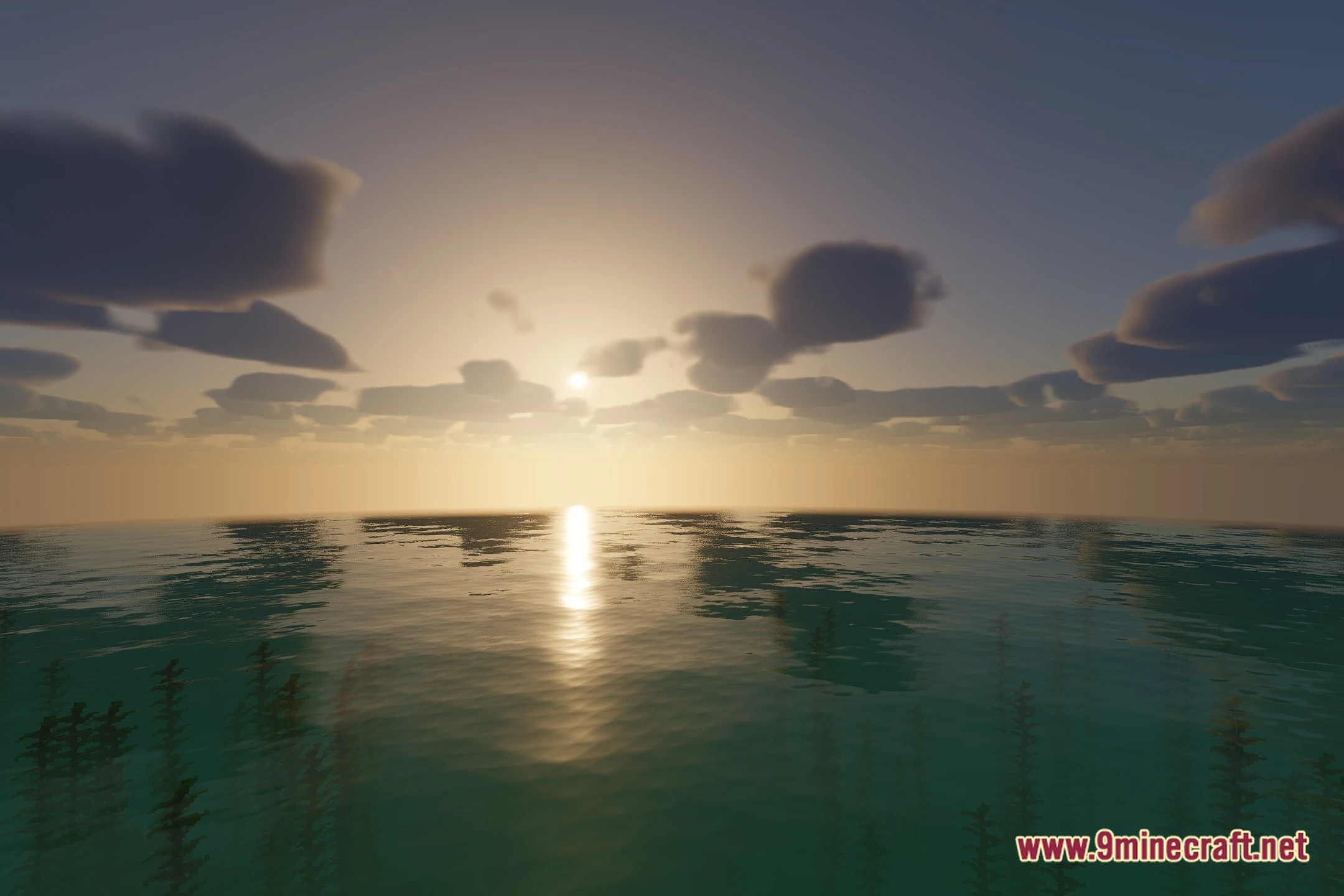
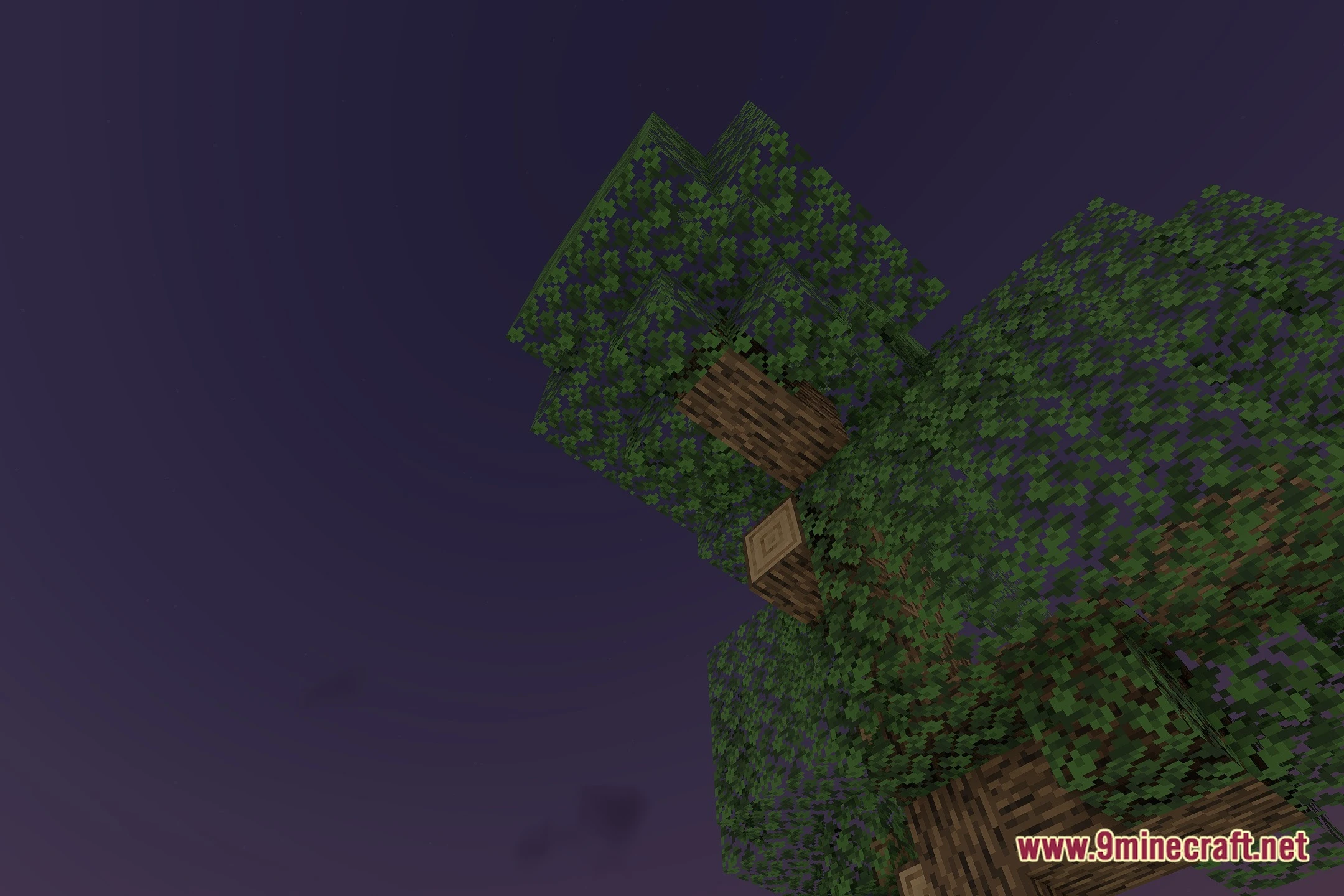
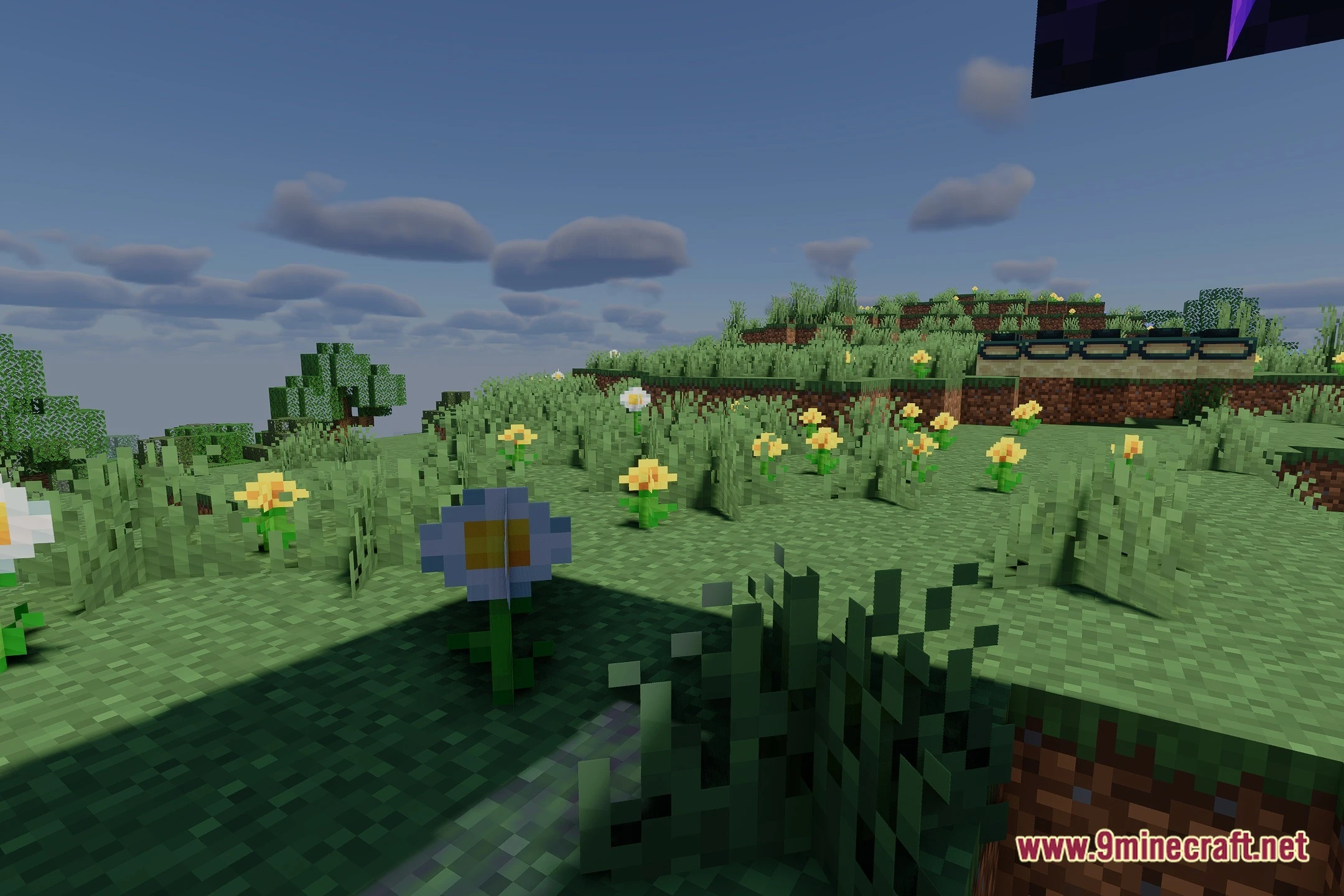
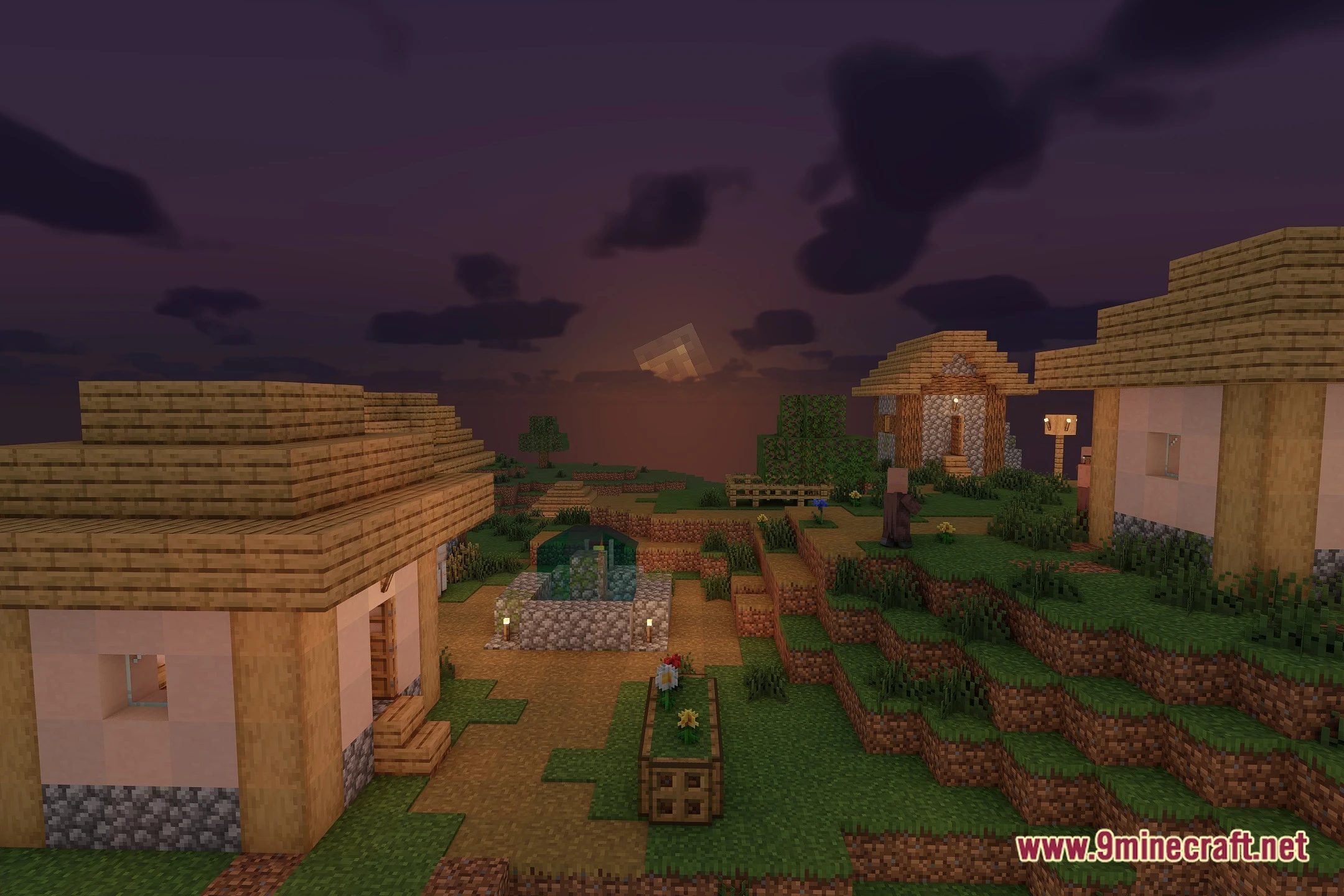
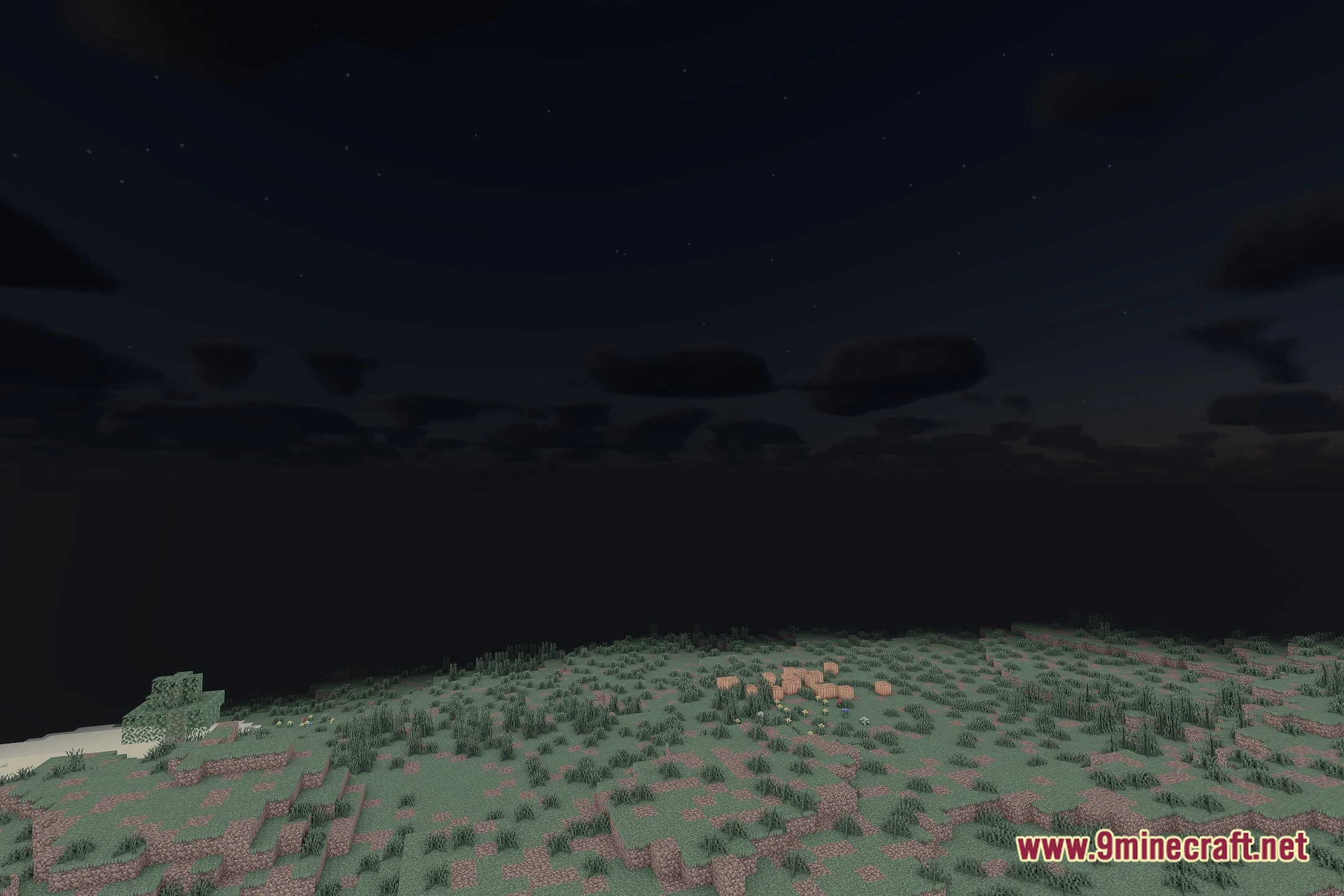
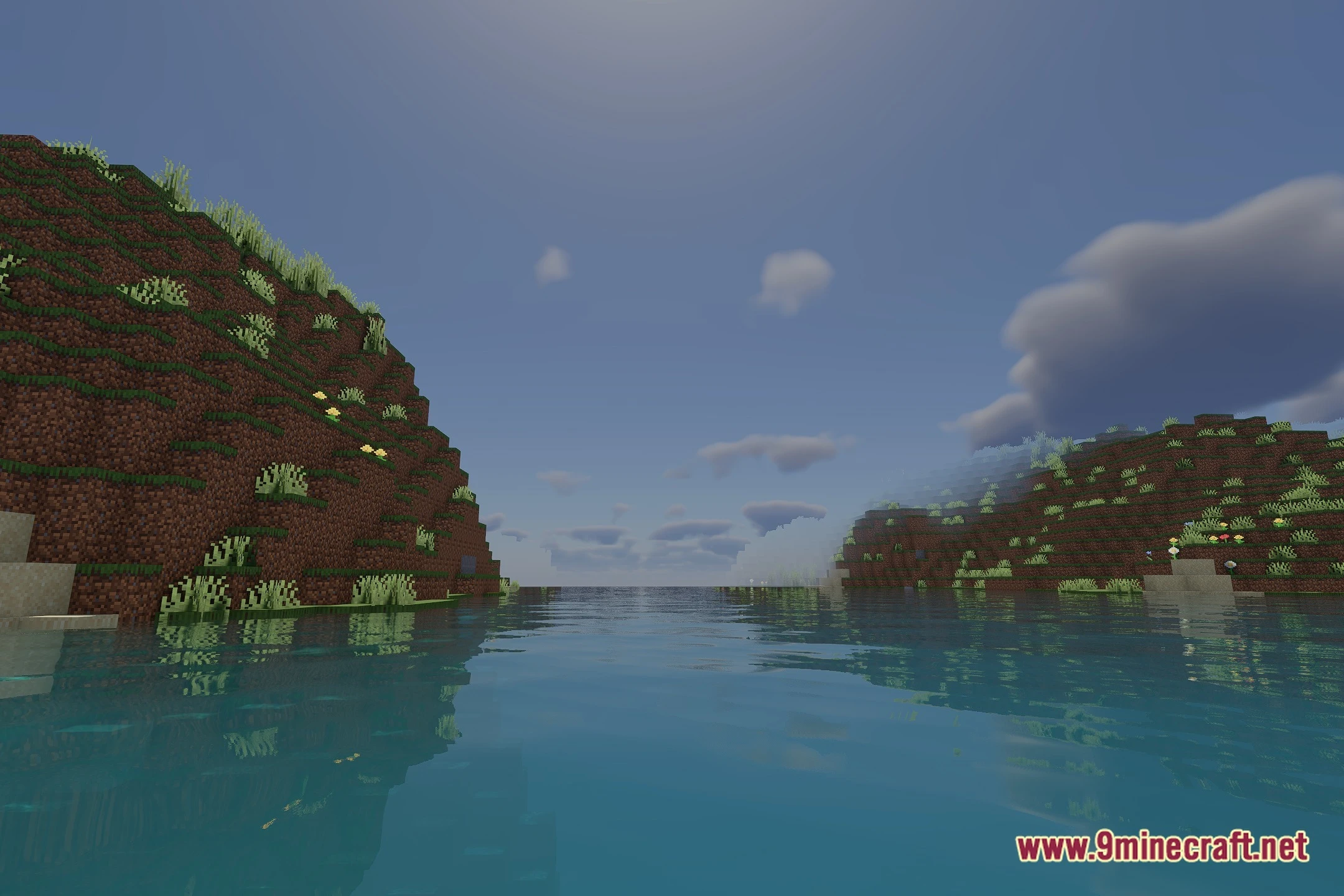
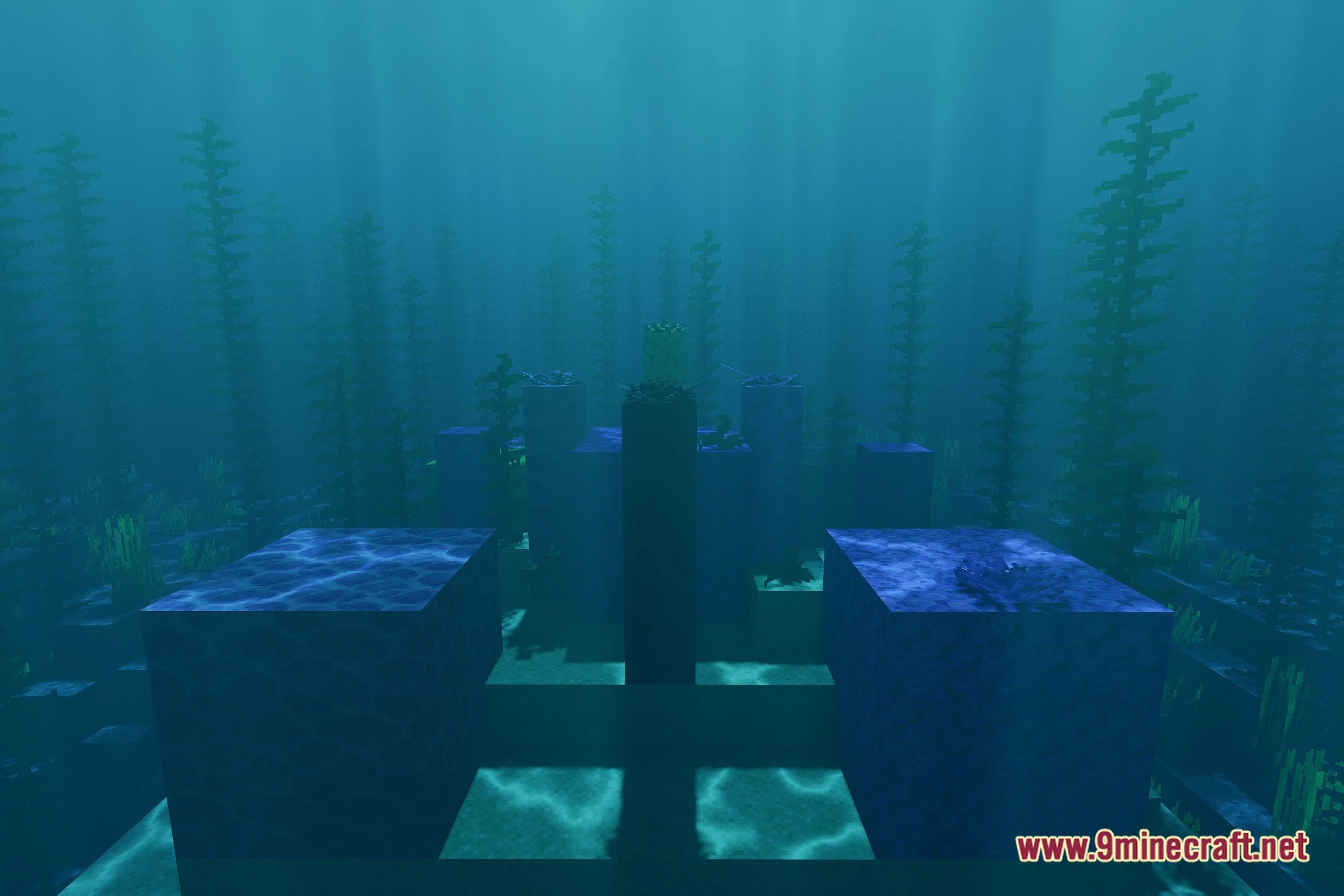
12 images from the Reasonableview Shaders page.



You May Also Like
Wikis that share the most with this one
 Realistic Dark Shaders
 REAlite Shaders
More shader wikis on the site
RayTrace ShaderPack ShadersRAY TRACING POTATO ShadersRandomizer Shaderpack ShadersRaincore ShadersRadiation ShadersRadiant Metallic Glow ShadersRadiant Lite Rays ShadersRadiant Cinematic Water ShadersRadiant Cinematic Glow ShadersRadiant Atmospheric Glow ShadersRadiant Amber Rays ShadersR T S Shaders
The most downloaded mods that have a wiki here