

 DownloadPrismora Shaders
Get the files on 9Minecraft
Guides
Step-by-step, in-game.
Adjust Lighting Intensity for Your PlaystyleAccess Shader Settings Open the shader configuration menu while in-game by pressing the designated shader menu key…Customize Cloud Appearance and DensityOpen Cloud Configuration Options Access the shader settings menu and locate cloud-specific controls. Prismora offers…Enhance Water and Reflective Surface AppearanceLocate Water Reflection Settings In the shader menu, find the water or reflection quality options. Prismora includes…Make Nether and End Portals Glow RealisticallyLocate Portal Glow Settings In the shader menu, find options for portal brightness, glow intensity, or emissive block…
Frequently asked questions
How do I enable Prismora Shaders after installing it?
Open your Video Settings, navigate to Shaders, and select Prismora Shaders from the list. Click Apply and the shaders will activate immediately in your world.
Why do my portals not glow?
Portal glow is enabled by default, but check your shader settings to ensure the glow/emissive feature isn't disabled. If portals still don't glow, try moving closer or adjusting your lighting intensity settings.
Can I use Prismora Shaders with other mods?
Prismora Shaders works with most mods, but custom blocks from other mods may not have reflective or glowing effects unless specifically designed for shader compatibility. Mods that heavily modify lighting or the sky may conflict.
How do I make clouds look thicker or thinner?
Access the shader options menu (usually by pressing a hotkey like Right Shift while in-game) and look for cloud density or cloud coverage settings to adjust their appearance to your preference.
See all 10 Prismora Shaders questions ›
Gallery
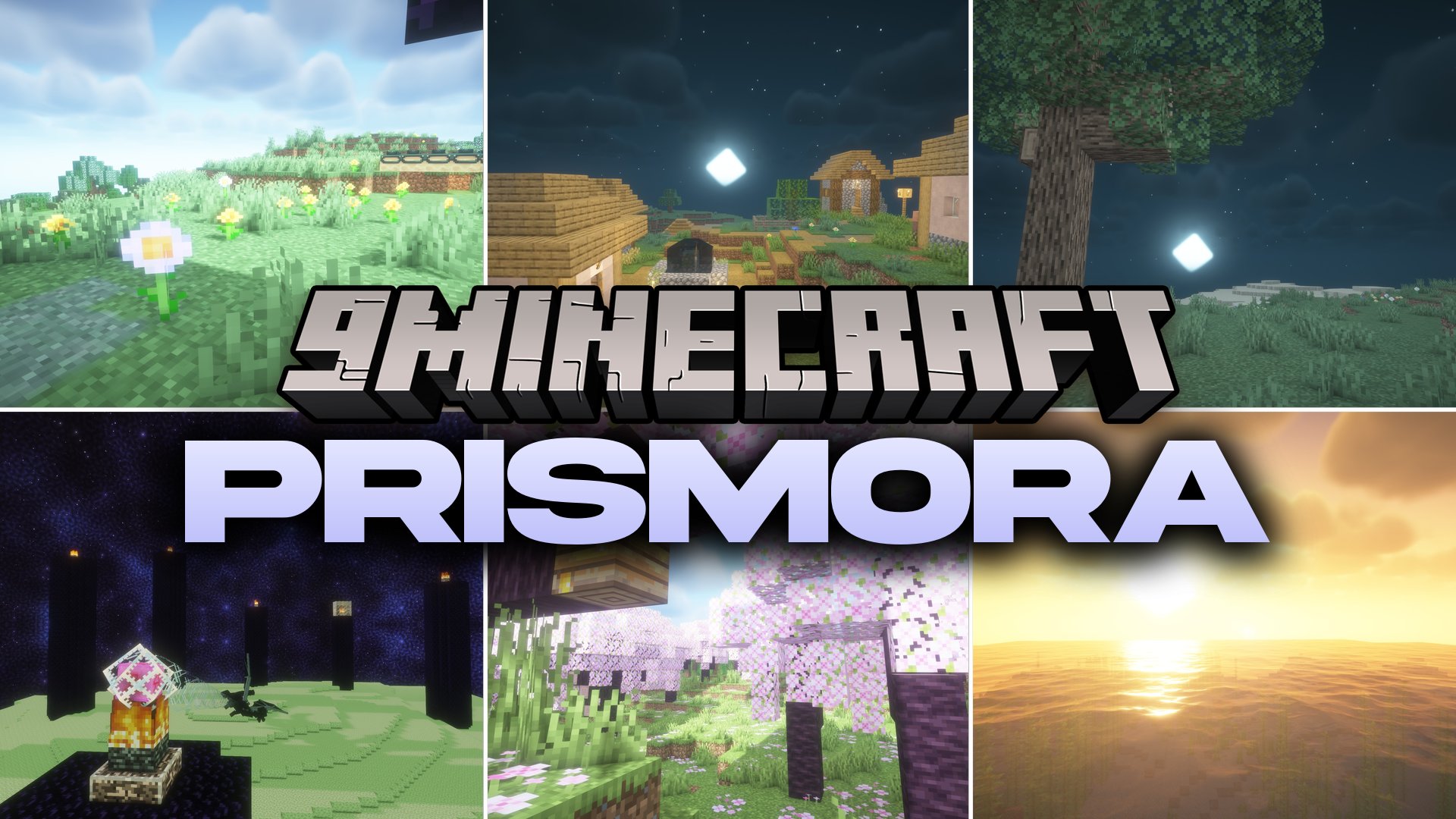
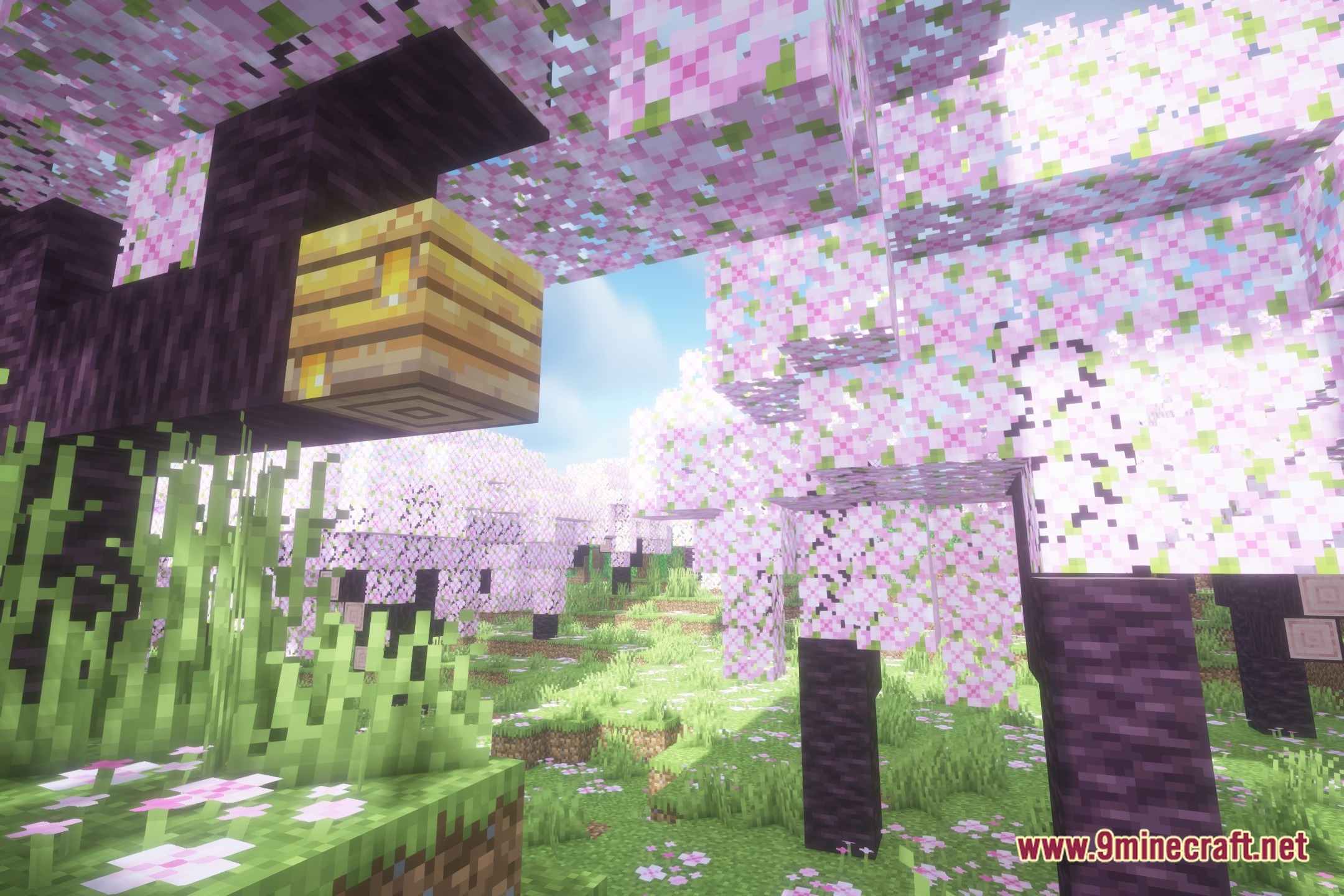
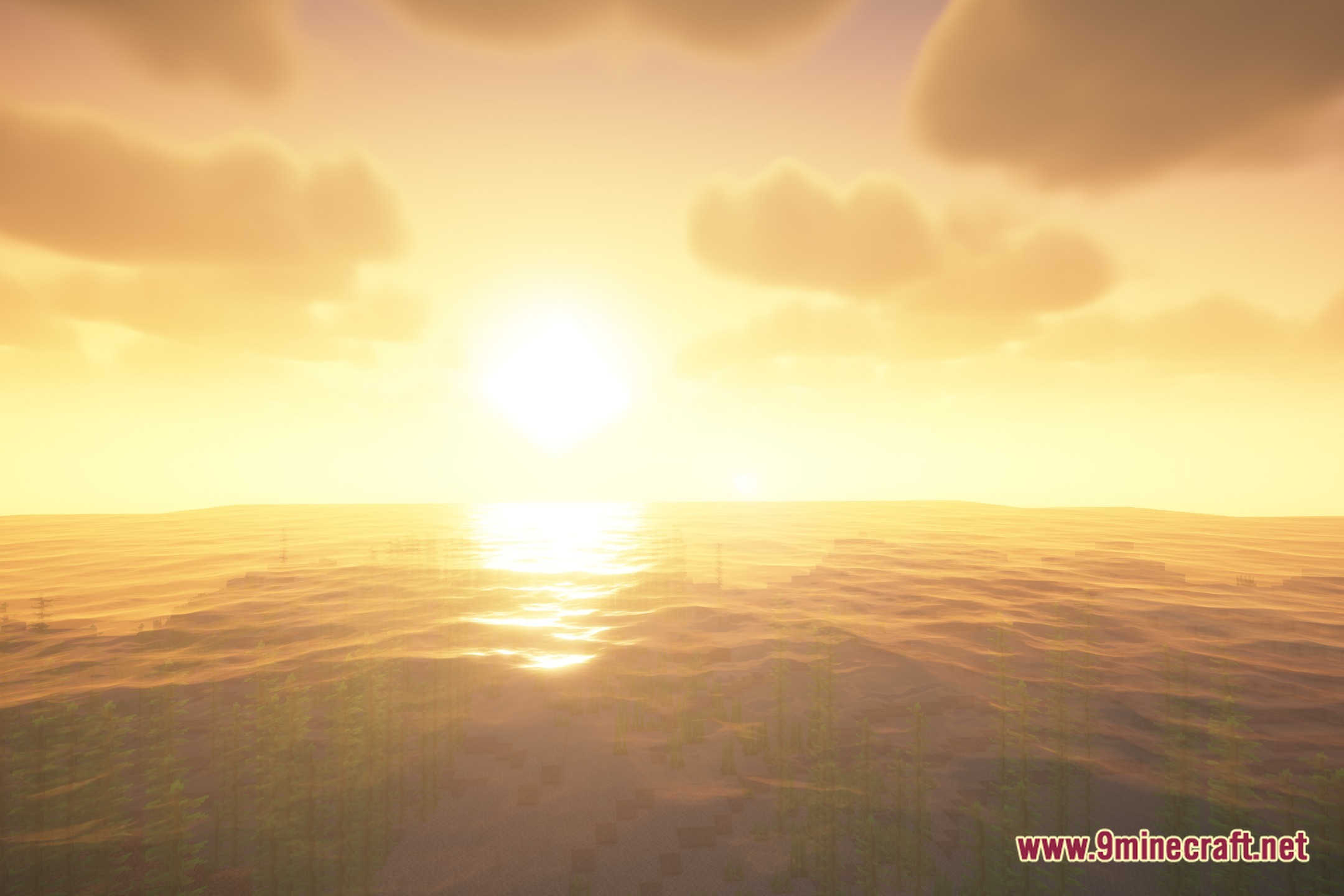
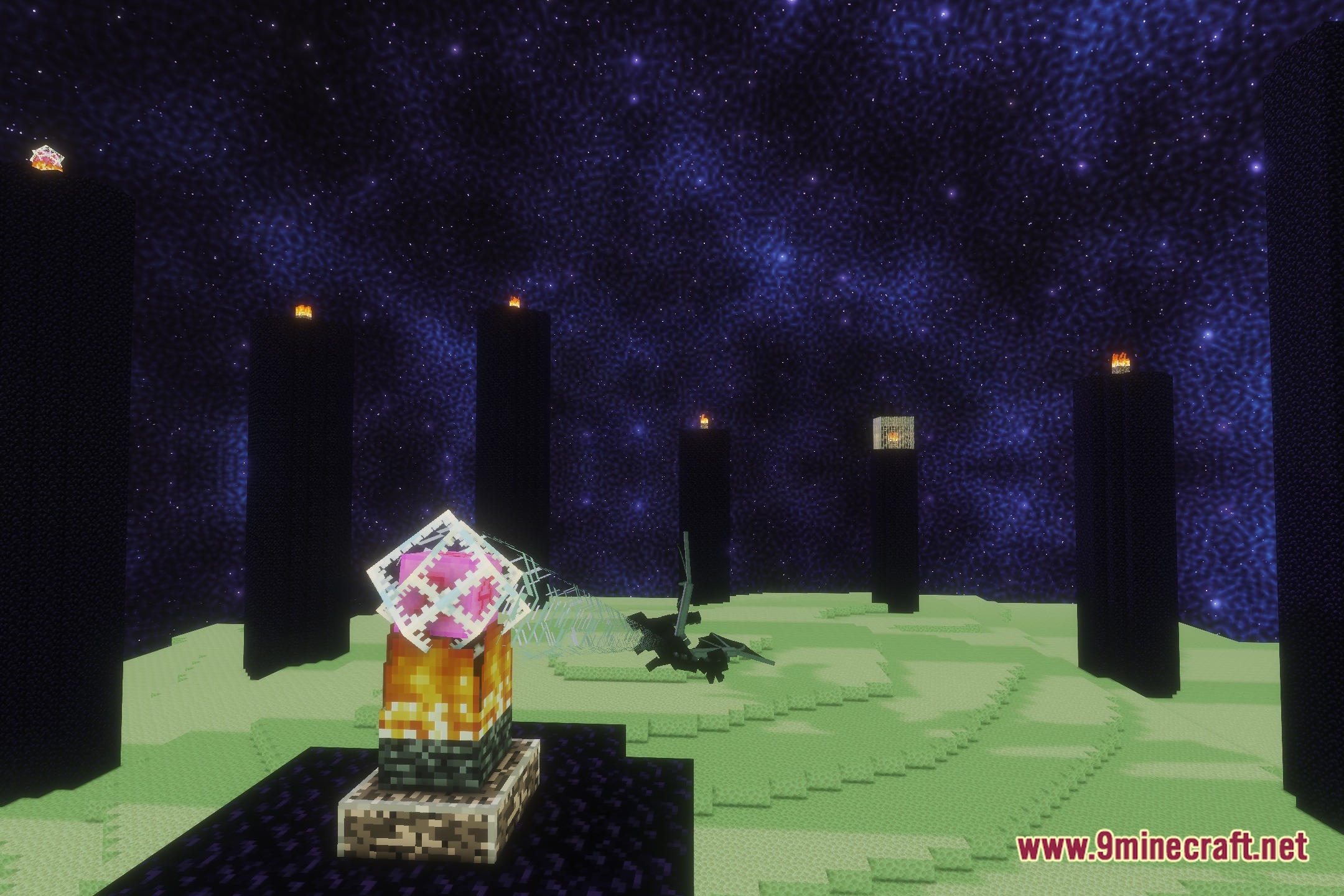
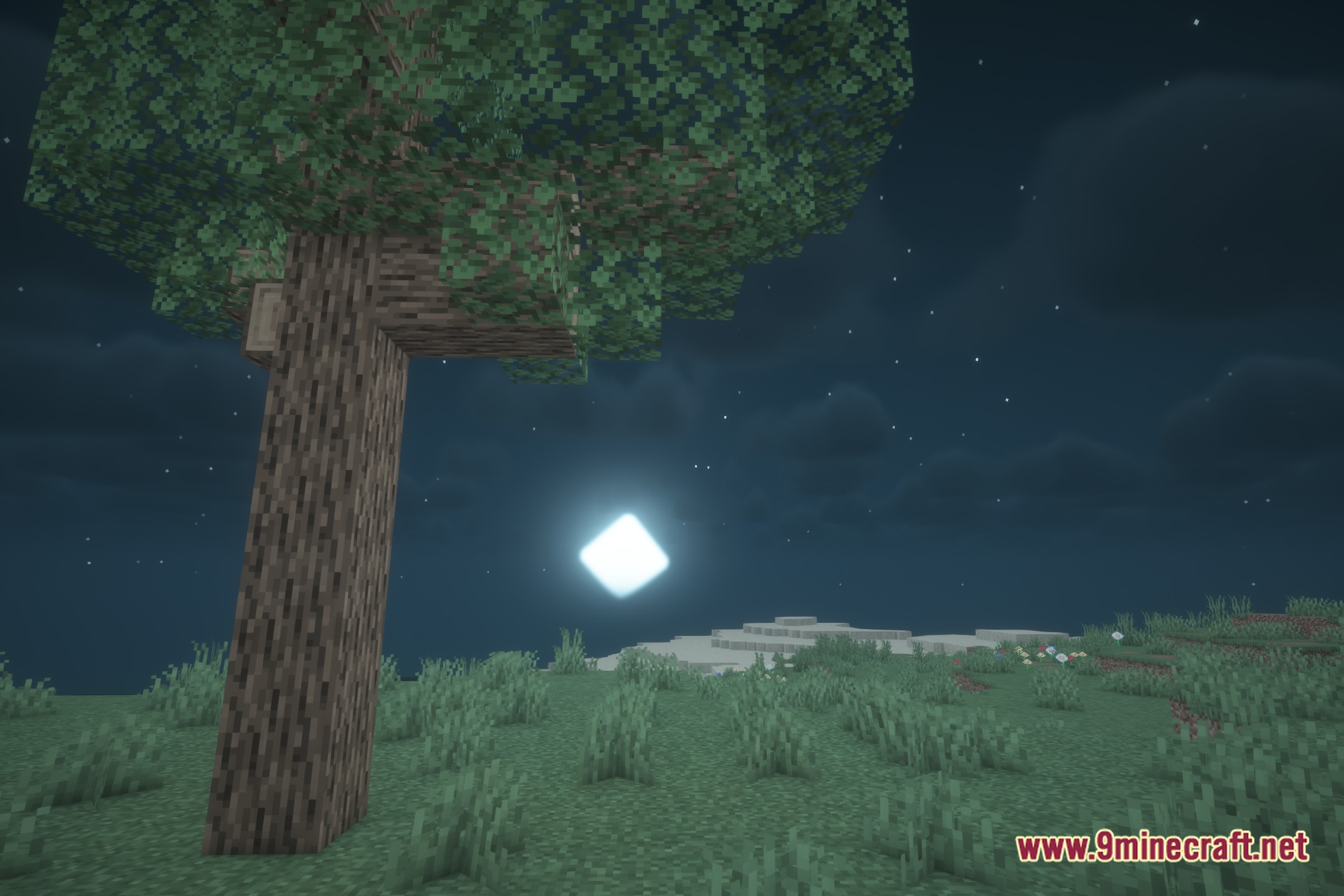
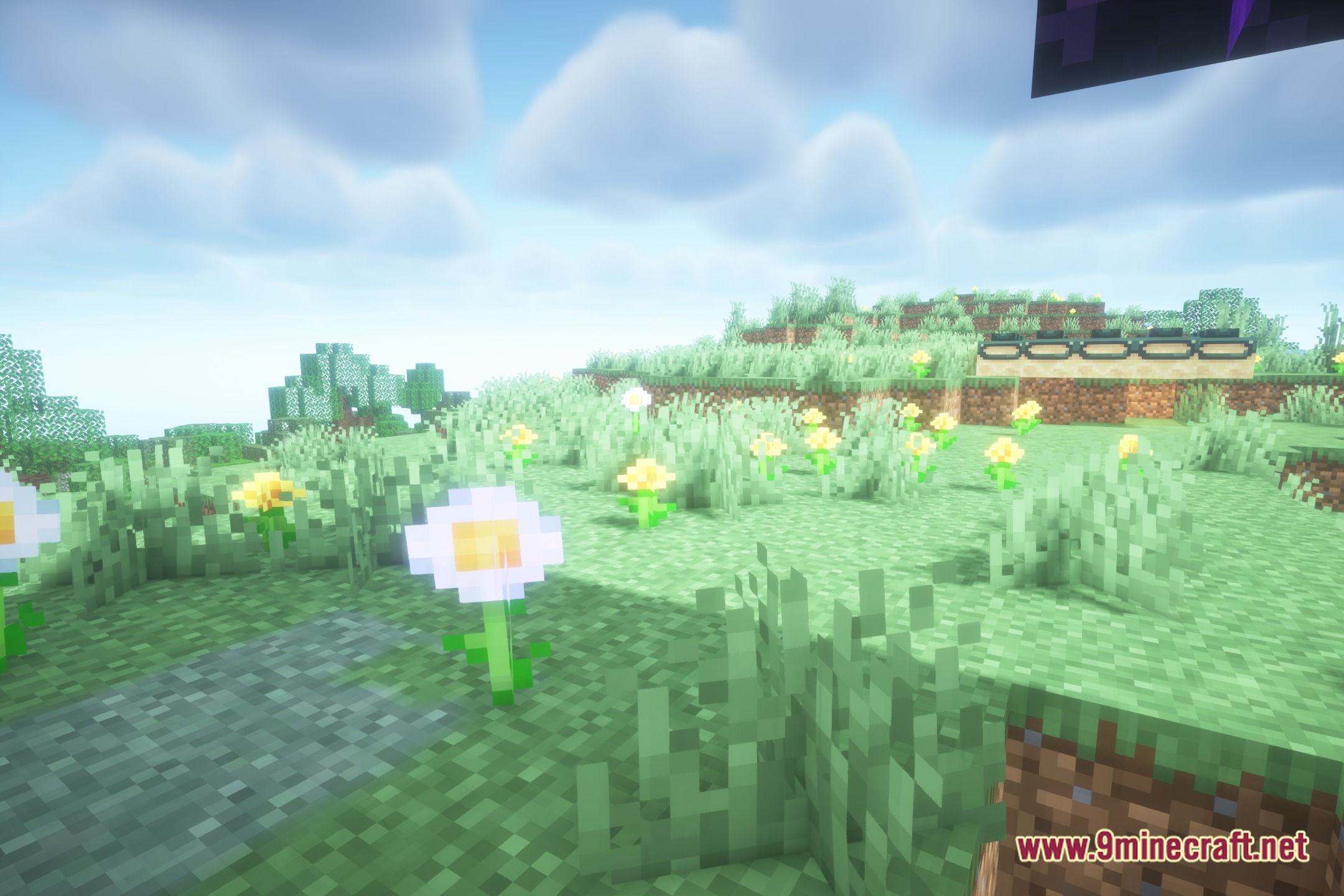
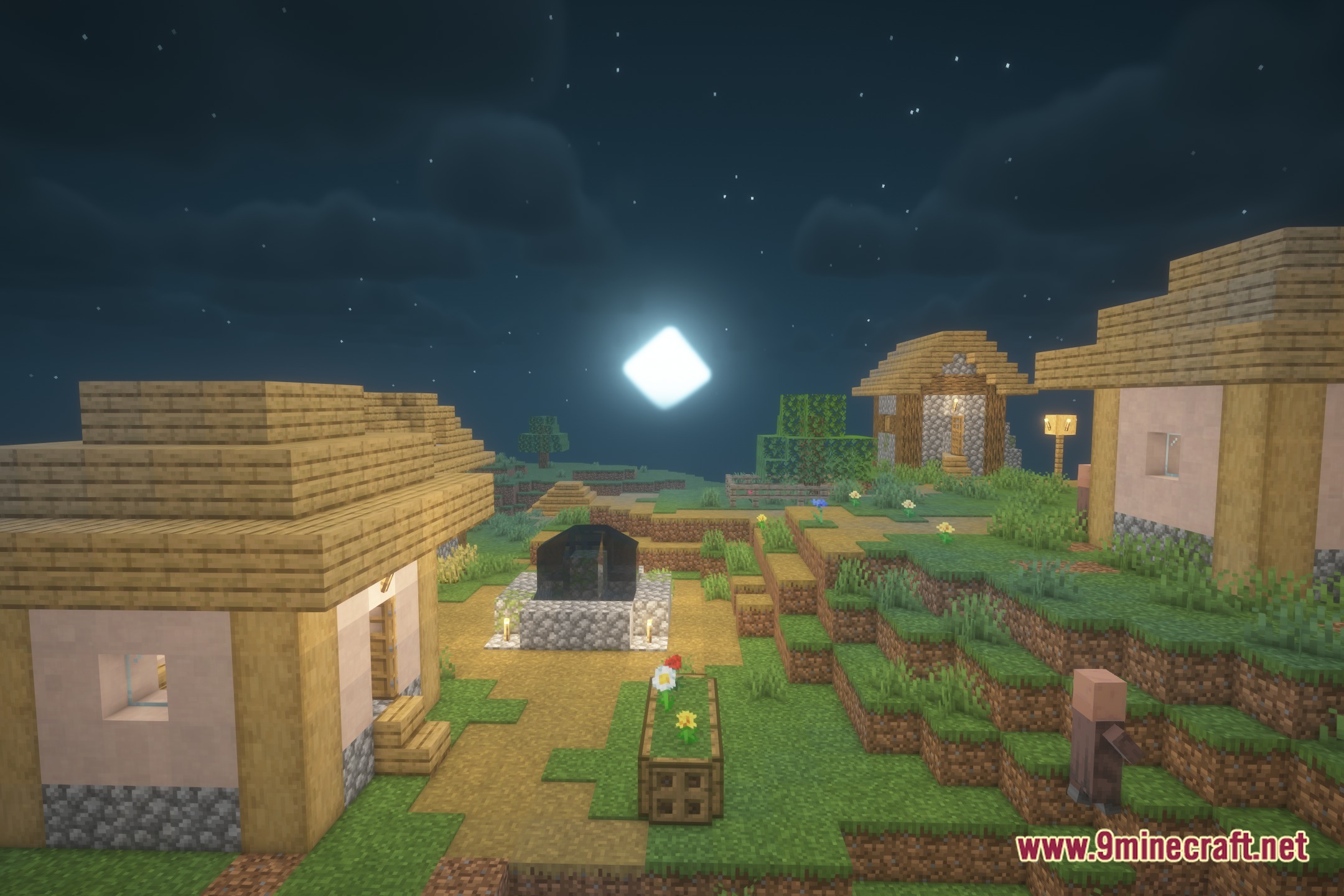
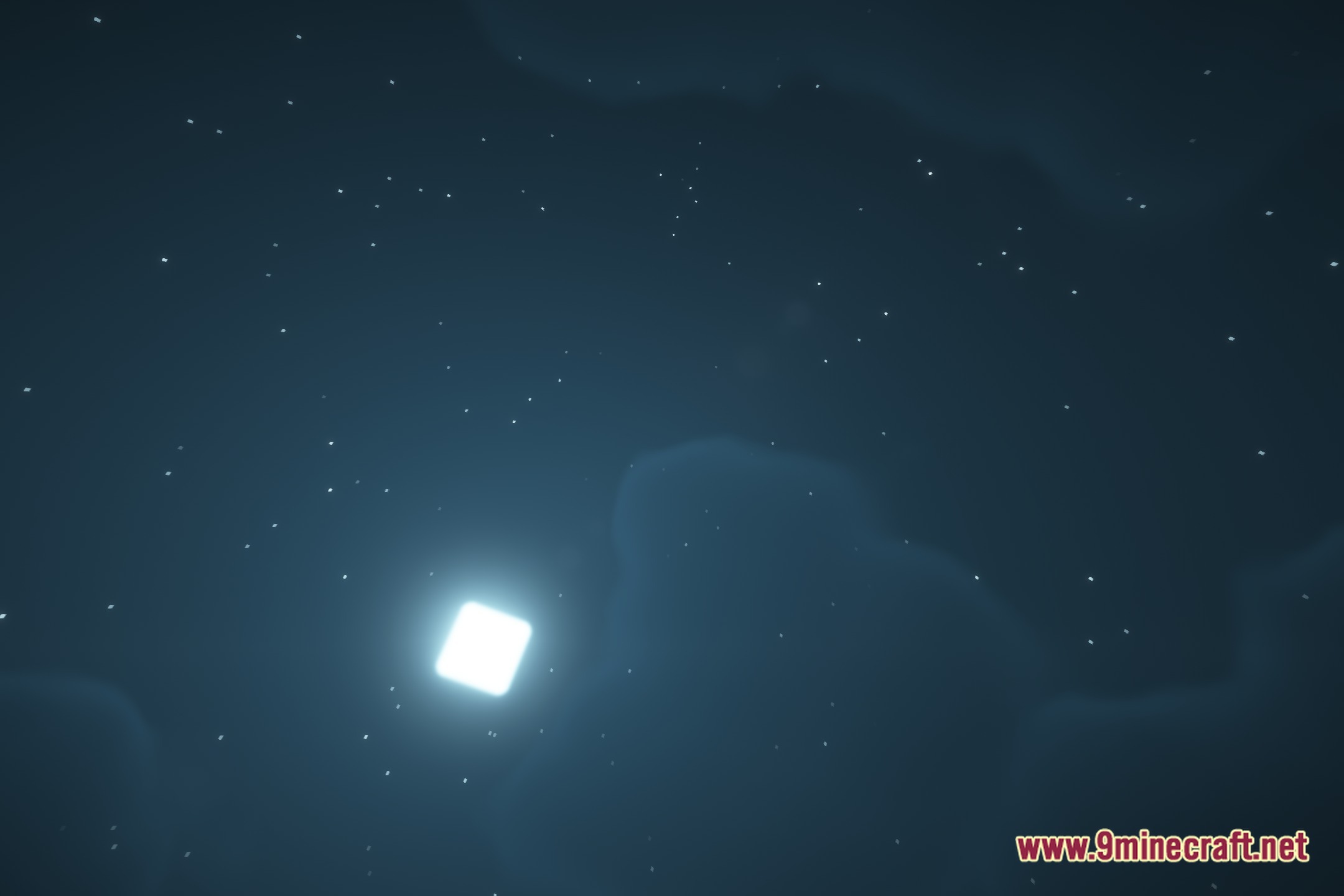
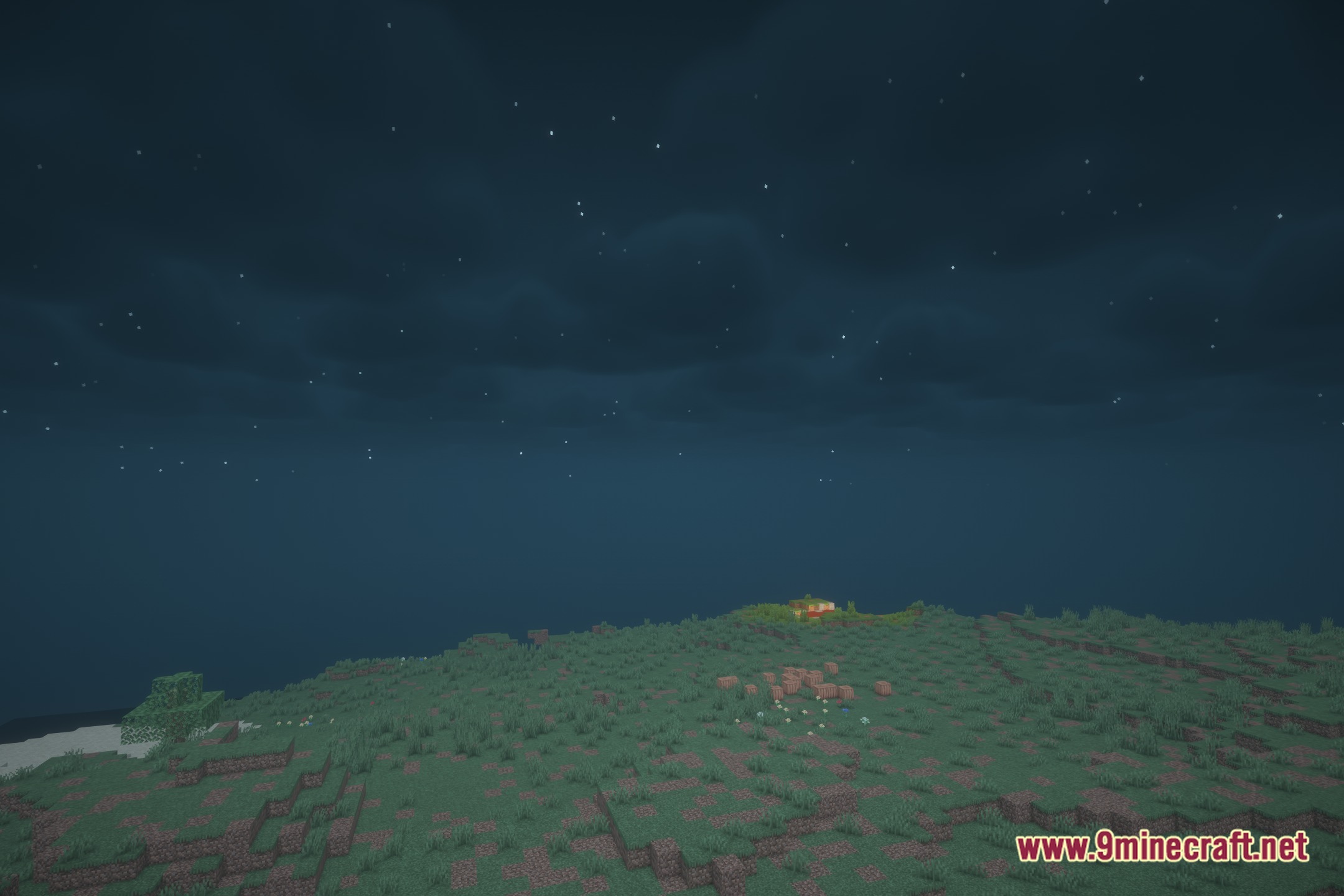
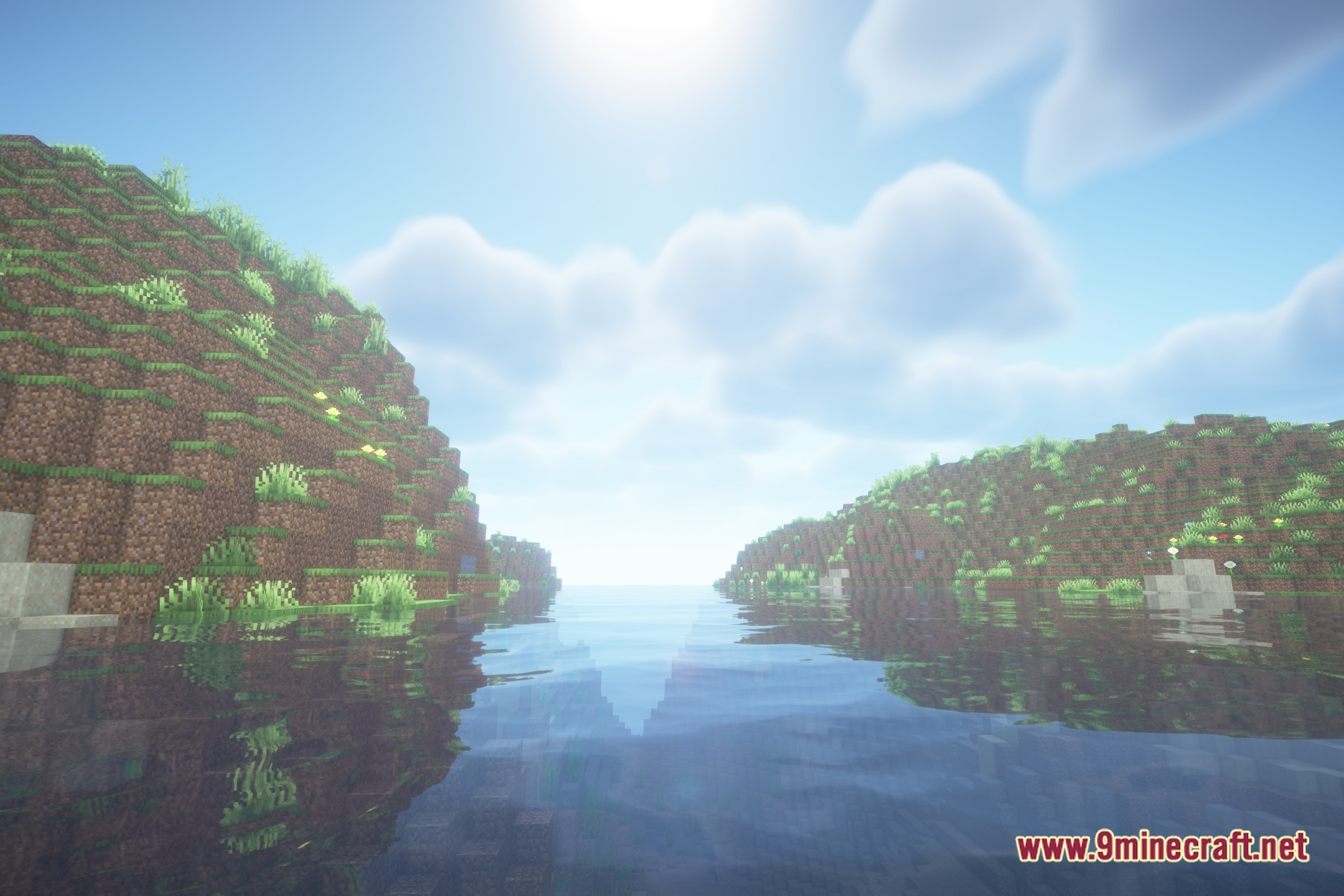
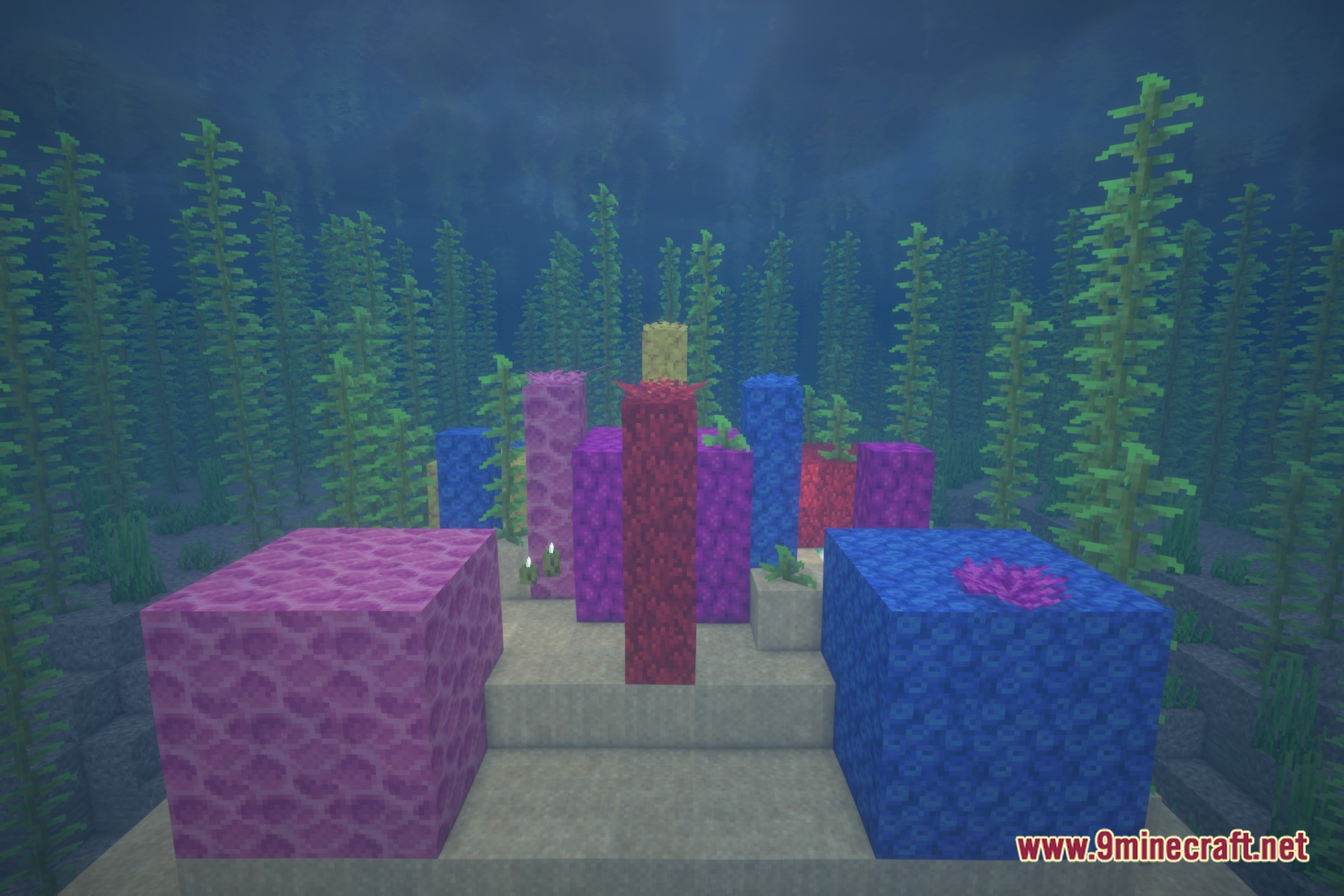
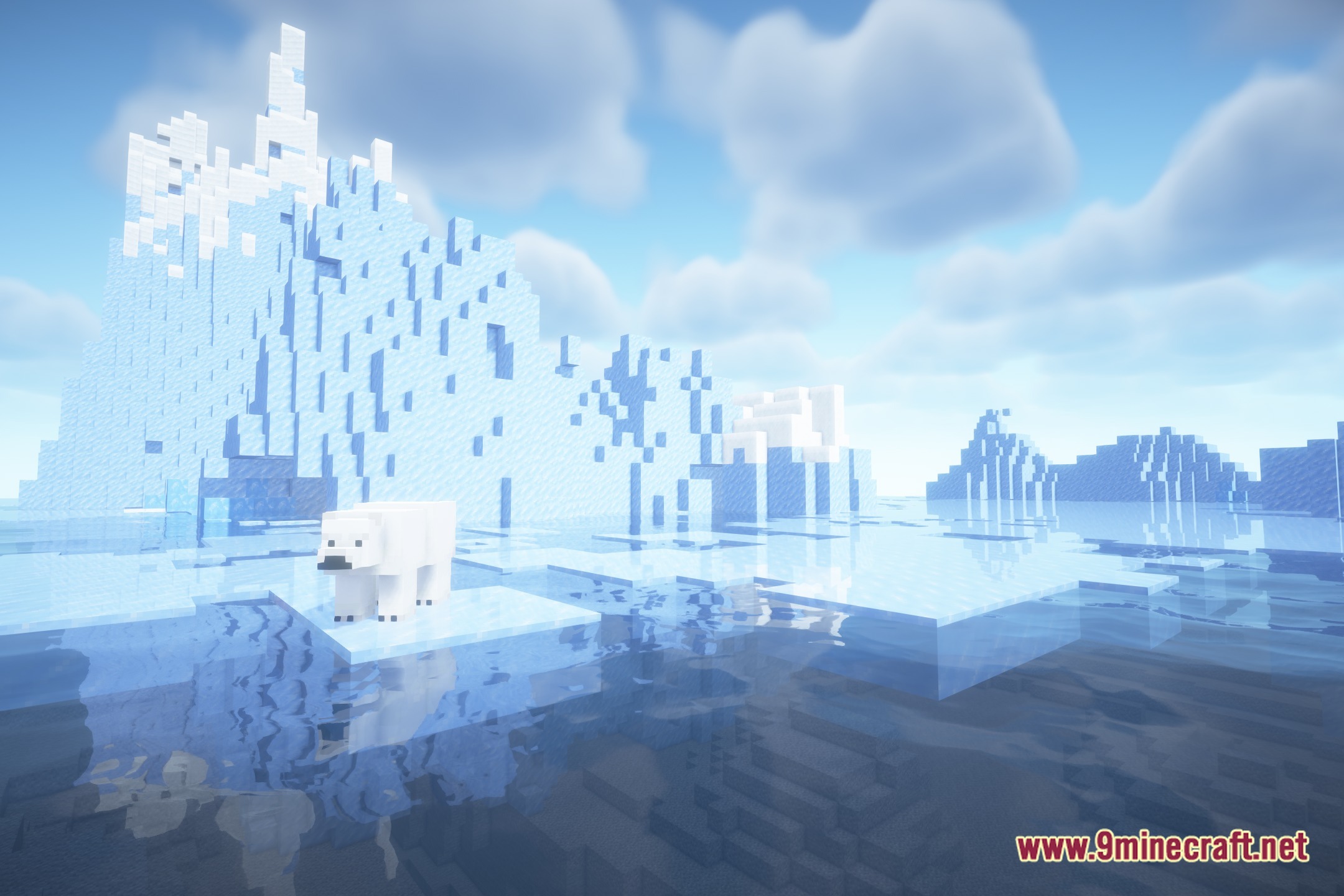
12 images from the Prismora Shaders page.
You May Also Like
Wikis that share the most with this one
Wikis on the same theme: light
More shader wikis on the site
 Prism Skies Shaders
The most downloaded mods that have a wiki here