

 DownloadPrimal Glow High Shaders
Get the files on 9Minecraft
Guides
Step-by-step, in-game.
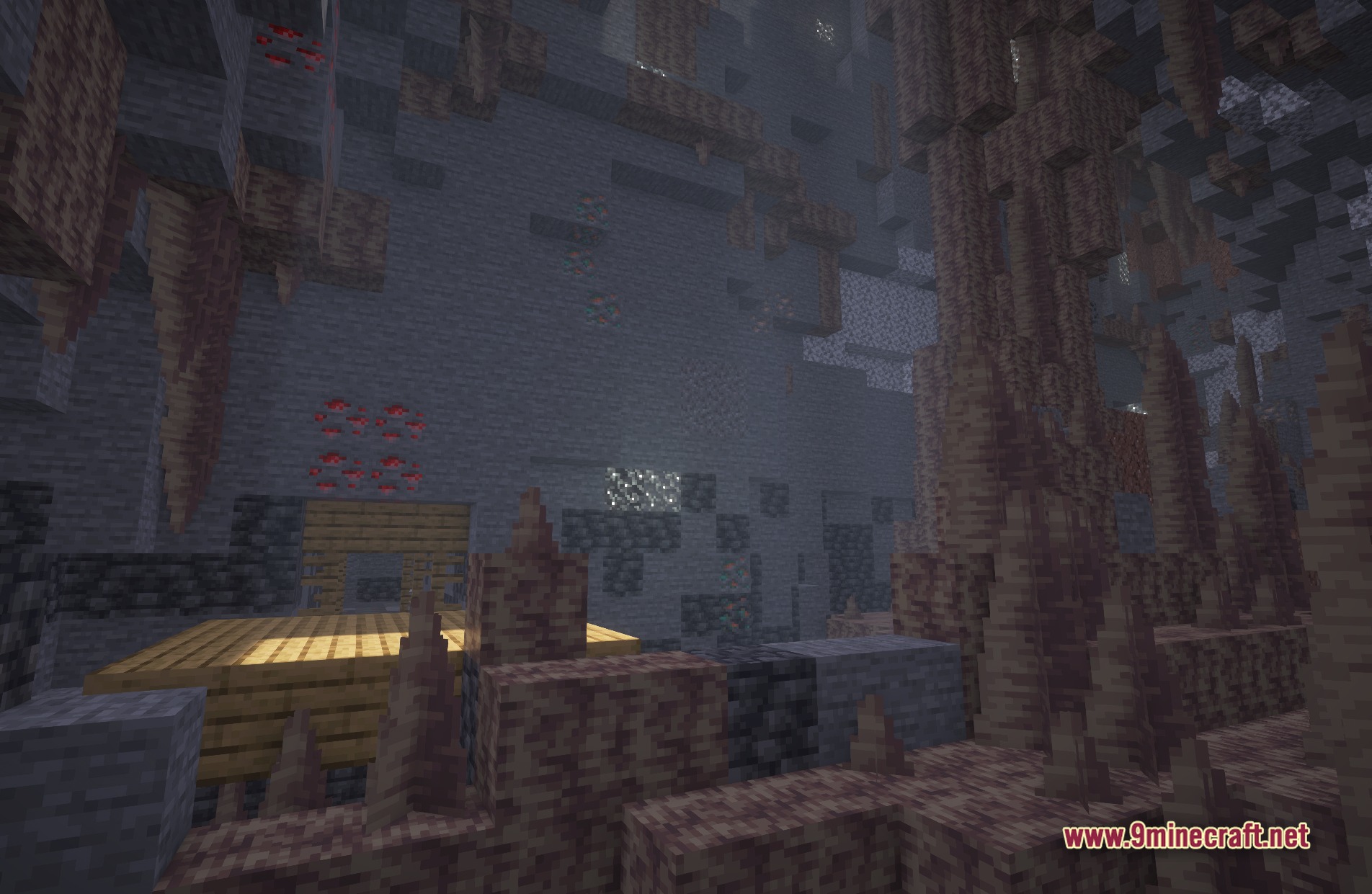
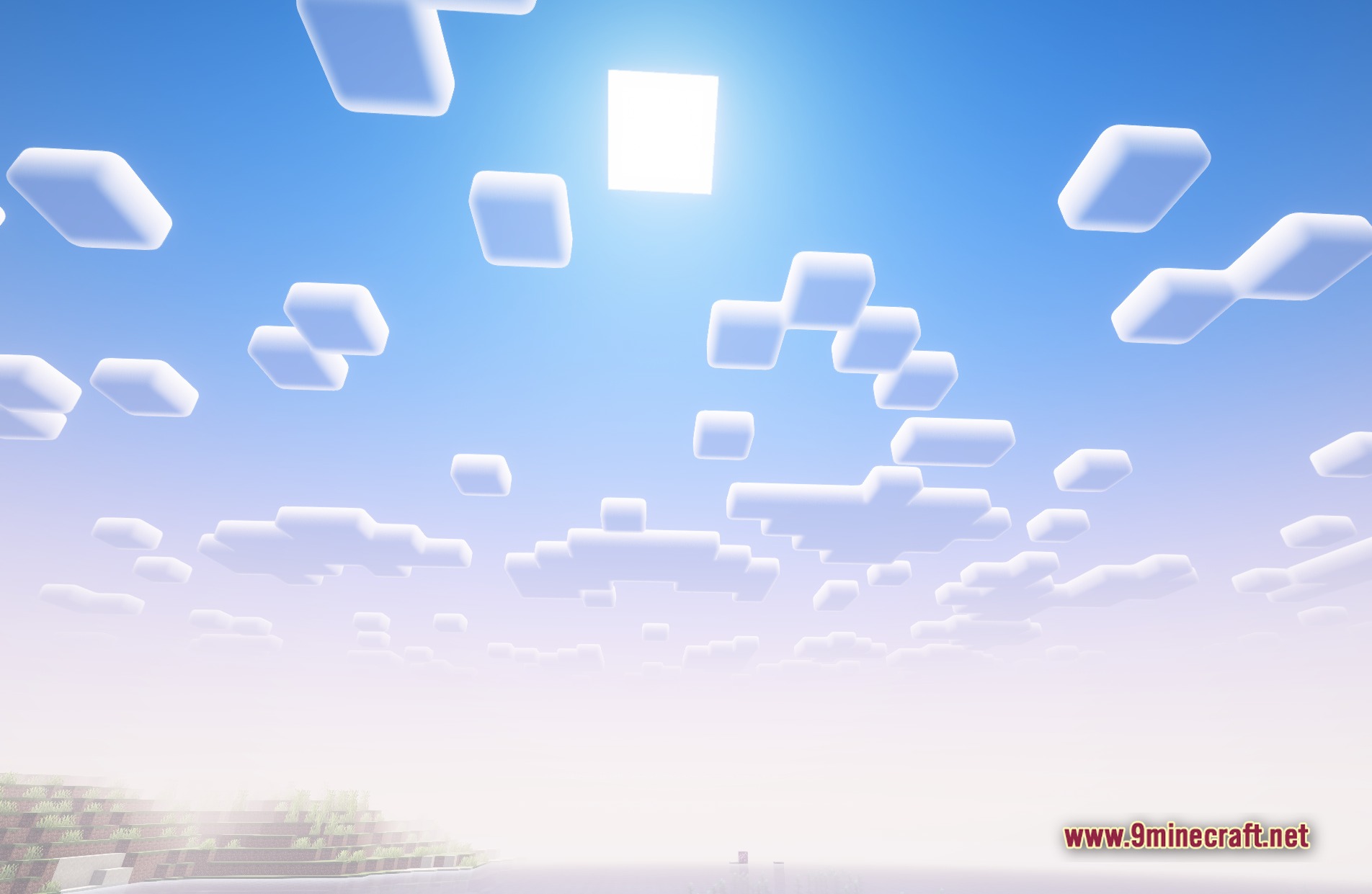
Adjust Primal Glow High for Different Times of DayDaytime Optimization During the day, Primal Glow High enhances sun rays and improves sky visuals. The shader makes…Explore Caves and Underground Builds with Better VisibilityUnderstanding Cave Lighting Changes Primal Glow High softens shadows in caves and underground areas, making…Make Your Builds Look Better with Primal Glow High LightingUse Glowing Blocks Strategically Primal Glow High enhances the radiance of light-emitting blocks. Place glowing…Optimize Primal Glow High for Better PerformanceAdjust Shader Settings Primal Glow High offers several tuning options to balance visual quality with frame rate.…
Frequently asked questions
How do I turn on Primal Glow High after installing it?
Open your shader settings menu in-game (usually accessed through Video Settings), find the Shaders option, and select Primal Glow High from the list. Once applied, the shader activates immediately and you'll see the warm lighting and glow effects take effect.
Why do caves look so dark even with this shader?
Primal Glow High improves cave visibility but respects vanilla darkness in unlit areas. Place torches or other light sources to see the shader's ambient glow and shadow softening work properly—the shader enhances existing light rather than creating it from nothing.
Can I use Primal Glow High with other visual mods?
Primal Glow High works with most mods, but avoid running multiple shaders at once as they conflict. Mods that add custom blocks or lighting may interact unpredictably, so test your setup and check community reports if you experience visual glitches.
My FPS dropped a lot after installing this shader. What can I do?
Refer to the performance optimization guide for your setup—you can reduce shadow quality, lower render distance, or disable certain effects through the shader's settings menu. Start with these adjustments before lowering your overall graphics settings.
See all 10 Primal Glow High Shaders questions ›
Gallery
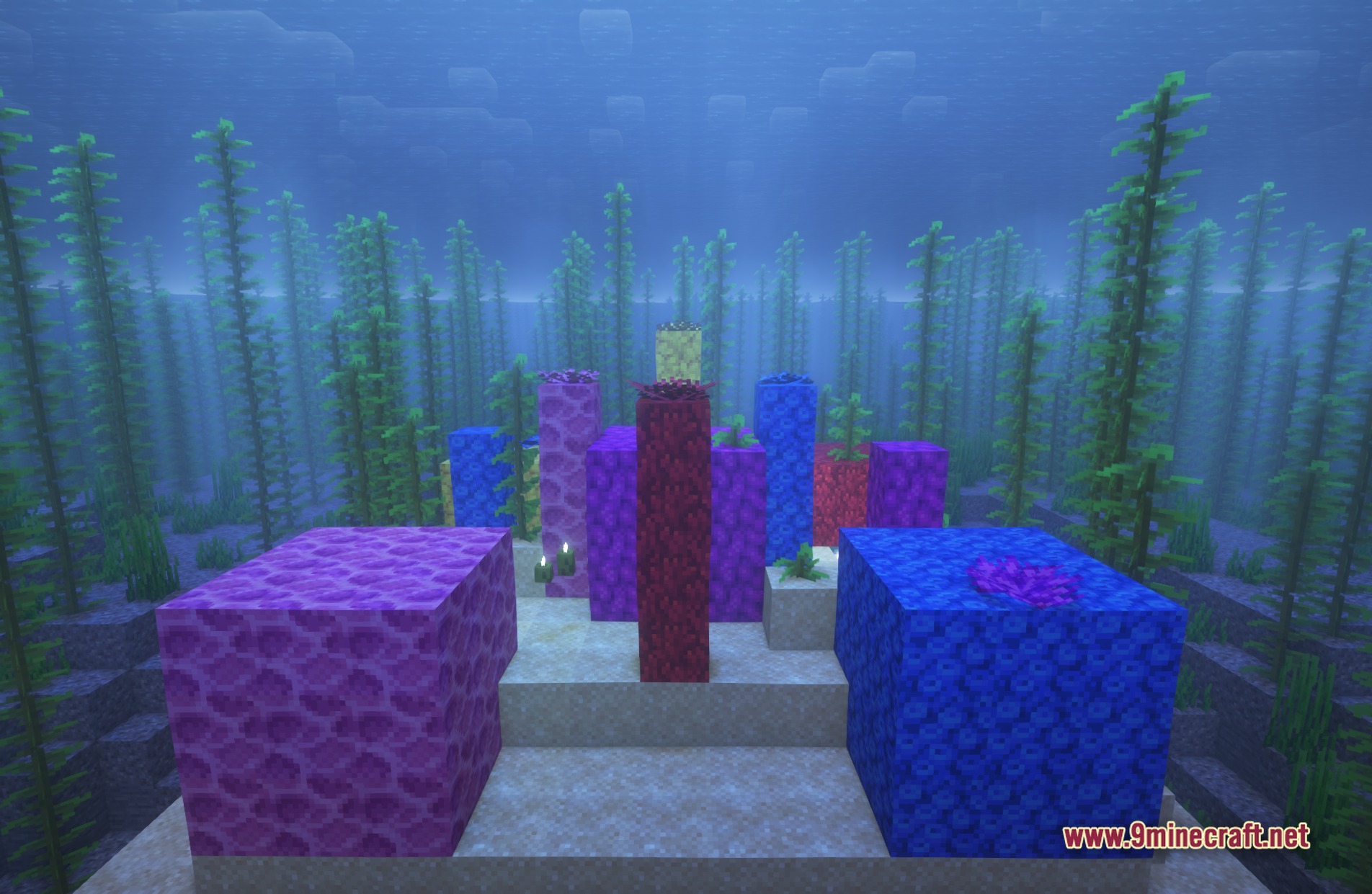
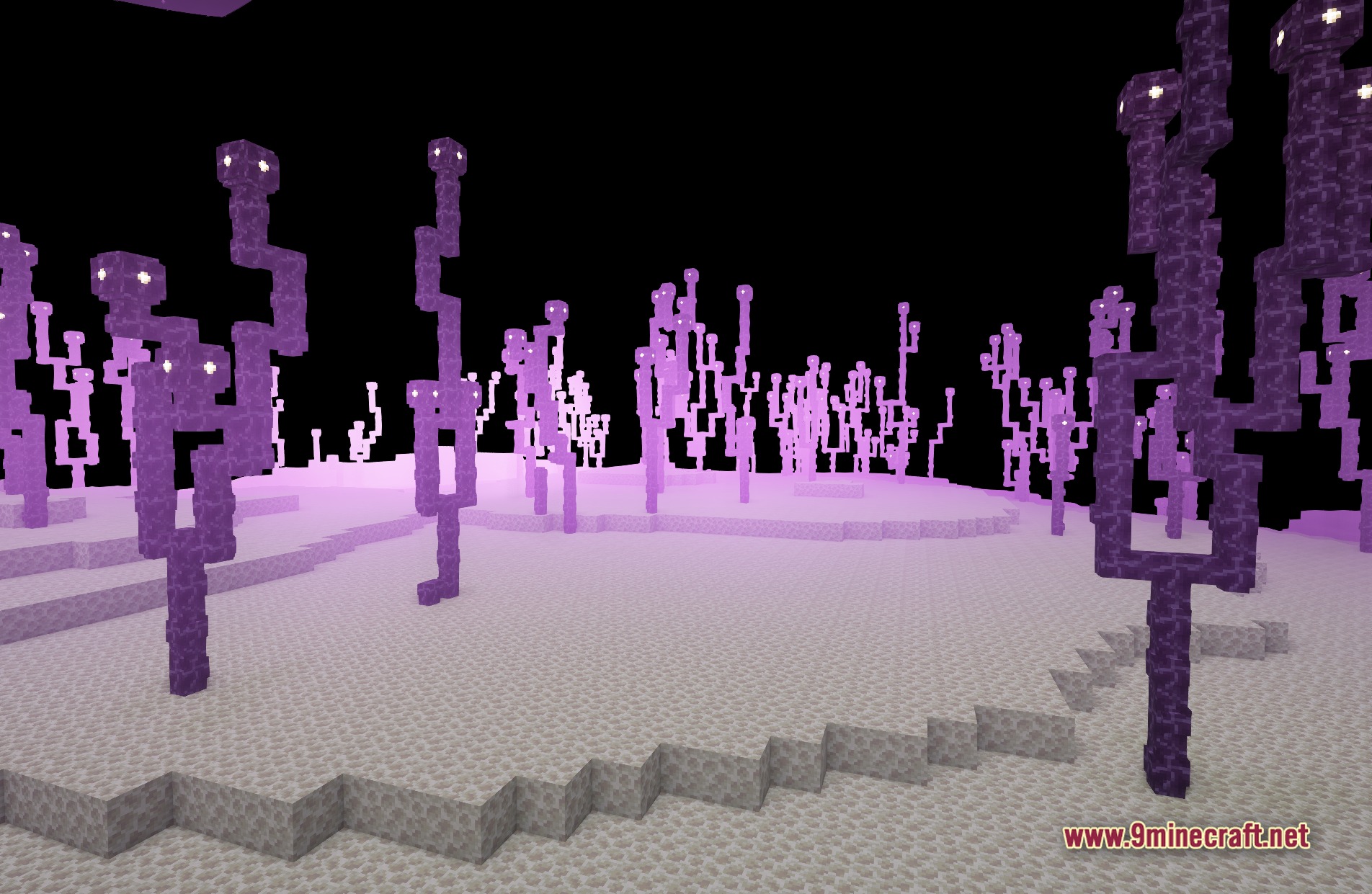
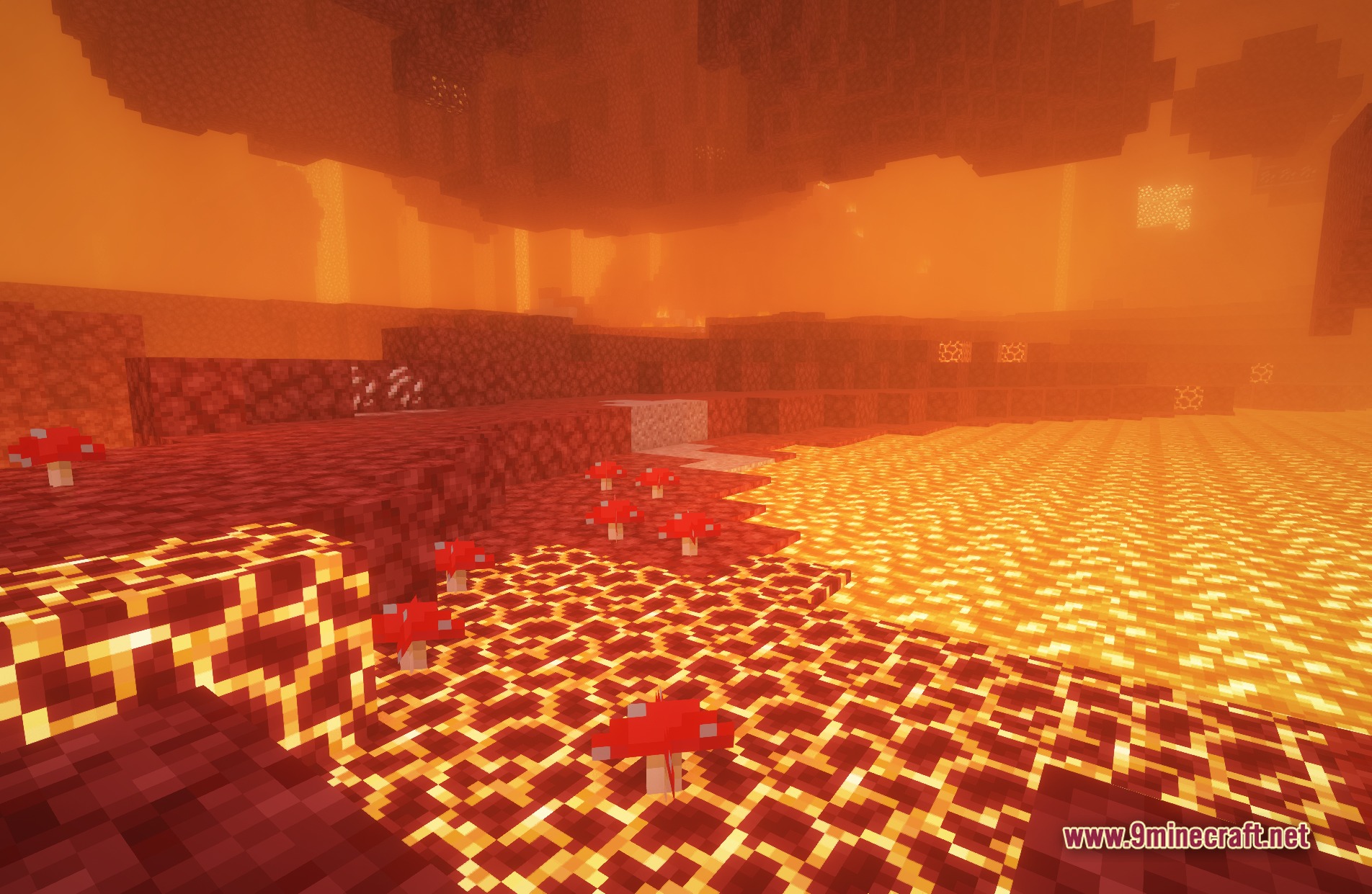
11 images from the Primal Glow High Shaders page.

You May Also Like
Wikis that share the most with this one
Wikis on the same theme: light
More shader wikis on the site
The most downloaded mods that have a wiki here