

 DownloadOut of Focus Shaders
Get the files on 9Minecraft
Guides
Step-by-step, in-game.
Adjust Blur Strength to Find Your Challenge LevelAccess the Shader Settings Out of Focus Shaders includes multiple blur intensity levels to suit different playstyles.…Build Structures While Dealing with BlurStart with Simple Designs Building with Out of Focus Shaders active requires patience. Begin with basic structures…Navigate and Explore with Limited VisibilityMap Out Familiar Territory First Before exploring with heavy blur active, spend time in areas you know well. This…Play Survival Mode with Reduced VisibilityPrepare Your World Before enabling heavy blur in survival, set up a safe base with adequate lighting. The blur will…
Frequently asked questions
How do I turn on the blur effect?
Open the Shader Settings menu (usually accessed through your video settings or shader options screen) and enable Out of Focus Shaders. The blur will apply immediately to your entire screen.
How do I make the blur stronger or weaker?
Look for the blur strength slider in the Shader Settings menu and adjust it to your preferred level. Moving it higher increases the blur intensity, while lower values create a more subtle effect.
Can I play survival mode with this shader on?
Yes, the shader works in all game modes including survival. Many players use it as a fun challenge to test their navigation and building skills while dealing with reduced visibility.
Will this shader make my game lag?
Out of Focus Shaders is optimized to run smoothly even on low-end systems. You should not experience significant frame rate drops, though performance depends on your hardware and other mods installed.
See all 10 Out of Focus Shaders questions ›
Gallery
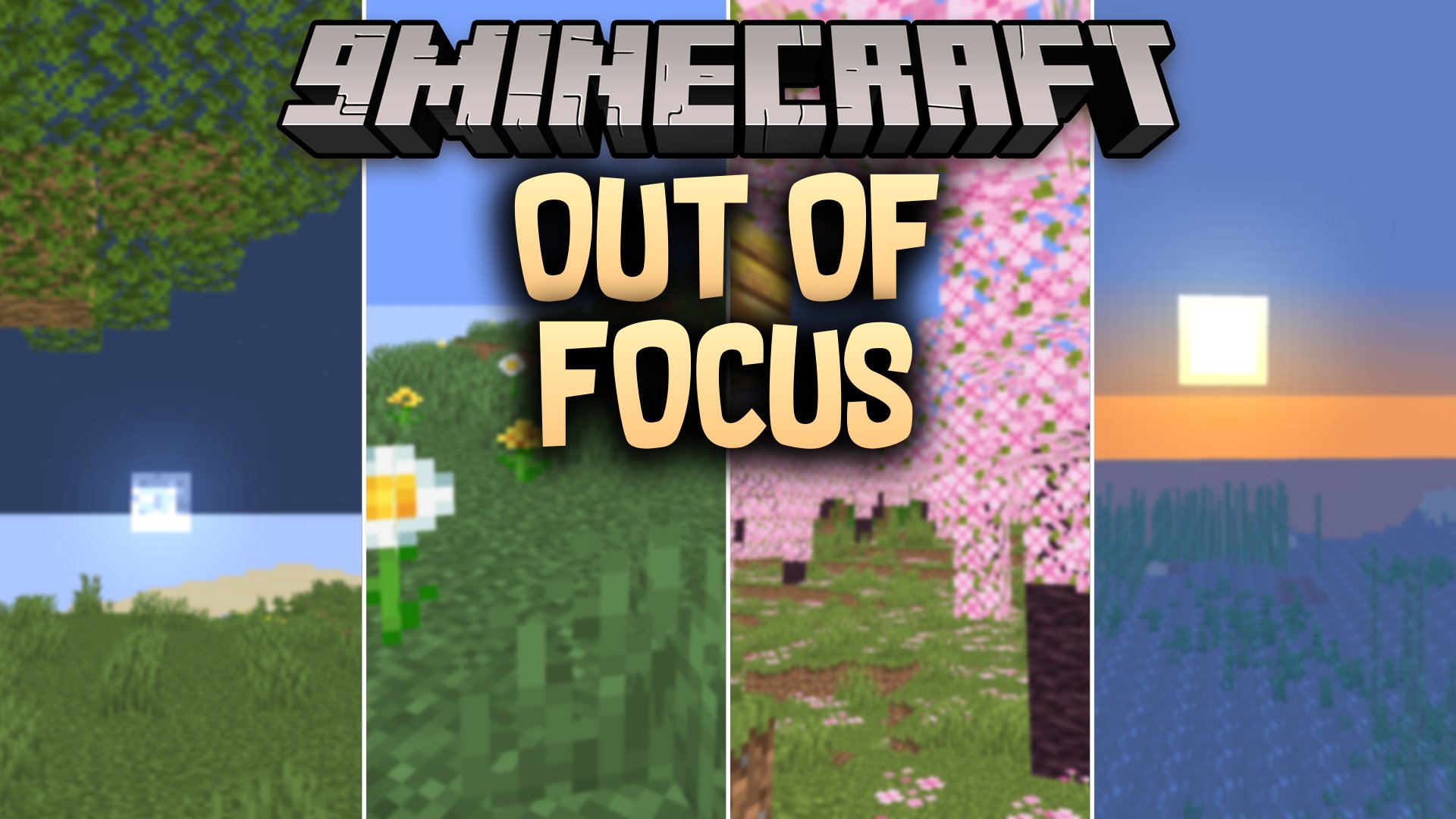
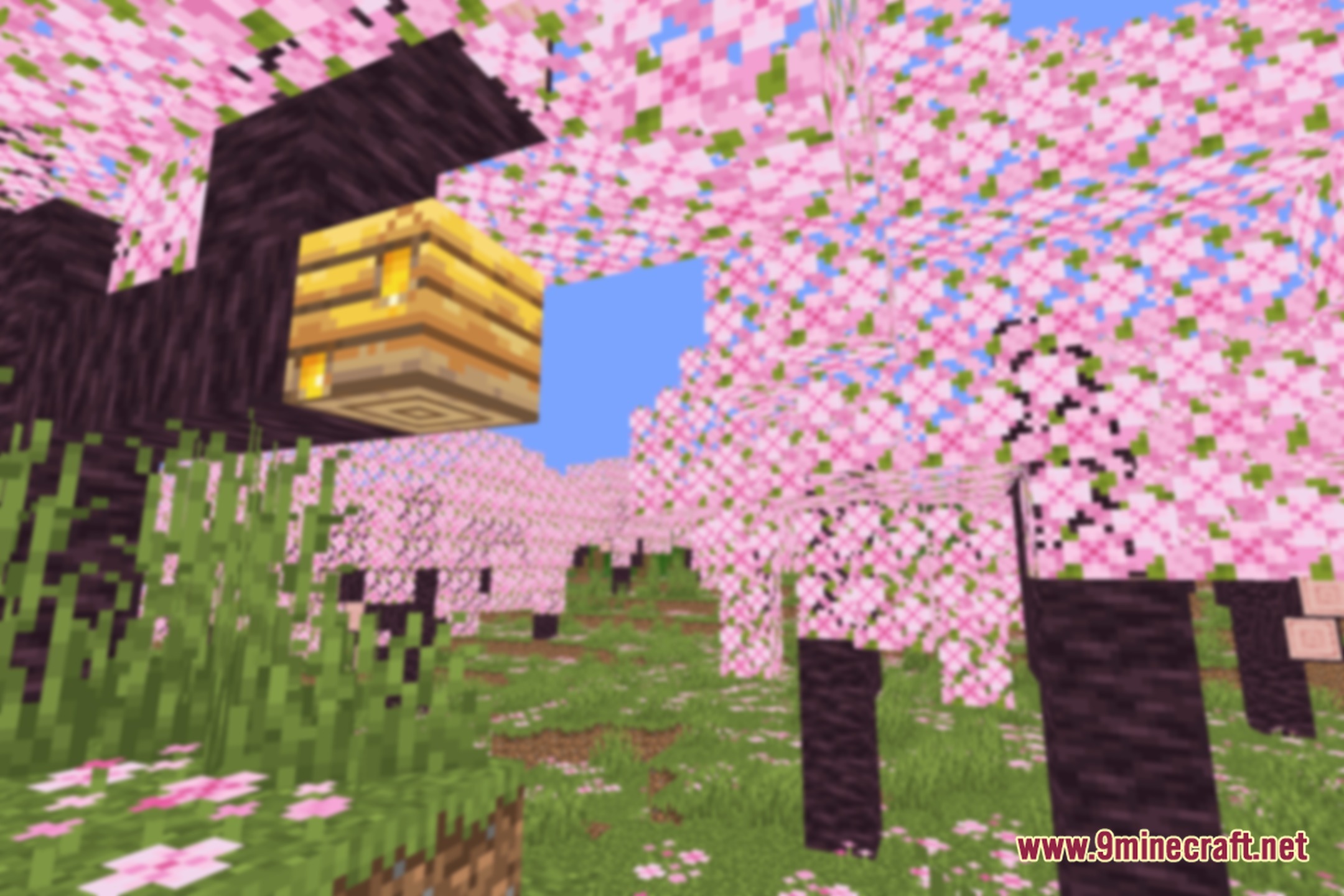
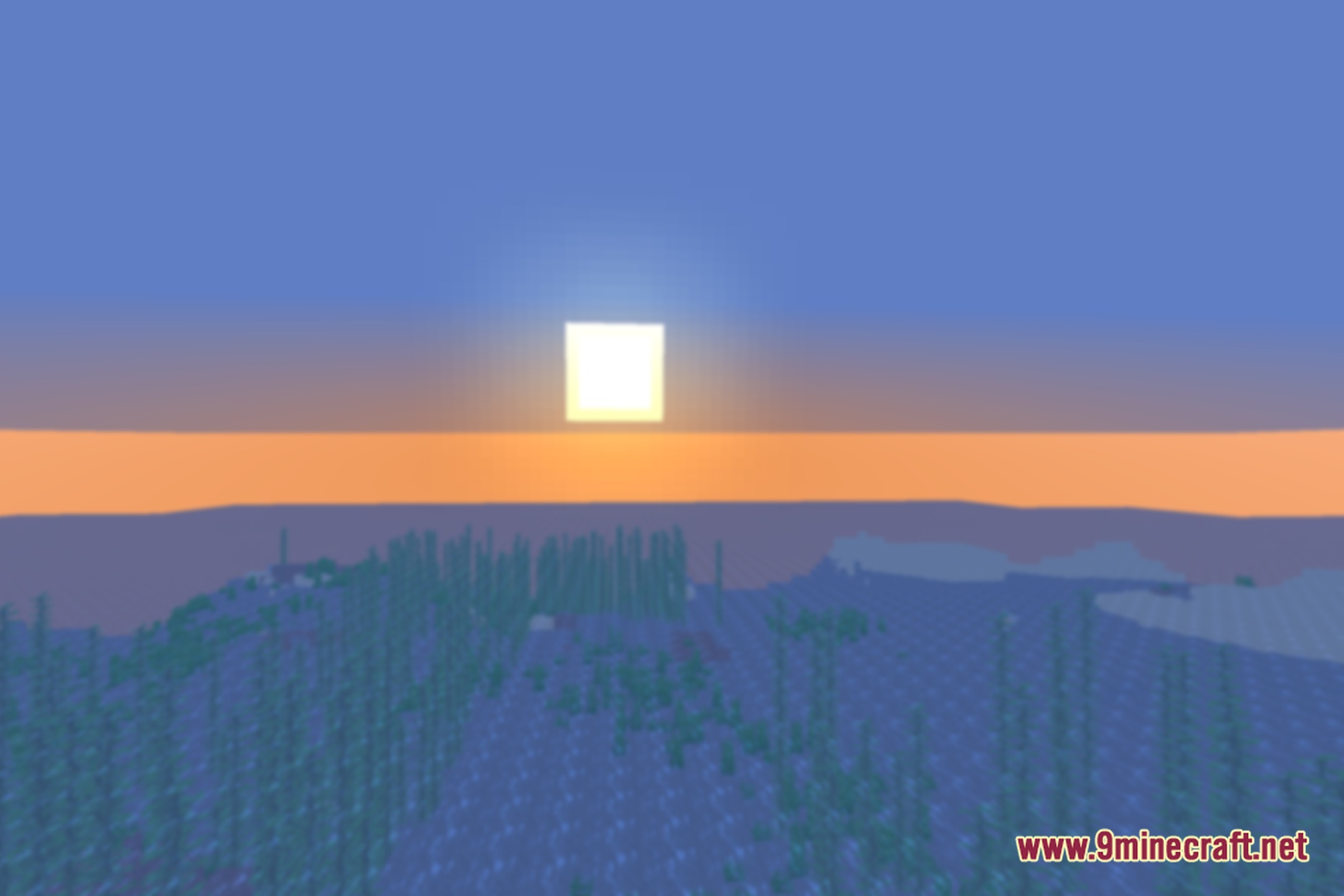
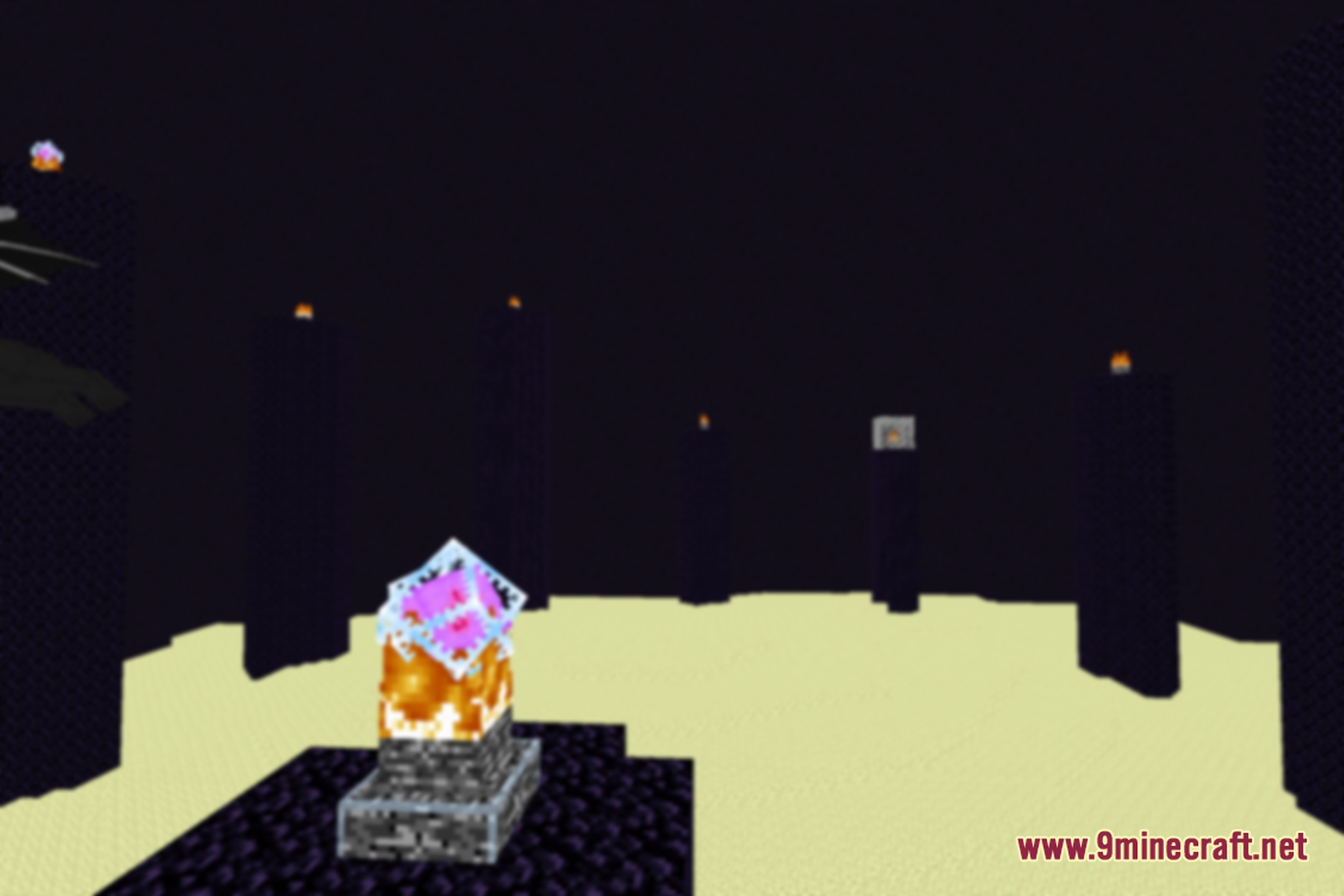
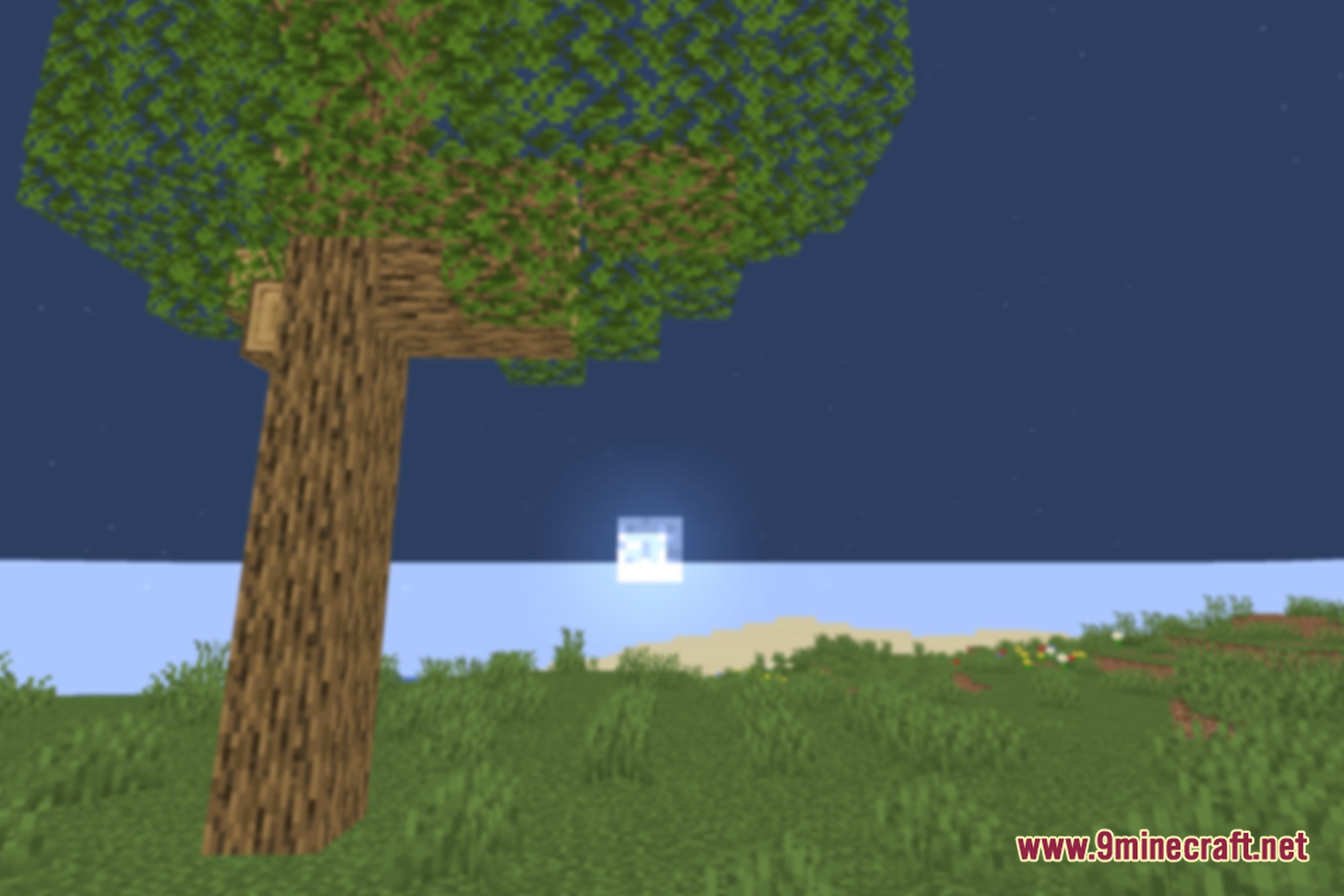
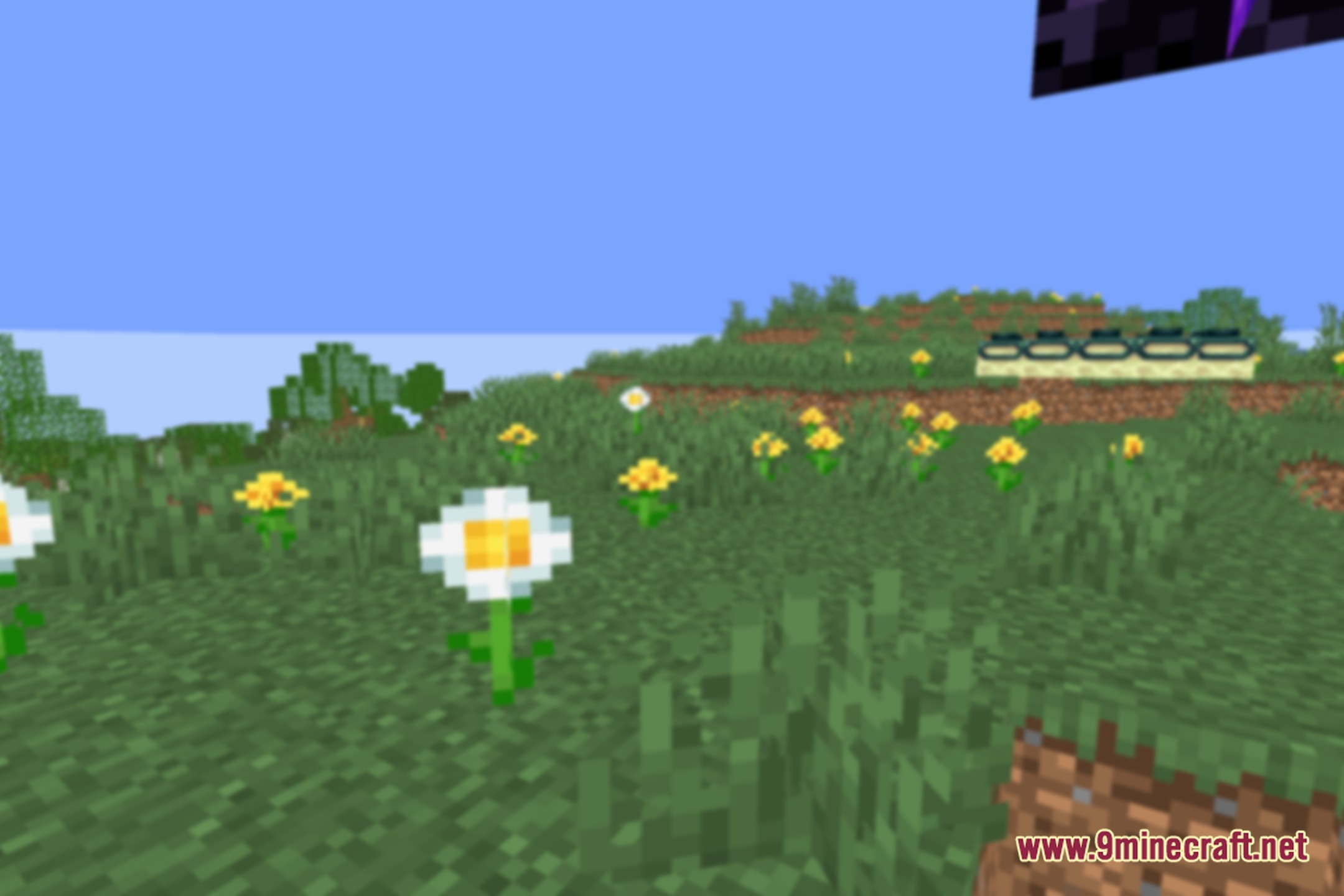
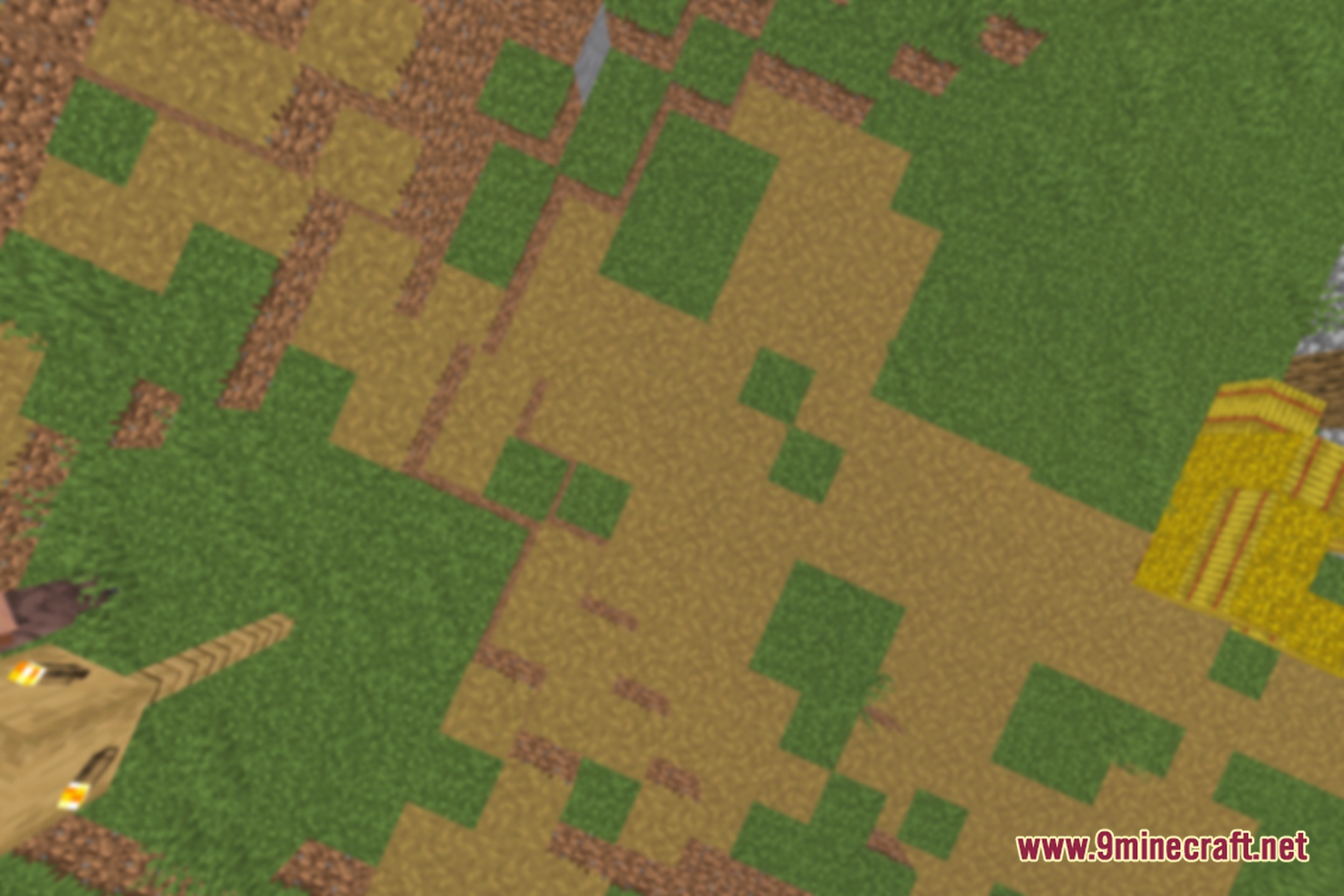
12 images from the Out Of Focus Shaders page.
You May Also Like
Wikis that share the most with this one
More shader wikis on the site
 Obsidian Shaders
The most downloaded mods that have a wiki here