

 DownloadPaintBound Shaders
Get the files on 9Minecraft
Guides
Step-by-step, in-game.
Adjust Shader Quality for Better PerformanceAccess Shader Settings Open your Options menu and navigate to the Shader Settings panel. PaintBound Shaders offers…Create Cohesive Lighting in Your BuildPlan Your Lighting Scheme Before placing light sources, decide on a color theme. PaintBound's colored lighting system…Enhance Light Source Colors for AtmosphereUnderstanding Colored Lighting PaintBound Shaders transforms standard light sources into vibrant, fantasy-colored…Take Better Screenshots with PaintBound ShadersPrepare Your Scene Before screenshotting, position yourself to capture interesting lighting and shadow interplay.…
Frequently asked questions
How do I turn on PaintBound Shaders after installing it?
Open the Shaders menu from your Video Settings, then browse to the PaintBound Shaders folder and select it. The shader will apply immediately to your world.
My game is running slowly with PaintBound. What should I do?
Switch to a lower shader quality setting in the Video Settings menu—PaintBound offers low, medium, and high presets designed for different PC performance levels. You can also disable bloom effects or reduce render distance if you need more performance.
Why do my torches and light sources look dull?
Make sure you're using the Colored Lighting feature in the shader settings to enable the bright, fantasy-like colors on light sources. If it's already on, try adjusting the light intensity slider to make colors more vibrant.
Can I use PaintBound with other shader packs?
No—only one shader pack can be active at a time. You'll need to disable PaintBound and select a different shader if you want to switch.
See all 10 PaintBound Shaders questions ›
Gallery
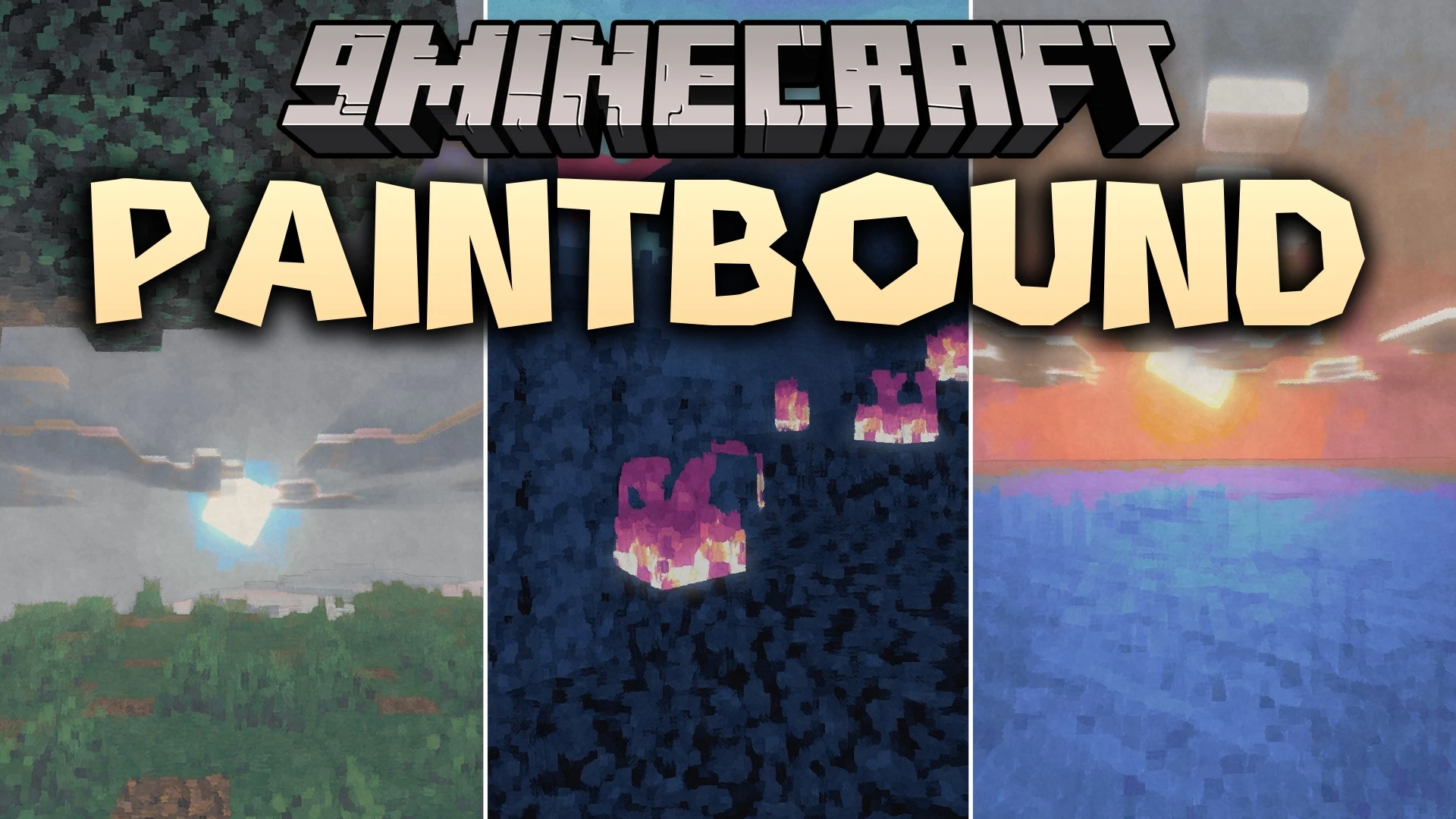
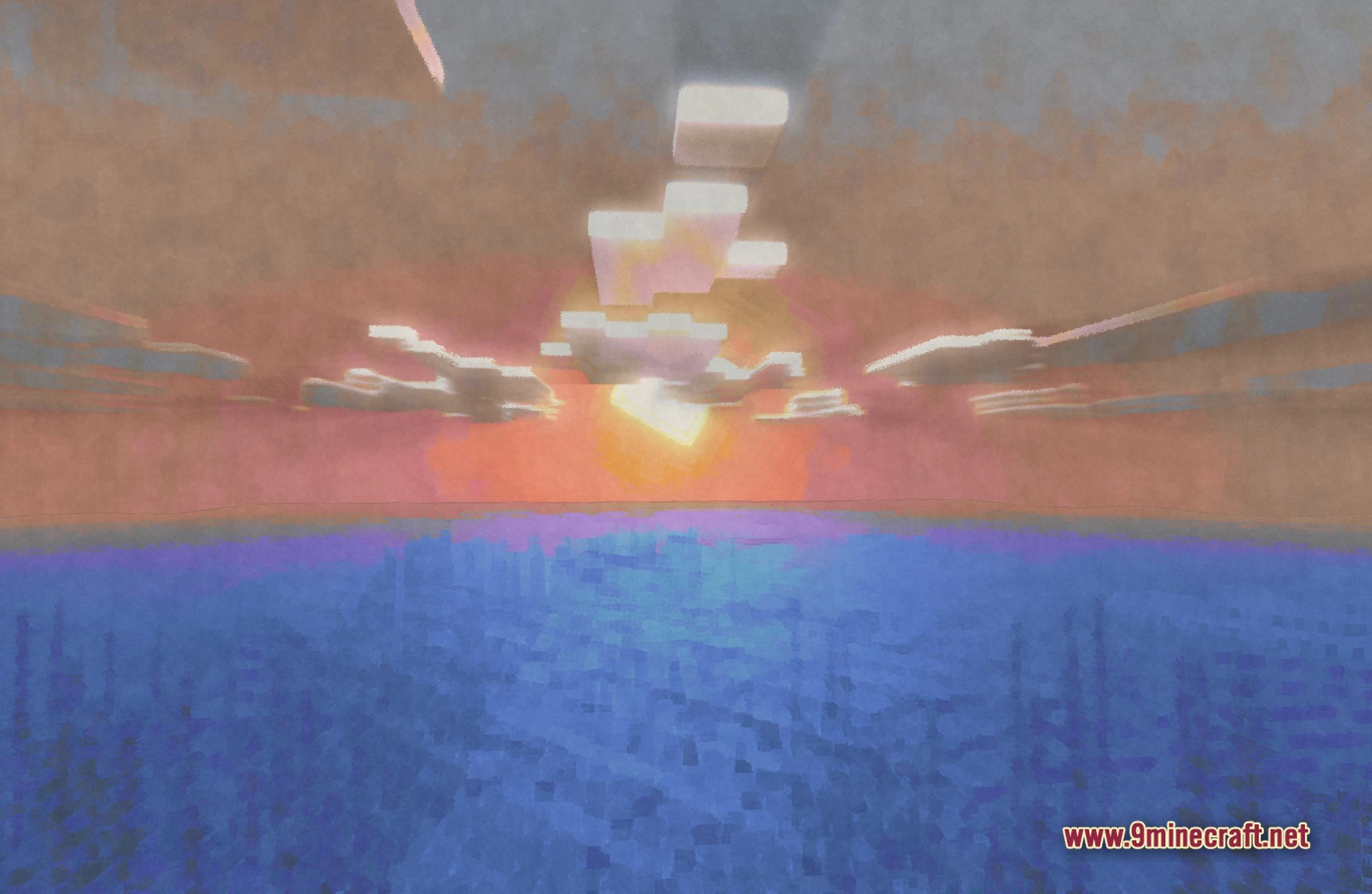
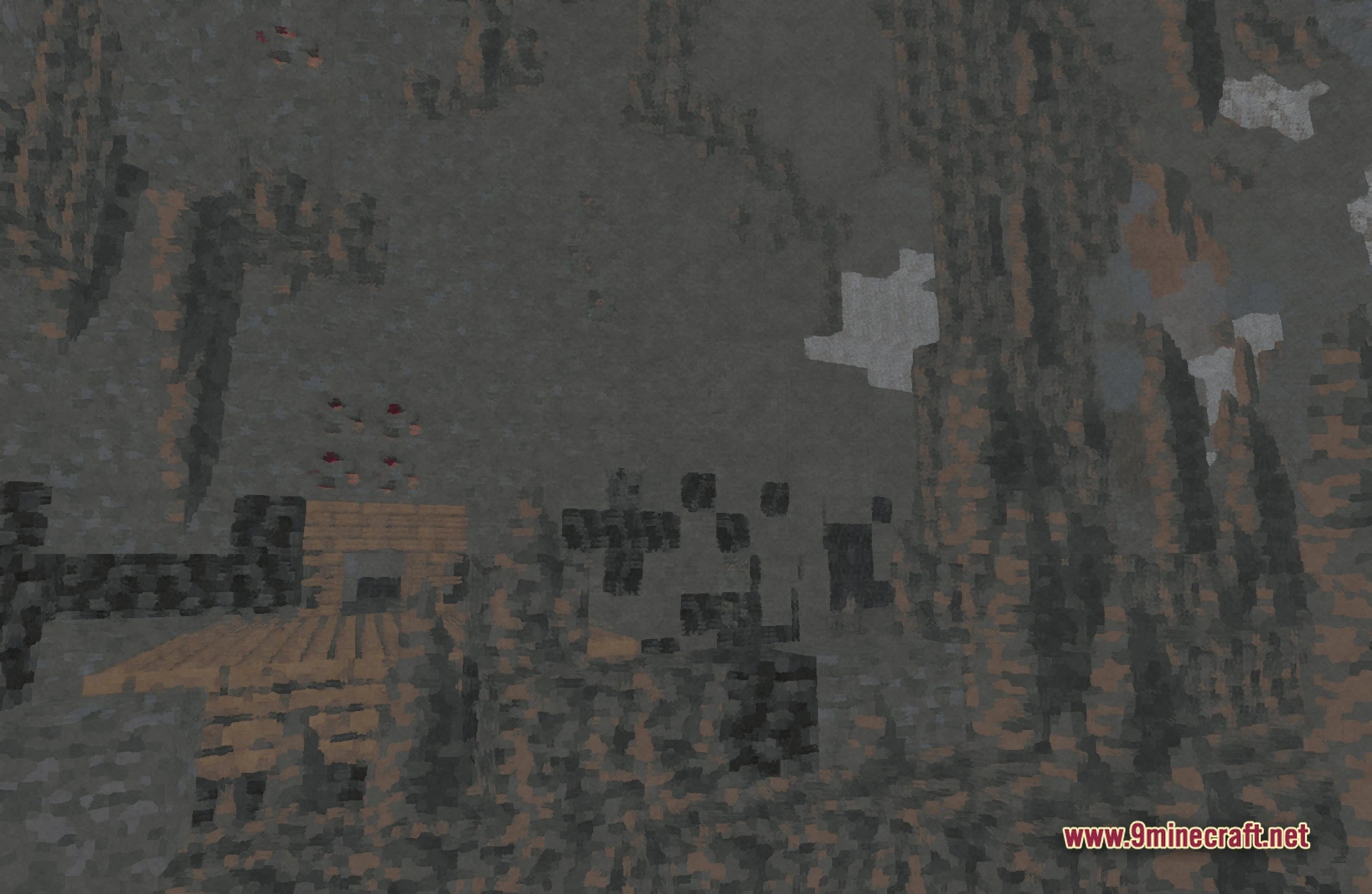
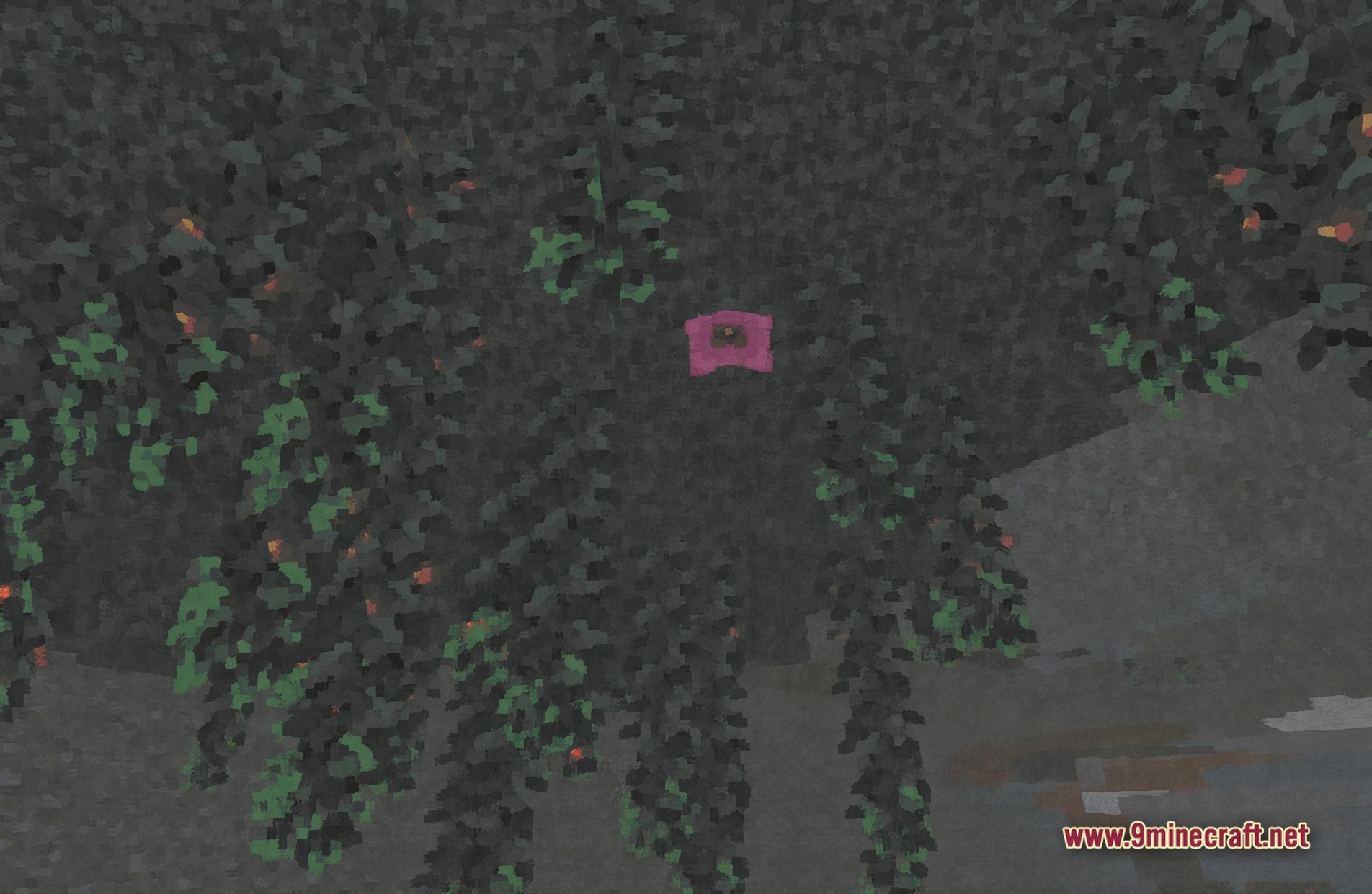
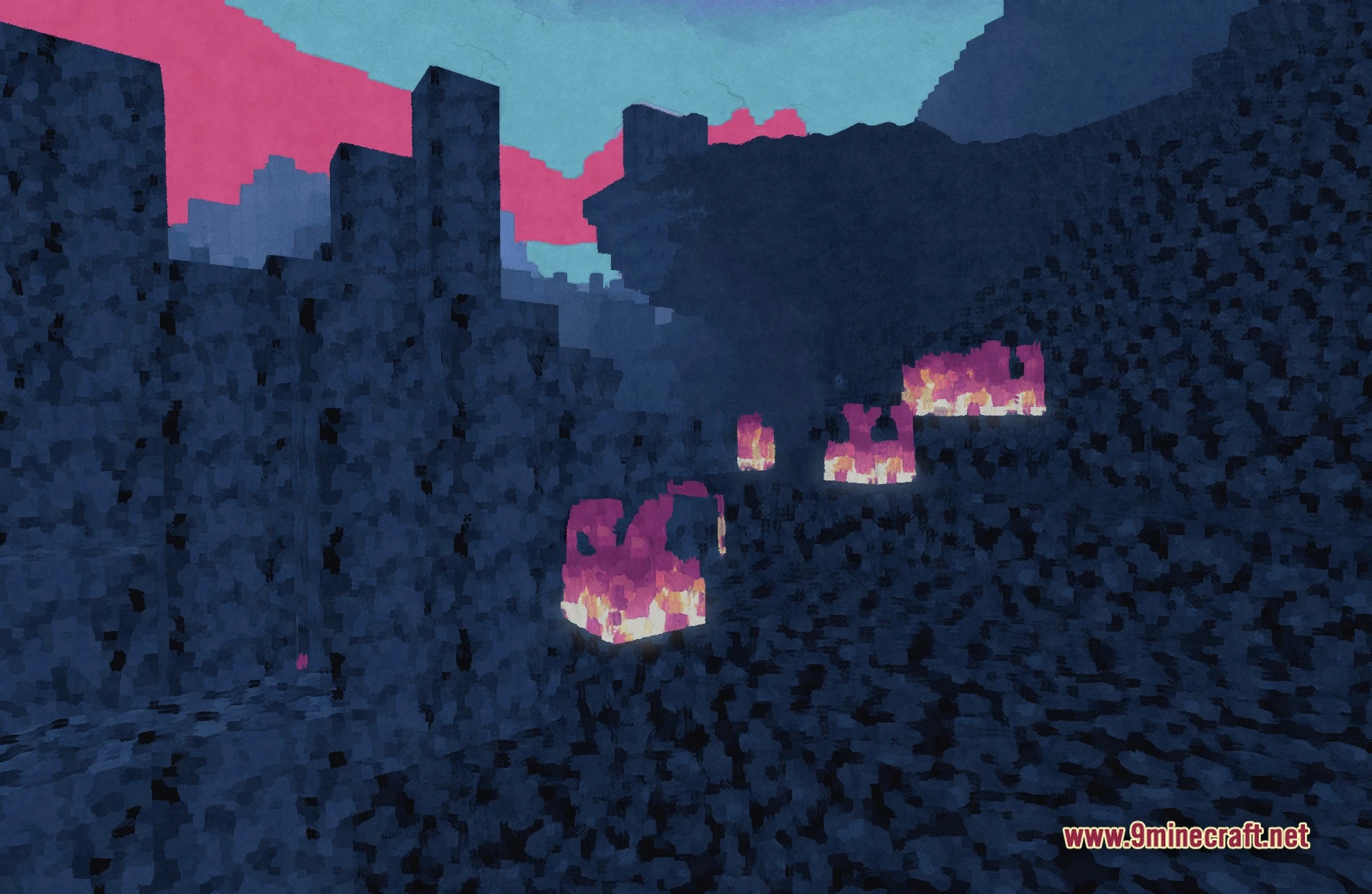
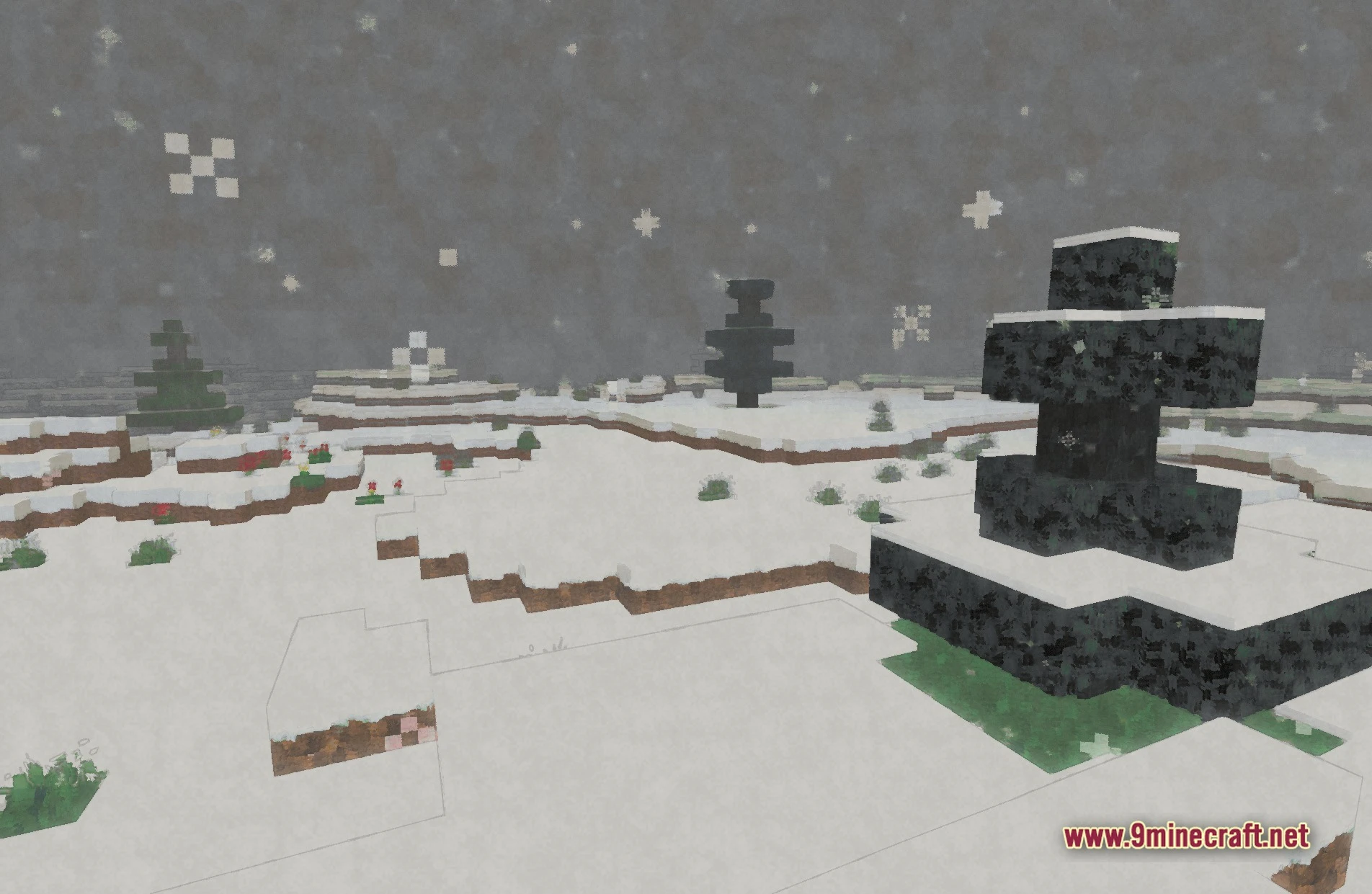
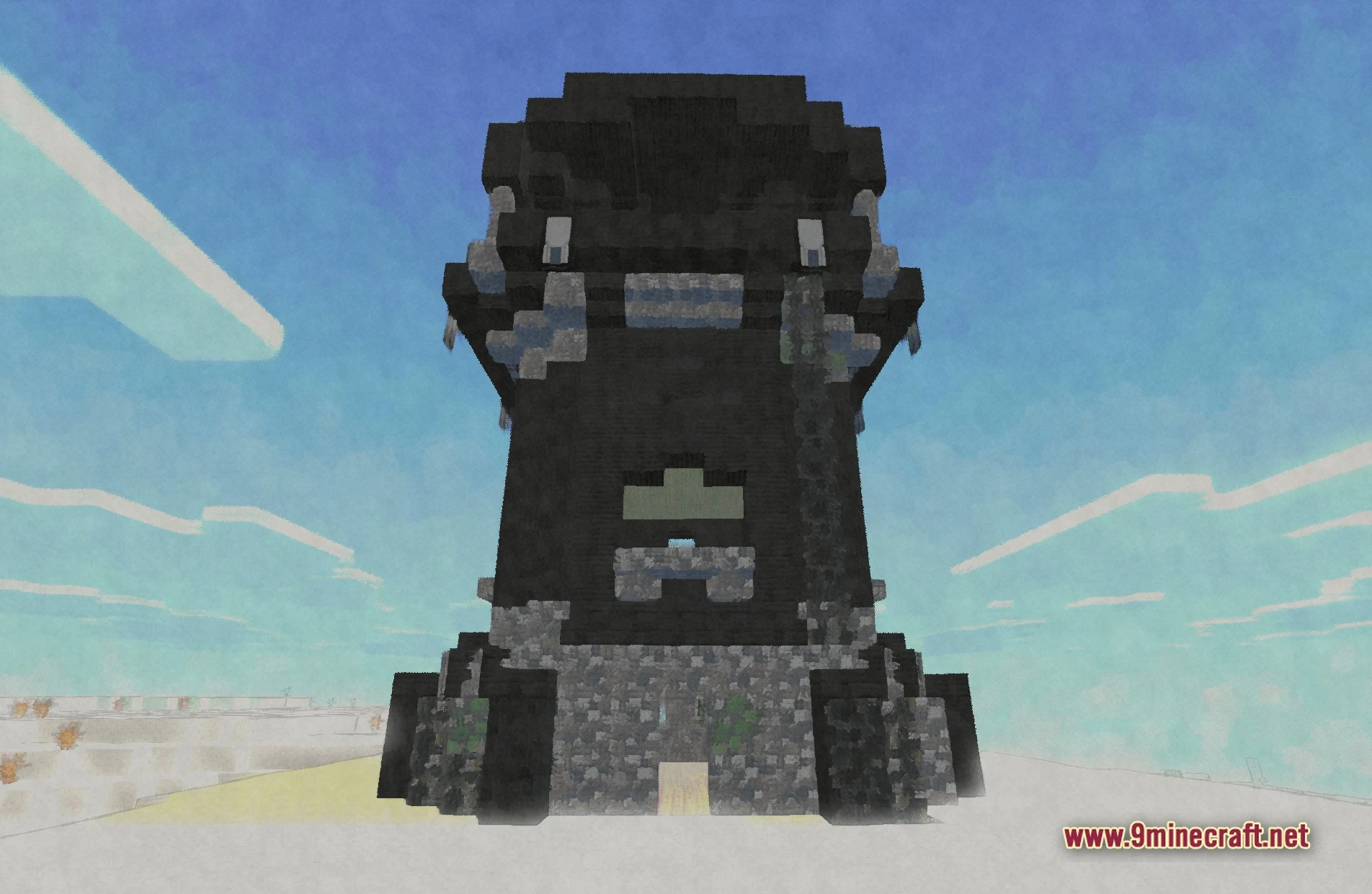
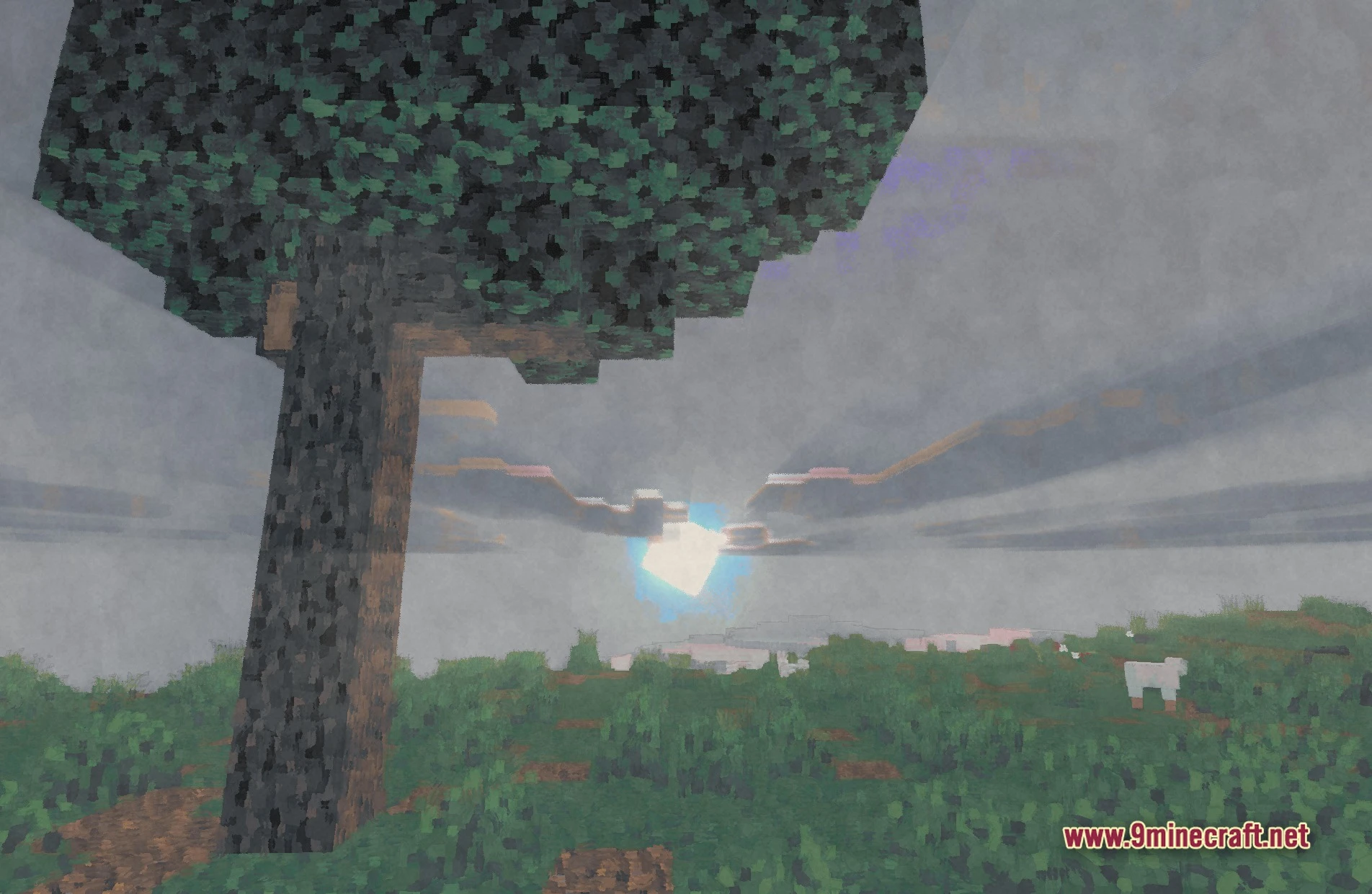
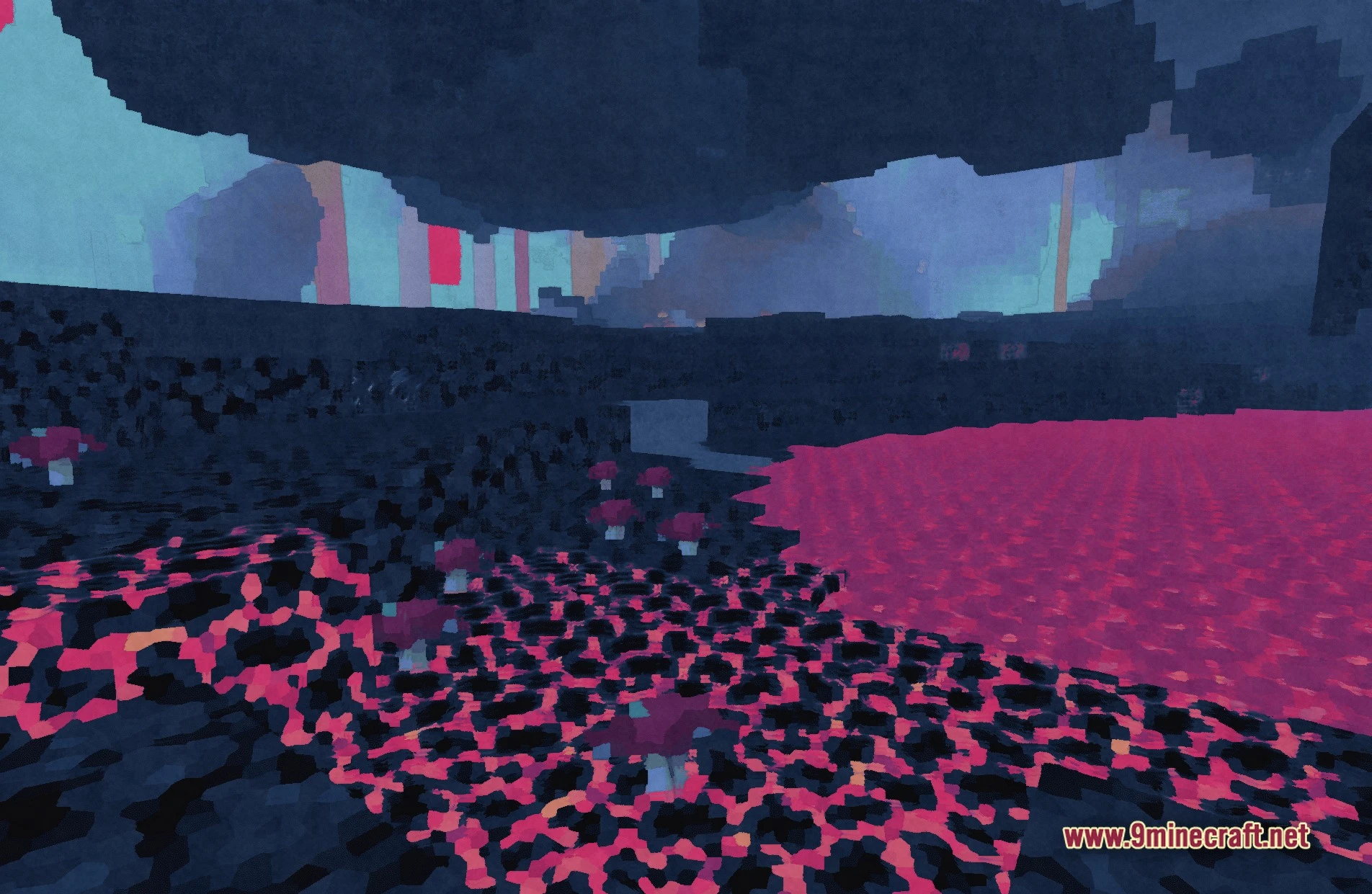
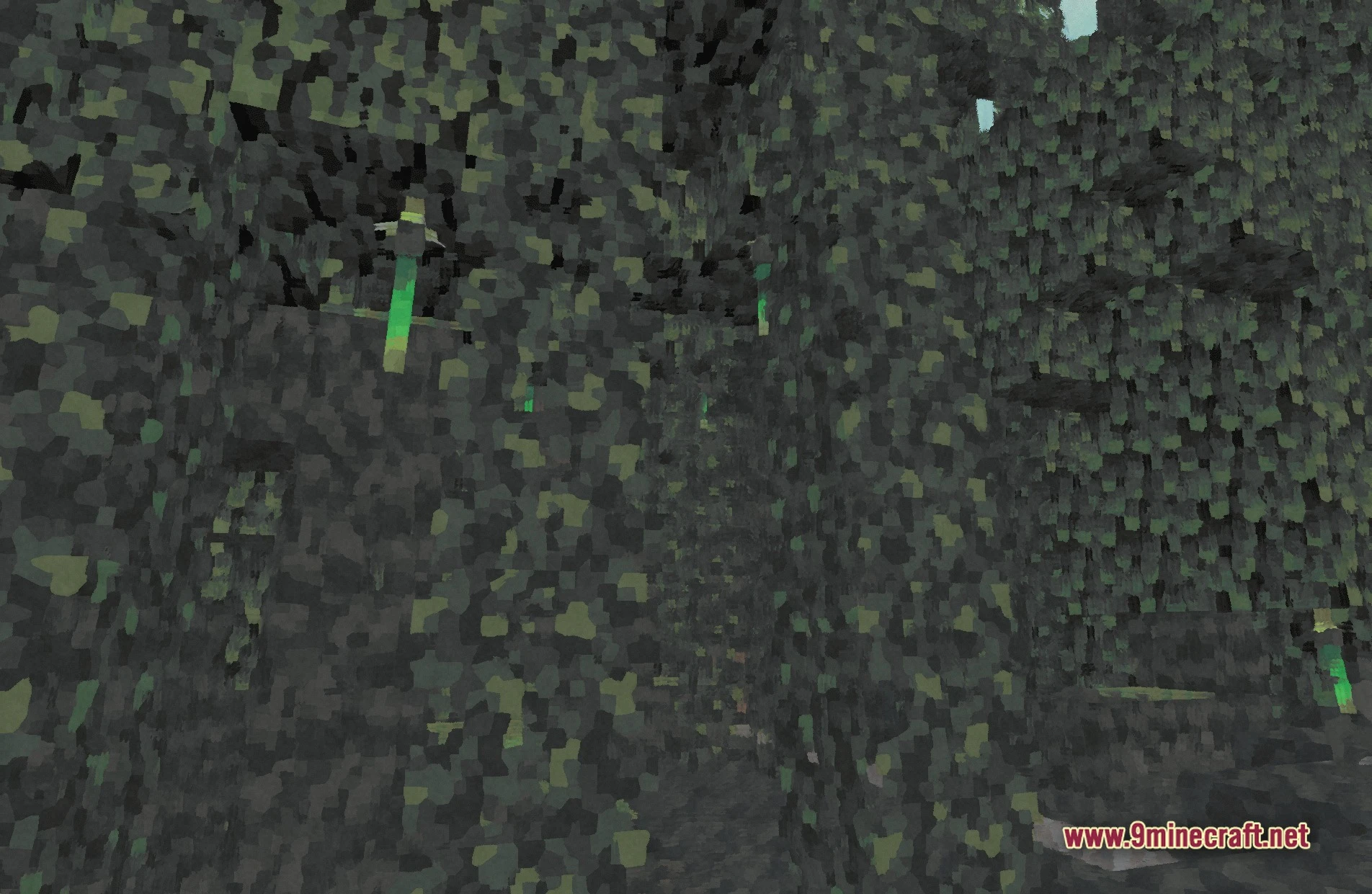
11 images from the Paintbound Shaders page.
You May Also Like
Wikis that share the most with this one
Wikis on the same theme: end
More shader wikis on the site
The most downloaded mods that have a wiki here