

 DownloadNyolxel Shaders
Get the files on 9Minecraft
Guides
Step-by-step, in-game.
Adjust Bloom Intensity Around Light SourcesAccess Shader Settings Open the shader options menu while in-game by pressing the designated shader menu key…Maintain Vanilla Aesthetics While Using ShadersPreserve Block Textures Nyolxel Shaders keep vanilla block textures completely intact. You won't see any texture…Optimize Nyolxel Shaders for Maximum PerformanceIdentify Performance Options Enter the shader settings menu and look for performance-related toggles. Nyolxel…Pair Nyolxel Shaders with the Nyoldarria ModUnderstand the Design Pairing Nyolxel Shaders were built specifically to complement the Nyoldarria mod's aesthetic.…
Frequently asked questions
How do I enable Nyolxel Shaders after installing it?
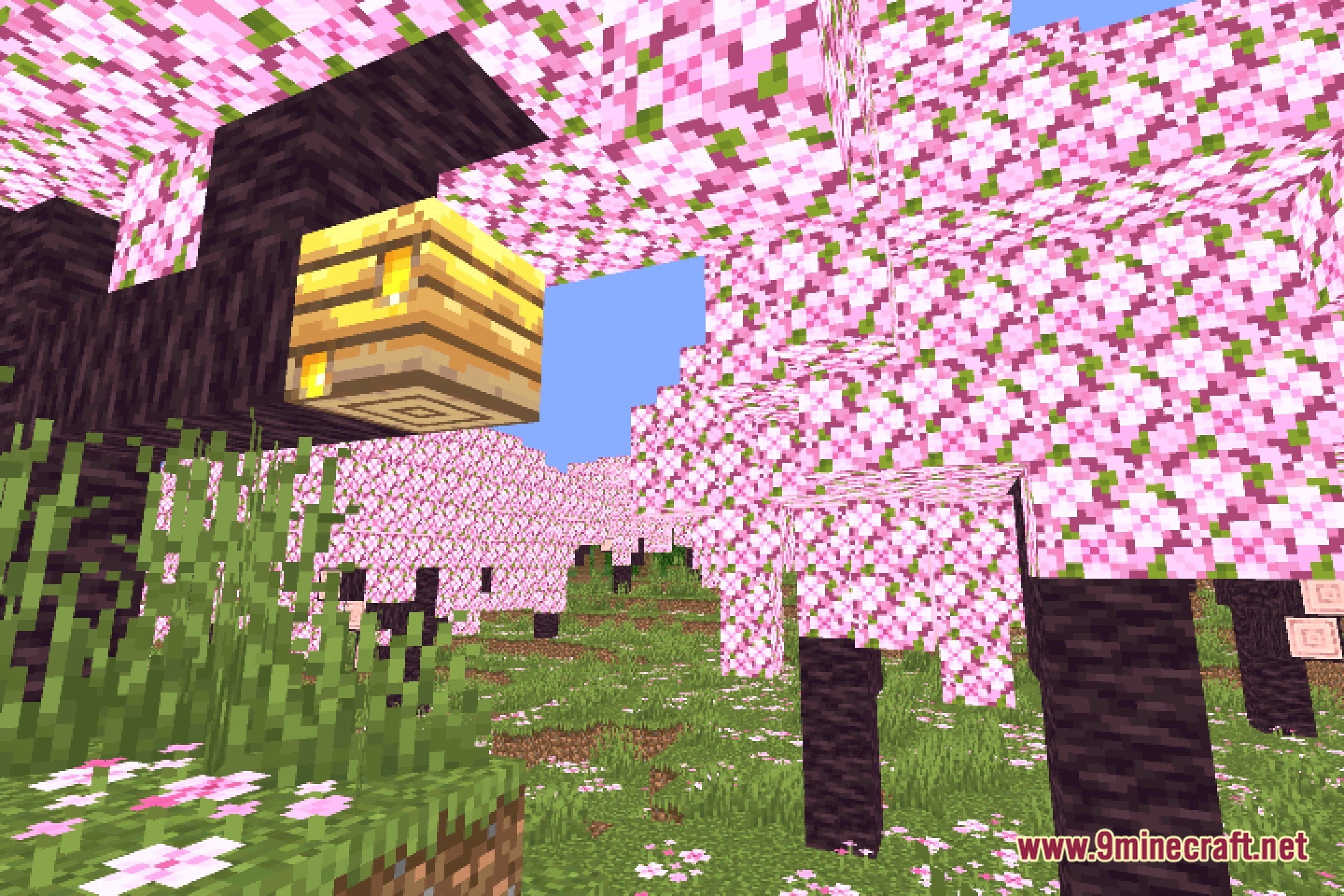
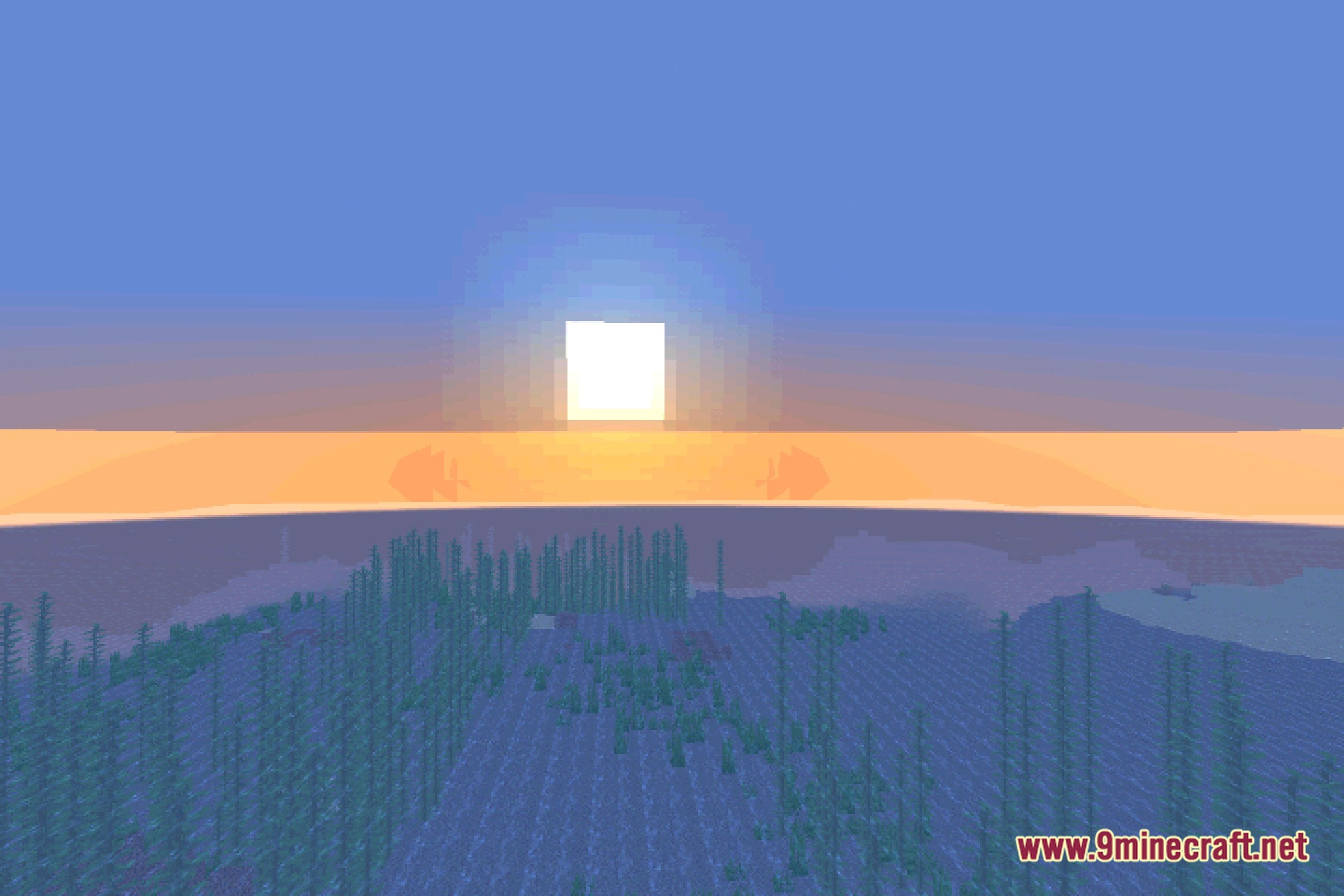
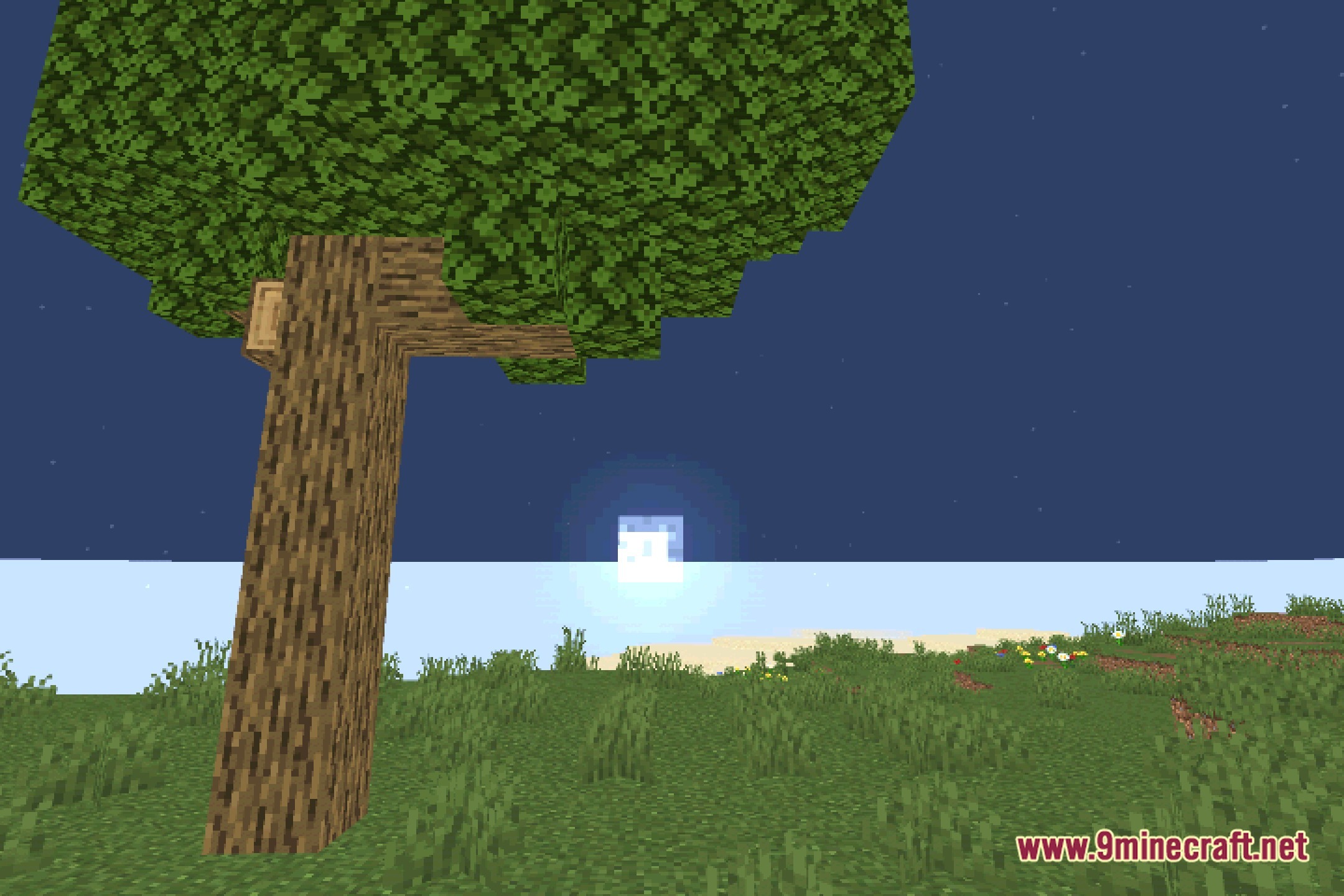
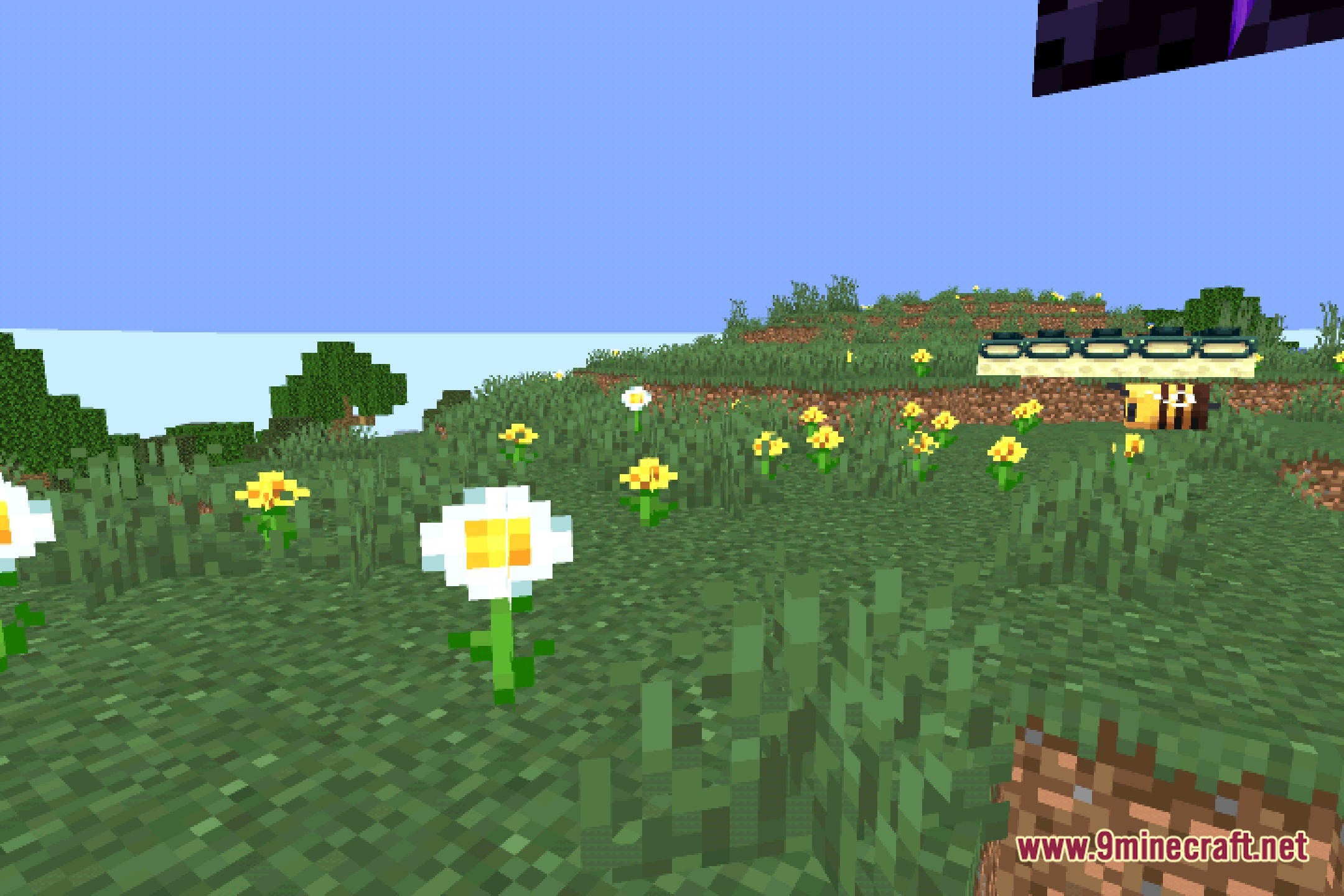
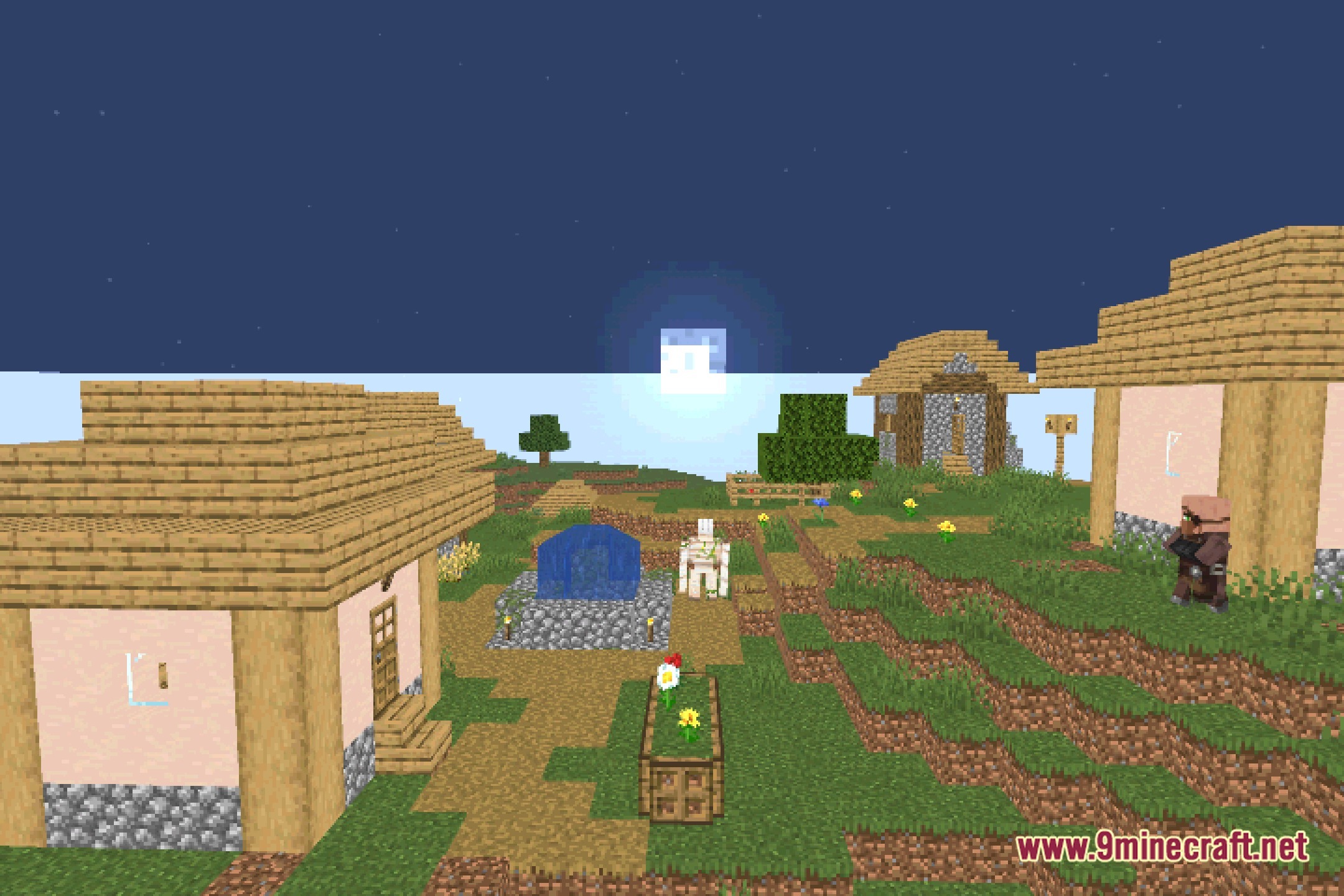
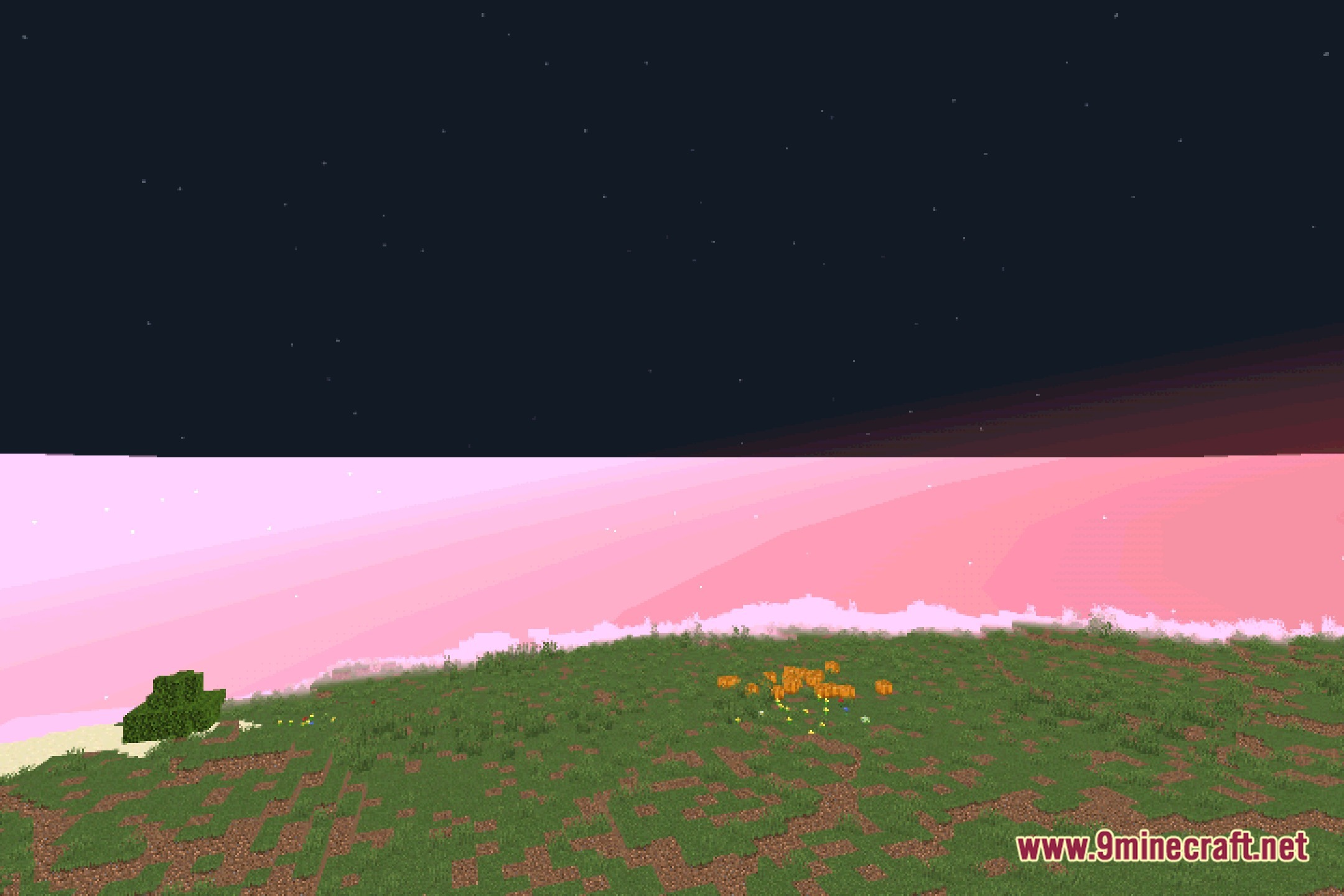
Open your Video Settings, navigate to Shaders, and select Nyolxel Shaders from the list. The shader will activate immediately and you'll see the bloom and retro lighting take effect.
Why is my frame rate dropping with Nyolxel Shaders?
Try reducing bloom intensity or disabling advanced lighting features in the shader settings. If performance is still poor, lower your render distance or disable other resource-heavy mods that aren't essential.
Can I use Nyolxel Shaders with texture packs?
Yes, Nyolxel Shaders works with most texture packs, but vanilla textures will look best since the shader is designed to preserve the classic vanilla style. High-resolution texture packs may impact performance on low-end systems.
Does Nyolxel Shaders work with the Nyoldarria mod?
Yes, Nyolxel Shaders was built specifically to match Nyoldarria's aesthetic and pairs seamlessly with it. The retro visuals and warm lighting complement Nyoldarria's blocks and world generation perfectly.
See all 10 Nyolxel Shaders questions ›
Gallery
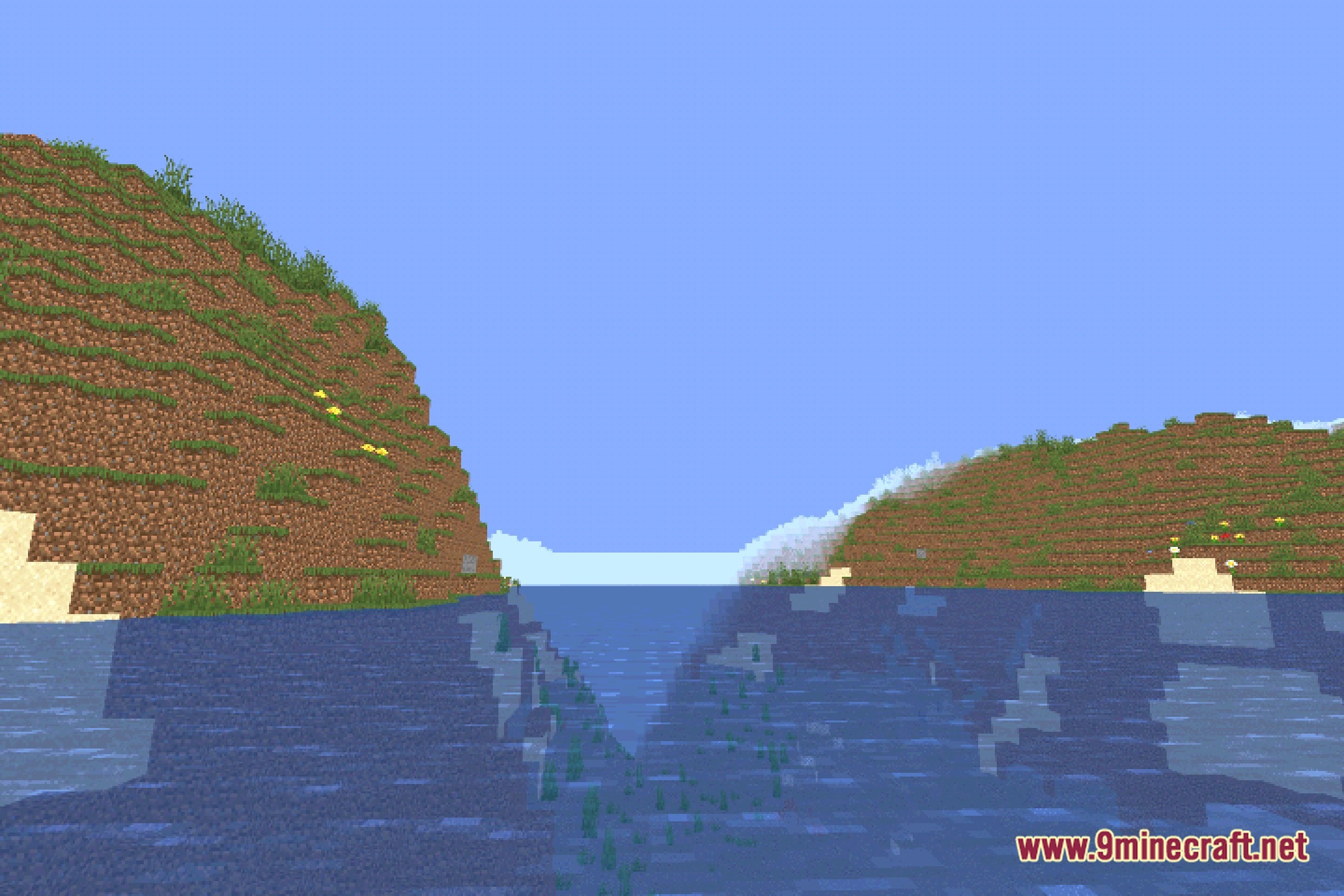
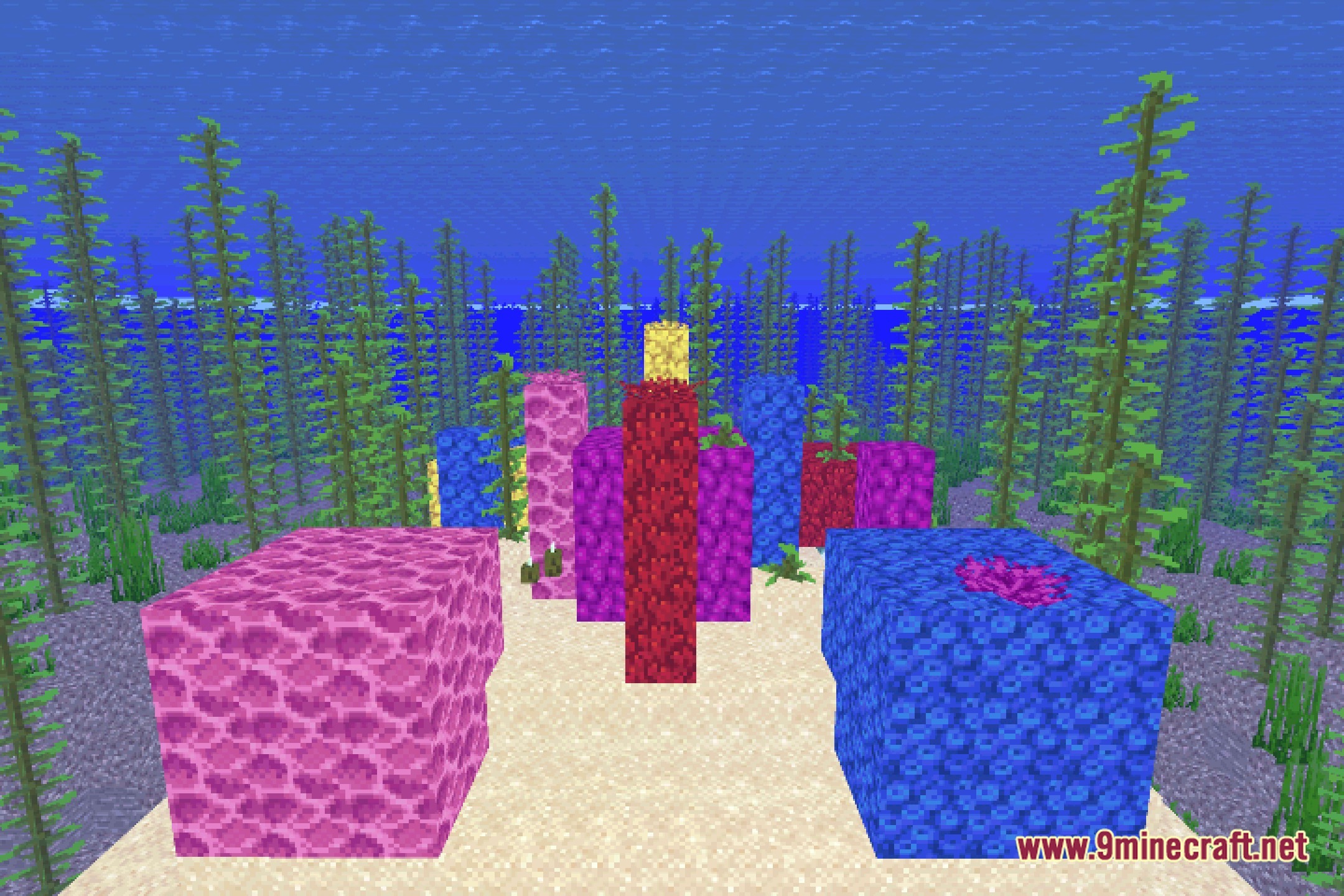
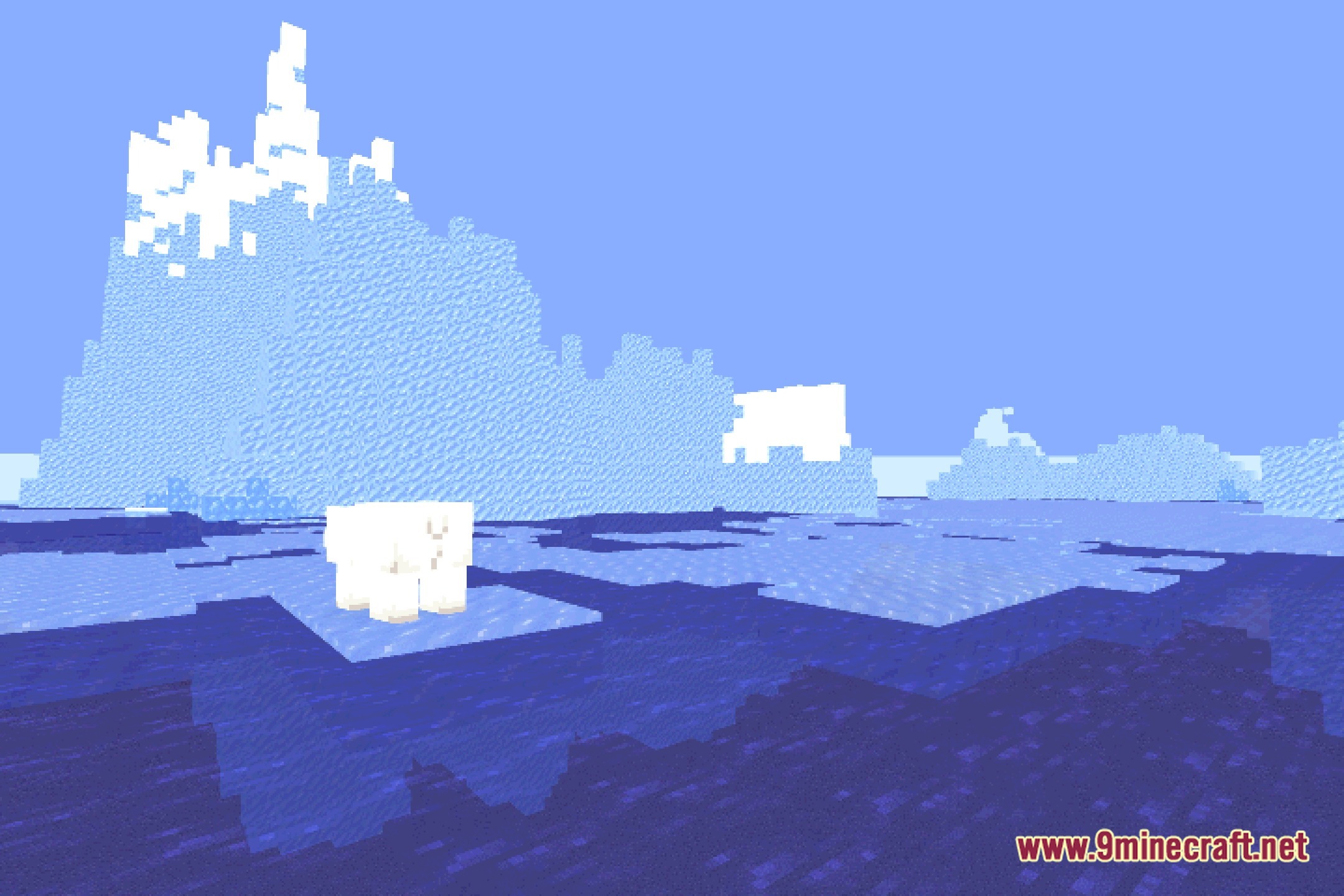
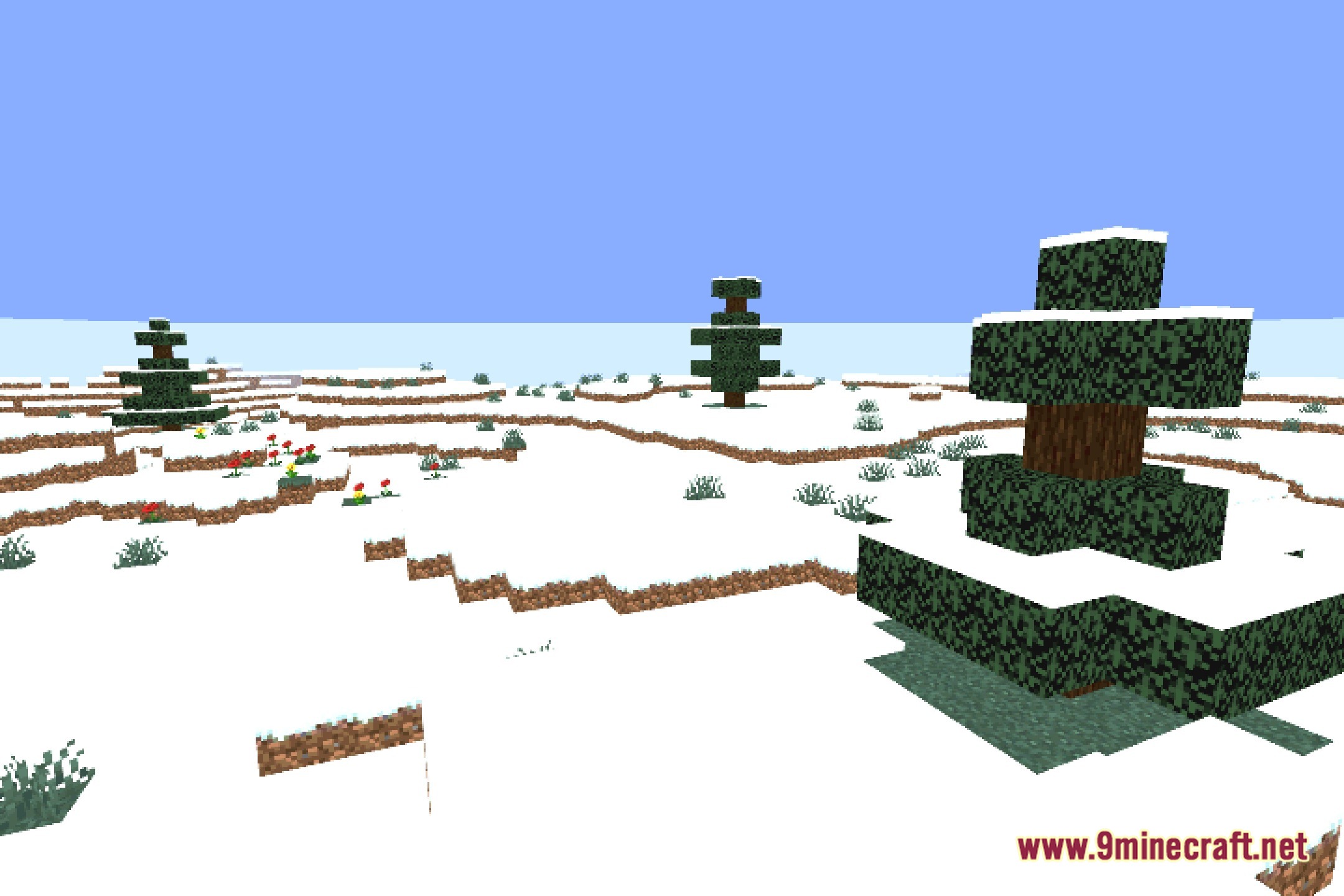
12 images from the Nyolxel Shaders page.
You May Also Like
Wikis that share the most with this one
Wikis on the same theme: light
More shader wikis on the site
 NoShadow Shaders
The most downloaded mods that have a wiki here