

 DownloadNostaLens Shaders
Get the files on 9Minecraft
Guides
Step-by-step, in-game.
Adjust the Fisheye Distortion IntensityAccess Shader Settings Open the shader configuration menu by pressing the designated shader settings key (typically…Adjust Warm Color Grading for Different MoodsAccess Color Grading Options Open the NostaLens Shaders settings panel. Look for color grading, color temperature, or…Keep Your UI and Held Items Sharp While Using ShadersUnderstand UI Preservation NostaLens Shaders is designed to apply its fisheye distortion and VHS effects only to the…Reduce or Disable VHS Noise for Clearer VisualsOpen Shader Configuration Access the NostaLens Shaders settings menu through your shader mod interface. This is where…
Frequently asked questions
How do I turn on NostaLens Shaders after installing it?
Open your Video Settings, navigate to Shaders, and select NostaLens Shaders from the list. The effect will apply immediately to your world.
The fisheye effect is too strong. How do I make it less curved?
Open the shader settings (usually accessible through a settings button in the Video Settings menu) and look for the fisheye distortion or lens curvature slider, then reduce it to your preference.
Can I turn off the VHS noise completely?
Yes, access the shader settings and find the VHS noise or static intensity option, then lower it to zero or toggle it off entirely.
Why does my UI look blurry with this shader?
NostaLens Shaders is designed to keep UI and held items sharp and unaffected; if they appear blurry, try disabling any conflicting visual mods or verify your shader settings are at their defaults.
See all 10 NostaLens Shaders questions ›
Gallery
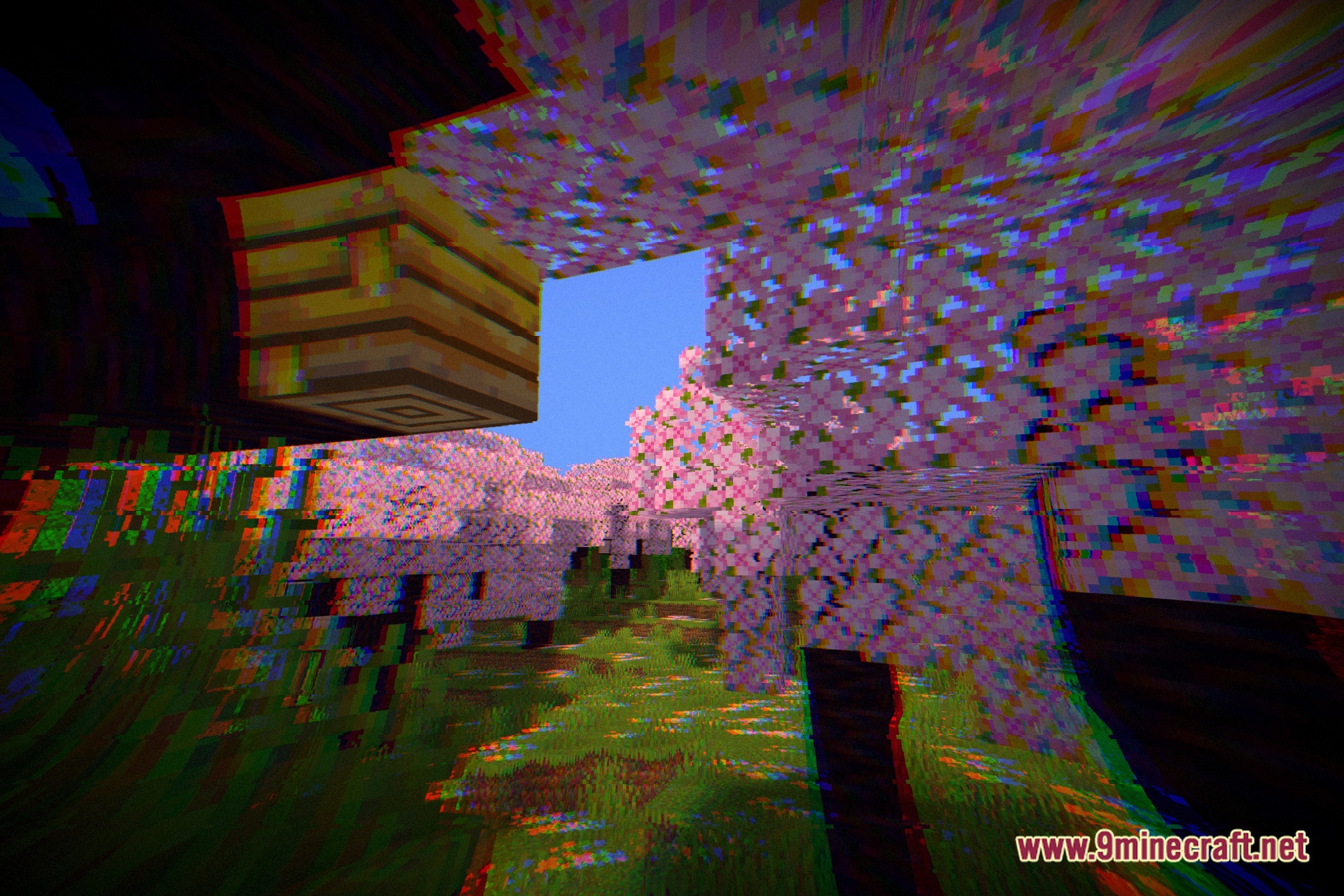
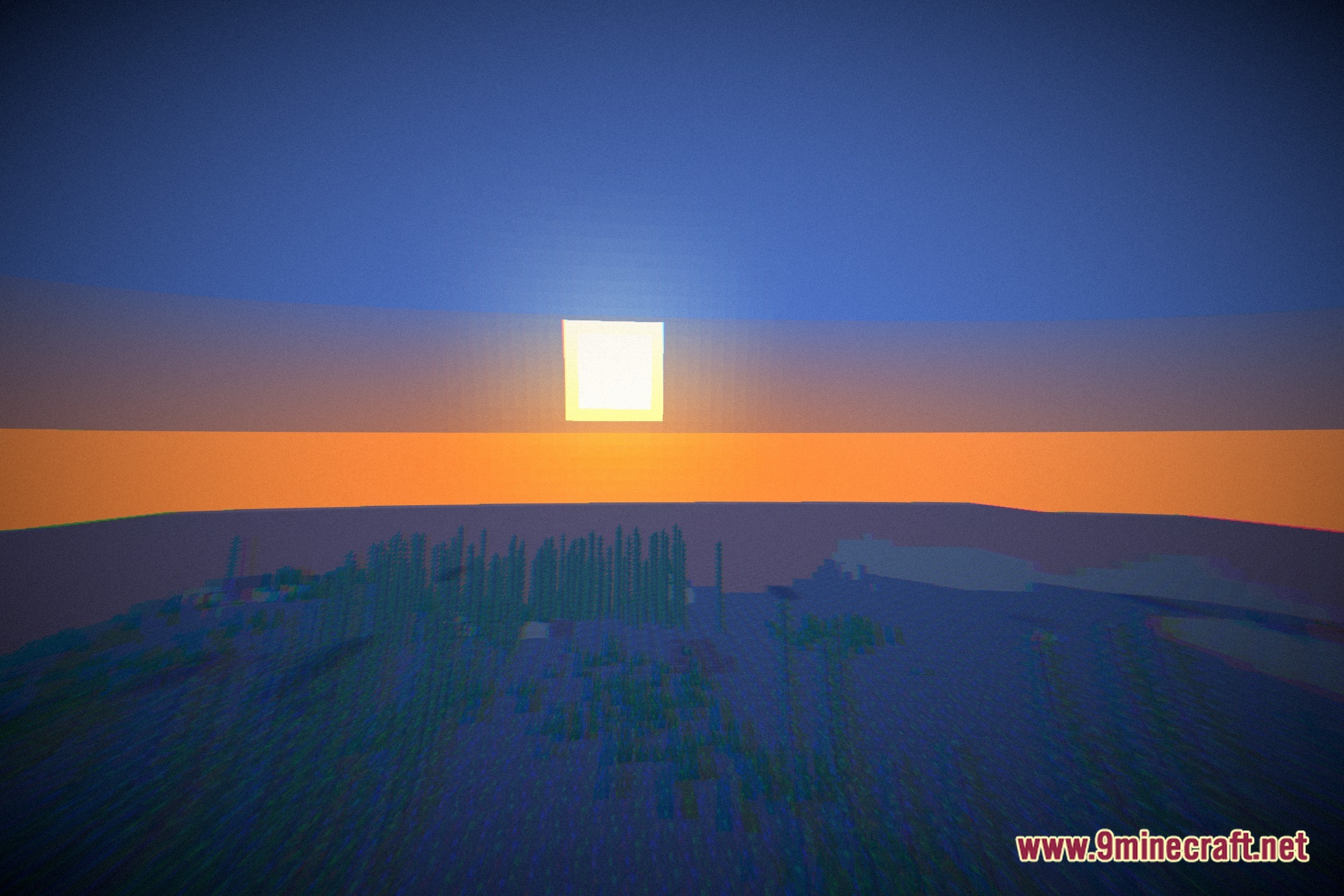
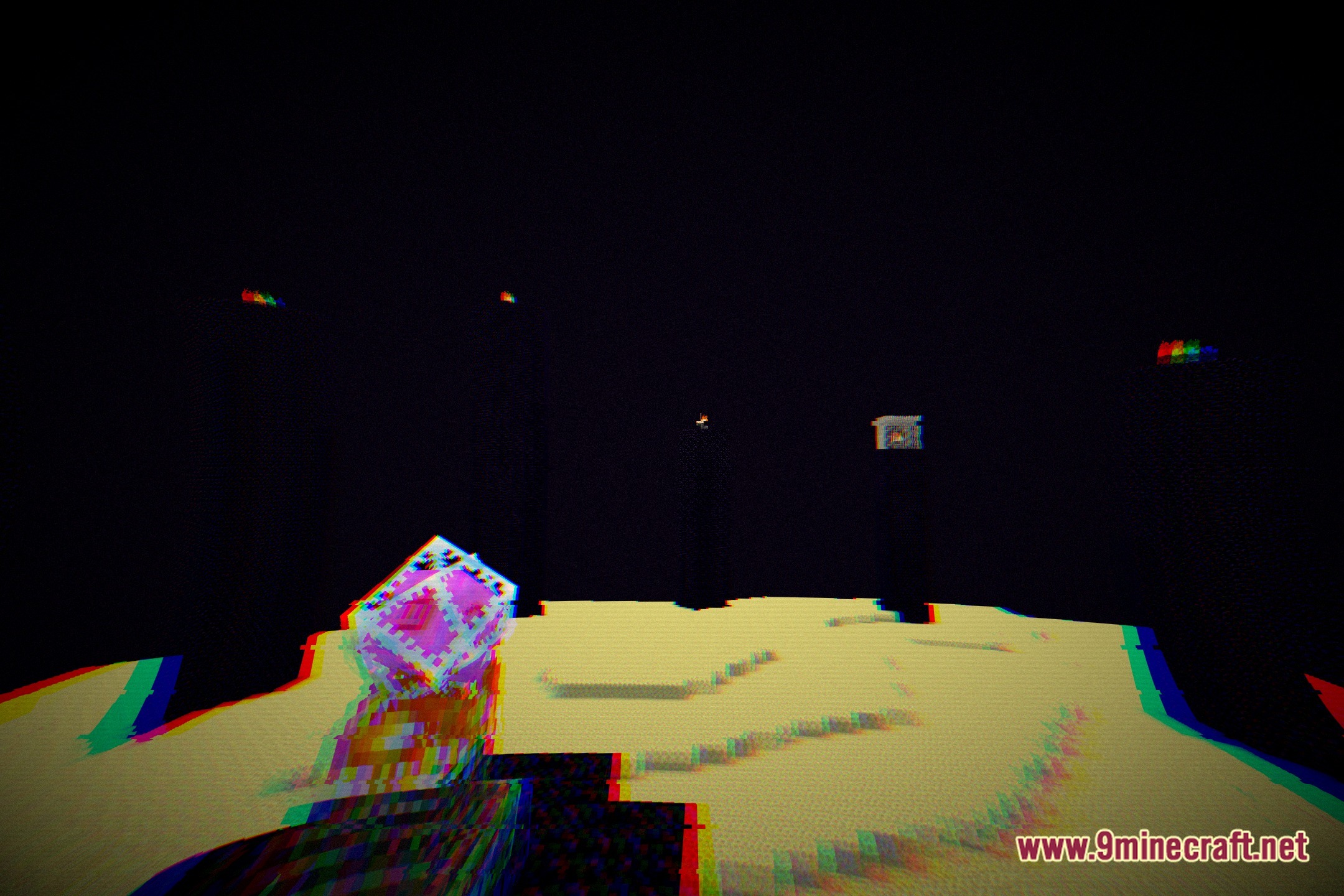
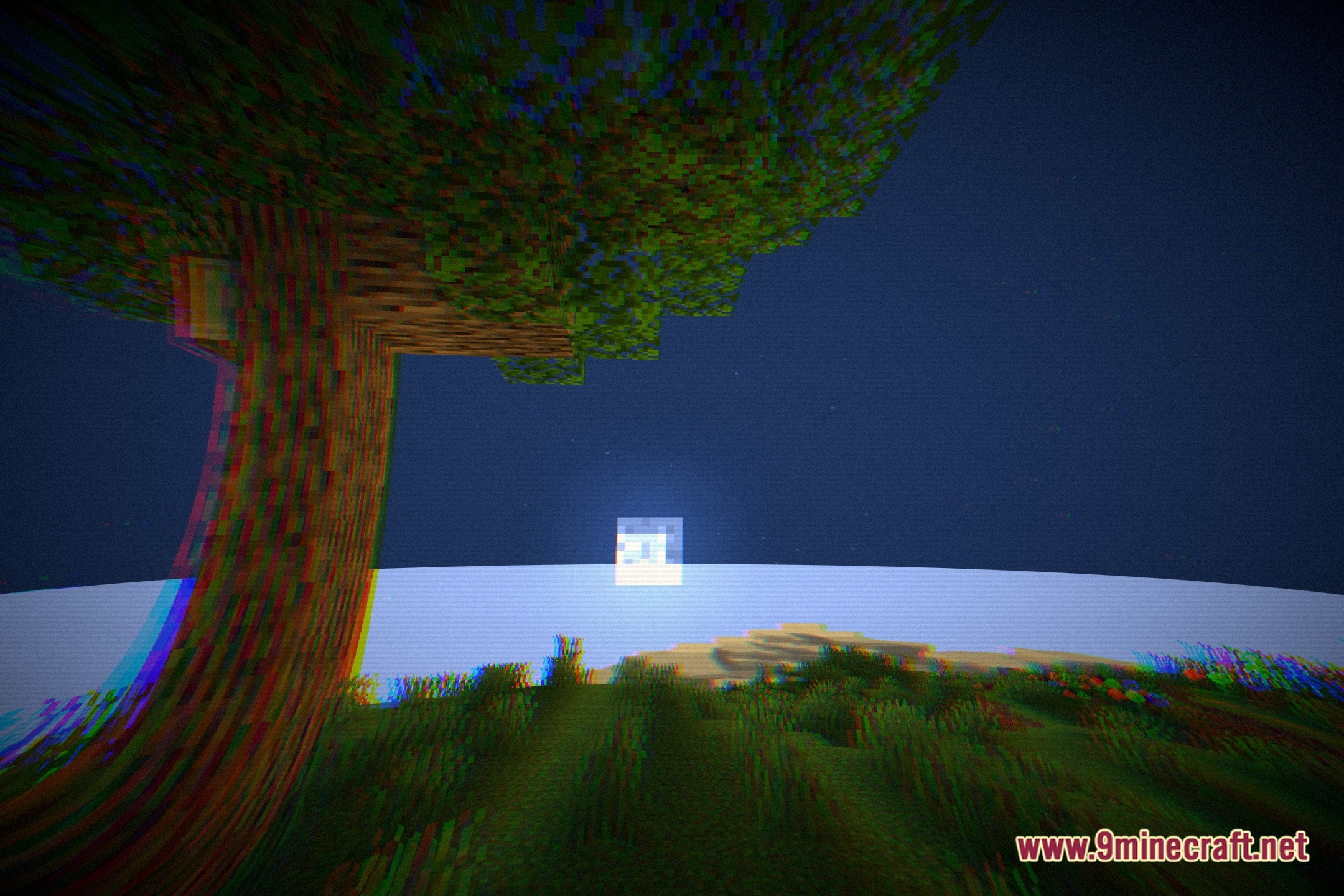
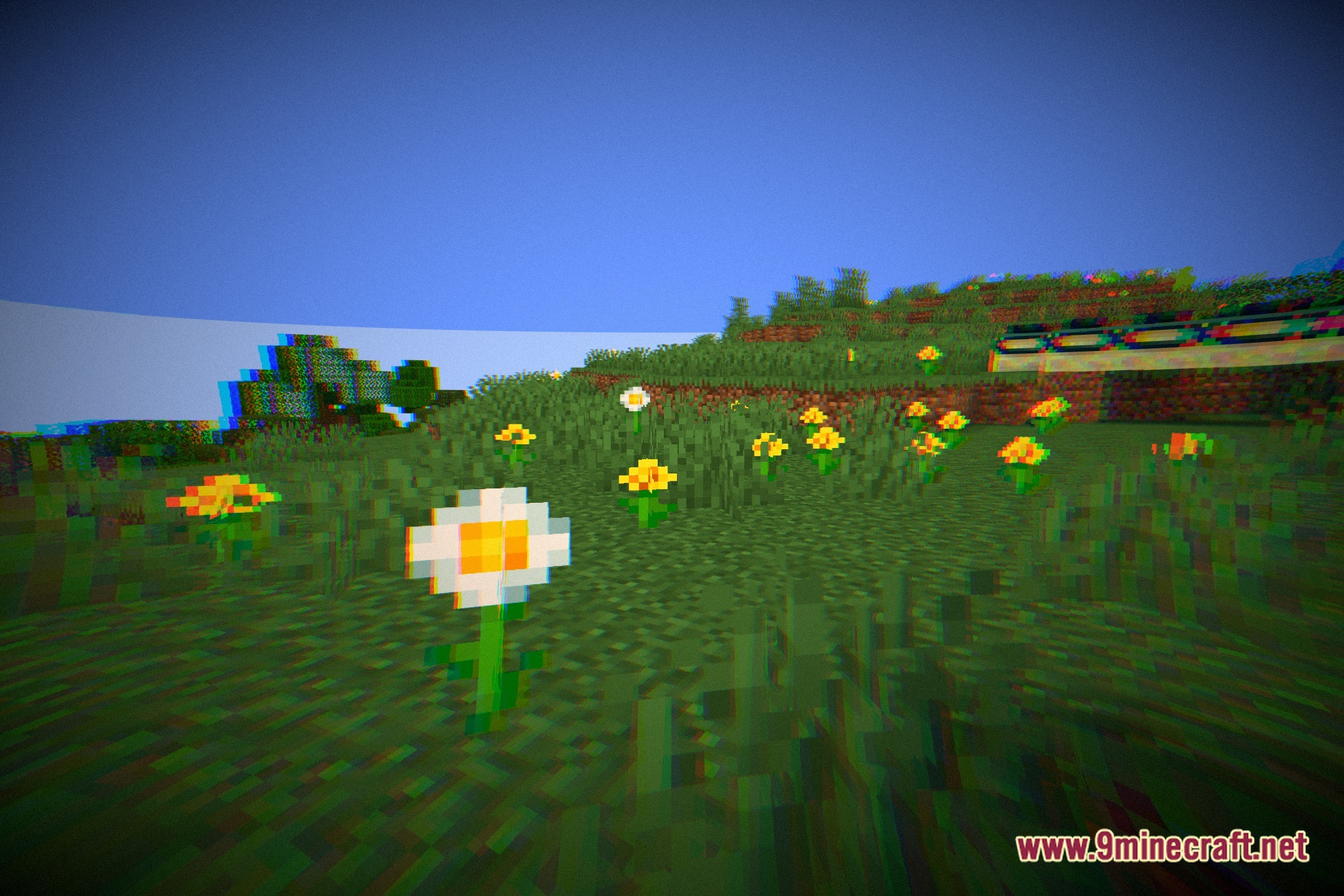
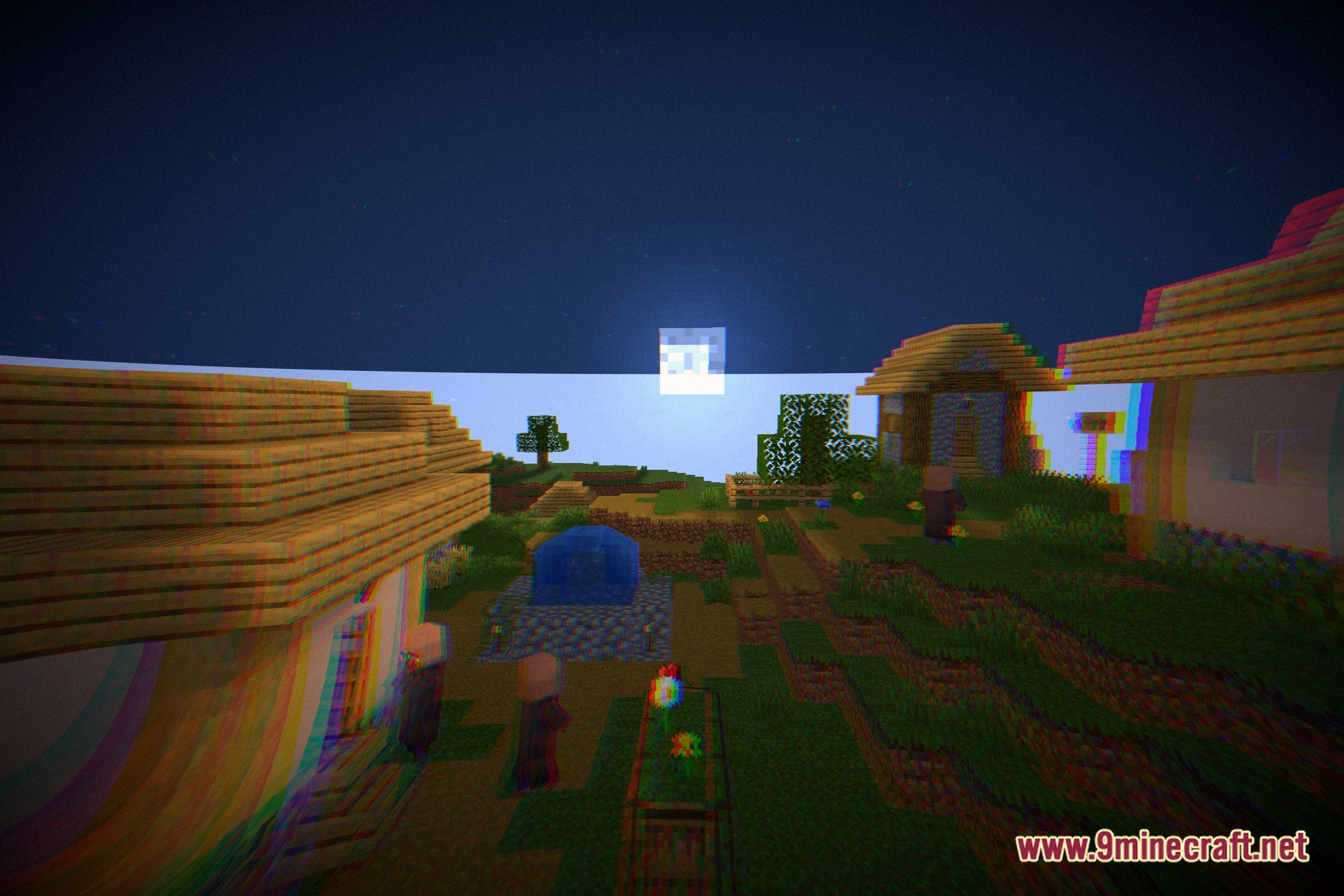
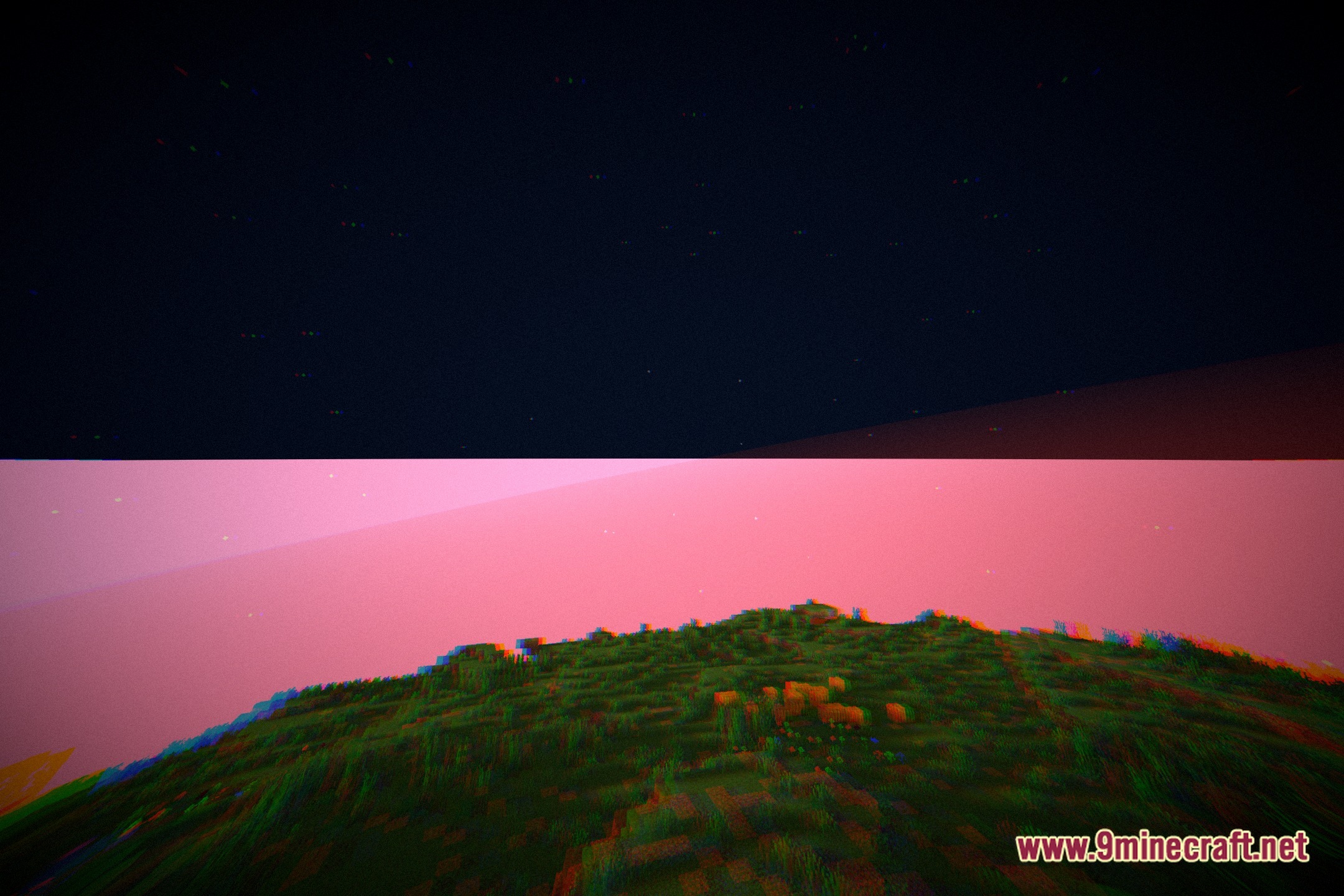
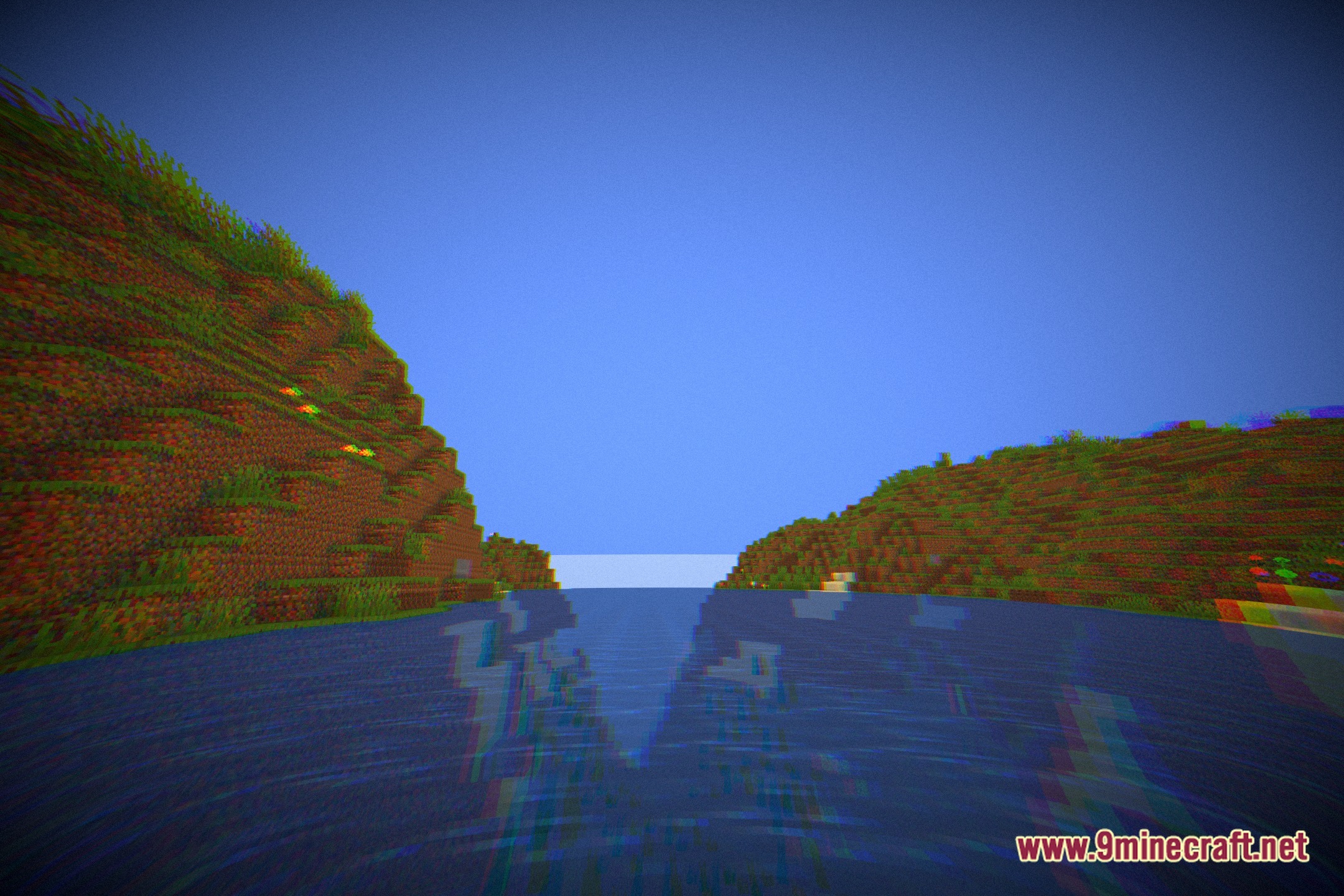
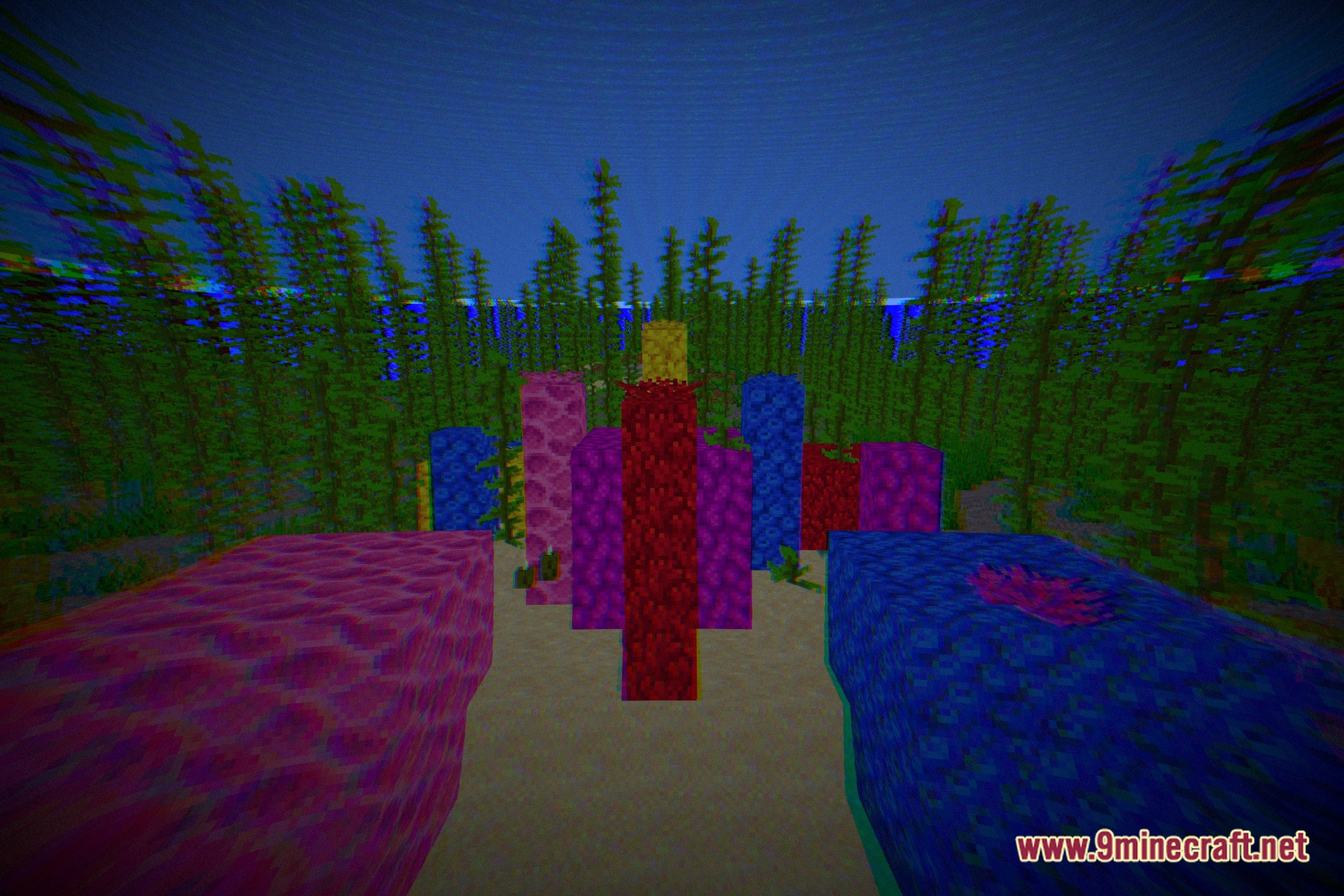
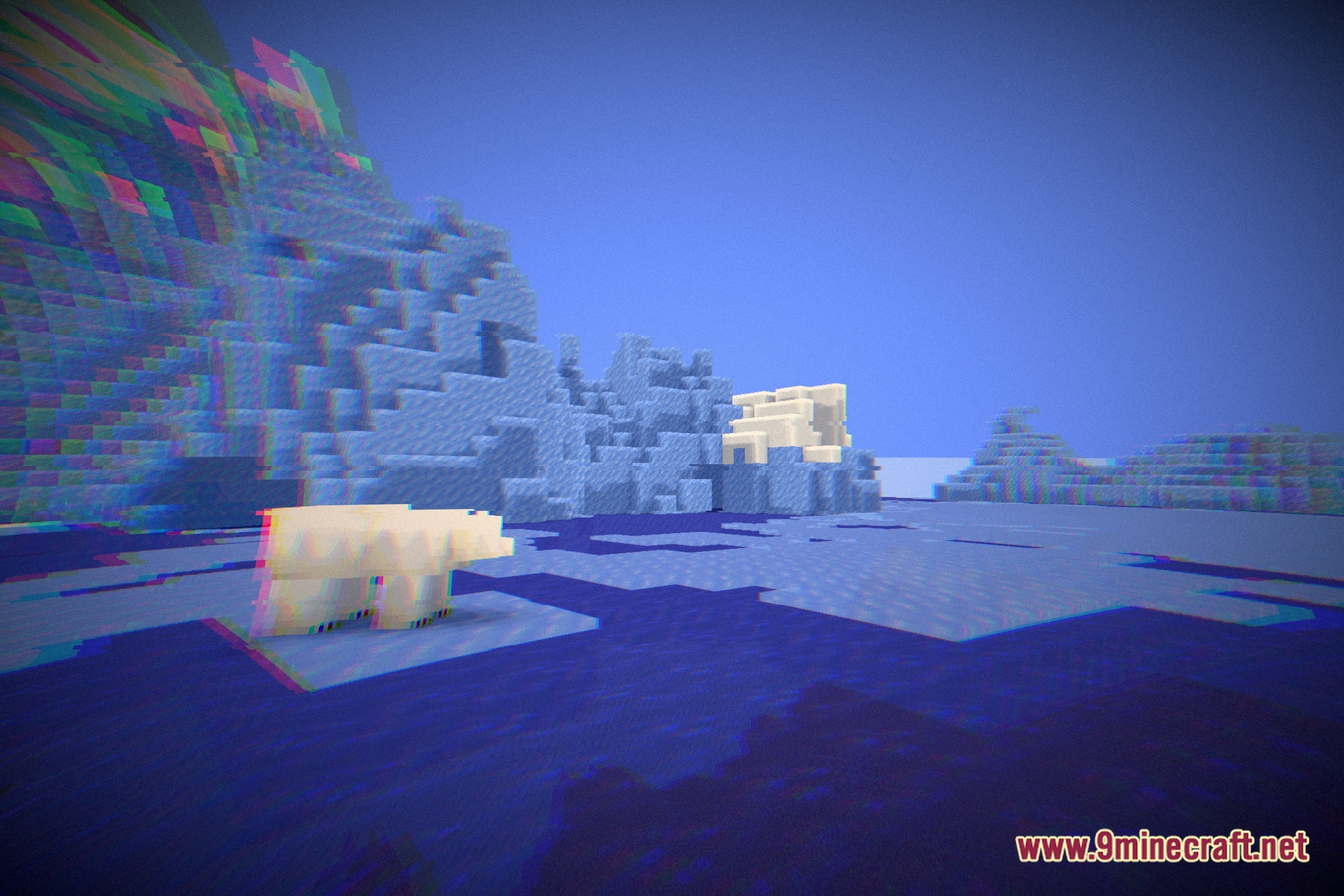
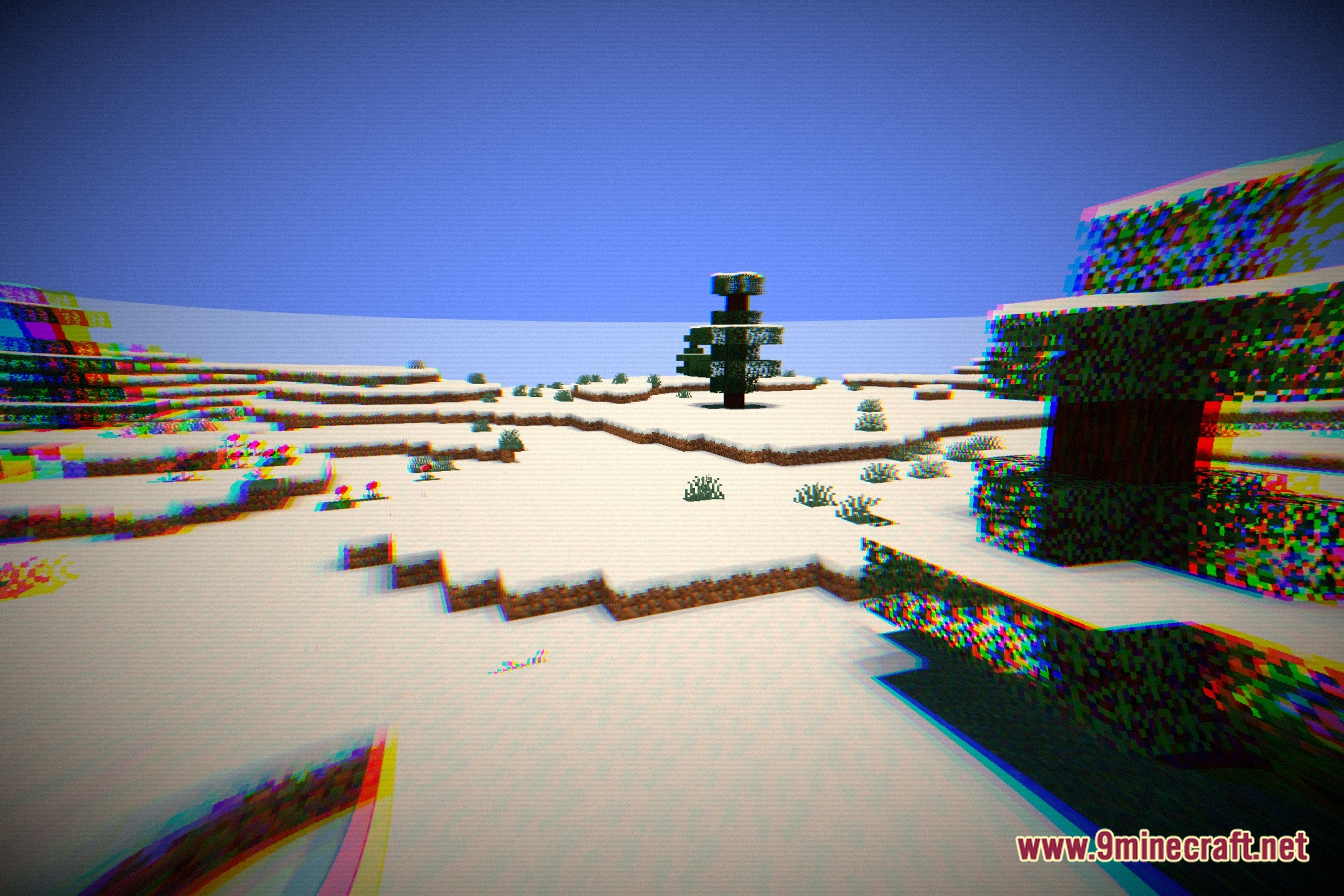
12 images from the Nostalens Shaders page.
You May Also Like
Wikis that share the most with this one
 No More Brightness Shaders
 NoShadow Shaders
More shader wikis on the site
The most downloaded mods that have a wiki here