

 DownloadNwoof’s Wynn Shaders
Get the files on 9Minecraft
Guides
Step-by-step, in-game.
Achieve the Wynncraft Fantasy AestheticUnderstand the Visual Style Nwoof's Wynn Shaders replicates the fantasy atmosphere of Wynncraft through…Configure Shader Settings for Your ComputerAccess the Shader Menu Press Shift + O (or your configured key) while in-game to open the shader options screen. This…Enhance Colored Lighting EffectsUnderstand Colored Lighting Nwoof's Wynn Shaders adds dynamic colored light from torches, glowing blocks, and magical…Optimize Shader Performance in Survival ModeStart with an Appropriate Profile Before exploring, select a shader profile matching your hardware. Check your FPS in…
Frequently asked questions
How do I turn on the shader after installing it?
Open Options > Video Settings > Shaders, then locate and select Nwoof's Wynn Shaders from the list. Click Done to apply it immediately.
Which graphics preset should I use if my computer is old?
Start with the potato or low preset—these reduce shadow quality, disable expensive effects, and lower render distance to keep the game smooth on older hardware. You can always increase settings later if your computer handles it.
Why do torches and glowing blocks look different with this shader?
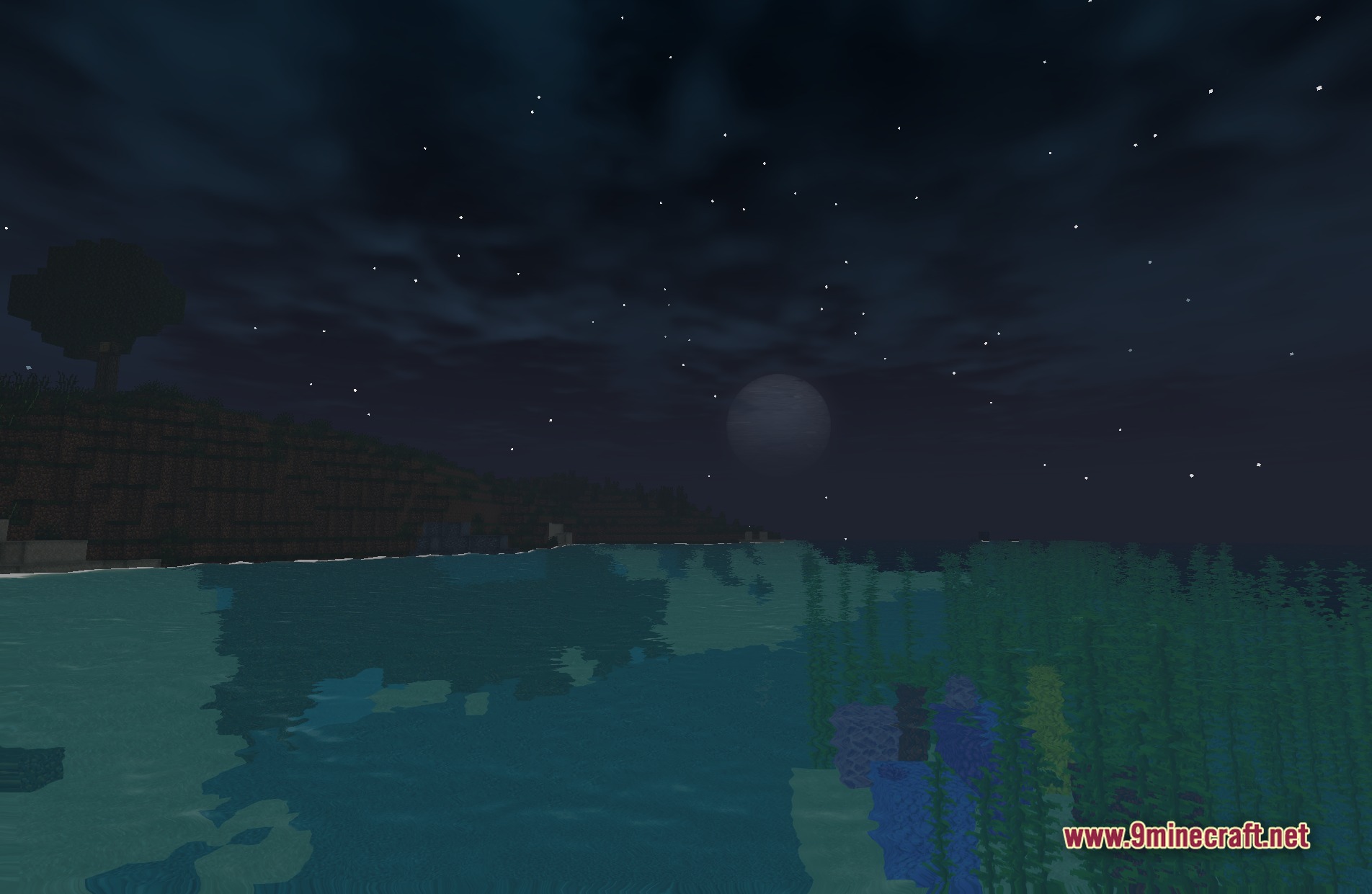
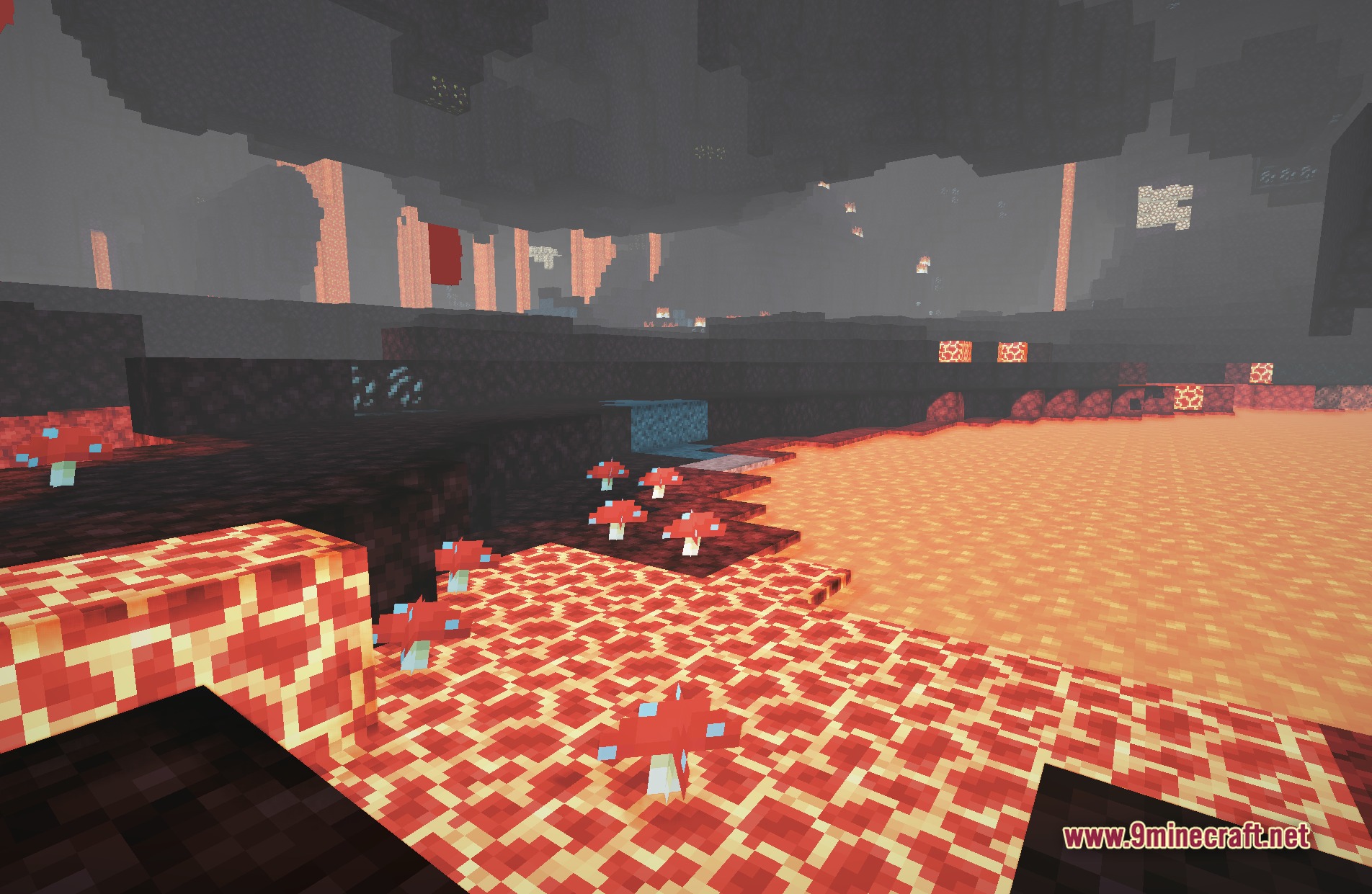
The shader adds colored lighting, which means light sources now cast colored light onto nearby blocks instead of plain white light. This makes magical items and torches stand out and creates the fantasy atmosphere the shader is designed for.
Can I use this shader in regular survival worlds or only on Wynncraft?
You can use it anywhere—it works perfectly in normal survival worlds, creative mode, and single-player worlds. The Wynncraft style enhances any world, not just the server.
See all 10 Nwoof’s Wynn Shaders questions ›
Gallery
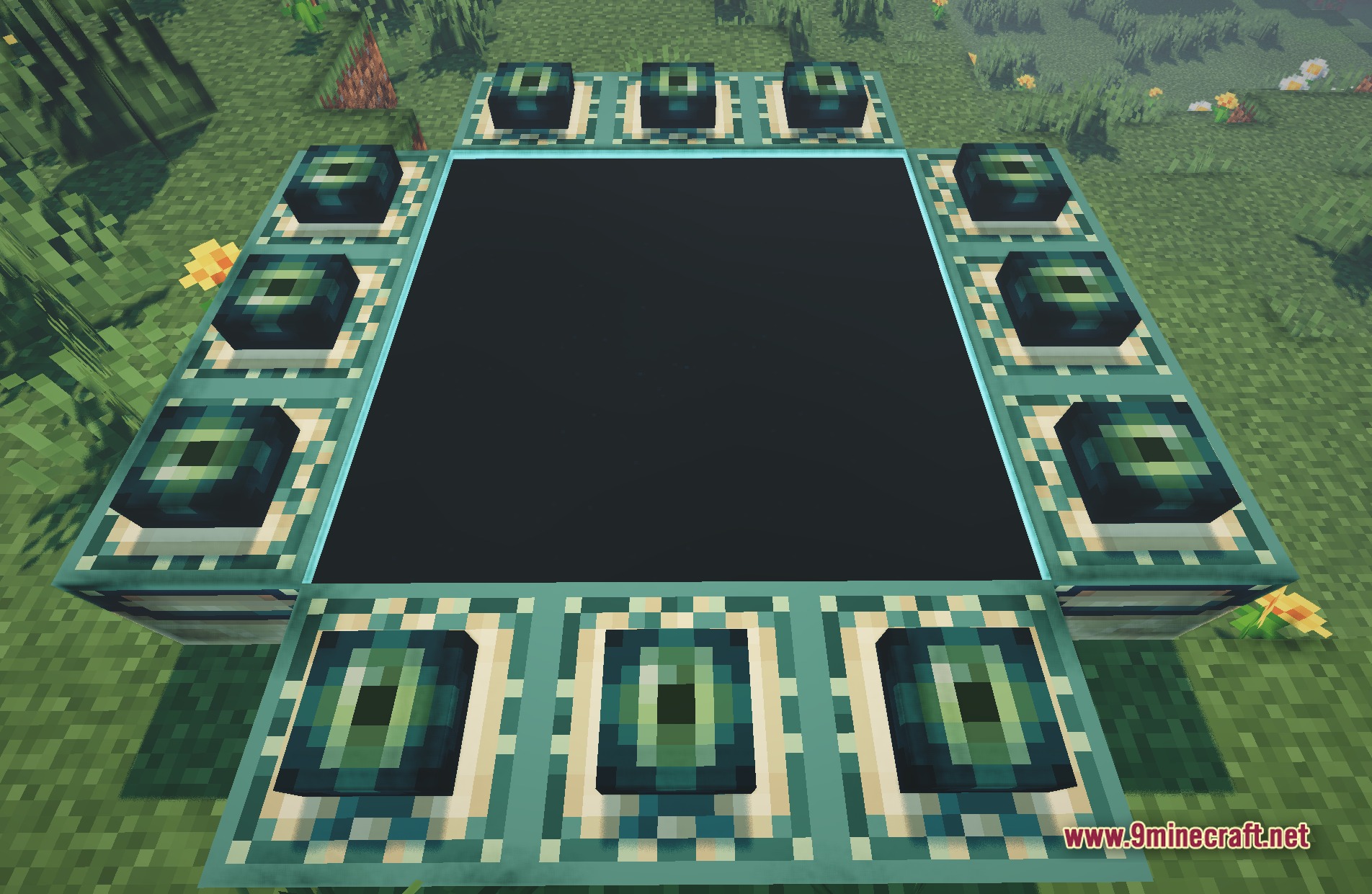
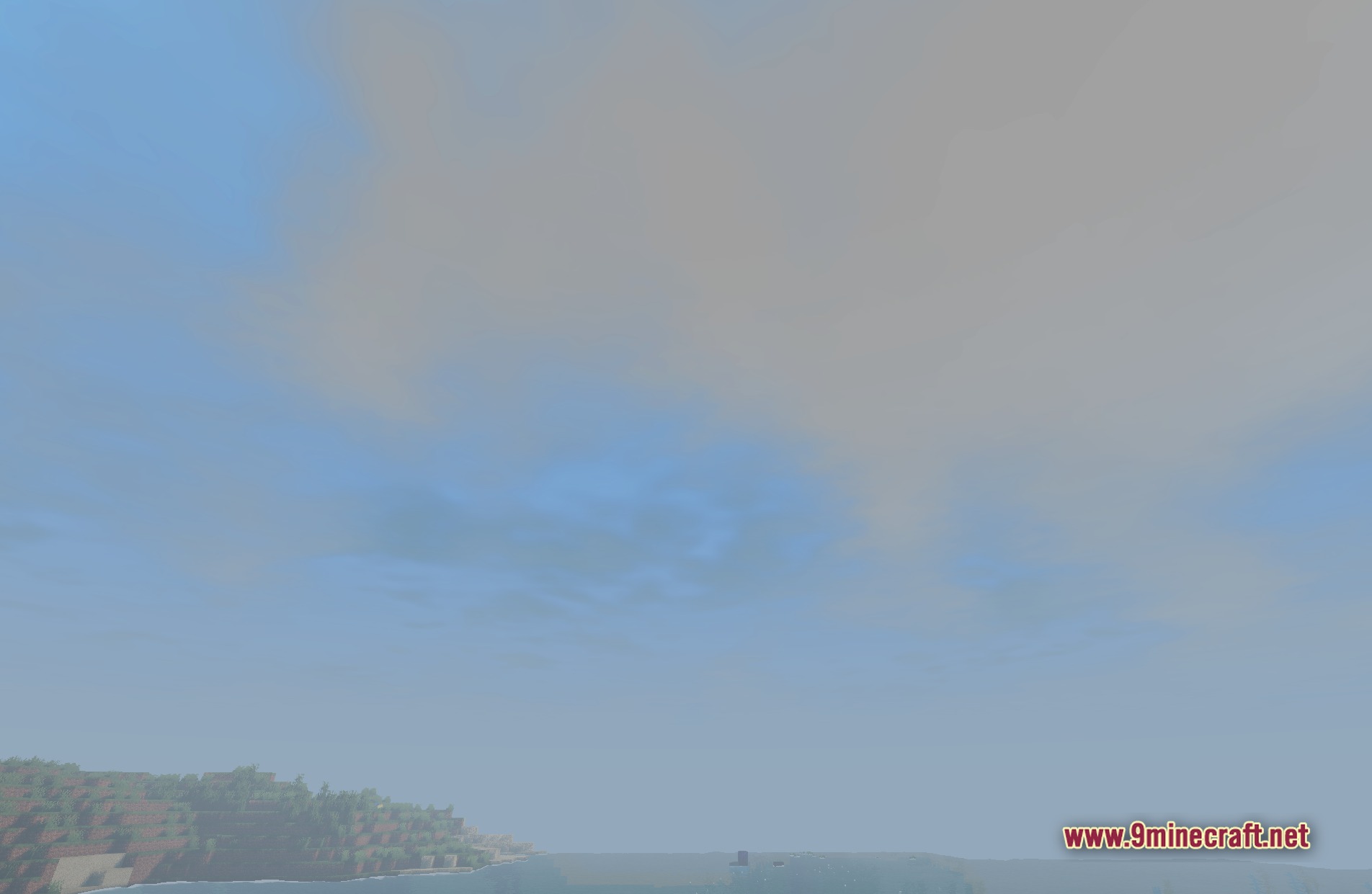
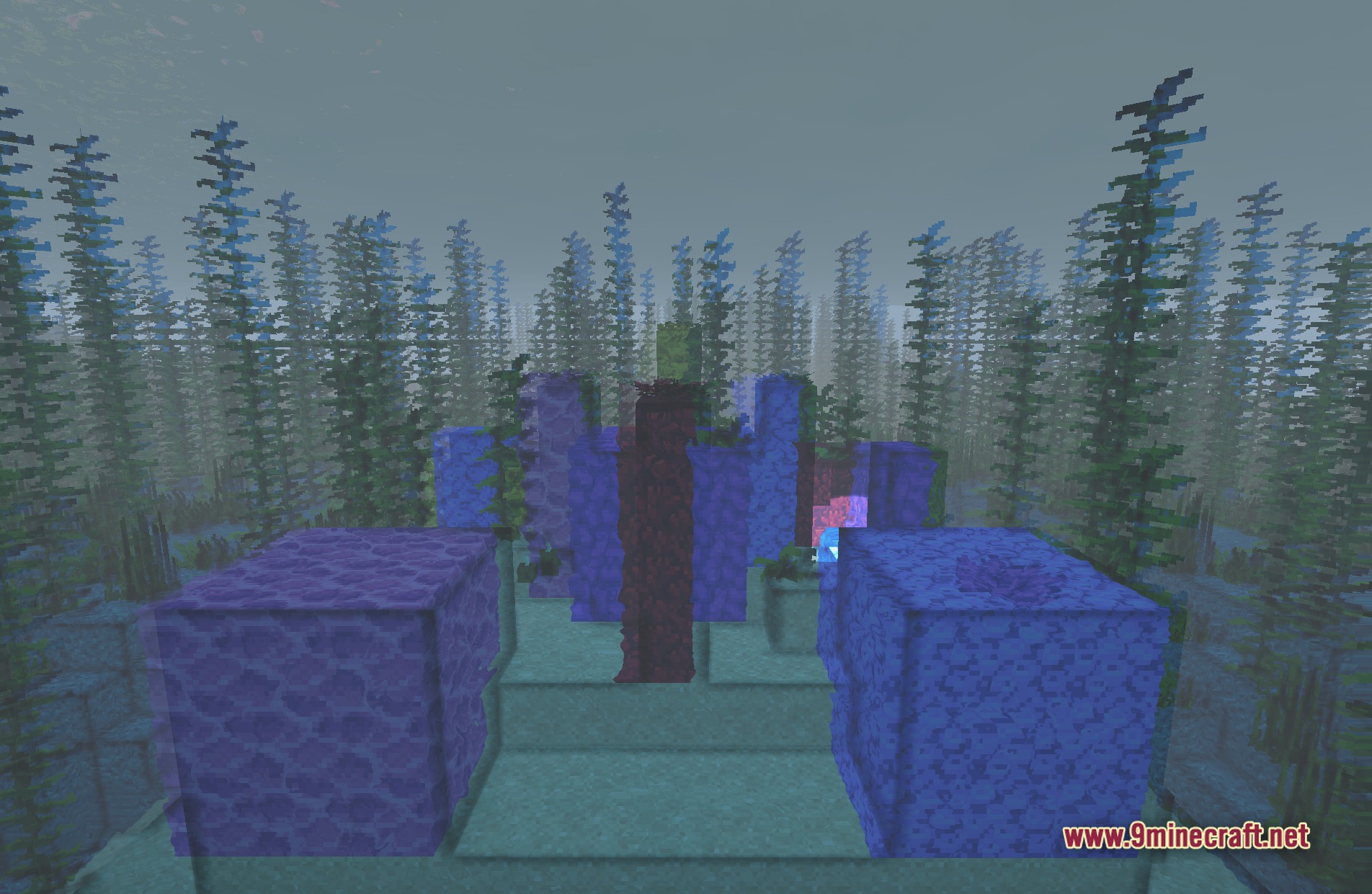
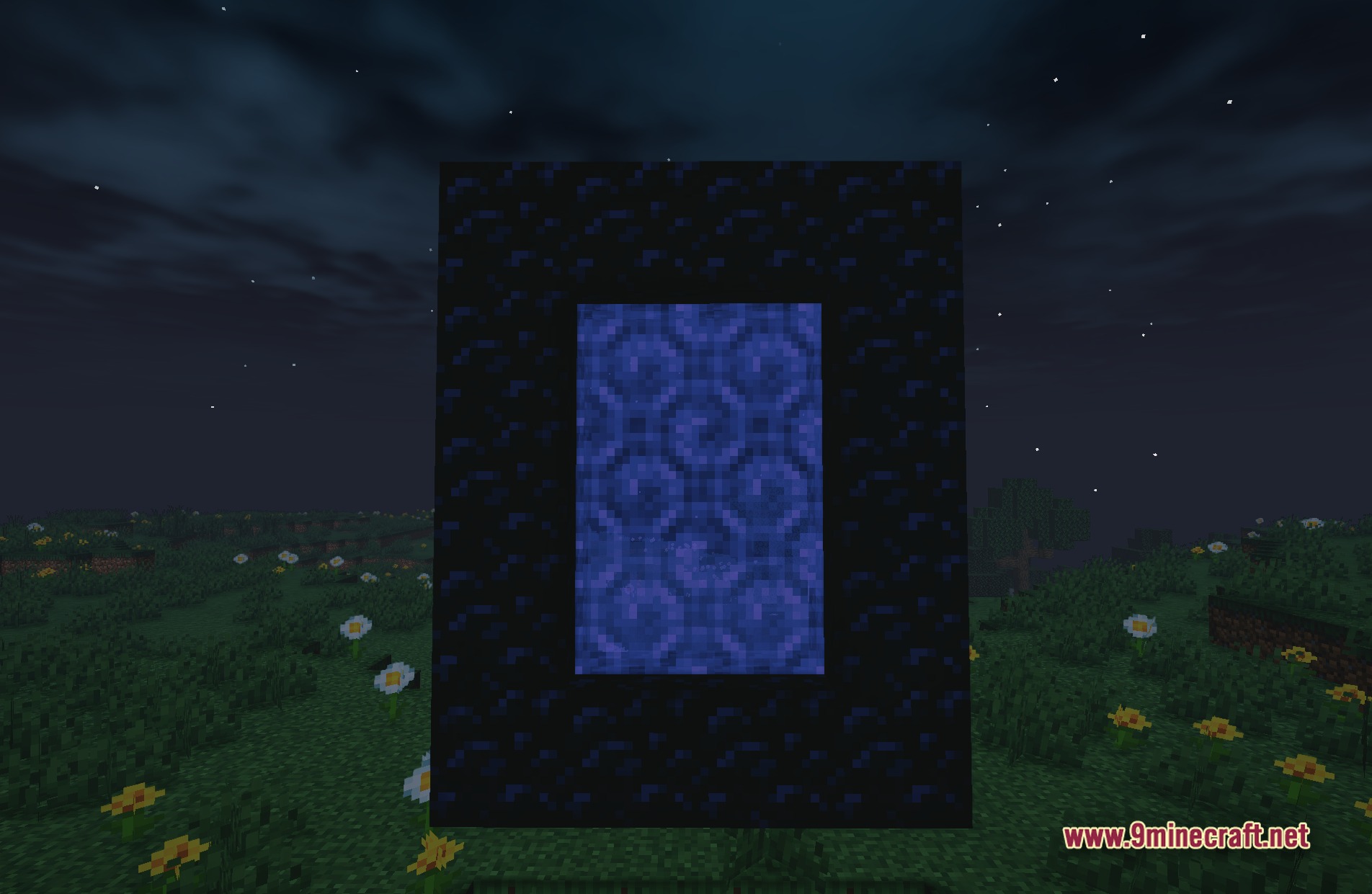
11 images from the Nwoofs Wynn Shaders page.

You May Also Like
Wikis that share the most with this one
Wikis on the same theme: craft
 Lenscraft Shaders
More shader wikis on the site
 NoShadow Shaders
The most downloaded mods that have a wiki here