

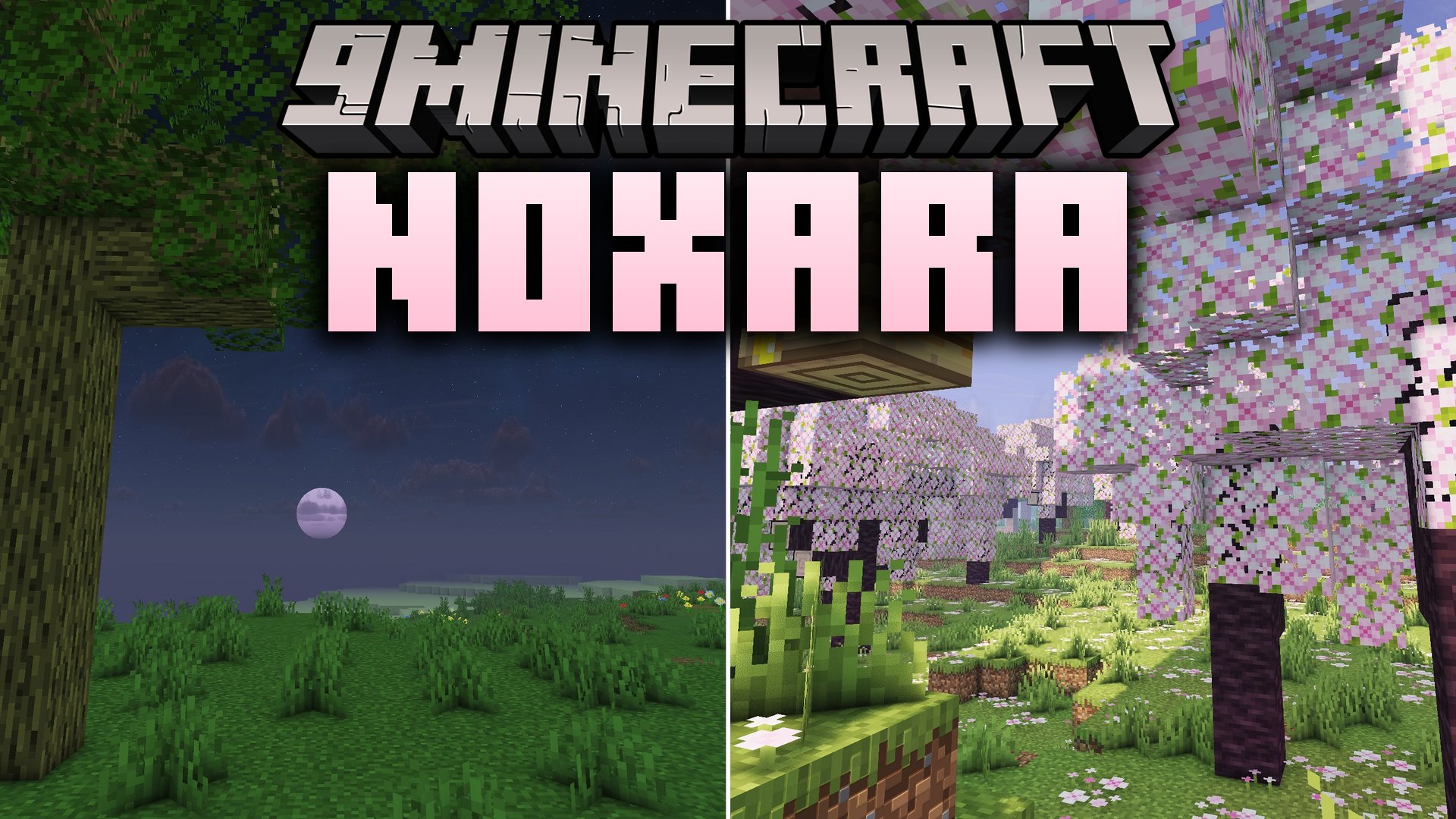
 DownloadNoxara Shaders
Get the files on 9Minecraft
Guides
Step-by-step, in-game.
Adjust Shader Settings for Better PerformanceAccess the Shader Menu While in-game, open your shader options through the Video Settings menu. Look for the Shader…Capture Better Screenshots with Lighting and ShadowsUnderstand Noxara's Lighting Model The shader's warm sunlight and soft shadow system is designed specifically for…Enhance Water Appearance and ReflectionsEnable Water Reflection Features Noxara Shaders treats water as a key visual element. In the Shader Options menu,…Troubleshoot Visual Issues and ArtifactsIdentify Common Issues If you notice flickering shadows, banding in the sky, or water that looks strange: Shadow…
Frequently asked questions
How do I enable Noxara Shaders after installing it?
Open your Video Settings in-game, go to Shaders, and select Noxara Shaders from the list. The shader will apply immediately to your world.
Why is my framerate dropping with this shader?
Try lowering shadow quality or disabling advanced water reflections in the shader settings menu. You can also reduce render distance or lower your overall graphics settings to improve performance.
Can I use Noxara Shaders with resource packs?
Yes, Noxara Shaders works with most resource packs, though some packs designed for other shaders may look different. Load your resource pack normally and it will layer on top of the shader effects.
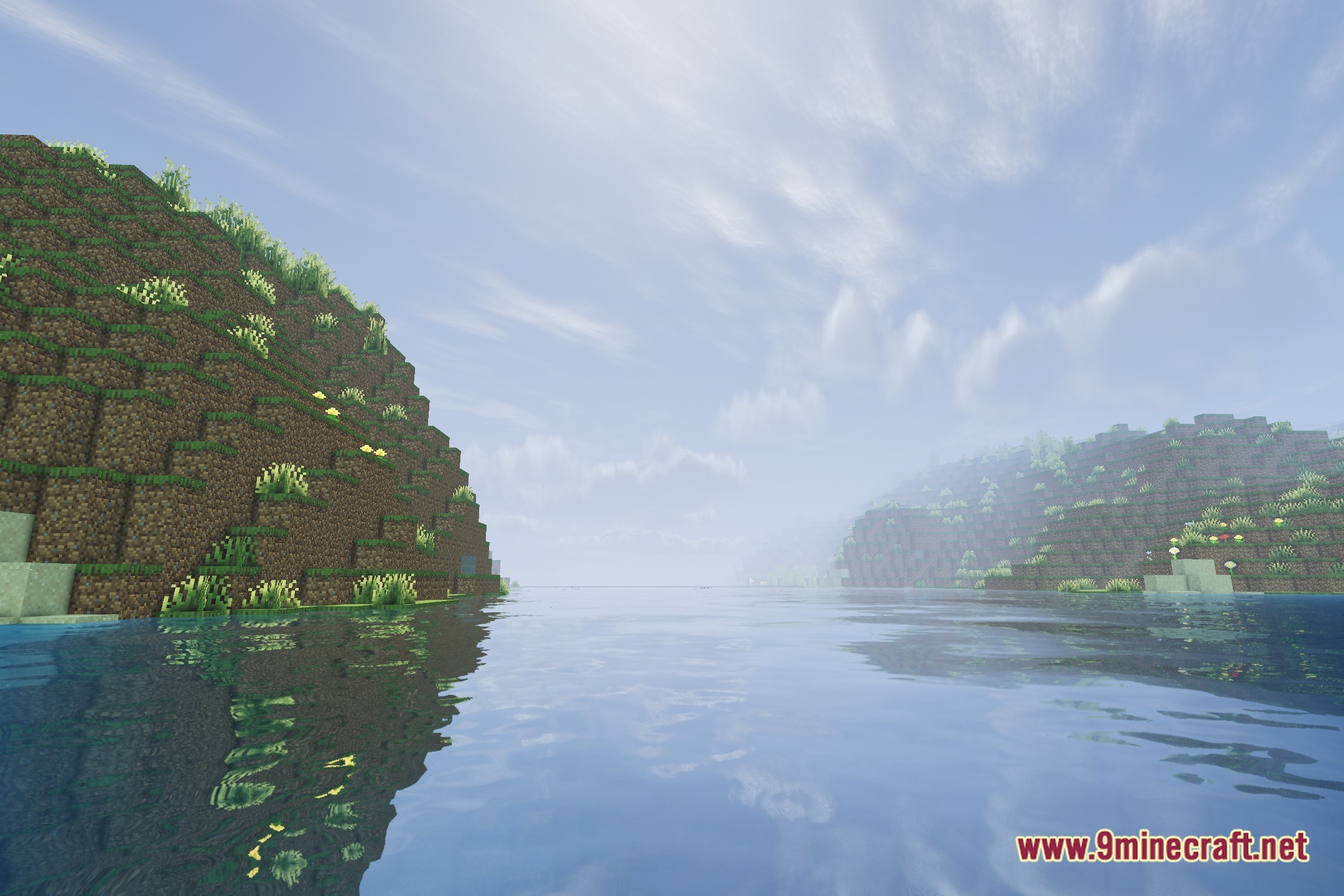
How do I make water look better with this shader?
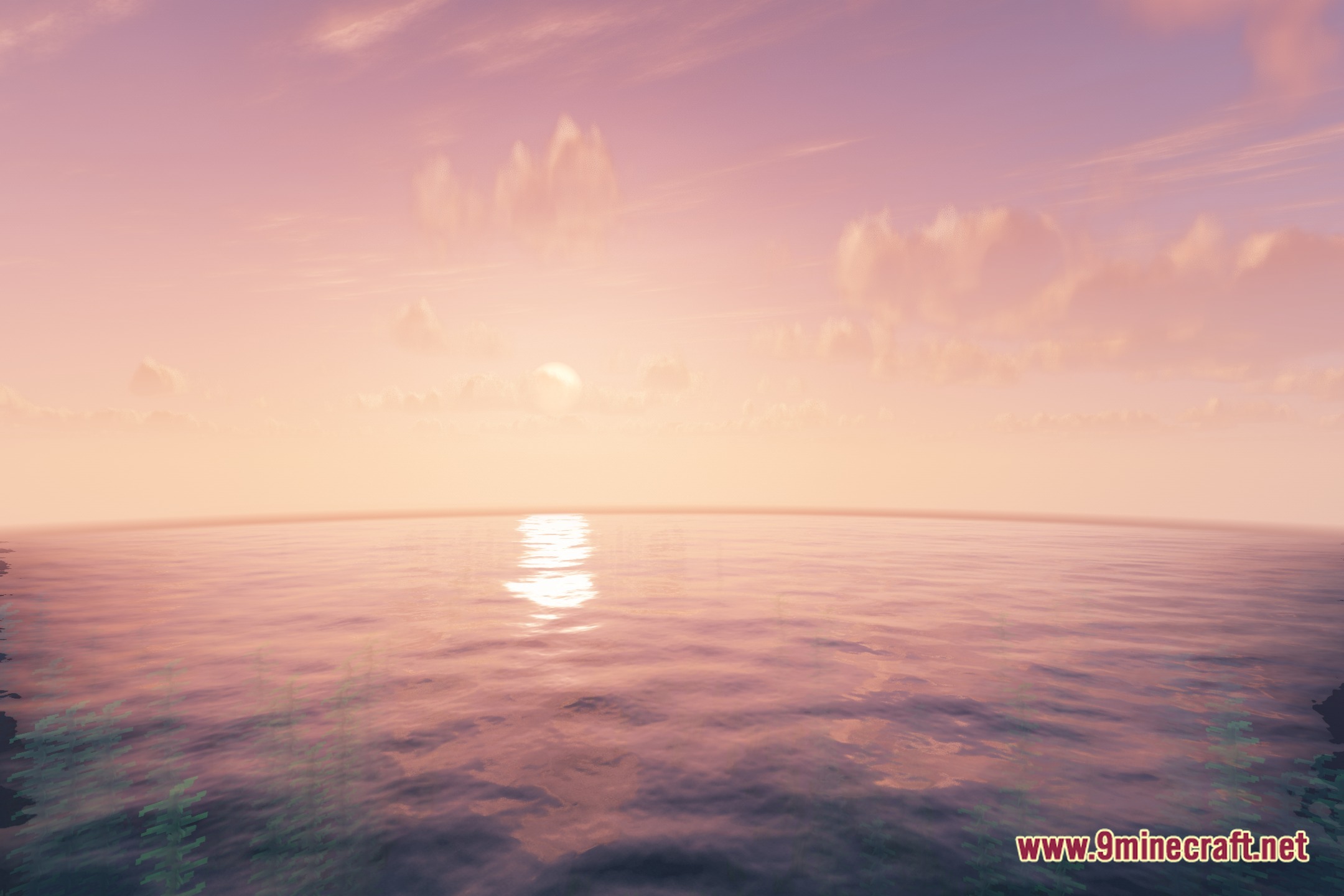
Check the shader settings for water reflection and clarity options—increasing these will make water more transparent and reflective. The guide 'Enhance Water Appearance and Reflections' covers all customization options.
See all 10 Noxara Shaders questions ›
Gallery
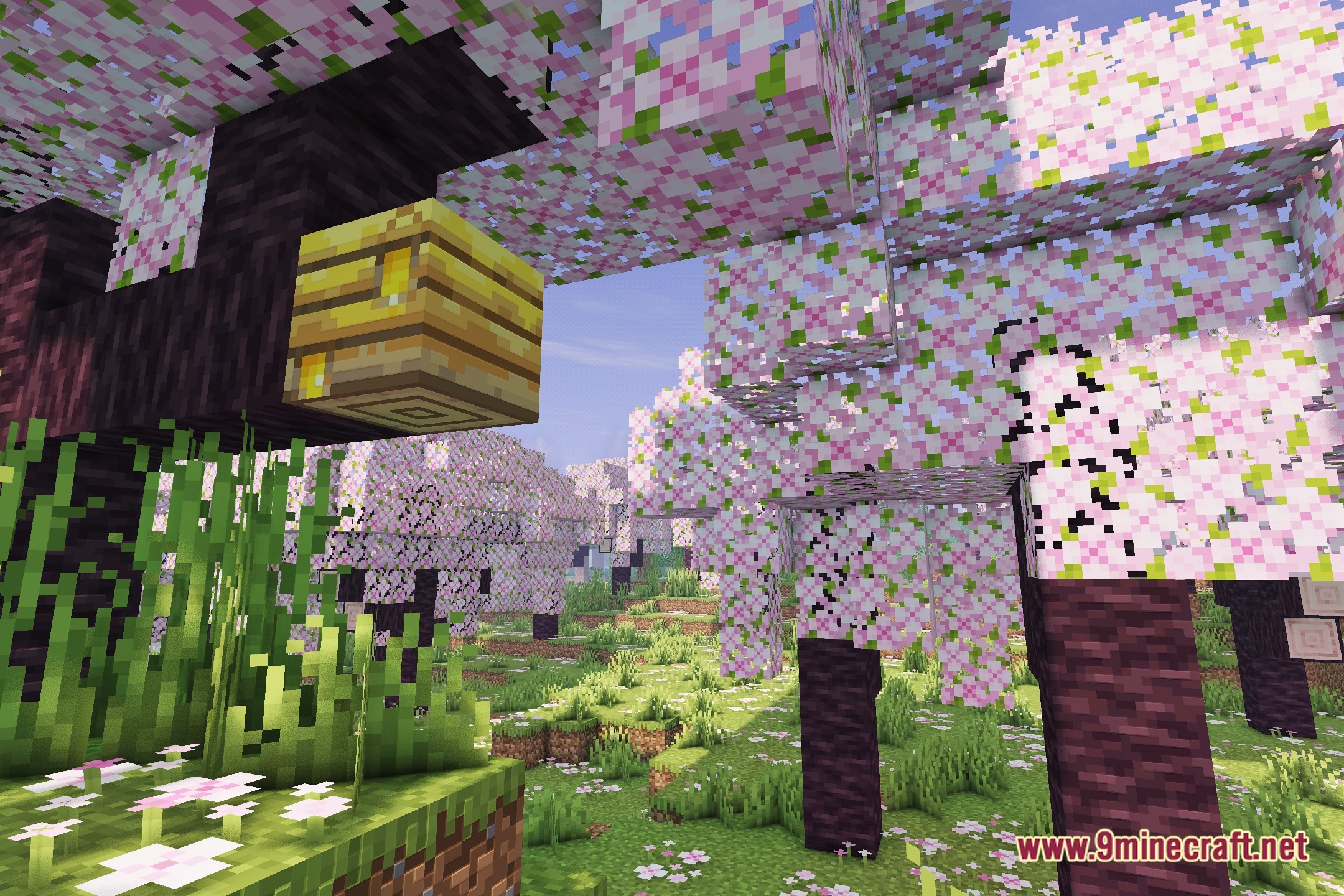
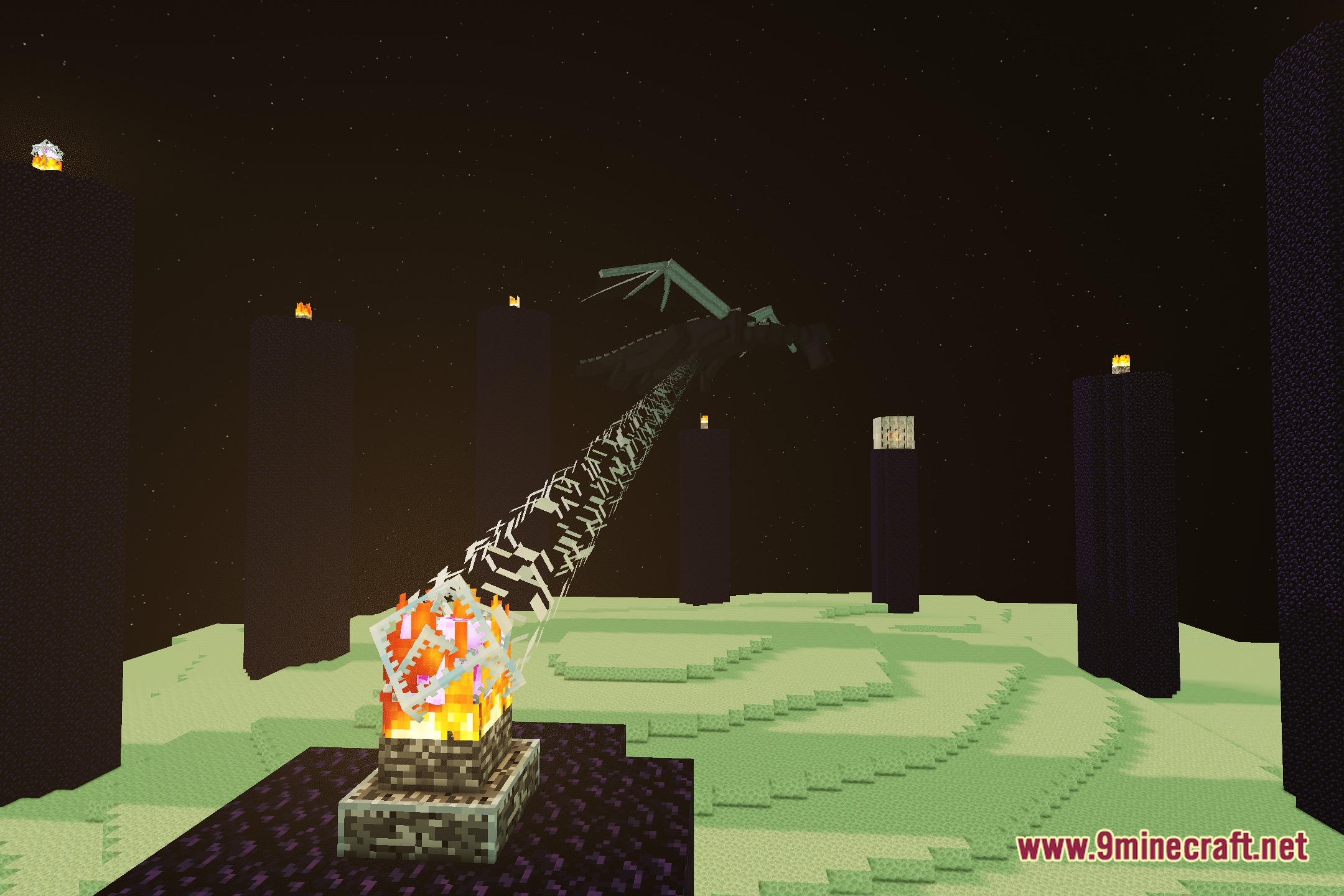
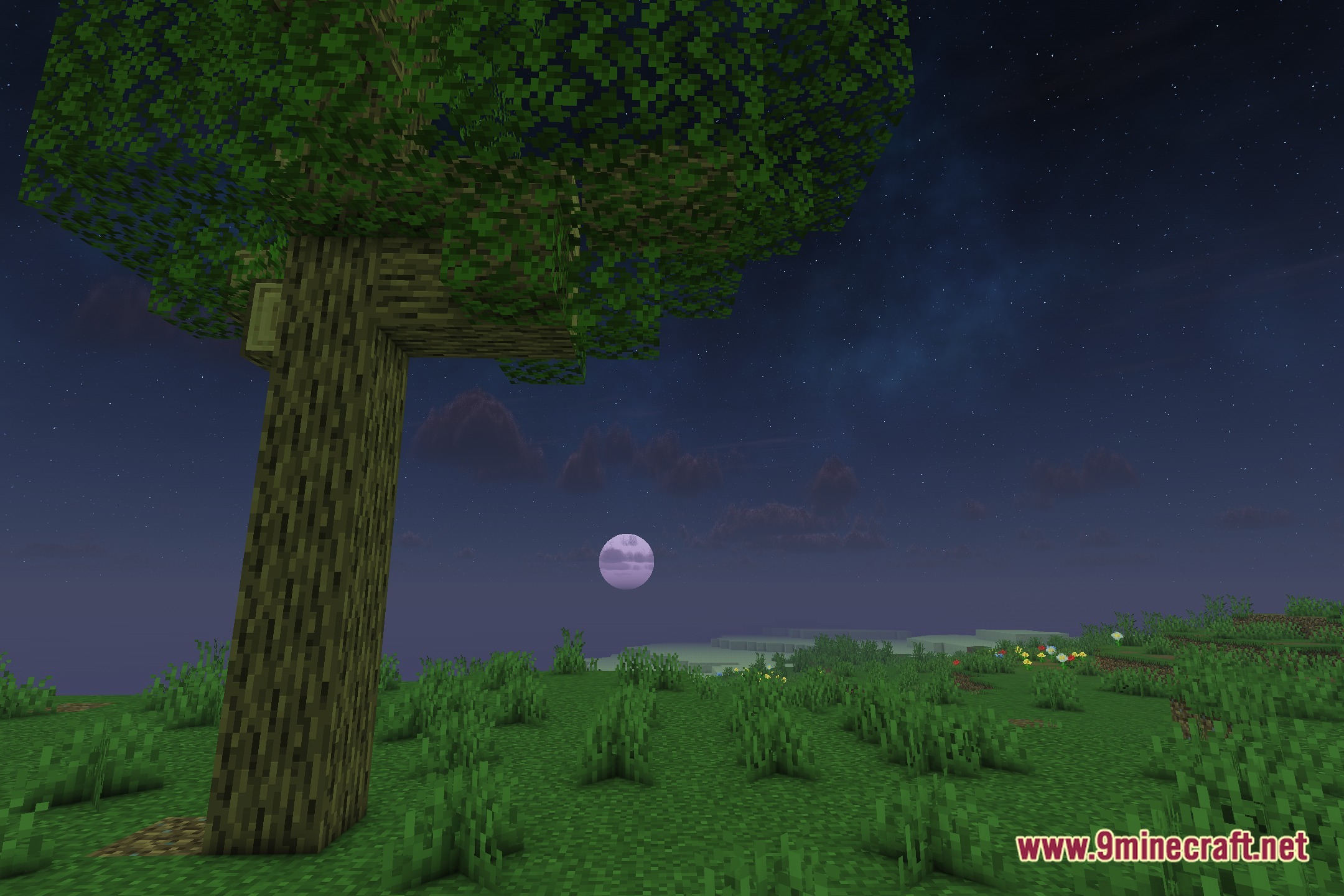
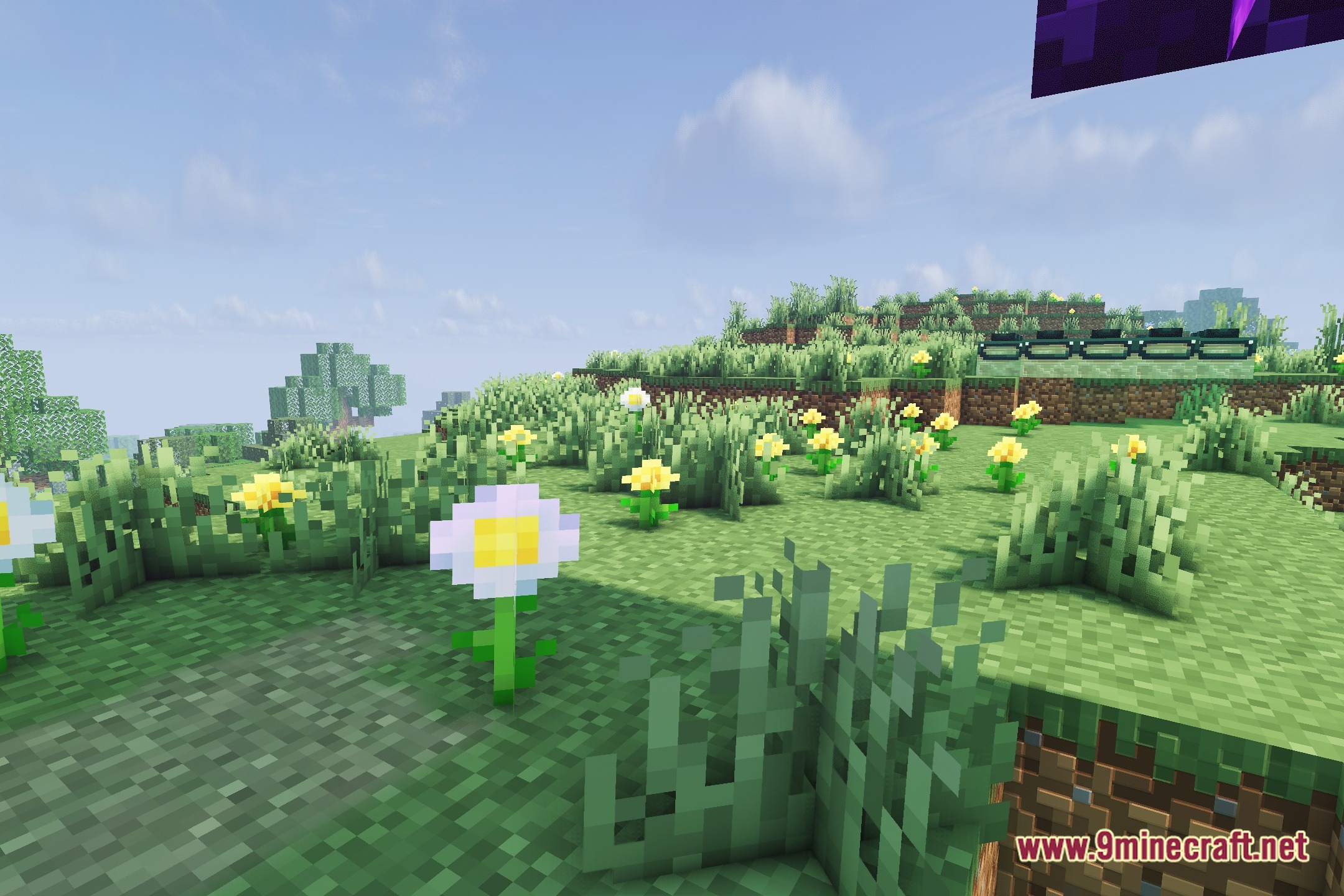
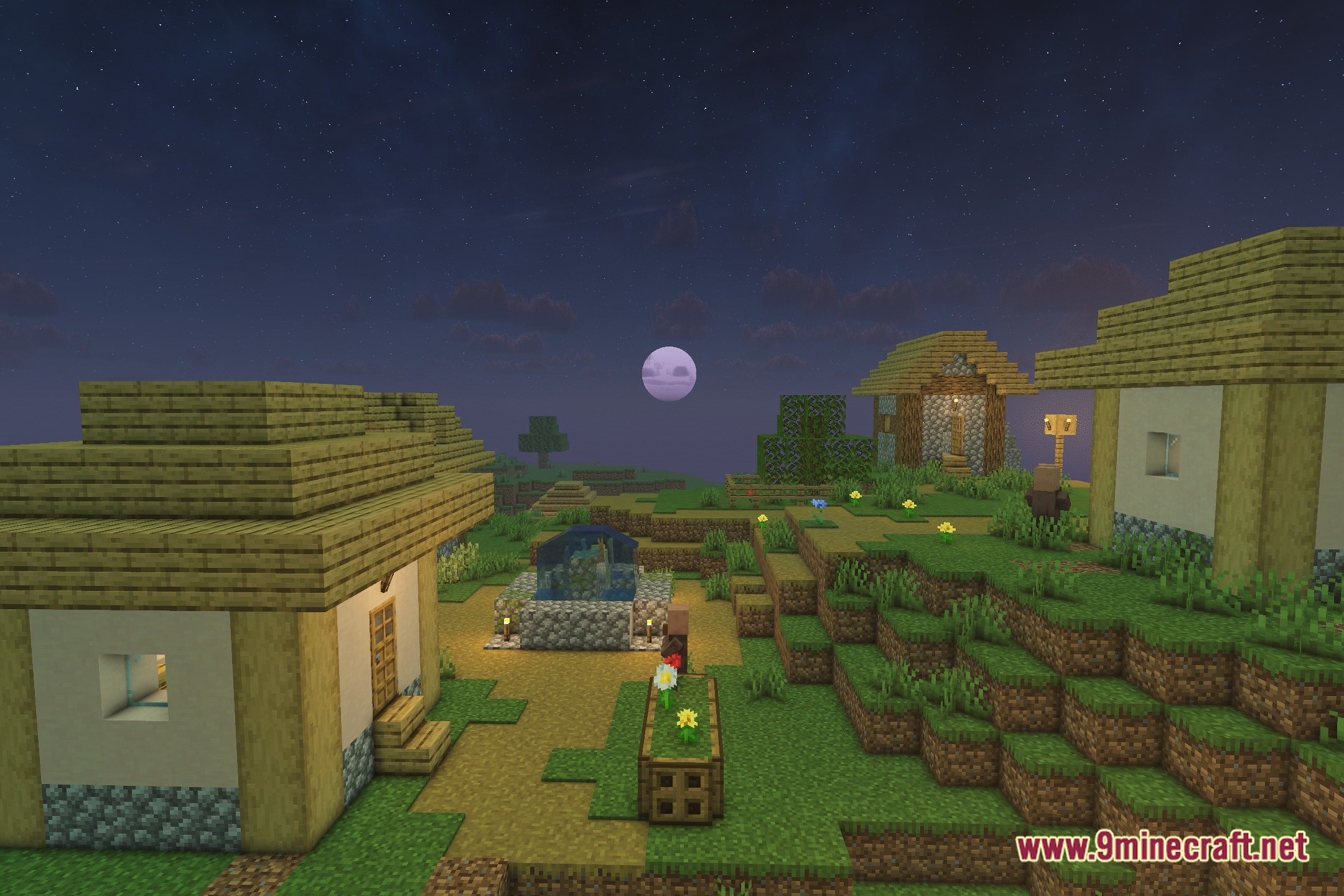
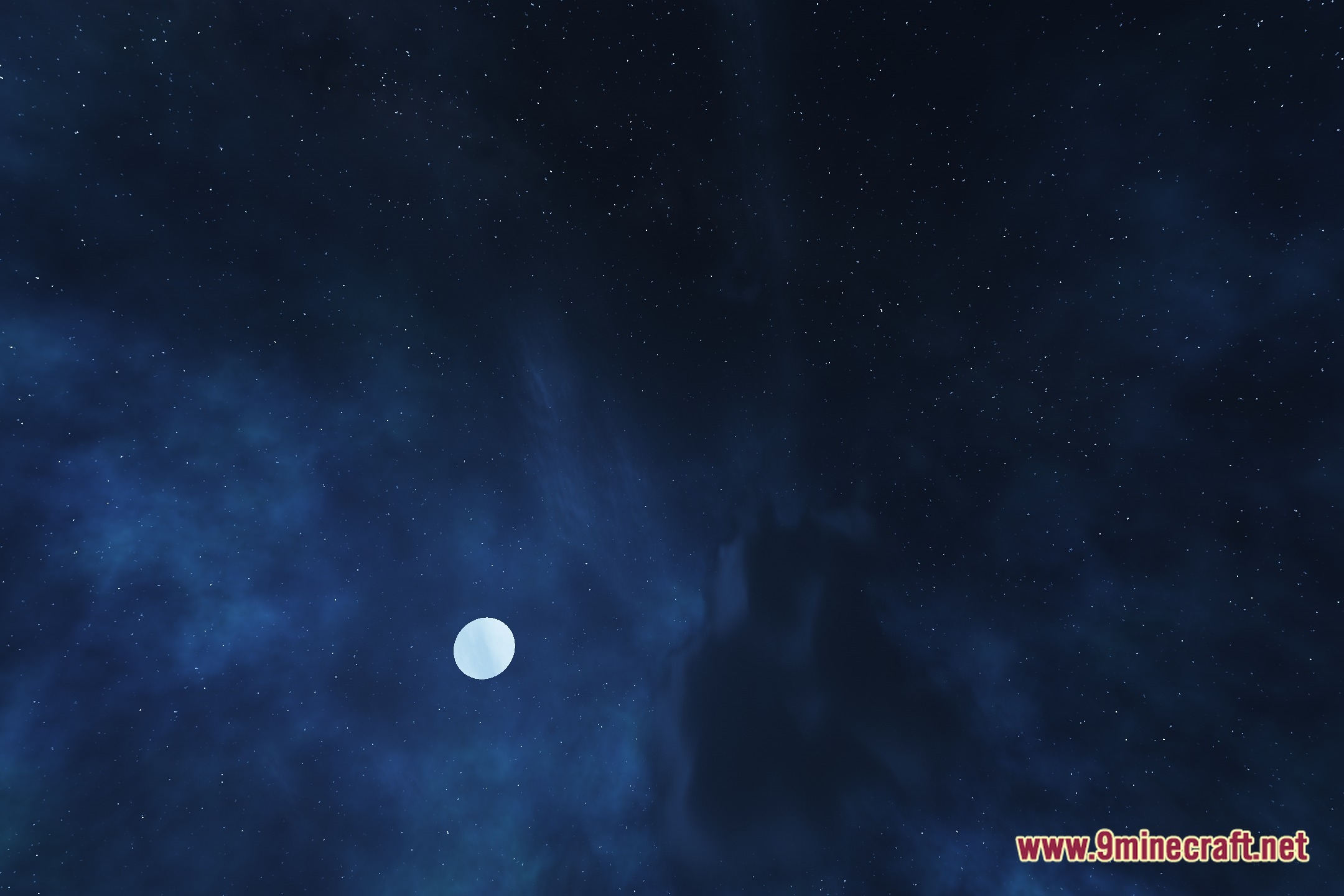
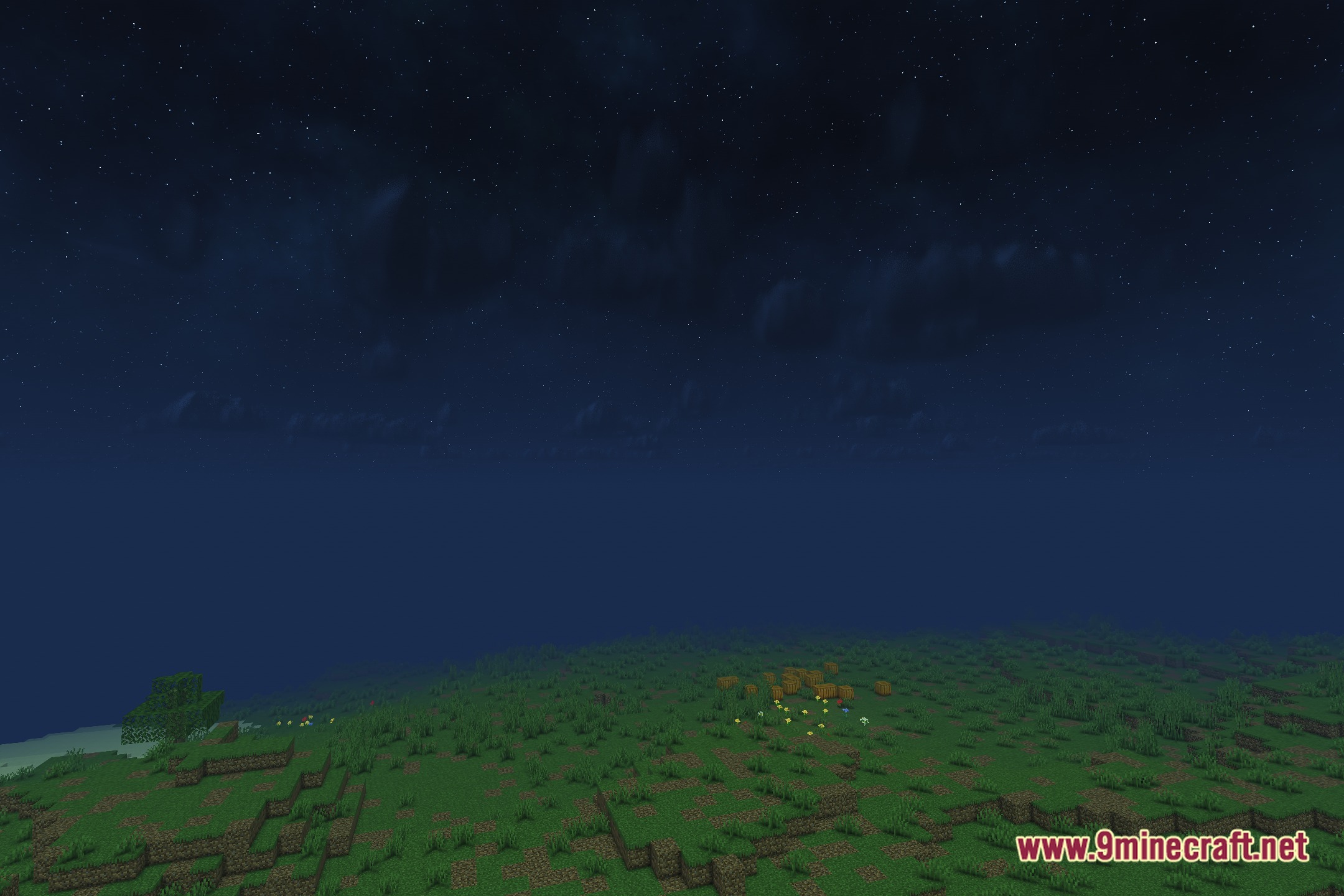
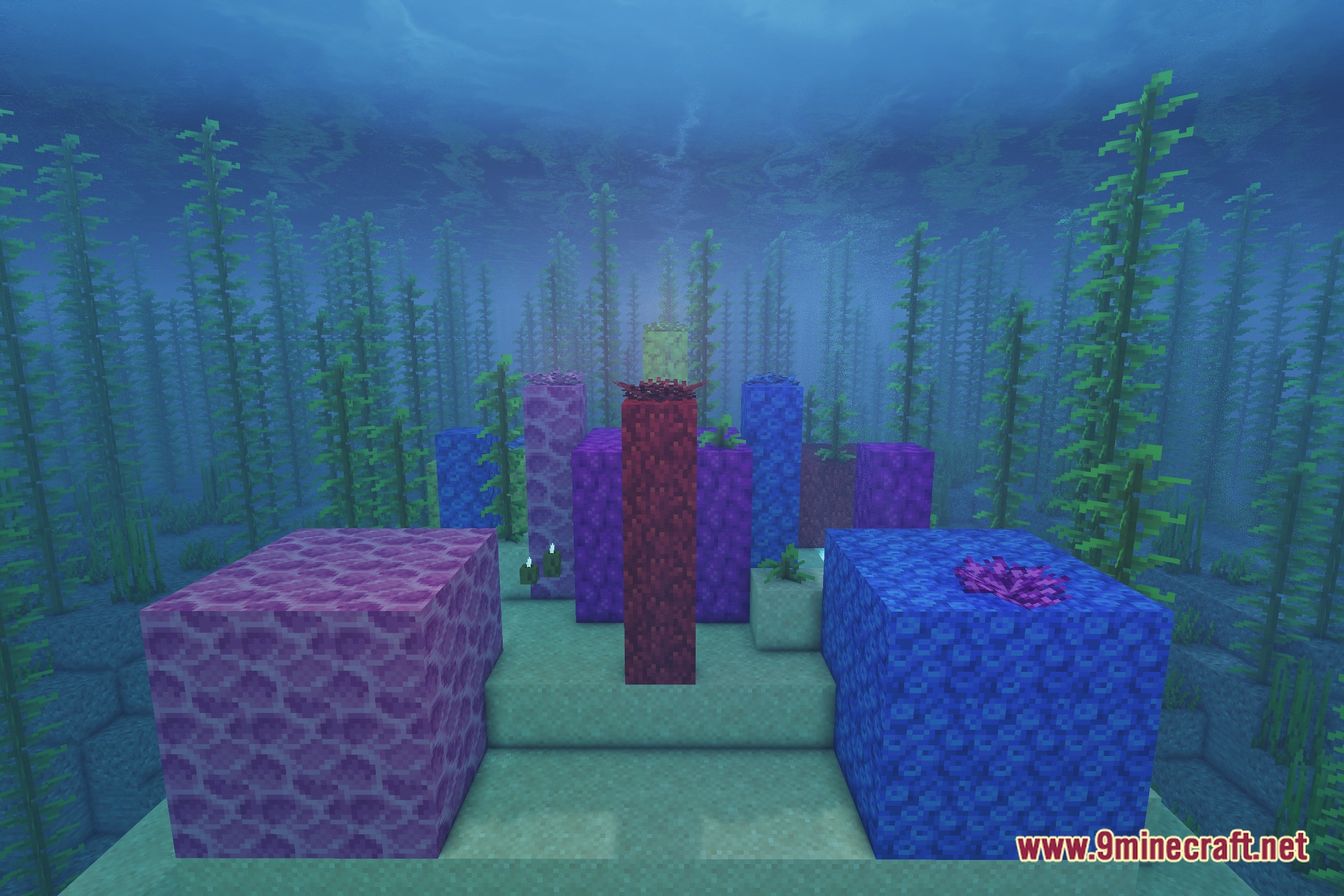
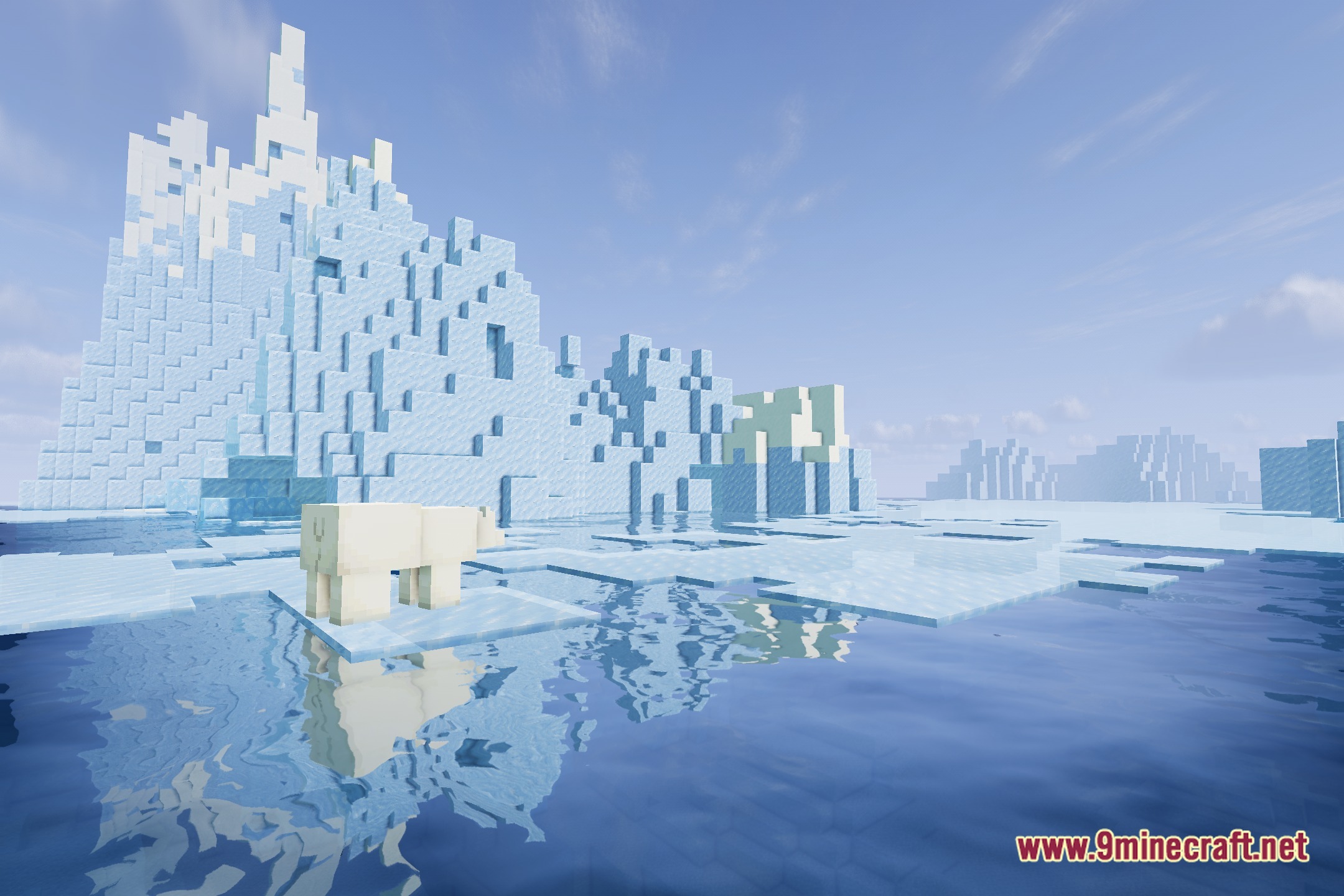
12 images from the Noxara Shaders page.
You May Also Like
Wikis that share the most with this one
Wikis on the same theme: light
More shader wikis on the site
 NoShadow Shaders
 No More Brightness Shaders
The most downloaded mods that have a wiki here