

 DownloadNovaShade Shaders
Get the files on 9Minecraft
Guides
Step-by-step, in-game.
Adjust Shadow Quality and DistanceAccess Shader Settings Open the Shader Options menu by pressing the designated key (usually accessed through Video…Fine-Tune Sunlight and Torch Glow ColorsOpen Color and Lighting Controls In Shader Options, locate the lighting section. NovaShade allows separate control…Optimize Water Appearance and ReflectionsLocate Water Settings In Shader Options, find the water-specific section. NovaShade separates water quality from…Reduce Lag on Lower-End ComputersIdentify Performance Bottlenecks Open Shader Options and note which settings are currently active. Use F3 debug…
Frequently asked questions
How do I enable NovaShade Shaders after installing it?
Open your Options menu in-game, go to Video Settings, then look for Shaders. Select NovaShade from the shader pack list and apply. You'll see the changes take effect immediately in your world.
Why do my shadows look too dark or too light?
Open the shader settings menu (usually by pressing a key while shaders are active) and navigate to shadow quality settings. You can adjust shadow intensity and contrast to match your preference without affecting performance.
Can I use NovaShade with other mods like Optifine?
NovaShade works best with Iris and Sodium for optimal performance and compatibility. Using it alongside Optifine may cause conflicts or visual glitches, so check the mod documentation for your specific setup.
My water looks weird or too reflective—how do I fix it?
Access the shader settings and find the water reflection or water quality option. Lower the reflection intensity or disable certain water effects if they look too extreme for your taste.
See all 10 NovaShade Shaders questions ›
Gallery
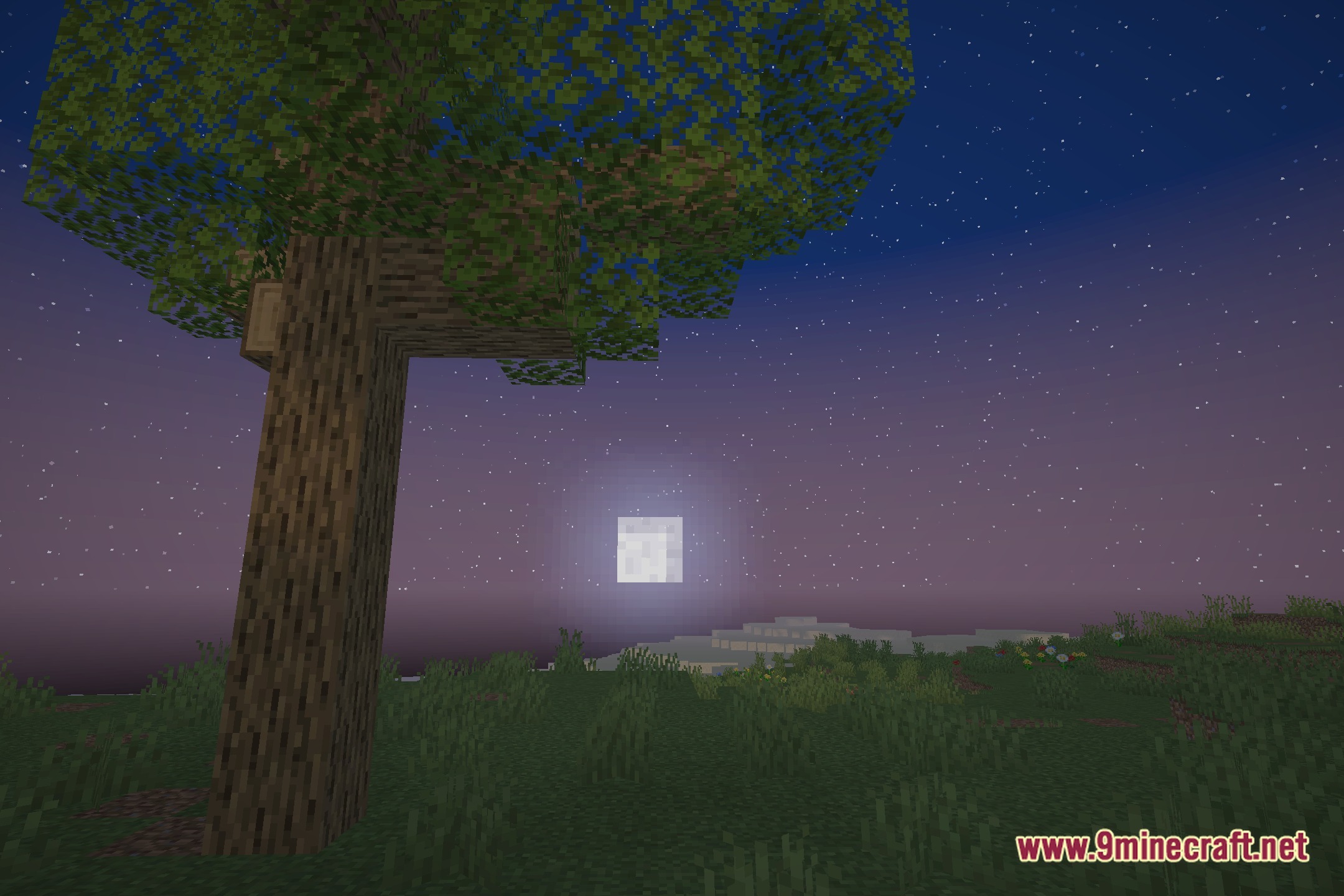
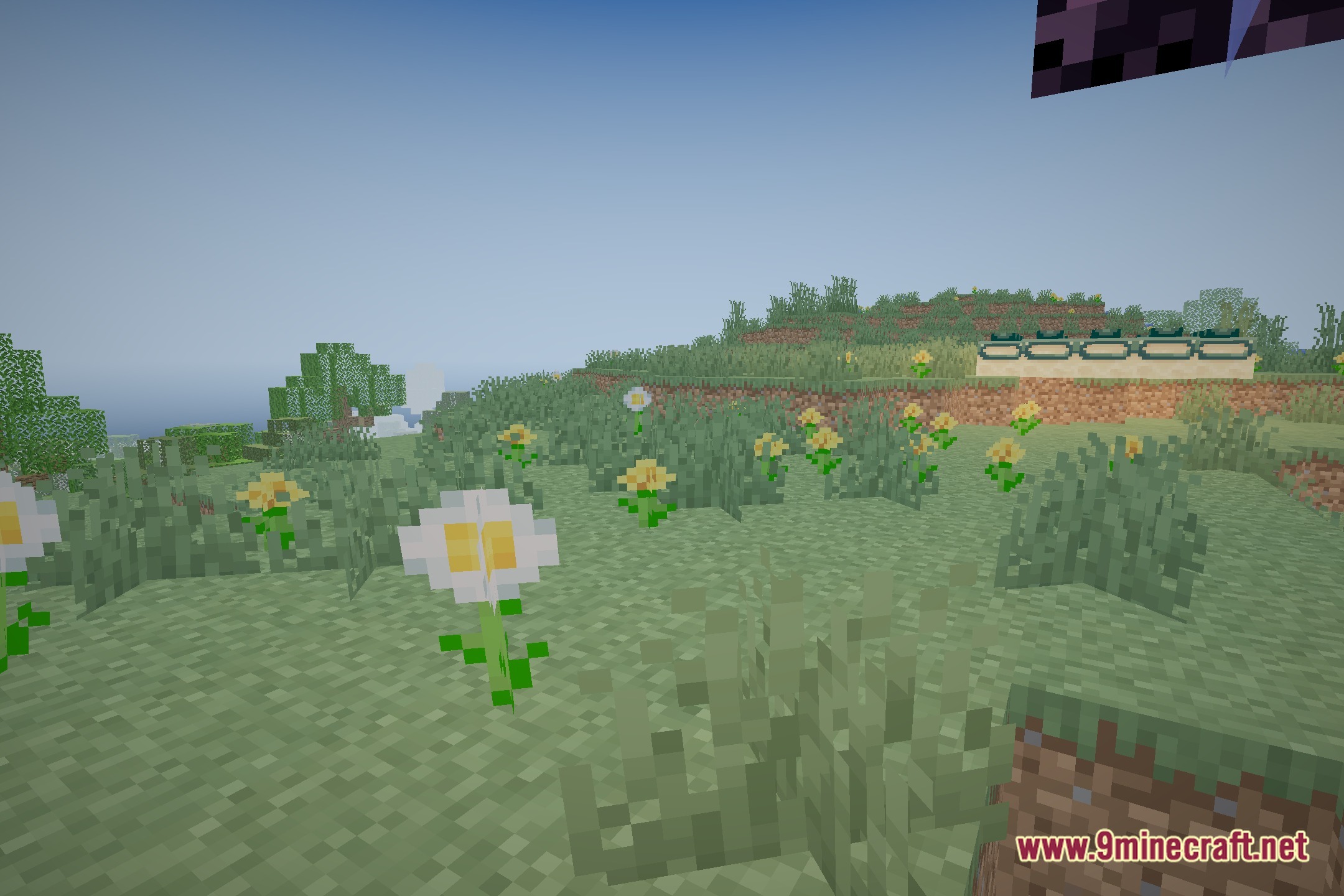
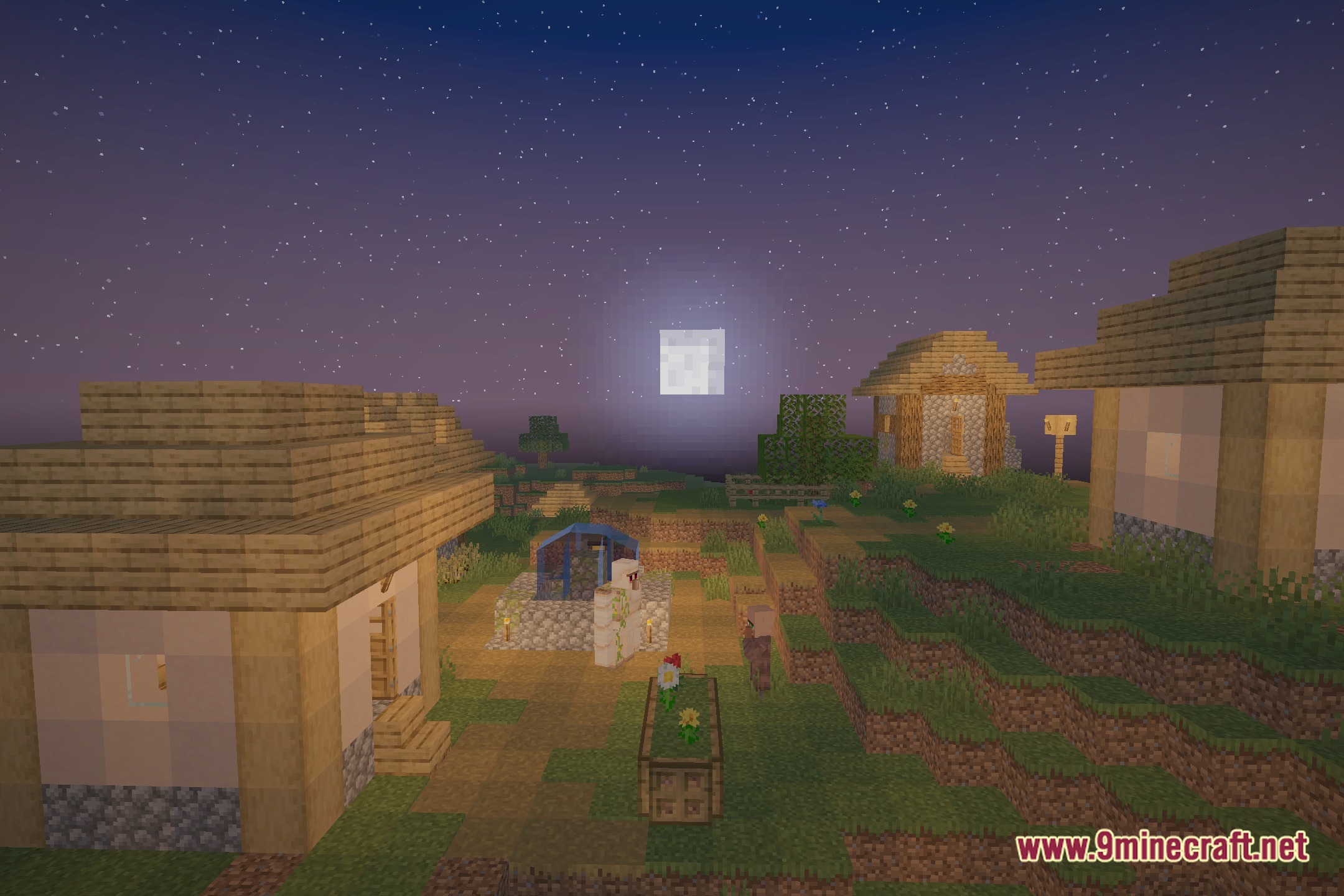
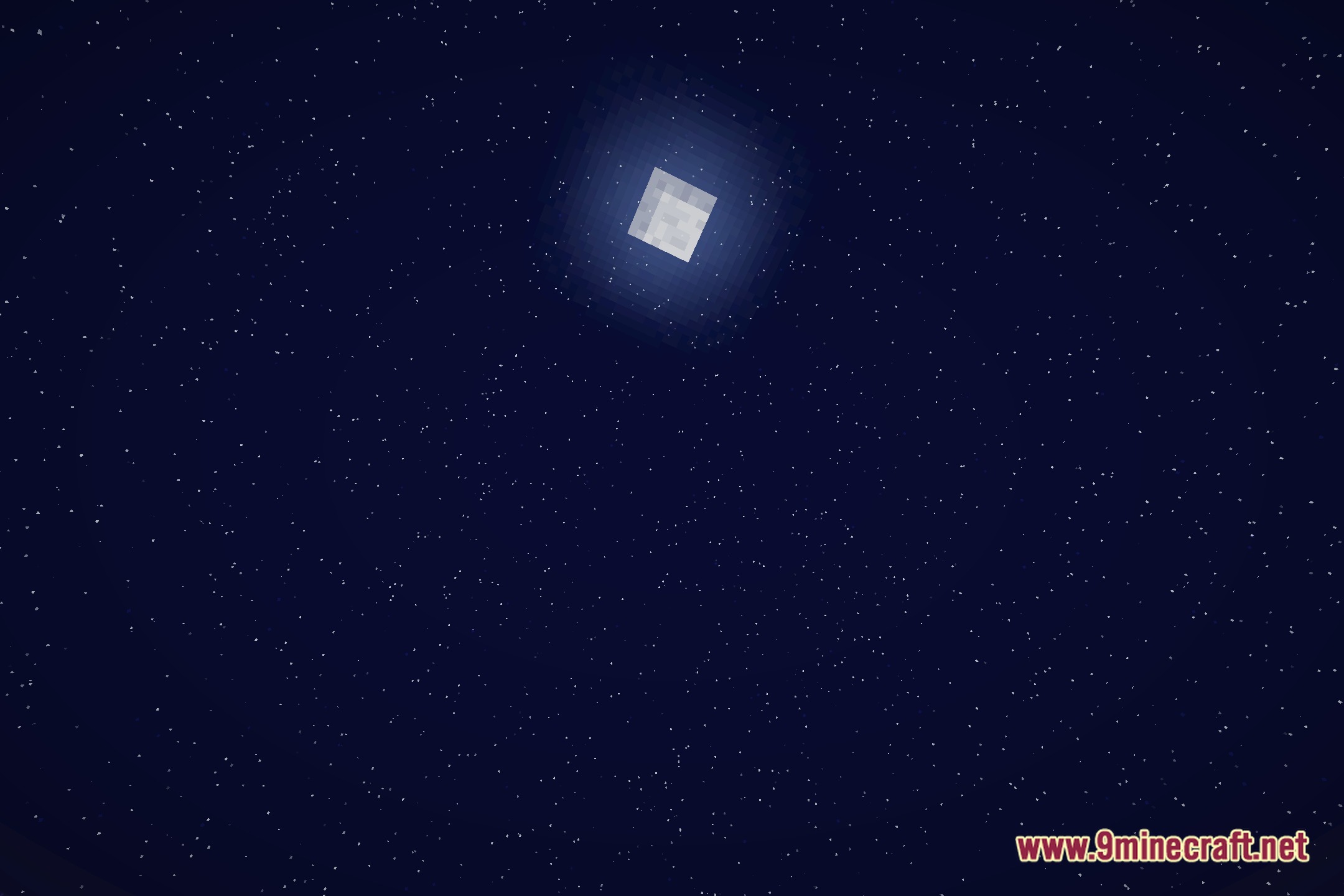
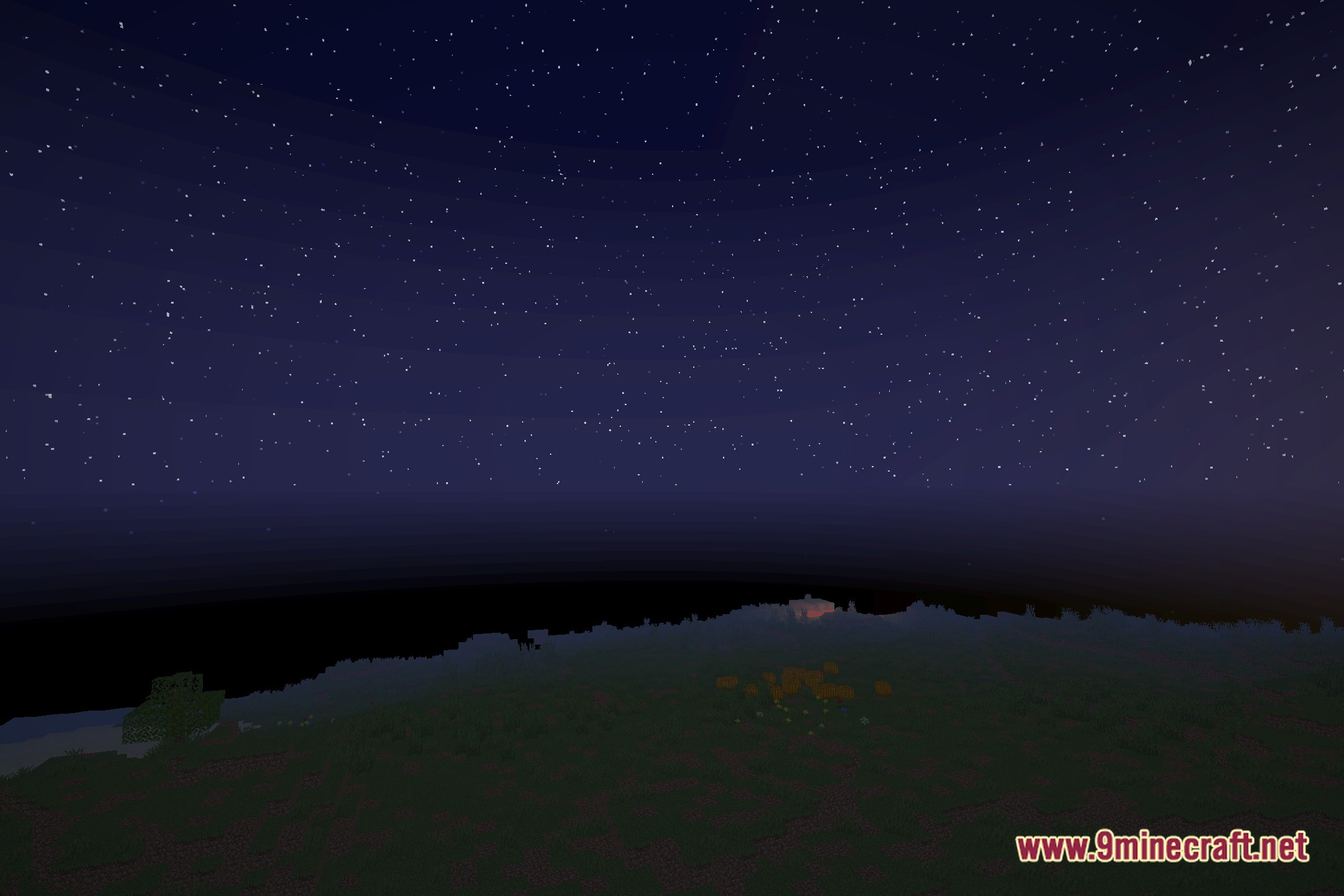
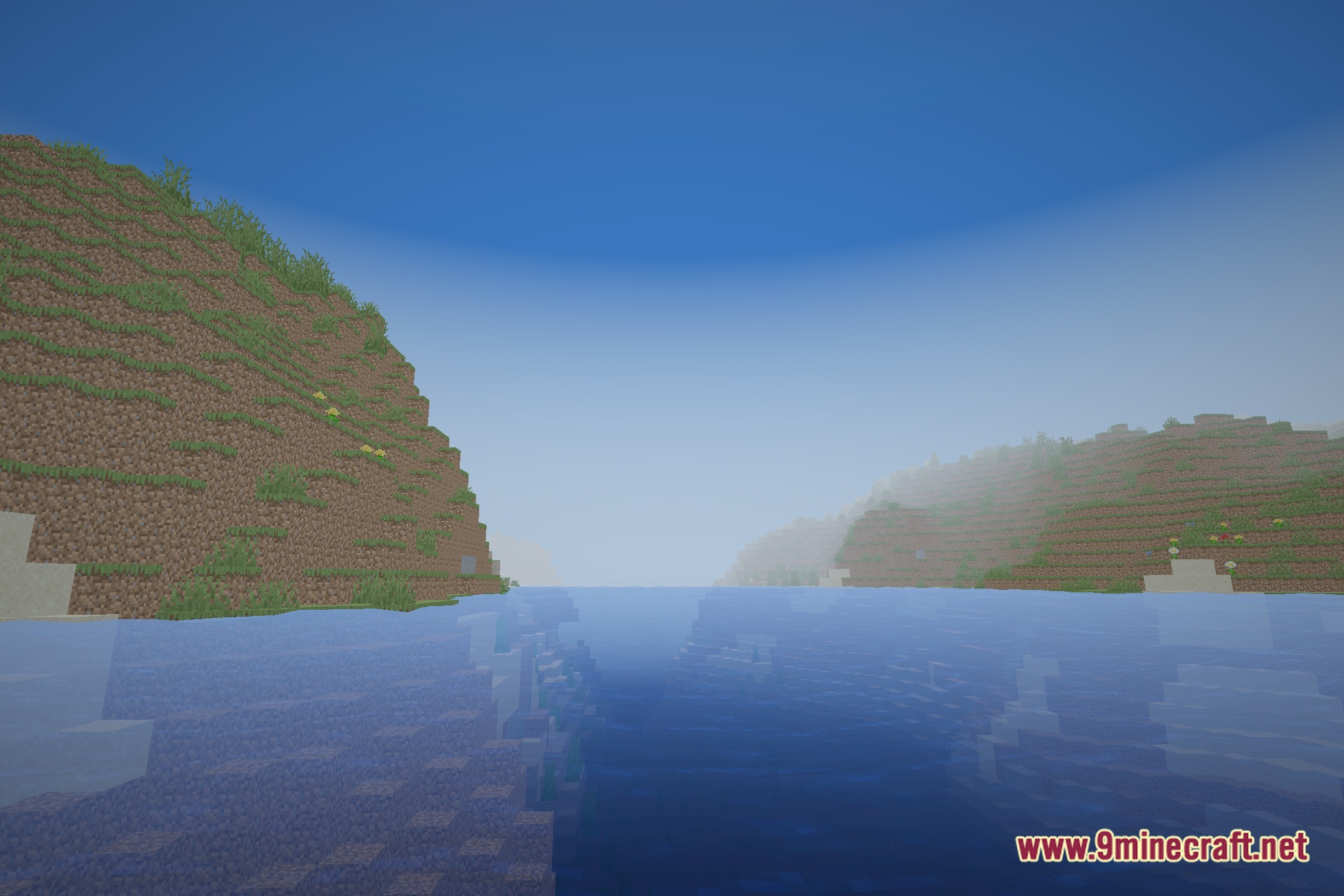
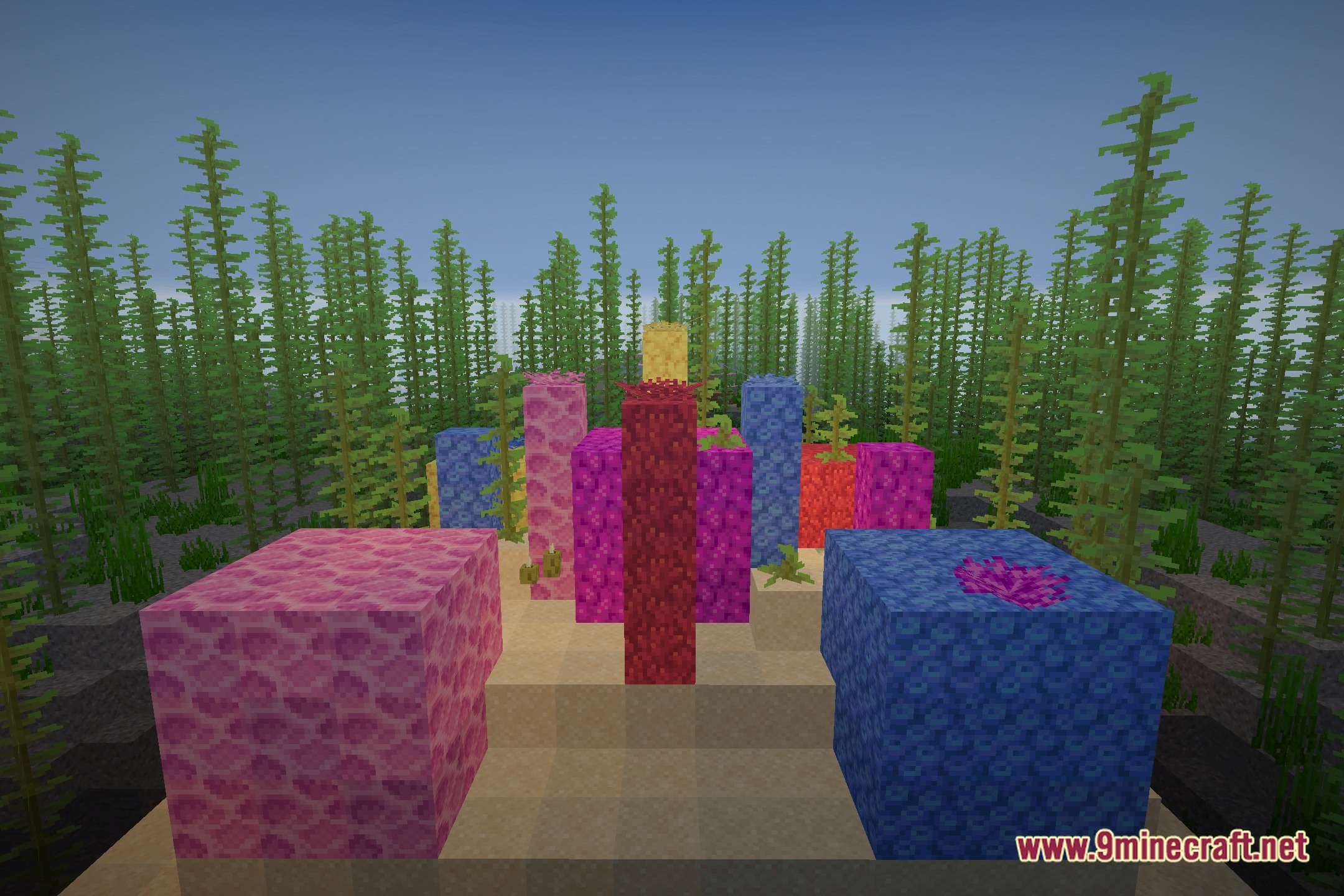
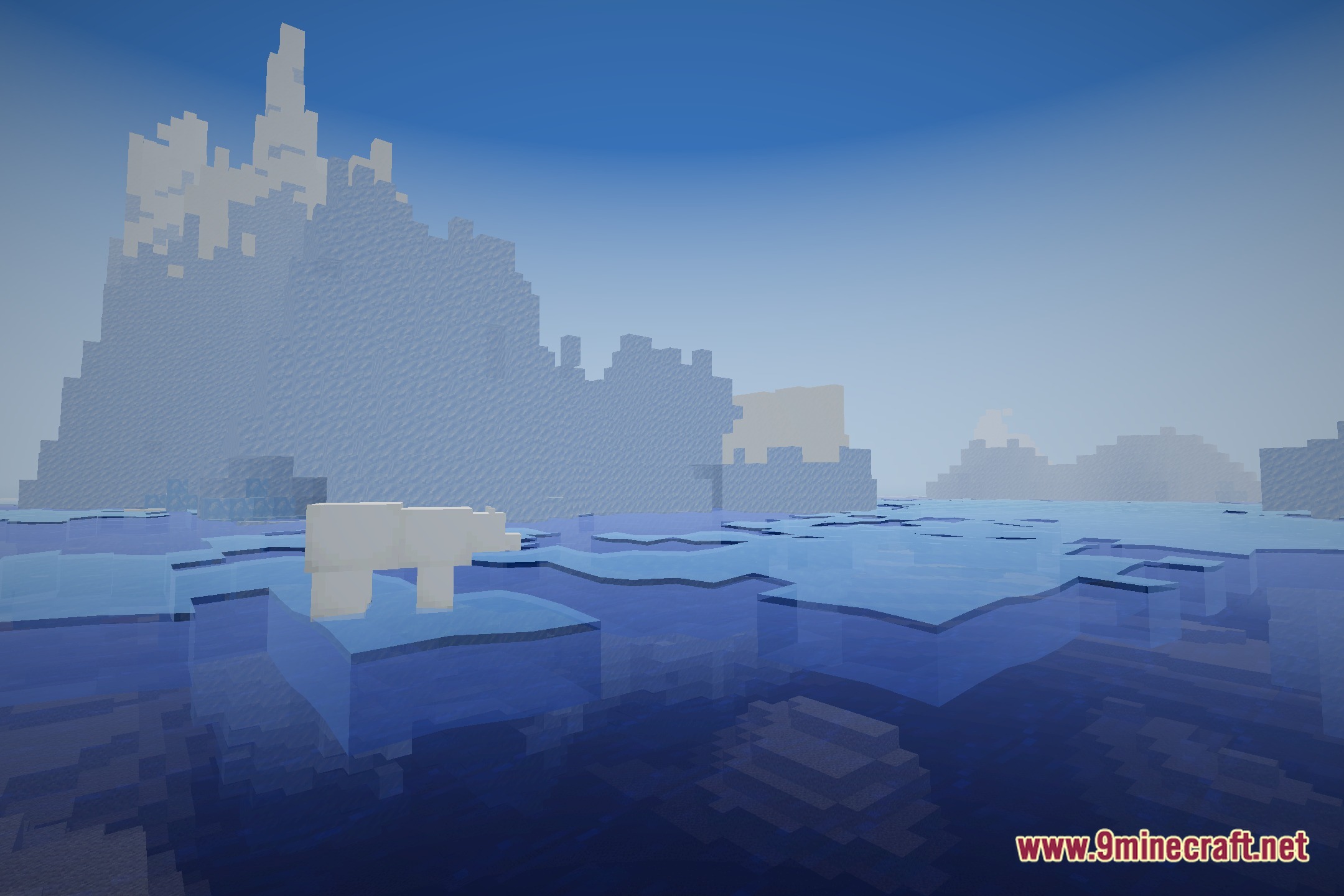
12 images from the Novashade Shaders page.
You May Also Like
Wikis that share the most with this one
Wikis on the same theme: light
More shader wikis on the site
 NoShadow Shaders
 No More Brightness Shaders
The most downloaded mods that have a wiki here