

 DownloadMiasma Shaders
Get the files on 9Minecraft
Guides
Step-by-step, in-game.
Adjust Cel-Shading Intensity and Outline ThicknessAccess Shader Settings Open the shader options menu while in-game. This is typically found in Video Settings >…Make Your Build Stand Out With Cel-Shading ContrastChoose Block Colors Strategically Cel-shading emphasizes bold outlines and color contrast. Design your build with…Optimize Performance While Using Miasma ShadersReduce Visual Complexity Miasma Shaders' cel-shading and edge detection are computationally expensive. Lower these…Reduce Eye Strain When Playing Long SessionsLower Saturation and Brightness Miasma Shaders' vibrant, toxic colors are visually intense. After extended play, this…
Frequently asked questions
How do I turn on Miasma Shaders after installing it?
Open your Video Settings in-game, go to Shaders, and select Miasma Shaders from the list. The shader will apply immediately to your world.
Why does everything look too dark or too bright with this shader?
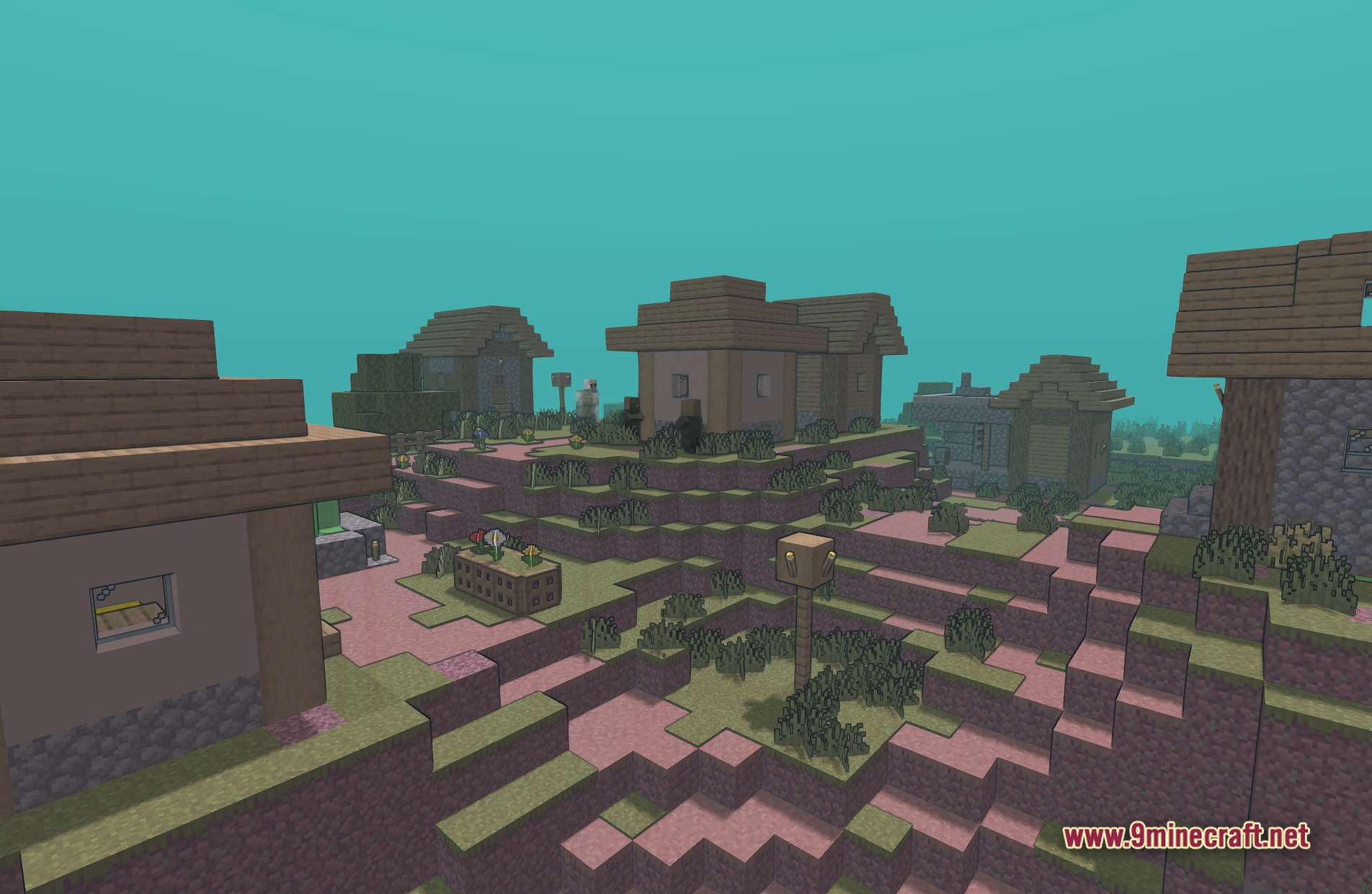
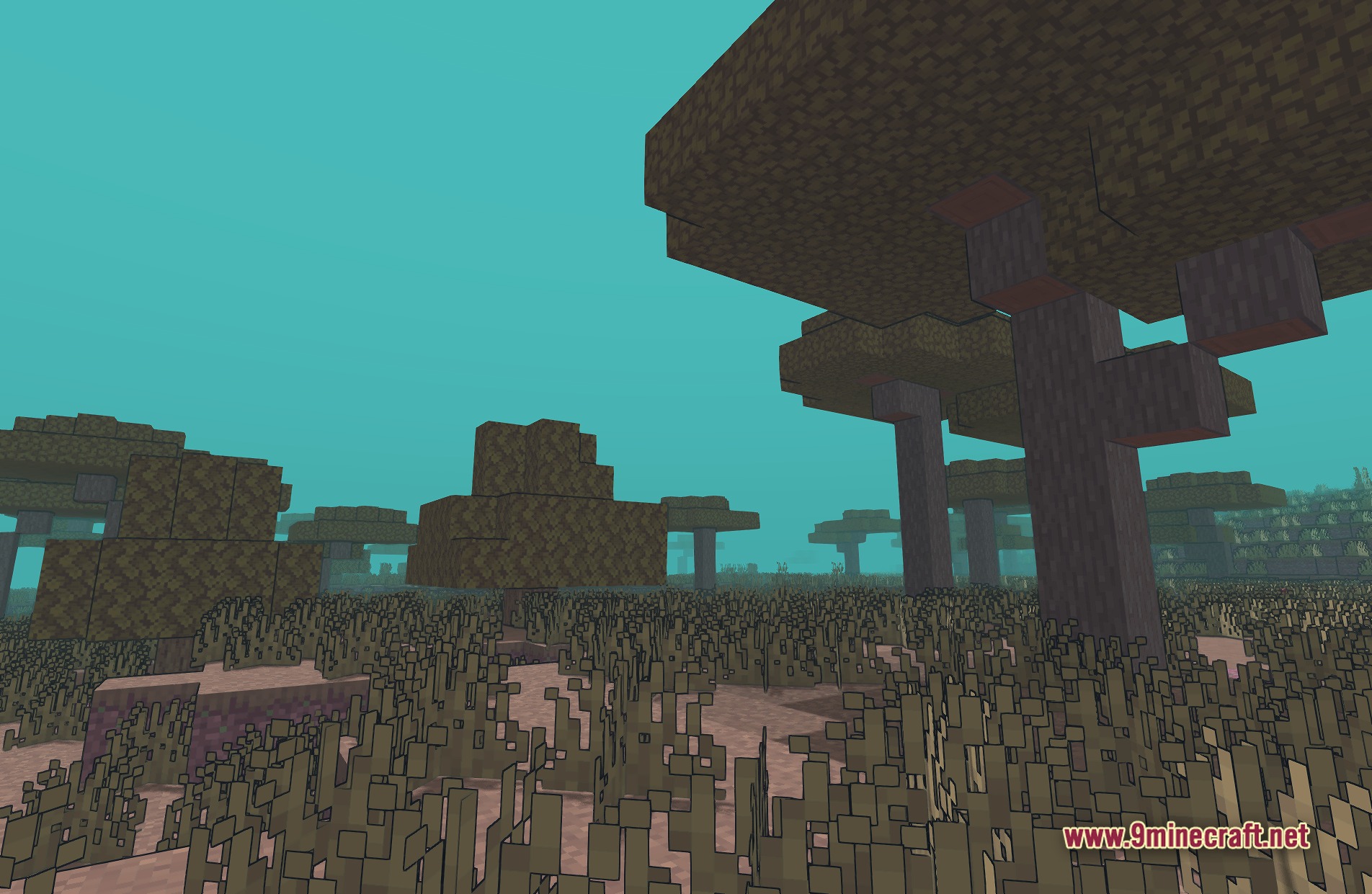
Miasma Shaders changes how light behaves in your world. Try adjusting your monitor brightness or in-game brightness slider, and check if you're playing during day or night—the toxic color palette can make lighting feel different than vanilla.
Can I make the cel-shading outlines thicker or thinner?
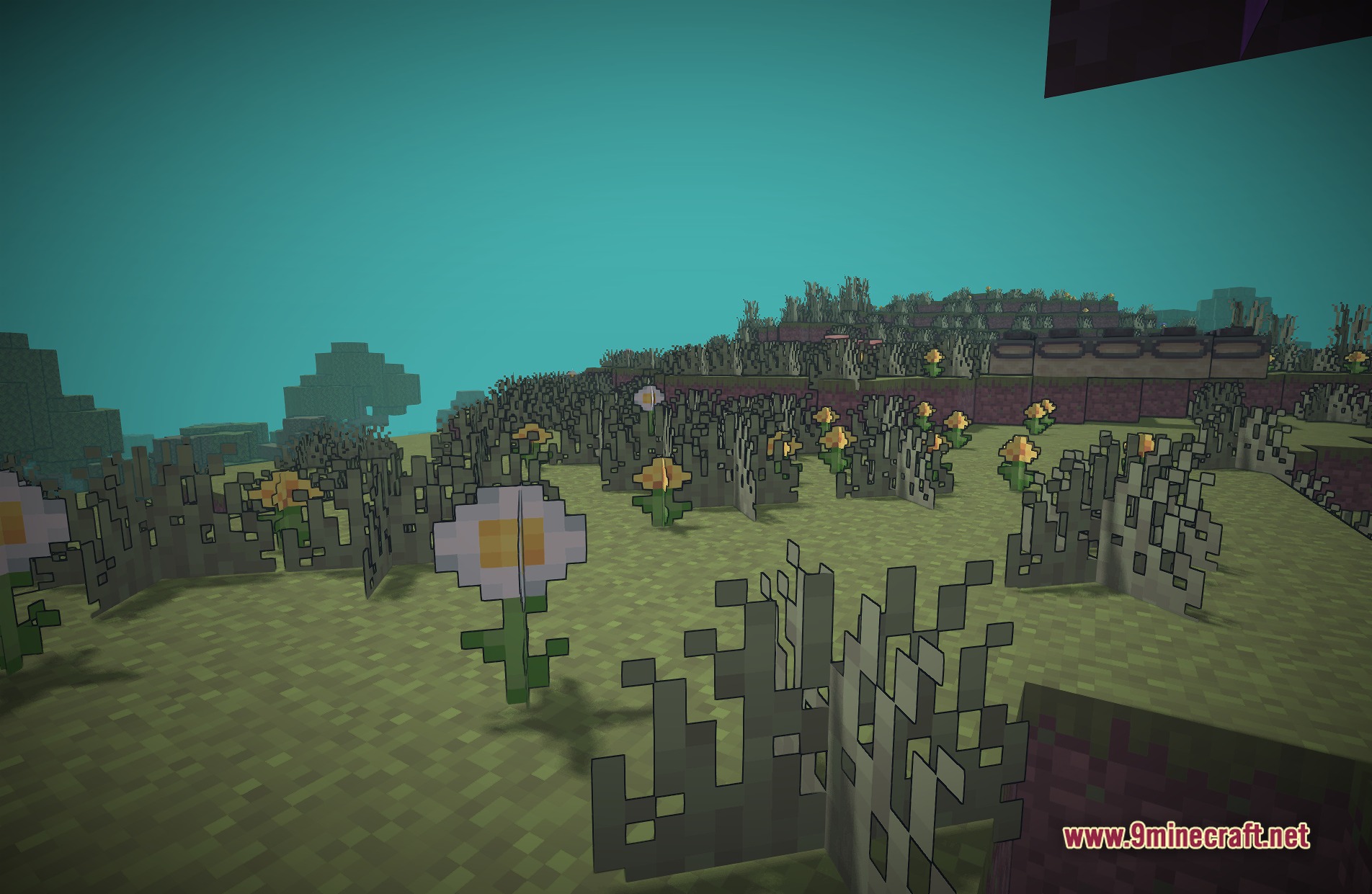
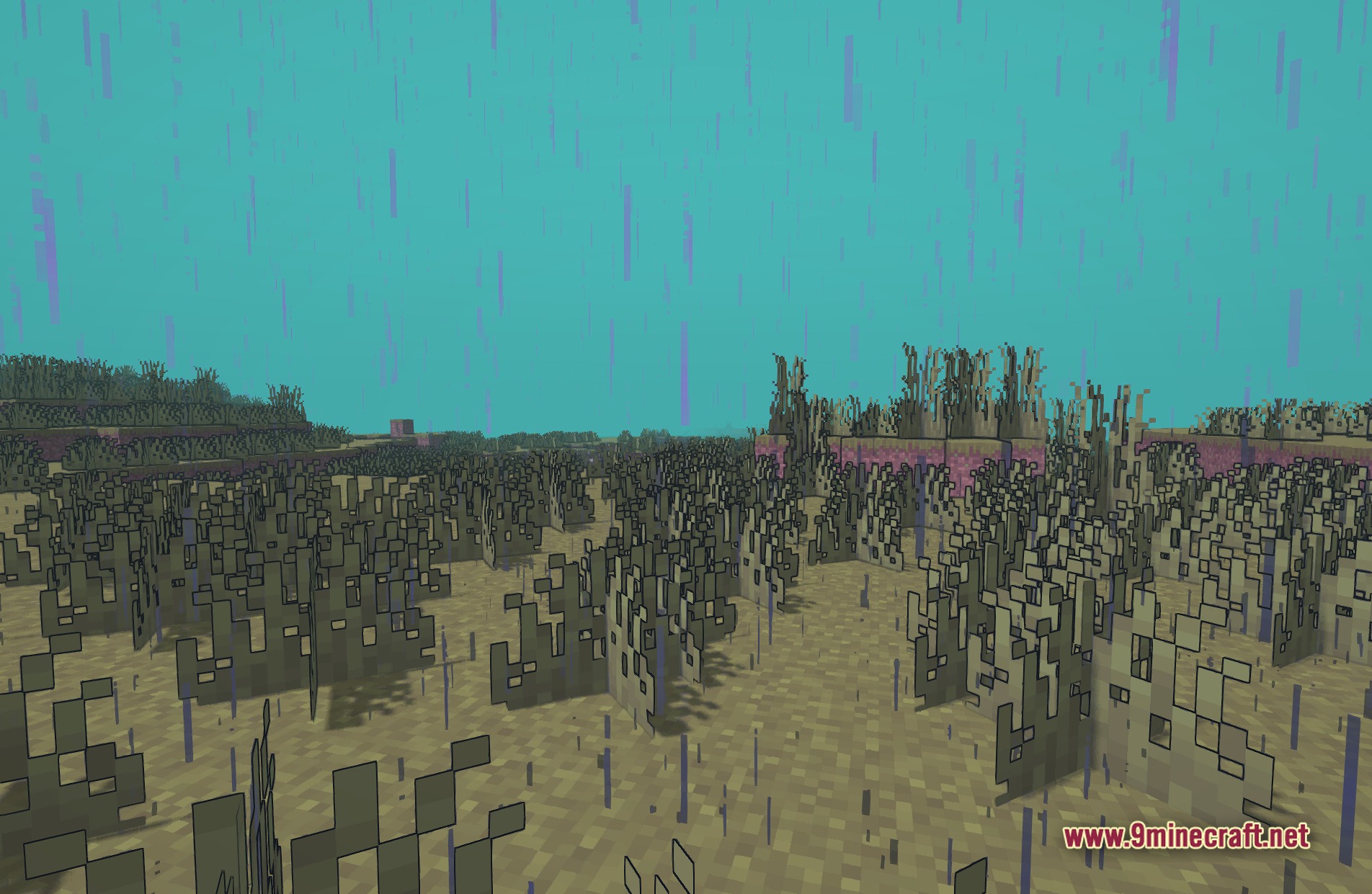
Yes, you can adjust outline thickness in the shader settings menu. Look for outline or edge detection options in the shader configuration screen to customize how bold the comic-book effect appears.
Does Miasma Shaders work with mods that add new blocks?
Most modded blocks will display with the cel-shading effect applied, though some may not render outlines perfectly depending on how the mod defines them. Vanilla-style blocks work best.
See all 10 Miasma Shaders questions ›
Gallery
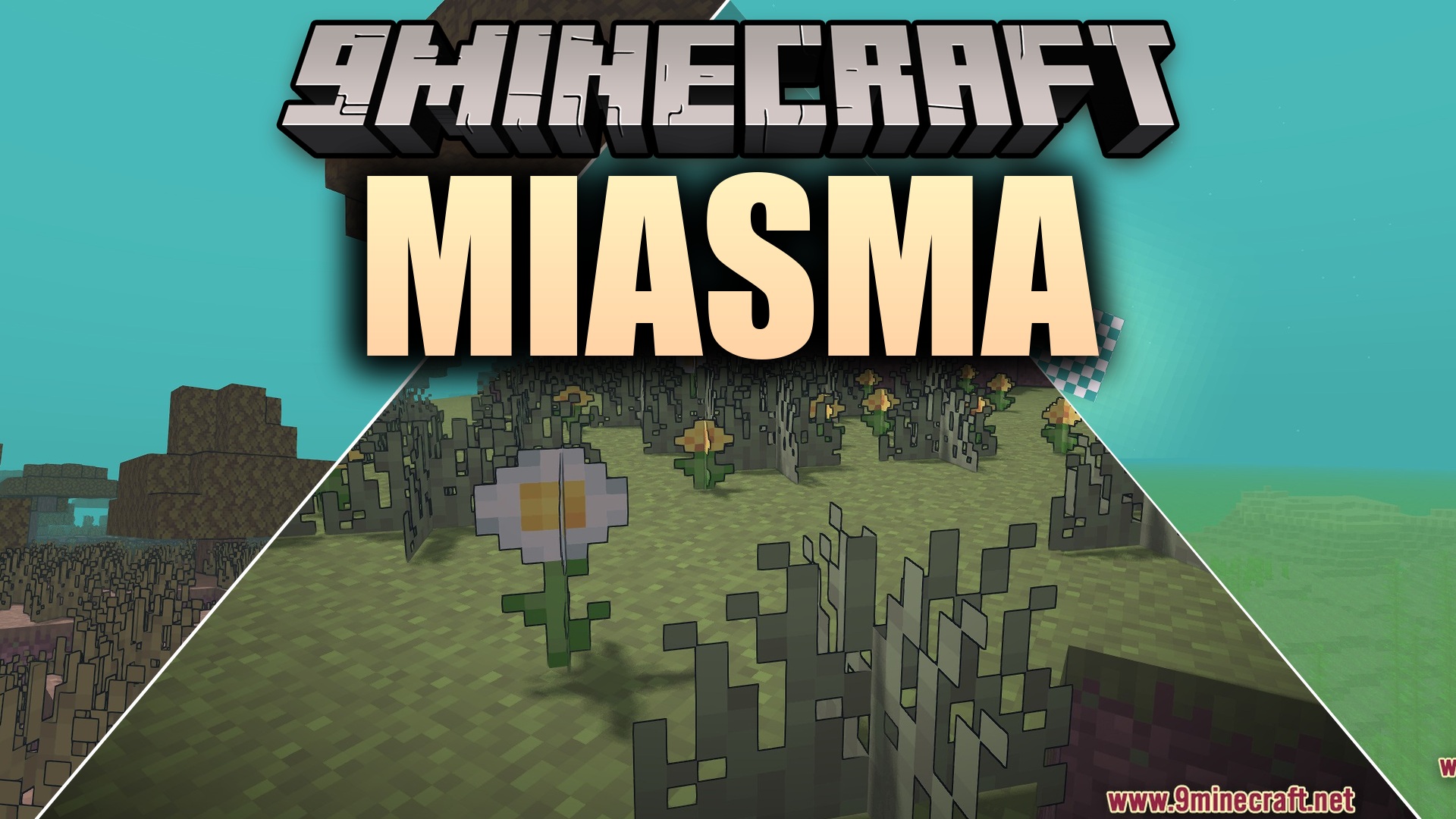
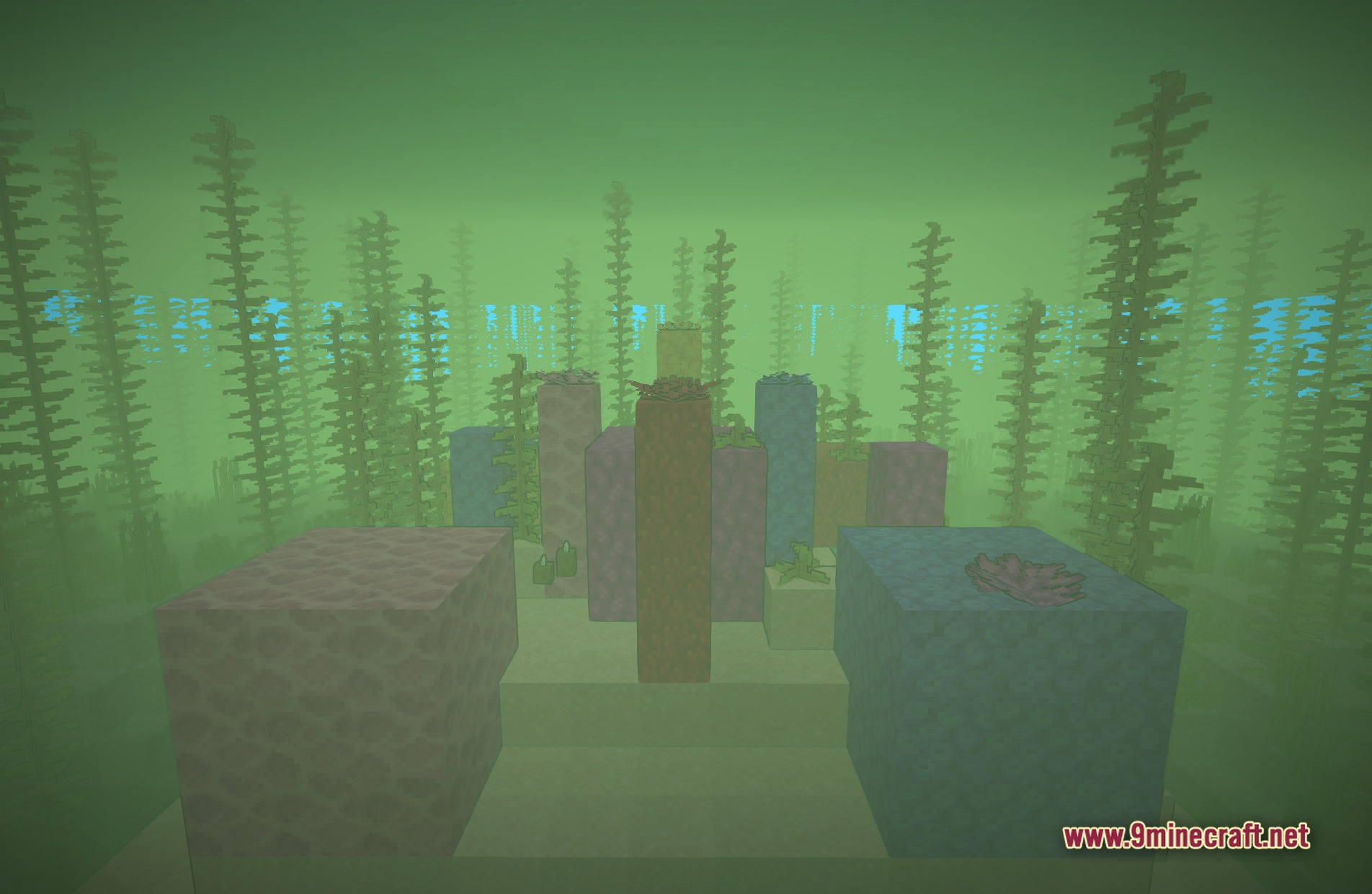
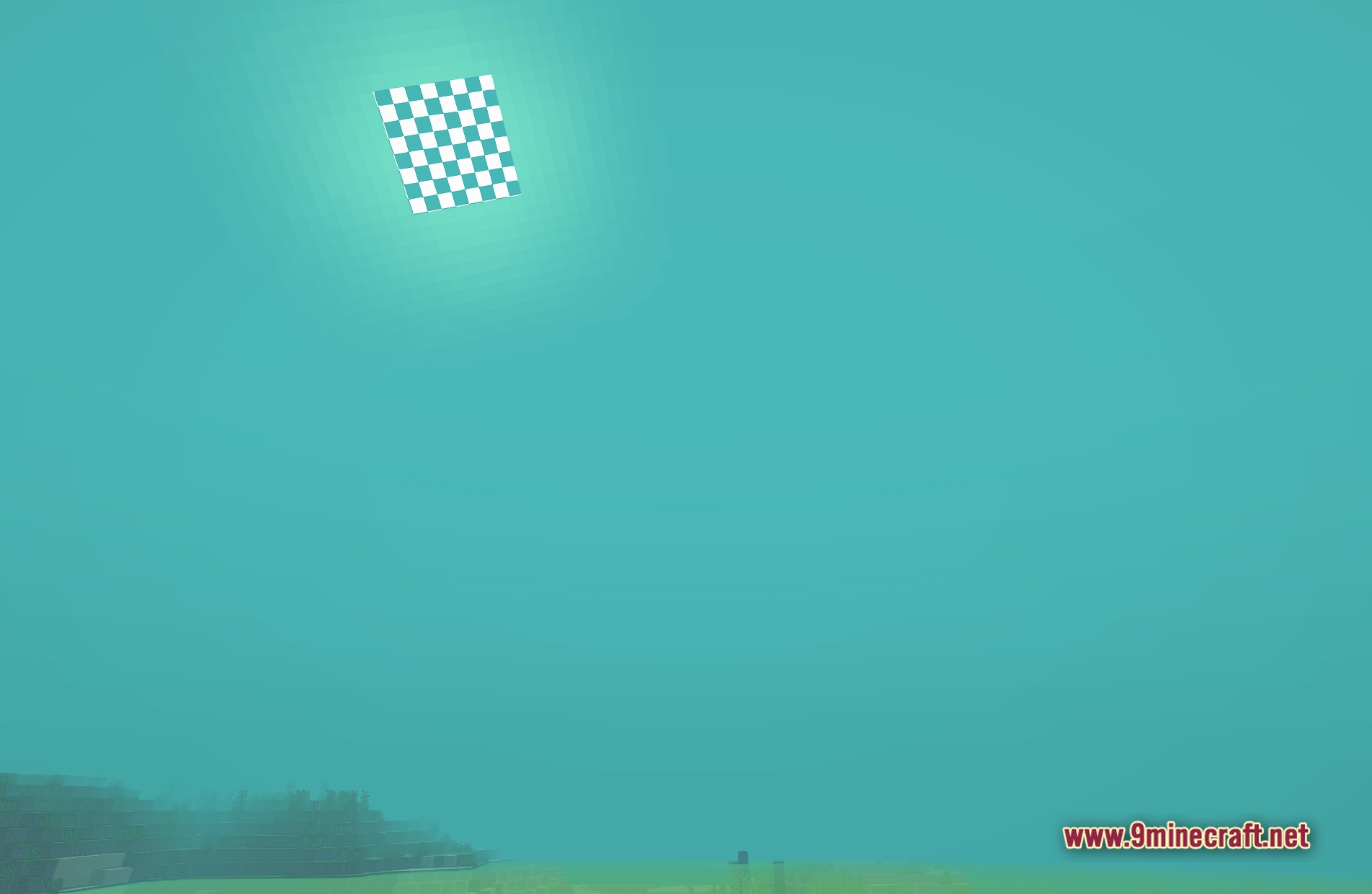
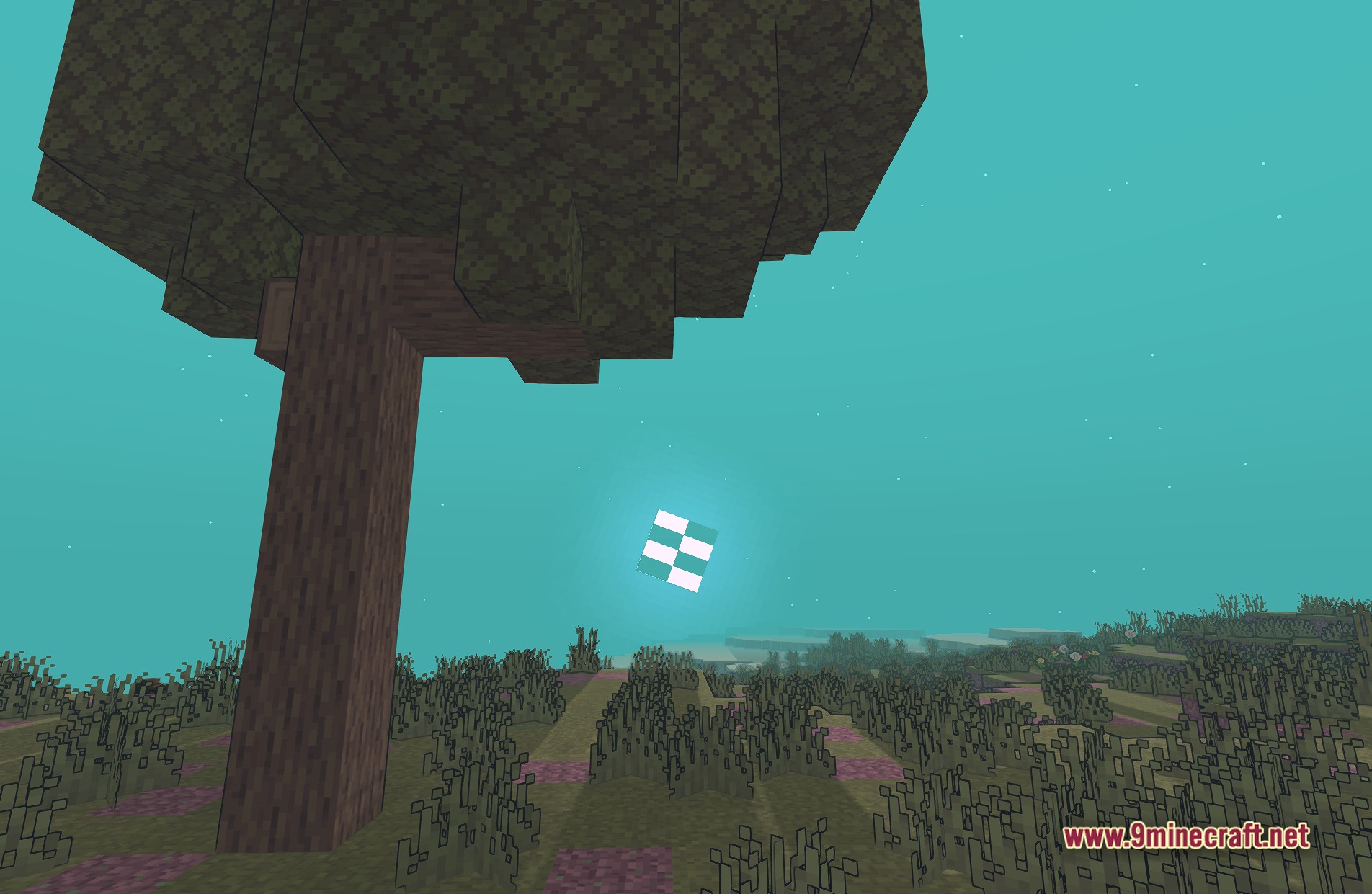
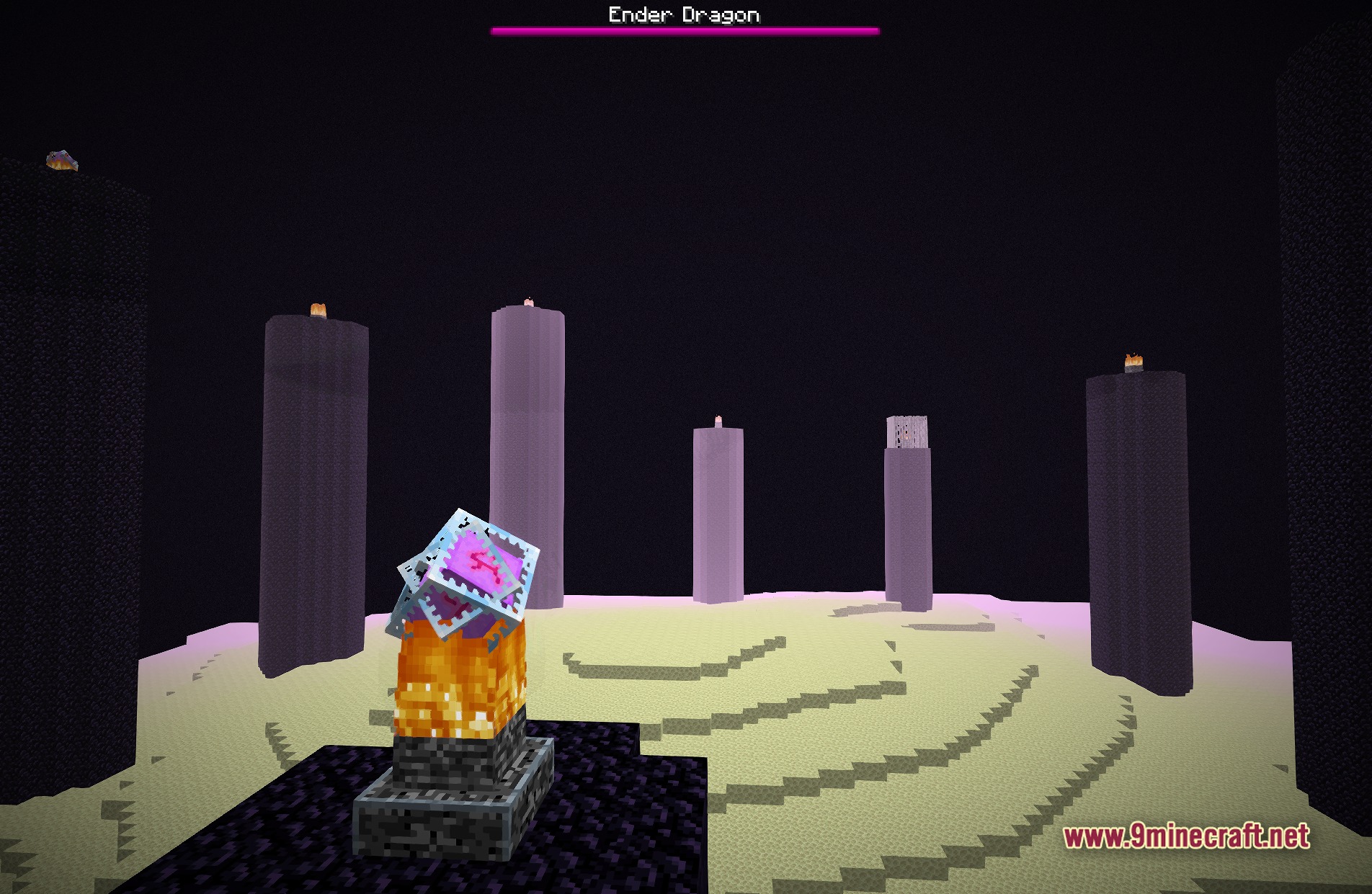
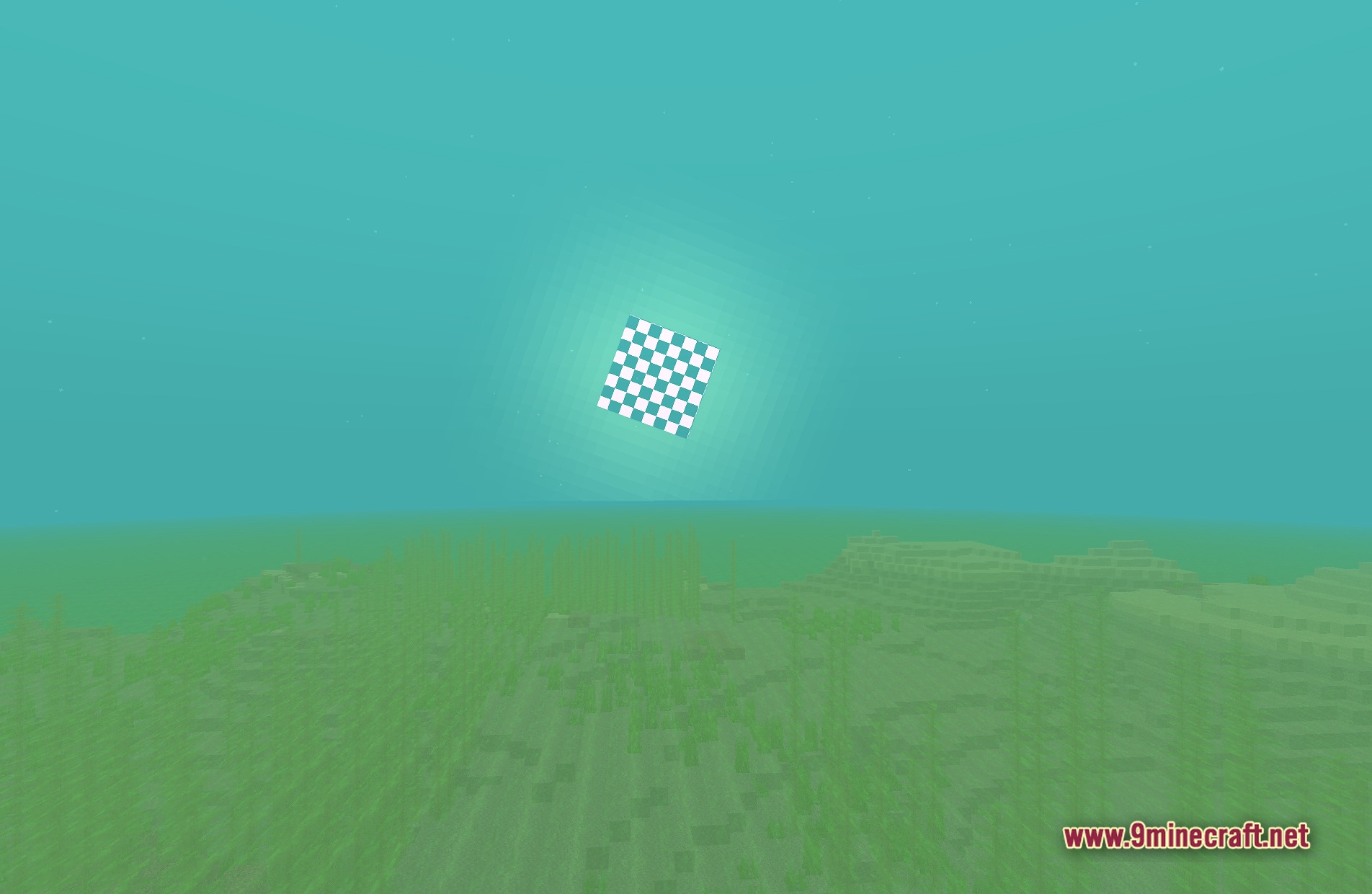
11 images from the Miasma Shaders page.

You May Also Like
Wikis that share the most with this one
Wikis on the same theme: light
More shader wikis on the site
The most downloaded mods that have a wiki here