

 DownloadMeadowlight Shaders
Get the files on 9Minecraft
Guides
Step-by-step, in-game.
Adjust Lighting Intensity for Better Visibility in CavesAccess Shader Settings Press the shader configuration key (usually Shift + O or check your controls) to open the…Customize Color Tones to Match Your Building StyleAccess Color Adjustment Options Open the Meadowlight Shaders menu and locate color grading or tone mapping settings.…Enhance Nighttime Visibility Without Losing AtmosphereUnderstand Night Lighting Philosophy Meadowlight Shaders uses cool color tones at night while keeping blocks visible.…Optimize Performance While Keeping Visual QualityIdentify Performance Settings Open the Meadowlight Shaders configuration menu. Look for options related to shadow…
Frequently asked questions
How do I turn on Meadowlight Shaders after installing it?
Open your Video Settings, go to Shaders, and select Meadowlight Shaders from the list. The shader will apply immediately to your world.
Why do caves feel too dark even with this shader?
Meadowlight intentionally keeps caves dim for atmosphere, but you can increase cave visibility by adjusting the Lighting Intensity setting in the shader options menu.
Can I use Meadowlight Shaders with other mods?
Yes, Meadowlight works with most mods, but mods that add custom lighting or heavily alter world rendering may cause conflicts—test in a separate world first if unsure.
My FPS dropped a lot after enabling shaders. How do I fix this?
Try lowering shadow quality or disabling shadow effects in the shader settings, reducing render distance, or checking that your graphics driver is up to date. The Performance Optimization guide has more detailed steps.
See all 10 Meadowlight Shaders questions ›
Gallery
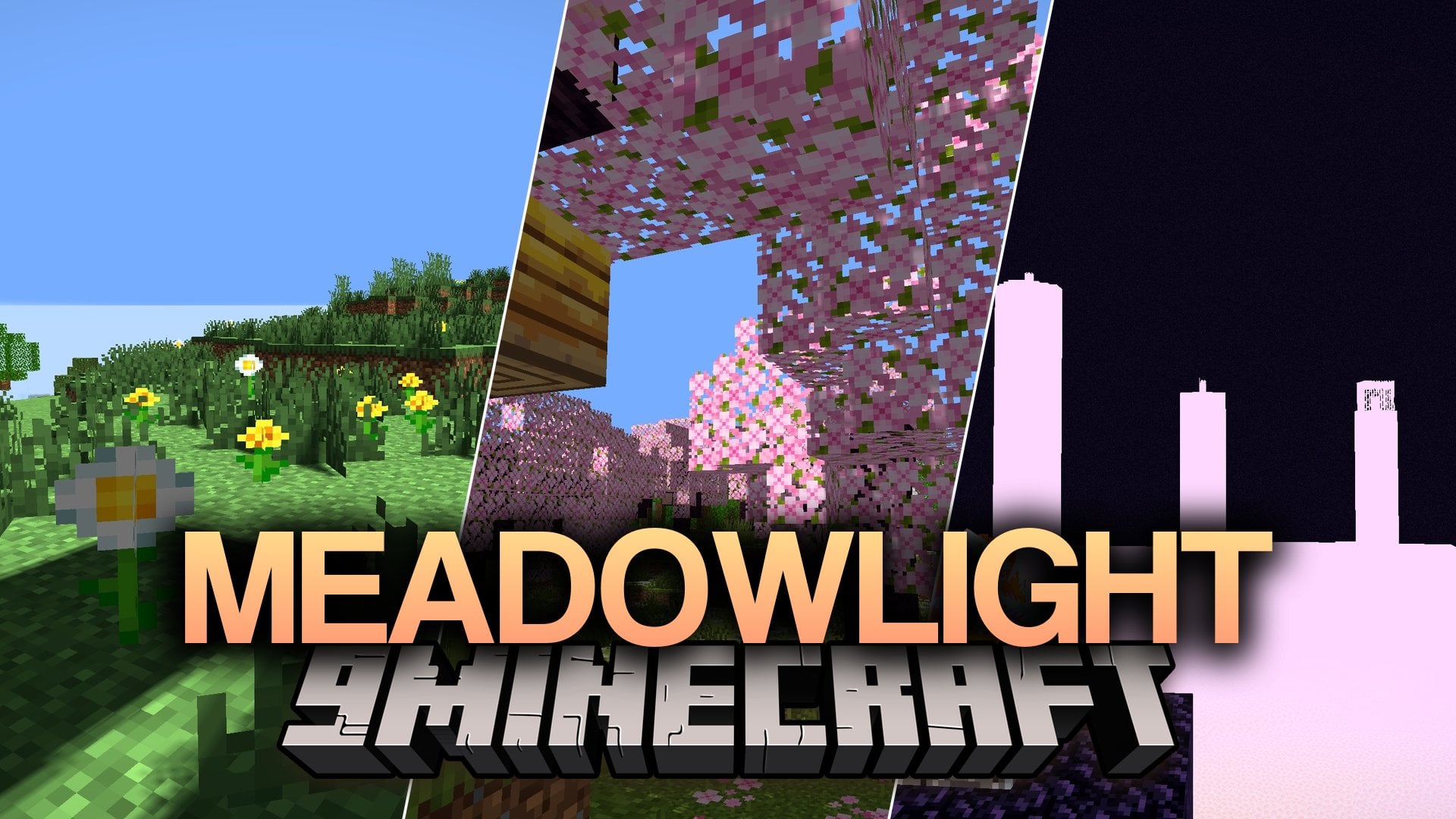
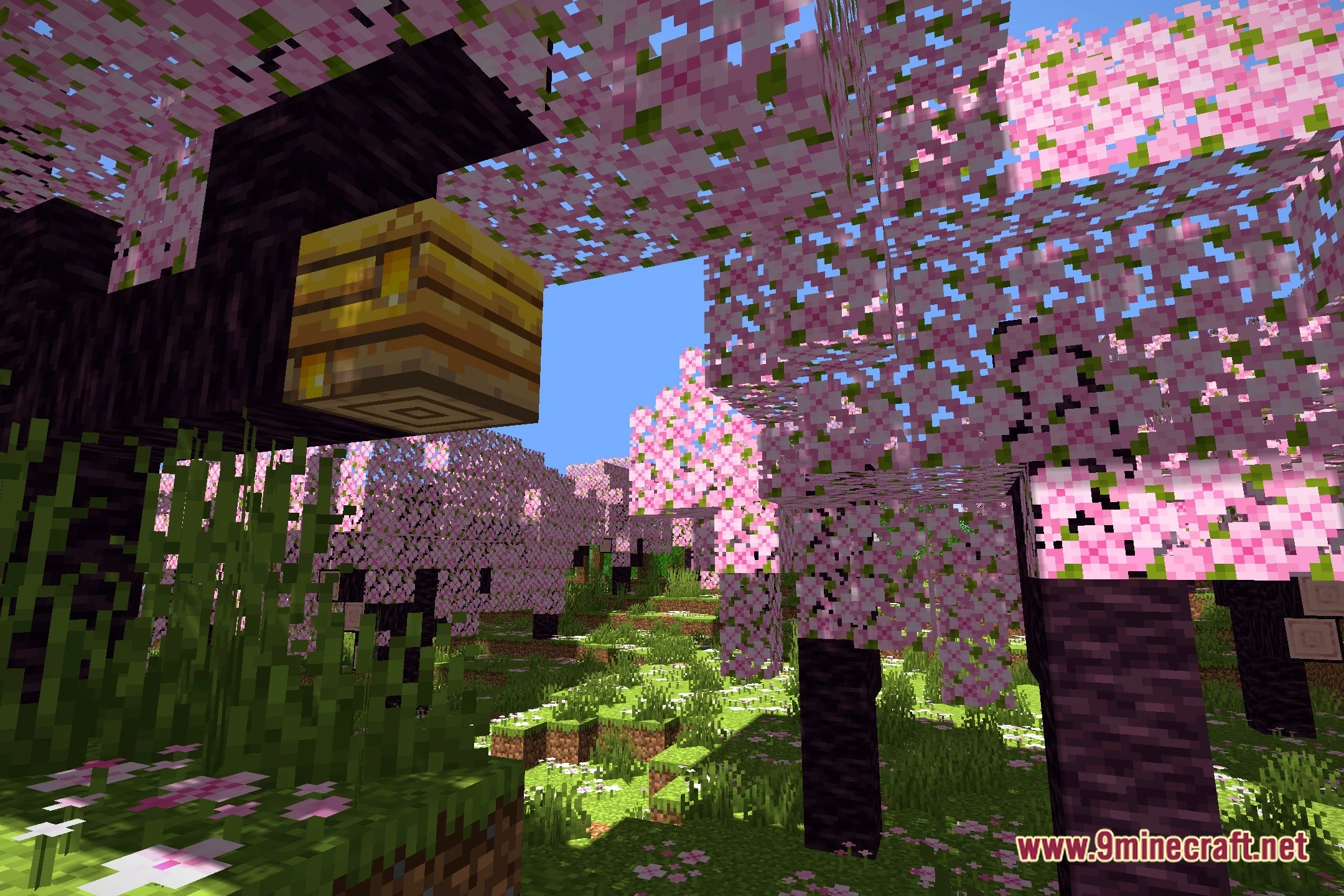
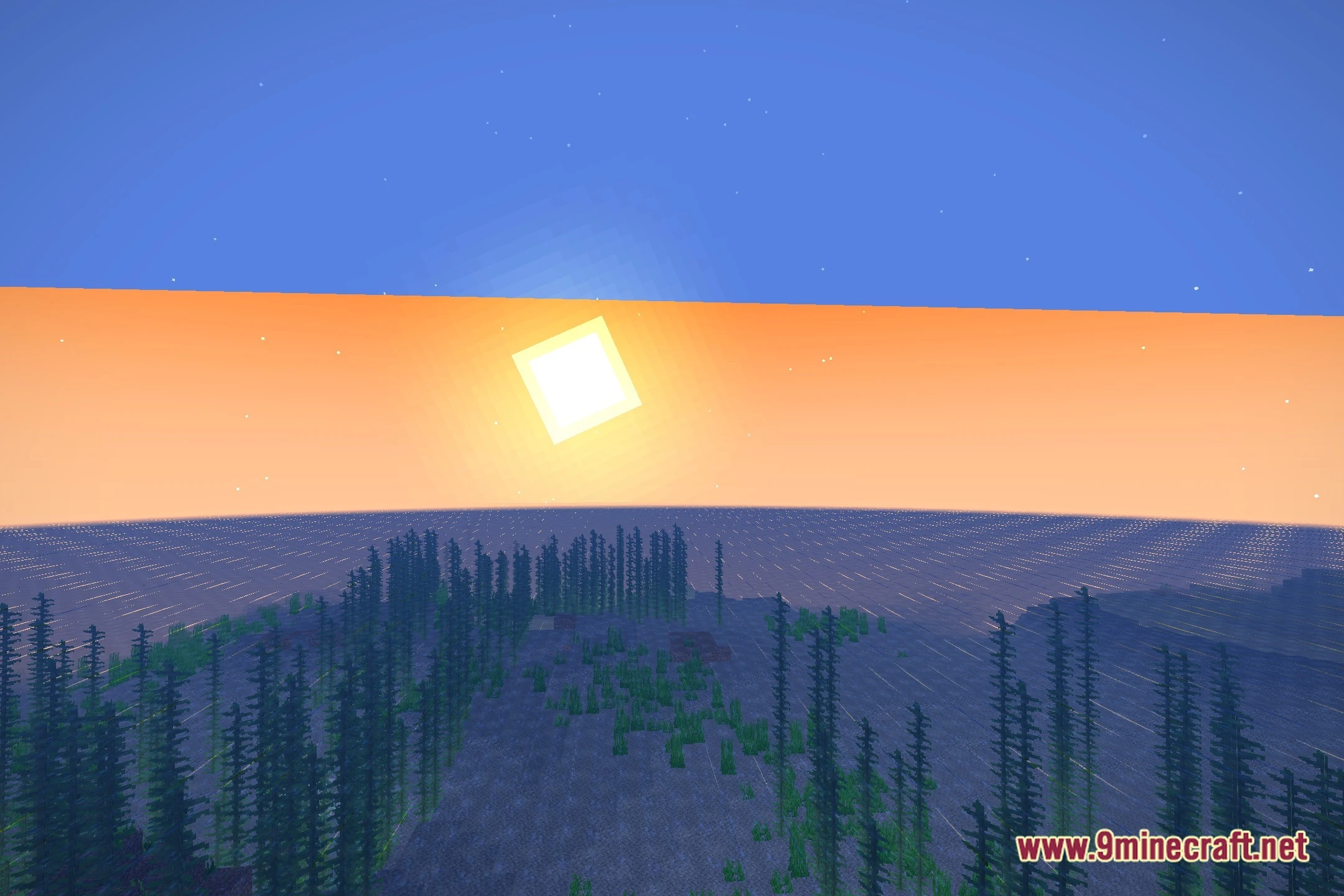
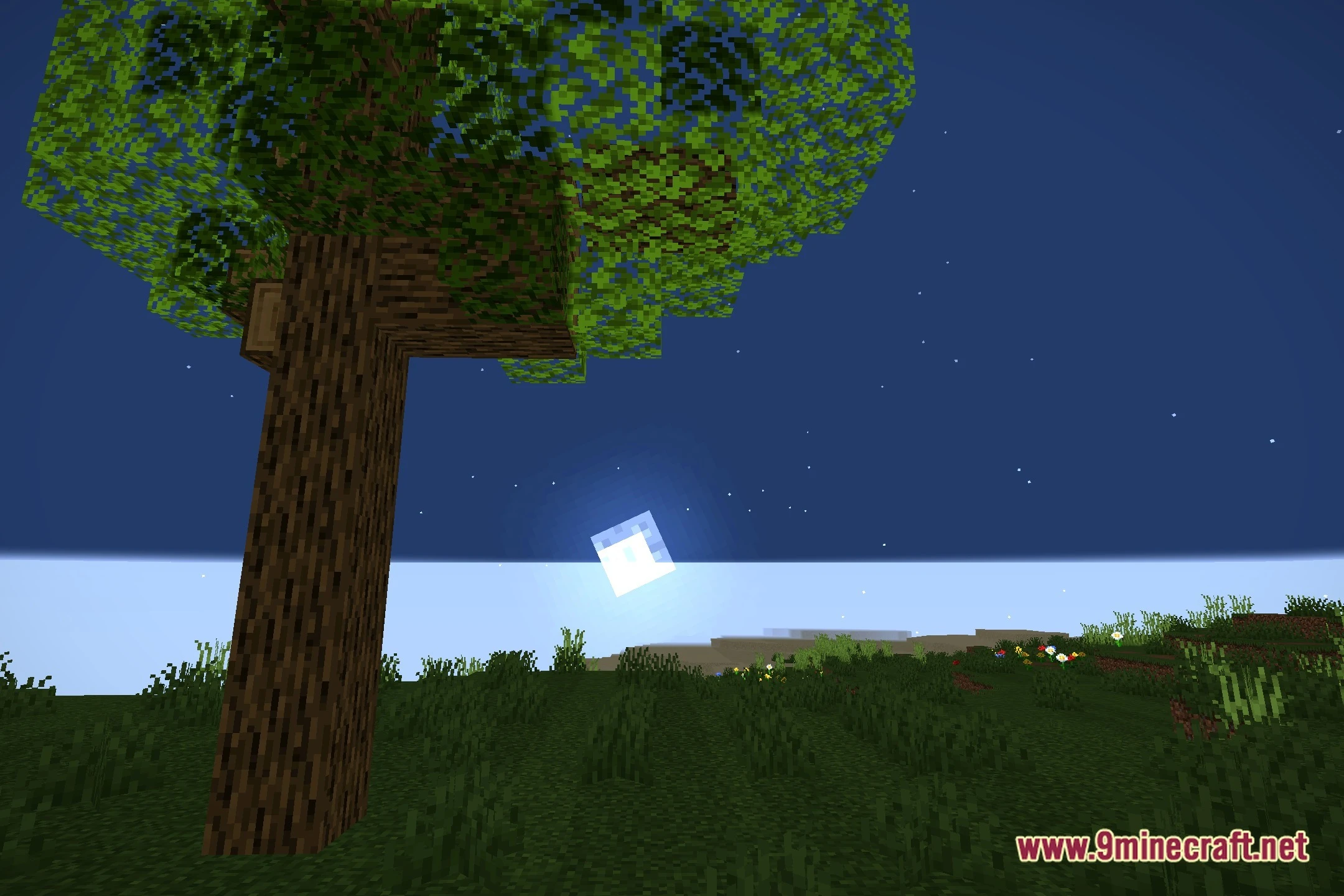
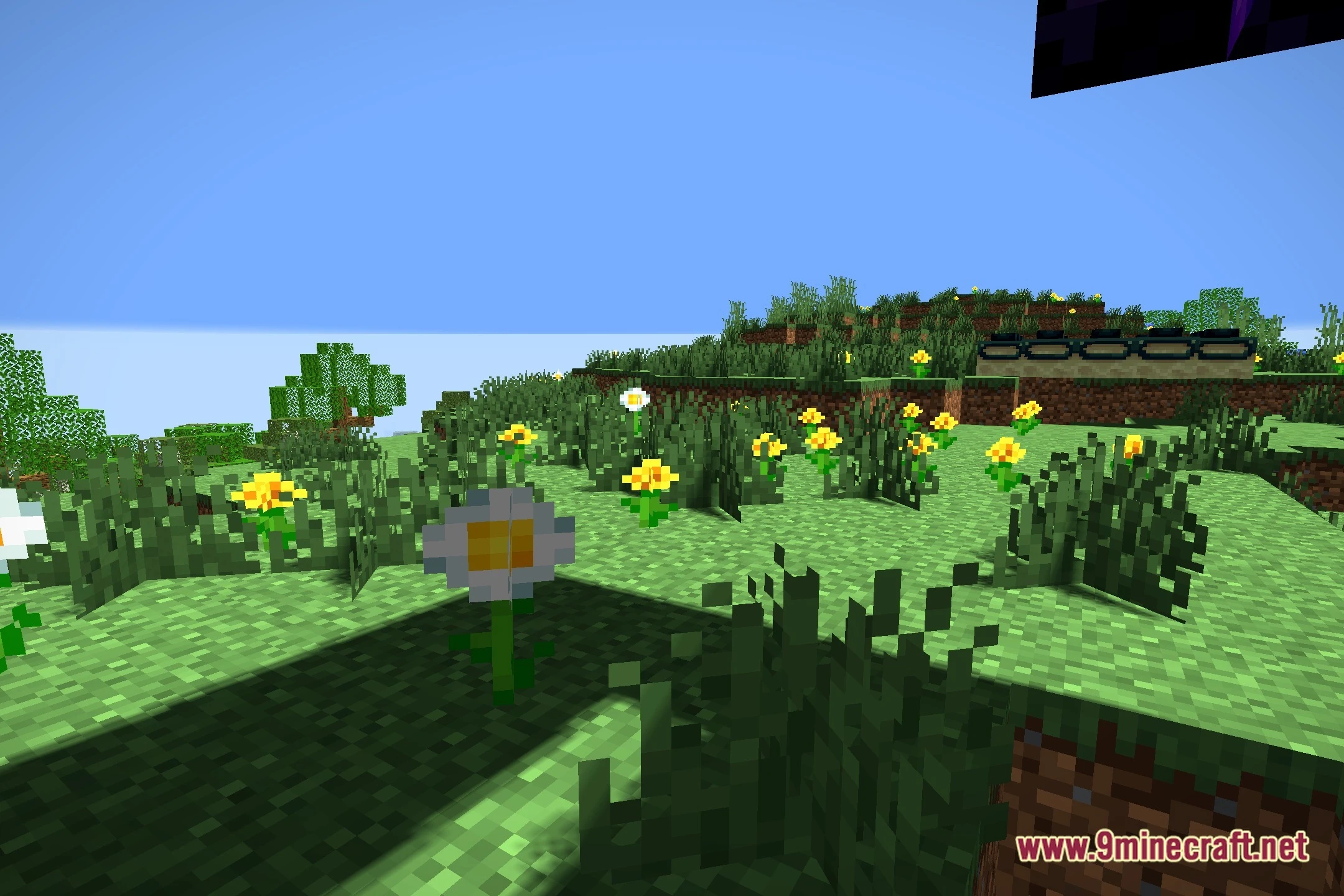
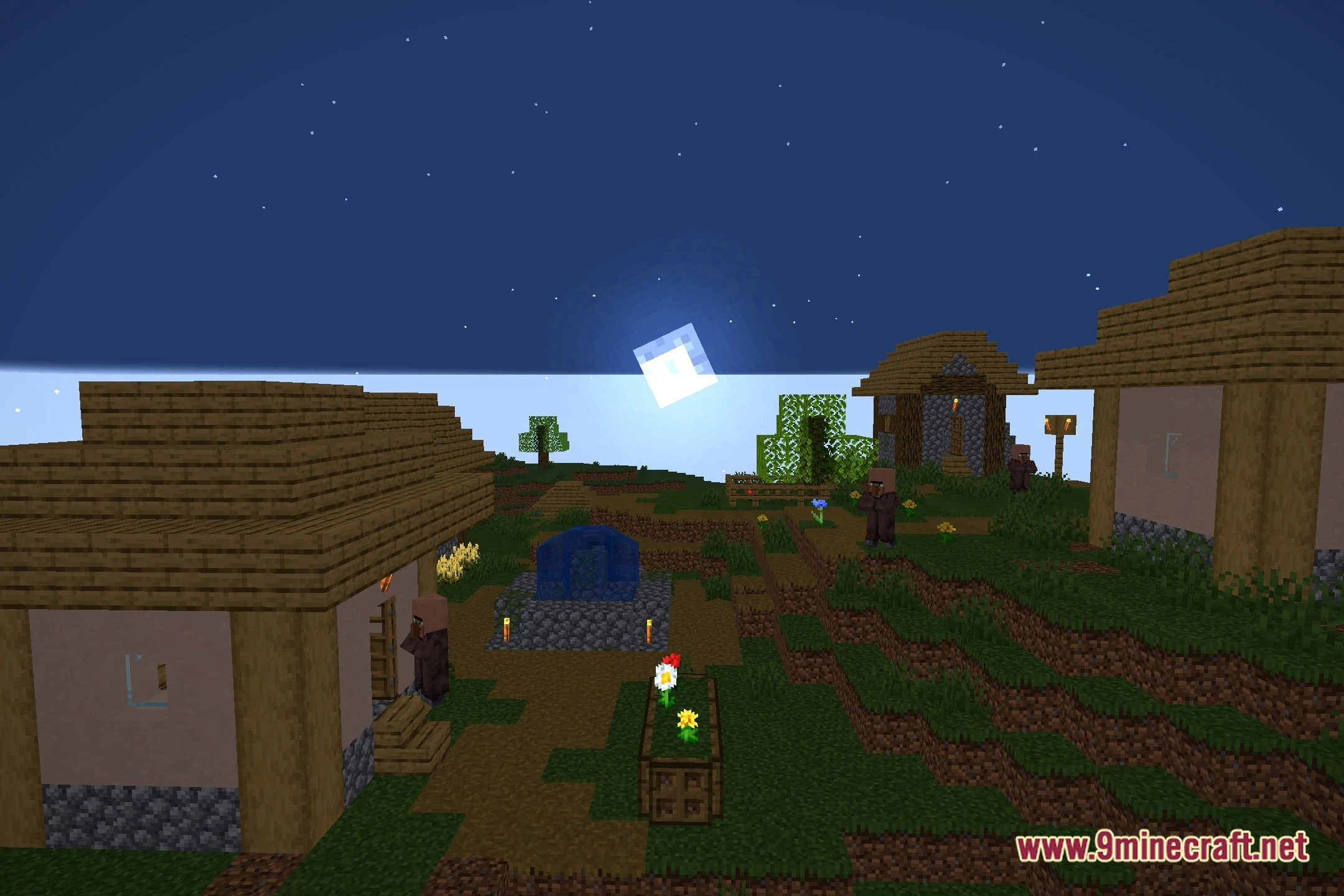
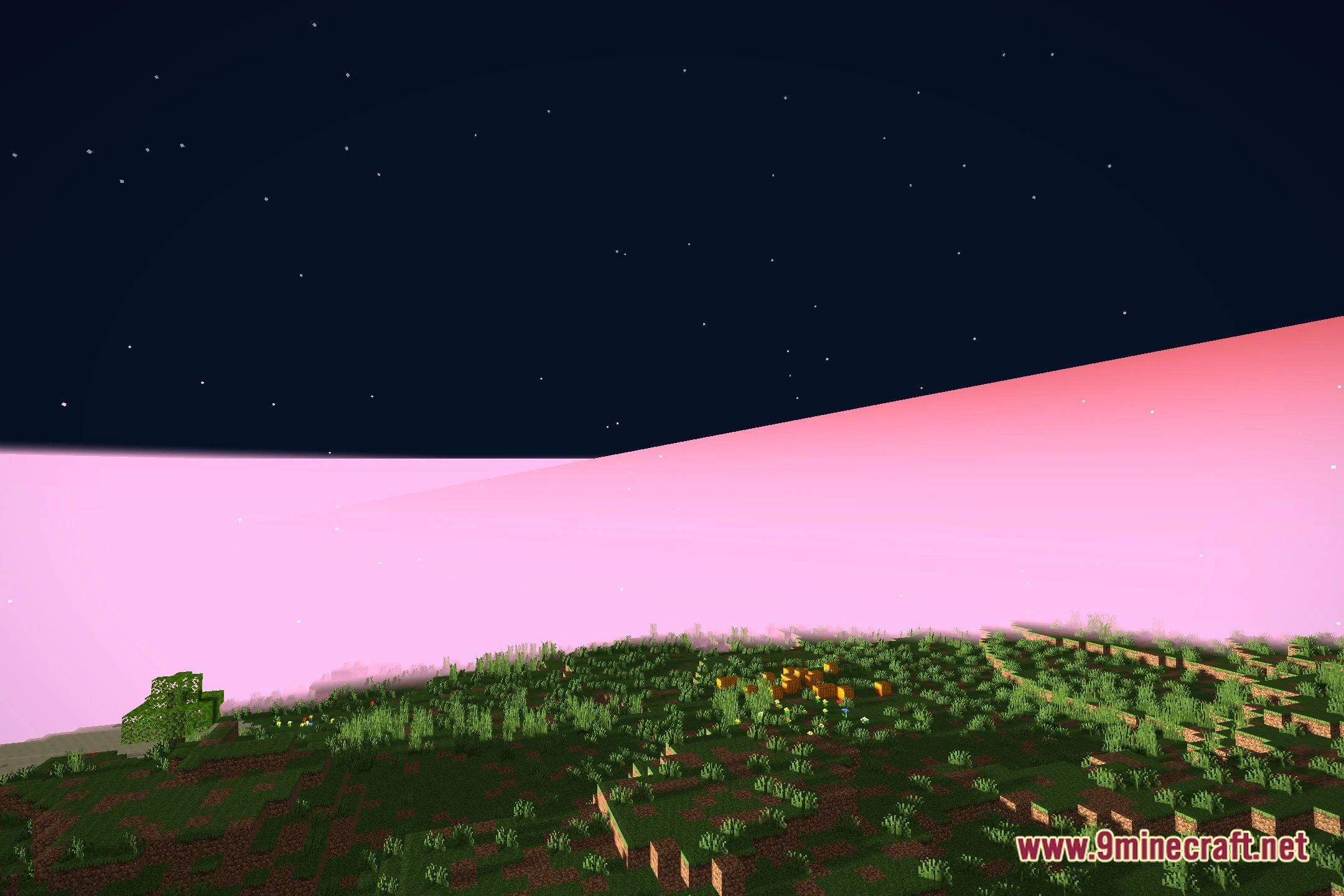
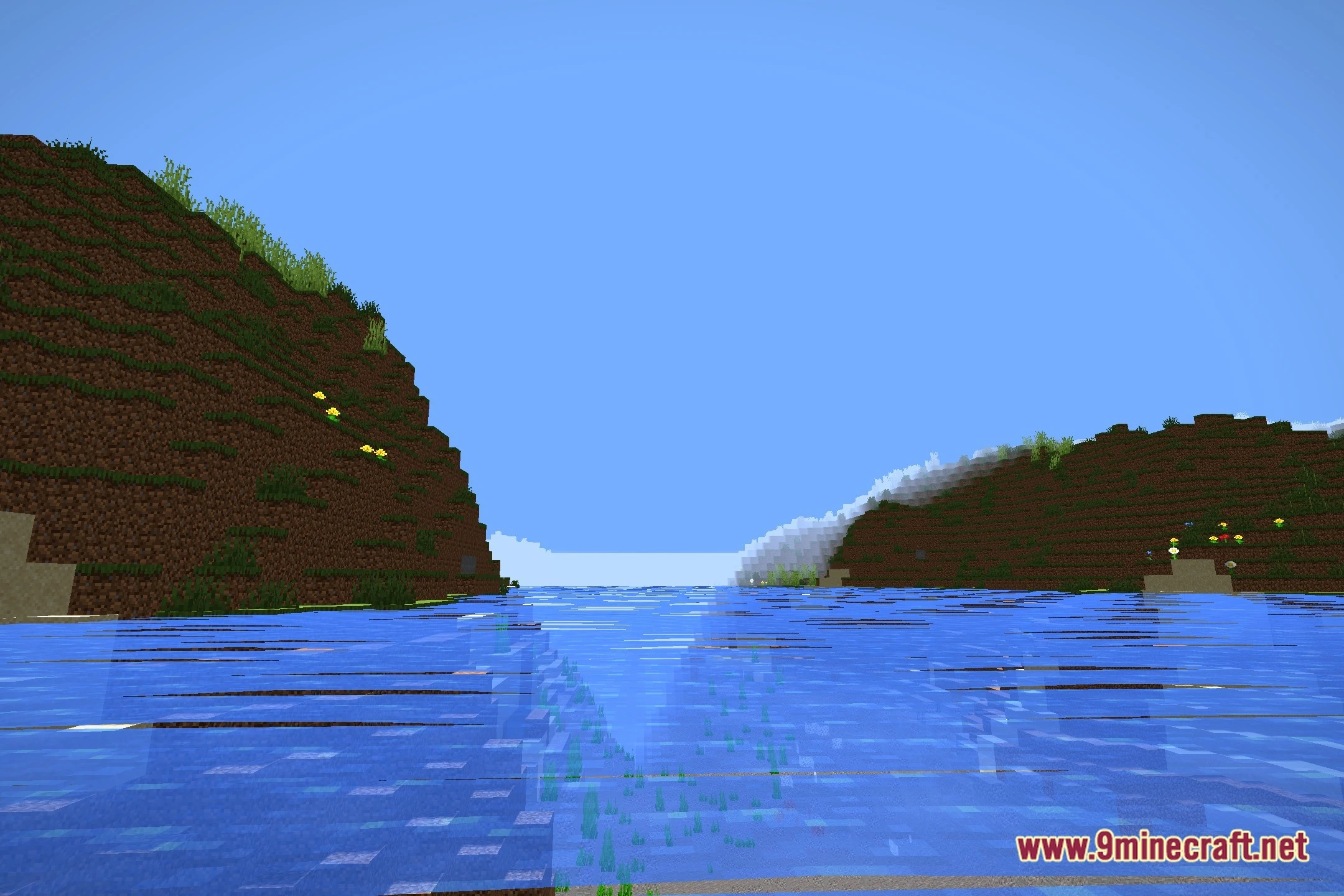
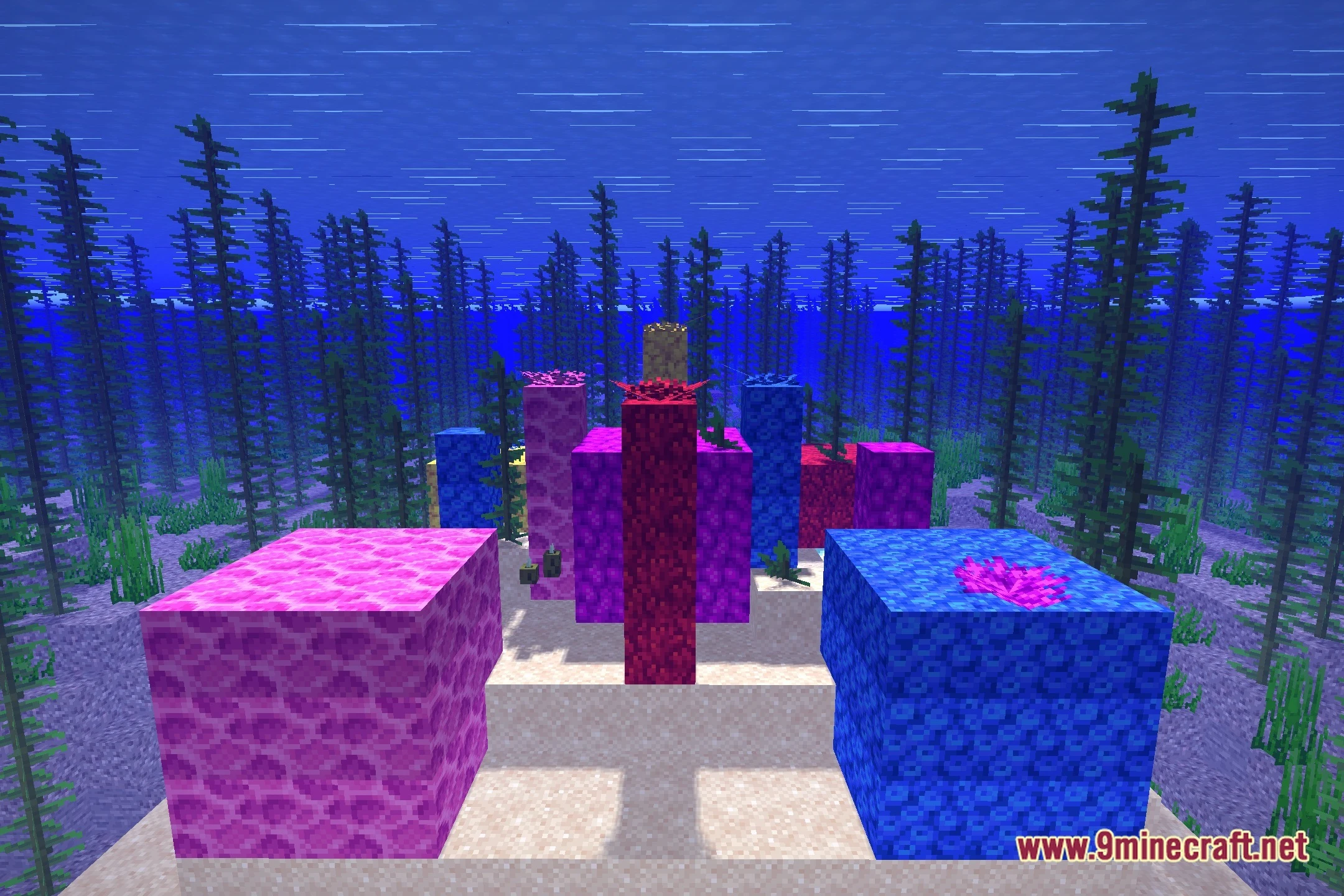
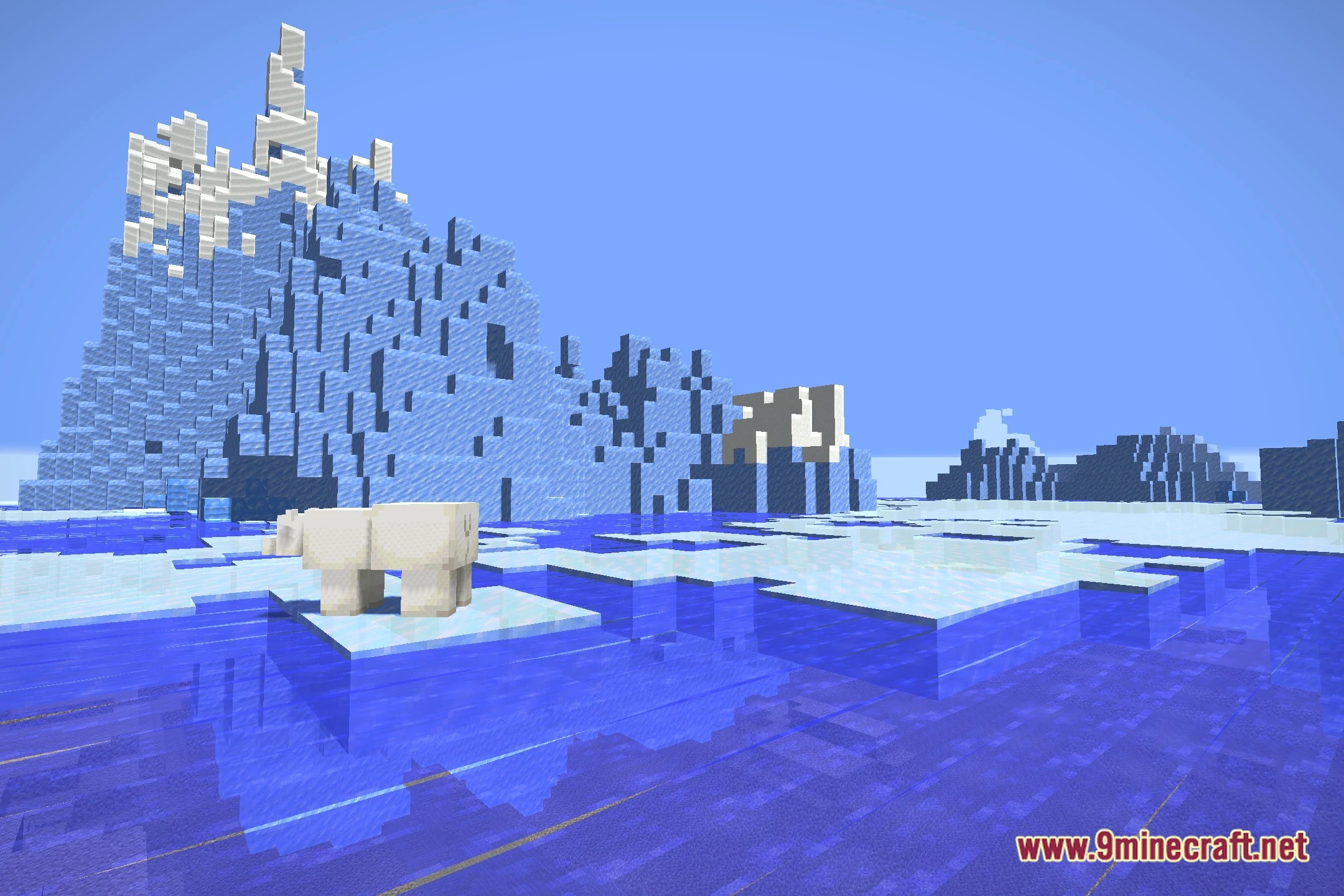
12 images from the Meadowlight Shaders page.


You May Also Like
Wikis that share the most with this one
Wikis on the same theme: light
More shader wikis on the site
The most downloaded mods that have a wiki here