

 DownloadKolor Shaders
Get the files on 9Minecraft
Guides
Step-by-step, in-game.
Adjust Color Balance and SaturationAccess Shader Settings Open the Iris shader configuration menu while in-game by pressing the key bound to shader…Customize Sunrise and Sunset ColorsOpen Time-of-Day Settings Access the Kolor Shaders configuration menu and locate sections for sunrise, sunset, or…Enhance Shadows Under Trees and StructuresLocate Shadow Settings Open the Kolor Shaders menu and find shadow-related options. These typically include shadow…Optimize Performance on Lower-End HardwareCheck Shader Intensity Settings Open the Kolor Shaders configuration menu. Look for options labeled shadow quality,…
Frequently asked questions
How do I enable Kolor Shaders after installing it?
Launch Minecraft with Iris installed, open Options > Video Settings > Shaders, then locate and select Kolor Shaders from your shader pack folder. The shaders will apply immediately to your world.
Why does my game lag when I turn on Kolor Shaders?
Shader packs are GPU-intensive; try lowering your render distance, disabling advanced shadow options in the shader settings, or reducing your overall graphics settings. If performance is still poor, your hardware may not meet the recommended specs for this shader pack.
Can I use Kolor Shaders with mods that add new blocks?
Yes, Kolor Shaders works with most block-adding mods since it applies its color and lighting effects to all blocks. Some heavily customized mods may have minor visual inconsistencies, but compatibility is generally good.
How do I adjust the brightness or saturation?
Open the shader options menu (usually by pressing a hotkey in-game or through Video Settings > Shaders > Shader Options) and look for color balance or saturation sliders to customize the visual intensity to your preference.
See all 10 Kolor Shaders questions ›
Gallery
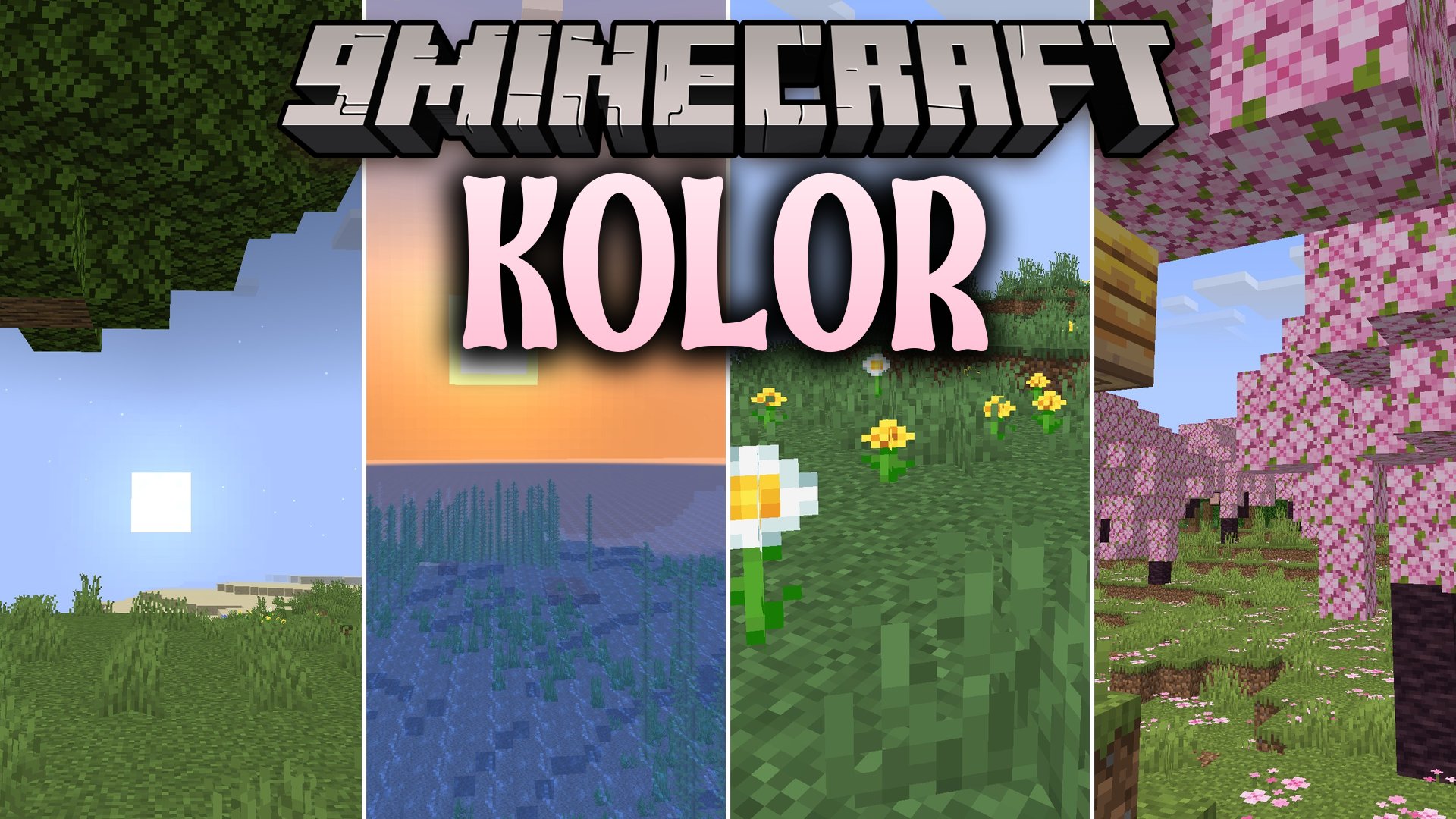
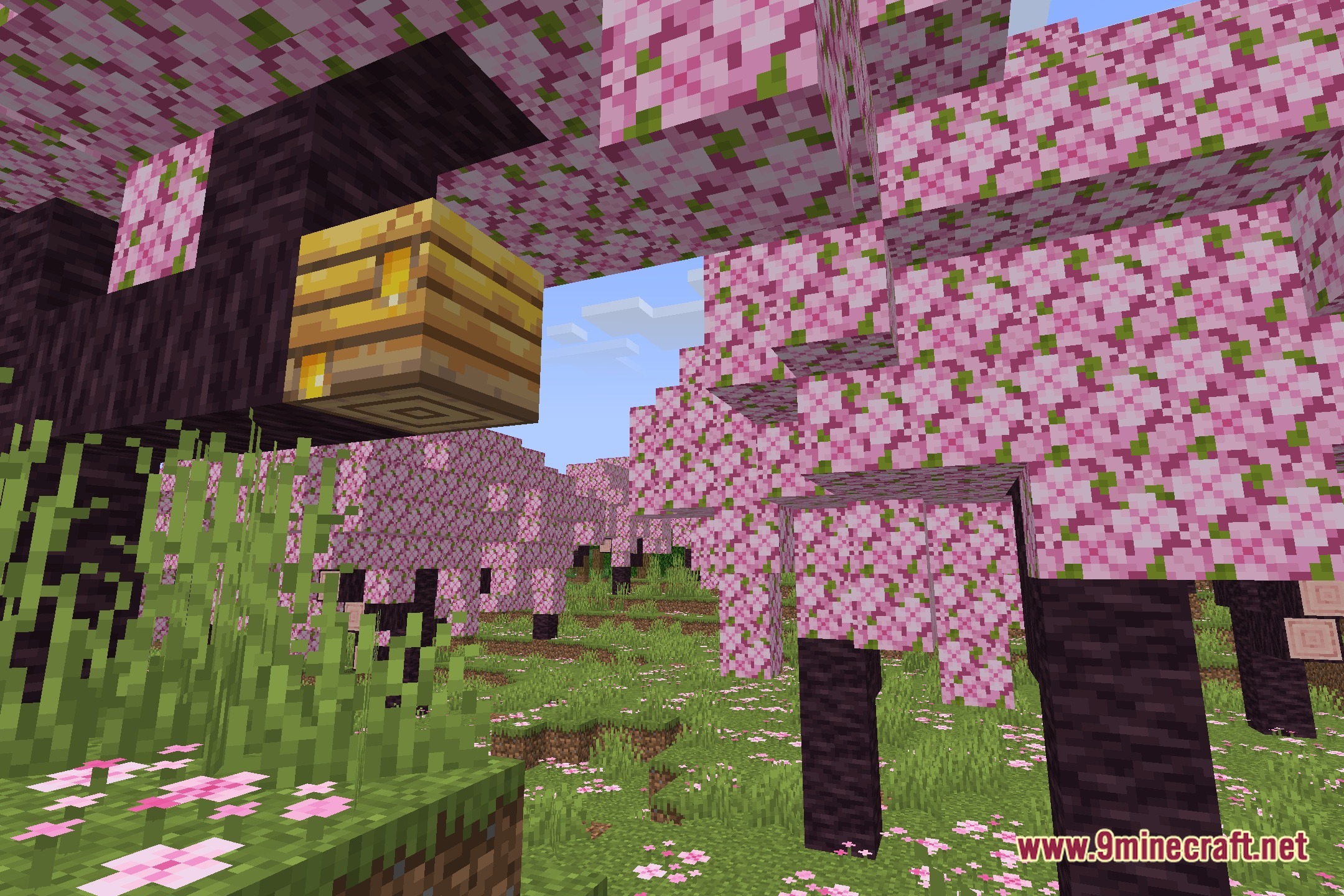
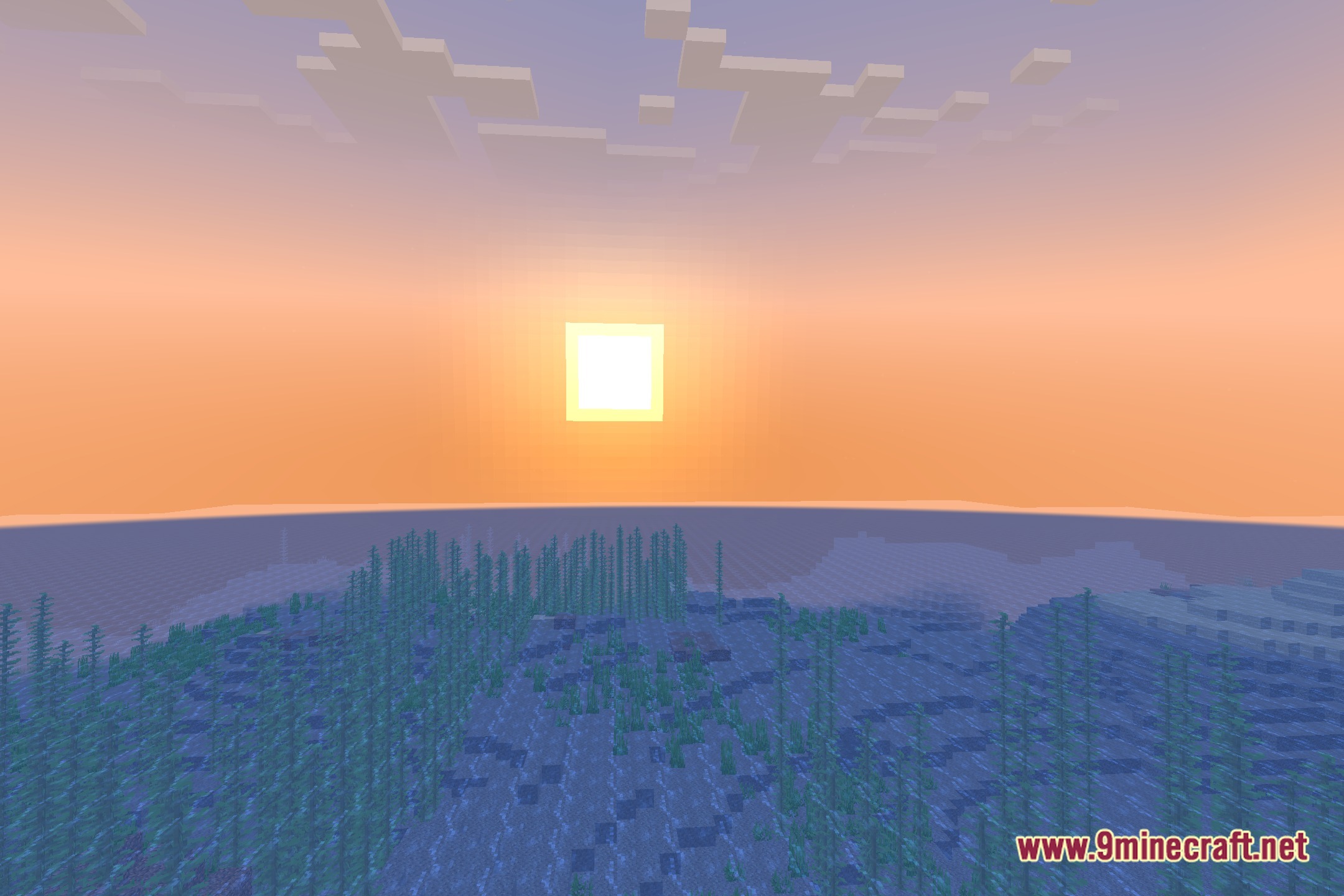
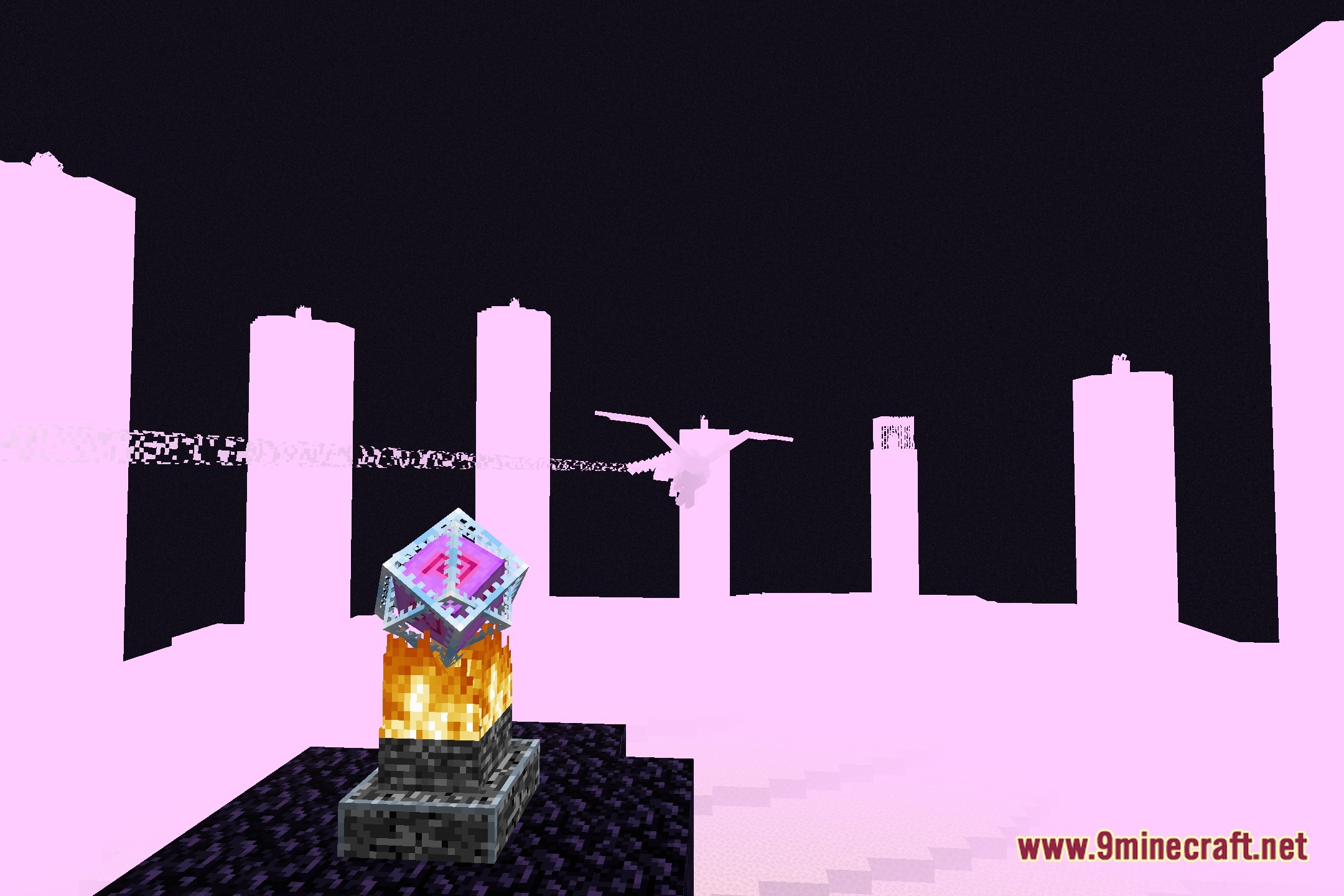
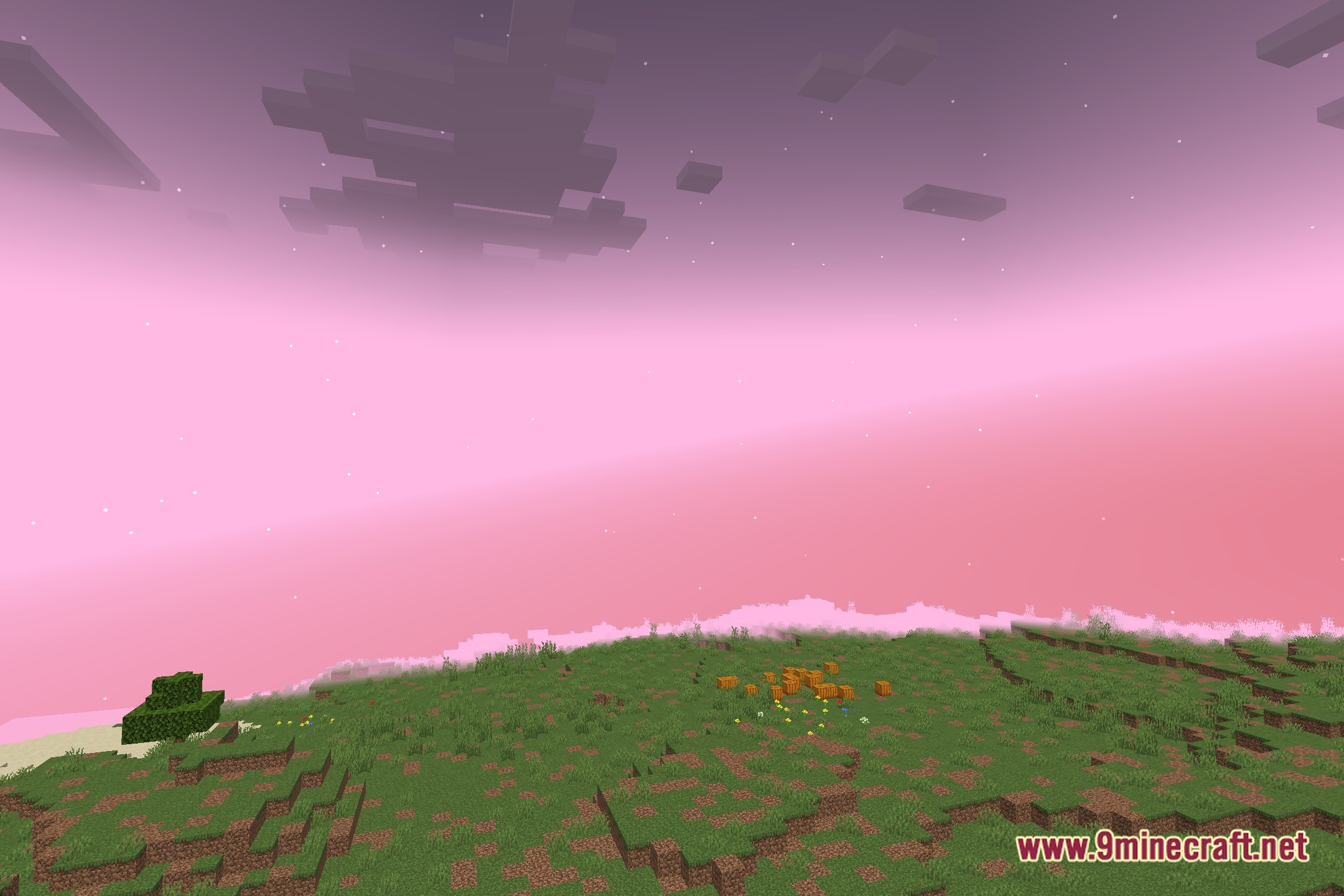
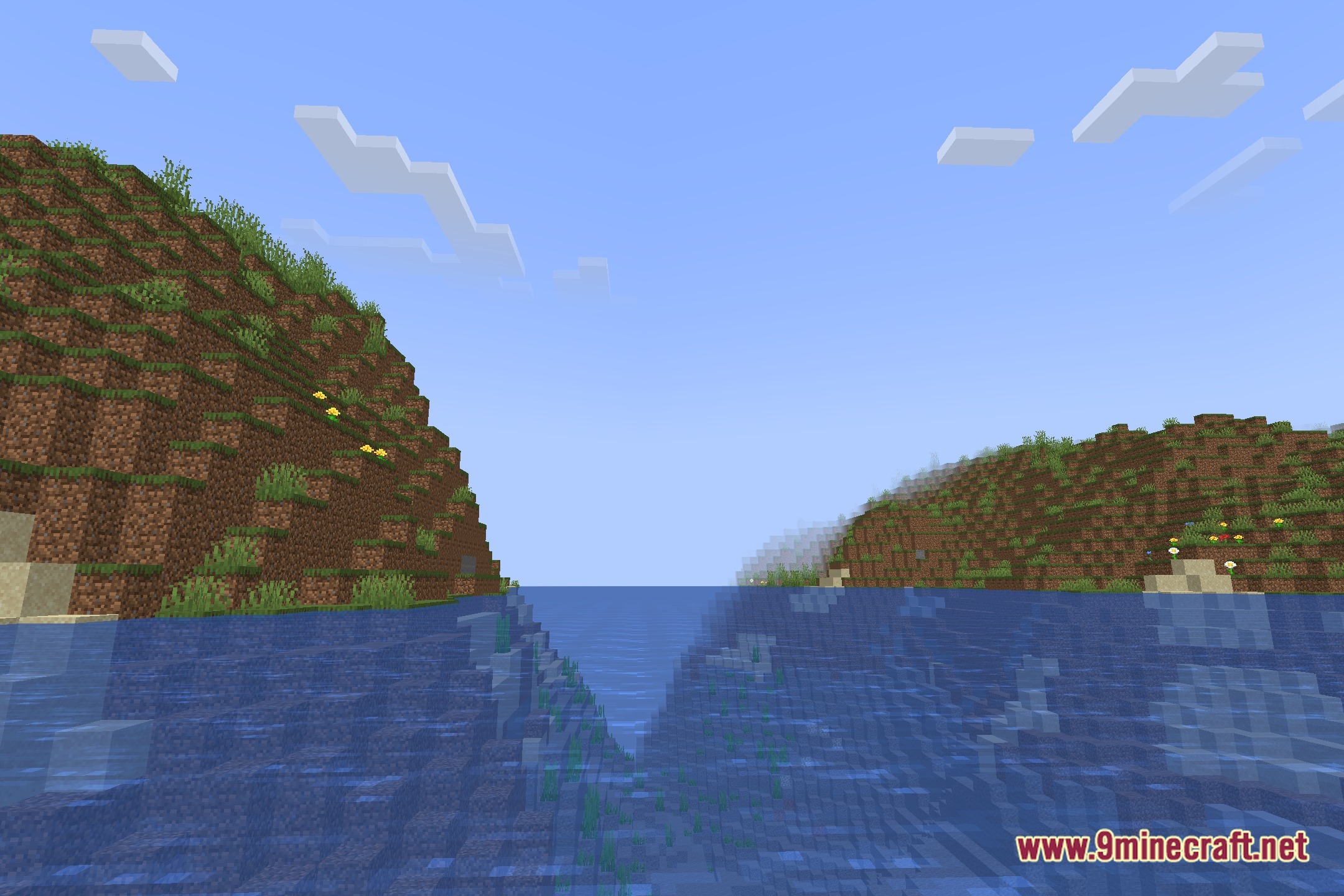
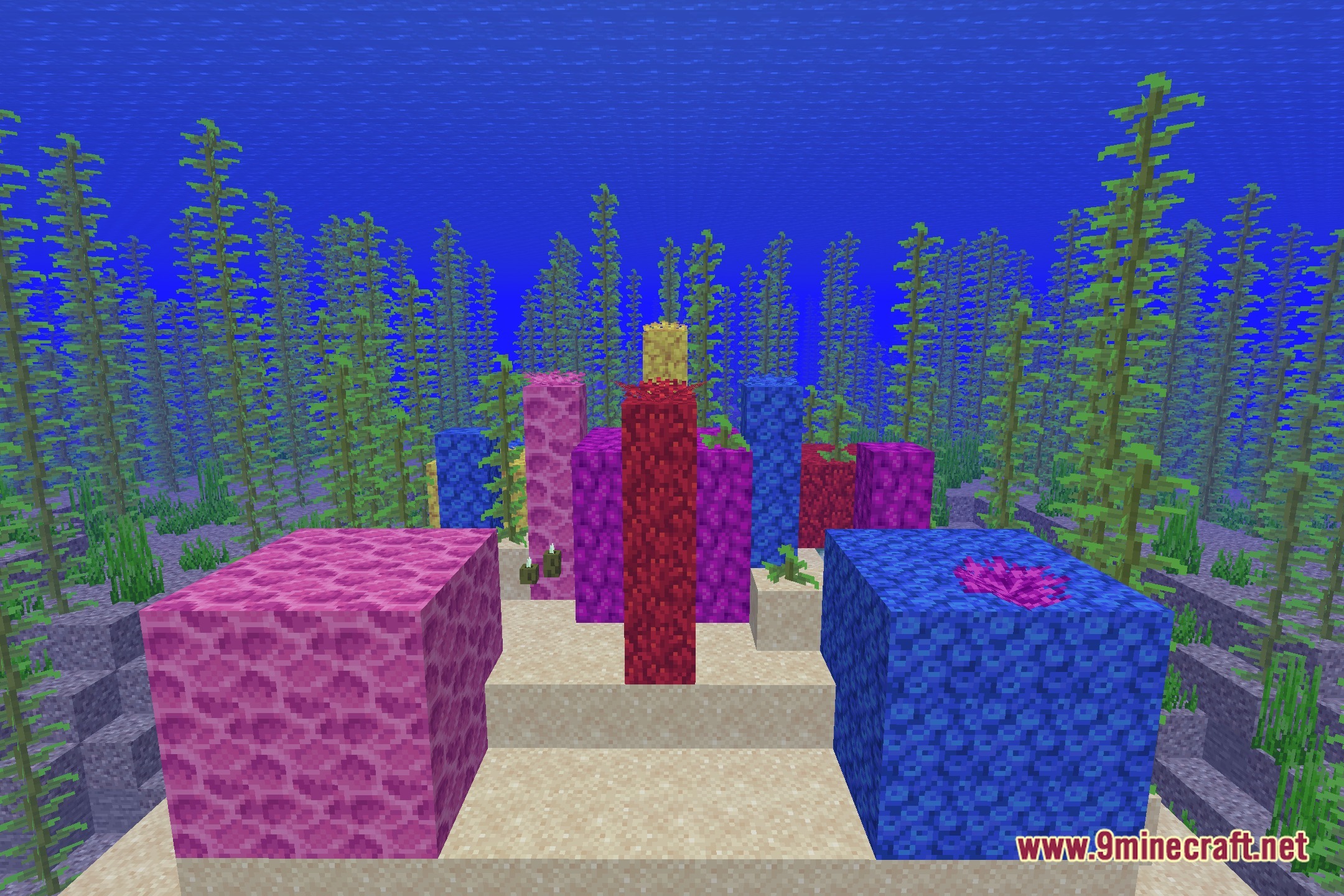
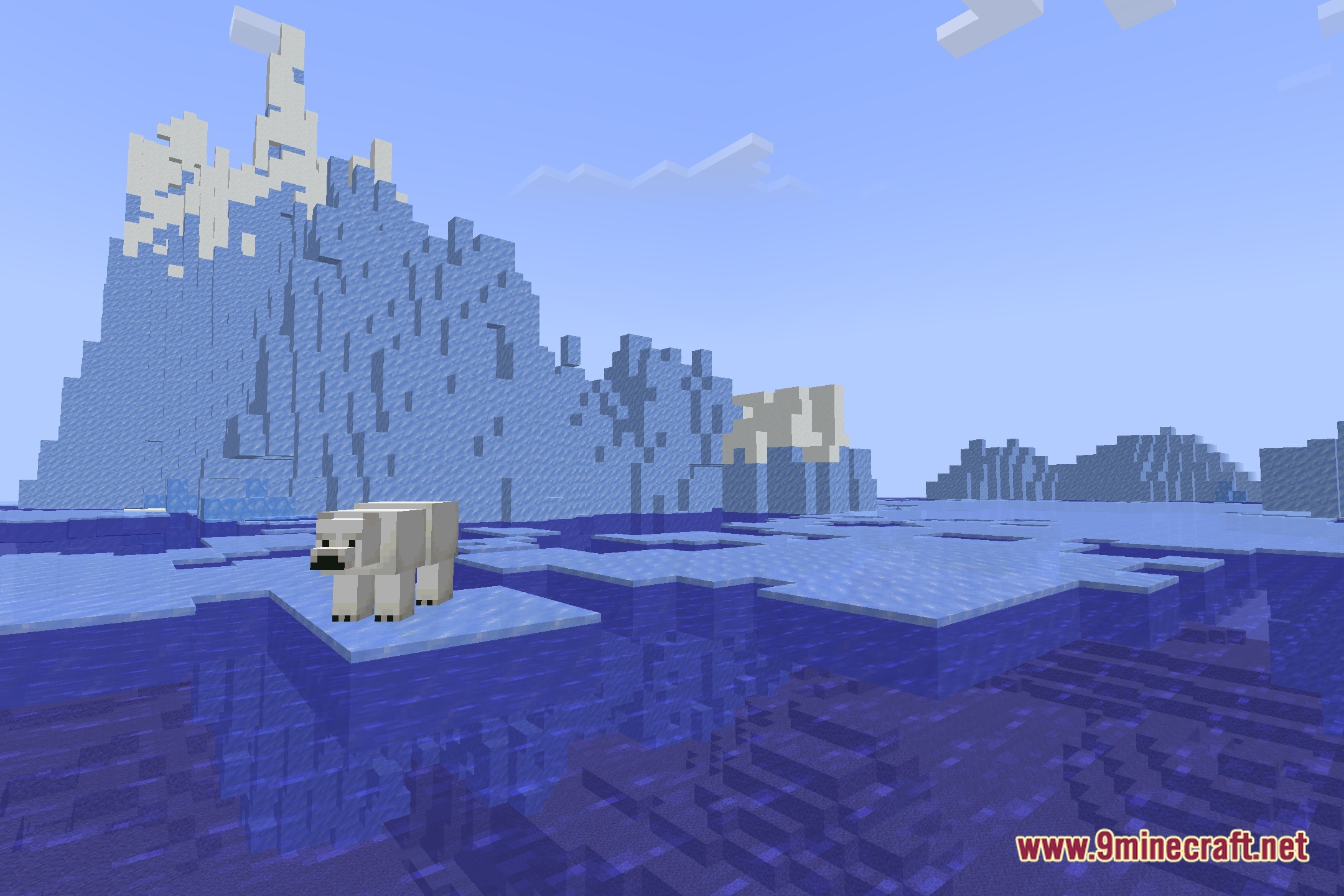
12 images from the Kolor Shaders page.
You May Also Like
Wikis that share the most with this one
Wikis on the same theme: light
More shader wikis on the site
The most downloaded mods that have a wiki here