

 DownloadKarma Cartoon Style Shaders
Get the files on 9Minecraft
Guides
Step-by-step, in-game.
Adjust Ink Outline Strength and ThicknessAccess Shader Settings Open the shader options menu while in-game by pressing the key bound to shader settings…Change Light Banding Levels for Different Shading StylesOpen Shader Customization Access your shader settings menu from the video/graphics options while playing. Navigate to…Enhance the Painted Look with Posterization SettingsAccess Posterization Controls Open the shader settings menu and navigate to the Karma Cartoon Style Shaders options.…Explore Dimension-Specific Cartoon EffectsExperience Nether Transformations Travel to the Nether and observe the unique cartoon styling. The sky becomes a flat…
Frequently asked questions
How do I turn on the shader after installing it?
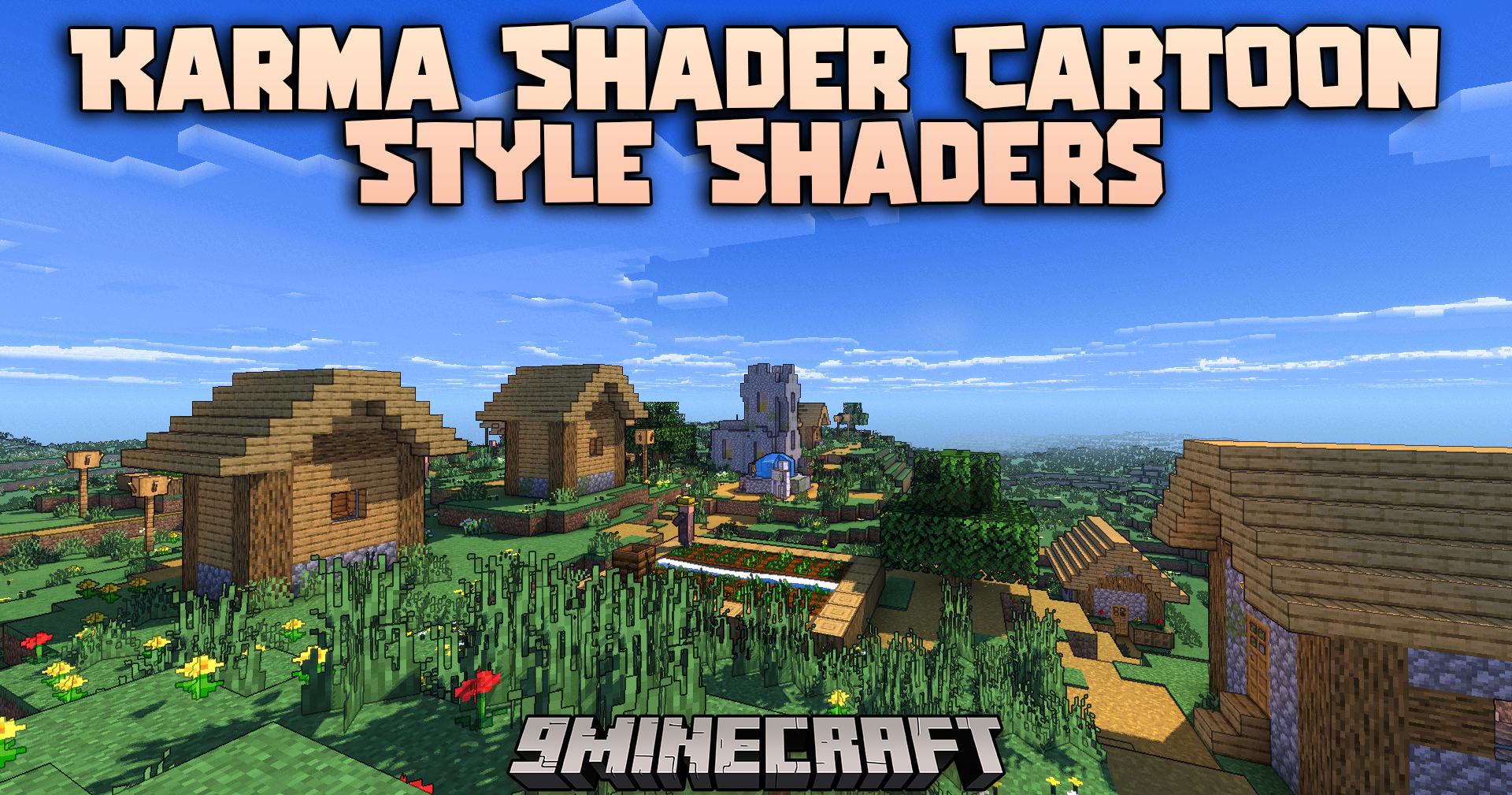
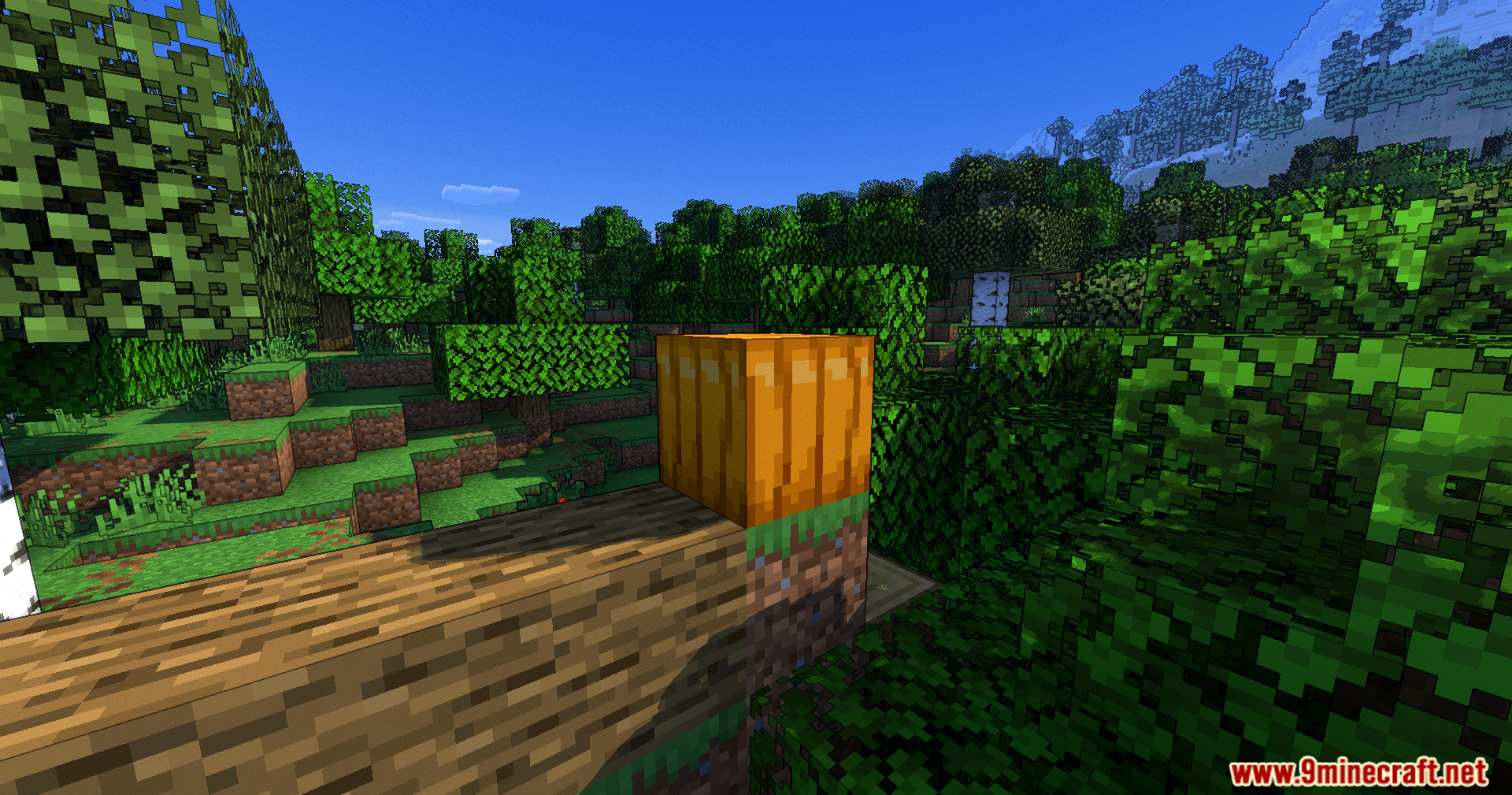
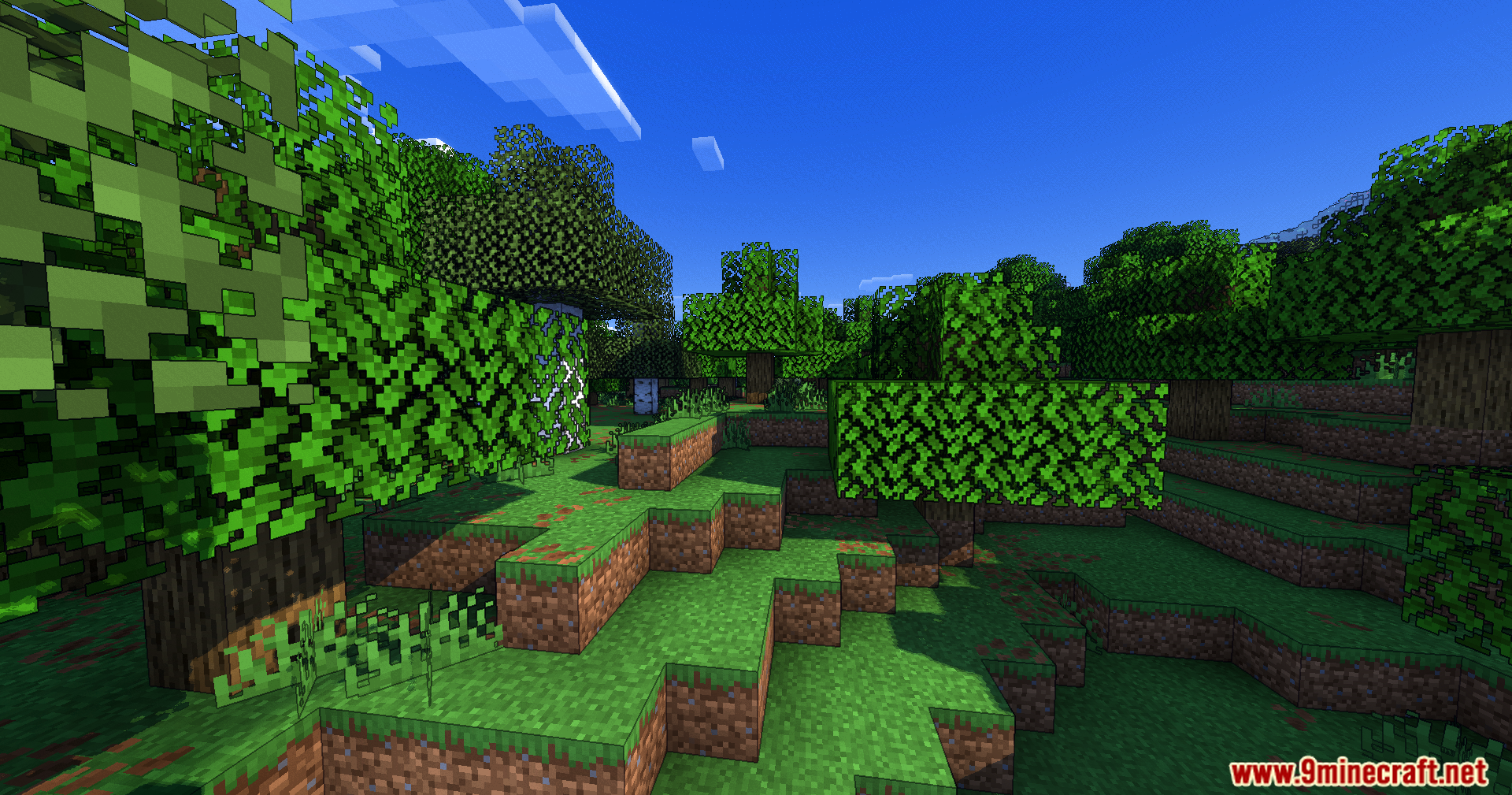
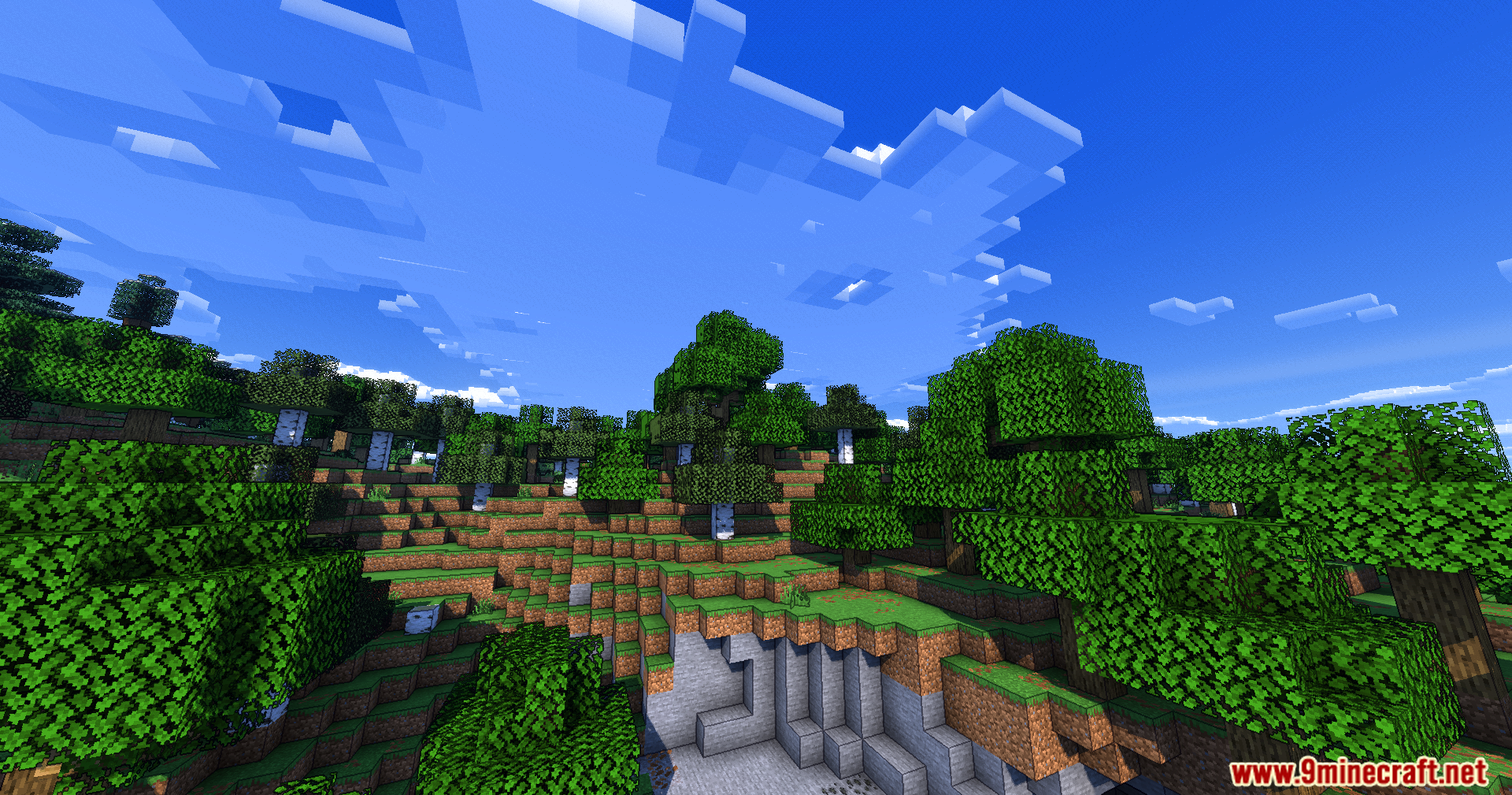
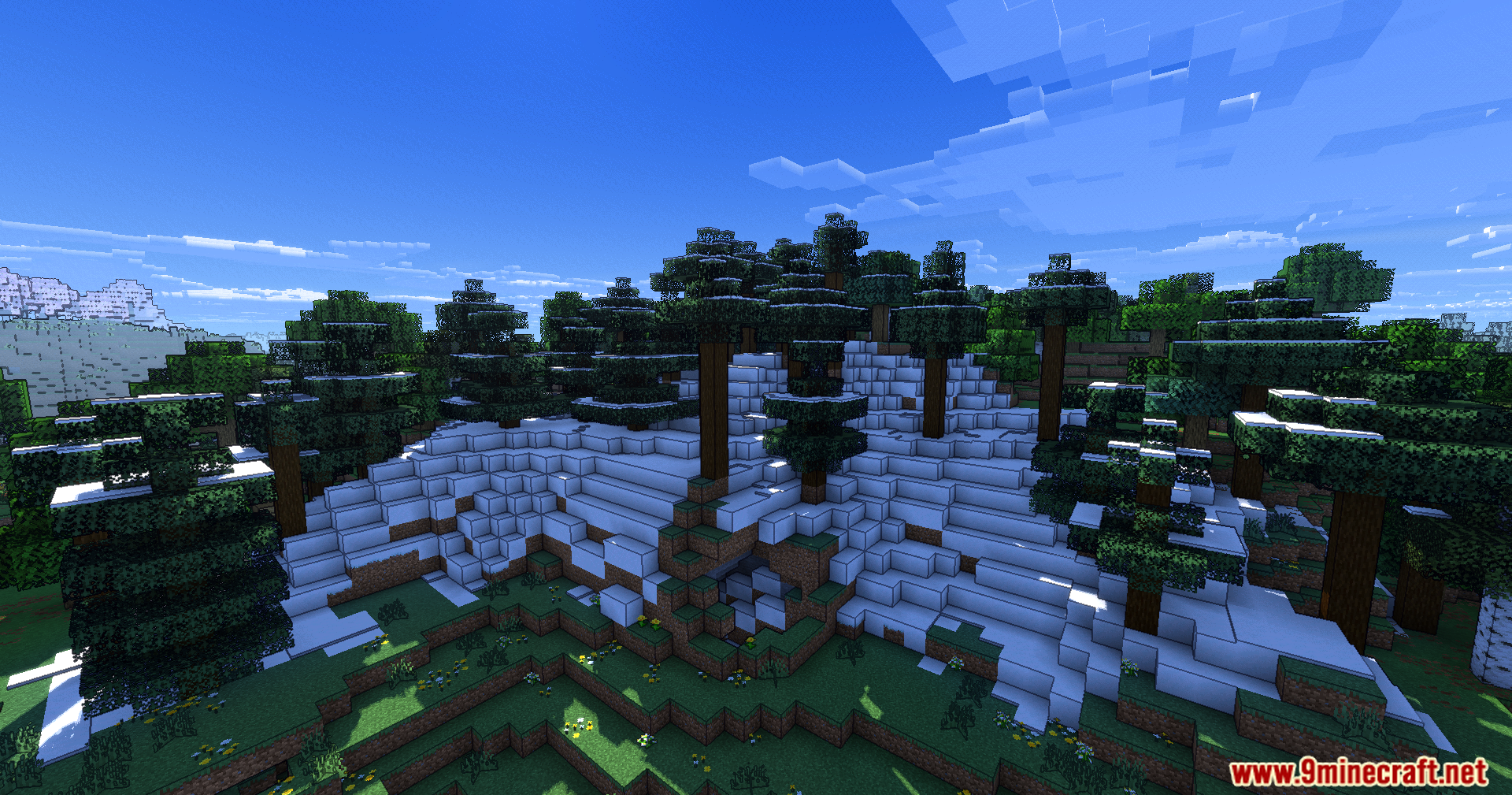
Open the Options menu, go to Video Settings, then look for Shader Options or Shaders. Select Karma Cartoon Style Shaders from the list to activate it. You should see the cartoon effect take effect immediately in your world.
Can I adjust how thick the ink outlines are?
Yes, open Shader Settings and find the Ink Outline Thickness option. You can increase or decrease the line weight, or disable outlines entirely if you prefer just the cel-shaded lighting without the drawn effect.
What does light banding do and how many levels are there?
Light banding converts smooth shadows into distinct flat bands of color, making the cartoon effect more pronounced. You can choose between two, three, or four banding levels depending on how stylized you want your lighting to look.
Why do my hands and items still look normal?
The shader intentionally keeps your held items and hands unaffected by ink outlines so they remain clear and readable during gameplay. This is by design to maintain usability while the world around you stays cartoonified.
See all 10 Karma Cartoon Style Shaders questions ›
Gallery
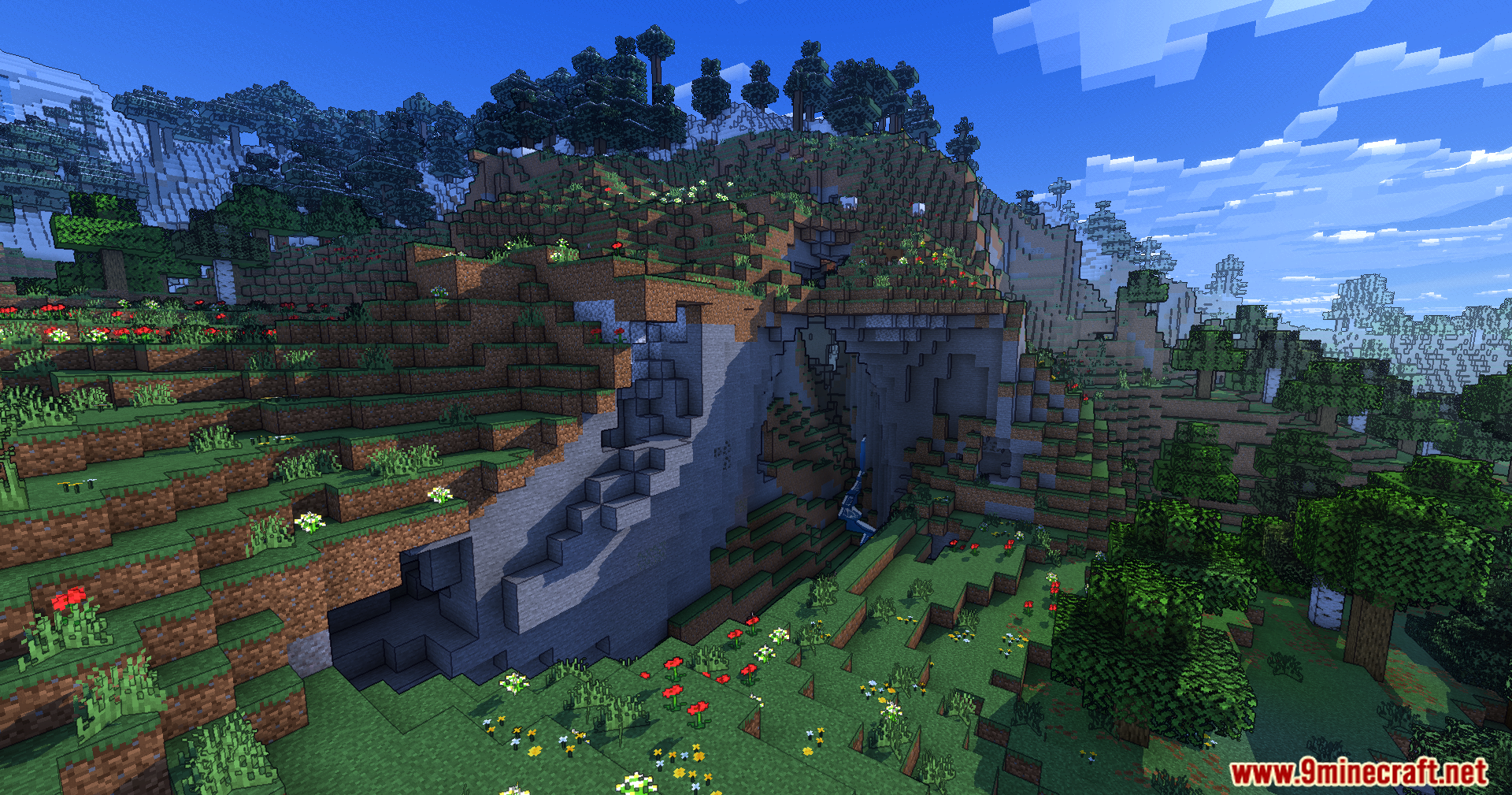
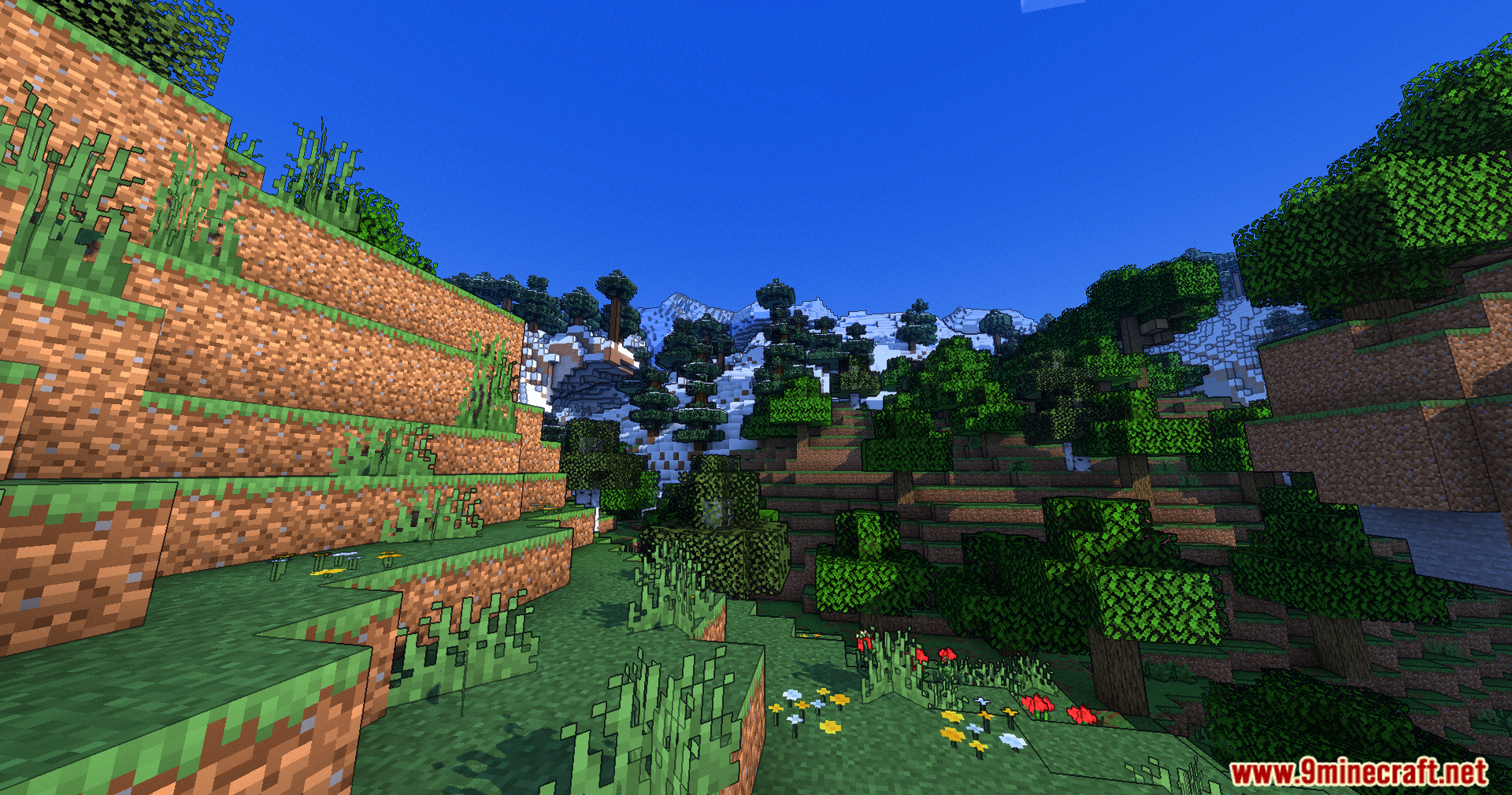
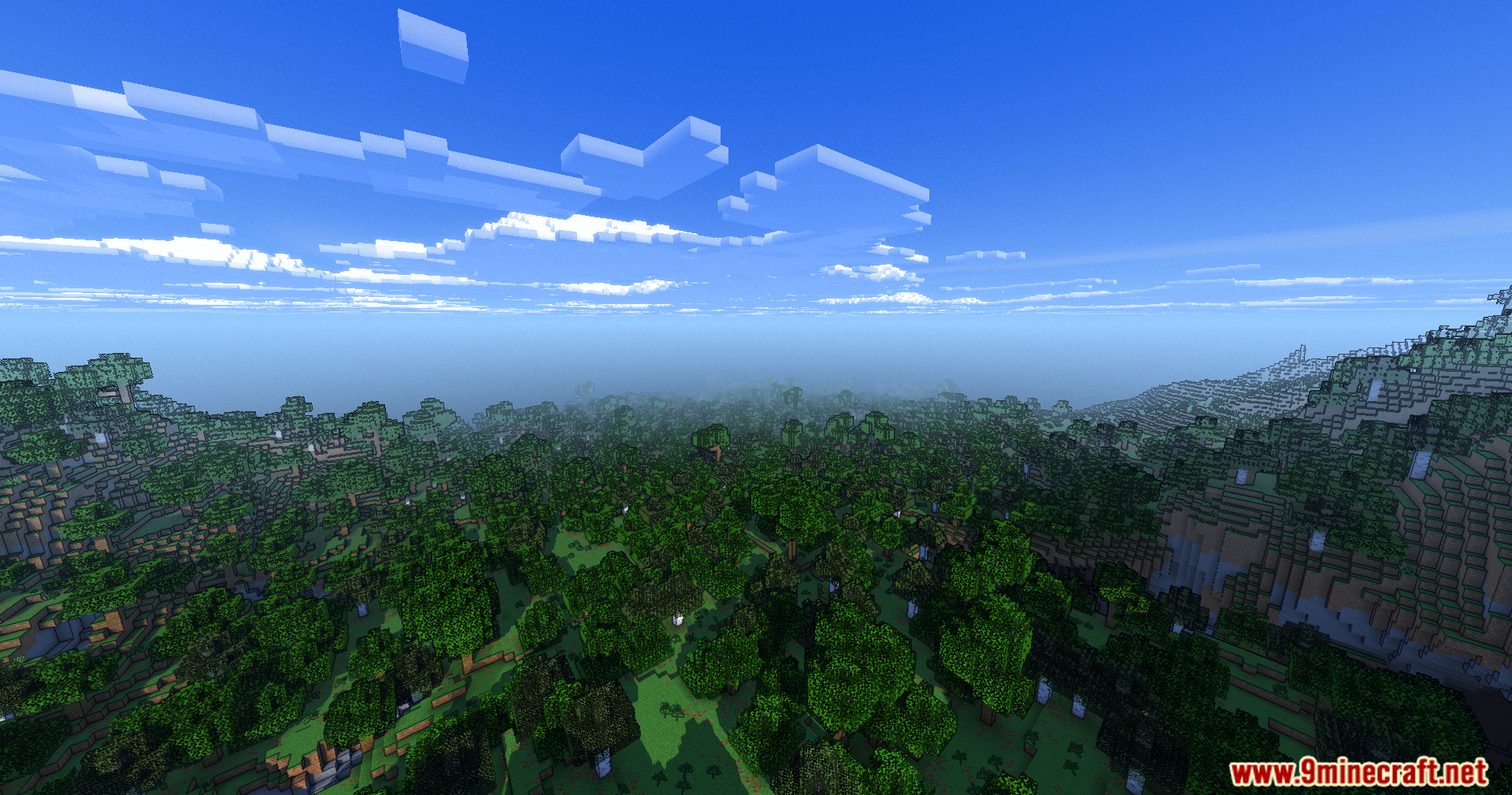
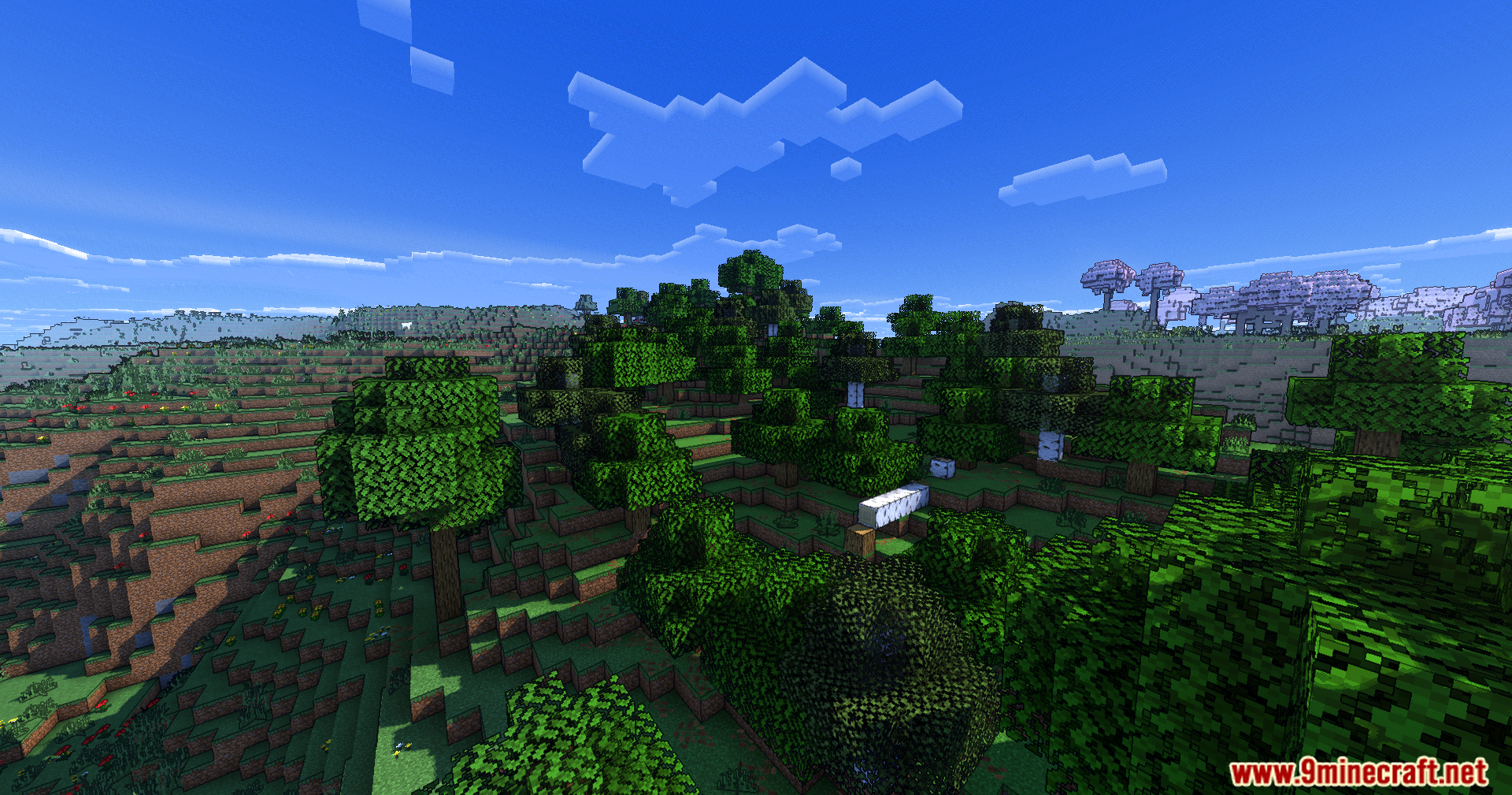
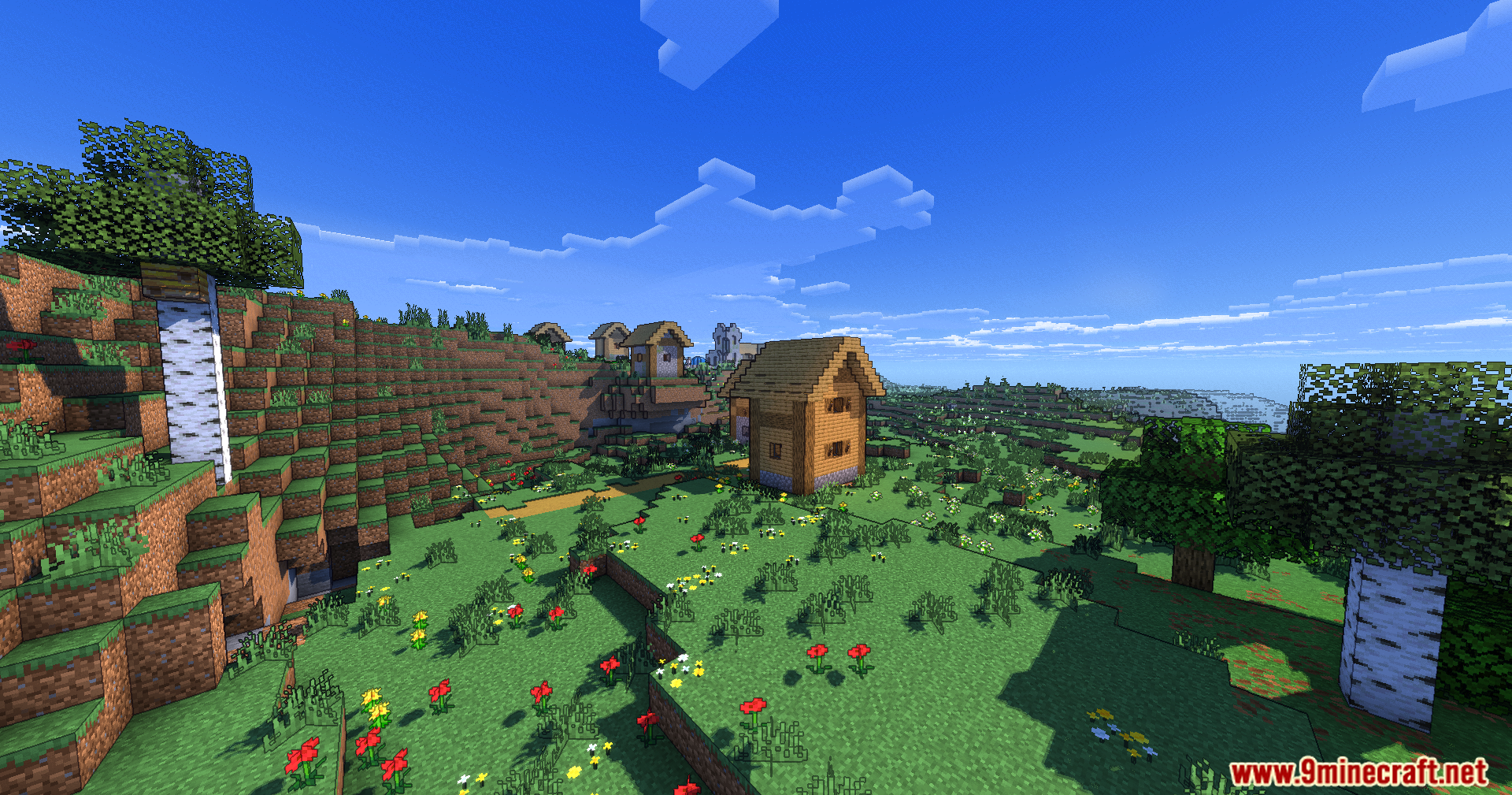
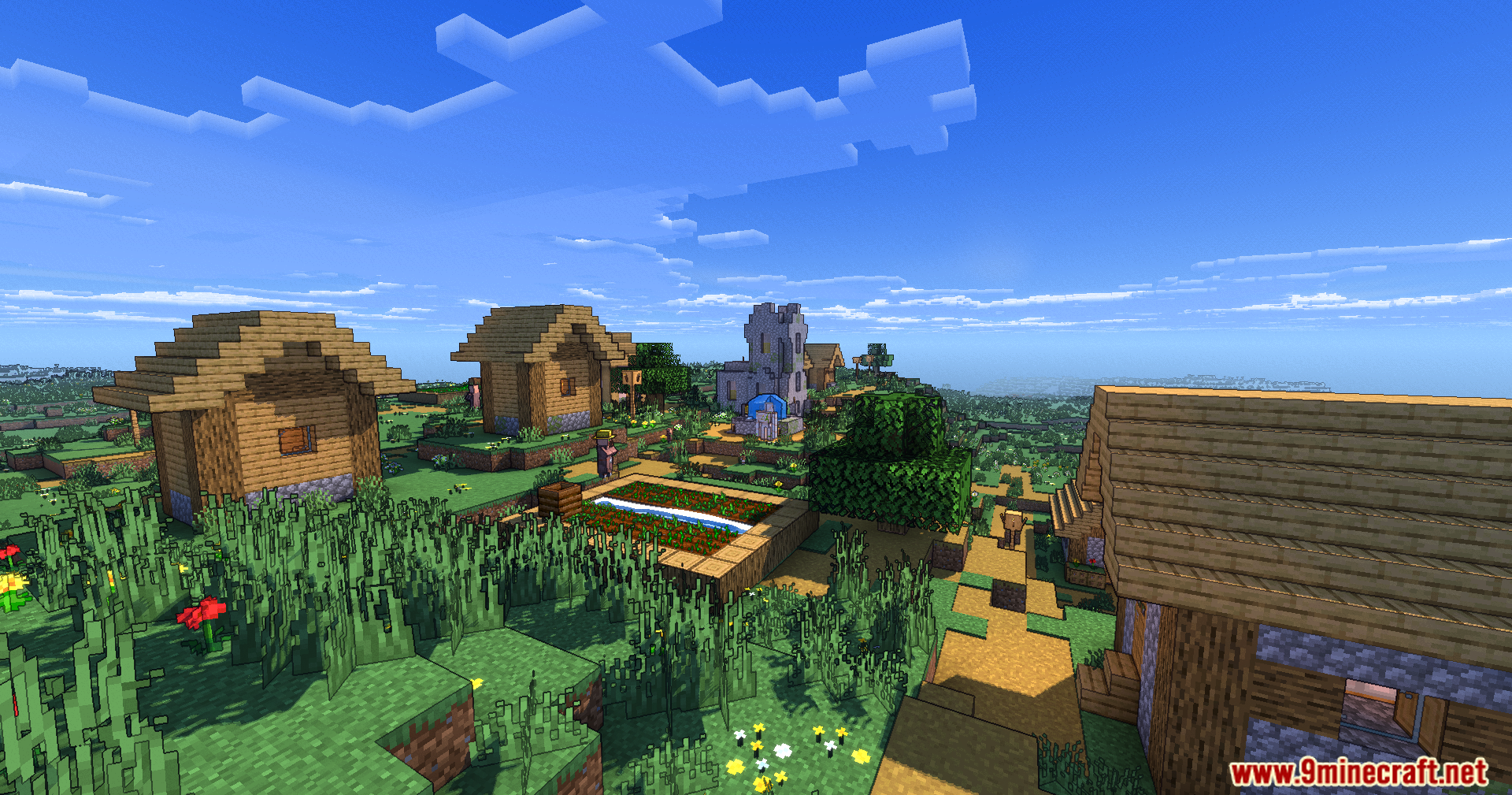
11 images from the Karma Shader Cartoon Style Shaders page.
You May Also Like
Wikis that share the most with this one
Karma Shaders Depth Style ShadersCartoon Dreams ShadersRpg Style More WeaponsKarma Nightmare ShadersVjs Style Resource PackJapanese Style Village MapToon Cel Anime Style Shaders
 Default Style Christmas ModelNew Style Squid Resource PackTom’s Create Style Resource PackMedieval Style Lootr Resource Pack
Depth Style ShadersCartoon Dreams ShadersRpg Style More WeaponsKarma Nightmare ShadersVjs Style Resource PackJapanese Style Village MapToon Cel Anime Style ShadersDefault Style Christmas ModelNew Style Squid Resource PackTom’s Create Style Resource PackMedieval Style Lootr Resource PackWikis on the same theme: car
 Toon Shades Shaders
More shader wikis on the site
The most downloaded mods that have a wiki here