

 DownloadIterationVX Shaders
Get the files on 9Minecraft
Guides
Step-by-step, in-game.
Create Atmospheric Lighting in BuildsDesign Interiors with Layered Light Sources Use multiple colored light sources inside buildings to create depth and…Enable and Configure IterationVX ShadersInstall Iris and Load the Shader Pack IterationVX Shaders requires Iris to function. Once Iris is installed alongside…Maximize Light Source Colors and ShadowsUnderstand Block-Specific Light Colors IterationVX Shaders assigns unique colors to different light sources. Torches…Troubleshoot Performance IssuesReduce Shadow and Reflection Quality If your frame rate drops significantly after enabling IterationVX Shaders, open…
Frequently asked questions
How do I turn on IterationVX Shaders after installing it?
Open your Video Settings in-game, go to Shaders, and select IterationVX Shaders from the list. Make sure you have Iris installed, as this shader pack requires it to run.
Why do my torches and lamps look the same color as before?
Check that the shader is actually enabled in your Video Settings—look for a confirmation message or indicator. If enabled, try adjusting the shader's color intensity settings in the Shader Options menu (usually accessed by clicking "Shader Options" in the Video Settings).
Can I use IterationVX Shaders with other mods that add custom blocks?
Yes, IterationVX works with most mods, but custom glowing blocks from other mods may not emit colored light unless the mod is specifically designed to work with shader packs. Vanilla and well-supported modded light sources should work fine.
My FPS dropped a lot after enabling the shaders. What can I do?
Try lowering shadow quality or ray-tracing distance in the Shader Options menu, or reduce your render distance. IterationVX is demanding because it calculates realistic lighting for every light source—lower settings will help older hardware run it smoothly.
See all 10 IterationVX Shaders questions ›
Gallery
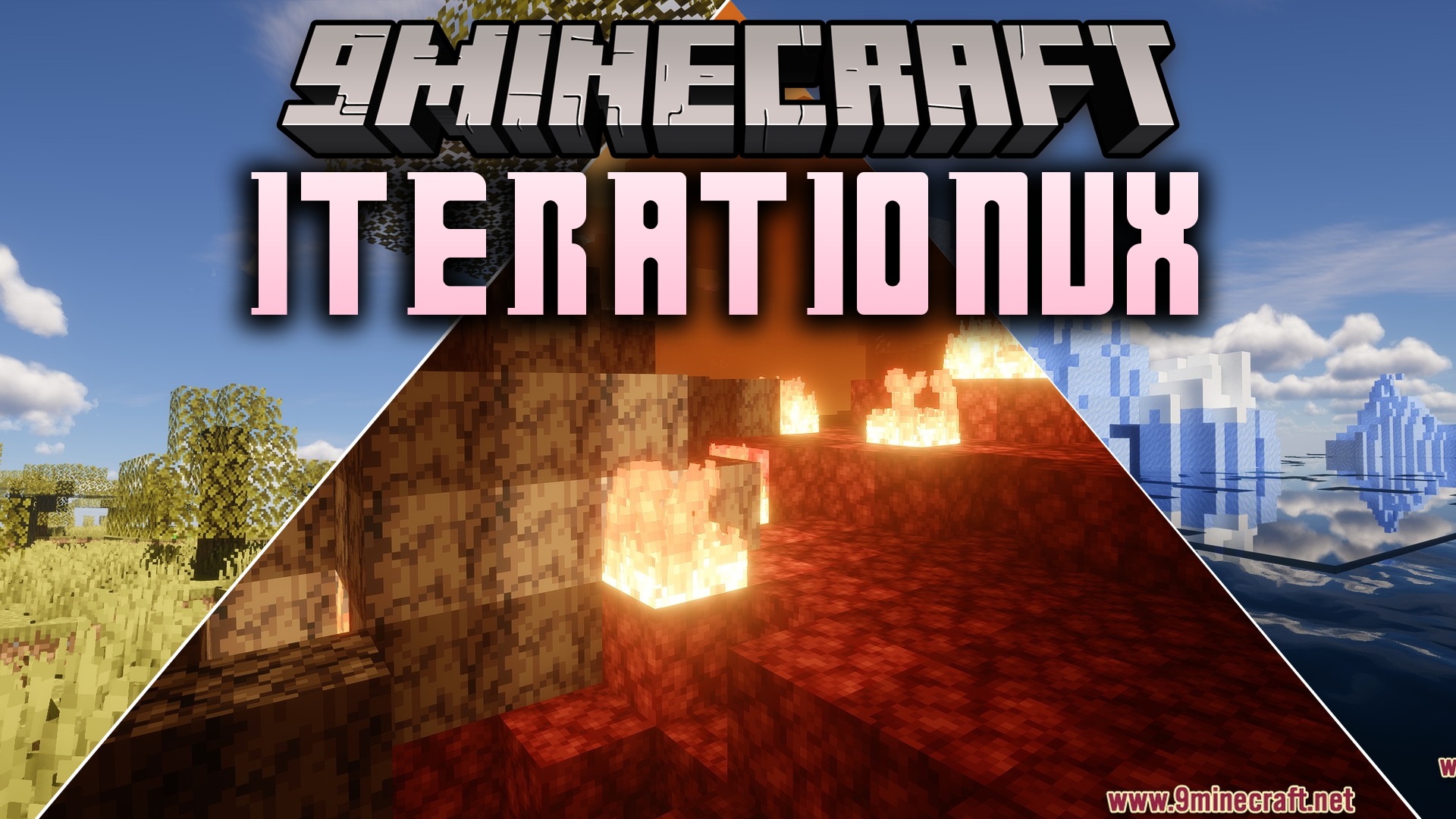
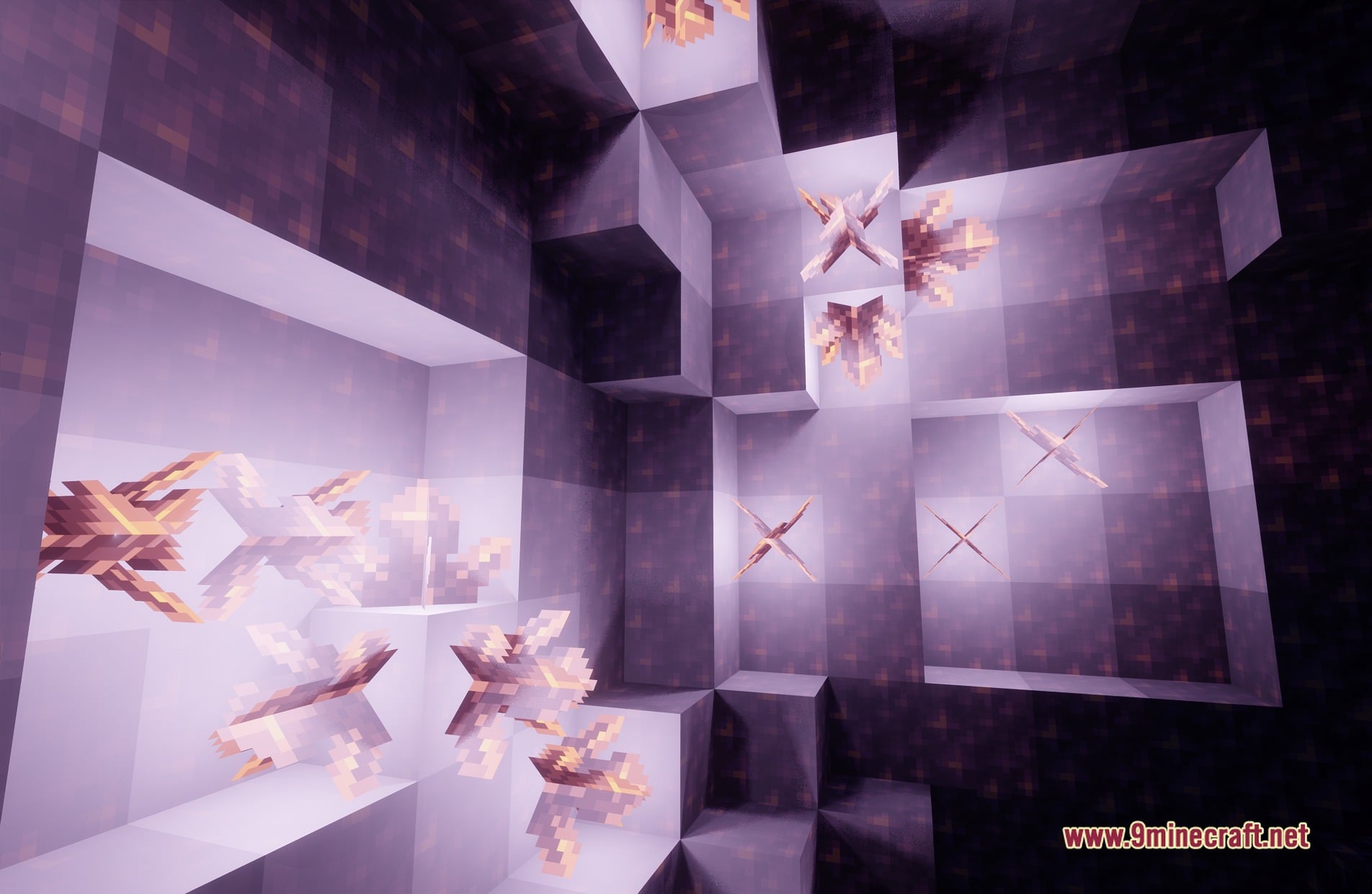
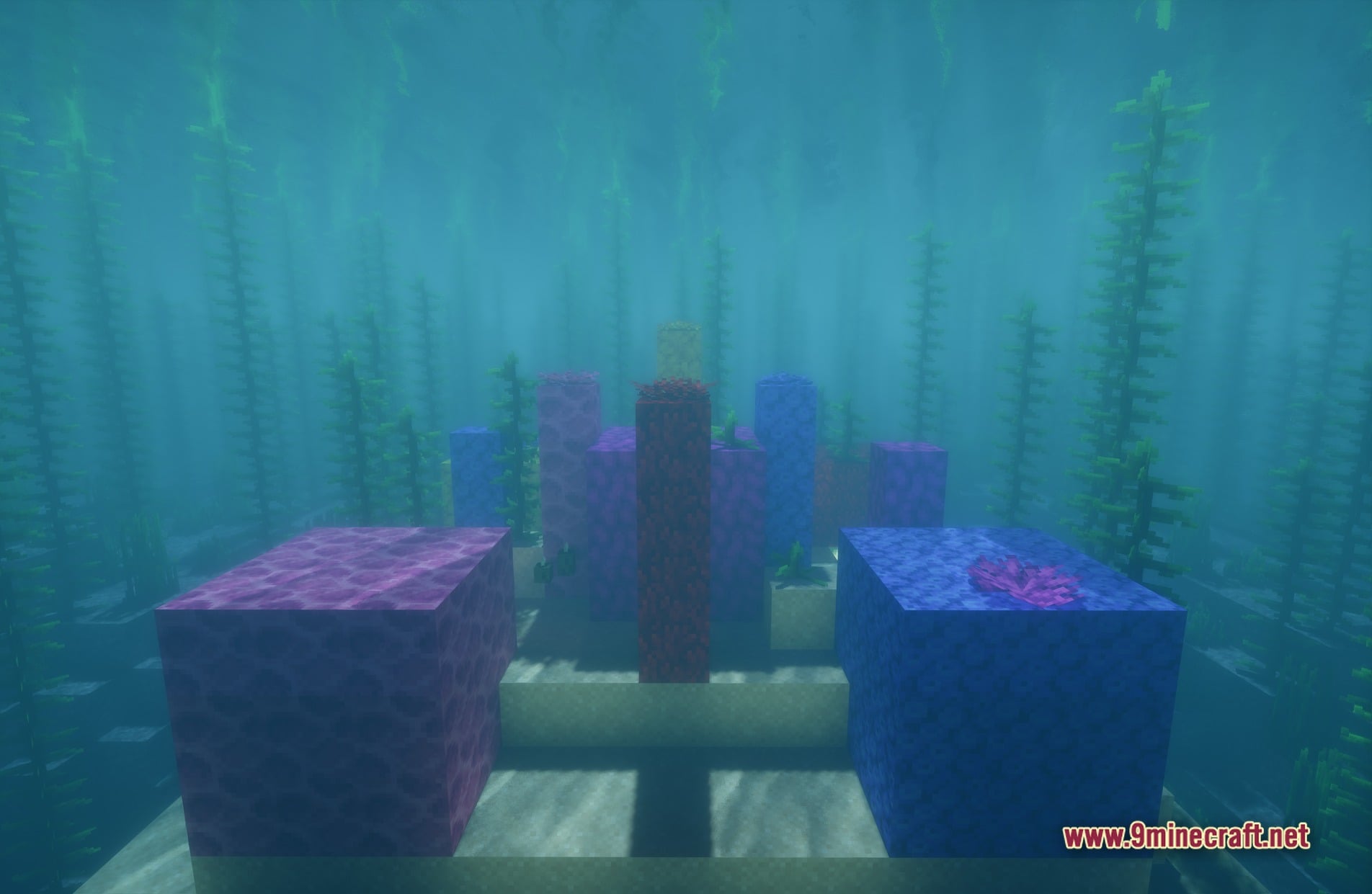
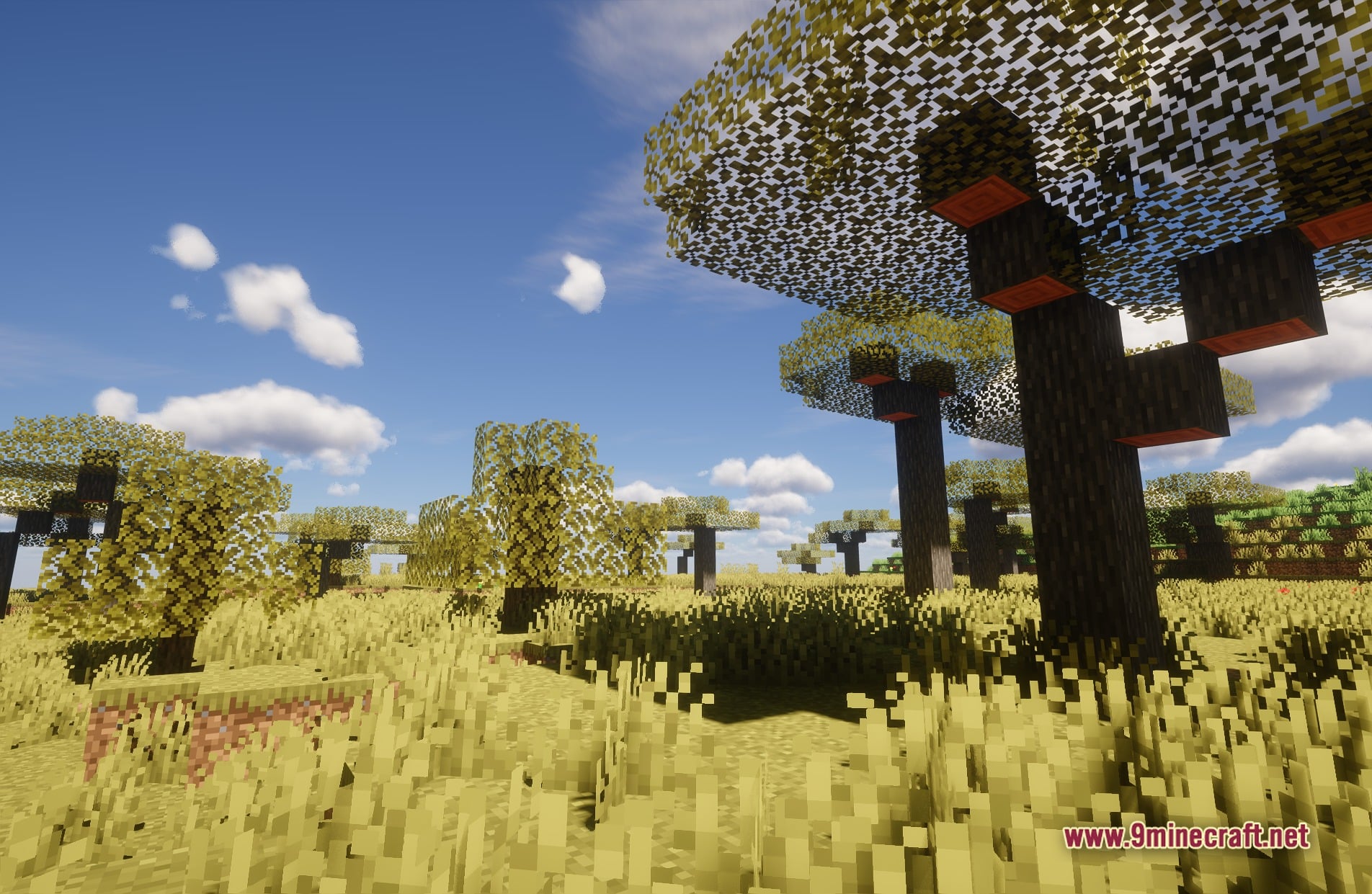
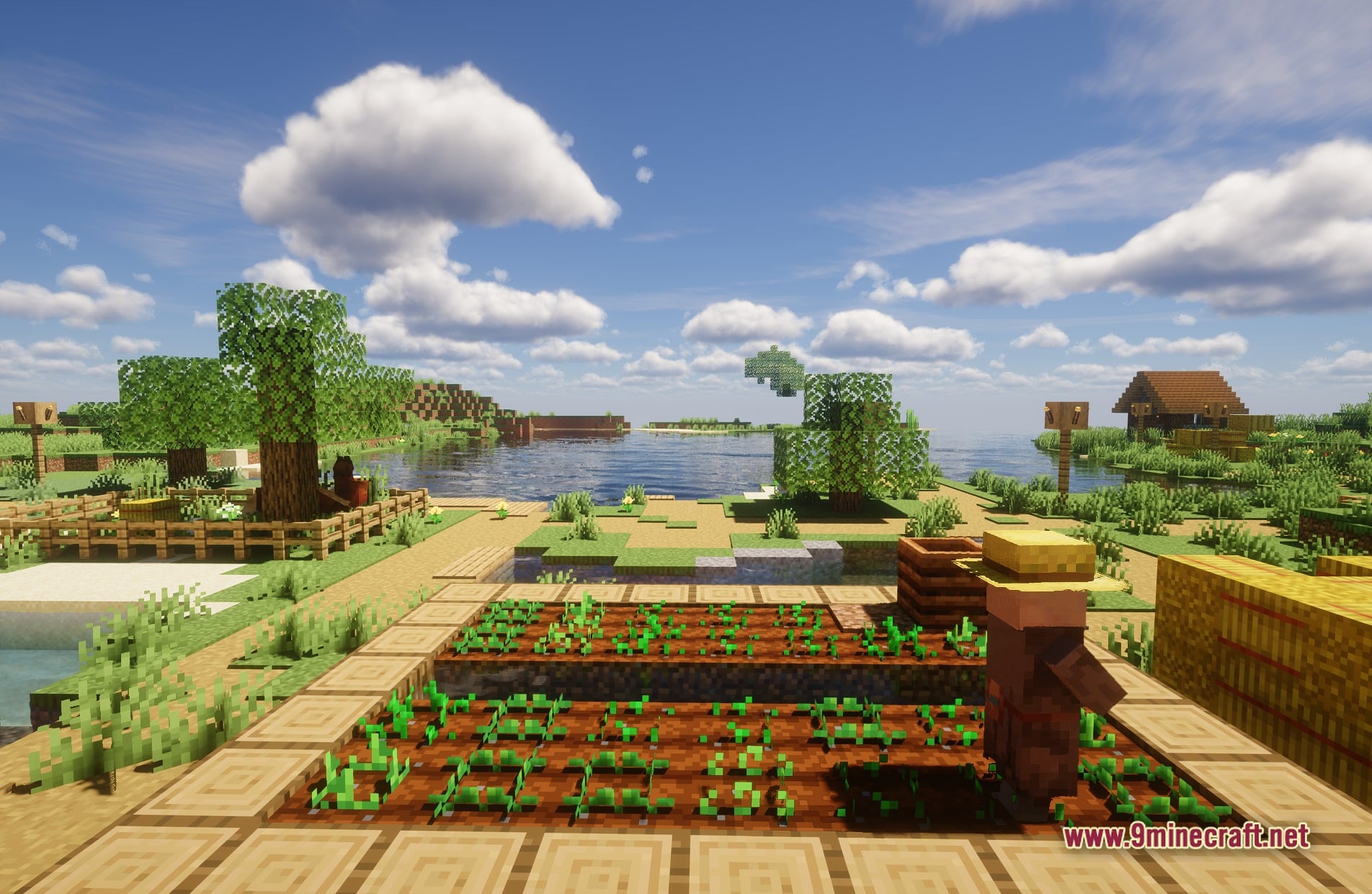
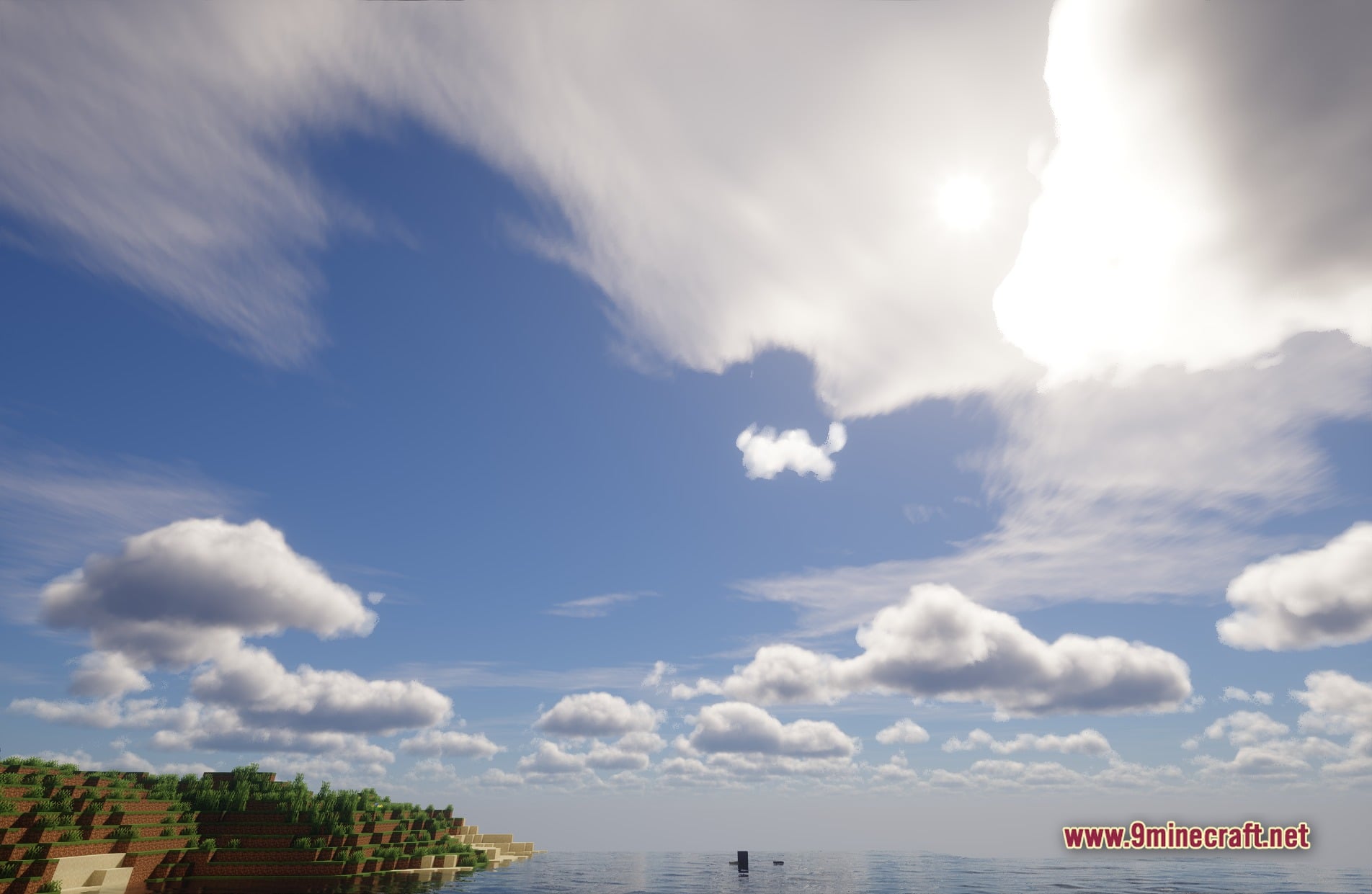
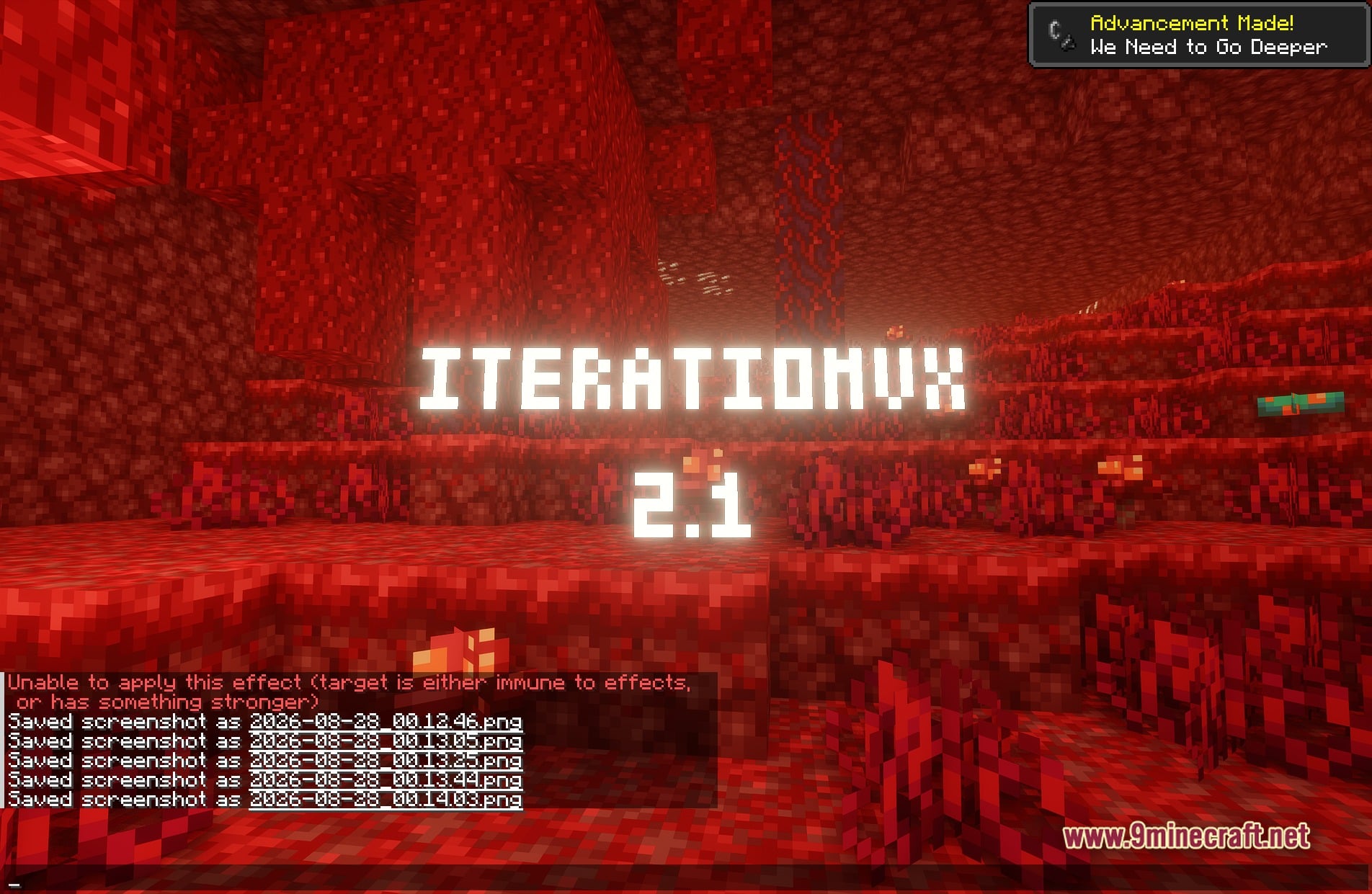
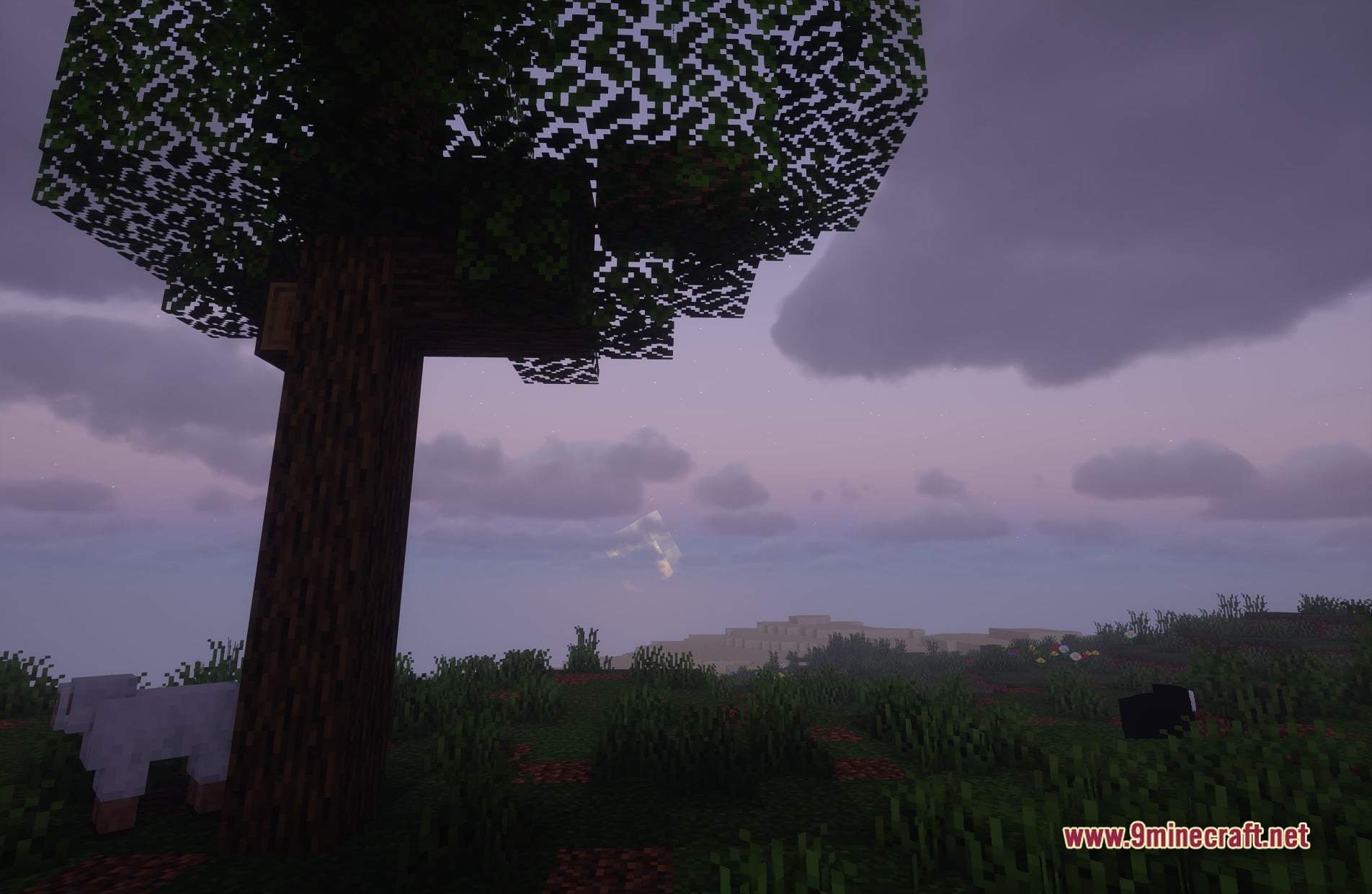
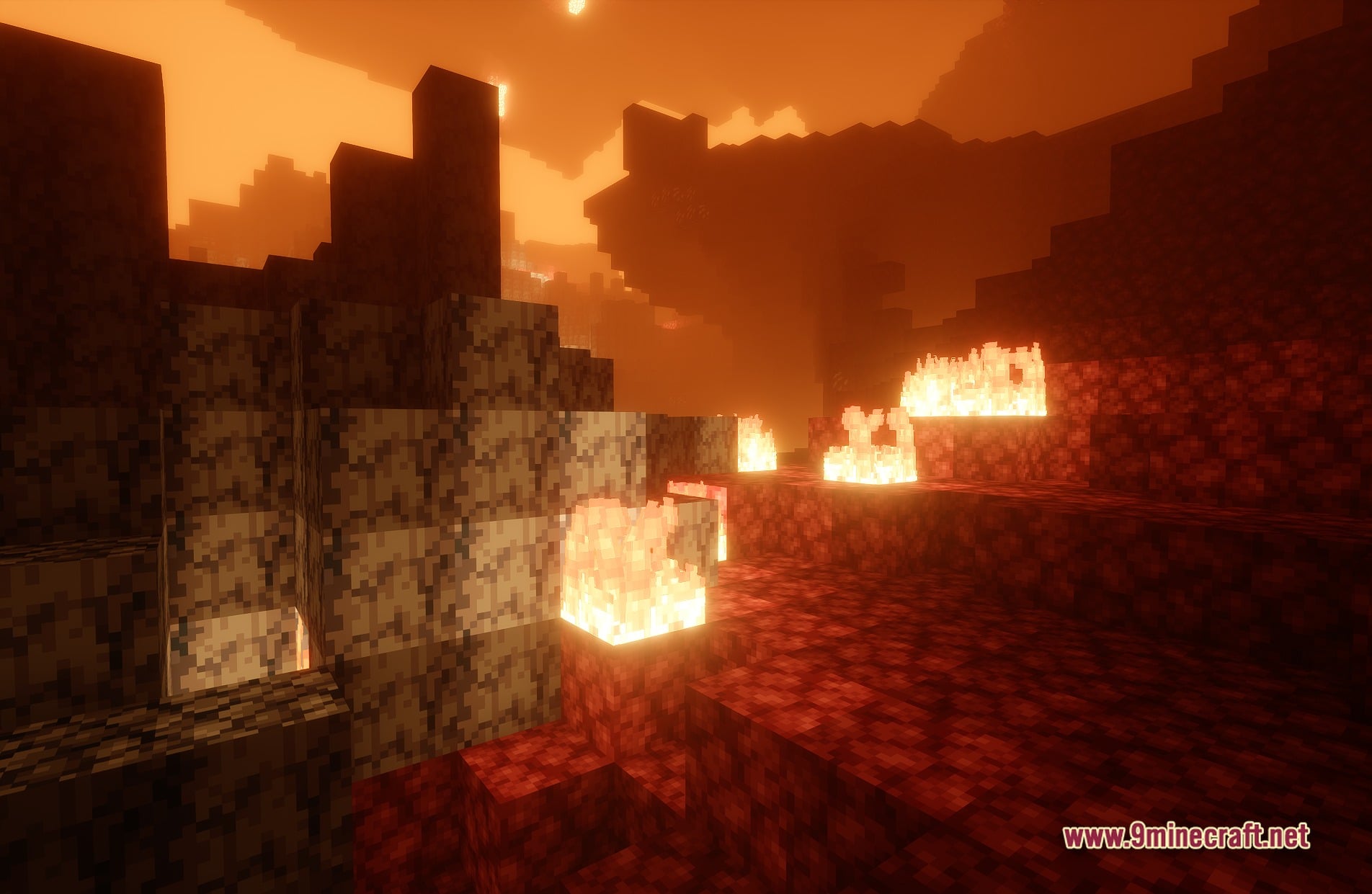
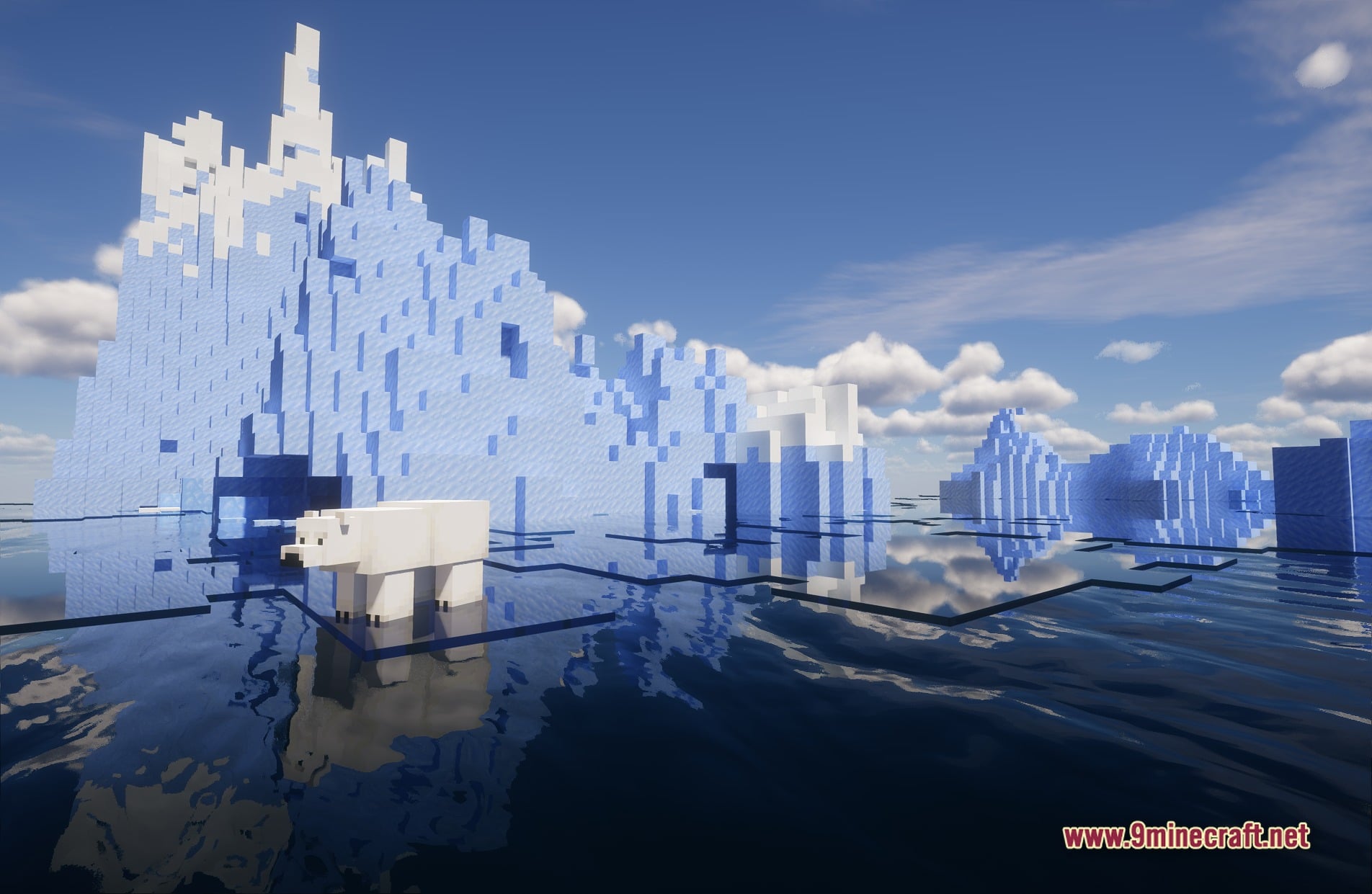
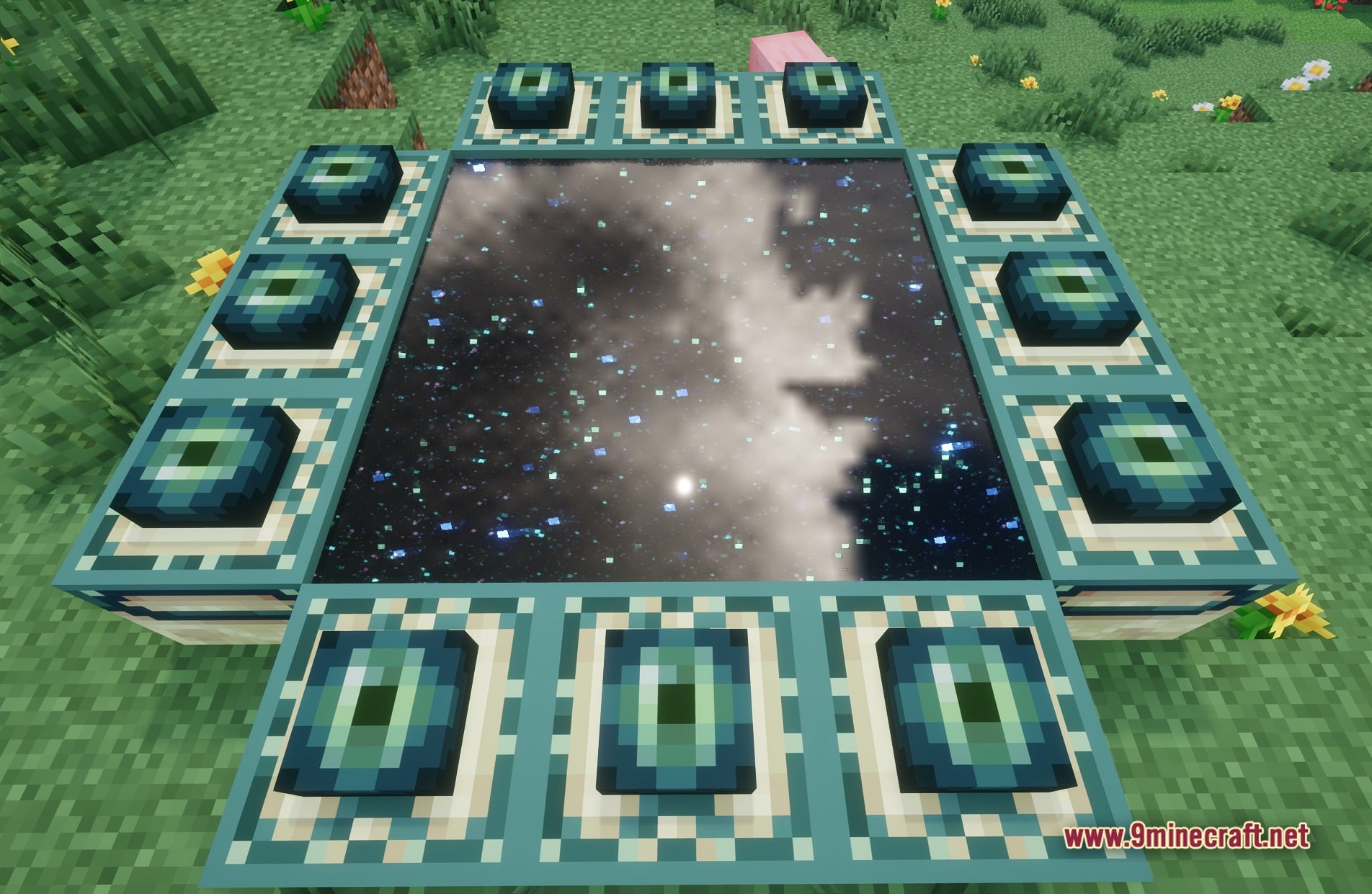
11 images from the Iterationvx Shaders page.
You May Also Like
Wikis that share the most with this one
Wikis on the same theme: light
More shader wikis on the site
The most downloaded mods that have a wiki here