

 DownloadJustwaves Shaders
Get the files on 9Minecraft
Guides
Step-by-step, in-game.
Adjust Wave Height and IntensityAccess Shader Settings Open the shader options menu while in-game by pressing the key bound to shader settings…Enable or Disable Shoreline Foam EffectsOpen Shader Configuration Access the Justwaves shader settings menu from your shader mod interface. This is usually…Make Rivers and Lakes Look More DynamicUnderstand Water Body Differences Justwaves applies wave effects to all water—oceans, rivers, and lakes—but the…Optimize Justwaves for Better PerformanceCheck Current Performance Impact Note your current frame rate in different water environments—oceans, rivers, and…
Frequently asked questions
How do I turn on the waves after installing Justwaves?
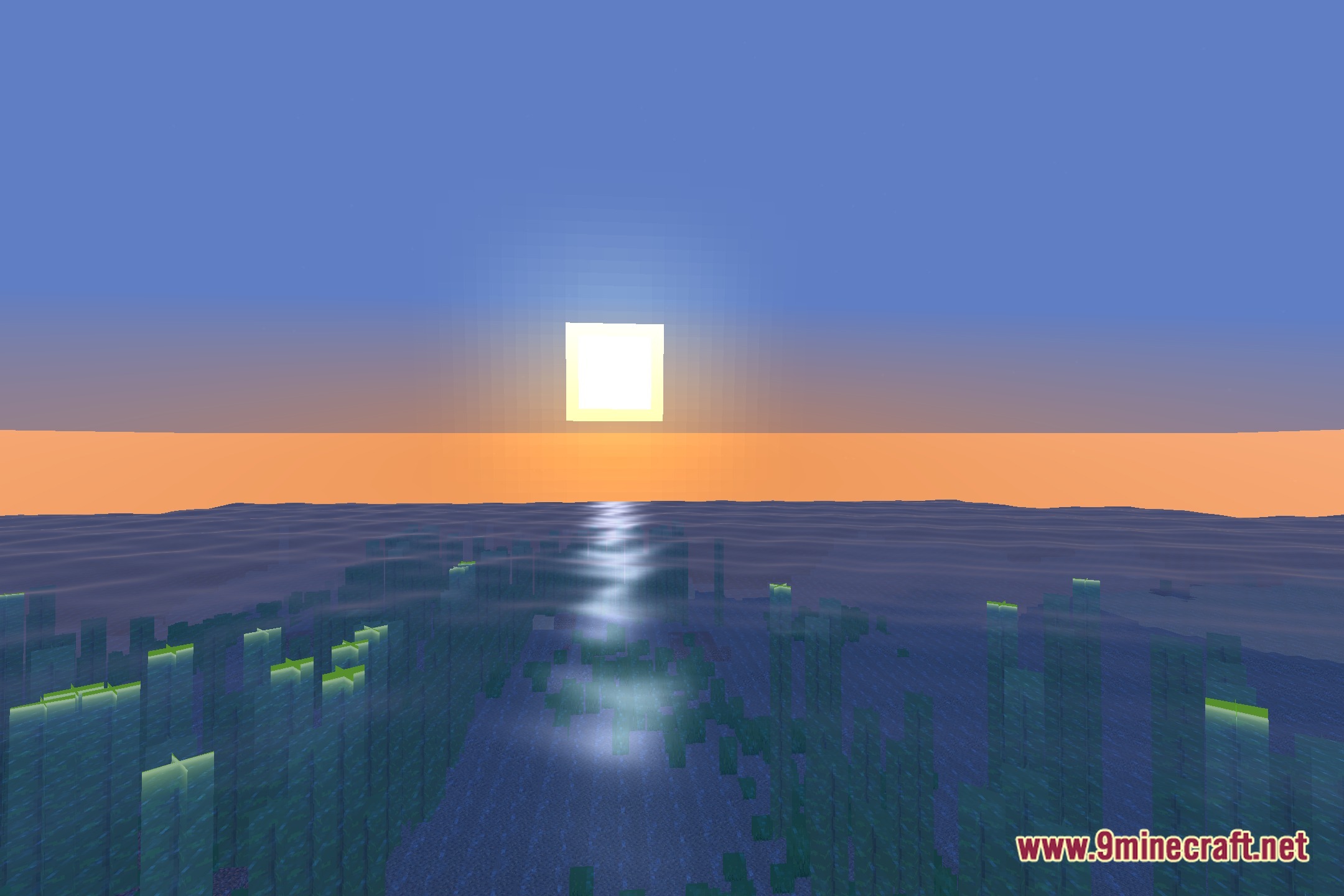
Waves are enabled by default once the shader is active in your graphics settings. If you don't see wave motion, check that your shader is properly loaded and that you're looking at ocean or river water—waves won't appear on still water blocks like cauldrons or water in small containers.
Can I make the waves bigger or smaller?
Yes, you can adjust wave height and intensity through the shader settings menu. Look for wave amplitude or height sliders in your shader options to customize how pronounced the swells appear.
Why do my waves look choppy or laggy?
High wave intensity combined with other shader effects can impact performance. Try lowering the wave height or intensity setting, or disable shoreline foam effects if you're experiencing stuttering.
Does Justwaves work with other shaders?
No—Justwaves is a standalone shader and cannot be used alongside other shader packs. You'll need to choose between Justwaves or another shader mod.
See all 10 Justwaves Shaders questions ›
Gallery
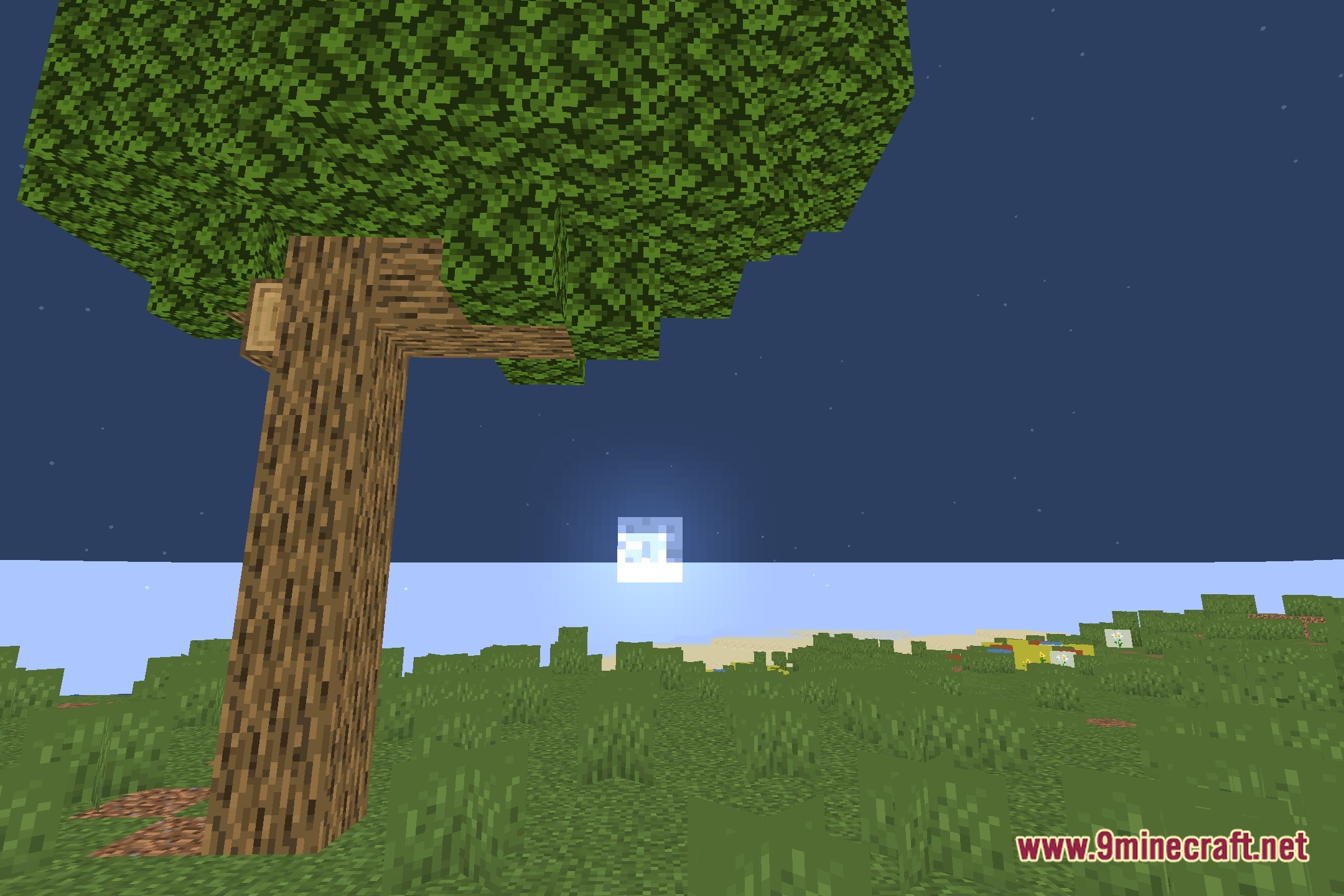
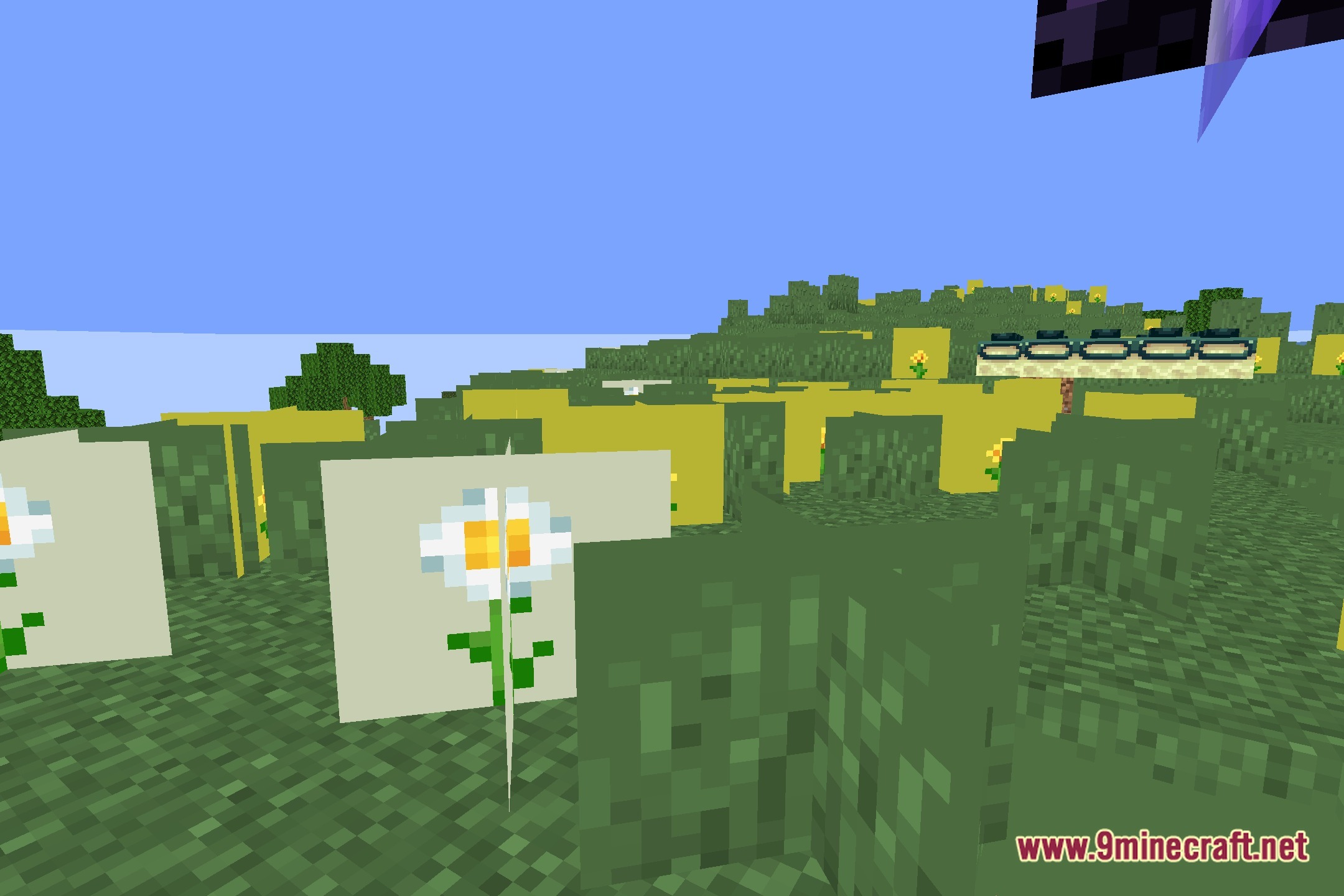
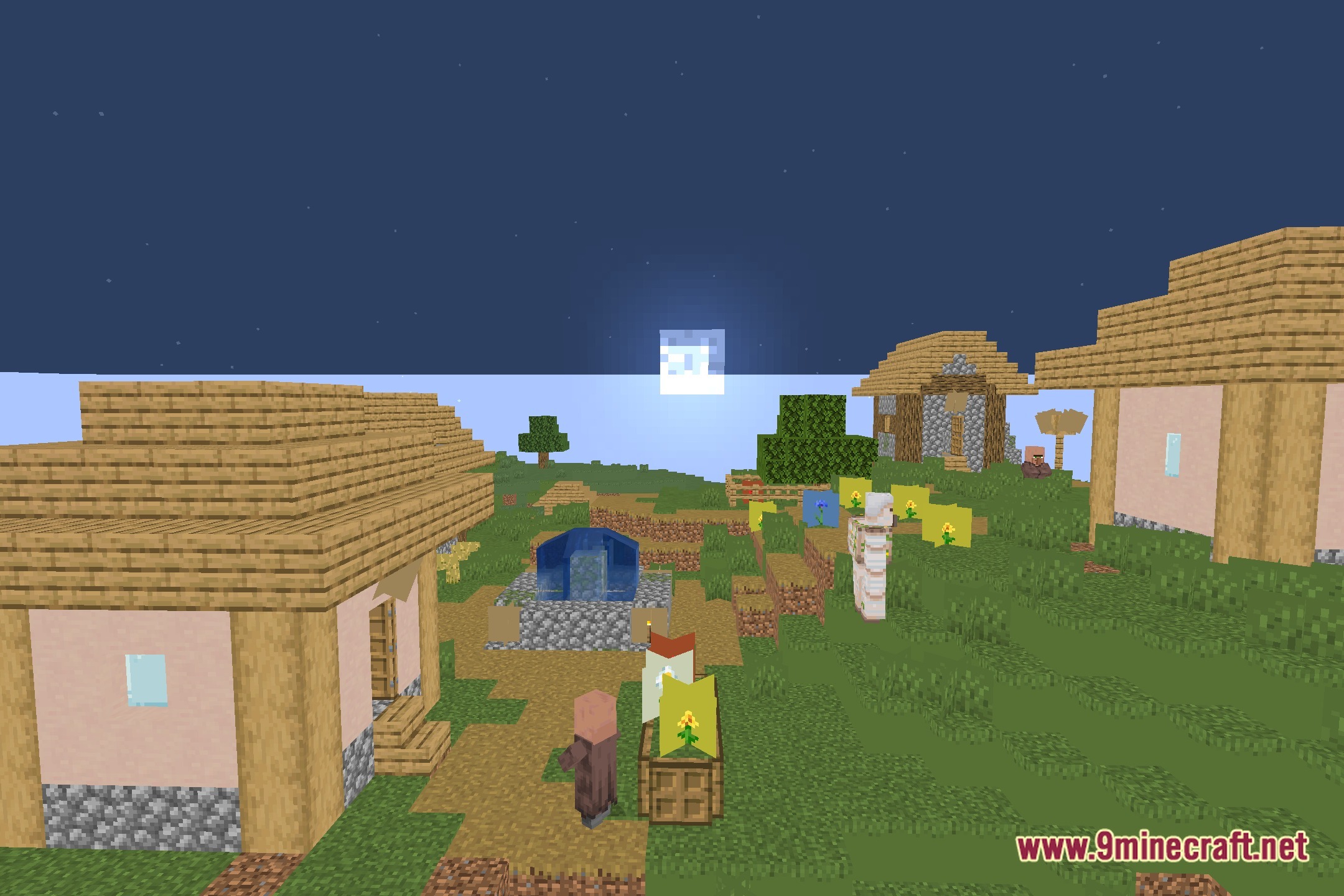
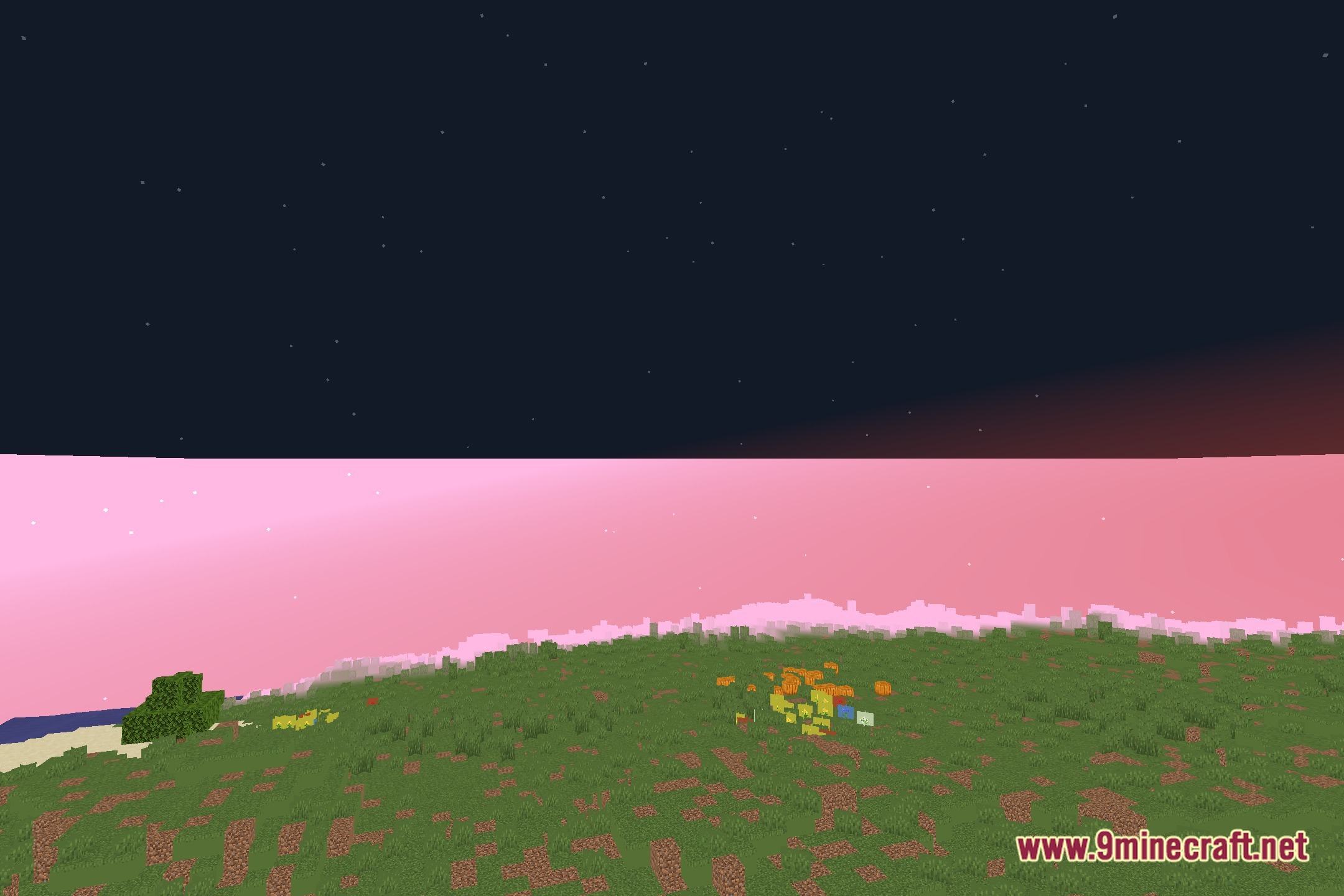
12 images from the Justwaves Shaders page.
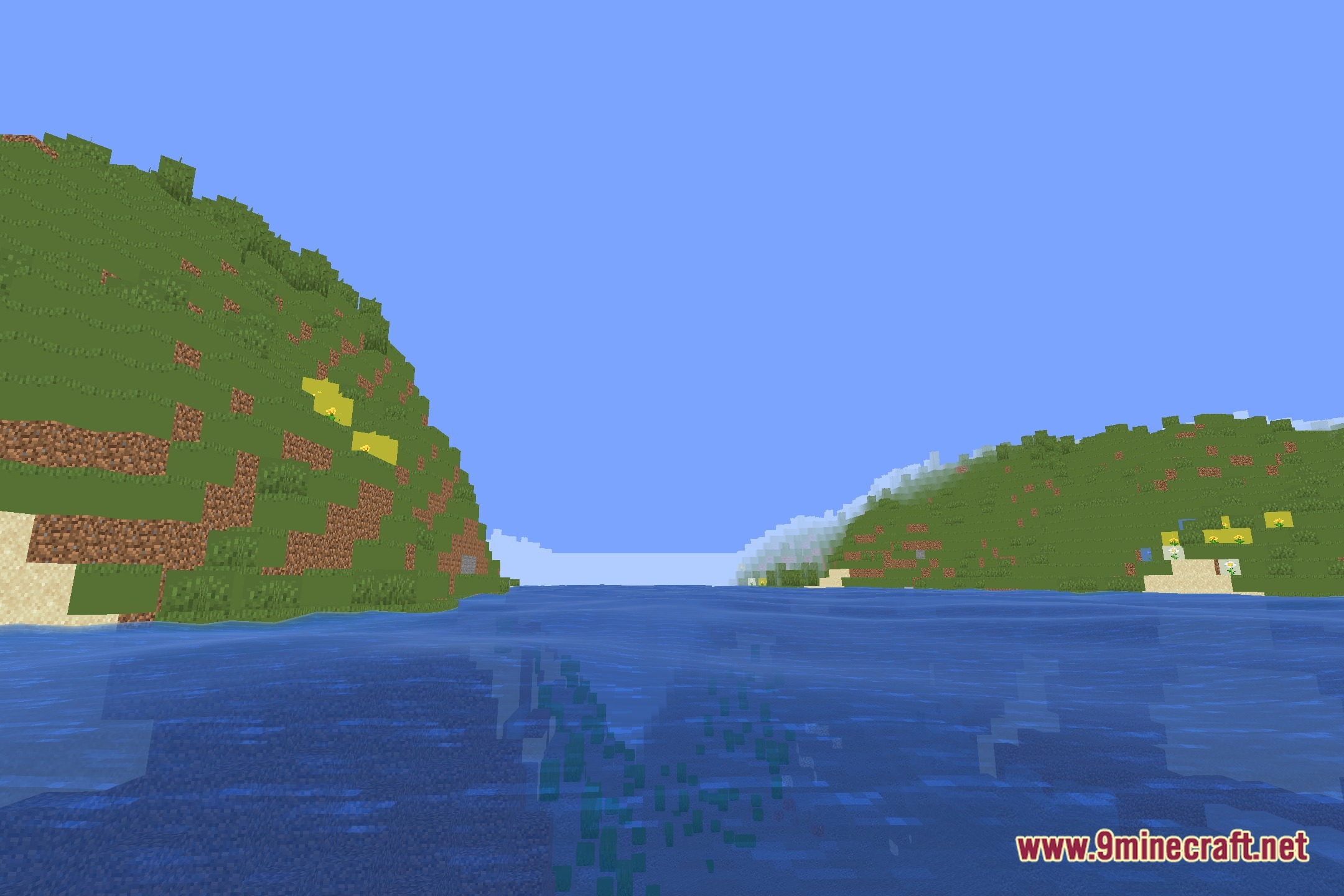
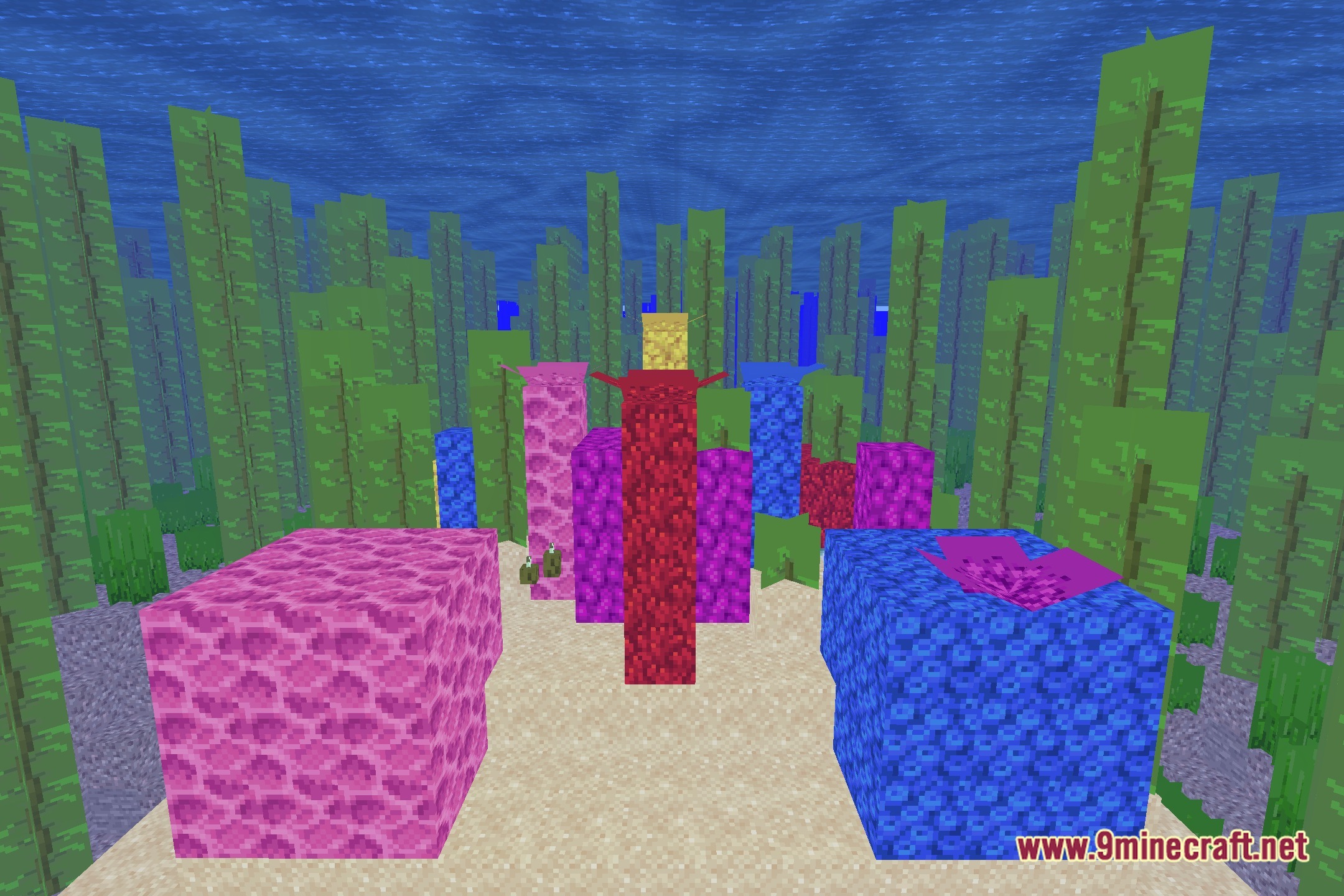
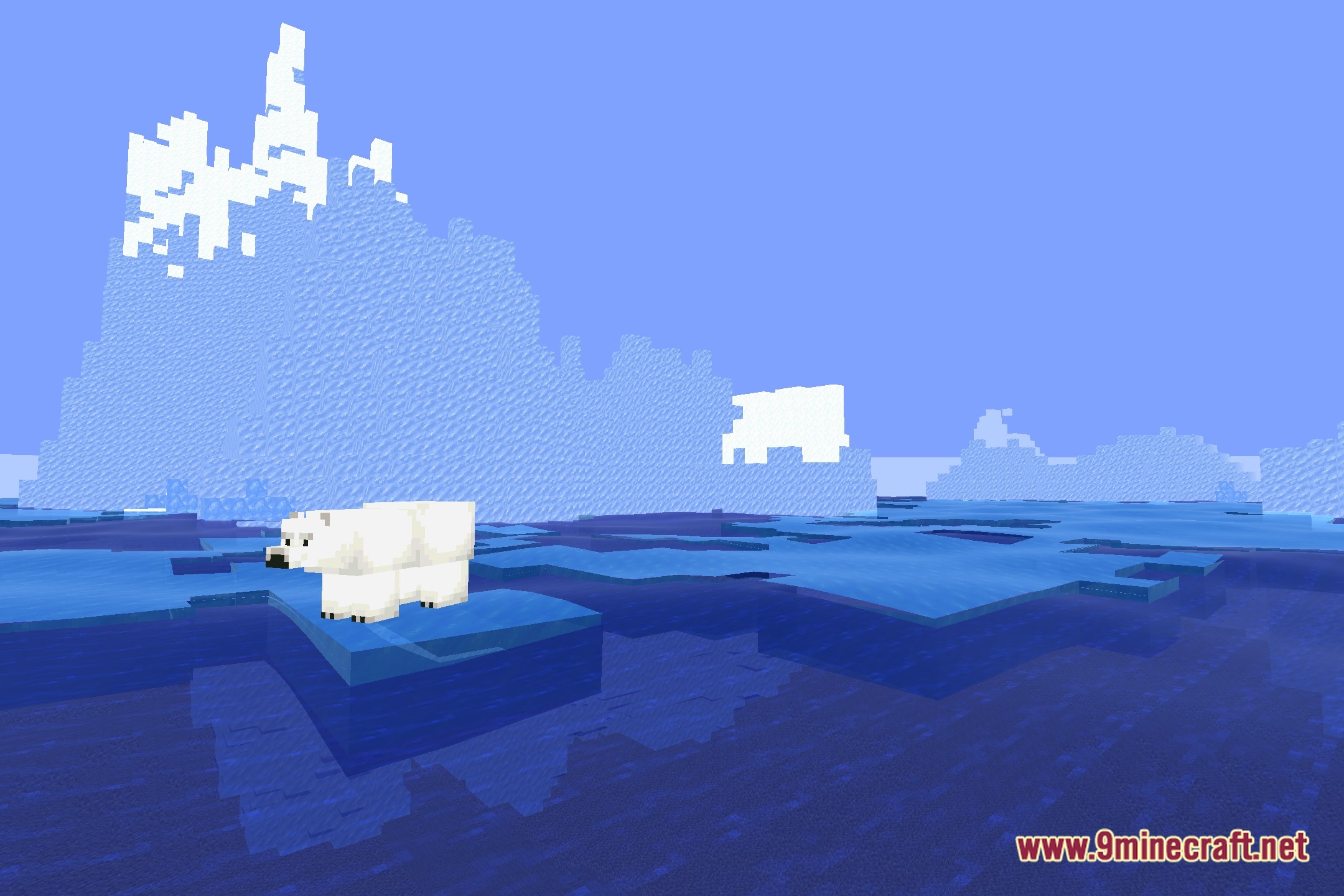
You May Also Like
Wikis that share the most with this one
More shader wikis on the site
The most downloaded mods that have a wiki here