

Guides
Step-by-step, in-game.
Appreciate the Visual Effect in Different EnvironmentsViewing Different Biomes The curved landscape effect transforms how each biome appears. Visit diverse environments to…Enable and Disable the Shader EffectsAccessing Shader Settings The ItsJxk Inception FREE shader can be toggled on and off without reinstalling or…Explore Your World with the Bent PerspectiveUnderstanding the Curved Landscape With ItsJxk Inception FREE active, the terrain curves upward around you like the…Optimize Shader PerformanceChecking Your Frame Rate Before adjusting settings, open your debug screen (F3 on most systems) to monitor frames per…
Frequently asked questions
How do I turn on the shader effects?
Open your video settings in-game, find the Shaders option, and select ItsJxk Inception FREE from your shader pack list. The world bending effect will activate immediately once applied.
Why does my world look flat or normal when I load the shader?
Make sure you have a shader-compatible graphics card and that your GPU drivers are up to date. If the effect still doesn't show, try disabling and re-enabling the shader in your video settings.
Can I use this shader with resource packs?
Yes, ItsJxk Inception FREE works alongside resource packs. The shader bends the world shape while your resource pack handles block textures and appearance.
Does the bent perspective make it harder to build or navigate?
The curved view takes some getting used to, but it doesn't affect block placement or collision—you build and move normally. Many players find the unusual angles actually help them see their builds from creative new perspectives.
See all 10 ItsJxk Inception FREE Shaders questions ›
Gallery
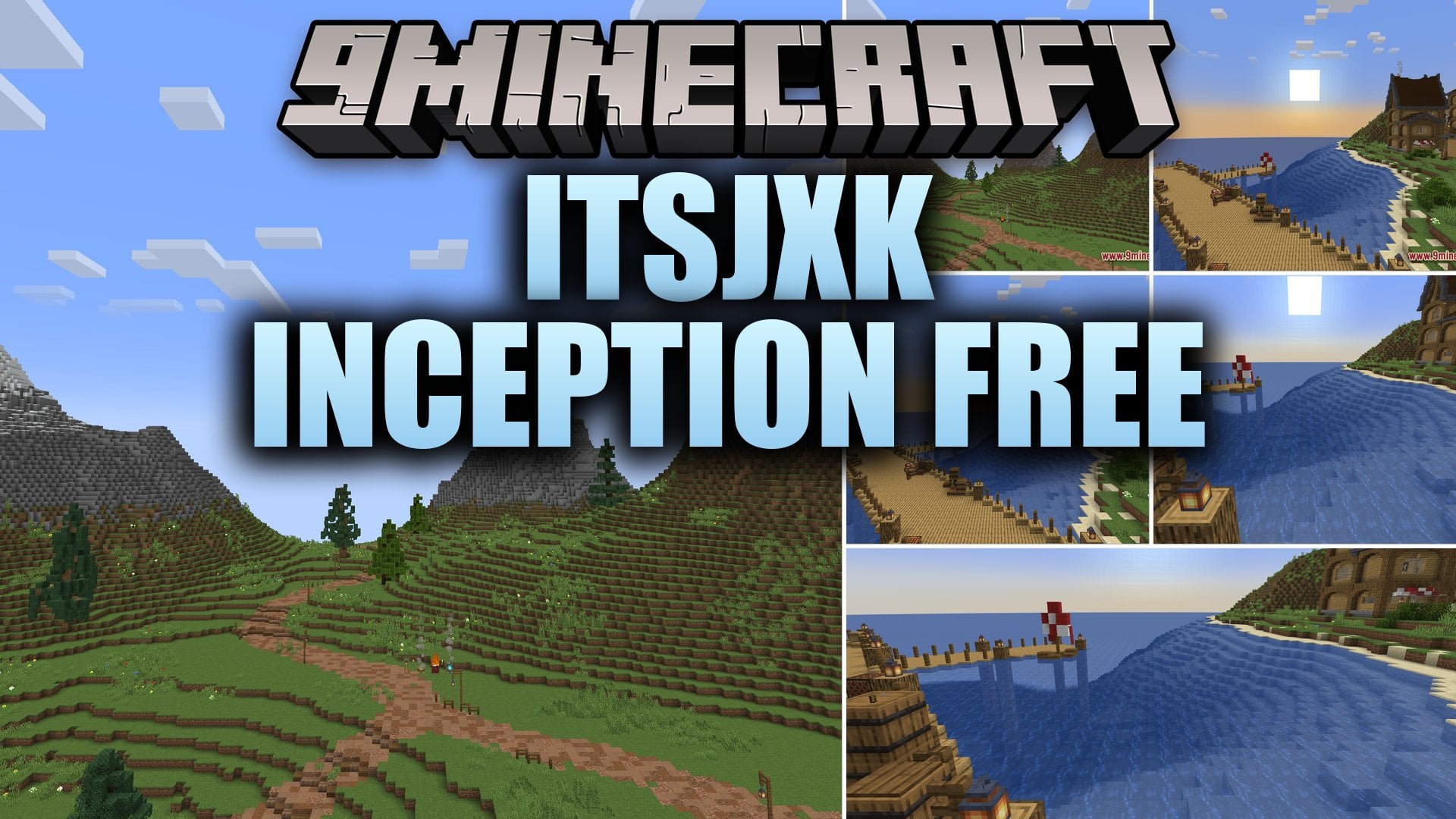
11 images from the Itsjxk Inception Shaders Free Shaders page.


You May Also Like
Wikis that share the most with this one
Wikis on the same theme: light
More shader wikis on the site
The most downloaded mods that have a wiki here