

 DownloadI Am Not Okay Shaders
Get the files on 9Minecraft
Guides
Step-by-step, in-game.
Build or Create While Using the ShaderPlan Your Design Beforehand The shader's warped lens, double vision, and color splitting make precise placement…Experience the Shader's Effects at Their Most IntensePlay in Bright Environments The shader's color washing, chromatic aberration, and brightness pulsing are most…Navigate Safely While DisorientedUse Landmarks and Waypoints The shader's camera sway, double vision, and warped lens make it hard to judge distance…Reduce Nausea While PlayingAdjust Your Distance from the Screen The shader's swaying and warping effects can cause motion sickness or eye strain…
Frequently asked questions
How do I turn on the shader?
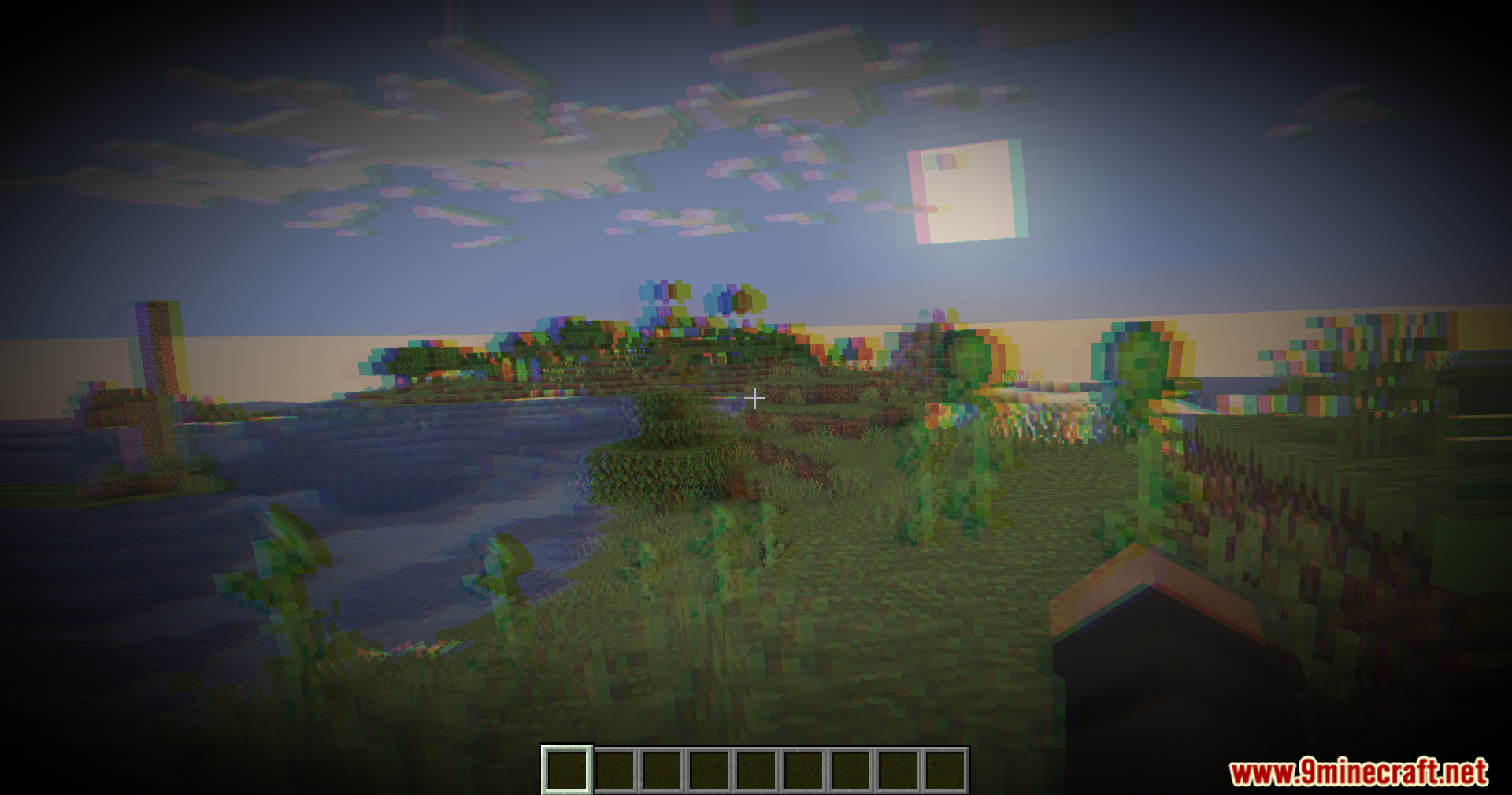
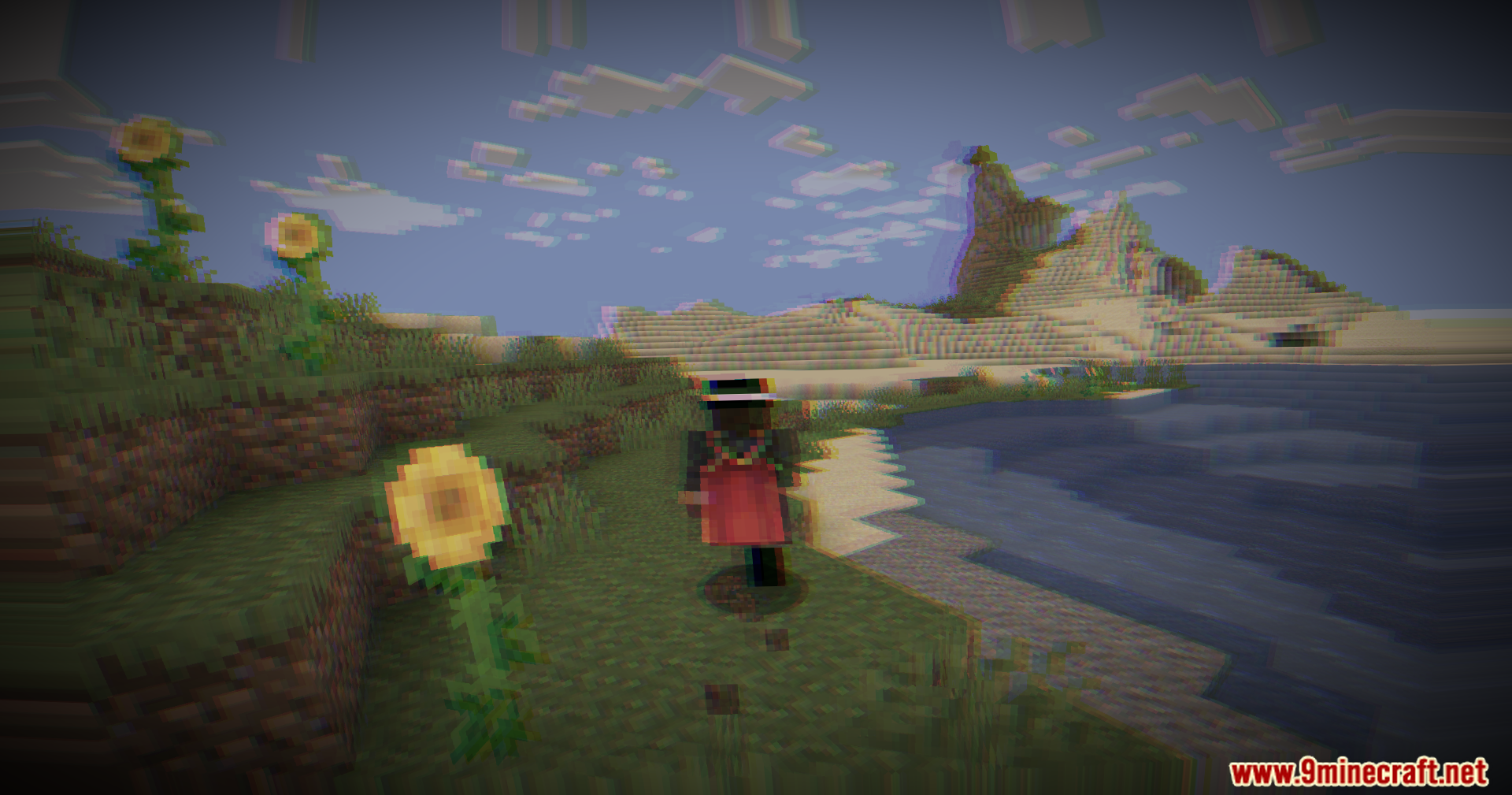
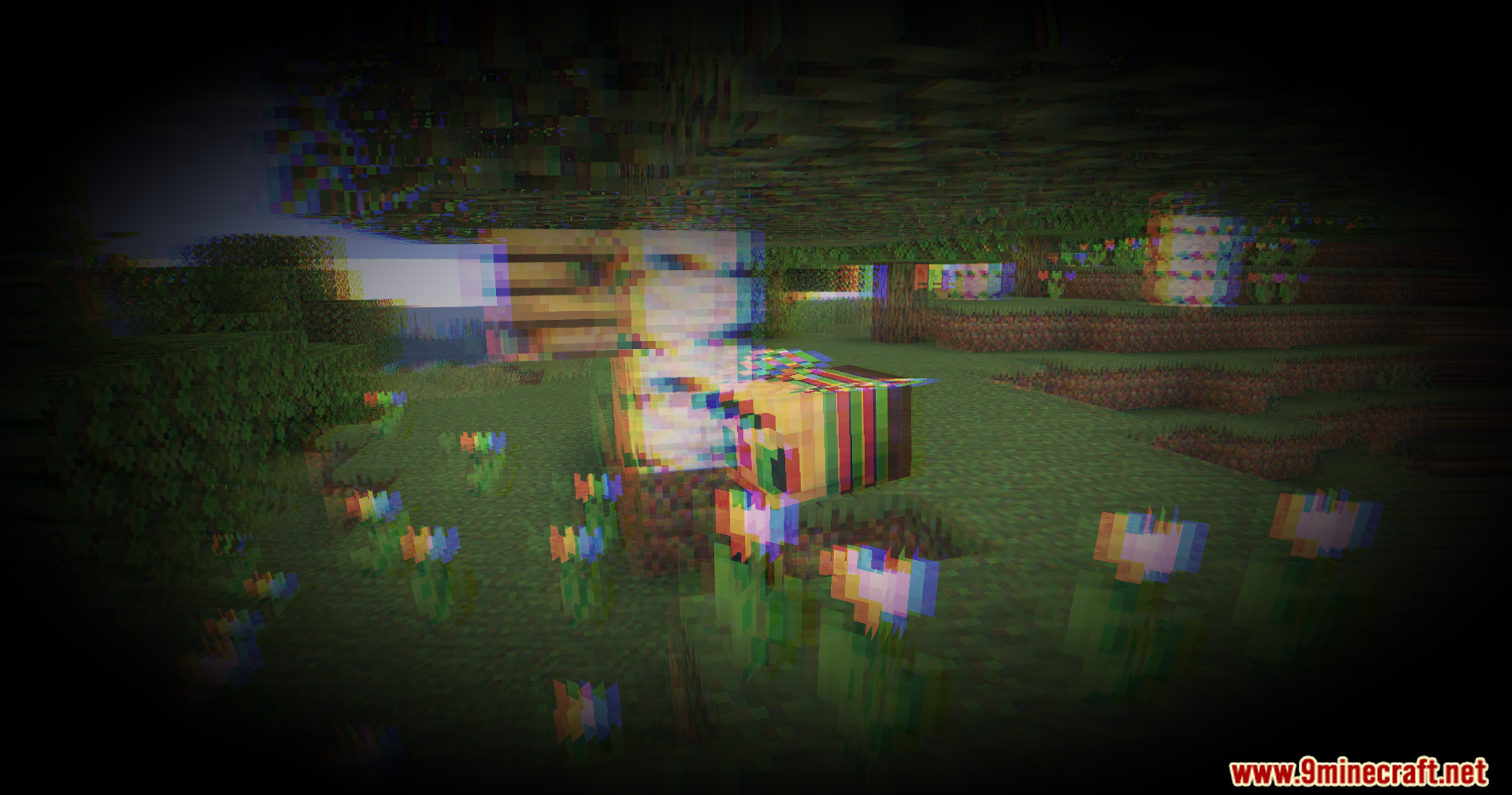
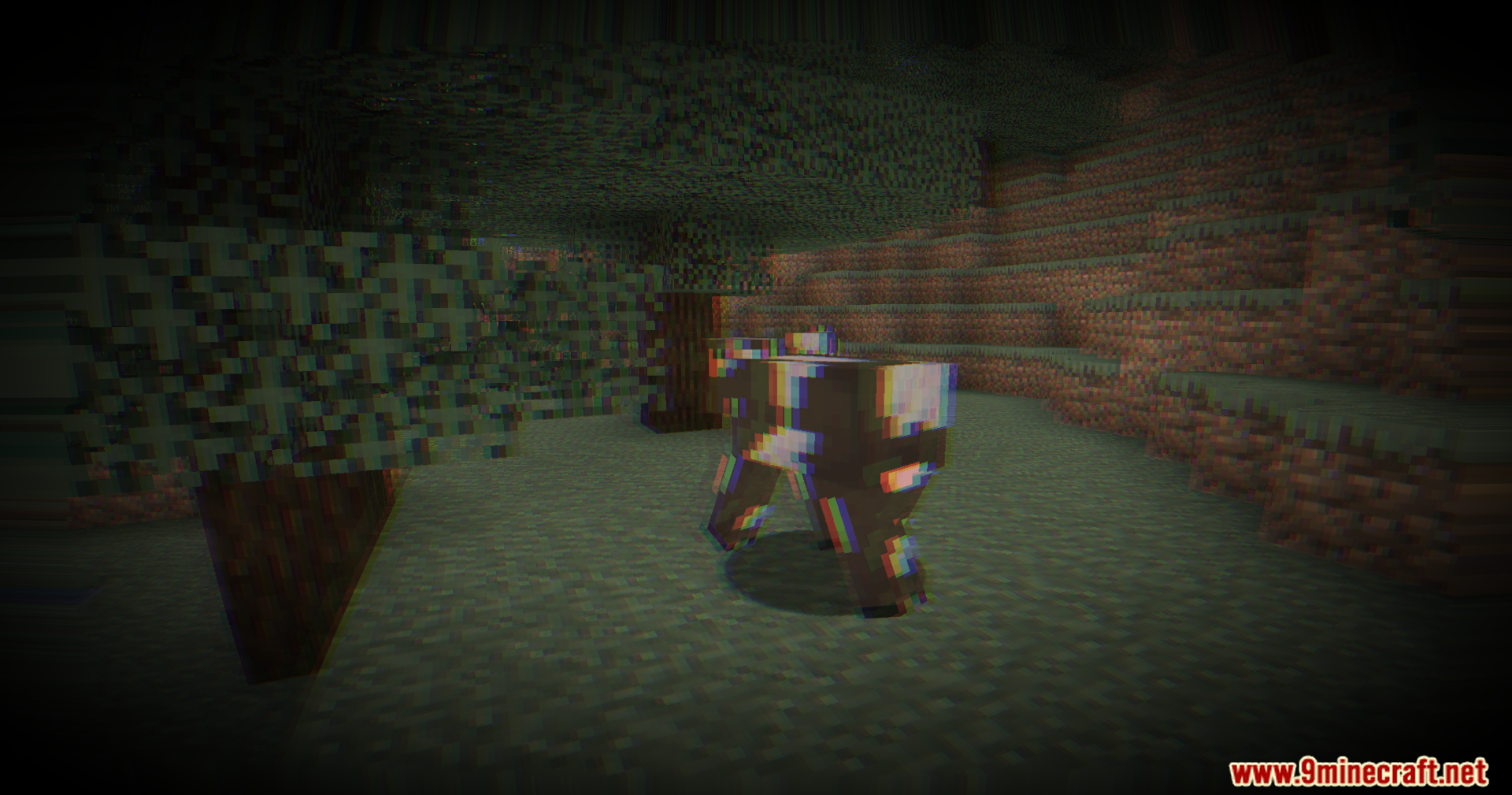
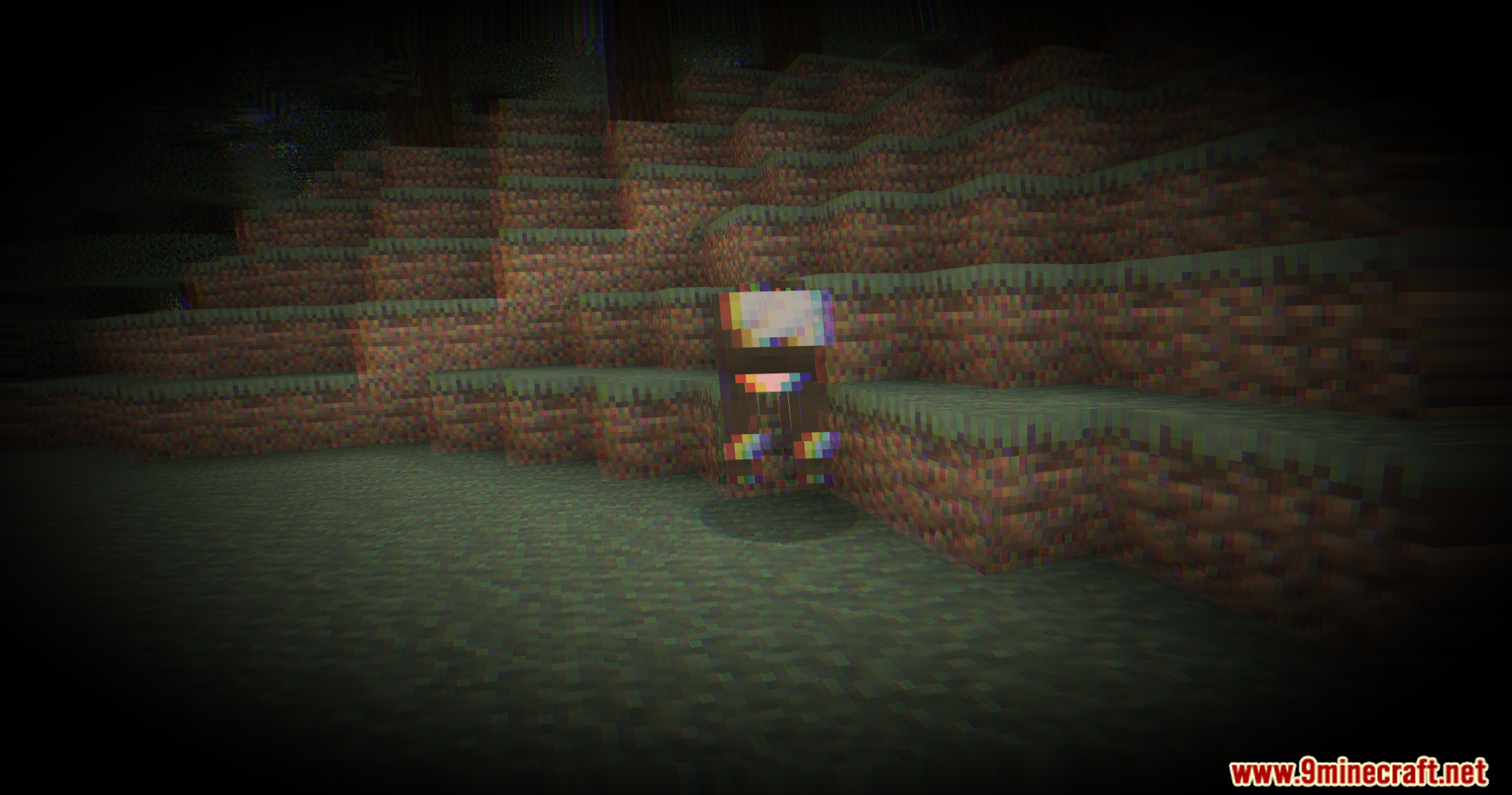
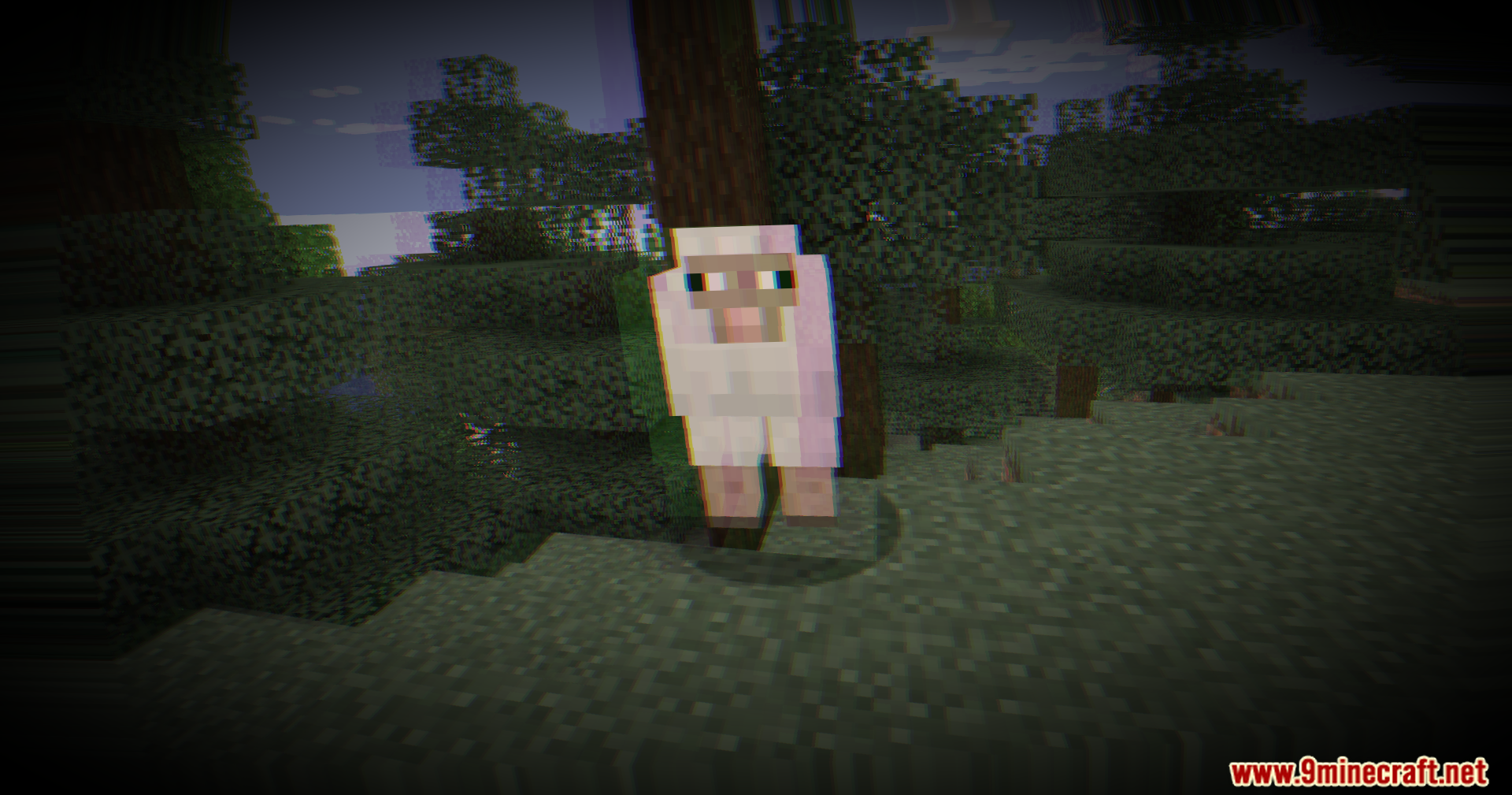
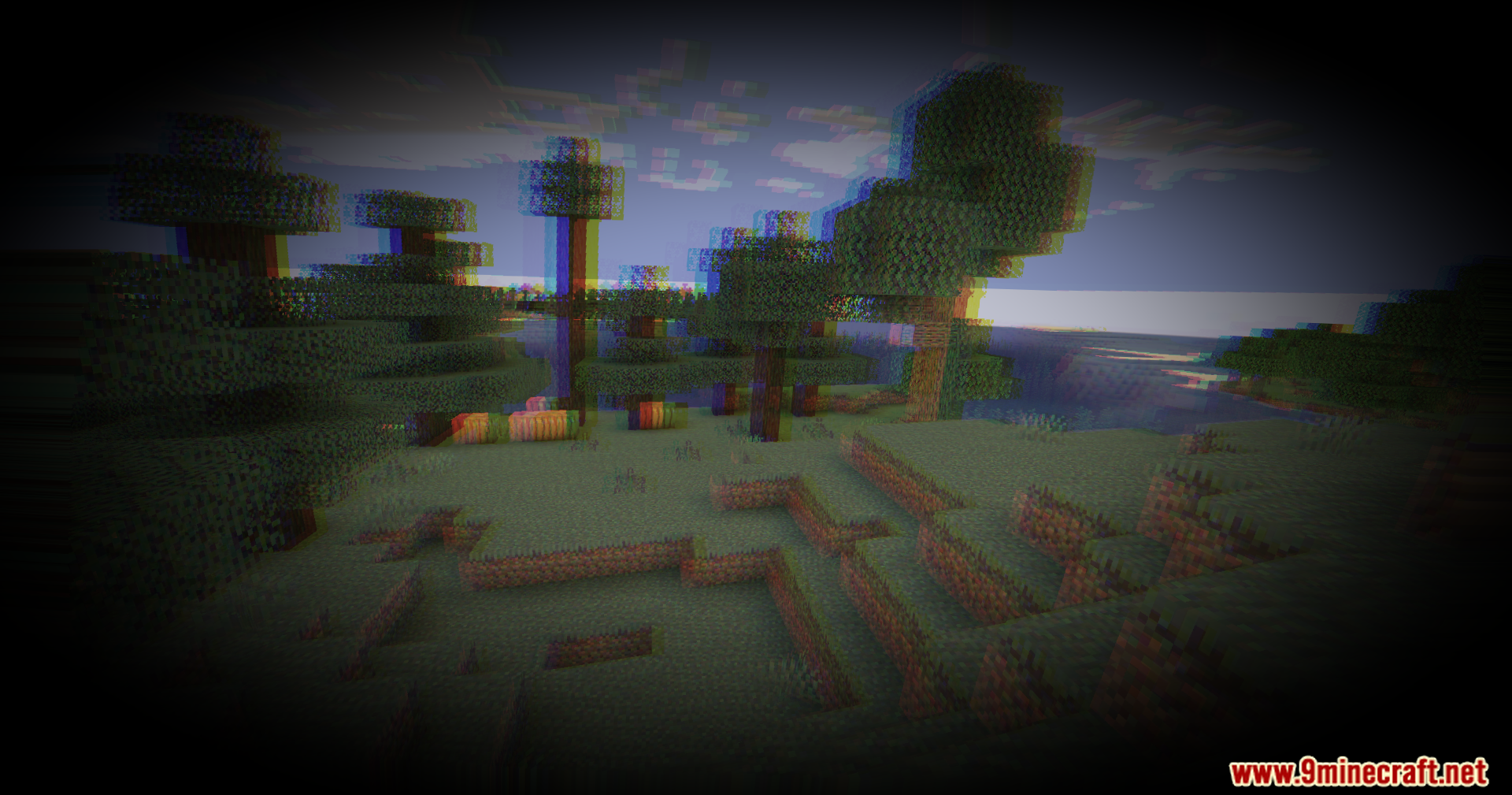
Load the mod into your Minecraft instance, then create a new world or load an existing one. The shader effects should apply automatically to your view—you'll immediately notice the screen swaying and distorting.
Can I disable the shader without uninstalling it?
Yes, most shader mods can be toggled through a configuration file or in-game menu. Check your mod's config folder for settings that let you turn the effects on and off without removing the mod entirely.
Why do I feel sick or nauseous when playing?
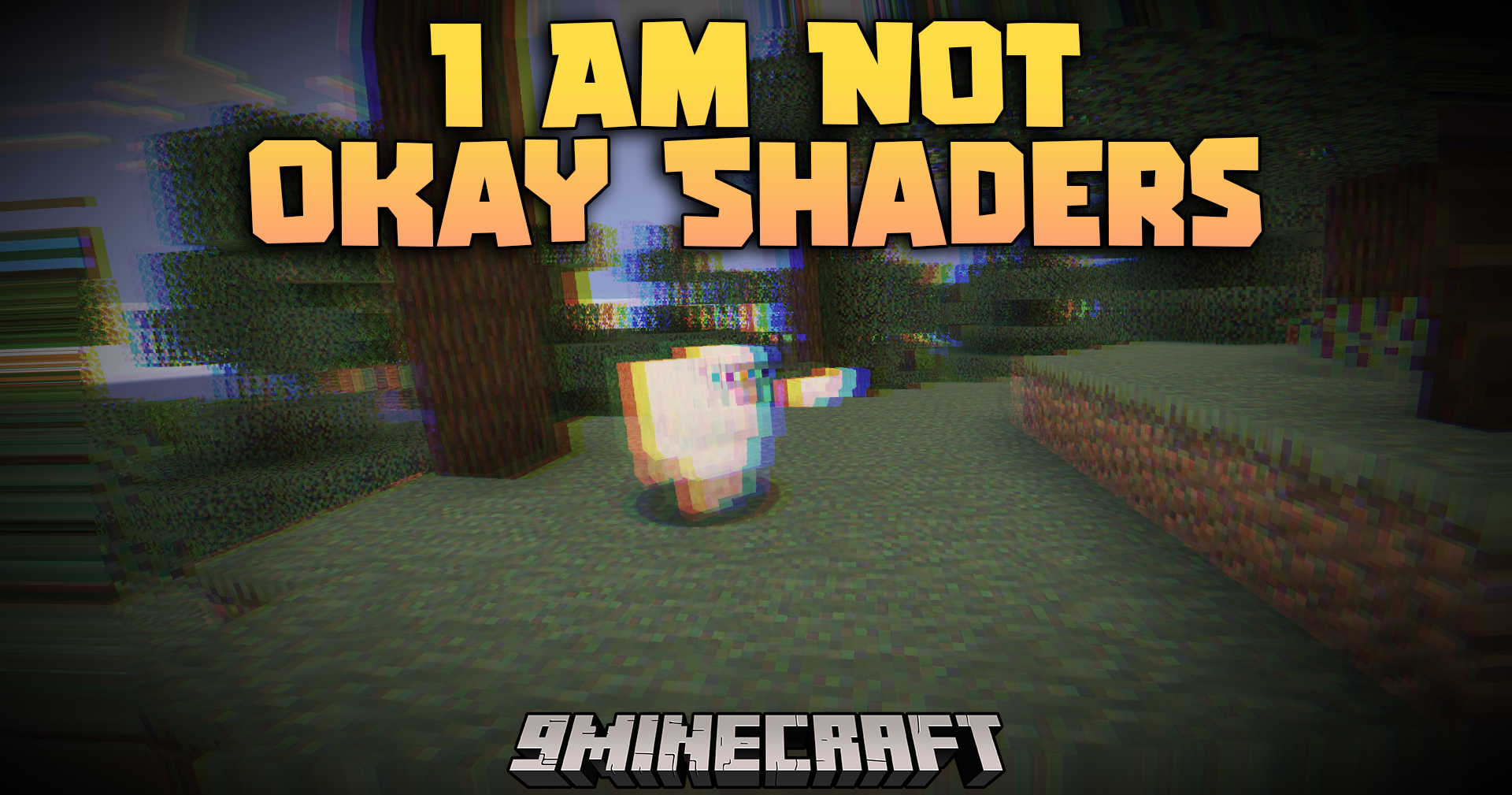
The constant camera sway, screen warping, and chromatic aberration are designed to simulate dizziness and disorientation, which can trigger motion sickness in some players. Take frequent breaks, reduce your render distance, or lower the intensity of effects if available in the config.
Does this shader work with other visual mods?
It depends on what other mods you're using—shaders generally don't conflict with gameplay mods, but using multiple visual enhancement mods together can cause performance issues or visual glitches. Test your setup and monitor your frame rate.
See all 10 I Am Not Okay Shaders questions ›
Gallery
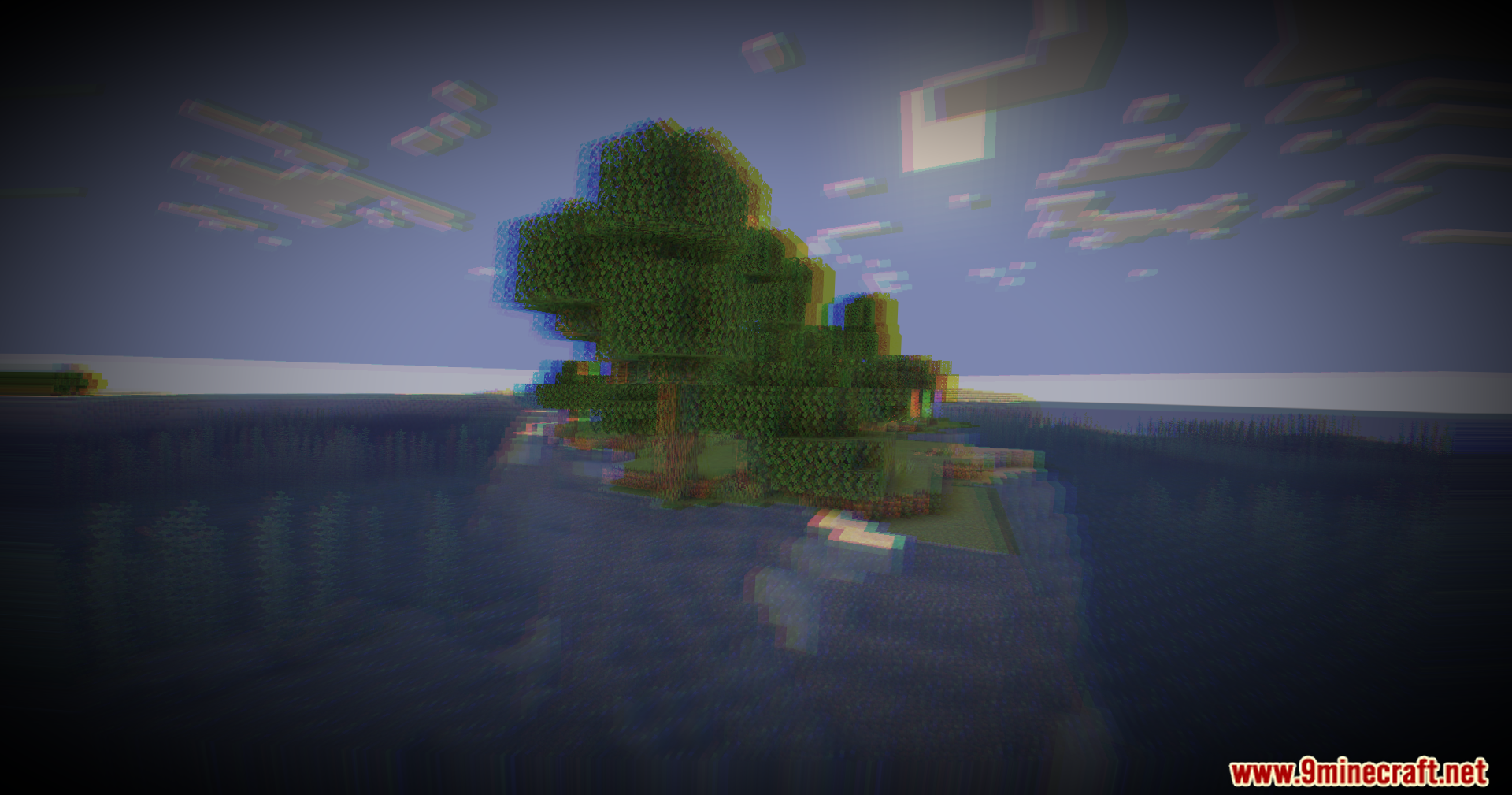
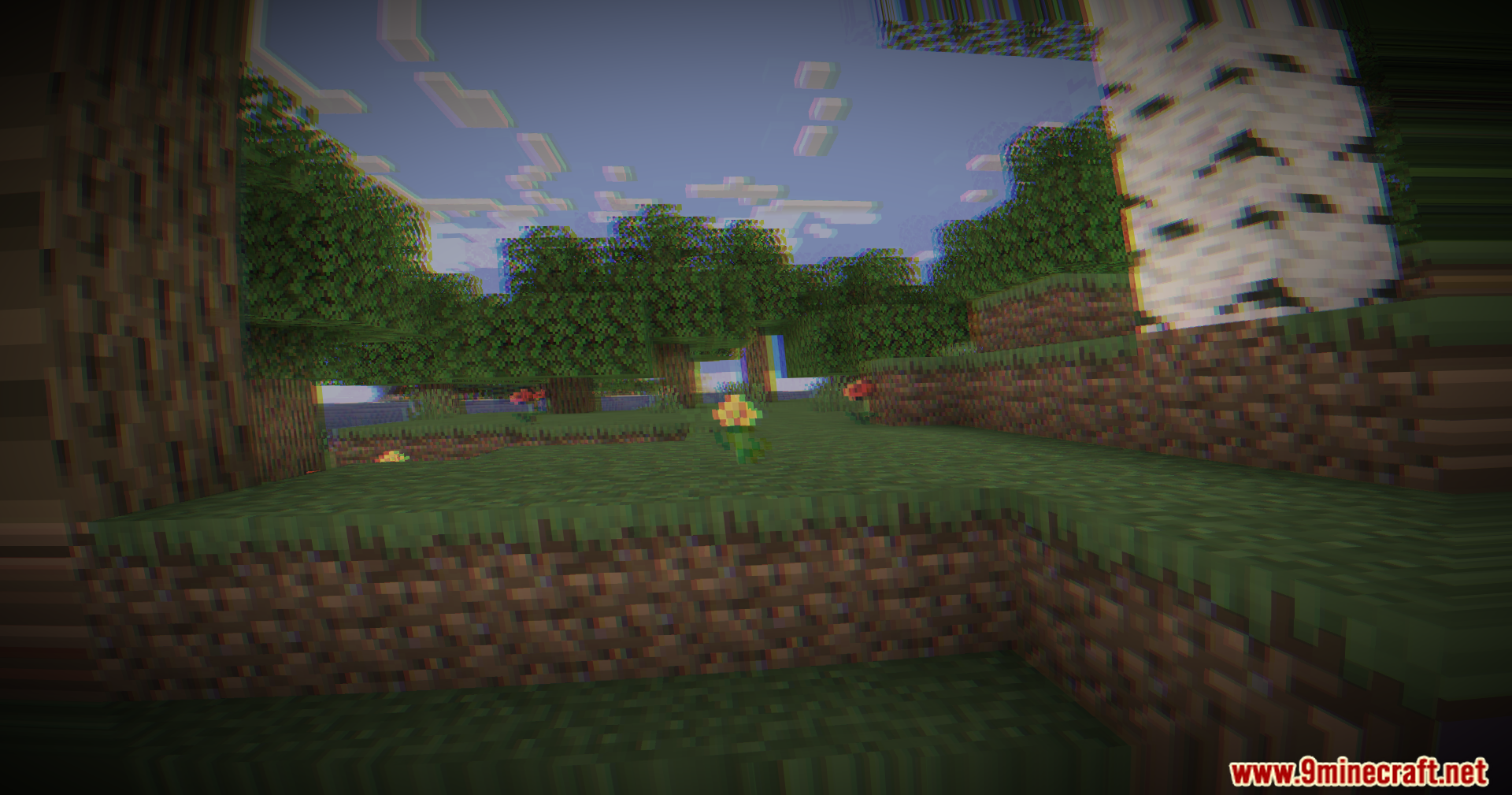
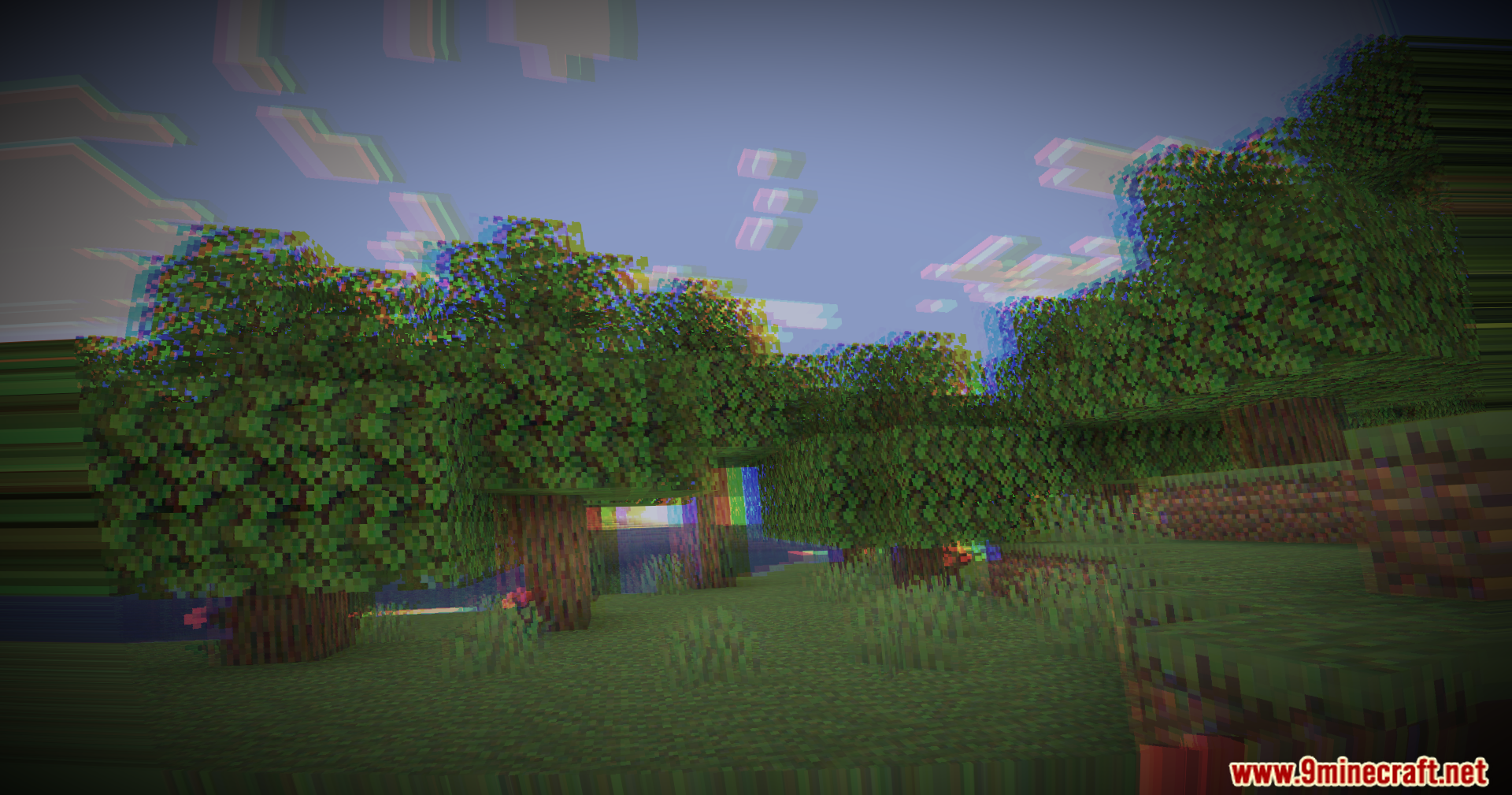
11 images from the I Am Not Okay Shaders page.
You May Also Like
Wikis that share the most with this one
Wikis on the same theme: end
More shader wikis on the site
The most downloaded mods that have a wiki here