

 DownloadHumid Shaders
Get the files on 9Minecraft
Guides
Step-by-step, in-game.
Achieve Natural-Looking Colors and Lighting BalanceUnderstand Realistic Preset Mode Humid Shaders uses a realistic preset style that prioritizes balanced, natural…Adjust Shadow Intensity and DarknessAccess Shader Settings Open the shader options menu while in-game by pressing the key bound to shader settings…Enable and Control Bloom Effects Around Light SourcesLocate Bloom Settings Open your shader configuration menu and search for bloom, glow, or light bloom options. These…Optimize Shader Performance on Low-End HardwareReduce Shadow Quality Lower shadow map resolution or disable shadow filtering to significantly improve frame rate.…
Frequently asked questions
How do I enable Humid Shaders after installing it?
Open your video settings in-game, find the Shaders option, and select Humid Shaders from the list. The shader will activate immediately and you'll see the visual changes take effect.
Why do my shadows look too dark or too light?
Open the shader settings menu (usually accessible from video settings) and adjust the Shadow Intensity slider to find the balance you prefer. Lower values create softer shadows while higher values make them more pronounced.
Can I disable bloom if it's too bright?
Yes, go into the shader options and find the Bloom or Glow setting—you can either turn it off completely or reduce its intensity to make light sources less bright.
Will Humid Shaders work on my old computer?
Humid Shaders is designed to run on low-end hardware, but if you experience lag, try reducing render distance, disabling bloom, or lowering shadow quality in the shader settings.
See all 10 Humid Shaders questions ›
Gallery
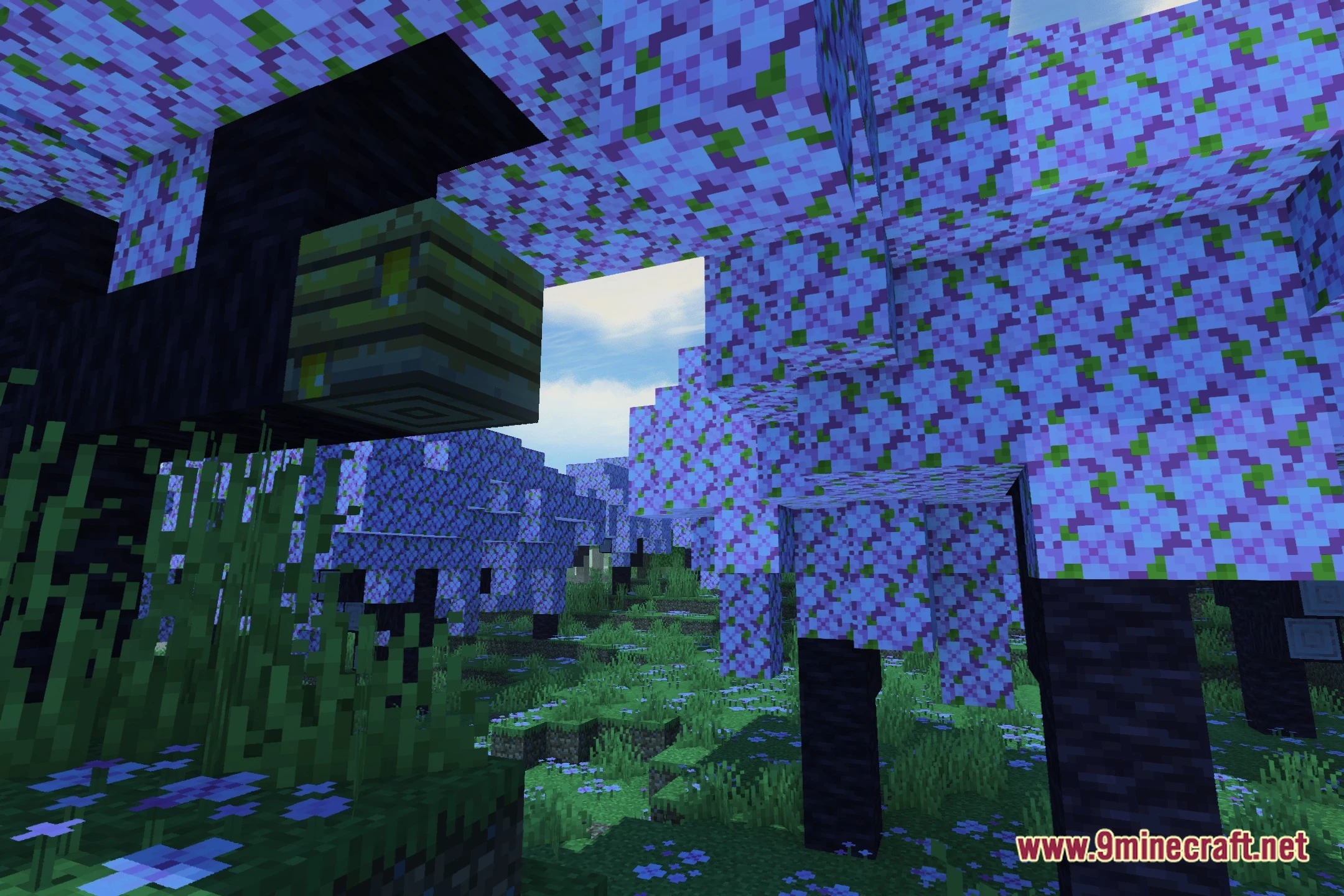
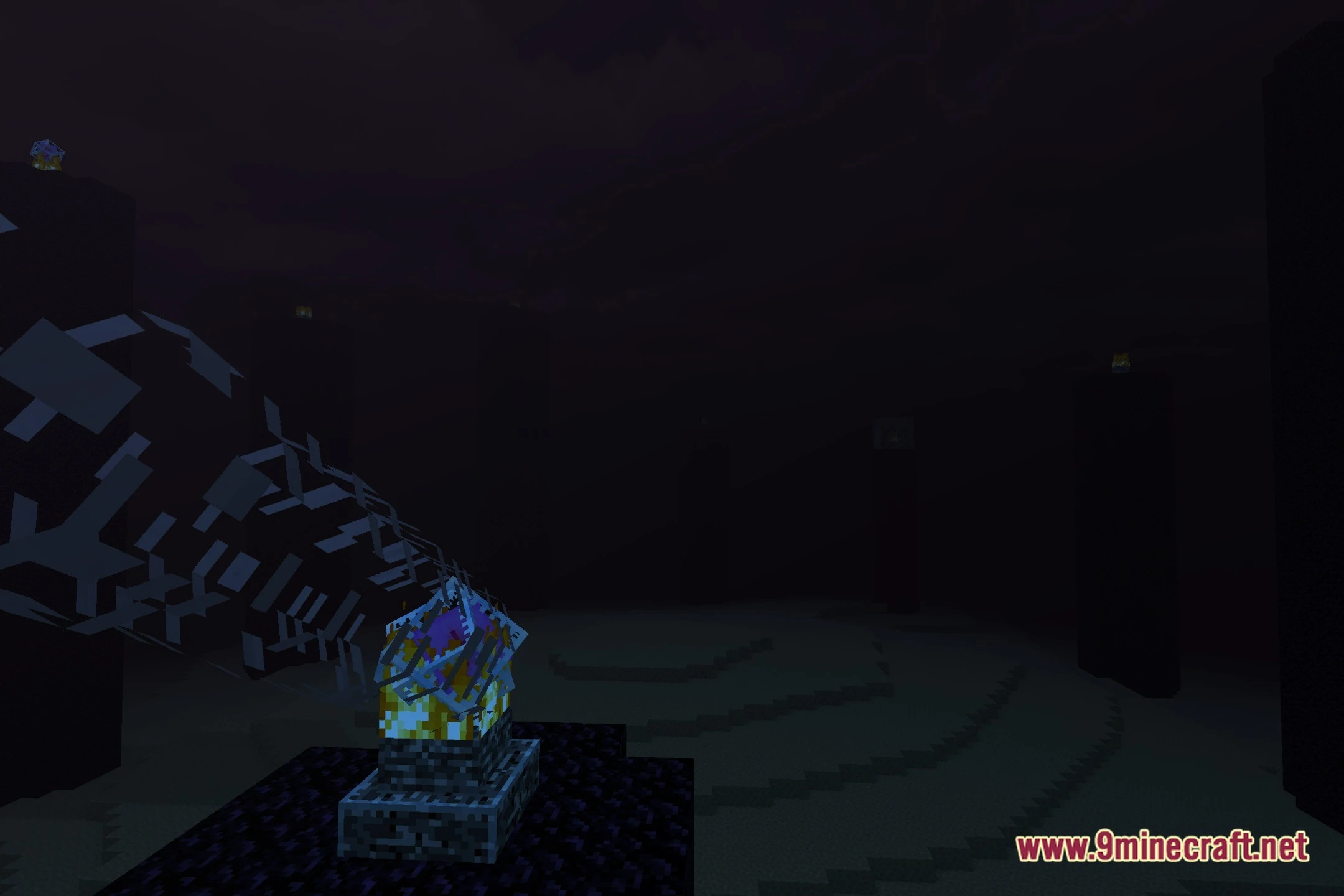
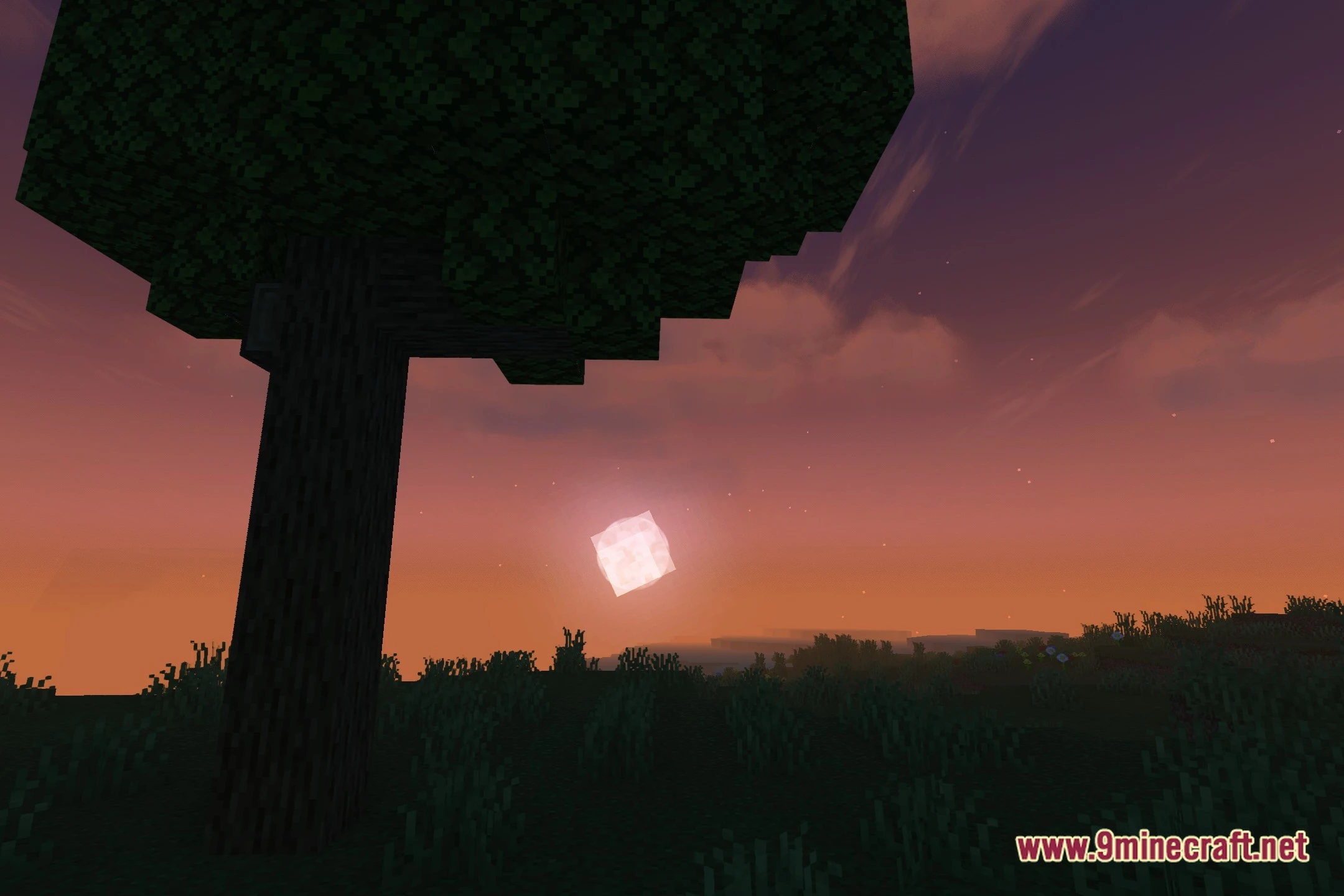
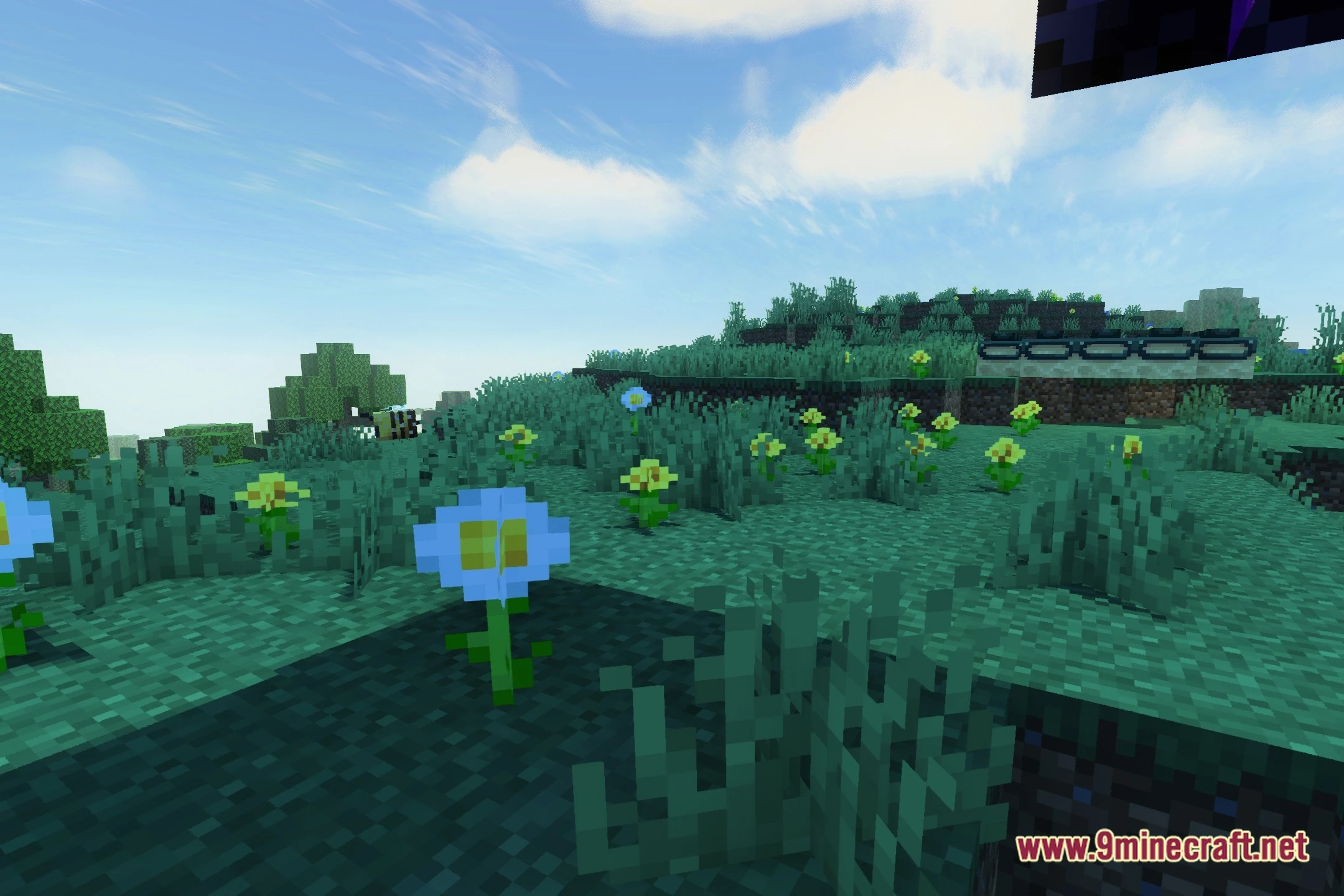
12 images from the Humid Shaders page.


You May Also Like
Wikis that share the most with this one
More shader wikis on the site
The most downloaded mods that have a wiki here